
Advantages of Interactive Video in Education: 13 Benefits, Use Cases, Best Practices

 Discover a Free Education Video App for Kids
Pastory uses AI to personalize educational video content based on your child’s interests and personality. Safe, engaging, and built for curious young minds. Sign up now to stay updated and enjoy early access with a free trial
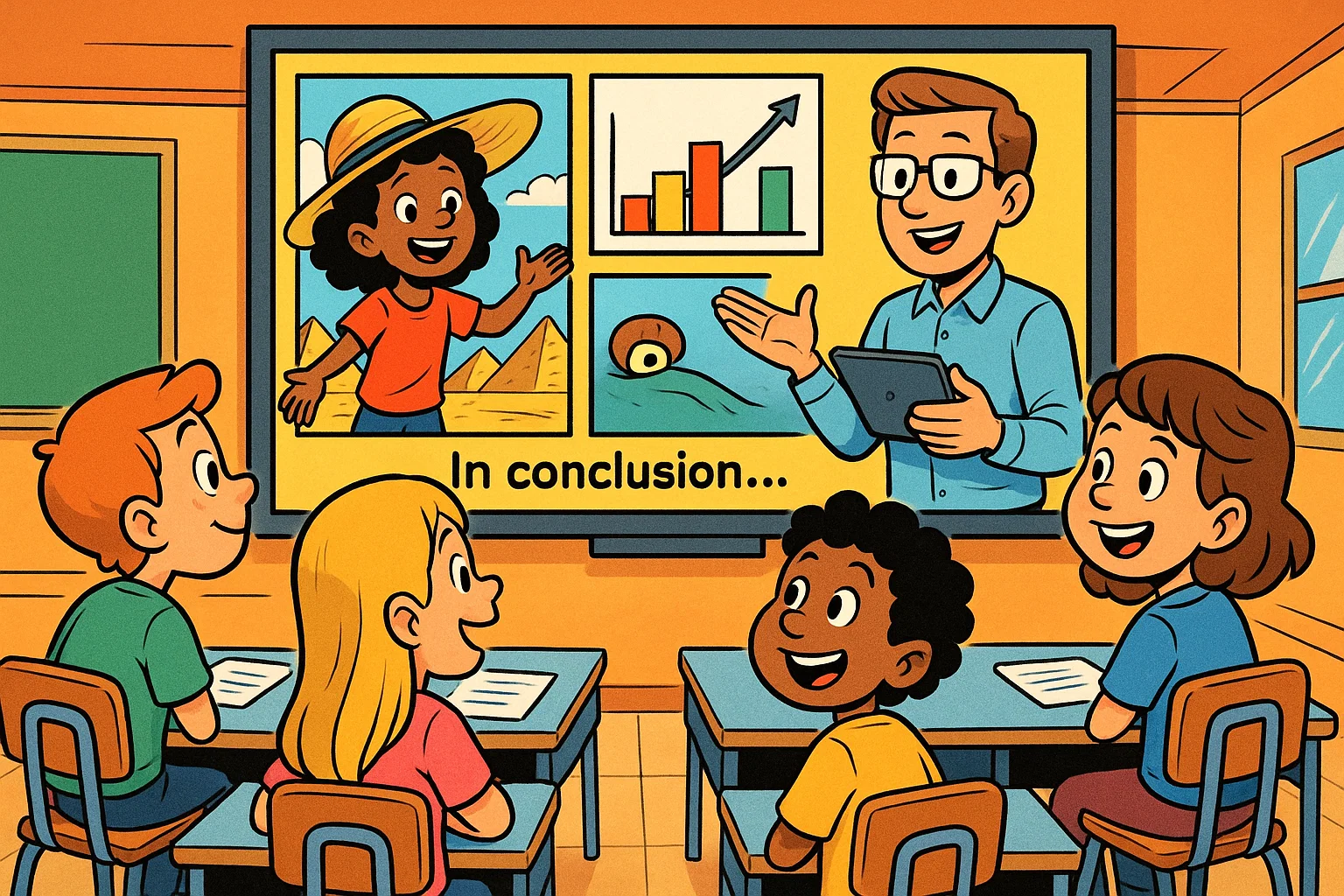
In today’s digital classroom, interactive video has become a practical way to turn passive viewing into an active learning experience. Instead of asking students to watch a lesson from start to finish, teachers can add interactive elements such as questions, clickable hotspots, decision points, short polls, and feedback screens. These features support multimedia learning and make the lesson more focused while keeping the core video content clear and easy to follow.
For schools, online courses, homeschooling, and corporate learning and development programs, the value is simple: learners do not just watch; they respond, reflect, and apply what they see. Effective educational videos can explain difficult concepts, introduce one idea clearly, guide the learning process, support a stronger learning environment, and help learners stay engaged from beginning to end.
Key Takeaways
- Interactive video moves students from passive watching to active participation.
- Interactive features support stronger attention, better recall, and more personalized learning.
- Teachers can use interactive video for homework, revision, assessment, online learning, and blended instruction.
- Analytics from interactive video content help teachers understand student learning, identify gaps, and improve learning outcomes.
- The best results come when educators align activities with learning goals, accessibility needs, and different learner preferences.
Quick Benefits Overview
The benefits of interactive video are strongest when every activity has a clear instructional purpose. Embedded questions, branching choices, and immediate feedback can promote active learning because learners need to retrieve information, make decisions, and apply ideas. When the design is focused, these tools can enhance learning without distracting from the main lesson.
This approach is also useful for diverse learning groups. Students who need more time can review a section, while more confident learners can move ahead or choose a different learning path. In this way, interactive video supports an effective learning experience while still giving teachers evidence about progress.
Practical Value for Educators
Teachers often need ways to save time without lowering instructional quality. Adding interactive checks to existing lessons can automate routine assessments, provide quick feedback, and give instructors a clearer view of where students are struggling. When schools incorporate interactive video carefully into the curriculum, the result is not just a more modern lesson format but a more measurable one.
The same logic applies to corporate training and professional learning and development. A compliance course, safety module, or onboarding sequence can use short decisions and scenario checks to confirm that learners understood the content, not just completed it.
Best Fit for Learning Goals
Interactive video works best when it is connected to specific learning objectives. It is especially useful for concept checks, scenario-based practice, video-based learning, language drills, flipped classroom tasks, and microlearning. In these cases, videos can help teachers deliver an explanation and then ask learners to apply the idea immediately.
A good rule is to start with the goal, not the tool. If the goal is recall, use a short quiz. If the goal is judgment, use a scenario. If the goal is exploration, use hotspots. This helps make learning more intentional and keeps the activity aligned with the lesson.
What Is Interactive Video?
Interactive video is a form of digital media that prompts viewers to take action. A student may answer a question, click a hotspot, follow a branch, pause for reflection, or receive feedback before continuing. Unlike traditional video, which is mostly linear, interactive video creates a two-way exchange between the lesson and the learner.
Interactive Video Definition
In education, interactive video refers to video content enhanced with learner actions that influence pacing, navigation, feedback, or assessment. It is a learning tool designed to move students from watching to doing. This idea connects closely with the science of learning, especially retrieval practice, immediate feedback, and active participation.
Interactive Video vs Traditional Video
A traditional video usually follows one path. Students can pause, rewind, or skip, but the content itself does not adapt. By contrast, interactive videos allow students to make choices, answer questions, and receive feedback at key moments. The main advantages of interactive video come from this shift: learners engage with ideas instead of simply consuming content.
The advantage of interactive design is not that it adds novelty. Its value lies in creating purposeful friction. A learner has to stop, think, and respond, which can improve attention and retention.
Common Interactive Elements
- Multiple-choice questions: Short prompts that check understanding in real time.
- Clickable hotspots: Areas that reveal details, definitions, examples, or links.
- Branching videos: Choice-based segments that send students to different paths.
- Progress checkpoints: Required actions that confirm readiness before moving on.
- Reflection prompts: Open questions that encourage deeper thinking and transfer.
Well-designed interactive video elements should not feel random. Every click, question, or branch should connect to the concept being taught.
Role in Digital Learning
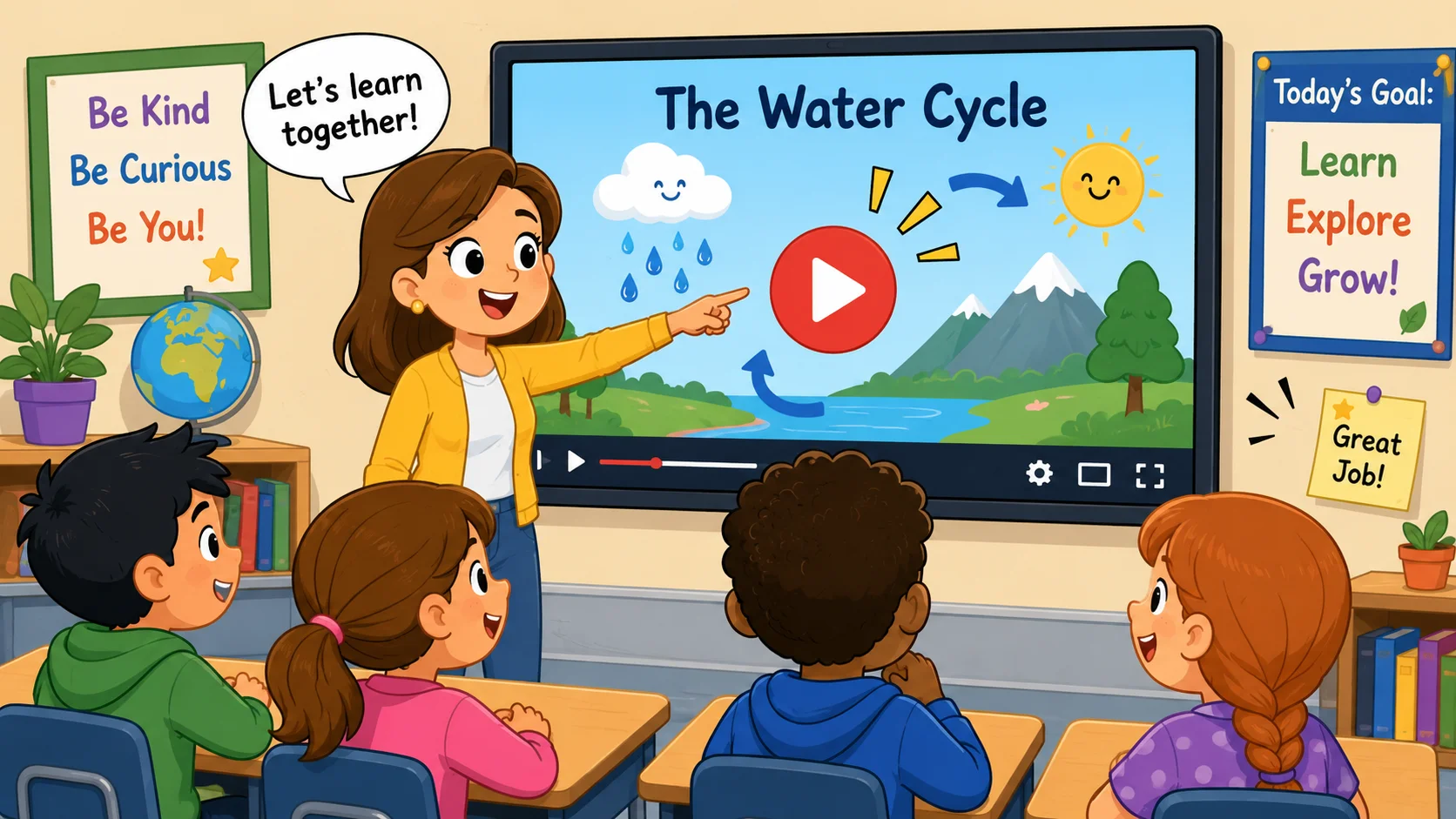
Video-based learning is an instructional strategy that uses recorded, animated, or screen-based media as a central teaching resource. It may include lectures, demonstrations, walkthroughs, interviews, simulations, or worked examples. Interactive video builds on this approach by adding action points that require learner participation.
Video Learning Basics
Standard video learning is effective because it provides consistent explanations and visual examples. A teacher can use one recording for multiple classes, remote students, or revision tasks. This is why video remains widely used in K–12 education, higher education, and professional training.
However, passive viewing can limit attention. Long, linear videos are easy to play in the background, and completion does not always indicate understanding. Adding questions or decisions helps solve this problem.
Interactive Video as Advanced Video Learning
When educators include interactive prompts, a lesson becomes more accountable. Students need to demonstrate understanding before they continue, and the system can guide them toward review or extension tasks. This is why interactive videos can be a useful upgrade for self-paced instruction, especially when a teacher cannot be present at every moment.
This does not mean every second needs an activity. The goal is balance. A strong lesson uses explanation, silence, practice, and feedback in the right places.
Visual Learners
For students who process ideas visually, videos provide context through diagrams, demonstrations, animations, and examples. Educational video is especially helpful in science, engineering, medicine, art, and language instruction, where seeing a process can make an abstract idea concrete.
The best designs also support different learner needs through captions, transcripts, audio narration, diagrams, and short checks for understanding.
Learners Who Struggle with Concentration
Some students struggle to focus during long recordings. Videos with interactive elements can add “pattern interrupts” that help refocus attention. A question, hotspot, or quick decision gives the learner a reason to return to the task.
In this sense, interactive videos can help students who need structure, frequent feedback, or shorter steps. The format does not replace good teaching, but it can support students who need more guided attention.
Why Use Interactive Video in Education?
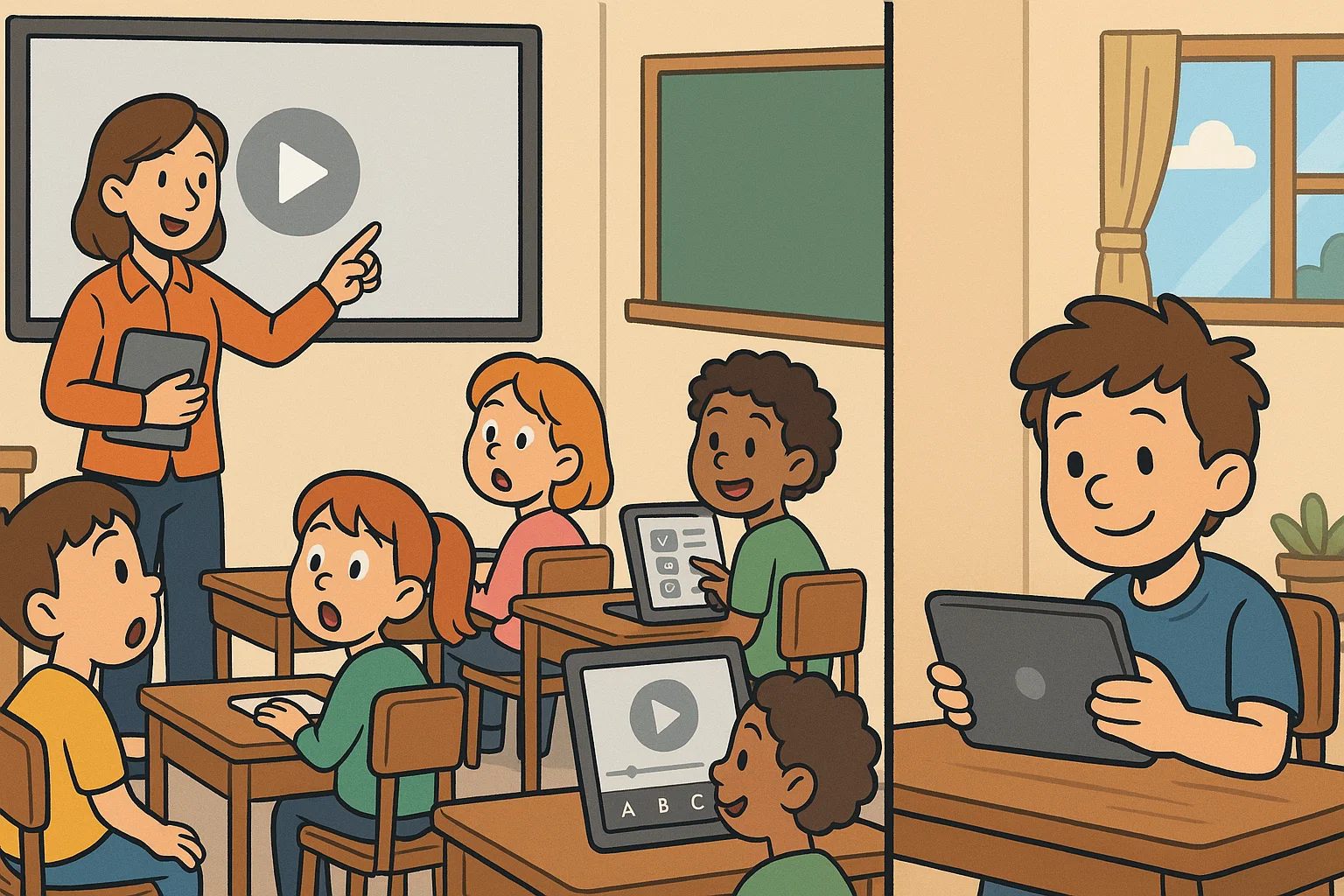
Educators use interactive media because it helps close the engagement gap in digital lessons. In a physical classroom, teachers can read students’ facial expressions, ask questions, and adjust in the moment. In self-paced environments, that feedback loop often becomes weaker or disappears altogether. Interactive content brings part of that loop back into the lesson.
Active Learning Instead of Passive Watching
Active learning happens when students retrieve, apply, compare, or evaluate information. A short question after a new concept can prompt useful recall. A branching choice can ask learners to apply judgment. A hotspot can invite exploration.
To promote active learning, the interaction must be connected to the goal. Clicking for its own sake is not enough. The best prompts ask students to think with the material.
Flexible Learning for Different Needs
Personalized learning becomes easier when videos allow students to move at a pace that fits their needs. A learner who is struggling can review a concept, while a more advanced learner can continue to the next challenge. In more advanced designs, branching videos can direct students to different examples or remediation tasks.
This creates a personalized learning experience without requiring the teacher to manually design a separate lesson for every student. It also keeps the learning content organized, so the learner can focus on the next step rather than searching for support.
Better Visibility for Teachers
One important benefit of video with embedded activities is data. Teachers can see whether students completed a section, which answers they chose, which parts they replayed, and where confusion occurred. This supports classroom learning because teachers can use the results to plan discussion, review, and small-group instruction.
For example, if half the class misses the same checkpoint, the teacher can reteach that concept the next day. This makes classroom learning more responsive and supports a more effective learning cycle from preparation to practice.
Support for Classroom and Online Learning
Interactive video works in both live and remote contexts. In a flipped lesson, students can watch and respond at home before class. In a live room, the teacher can pause for group discussion. In a remote course, the same activity can provide structure and accountability.
That flexibility is why interactive video can improve consistency across different learning settings.
13 Advantages of Interactive Video in Education
The following benefits show why interactive video is becoming a preferred option for educators who want to improve the learning experience without replacing the human side of teaching.
1. Increased Student Engagement
Interactive features such as quizzes, hotspots, drag-and-drop checks, and branching choices keep learners mentally involved. For example, in a history lesson, students might choose a diplomatic response and see the likely consequence. In a science lesson, they might click a diagram to identify the correct stage of a process.
This type of interactive learning gives students a reason to pay attention. It also makes them more aware of their own understanding.
2. Improved Knowledge Retention
Research on learning suggests that retrieval practice can strengthen memory. When students answer questions during a lesson, they practice recalling information rather than simply recognizing it. Interactive videos help by placing this practice directly within the lesson.
For example, a math video lesson might pause after a worked example and ask the learner to solve the next step. Immediate feedback can correct errors before they become habits.
3. Personalized Learning Experiences
Interactive videos allow designers to create a “choose your own path” structure. If a learner misses a checkpoint, the system can send them to a review segment. If they succeed, they can move to an extension task. These personalized learning paths support individual needs while keeping the main course structure organized.
This is especially useful in mixed-ability classrooms, tutoring programs, and professional certification courses.
4. Accessibility and Inclusivity
Videos with interactive features can include captions, transcripts, audio descriptions, keyboard navigation, and high-contrast buttons. These details improve access for students with hearing, visual, motor, or attention-related needs.
An inclusive learning environment gives learners multiple ways to engage with the material. Some may prefer listening, others reading, and others responding through small checks.
5. Useful Insights via Data
Interactive activities produce more useful analytics than a simple completion score. Teachers can review question results, replay behavior, time spent, and selected paths. This shows not only whether students finished the lesson but also how they moved through it.
The content of the video can then be improved. If many learners replay the same section or choose the same wrong answer, the explanation may need revision.
6. Better Learning Outcomes
When activities are aligned with clear goals, this format can support better learning outcomes. Questions, feedback, and branching scenarios help students apply ideas during the lesson, not only after it ends. This can create a more effective learning sequence and support stronger transfer.
Research on active learning in science education has highlighted the value of active engagement, especially when students are asked to apply concepts rather than only watch explanations.
7. Accessible on Many Devices
Modern video platforms often support phones, tablets, laptops, and classroom displays. This matters because online learning often happens outside a controlled computer lab. Students may complete work on a shared family device, a school tablet, or a smartphone.
To keep access fair, educators should test buttons, captions, and navigation before assigning the lesson.
8. Versatile Learning Formats
Videos can support learning across many subjects. Science teachers can simulate lab safety. Language teachers can build conversation choices. History teachers can create decision-based timelines. Workplace trainers can build safety and compliance scenarios.
This versatility is one of the practical advantages of video as a teaching medium: it can show, explain, demonstrate, and then prompt the learner to respond.
9. Microlearning Support
Short modules are ideal for microlearning because they focus on one specific skill or idea. A 3–5 minute lesson can introduce a concept, show an example, and ask one or two checks for understanding.
In professional training, short videos for learning are especially useful because employees can complete them between tasks. In schools, they can support revision without overwhelming students.
10. Gamification Success
Badges, progress bars, levels, points, and challenges can make practice feel more motivating. Creating interactive sequences with light gamification can help students stay motivated through difficult topics.
The key is to keep the reward tied to understanding. Gamification works best when it supports effort, feedback, and mastery instead of distracting from the lesson.
11. Critical Thinking Development
Branching videos can ask learners to evaluate evidence, predict consequences, and defend choices. In a medical training scenario, a learner might select the next step in patient care. In a business ethics module, they might choose how to respond to a conflict.
These interactive video scenarios support critical thinking because they require students to consider context and consequences.
12. Immediate Feedback
One of the main advantages of interactive video is immediate correction. Instead of waiting for a graded worksheet, students can see why an answer is incorrect at the moment the misunderstanding occurs.
This feedback can improve learning because it prevents students from practicing errors for too long. It also supports confidence: learners know what to fix and can try again.
13. Real-World Application
Interactive videos can be used to simulate high-stakes or hard-to-recreate situations. Examples include emergency response, medical decisions, customer service, lab safety, and workplace compliance.
Because students can practice in a safe learning environment, they can build confidence before applying their skills in the real world. This supports both the educational experience and practical performance.
Additional Benefits for Classroom Learning
Beyond individual progress, interactive video can support collaboration, motivation, and richer discussion.
Enhanced Collaboration Skills
When teachers use video as a group activity, students can debate choices before selecting an answer. A branching scenario can become a discussion prompt, not just a solo task. This supports teaching and learning because students must explain their reasoning, compare options, and negotiate decisions.
Increased Student Motivation
Students often respond well when they have some control. The ability to pause, retry, explore a hotspot, or take a branch can make the lesson feel less rigid. When learners can choose their learning path, they are more likely to feel a sense of ownership.
This autonomy can create a more engaging and effective learning experience, especially for students who dislike one-size-fits-all instruction.
Authentic Assessment Opportunities
Interactive checks can measure performance, not just recall. A learner might click the correct part of a microscope, choose the safest lab procedure, or identify the best customer-service response.
These interactive activities give teachers evidence that more closely reflects real performance than a standard multiple-choice test.
Social-Emotional Skill Development
Scenario-based lessons can support empathy, communication, and conflict resolution. Students may watch a social situation and choose how a character should respond. The feedback can explain why one response is respectful, safe, or constructive.
In this way, media can support both academic and social-emotional growth.
Teacher Professional Growth
Creating and using interactive video lessons encourages teachers to explore new instructional methods. Instead of only presenting information, teachers design moments where students think, choose, and reflect.
This shift can help educators build digital confidence and rethink how activities fit into the learning sequence.
Joy and Excitement in Learning
Good interactive design can make difficult topics feel more approachable. When education becomes more active and visual, students may feel more curious and less intimidated. This does not mean every lesson must feel like a game; it means the experience should invite attention and effort.
Interactive Video Use Cases in Education
Interactive video content and interactive learning design are not one-size-fits-all tools. Their use depends on subject, setting, age group, and instructional purpose.
| Use Case | Core Function | Benefit |
| Classroom lessons | Warm-ups, checks, direct instruction | Increases participation and prepares discussion. |
| Online courses | Self-paced modules | Replaces passive watching with required action. |
| Home study | Homework and revision | Gives students feedback outside class time. |
| Corporate L&D | Compliance and safety | Confirms engagement and decision-making. |
| Just-in-time support | Task-specific help | Gives quick guidance at the moment of need. |
Classroom Lessons
In the classroom, a teacher might play a short clip, pause for a question, and ask groups to justify their answer. This turns the lesson into a shared thinking activity.
Online Courses
In online education, a self-paced course can feel isolating. Activity points give learners structure, while quiz data helps instructors monitor progress. This is one reason integrating interactive videos has become a common goal in course design.
Home Study
For homework, students can receive feedback even when the teacher is not present. Videos help by combining explanation with practice, making them useful for revision and exam preparation.
Training and L&D
In workplace settings, interactive videos can improve compliance training because learners must make decisions and demonstrate understanding. This is especially useful for safety, ethics, onboarding, and product training.
How to Incorporate Interactive Video in Education
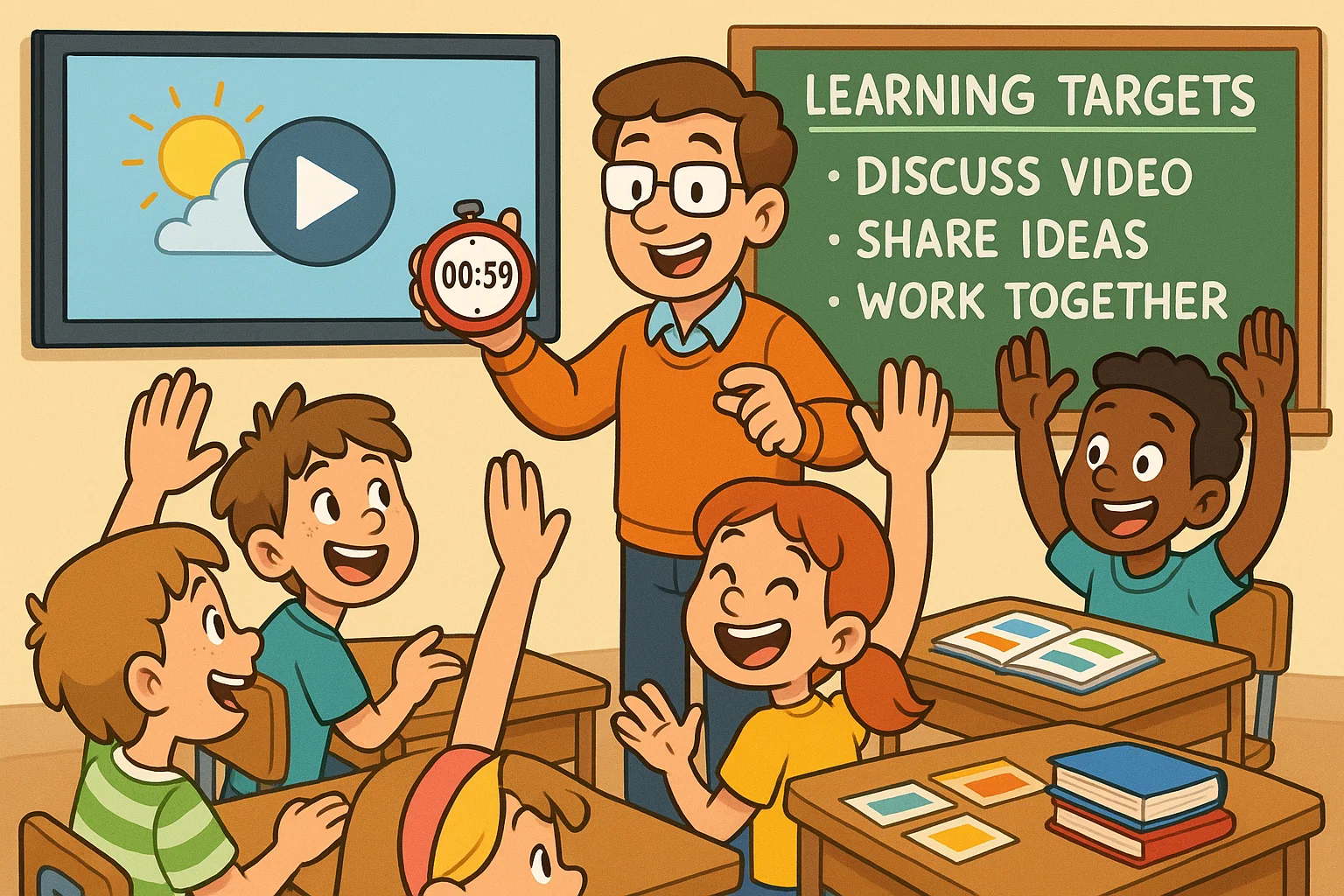
Interactive video should be implemented gradually. A well-planned interactive video sequence preserves the learning experience while adding useful practice. Start with a clear goal, choose one useful action, and test the lesson before assigning it widely.
- Start Small: Add one question to an existing educational video.
- Match the Goal: Use prompts that support the learning objectives.
- Keep It Short: A focused video lesson is easier to complete and review.
- Give Clear Feedback: Explain why an answer is correct or incorrect.
- Use Analytics: Look for patterns in responses, replays, and drop-offs.
- Connect to Live Teaching: Use results to guide discussion, practice, and review.
- Check Accessibility: Test captions, keyboard access, screen readers, and mobile navigation.
Educators who want to integrate interactive videos or build an interactive video library should avoid adding too many features at the same time. The best interactive video design is focused, purposeful, and easy for students to navigate, with learning goals visible from the start.
Challenges and Best Practices
The advantages of interactive video are clear, but implementation still requires planning.
Technology Barriers
Not all students have reliable internet or modern devices. Schools should provide low-bandwidth options, downloadable resources, or supervised access to school devices. This helps keep the learning environment equitable.
Content Creation Time
Creating interactive videos requires more planning than uploading a standard lecture. Teachers need to choose key moments, write feedback, and test each pathway. Templates, shared libraries, and simple quiz tools can reduce the workload.
Accessibility and Compatibility
Accessibility should be part of the design process from the beginning. Captions, transcripts, clear button labels, high contrast, and keyboard navigation make lessons easier for more students to use.
Privacy and Data Concerns
Analytics can be useful, but student data must be protected. Schools should use secure platforms that comply with relevant privacy regulations and limit data collection to what is instructionally necessary.
Best Practices for Design
- Focus each lesson on one main concept.
- Place prompts after important explanations or examples.
- Avoid interactions that do not support the goal.
- Keep feedback specific and helpful.
- Test on mobile devices before launch.
- Make sure the activity supports a clear learning path and makes the video more effective, not merely more complicated.
Interactive Video vs Traditional Teaching Techniques
| Feature | Traditional Video / Teaching | Interactive Video |
| Participation | Passive watching | Active learning and response |
| Pacing | Fixed | Flexible routes and review |
| Feedback | Delayed | Immediate and specific |
| Data | Completion only or none | Scores, choices, replays, paths |
| Personalization | One-size-fits-all | Personalized learning paths |
This comparison does not mean one format should replace all others. The strongest courses combine explanation, discussion, practice, feedback, and reflection.
Future of Interactive Media in Education
The future of interactive video is likely to include more personalization, better analytics, and richer simulations. AI may help generate adaptive questions, recommend review segments, and support learners based on their past performance. AR and VR may also expand how students explore environments, processes, and scenarios.
As tools improve, the goal should remain the same: create an engaging learning experience that helps students think, practice, and apply knowledge. Technology matters only when it supports real instruction and better learning decisions.
FAQ
How Do Interactive Clips Improve Student Engagement?
Interactive clips improve engagement because students must take action. They answer questions, explore hotspots, or make decisions instead of simply watching. This keeps learners’ attention active and gives them a role in the lesson.
How Does It Improve Knowledge Retention?
Interactive video supports recall through timely feedback. When students retrieve information during the learning process, they strengthen memory and notice gaps. This is one reason activity-rich lessons can support stronger retention than passive viewing alone.
Can It Be Used in All Subjects?
Yes, when the interaction matches the learning goal. In science, it can simulate labs; in history, it can explore choices and consequences; in language study, it can guide conversation practice; in business, it can support decision-making. Interactive videos can support learners in many subjects when the activity matches the goal.
What Makes It Effective for Microlearning?
Short lessons work well because they focus on one idea. A quick explanation, one example, and one check can create an efficient practice loop. This is why videos can help learners who need flexible, focused study.
How Can Teachers Assess These Activities?
Teachers can review quiz scores, replay behavior, completion data, and pathway choices. These signals help instructors adjust the next lesson, strengthen learning support, and provide targeted feedback.
What Is the Best Way to Start?
Begin with one existing video lesson. Add a single purposeful question, test it on different devices, and review the results. After that, add more complex branches or hotspots only where they clearly improve the learning experience.

Take a short quiz to find out what your everyday choices say about your parenting style
When your child is curious about something new, what’s your instinct?
Take a short quiz to find out what your everyday choices say about your parenting style
“Can I download this app?” What happens next?
Take a short quiz to find out what your everyday choices say about your parenting style
When it comes to rules at home, which sounds most like you?
Take a short quiz to find out what your everyday choices say about your parenting style
If you could give your child one life skill today, what would you pick?
Take a short quiz to find out what your everyday choices say about your parenting style
Your child gets to choose what to watch. What would your ideal setup look like?
Take a short quiz to find out what your everyday choices say about your parenting style
Pick your parenting superpower ✨



