
Turn screen time into parent-guided learning time
Concerned about what a child watches and how much time goes to video feeds? Pastory helps parents choose educational topics, set category-based screen-time limits, and review viewing history—creating a structured learning experience without losing the fun of videos.
How Pastory parental control works in 3 simple steps:

Start with the Pastory app for Android and create a profile for the child. Setup is designed around the family’s content preferences rather than device-wide surveillance or hidden monitoring.

Select a ready-made curriculum or create a custom learning path with AI, then choose relevant topics and manage screen time across Education, Entertainment, Exercise, and Creativity. Limits can be configured separately for each child.

Selected YouTube videos are organized in the Pastory feed and viewed inside the app. Parents can review viewing history, add trusted channels, remove unsuitable videos or playlists, and update settings as interests and learning needs change.
Why Pastory takes a different approach to parental control
Pastory is built for families who want more than a daily screen-time limit. It creates a parent-controlled video environment where children discover educational content, screen time is managed by category, and families can review what is watched inside the app.

AI-supported, curriculum-inspired learning
Choose a ready-made curriculum or create a custom learning path with AI. Parents remain in control of the final content experience.
- Academic subjects
- Creativity and music
- Life skills
- Movement and wellness
- Social-emotional learning

Parental control features for every child
Create separate child profiles with age-appropriate topics, trusted channels, curated feeds, and learning goals.
- Topic selection
- Trusted YouTube channels
- Video and playlist removal
- Category-based screen-time limits
- Viewing-history insights

A safer video environment inside Pastory
Children watch curated YouTube videos inside Pastory, separated from unrelated recommendations, comments, and autoplay chains.
- Parent-controlled video feeds
- Focused content discovery
- No device-wide monitoring
- No hidden tracking
- Controls limited to the Pastory experience
Parent-controlled curricula for every stage of learning
Pastory offers ready-made curricula and flexible learning paths that grow with each child’s interests and abilities. Parents can adapt educational topics and video feeds as learning goals change, replacing random discovery with purposeful video time.

Early learning can include shapes, colors, numbers, early literacy, simple life skills, movement, music, and creative exploration. Parents can use short, clearly organized video topics and set daily screen time that fits the family routine.
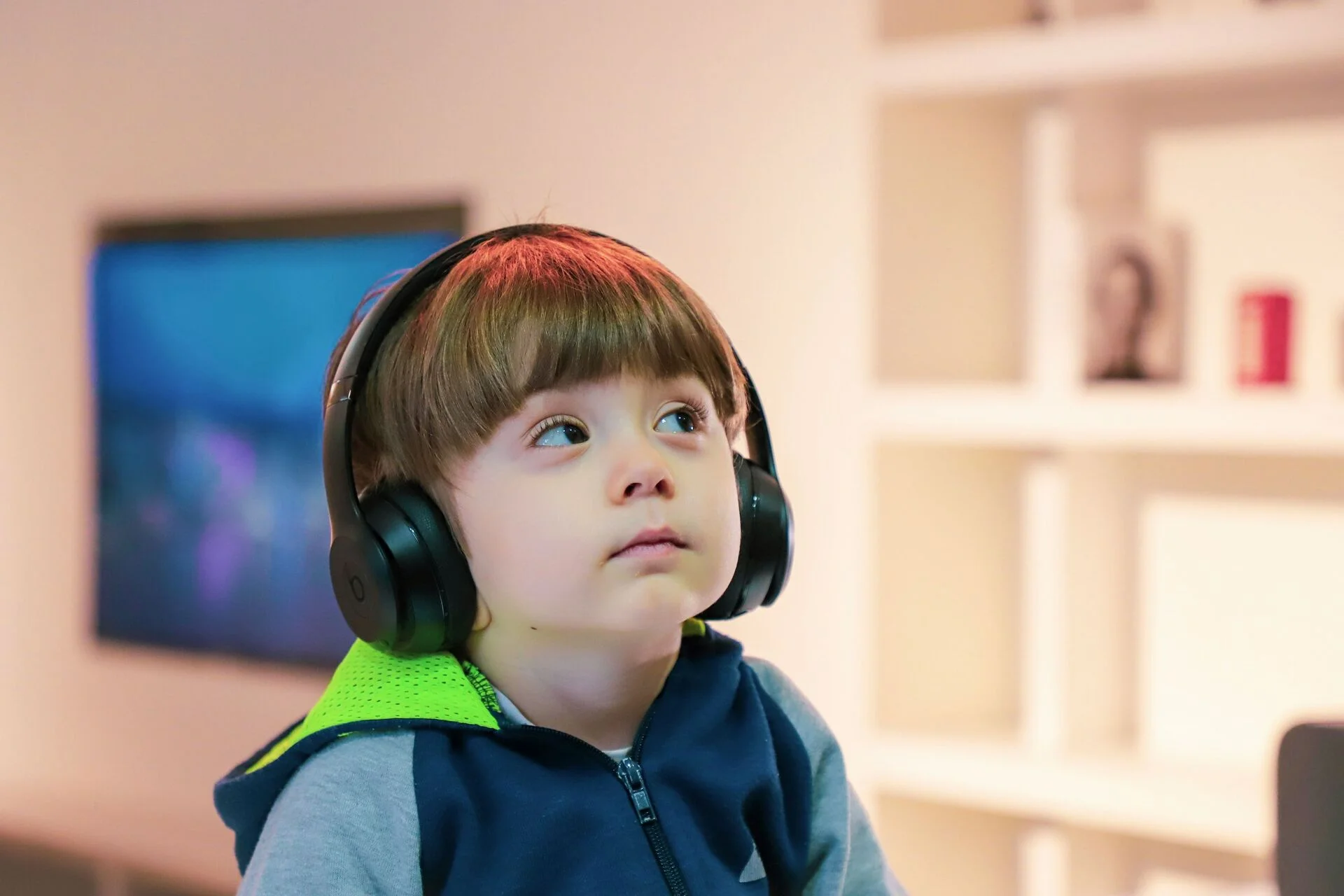
Learning paths can expand into reading, communication, decision-making, time awareness, science, history, and practical skills. Curated video content gives children a focused route into subjects while parents maintain control of topics and viewing time.

Older children can explore more detailed academic and creative topics, from writing and language learning to STEM, history, global awareness, and independent projects. Parents can refine the feed around school topics or individual curiosity and continue reviewing viewing history.
Can’t find the right ready-made curriculum? Create a custom learning path with AI by describing the subject, skill, or area of curiosity to explore.
Can’t find what you’re looking for? Browse 163+ additional curriculums covering every subject and skill level in our app. From preschool games focusing on tracing and sight words to more advanced topics, kids can learn so much!
Manage screen time by Education, Entertainment, Exercise, and Creativity
Screen time does not have to be managed as one overall number. Pastory lets parents set separate daily limits across four content categories, so time rules can reflect what a child is watching and why. Limits can be customized for each child profile, giving families more flexibility for school days, weekends, and focused learning periods.

Academic subjects, school topics, early learning, language development, and knowledge-building content can receive a dedicated time allowance.

Age-appropriate entertainment can remain part of the child’s feed while parents decide how much daily screen time should be allocated to it.

Movement and physical activity videos create space for active screen use rather than continuous passive viewing.

Drawing, music, crafts, storytelling, and imaginative projects can be given their own viewing time based on family priorities.
The result is a more intentional screen time structure. Parents can manage screen time without treating education, creativity, movement, and entertainment as if every minute has the same value.
Leave your email below to receive latest news
Curated YouTube channels for safer, parent-controlled viewing
Pastory gives parents direct control over the video environment inside the app. Add trusted YouTube channels to a child’s feed, or remove individual videos and playlists that are off-topic, unsuitable, or no longer support the learning goal.
Because children watch inside Pastory rather than browsing the YouTube app, the curated feed is separated from unrelated recommendations, comment sections, and autoplay sequences. Parents can adjust the experience at any time without rebuilding the full learning path.
Content areas can include:
Math, science, English, history, geography, and other topics that support school learning and curiosity.
Stories, phonics, vocabulary, and reading videos for engaging language development.
Everyday routines, responsibility, communication, and independent thinking.
Drawing, music, storytelling, crafts, and design for self-expression and problem-solving.
Empathy, emotions, communication, and confidence alongside academic growth.
Active videos that encourage movement and help balance sedentary screen time.
Parents make the final content decisions for each child profile. Pastory provides the controls to add trusted sources, remove unwanted material, and keep every feed aligned with family expectations.
Backed by leading educational researchers
Pastory combines parental controls with an educational approach informed by learning technology, early childhood education, literacy, and child development. Rather than treating screen time as automatically educational, the app helps families connect video use with clear learning goals and parent-guided choices.
Academic advisors help shape Pastory’s educational direction, supporting a balanced approach to engaging content, structured learning, and practical family control.

Specialist in early childhood education, early literacy, and educational technology. Her work supports evidence-informed thinking about how young children learn with digital media.

Professor at The Open University in the UK with expertise in evidence-based learning technology design. Her perspective contributes to the development of purposeful digital learning experiences.
This educational expertise helps Pastory remain focused on high-quality learning experiences rather than treating screen time control as restriction alone.
Parental control app built for real family routines
Pastory brings content choices, learning paths, child profiles, category-based screen time, and viewing history into one easy-to-manage experience. Parents can guide video time with clear controls instead of relying on several disconnected tools.
I recently had the opportunity to try out Pastory, and I must say I am impressed. The app has a user-friendly interface and is easy to navigate. The curriculums are well-structured and covers a wide range of topics.


One of the best things about Pastory is that it offers personalized learning, with curriculums that are tailored to the learner’s skill level and kids’ personal traits. My 3 year old is already more engaged during his screen time!

The app is designed for families who want a more purposeful balance of entertainment, creativity, movement, and education.
Meet Our Team
Pastory is built on a simple principle: parents should have meaningful influence over the video environment children use for learning and entertainment. The app combines parental controls, curriculum-inspired discovery, and child-friendly viewing in one place.
Educational technology and child development expertise inform the product, while the team focuses on making controls practical for everyday family life. The goal is a safer, calmer, and more purposeful video experience.
Stay informed with expert parenting insights
Pastory’s parenting resources offer practical guidance on screen time, educational video use, digital habits, child development, and healthier family media routines. Articles help parents make informed choices about content, boundaries, and learning goals without turning every device conversation into a conflict.


The library also explores how parental controls can support curiosity and independence at different ages—helping families adjust screen-time limits, content choices, and routines as children grow.
Common Questions Parents Ask
Choosing the right app requires a clear understanding of what the parental control features actually cover. The answers below explain Pastory’s scope, how the curated feed works, and which controls are available to families.
Pastory focuses on video learning inside its own environment rather than device-wide surveillance. Features described here refer to the current parent-controlled Pastory experience.
What is a parental control app?
A parental control app helps families set rules and guide a child’s digital experience. Pastory focuses specifically on video viewing inside the app: parents can create a curated feed, choose educational topics, manage screen time by category, create separate child profiles, review viewing history, add trusted YouTube channels, and remove videos or playlists.
Does Pastory change my child’s YouTube feed?
No. Pastory does not modify a child’s YouTube account or influence YouTube recommendations. The app creates a separate curated feed inside Pastory using videos sourced through the YouTube API, and children watch selected content inside Pastory rather than browsing YouTube directly.
How does Pastory create a parent-controlled learning feed?
Pastory organizes selected YouTube videos around a chosen curriculum and parent-approved topics. Parents can select a ready-made curriculum or generate a custom learning path with AI, add trusted channels, remove specific videos or playlists, and adjust the feed when learning goals or interests change.
Can parents create their own curriculum?
Yes. Parents can enter a short description of a learning goal and use Pastory’s AI to generate a structured curriculum with relevant topics and selected YouTube videos. Custom paths can support school subjects, hobbies, creativity, life skills, movement, social-emotional learning, or other areas of curiosity.
Can I manage screen time and set a daily screen time limit?
Yes. Pastory allows parents to manage screen time separately for Education, Entertainment, Exercise, and Creativity. Each child profile can have its own category-based limits, giving families more flexibility than applying one daily screen time number to every type of content.
What are the Education, Entertainment, Exercise, and Creativity categories?
These four categories organize the videos children watch inside Pastory. Education covers academic and knowledge-building topics; Entertainment contains child-appropriate recreational content within the curated feed; Exercise includes movement and physical activity; Creativity includes drawing, music, crafts, storytelling, and related projects. Parents can set screen time for each category separately.
Can I remove videos or playlists from my child’s feed?
Yes. Parents can remove specific videos or playlists from the child’s feed at any time and add trusted YouTube channels to guide where content comes from. These controls give families ongoing parental approval over the Pastory viewing environment without requiring constant supervision.
Is Pastory a free parental control app?
Pastory is available to download and try for free. Families can explore the app and its core experience before deciding whether additional resources or learning tools in the full version are needed. Current pricing and free-trial conditions should always be presented exactly as shown in the app at the time of download.
Does Pastory work on Android?
Yes. Pastory is available through Google Play as an app for Android. On supported Android phones and tablets, children use the Pastory environment for curated video viewing, while parents manage the content and screen time settings available in Pastory. Platform availability can expand over time, so only currently supported devices should be advertised.
Is Pastory available for iOS?
Yes. Pastory is available for iOS on supported iPhones and iPads. Children watch curated videos inside the Pastory environment, while parents manage content choices, learning topics, and screen-time settings within the app.
Is Pastory a parental monitoring app or a spy app?
Pastory provides parental monitoring only for the child’s activity inside Pastory, such as viewing history and parent reports described in the app. It is not positioned as a spy app, hidden app, or tool for monitoring unrelated apps and websites on a child’s Android device.
How is Pastory different from common parental control software?
Many parental control products emphasize device-wide restrictions or app blocking. Pastory has a different scope: the app creates a parent-controlled video environment with curriculum-inspired topics, category-based screen time, trusted-channel controls, child profiles, and viewing history. Pastory should therefore be chosen for this specific use case rather than for functions the app does not provide.