
YouTube vs Disney Plus – Complete Comparison

 Discover a Free Education Video App for Kids
Pastory uses AI to personalize educational video content based on your child’s interests and personality. Safe, engaging, and built for curious young minds. Sign up now to stay updated and enjoy early access with a free trial
To choose the right service, families need to understand the different roles these platforms play in everyday media use. From a parenting and media-use perspective, the choice between a user-generated platform and a curated streaming service can affect what children watch, how easily parents can supervise viewing, and how much value a household gets from the subscription. While YouTube is a global hub for creator-driven content, Disney+ is a more controlled subscription service focused on professionally produced shows and movies.
To make an informed choice, parents should look beyond entertainment value and consider supervision tools, content fit, screen-time habits, and the family budget. This guide provides an exhaustive analysis of the features, costs, and content strategies that define the modern “cord-cutting” experience.
Key Differences Between YouTube and Disney Plus
Understanding the fundamental architecture of these platforms is essential for parents making informed decisions about screen time and value. The main difference lies in where the content comes from: YouTube is built around creator uploads, while Disney+ is built around professionally licensed and produced entertainment.
Platform Origins
The video-sharing platform launched in 2005 and changed how people consume media by allowing users to upload and share videos at scale. In contrast, the Walt Disney Company launched its dedicated application in 2019 as a direct-to-consumer streaming service designed to house its century-long catalog of intellectual property. While YouTube operates as an open platform with massive upload volume, Disney+ maintains a curated catalog of professionally produced content.
Target Audience
The Google-owned platform serves a broad audience, offering everything from children’s songs to advanced educational content for adults. The app from the iconic animation studio specifically targets families, “super-fans” of major franchises, and nostalgic adults who grew up with the Disney Channel. AAP guidance generally emphasizes active parental mediation, co-viewing, and family media rules; in practice, many parents find curated services easier to supervise than open-ended video platforms.
Content Type and Variety
The open platform offers a huge variety of content, including vlogs, tutorials, livestreams, and unboxing videos. The subscription service offers a curated catalog of films, series, and originals from Disney, Pixar, Marvel, Star Wars, National Geographic, and other Disney-owned brands, though exact library size varies by market and over time. This creates a choice between the ‘endless scroll’ of creator-led discovery and the more curated catalog of a traditional studio, with YouTube favoring breadth and discovery and Disney+ favoring polished, franchise-driven storytelling.
Streaming Features – YouTube vs Disney Plus
A service’s features often determine how people use it day to day at home. These two platforms differ significantly in interactivity, viewing style, and technical presentation.
YouTube’s Interactive Features
The platform provides a social-centric experience featuring comment sections, “Like” buttons, and live chat during premieres. These interactive features can build a sense of community, but they also require parental oversight and moderation. For many users, the ability to engage with creators through comments, likes, and live chat makes the experience feel more interactive than traditional passive viewing. When used appropriately, this interactivity can encourage participation and engagement.
Disney Plus Streaming Quality & Performance
Disney+ offers a premium technical experience, but 4K, HDR, Dolby Vision, audio features, and download options can vary by plan and market. The platform is generally reliable during major releases, such as new Marvel or Star Wars titles. Unlike YouTube, where stream quality can vary by upload and bandwidth, Disney+ generally offers a more consistent presentation for professionally mastered film and TV content.
Multi-Device Support and Usability
Both platforms offer extensive compatibility across smart TVs, gaming consoles, and mobile devices. The YouTube app is highly optimized for mobile use and supports casting; background play is available on paid plans, with features varying by subscription type. The entertainment studio’s app utilizes a “Who’s Watching?” profile system that allows up to seven individual profiles per subscription, ensuring that a child’s recommendations remain separate from an adult’s viewing history. This separation helps parents maintain a more age-appropriate viewing environment for younger viewers.
| Feature | Creator-Driven Platform | Studio-Curated App |
| Max Resolution | 8K (Device dependent) | 4K UHD / HDR |
| Interactivity | High (Comments/Likes) | Low (Passive Viewing) |
| Offline Viewing | Premium Only | Included in Basic/Premium |
| Profiles | 1 per Google Account | Up to 7 per Account |
Content Libraries: Disney Plus vs YouTube
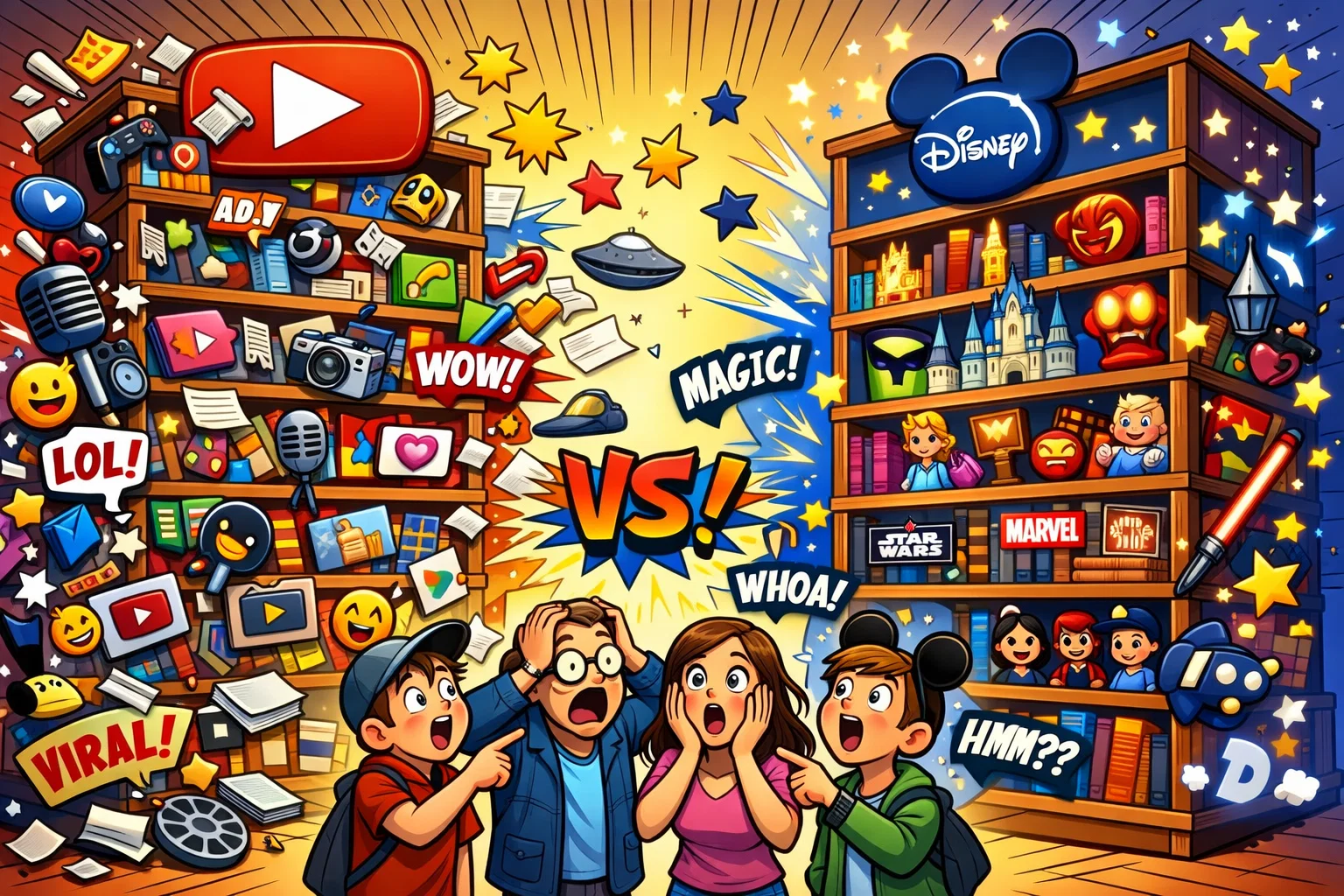
What a platform offers is just as important as how it delivers that content. For families, the content library can shape viewing habits and influence what children are exposed to at different ages.
YouTube’s Library – Free and Premium Content
The site hosts billions of videos, ranging from ABC learning songs to DIY science experiments. The paid tier improves the experience by removing ads and adding extra features, although the platform’s biggest advantage remains its vast free library. From an educational standpoint, YouTube can be a useful resource for ‘just-in-time’ learning, where viewers can find tutorials on almost any topic, from coding to woodworking.
Disney Plus’ Exclusive Content
The app is the exclusive home for the Walt Disney Company’s most valuable assets, including Pixar, Marvel, Star Wars, and National Geographic. Series such as The Mandalorian and Bluey offer polished storytelling that can spark conversations about emotions, relationships, and decision-making. This library is curated, which generally makes it more predictable for parents, though no platform is completely free from content-rating or suitability concerns.
Licensing and Partnerships
Disney generally keeps its biggest franchises within its own ecosystem, so many of its core titles are not available on competing subscription platforms. The video giant, conversely, acts as a distribution partner for thousands of networks, allowing users to watch clips from ESPN, FX, and National Geographic. This makes YouTube a broad discovery platform, while Disney+ is a more focused destination for fans of specific franchises.
Pricing Structure: YouTube vs Disney Plus
Value is a major consideration for families that already pay for multiple streaming services. The pricing models of these two giants reflect their different business philosophies and target markets.
YouTube Premium vs Disney Plus Subscription Cost
In the U.S., YouTube Premium is listed at $13.99 per month for the Individual plan, but pricing and lower-cost options can vary by market and plan type. Disney+ pricing and plan names vary by market, so this section should specify a region; otherwise, exact monthly prices can become inaccurate very quickly. Even when prices are similar, the value proposition is different: YouTube Premium mainly charges for convenience features, while Disney+ charges for access to its catalog.
Additional Costs and Hidden Fees
The video platform includes a “Movies & TV” section where users can rent or buy the latest Hollywood releases, similar to Prime Video or Apple TV. Disney+ no longer centers its strategy on the old Premier Access model, but plan structure, add-ons, bundles, and live content access now depend more on market and subscription type. However, both services may see periodic price hikes as the two companies compete for profitability in a crowded market.
Free Content Options
The open-access site is the undisputed leader in free content, providing billions of hours of entertainment at no monetary cost (supported by ads). The studio-owned service rarely offers free trials in the current market, though it is frequently included in bundles with mobile carriers or internet providers. For families on a tight budget, YouTube’s free tier is the easiest entry point.
User Experience and Interface – YouTube vs Disney Plus
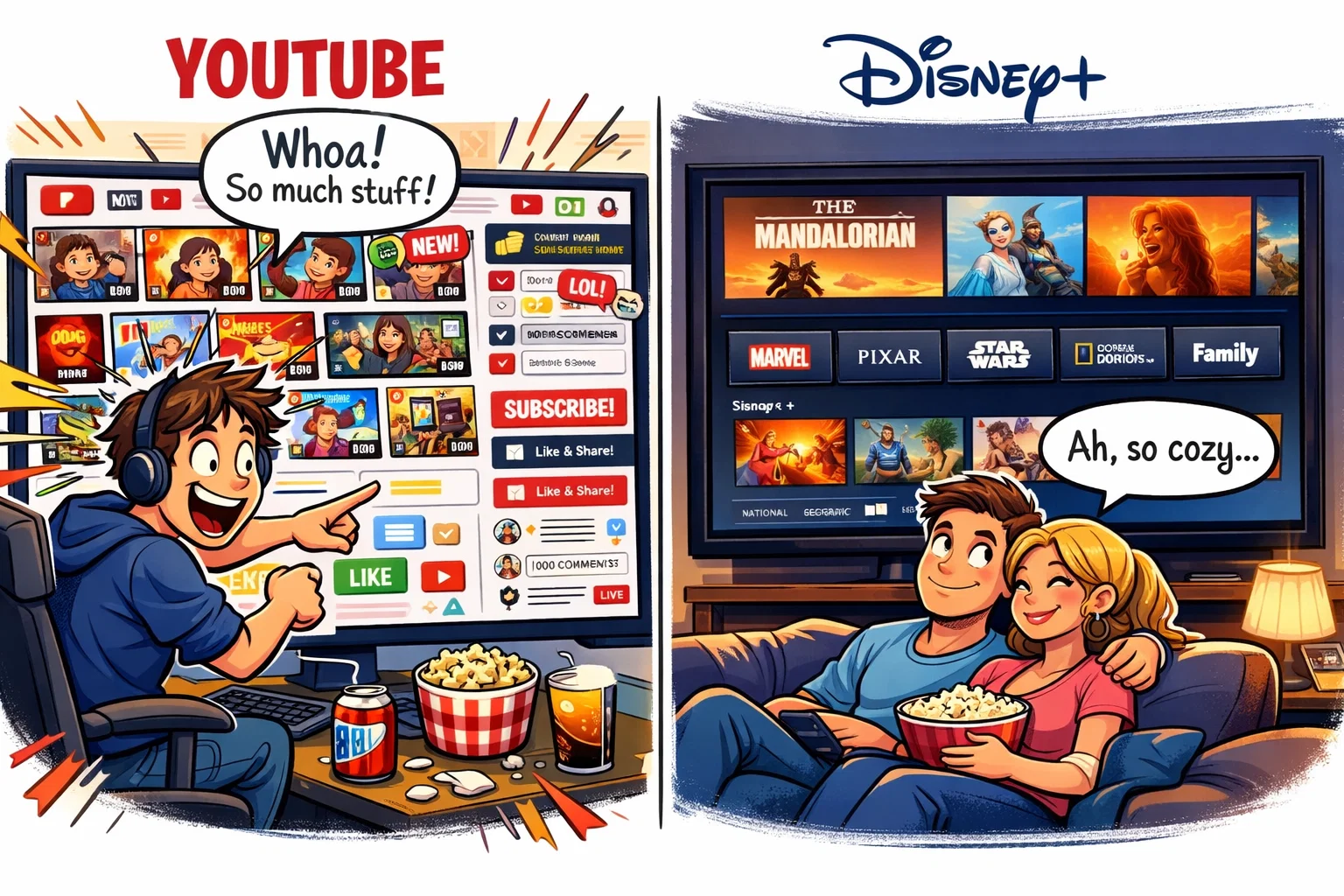
The interface design dictates how easily a child can navigate the platform and how much control a parent can exert over the viewing experience.
YouTube Interface and Navigation
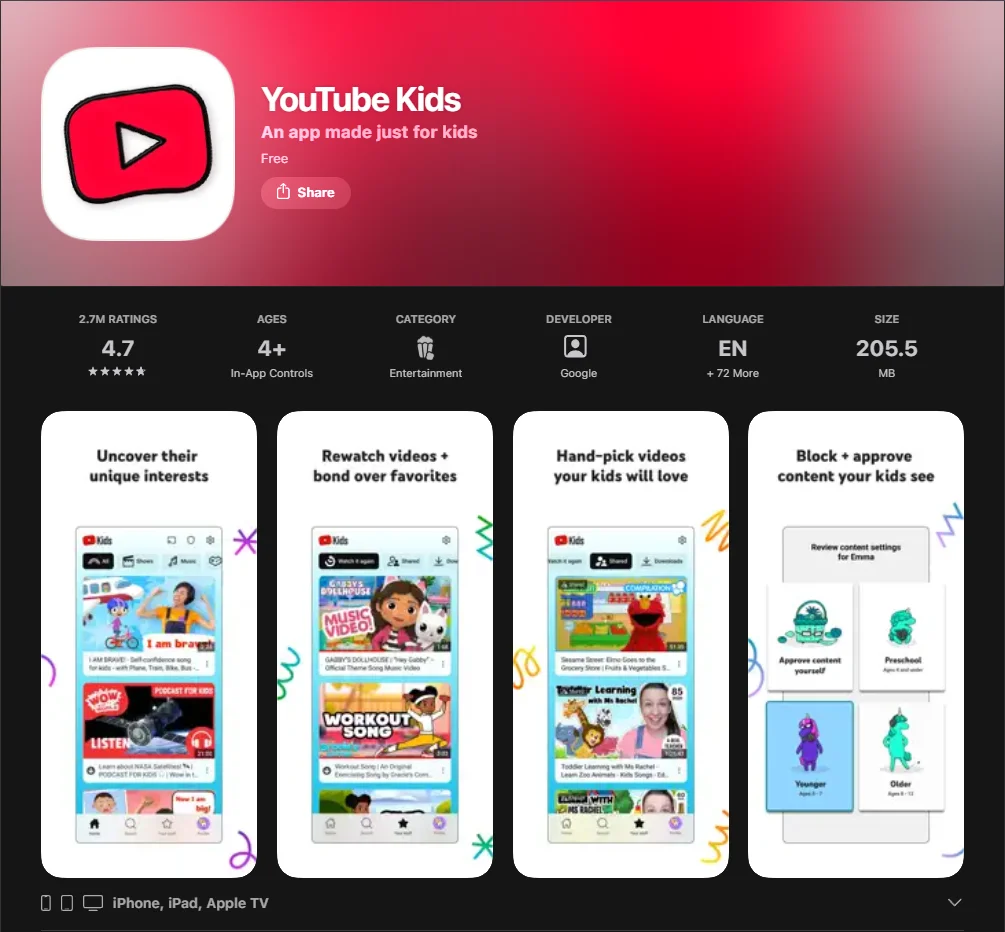
The site combines a search-driven interface with a powerful recommendation engine. The “Home” feed is tailored to the user’s previous viewership, which can be excellent for discovering new interests but can also lead to unintended “rabbit holes.” For younger users, YouTube Kids offers a simplified interface with age-filtered categories such as Shows, Music, and Learning.
Disney Plus Interface and Ease of Use
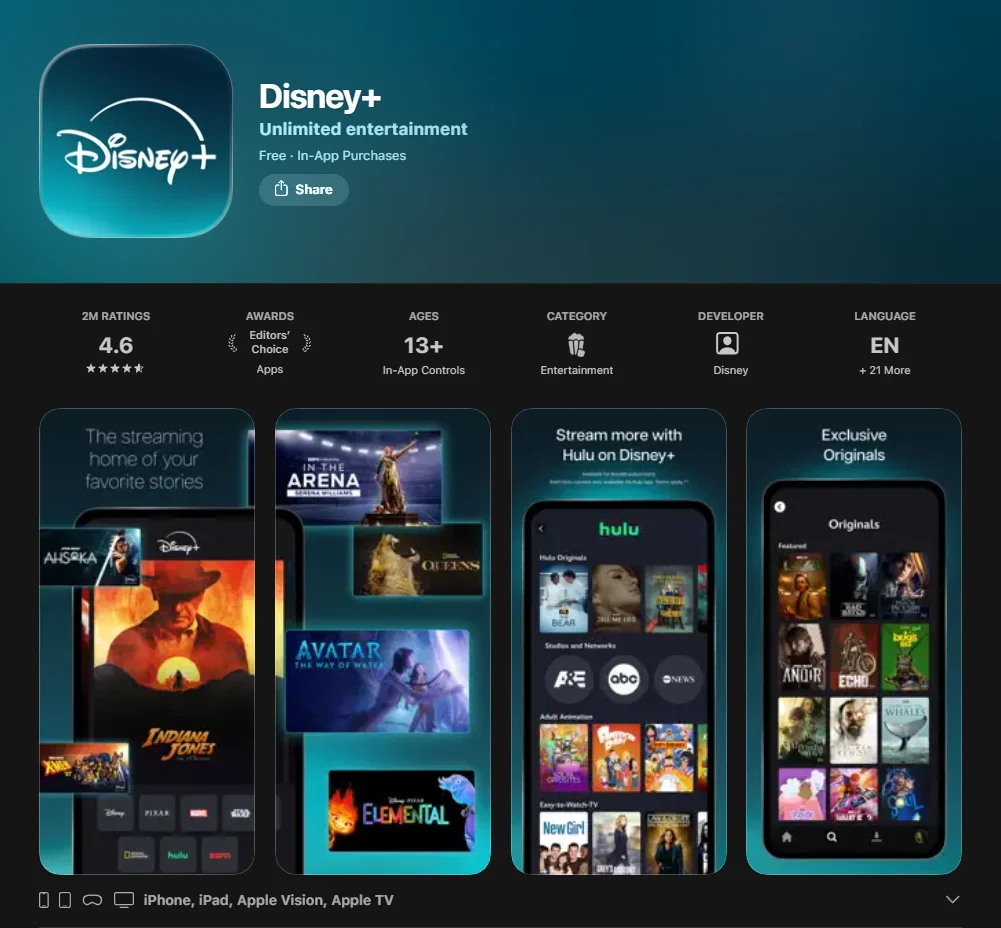
The app uses a traditional “hub-and-spoke” design, with clearly labeled tiles for core brands. This layout is straightforward for children and makes it easy to find familiar franchises without relying on search. The interface is designed for ‘lean-back’ viewing on TVs and connected devices, emphasizing browsing within a limited, curated catalog.
Personalization and Recommendations
The Google platform’s algorithm is incredibly sophisticated, using watch time and engagement metrics to suggest the next video. The entertainment app uses a more basic recommendation system based on genres and “Because You Watched” categories. While YouTube is better for discovering niche content, Disney+ is more predictable, which many parents prefer when trying to keep viewing habits consistent.
Live Streaming and Sports Content on YouTube vs Disney Plus
As cord-cutting continues, the line between traditional TV and streaming keeps getting thinner. Both entities have made significant plays for live sports and real-time events.
YouTube’s Live Streaming Features
The site is a major hub for live streaming, hosting everything from breaking news to the Coachella music festival. However, it is important to distinguish between the basic video site and the “Live TV” service. YouTube TV is a separate live TV streaming service from YouTube that includes local broadcast networks and many cable channels, with availability depending on market and plan. For sports fans, this premium alternative to cable offers a cloud DVR with unlimited storage.
Disney Plus and Live Sports
In some markets and bundle configurations, subscribers can access ESPN content through Disney+ or through the ESPN app, but this setup is market-specific and should not be presented as universal. This can provide access to major live sports, but the exact rights package depends on region, bundle, and plan. The company has expanded its sports streaming strategy as more viewers move away from traditional pay TV.
Pros and Cons of YouTube vs Disney Plus
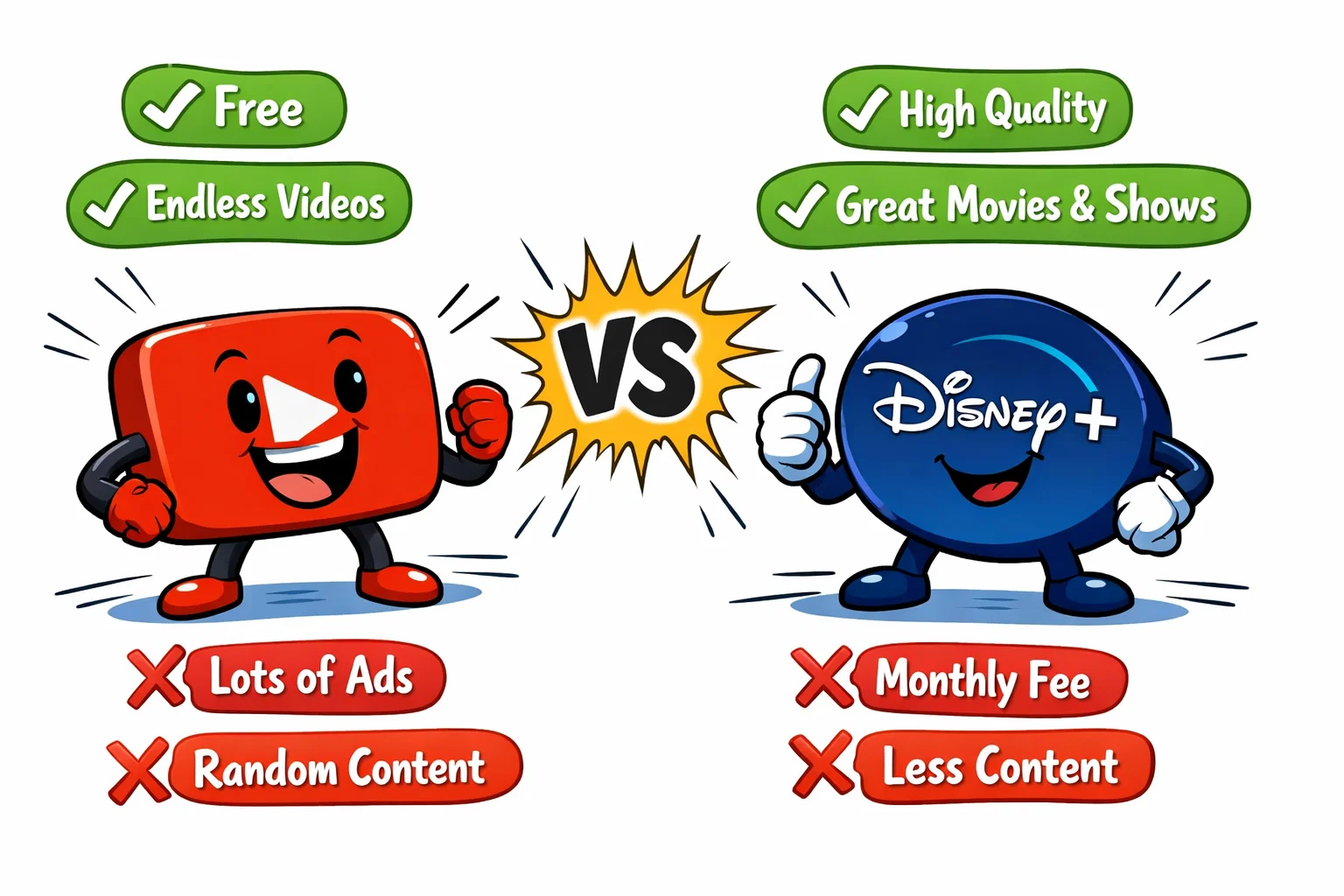
| Platform | Pros | Cons |
| Creator Hub | Massive variety, free tier, educational tutorials. | High ad frequency, inconsistent content quality. |
| Studio App | High-quality originals, ad-free options, very safe for kids. | Smaller library, no user-generated content, monthly cost. |
YouTube – What Works Well and What Doesn’t
The site is especially strong at short-form and highly specific content, whether that means quick answers, tutorials, or brief entertainment. Its cloud DVR capabilities (via the Live TV service) and vast creator network are unmatched. Carriage disputes can affect channel availability on live TV streaming services such as YouTube TV, but this point belongs in a YouTube TV section rather than in a general YouTube strengths-and-weaknesses paragraph.
Disney Plus – Benefits and Limitations
The service is the gold standard for high-production shows and movies. It offers a “safe” digital playground where parents don’t have to worry about inappropriate comments or bizarre algorithm glitches. Its main limitation is its narrow focus: if you are not especially interested in Disney-owned franchises, the library may feel repetitive compared with broader services such as Netflix.
What to Choose – YouTube vs Disney Plus
The decision does not have to be either-or, as many families use the two services for different purposes.
YouTube for Content Creators and Viewers
If your goal is active learning, hobbyist exploration, or staying up to date with breaking news, the open site is indispensable. It can encourage older children and teens to create as well as watch. For those who love sports, the Live TV package provides a comprehensive live streaming service that rivals Hulu + Live TV or Fubo.
Disney Plus for Movie Lovers and Families
For “movie night” enthusiasts and parents of young children, the studio-curated app is the superior choice. Its curated nature can make it easier for parents to offer structured, age-appropriate viewing. It is a strong choice for families who want Disney, Pixar, Marvel, Star Wars, and National Geographic titles in one place.
Special Considerations for Cord-Cutters
If you are looking to cancel your cable, the Google Live TV service is a functional replacement for a traditional pay-tv package. Meanwhile, Disney+ often works as a complementary service, adding specific franchises and exclusives that may not be available elsewhere. Many households choose to subscribe to a streaming services bundle (like the Disney/Hulu/ESPN+ bundle) alongside a free account on the video site to cover all their entertainment needs.
FAQ – YouTube vs Disney Plus
What is the difference between YouTube and YouTube TV?
The standard YouTube service is a video platform that includes both user-generated and professionally uploaded content. YouTube TV is a paid live TV streaming service with over 100 channels on its main plan, but pricing and available plan options should be checked by market and current promotion rather than hard-coded into the article.
Does Disney Plus offer free trials?
As of March 2026, Disney+ says it does not offer a standard free trial, although promotional offers may be available through partners or bundles. However, promotional offers are often available through partnerships with mobile carriers or via bundles with Hulu and the sports network.
Can I watch live sports on YouTube?
Yes, you can watch live sports on the standard site through official league channels (highlights) or via the Live TV subscription, which carries networks like ESPN and local broadcast stations. The paid service also offers a “Sports Plus” add-on for more niche coverage.
Which platform is better for families, YouTube or Disney Plus?
The studio app is generally considered better for families seeking a safe, curated environment with high-quality educational and entertainment value. The creator-driven site is better for older children and teens who are looking for specific tutorials, gaming content, or creative inspiration, provided robust parental controls are in place.
Does Disney Plus have ads?
The service offers both an ad-supported tier (“Basic”) and an ad-free tier (“Premium”). The ad-supported tier is more affordable but includes ads during on-demand viewing.
What happens during a carriage dispute between Disney and YouTube TV?
A carriage feud or standoff occurs when the two companies cannot agree on higher fees for broadcasting Disney-owned channels. In a carriage dispute, YouTube TV subscribers could temporarily lose access to Disney-owned channels such as ESPN or ABC. In past disputes, YouTube TV has offered account credits to affected subscribers.
How does Disney vs YouTube TV compare for local channel access?
In the youtube tv vs traditional cable debate, the Google-owned service is often preferred for its robust local channel coverage across multiple platforms. While Disney+ is primarily an on-demand service, viewers who want a fuller live TV replacement may compare options such as YouTube TV, Hulu + Live TV, Sling TV, Fubo, or DIRECTV, depending on local channel availability and price. Unlike amazon prime or peacock, the Google service provides a comprehensive cloud dvr to record live broadcasts.
Are there any bundles like YouTube that include Disney-owned networks?
Yes, many ways to watch involve streaming services bundle options. While the Google platform is a standalone live tv service, the disney and youtube tv relationship is usually defined by the latter carrying Disney-owned networks. If you want both on-demand entertainment and live sports, compare bundle options and live TV services separately rather than treating them as equivalent products.

Take a short quiz to find out what your everyday choices say about your parenting style
When your child is curious about something new, what’s your instinct?
Take a short quiz to find out what your everyday choices say about your parenting style
“Can I download this app?” What happens next?
Take a short quiz to find out what your everyday choices say about your parenting style
When it comes to rules at home, which sounds most like you?
Take a short quiz to find out what your everyday choices say about your parenting style
If you could give your child one life skill today, what would you pick?
Take a short quiz to find out what your everyday choices say about your parenting style
Your child gets to choose what to watch. What would your ideal setup look like?
Take a short quiz to find out what your everyday choices say about your parenting style
Pick your parenting superpower ✨



