Best Switch Games for 5-Year-Olds: Easy Controls and Co-Op

 Discover a Free Education Video App for Kids
Pastory uses AI to personalize educational video content based on your child’s interests and personality. Safe, engaging, and built for curious young minds. Sign up now to stay updated and enjoy early access with a free trial
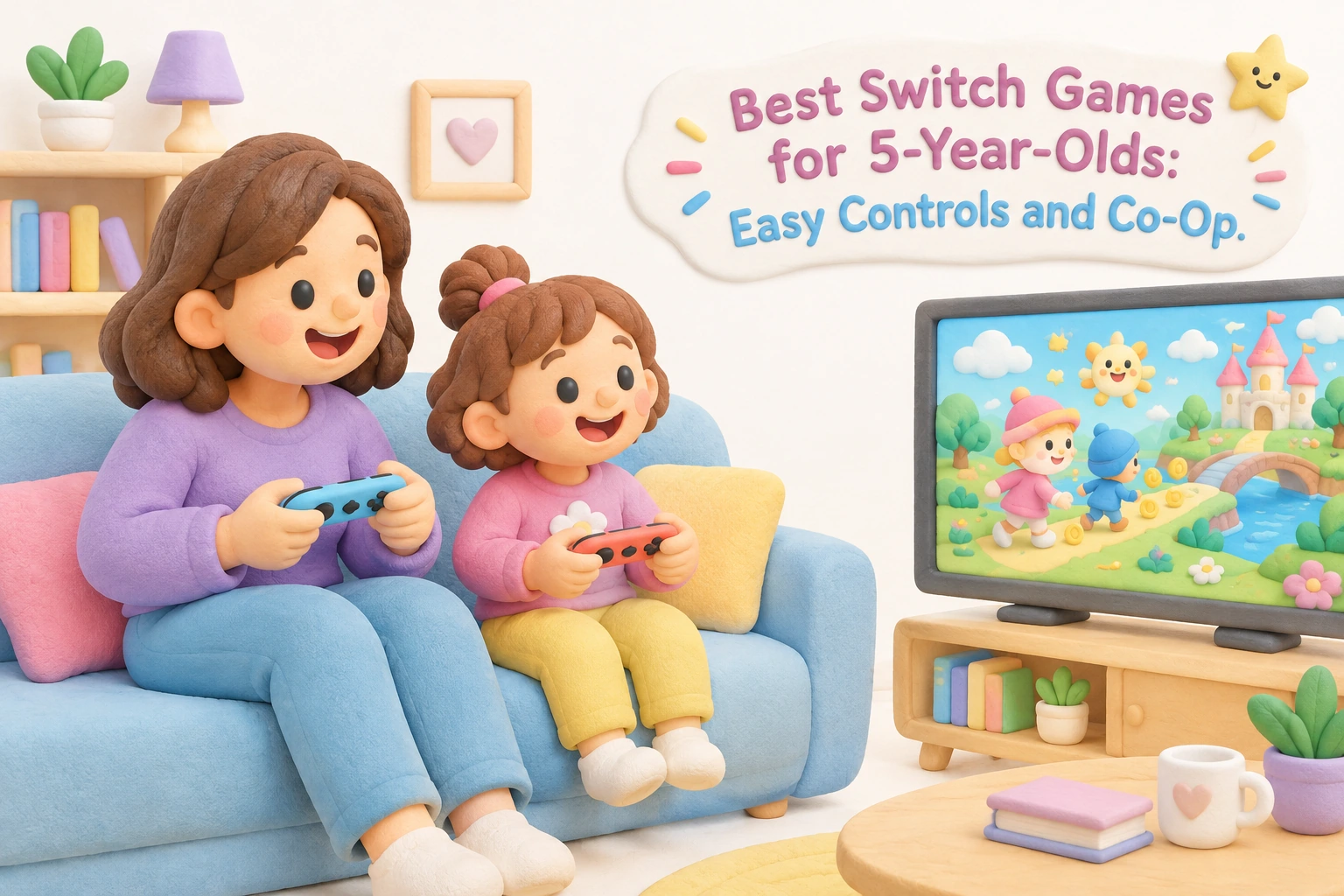
Five-year-olds are at an exciting developmental crossroads: their fine motor skills are advancing rapidly, their attention spans are growing, and they are beginning to enjoy shared play with adults and peers. Nintendo Switch games can fit naturally into this stage when chosen carefully — offering bright, forgiving worlds that reward curiosity rather than punish mistakes. This guide helps parents identify the most age-appropriate Switch titles, understand the accessibility features that make games genuinely playable at age five, and set up a healthy gaming environment from the start.
Key Takeaways
- Games with easy controls, forgiving difficulty, and built-in assist modes are the most suitable starting points for five-year-olds who are still developing hand-eye coordination.
- Several top Nintendo Switch titles include dedicated accessibility features — such as Smart Steering in Mario Kart 8 Deluxe and Mellow Mode in Yoshi’s Crafted World — that make gameplay genuinely manageable for young children without removing the fun.
- Couch co-op games allow a parent or older sibling to play alongside a child, supporting parent-child bonding and reducing frustration when sections become challenging.
- The American Academy of Pediatrics recommends limiting recreational screen time to around one hour per day for children aged two to five, with consistent parental involvement during play.
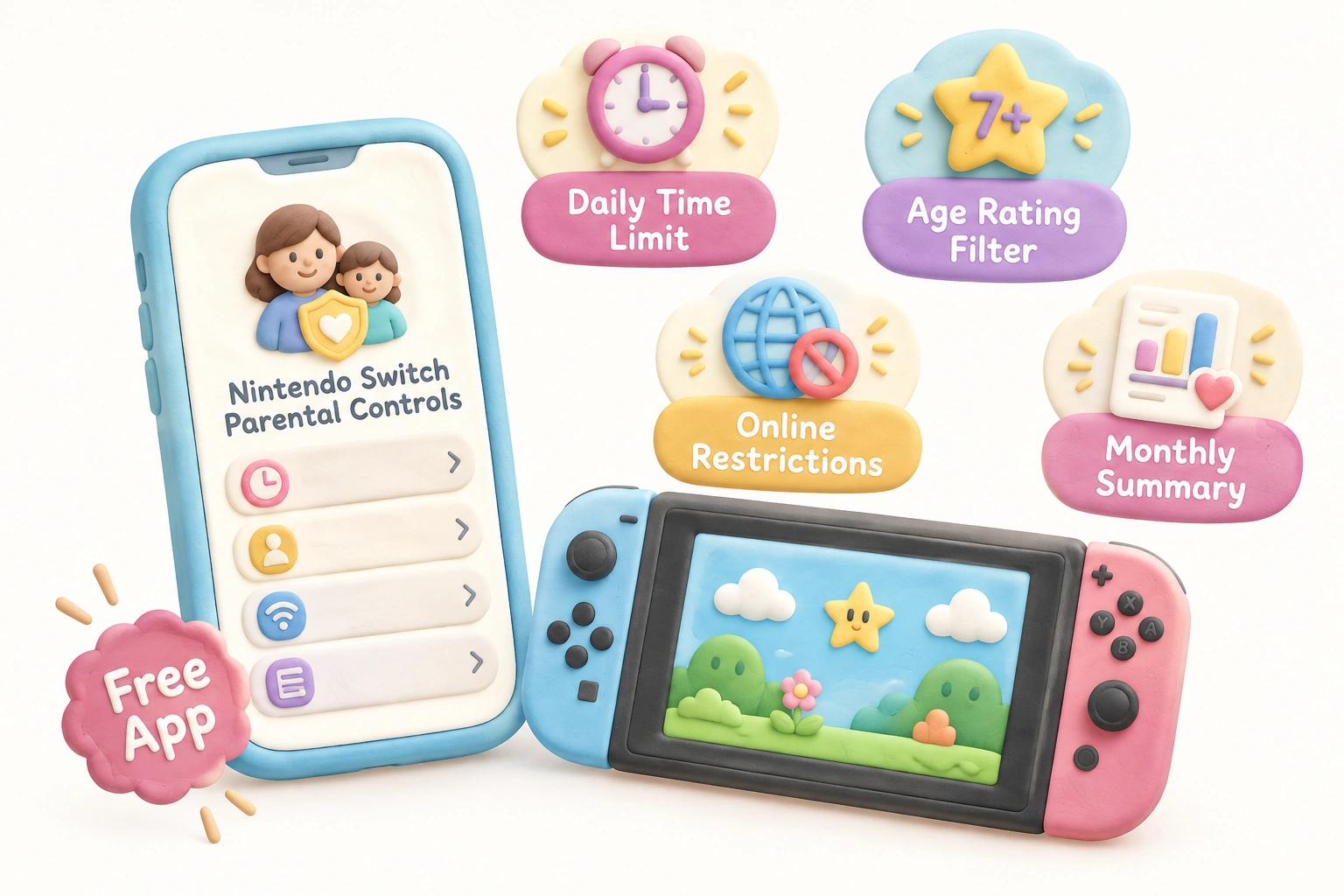
- Nintendo Switch Parental Controls allow parents to set daily time limits, restrict online features, and filter content by age rating directly from a smartphone app.
What Makes a Switch Game Right for a 5-Year-Old?
Before selecting a title, it helps to understand what a five-year-old can realistically manage with a controller. At this age, most children can handle one or two simultaneous button inputs, but coordinating movement with a camera or managing multiple actions at once is still challenging. Games that use a single joystick for movement and one button for a primary action — jumping, throwing, or interacting — are the most accessible starting points. Titles that punish mistakes harshly, require fast reflexes, or demand reading to progress can quickly become frustrating rather than enjoyable.
When evaluating any Switch game for a five-year-old, consider four practical criteria: control simplicity, consequence for failure, reading requirements, and co-op availability. A game that scores well on all four is genuinely pick-up-and-play for this age group. ESRB rated E for Everyone titles are the appropriate content category, though the ESRB rating alone does not guarantee that a game’s controls or difficulty are suitable for a five-year-old specifically.
Top Switch Games for 5-Year-Olds: A Practical Overview
The following games consistently stand out for their combination of simple mechanics, forgiving difficulty, and family-friendly content. Each entry notes co-op availability, reading requirements, and the key accessibility feature that makes it work for younger players.
| Game Title | ESRB | Co-op? | Reading Required? | Key Accessibility Feature |
|---|---|---|---|---|
| Mario Kart 8 Deluxe | E | Yes (up to 4 local) | Minimal | Smart Steering + Auto-Accelerate |
| Kirby and the Forgotten Land | E | Yes (2-player drop-in) | Minimal | High health pool, forgiving checkpoints |
| Yoshi’s Crafted World | E | Yes (2-player co-op) | Minimal | Mellow Mode (Yoshi gains wings) |
| Super Mario Odyssey | E10+ | Yes (2-player assist) | Some | Assist Mode (arrows, pit protection) |
| Captain Toad: Treasure Tracker | E | Yes (2-player throughout) | Minimal | Slow pace, no fail state in most puzzles |
| Snipperclips | E | Yes (required) | Minimal | Cooperative puzzle design, no time pressure |
| Paw Patrol: On a Roll | E | No | No | Extremely simple controls, familiar characters |
| New Super Mario Bros. U Deluxe | E | Yes (up to 4 local) | Minimal | Nabbit/Toadette characters cannot take damage |
| Animal Crossing: New Horizons | E | Yes (local and online) | Some | No fail state, open-ended sandbox |
| Disney Illusion Island | E | Yes (up to 4 local) | Minimal | Shared health pool, drop-in co-op |
Accessibility Features Explained: How to Enable Them
Many parents know that assist modes exist but are unsure how to activate them. The following walkthroughs cover the most important features for five-year-olds, so a child can start playing with appropriate support from the very first session.
Smart Steering and Auto-Accelerate in Mario Kart 8 Deluxe
Mario Kart 8 Deluxe is arguably the most universally recommended Switch game for young children, and its accessibility options are the reason. Smart Steering prevents the kart from driving off the track or into walls, while Auto-Accelerate removes the need to hold a button to move forward. To enable both features, select a character and kart on the vehicle selection screen, then press the (+) or (−) button to open the options panel. The Smart Steering icon (a steering wheel with wings) and the Auto-Accelerate icon (a foot on a pedal) can each be toggled on independently. With both active, a five-year-old only needs to steer left and right to participate meaningfully in a race alongside family members.
Assist Mode in Super Mario Odyssey
Super Mario Odyssey is rated E10+ rather than E for Everyone, but its Assist Mode makes it accessible to younger players with adult involvement. When Assist Mode is active, Mario displays a directional arrow pointing toward the next objective, a safety bubble prevents him from falling into bottomless pits, and he receives extra health. To enable Assist Mode, select it from the main menu before starting a new game, or access it through the pause menu at any point during play. Super Mario Odyssey also supports a two-player co-op mode where one player controls Mario and a second player controls Cappy, Mario’s hat companion. In this arrangement, the child can guide Mario while a parent uses Cappy to collect coins, defeat nearby enemies, or help with tricky jumps — making it a genuinely collaborative experience rather than one player watching the other.
Mellow Mode in Yoshi’s Crafted World
Yoshi’s Crafted World offers Mellow Mode, which gives Yoshi a pair of wings that allow the player to fly freely over obstacles and reach collectibles more easily. This mode is selectable at the start of each level and can be changed between attempts, so a child can use it on difficult sections and switch back to standard mode when they feel confident. The game also supports two-player co-op, where each player controls their own Yoshi. A parent playing as the second Yoshi can effectively carry a child through harder platforming sections by drawing enemy attention or collecting items, making Yoshi’s Crafted World one of the most genuinely cooperative experiences available for this age group.
Nabbit and Toadette in New Super Mario Bros. U Deluxe
New Super Mario Bros. U Deluxe includes two special playable characters — Nabbit and Toadette — who cannot take damage from enemies. Toadette can also use the Super Crown power-up to transform into Peachette, gaining additional floating ability. Selecting either character at the character selection screen before a level begins requires no menu navigation beyond that single choice. This makes the game a strong option for a first-time player who wants to participate in a multiplayer session without the pressure of managing health and enemy avoidance simultaneously.
Co-Op Games Worth Playing Together: Role Clarity for Parents
Knowing that a game has a co-op mode is useful, but understanding who does what in that mode helps parents set realistic expectations before sitting down to play. Couch co-op sessions are among the most effective contexts for parent-child bonding through gaming, and they also allow a parent to provide real-time support without taking over the experience entirely.
In Kirby and the Forgotten Land, the first player controls Kirby while the second player controls Bandana Waddle Dee, a spear-wielding companion. Bandana Waddle Dee is slightly easier to manage because the spear attack has a longer reach than Kirby’s inhale mechanic, making it a reasonable choice for a child who finds timing difficult. The game’s drop-in co-op means a second player can join or leave at any point without interrupting the session.
In Snipperclips, both players must work together to cut each other’s paper-doll shapes into forms that solve environmental puzzles. There are no enemies and no time limits in most stages, which removes performance pressure entirely. The game requires genuine communication and turn-taking, making it one of the most socially developmental co-op experiences available on the platform.
In Disney Illusion Island, up to four players control Mickey, Minnie, Donald, and Goofy through a hand-drawn adventure. The shared health pool means that a more experienced player can effectively absorb damage on behalf of a younger one, and the drop-in co-op design allows family members to join and leave freely. The game requires no reading to progress through its core platforming sections.
Games for First-Time Players vs. Children with Some Experience
Not every five-year-old is at the same stage with a controller. A child picking up a Joy-Con for the first time needs a different starting point than one who has already spent a few months playing simpler games. Matching the game to the child’s current ability level prevents early frustration and builds confidence gradually.
For a child who has never held a controller, licensed titles based on familiar characters — such as Paw Patrol: On a Roll or My Friend Peppa Pig — are the most forgiving entry points. These games use extremely simple controls, feature characters the child already knows and trusts, and require no reading whatsoever. The trade-off is that they offer less long-term depth than first-party Nintendo titles, so a child may outgrow them relatively quickly.
For a child who already has some controller experience, the Nintendo first-party catalogue becomes accessible. Kirby and the Forgotten Land and Yoshi’s Crafted World are the most recommended next steps because both games are designed with younger players in mind from the ground up — their forgiving difficulty and co-op modes are core features rather than optional add-ons. Super Mario Odyssey with Assist Mode and New Super Mario Bros. U Deluxe with Nabbit or Toadette are appropriate for children who are ready for slightly more challenge.
Developmental Benefits of Age-Appropriate Switch Games
Research on the developmental effects of console gaming in early childhood is still developing, and outcomes vary considerably depending on the child’s age, the content selected, session duration, and the level of caregiver involvement. With those caveats in mind, age-appropriate Switch games may support several developmental domains when used thoughtfully.
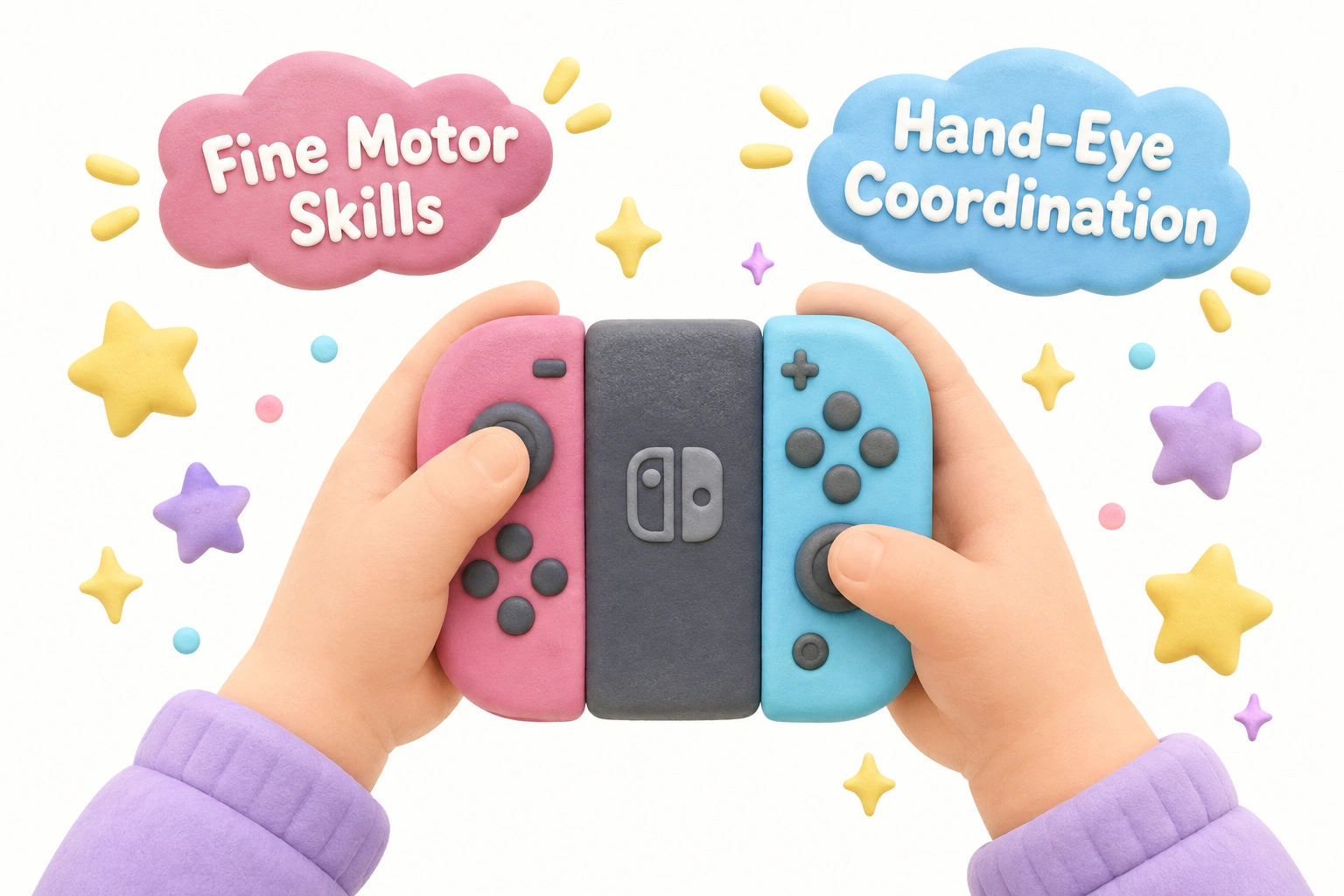
Fine motor skills and hand-eye coordination are among the most consistently cited potential benefits. Manipulating Joy-Con controllers requires precise thumb movements and the coordination of visual input with physical response — skills that are actively developing between ages four and seven. Games that require gentle, deliberate inputs rather than rapid button-mashing may be particularly well suited to this developmental window.
Problem-solving and spatial reasoning may be supported by puzzle-oriented titles such as Captain Toad: Treasure Tracker and Snipperclips, which ask children to rotate their perspective, plan sequences of actions, and communicate solutions with a co-player. These are not guaranteed outcomes, and the quality of adult involvement during play appears to influence how much a child reflects on and learns from in-game challenges.
Social and emotional skills — including turn-taking, managing frustration, and celebrating a partner’s success — can emerge naturally from cooperative play sessions. Co-op games that require genuine collaboration, rather than simply allowing two players to exist in the same space, tend to offer richer opportunities for these skills to develop.
It is worth noting that some researchers suggest console-based gaming may engage fine motor development more actively than touchscreen tablet play, because physical controllers require more precise grip and button differentiation. However, the evidence base for this distinction remains limited, and no single gaming format should be treated as a developmental substitute for hands-on play, outdoor activity, or caregiver interaction.
Screen Time Guidance and Nintendo Switch Parental Controls
The American Academy of Pediatrics recommends that children aged two to five years have no more than one hour of high-quality screen time per day, with consistent caregiver co-viewing or co-play. For children aged six and older, the guidance shifts toward establishing consistent limits rather than a fixed daily maximum, with attention to whether screen time is displacing sleep, physical activity, or face-to-face interaction. These recommendations apply to recreational screen time broadly, including gaming sessions on the Nintendo Switch.
The Nintendo Switch Parental Controls app is a free smartphone application that allows parents to set daily play time limits, receive notifications when a child’s session is approaching its limit, restrict online communication features, and filter game content by age rating. Once a daily limit is reached, the console displays a reminder and can be configured to suspend play automatically. Setting up the app takes approximately ten minutes and does not require technical expertise. Parents can also review a monthly summary of which games were played and for how long, which supports informed conversations with children about their gaming habits.
Beyond time limits, the quality of the gaming session matters considerably. A parent who plays alongside a child, asks questions about what is happening on screen, and helps navigate frustrating moments is providing a qualitatively different experience than a child playing alone for the same duration. Co-op sessions naturally involve more adult engagement and are generally preferable to independent play for children in this age group.
Which Nintendo Switch Hardware Is Best for a 5-Year-Old?
Parents choosing hardware alongside games face a practical question: which Switch model suits a five-year-old best? The standard Nintendo Switch and the Switch OLED both support docked play on a television and handheld play, making them the most versatile options for family gaming. The Switch OLED’s larger screen makes handheld play easier to see, but the standard Switch is typically available at a lower price point.
The Nintendo Switch Lite is a handheld-only device that cannot connect to a television. It is lighter and more compact, which may suit smaller hands, but it does not support local co-op with a second set of Joy-Cons in the same way as the standard models. For families who want to play couch co-op games together on a shared screen, the standard Switch or Switch OLED is the more practical choice.
Joy-Con controllers are designed for adult hands and can feel large for a five-year-old. Some families find that a smaller third-party controller or a Pro Controller — which has a more traditional layout — is easier for young children to grip during longer sessions. It is worth letting a child try different controller options before committing to one.
Parents considering a purchase should also note that the Nintendo Switch 2 has been announced and released, and Nintendo has confirmed backward compatibility for a significant portion of the existing Switch game library. Most of the titles recommended in this article are expected to be playable on the Switch 2, though parents should verify compatibility for specific titles before purchasing new hardware.
Budget Considerations and Free Demos
First-party Nintendo titles are typically priced at the premium end of the market and rarely go on significant sale. For families working within a tighter budget, several practical options exist. The Nintendo eShop offers free demos for a number of family-friendly titles — Yoshi’s Crafted World, for example, has had a demo available that covers the first world of the game, allowing a child to try the experience before a purchase is made. Checking the eShop’s demo section before buying any title is a straightforward way to assess whether a specific game suits a particular child’s interests and ability level.
Licensed titles based on children’s television characters — such as Paw Patrol games — are often available at lower price points than first-party Nintendo games and can be found second-hand at significant discounts. LEGO games, including LEGO Marvel and LEGO Star Wars titles, frequently go on sale and offer substantial co-op content at a lower cost than comparable Nintendo titles. These games tend to have slightly more complex controls than the simplest options on this list, but their humor and familiar characters make them engaging for children who are ready for a modest step up in challenge.
Frequently Asked Questions
Can a 5-year-old actually play Nintendo Switch games independently?
Many five-year-olds can manage basic Switch controls independently, particularly in games designed with young players in mind. Titles like Paw Patrol: On a Roll and Yoshi’s Crafted World in Mellow Mode require only simple directional input and one or two action buttons. More complex games — such as Super Mario Odyssey — are better suited to co-op play with an adult at this age, at least initially. Individual readiness varies considerably depending on the child’s prior experience with controllers and their current fine motor development.
Which Switch games require no reading at all?
Mario Kart 8 Deluxe, Yoshi’s Crafted World, Kirby and the Forgotten Land, Paw Patrol: On a Roll, My Friend Peppa Pig, Disney Illusion Island, and Captain Toad: Treasure Tracker can all be played without any reading ability. Animal Crossing: New Horizons and Super Mario Odyssey include some text-based dialogue, though neither requires reading to enjoy the core gameplay.
How do I set up Nintendo Switch Parental Controls?
Download the free Nintendo Switch Parental Controls app on a smartphone, then follow the on-screen instructions to link it to your Switch console using a registration code displayed on the console. From the app, you can set daily play time limits, restrict content by age rating, disable online features, and receive usage summaries. The setup process typically takes under fifteen minutes.
Is Animal Crossing: New Horizons suitable for a 5-year-old?
Animal Crossing: New Horizons is age-appropriate in terms of content and has no fail state, which removes performance pressure entirely. However, it involves more reading than most other recommended titles and has a slower, more open-ended structure that some five-year-olds may find less immediately engaging than action-oriented games. It works best as a co-play experience where a parent reads dialogue aloud and helps guide early decisions. Children who enjoy creative, low-pressure play tend to respond well to it.
Are LEGO games suitable for 5-year-olds?
LEGO games — including LEGO Marvel and LEGO Star Wars titles — are family-friendly and support local co-op, but their controls are moderately more complex than the simplest options on this list. They are generally better suited to children who already have some controller experience. The humor and familiar characters make them engaging, and the forgiving difficulty (characters respawn quickly after being defeated) keeps frustration low. They are a reasonable next step for a five-year-old who has outgrown simpler titles.
What is the difference between Smart Steering and Assist Mode?
Smart Steering is a feature specific to Mario Kart 8 Deluxe that prevents the kart from driving off the track. Assist Mode is a separate feature in Super Mario Odyssey that adds directional guidance, pit protection, and extra health to the platforming experience. Both are designed to make their respective games more accessible to younger or less experienced players, but they are different features in different games and are enabled through different menus.
Choosing the Right Switch Game for Your 5-Year-Old
The best Switch game for a five-year-old depends on two things: the child’s current experience with controllers, and whether a parent or older sibling is available to play alongside them. For a child who is completely new to gaming, a licensed title with familiar characters and extremely simple controls — such as Paw Patrol: On a Roll — provides the gentlest introduction. For a child who is ready for more depth, Kirby and the Forgotten Land and Yoshi’s Crafted World in Mellow Mode offer the most complete combination of forgiving difficulty, bright visuals, and genuine co-op play designed with young children in mind.
Mario Kart 8 Deluxe with Smart Steering and Auto-Accelerate enabled remains the single most versatile recommendation for families, because it allows a five-year-old to participate meaningfully in a multiplayer session with older family members from the very first race. The accessibility features can be scaled back gradually as the child’s skills develop, giving the game long-term value beyond the early stages.
Whatever title you choose, the most important factor is consistent adult involvement — not to take over the controller, but to share the experience, manage session length within recommended screen time guidelines, and help a child process frustration when a level proves difficult. Used in this way, age-appropriate Switch games can be a genuinely enjoyable and developmentally supportive part of a balanced childhood media diet.

Take a short quiz to find out what your everyday choices say about your parenting style
When your child is curious about something new, what’s your instinct?
Take a short quiz to find out what your everyday choices say about your parenting style
“Can I download this app?” What happens next?
Take a short quiz to find out what your everyday choices say about your parenting style
When it comes to rules at home, which sounds most like you?
Take a short quiz to find out what your everyday choices say about your parenting style
If you could give your child one life skill today, what would you pick?
Take a short quiz to find out what your everyday choices say about your parenting style
Your child gets to choose what to watch. What would your ideal setup look like?
Take a short quiz to find out what your everyday choices say about your parenting style
Pick your parenting superpower ✨