
Cyber Safety Tips for Kids: 15 Online Rules Every Parent Should Teach

 Discover a Free Education Video App for Kids
Pastory uses AI to personalize educational video content based on your child’s interests and personality. Safe, engaging, and built for curious young minds. Sign up now to stay updated and enjoy early access with a free trial
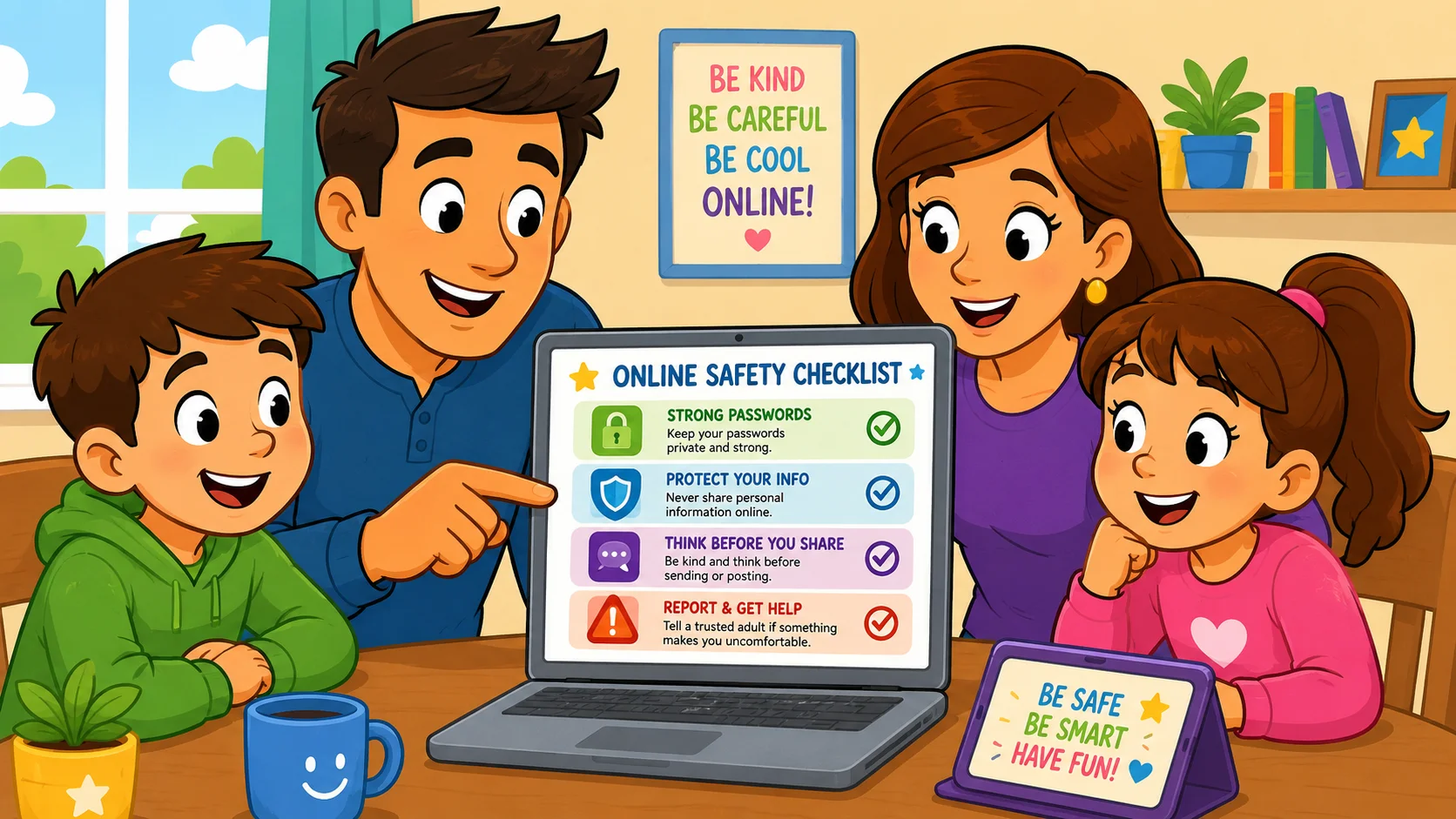
Navigating the digital world is now a normal part of childhood, offering valuable opportunities for learning, creativity, and connection. For children and young people, the internet is part of everyday life, but their ability to assess risk is still developing. That is why parents and carers need clear, practical online safety advice that helps children navigate digital spaces with confidence. However, as many children spend more time online, the risks they face continue to change and become more complex. Because children now learn, chat, stream videos, and play online from an early age, families need simple rules that reduce the risks of online contact, unsafe content, and scams.
Keeping children safe online requires a proactive mix of technical safeguards, open communication, and practical rules. This guide offers parents and caregivers practical internet safety tips for keeping safe online while helping children build a healthy relationship with the online world.
Key Takeaways
- Communication is critical: Regular, low-pressure conversations about online activity are more effective than strict surveillance.
- Privacy first: Teach children that personal information—including school names, locations, and daily routines—should not be shared online.
- Technical safeguards: Use security software, privacy settings, and parental controls as a first line of defense.
- Actionable skills: Make sure kids know how to block users, report problems, and tell a trusted adult when something feels wrong online.
- Digital footprint: Help kids and teens understand that what is posted online can have long-term consequences.
Main Internet Safety Message
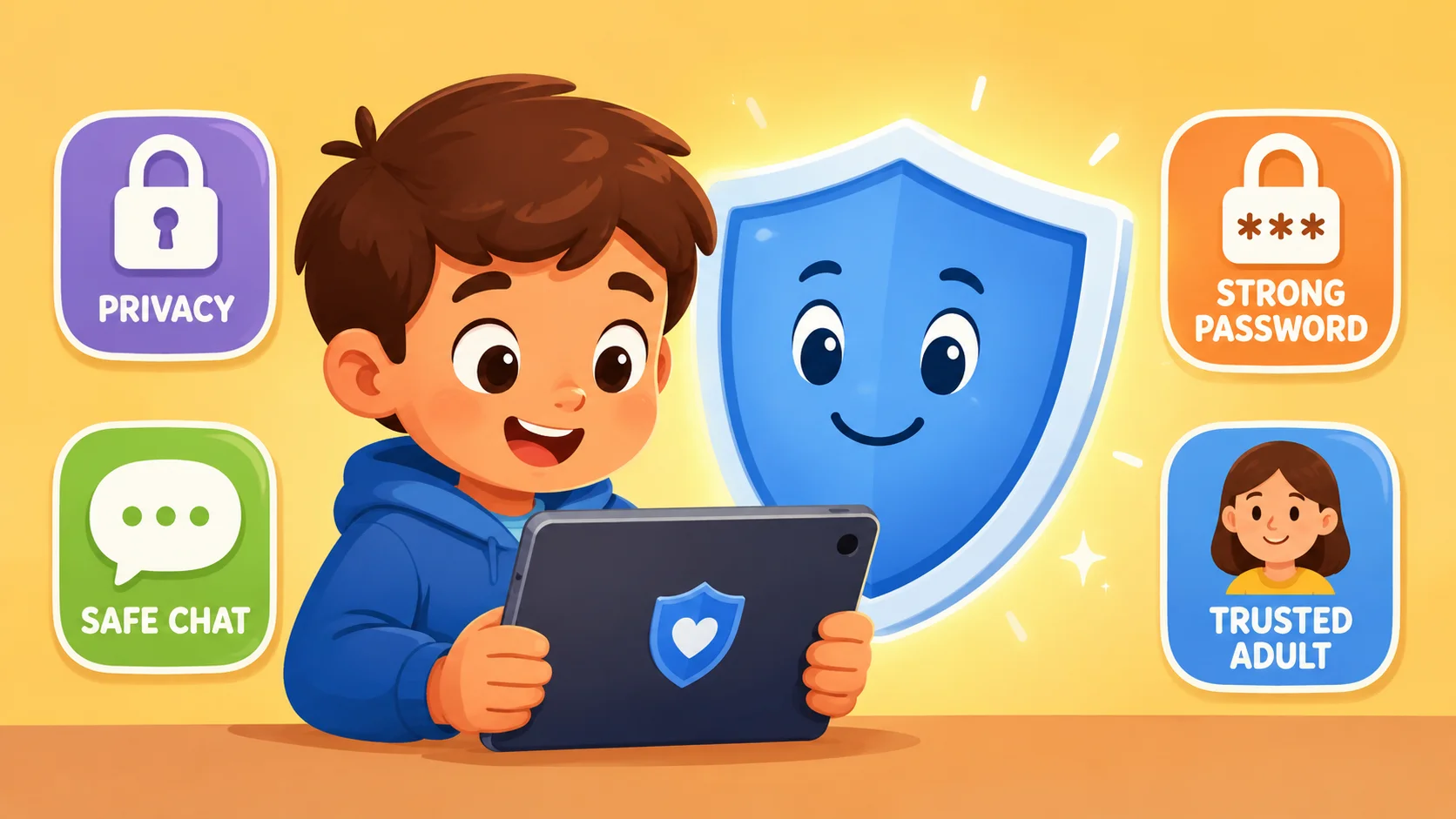
The importance of online safety is simple: the digital world is an extension of the real world and requires the same level of caution. Children need simple, repeatable rules so they can use the internet safely, ask for help when something feels wrong, and build habits that help children stay safe across devices, apps, and platforms. Kids need simple, repeatable online safety tips and reliable access to trusted adults who can help keep them safe as they navigate the internet. Whether they are using tablets for school or gaming consoles for fun, establishing safe habits early can help keep children safe while allowing them to enjoy the benefits of learning, creativity, gaming, and social connection.
Parent Role in Online Safety
Parents and caregivers serve as children’s primary digital mentors. A good starting point is to talk to your child regularly about what they enjoy online, who they speak to, and whether anything has made them feel uncomfortable. To protect your kids effectively, set clear boundaries, review privacy and security settings regularly, and manage internet access in an age-appropriate way. Use parental controls as a collaborative safety tool, not as a way to spy; explaining the “why” behind online safety builds trust and supports keeping your child safe. Regular conversations about online safety also encourage children to speak up when something goes wrong online, in games, or in messaging apps.
Kid-Friendly Action Plan
A kid-friendly action plan gives children clear steps to follow when something online feels unsafe or uncomfortable. Use these top tips as a simple routine your child can remember whenever they feel worried, pressured, or unsure online. Teach your children to follow these steps whenever something online makes them feel uncomfortable:
- Stop: Leave the website, app, chat, or game immediately.
- Block: Use the block feature to stop the person from contacting them.
- Screenshot: Capture evidence of cyberbullying, threats, scams, or unsafe requests.
- Report: Use the app’s reporting tool to alert the platform.
- Tell: Tell a trusted adult what happened right away.
Why Kids Need Online Protection
Children can be especially vulnerable to online risks because they are still developing judgment, impulse control, and the ability to recognize manipulation. Teaching children about online risks should be age-appropriate, calm, and practical rather than frightening. The National Center for Missing & Exploited Children defines online enticement as online communication with someone believed to be a child with the intent to commit a sexual offense or abduction; this includes sextortion, grooming, sexual conversations, and attempts to arrange in-person meetings.
Children may lack the life experience to distinguish a genuine friend from someone with harmful intentions, and peer pressure can push them toward risky online behavior. This is why online safety should be taught as an everyday life skill, not as a one-time warning.
Online Risks Kids Face
Children may face a range of online risks, from unsafe content and cyberbullying to scams and manipulation. They may encounter identity theft attempts, age-inappropriate content, phishing messages, fake giveaways, or strangers trying to move conversations into private spaces. Without proper protections, children may also accidentally leak personal information that can be collected by third-party trackers or malicious actors. Strong privacy habits and parental guidance can help protect children from online scams, unsafe contact, and unnecessary data sharing.
Cyberbullying, Cyberstalking, Online Scams
Cyberbullying and cyberstalking can happen in gaming chats, social media comments, private messaging groups, and shared school chats. The Cyberbullying Research Center’s 2025 data shows that cyberbullying remains a serious issue for adolescents, with reported victimization differing by gender in its latest findings.
Online scams may also target children with “free” game currency, exclusive items, fake prizes, or urgent account warnings, tricking them into sharing login credentials or downloading malware.
Online Predators and Grooming
Online predators may use grooming tactics to build trust and emotional dependence with children online. Warning signs include an adult or older user asking for personal information, sending gifts such as digital currency, requesting private chats away from main platforms, or asking a child to use a webcam in private.
Child-safety experts warn that predators may use flattery, gifts, secrecy, and shared interests to isolate children from trusted adults. Children should know that any request to keep an online relationship secret is a major red flag.
Harmful Content and Misinformation
The internet and social media can expose younger children to harmful content, including violent videos, self-harm content, dangerous viral challenges, and misinformation. Misleading content can distort a child’s understanding of events, while dangerous viral challenges can lead to real-world harm. It is important to teach kids critical thinking skills so they can spot potential risks and check information before believing or sharing it.
1. Set Family Ground Rules for Internet Use
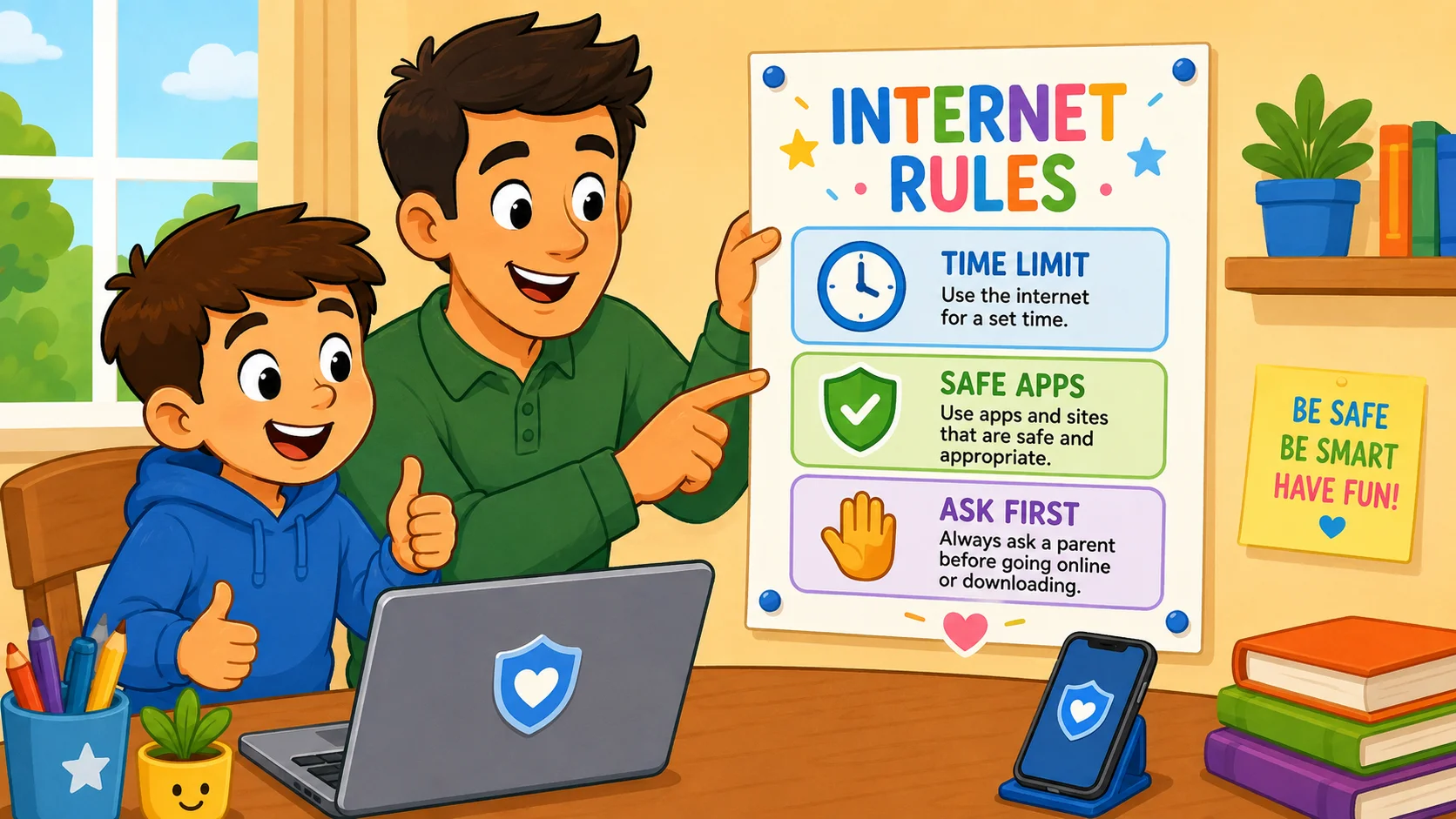
The American Academy of Pediatrics recommends creating a Family Media Plan to help families set healthy, age-appropriate rules for media and technology use. Clear rules provide children with a framework for online activity and reduce the likelihood of them stumbling into online risks. By setting consistent family rules for technology use, parents can help ensure that internet access remains a positive resource rather than a source of conflict or risk.
Screen Time, Device, App Boundaries
Managing screen time is important for children’s physical health, sleep, focus, and emotional well-being. Parents and caregivers should define:
- Device-free zones: Keep devices out of bedrooms and away from the dinner table.
- Time limits: Use built-in safety tools on iOS, Android, and other devices to cap daily use.
- App approvals: Require a parent’s password before downloading new apps, games, or paid content.
Rules for Chats, Downloads, Purchases
Unsupervised chats and direct messages can expose children to bullying, scams, inappropriate content, or unsafe contact. Families should create a “no strangers” rule for messaging apps, gaming chats, and private groups.
Kids should also ask permission before downloading files, installing game mods, or making in-app purchases. This helps prevent accidental malware downloads and protects the family from unexpected charges.
Consequences, Rewards, Consistency
Consistency in enforcing safety rules builds a sense of security. If a child follows internet safety rules and demonstrates responsible online behavior, they might earn additional screen time or access to a new app.
If a child breaks a safety rule, such as hiding online activity, the consequence should be clear, proportionate, and focused on rebuilding trust. Safety should be treated as a non-negotiable priority, but discipline should not discourage children from asking for help.
2. Keep Personal Information Private
Online, personal information is valuable and should be protected carefully. Children often do not realize that small details can be pieced together to reveal their real-world identity. Teaching kids the value of online privacy is one of the most effective ways to reduce the risk of identity theft, unwanted contact, and real-world harm.
Name, Address, School, Location
Kids need to know that certain details are strictly “offline only.” This includes their full name, home address, phone number, school name, daily schedule, and regular locations.
Even mentioning a sports team, favorite park, or regular activity can reveal clues about a child’s location or routine. Parents and caregivers should periodically check whether children understand why these details should stay private.
Photos, Profiles, Posts
Photos posted online may contain metadata or visual clues that can compromise a child’s privacy. A school uniform, street sign, house number, or sports logo in the background can reveal more than a child realizes.
Help kids understand that profiles should be set to private whenever possible, and profile pictures should ideally be avatars rather than actual photos of the child.
Public Sharing Versus Private Sharing
Many kids and teens mistakenly believe that “private” messages stay private or disappear. Teach children that anything shared in a private chat can be screenshotted, saved, forwarded, or posted publicly by others.
Once information is sent online, the sender loses control over it. This helps children think twice before sending anything they would not want the whole world to see.
3. Use Strong Passwords and Privacy Settings
Internet security begins with strong account protection. Weak or reused passwords are a common cause of account takeovers. By using strong privacy and security measures, parents and caregivers can significantly reduce the risk of their children being targeted online by hackers or scammers.
Password Safety Basics
Teach kids to create strong passwords or passphrases that are long, unique, and hard to guess. A passphrase made from several unrelated words can be easier for older children to remember and difficult for bots to crack.
Most importantly, kids need to understand that passwords should never be shared with friends because friendships can change and accounts can be misused.
Device Locks and Two-Step Checks
Biometric locks, such as Face ID or fingerprint recognition, and strong PINs can help keep devices secure. For older children, enabling two-factor authentication adds a critical layer of protection.
If a scammer steals a password, they still cannot access the account without the second verification step, such as a code from an authenticator app or a trusted device.
Profile Checks and Account Privacy
Privacy settings can change after app updates or when new features are introduced. Parents and caregivers should perform a privacy audit every few months.
| Feature to Check | Recommended Setting | Purpose |
| Account Visibility | Private / Friends Only | Prevents strangers from seeing posts |
| Location Services | Off | Stops apps from tracking GPS coordinates |
| Tagging/Mentions | Manual Approval | Prevents others from linking to the child’s profile |
| Direct Messaging | Friends Only / Off | Blocks unsolicited communication |
4. Choose Online Friends Carefully
Because many online spaces are social, children will inevitably encounter people they do not know. However, children need to understand that online “friends” are not always the same as real-life friends. Help kids distinguish between meaningful connections and potential online threats.
Don’t Talk to Strangers Online
The classic “stranger danger” rule also applies online, but it needs to be explained in age-appropriate language. Explain to kids that online predators can create fake profiles using stolen photos and pretend to be other children.
If they have not met the person in real life and a trusted adult has not approved the contact, that person should be treated as a stranger. Staying safe online means declining friend requests from people the child does not know in real life unless a trusted adult approves the contact.
Online Predators and Fake Friend Requests
Predators often use social engineering to bypass a child’s defenses. They might join popular games and offer free items, rewards, or attention to start a conversation.
Teach your kids that if an online “friend” asks them to keep the conversation secret or move the chat to a different app, such as Discord or Snapchat, it is a major red flag for grooming.
Trusted Adult Check Before New Contacts
Encourage a “check first” policy. Before adding a new contact or joining a private group chat, the child should ask a parent or caregiver to review it first. This simple step allows parents to review the group’s behavior and help ensure the interaction is safe.
5. Report and Block Cyberbullying
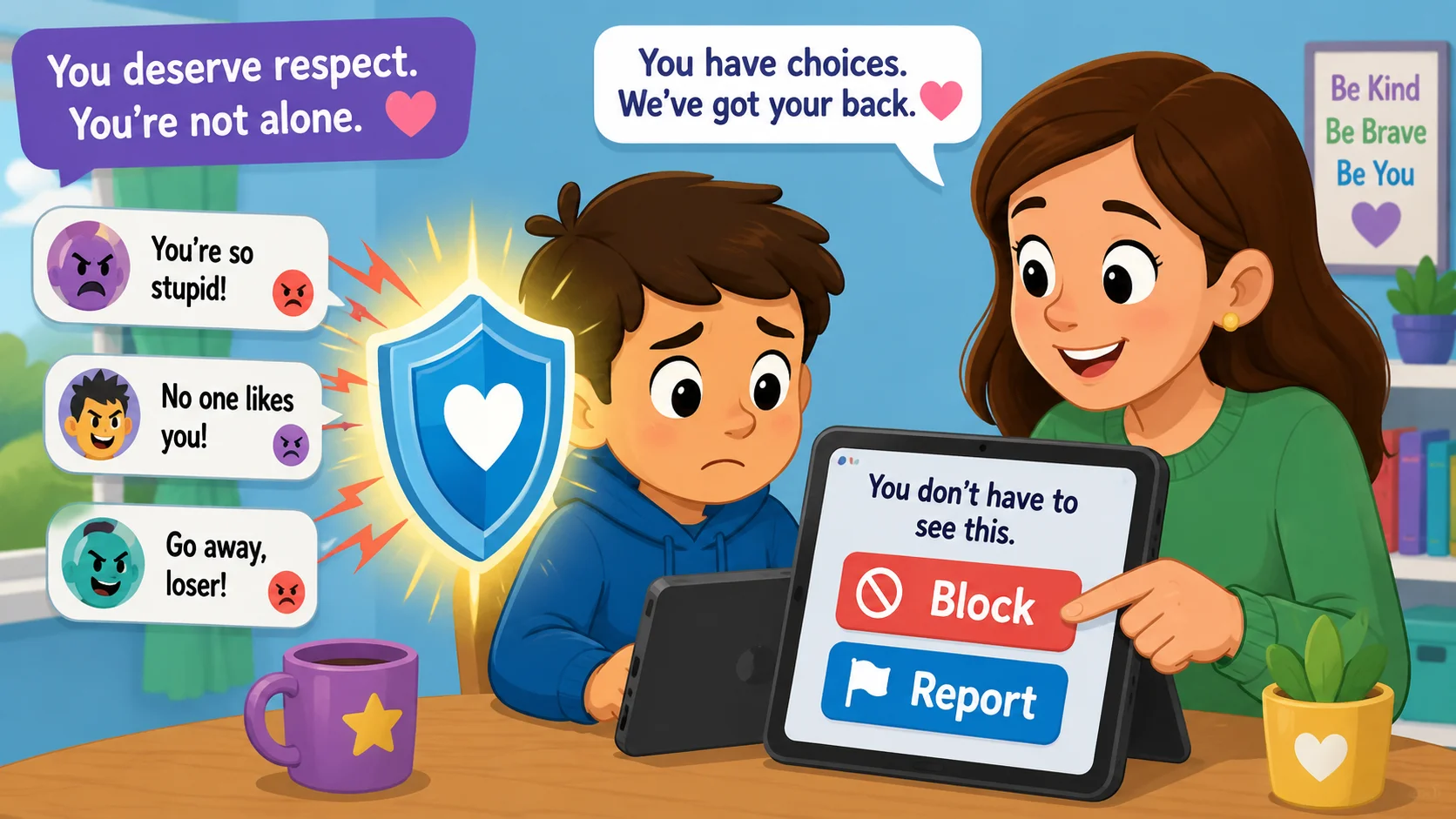
Cyberbullying can be especially harmful because it can happen repeatedly, spread quickly, and follow a child beyond school or home. Parents should pay attention to changes in a child’s mood or behavior after they use a device or spend time online.
Cyberbullying Warning Signs
Children who are victims of cyberbullying may become withdrawn, lose interest in their favorite online activity, or appear upset after checking their phones.
Common forms include exclusion from group chats, sharing private information or secrets, and using hostile or insulting language in gaming chats, comments, or private messages.
Block, Screenshot, Report
If cyberbullying occurs, kids should know not to retaliate.
- Block: Immediately stop the bully’s ability to communicate.
- Screenshot: Save the evidence, as it may be needed for school or legal reports.
- Report: Use the platform’s internal tools to flag the behavior.
- Support: Make sure the child knows they are not in trouble and that a trusted adult is there to help.
Refrain from Rude Online Behavior
Part of online safety is teaching kids to be “upstanders,” not bystanders. Teach children that their digital reputation is built by how they treat others online. They should never join in on a mean thread or share embarrassing photos of others, as this contributes to a toxic online environment.
6. Avoid Suspicious Links, Clickbait, Downloads
Online threats that affect adults, such as phishing and malware, can be even more dangerous for children because they are naturally curious. Security software can catch many threats, but human judgment is still one of the best defenses.
Links and Websites That Can Harm Devices
Kids may accidentally download malware by clicking a suspicious link in a game, pop-up, message, or flashy ad. Explain that a secure connection should show “https” in the address bar, but also teach kids that the padlock does not guarantee a website is trustworthy.
Children should avoid websites that look messy, are full of aggressive pop-ups, or pressure them to click quickly. These sites may be designed to collect data, show scams, or trick users into downloading harmful files.
Downloads Need Parent Permission
A strict rule for internet safety is that no files, game mods, or apps should be downloaded without a trusted adult checking them first. Many “free” game enhancements are actually malware designed to steal personal information or access a device’s camera, microphone, or files.
Clickbait, Pop-Ups, Fake Prizes
Scammers often use urgency, fear, or excitement to trick children into clicking before they think. Messages like “You are the 1,000th visitor! Click to claim your prize!” or “Your computer is infected! Download this to fix it!” are common online dangers.
Teach kids that if an offer seems too good to be true, it is almost certainly a scam.
7. Spot Phishing and Scams Before Sharing
Phishing is a tactic in which scammers pose as legitimate companies, platforms, or contacts to steal login credentials or personal information. Kids and teens may be targeted through platforms they use frequently, such as video apps, social platforms, gaming servers, or direct messages.
Sensitive Information Requests
Legitimate companies such as Google, Apple, or Roblox will not ask children to send passwords or payment details through direct messages. Teach kids that any message requesting personal information should be treated as suspicious and shown to a trusted adult.
Fake Messages, Giveaways, Login Pages
Scammers often create cloned login pages that look almost identical to the real ones. If a child receives a message saying they need to “re-verify” their account to avoid being banned, they should go to the official website or app directly instead of clicking the link.
This is a vital part of staying safe online.
Game, Social, Banking Account Safety
As children get older, they may use digital wallets, gift cards, or accounts linked to a parent’s payment method. Parents and caregivers should use “Ask to Buy” features where available and explain that digital currencies, such as Robux or V-Bucks, have real-world value and can be stolen.
8. Check Information Before Believing or Sharing
In an era of deepfakes and AI-generated content, kids need digital literacy skills to tell the difference between reliable information and misleading content. Online safety is not just about avoiding strangers; it also means learning how to navigate information responsibly.
Misinformation Signs
Help kids spot misleading content by looking for these red flags:
- Hyperbolic headlines: Using all caps or “shocking” language.
- Unknown sources: No clear author or a strange URL.
- Old dates: Reposting an old story as if it is happening now.
- No evidence: Claims that are not backed up by reputable sources.
Reliable Sources for School Work
When using the internet for homework, children can stay safer by using safe-search tools or school-provided databases. Parents and caregivers can bookmark trusted sites such as National Geographic Kids, NASA, or school-recommended resources to help children find accurate information.
Pause Before Sharing
Before a child uses the “share” button, they should run through a quick mental checklist: “Is it true? Is it kind? Is it necessary?”
Stopping the spread of misinformation is a key part of responsible online behavior and helps maintain a healthier digital world.
9. Remember Online Posts Can Last Forever
The idea of a digital footprint can be difficult for children to understand. Children often focus on the present, while online content can last for years. Teaching kids about long-term consequences is an essential part of internet safety.
Digital Footprint Basics
Every photo, comment, and “like” contributes to a child’s digital reputation. Future employers, college admissions officers, and even sports scouts may look at what someone posted online years earlier. Older children need to understand that their current online activity can affect future opportunities.
Screenshots and Reshares
Deleting a post does not mean it is gone. Someone could have already screenshotted, downloaded, or reshared the content. Kids need to treat every post as if it could become permanent and public.
Kind Choices Before Posting
Encourage children to use the “Grandmother Test”: If they would not want their grandmother, teacher, or parent to see what they are posting, they should not post it.
Teaching empathy online can reduce the chances that a child will hurt others, join in cyberbullying, or damage their own digital reputation.
10. Use Age-Appropriate Apps, Games, Platforms
Not all online spaces are equally safe or age-appropriate. Using platforms designed for children, such as YouTube Kids, can provide a more curated experience than the open web. YouTube describes YouTube Kids as a more contained environment that helps parents and caregivers guide children’s viewing experience.
Parents and caregivers should always check age ratings before allowing a child to use a new app, game, or platform.
YouTube Kids, Streaming Apps, Game Spaces
Platforms like YouTube Kids use filters and parental controls to create a more age-appropriate experience. However, no filter is perfect. Parents and caregivers should still check in on children’s activity on these platforms because filters and algorithms can miss age-inappropriate content. This is especially important for playing online games, where chat features, friend requests, and user-generated content can create unexpected risks.
App Ratings and Reviews
Before downloading an app, check age ratings and independent reviews, such as Common Sense Media, to see whether an app’s features align with your child’s maturity level. This is particularly important for online gaming, where social features, in-app purchases, and live chats can create additional risks. These reviews can help parents understand:
- Privacy policies: How much personal information the app collects.
- In-app purchases: The risk of accidental spending.
- Chat features: Whether the app allows unmonitored communication.
- Content: The presence of violence, adult themes, or unsafe material.
Featured Apps and Platform Checks
| App Type | Recommended Platform | Key Safety Feature |
| Video | YouTube Kids | Restricted mode, timers, and parental controls |
| Social | Messenger Kids | Parent-approved contact list |
| Search | KidzSearch | Filtered search results |
| Learning | ABCmouse | No external links or ads in core learning areas |
11. Use Parental Controls and Monitoring with Trust
Parental controls can be powerful tools, but they should support – not replace – parental involvement. The aim is keeping your child safe while gradually helping them make better decisions independently. The goal is to keep kids safe online while gradually teaching them to manage their own online behavior.
Put Parents in Control
Modern devices offer built-in safety tools such as Google Family Link and Apple Screen Time. Google Family Link, for example, lets parents set screen time limits, manage apps, and create downtime schedules for children’s devices.
These tools can safeguard children from harmful content, suspicious websites, and unsafe contact. They can help parents and caregivers:
- Block specific websites.
- Set a bedtime for devices.
- See how much time is spent on different apps.
Manage and Monitor Internet Access
It is important to stay involved in children’s online activities without making them feel watched or punished. Instead of secretly checking phones, make it a normal part of the routine to sit together and look at the apps they are using.
This approach prevents the child from feeling spied on and keeps the door open for honest conversations.
Explain How and Why Monitoring Works
When you install security software or set limits, explain the reasoning. For example: “I’m using this filter to help you avoid online threats until you’re old enough to spot them yourself.”
This frames parental controls as a safety belt rather than a cage and encourages cooperation instead of secrecy.
Give Kids Trust and Respect
As older children demonstrate responsible online behavior, consider relaxing certain restrictions. This builds their confidence and encourages them to be more transparent about their online experiences.
Trust is a two-way street: if children know you respect their growing privacy, they are more likely to tell you when they encounter online dangers.
12. Keep Devices in View and Explore Together
For younger children, one of the best safety strategies is co-viewing. Shared online experiences allow parents to address risks immediately and teach good habits in context. They also help parents understand what children actually experience online, from funny videos and learning apps to social pressure or confusing messages.
Shared Spaces for Younger Kids
Keep computers and tablets in high-traffic areas like the kitchen or living room. This open setup can discourage unsafe browsing and allows parents and caregivers to stay involved without hovering.
Explore Together
Take an active interest in your child’s digital life. Play their favorite game with them or watch their favorite YouTuber. This not only strengthens your bond but also gives you firsthand insight into the risks, social norms, and behaviors they encounter online.
Talk About Online Life
Instead of asking, “What did you do online today?” try more specific conversation starters:
- “What was the funniest video you saw?”
- “Did anyone say anything weird in the game chat today?”
- “What is your favorite thing to do in that app?”
- “Has anyone ever asked you to keep an online secret?”
These low-pressure questions make online activity a normal topic of conversation, making it easier for kids to seek help if something goes wrong.
13. Teach Kids When to Act Fast
When something unsafe happens online, children need simple steps they can follow immediately. Make sure your child understands that asking for help will not automatically mean losing device access; this can keep your child confident, supported, and more willing to speak up. Kids need to know exactly what to do if they see something scary or if someone online makes them feel unsafe. Parents can teach kids how to be safe by practising short scenarios, such as what to do if someone asks for a password, photo, or secret chat.
When to Tell a Trusted Adult
Children often stay silent after an incident because they fear their internet access will be taken away. Reassure them that their safety is the priority.
They should tell a trusted adult right away if:
- A stranger asks for photos or personal information.
- They see a video that makes them feel scared, confused, or uncomfortable.
- Someone is bullying them or a friend online.
- They are asked to keep an online secret.
- Someone offers gifts in exchange for private conversations or images.
Reporting Harmful Content
Most major platforms have a report button. Teach kids how to use it. If the content is illegal or involves child exploitation, parents and caregivers should contact NCMEC’s CyberTipline or local authorities immediately.
Reporting Nude Images or Unsafe Requests
If a child is asked for a nude image or receives one, they should stop, block the sender, and tell a trusted adult immediately. They should never reply, forward the image, or try to handle the situation alone.
Parents and caregivers should handle the reporting process carefully to avoid further distress for the child. NCMEC’s Take It Down service helps remove or limit the spread of nude, partially nude, or sexually explicit photos and videos taken before the person was 18.
Self-Harm or Dangerous Challenge Content
If a child encounters content promoting self-harm, suicide, or dangerous challenges, it should be reported to the platform immediately. These online dangers can target vulnerable kids and teens. Parents and caregivers should provide immediate emotional support and seek professional help if their child has been affected by such material.
14. Build Positive Cyber Choices and Skills
The internet is not only a source of risk; it can also be a place for creativity, learning, and growth. Good digital habits help children make positive choices and make the internet a safer, kinder place for themselves and others. Help kids focus on the positive aspects of technology to build their digital literacy and make the world safer for kids online.
Cyber Skills Used Positively
Encourage kids and teens to use the digital world for:
- Coding: Learning how websites, apps, and games work.
- Digital creativity: Making music, art, videos, or animations.
- Problem-solving: Using educational apps to support schoolwork.
- Community: Joining safe groups based on hobbies like chess, robotics, reading, or science.
SMART Rules for Kids
The SMART framework gives kids an easy way to remember key online safety rules:
- S — Safe: Keep personal information private.
- M — Meet: Never meet an online stranger in real life without parent involvement.
- A — Accept: Do not open emails, files, or links from people you do not know.
- R — Reliable: Not everything you read online or on social media is true.
- T — Tell: Always tell a trusted adult if something makes you feel uncomfortable.
Quizzes, Video Lessons, Practice Scenarios
Use interactive tools like Google’s Interland or Be Internet Awesome to teach kids safety. These resources give families expert tips and child-friendly activities for building safer habits step by step. Practicing scenarios, such as what to do if an online “friend” asks for a password, helps children build the habits they need to stay safe online.
15. Choose Security Software and Device Protection
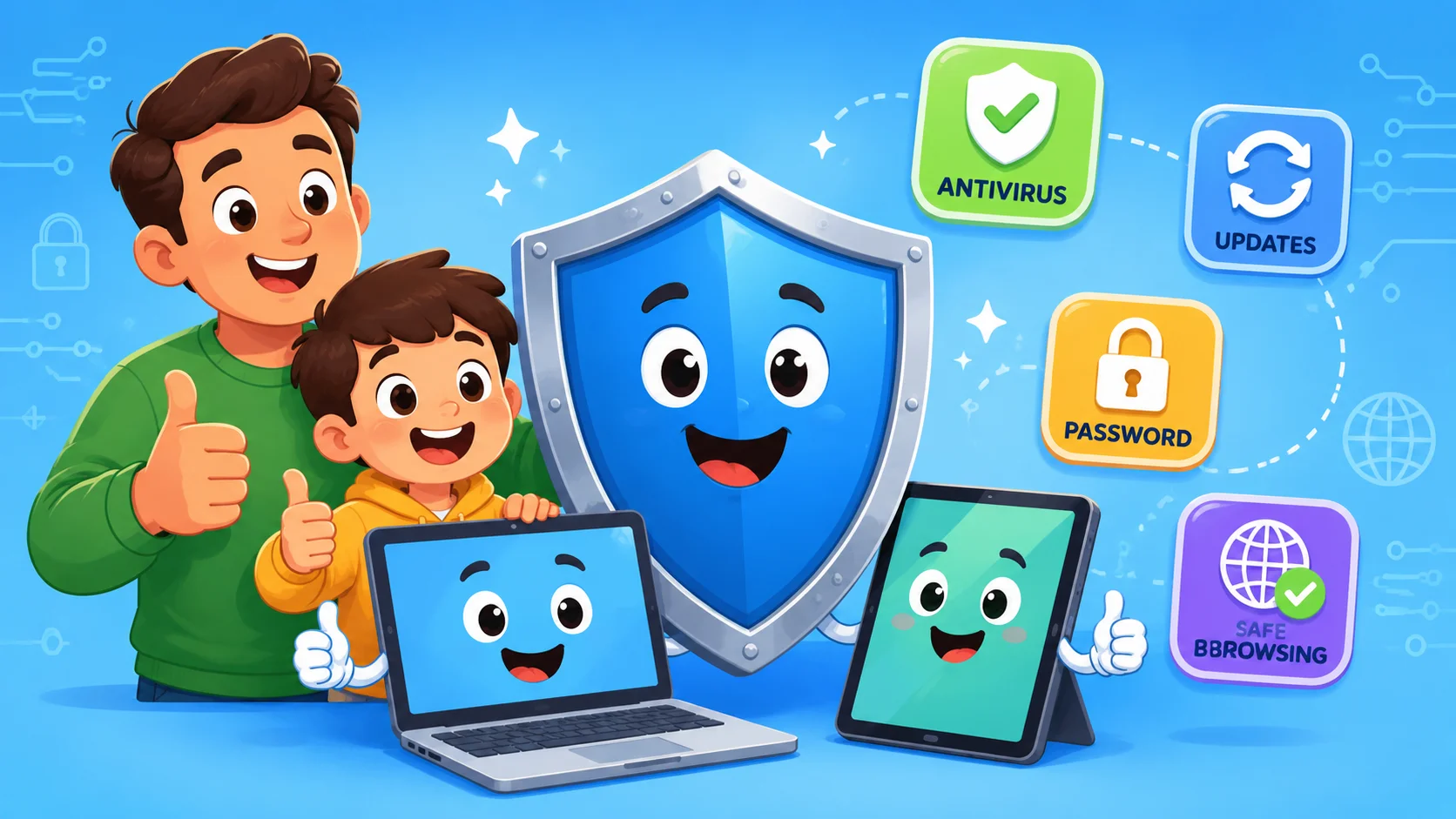
The final layer of online safety is technical protection. Even careful children can be affected by sophisticated scams, malicious links, or compromised accounts. Security software can provide an additional safety net for the whole family.
Security Software for Family Devices
Install reputable antivirus and anti-malware software on every device with internet access. Many security suites include parental controls and web filters that can block known malicious sites before a child opens them, helping protect kids from online threats.
Updates, Backups, Safe Browsers
Software updates often contain patches for security vulnerabilities. Enable automatic updates on all apps and operating systems.
Regularly back up important photos and schoolwork to an external drive or secure cloud service to protect against ransomware, device loss, and accidental deletion.
Cookies, Private Browsing, VPN Basics
- Cookies: Explain that some cookies and trackers collect browsing data to personalize ads, remember settings, or measure website activity.
- Private browsing: It does not make you invisible online, but it prevents the browser from saving your local browsing history.
- VPNs: A virtual private network can mask an IP address, but children should use VPNs only with parent supervision because they may bypass parental controls.
Cyber Safety Checklist by Age
As children aged 5, 8, 12, or older grow, their online activity changes, and so should the online safety tips parents use at each stage. This checklist helps parents and caregivers adjust safety rules as children grow.
Under 5 Online Safety Checklist
- Co-viewing only: Always watch or play alongside the child.
- No open search: Use child-friendly apps with search disabled where possible.
- Time limits: Keep sessions short, such as 20–30 minutes.
- Devices in view: No tablets or phones in bedrooms.
Ages 6 to 8 Online Safety Checklist
- App approvals: Every new download requires a parent’s password.
- No strangers: Disable chat features in games where possible.
- Talk often: Ask about their favorite games, videos, and characters.
- Basics of privacy: Teach them not to share their real name, school, address, or location.
Ages 9 to 12 Online Safety Checklist
- Gaming safety: Discuss gaming chats and how to block mean or suspicious players.
- Passwords: Help them create and manage strong, unique passwords.
- Cyberbullying: Explain what to do if they see someone being picked on.
- Privacy audit: Review privacy settings on games, apps, and social accounts.
Teen Online Safety Checklist
- Digital footprint: Discuss how posts can affect college, job, and relationship opportunities.
- Relationships: Talk about the risks of sharing intimate photos or personal details.
- Critical thinking: Teach them to spot misinformation, scams, and manipulated content.
- Open door: Make sure they know they can come to you without judgment, no matter what happens.
Quick Guide for Parents and Caregivers
Keeping children safe online is an ongoing process of guidance, conversation, and adjustment, and the following advice for parents can help. Use these tools to maintain a proactive approach in your household.
Conversation Starters
- “What is the coolest thing you learned online today?”
- “Has anyone ever said something in a game that made you feel weird?”
- “If someone asked for your password, would you know why that is a bad idea?”
- “Show me your favorite app – how does it work?”
- “What would you do if someone online asked you to keep a secret?”
Family Safety Agreement
Create a simple family online safety agreement that everyone understands and agrees to follow. Include:
- Which apps are allowed.
- Daily screen time limits.
- Rules for sharing photos.
- Rules for chats, friend requests, and group messages.
- A promise to tell a trusted adult about any online risks.
Useful Websites and Resource Library
- NSPCC: Guidance for families on child protection, online abuse, reporting concerns, and safer digital habits.
- UK Safer Internet Centre: Advice, educational resources, and campaigns that help families, schools, and professionals support children online.
- Common Sense Media: For age-based app, game, movie, and media reviews.
- Internet Matters: For practical guides on setting up parental controls.
- NCMEC / CyberTipline: For reporting online predators, exploitation, or child sexual abuse material.
FAQ About Online Safety Advices For Parents And Carers
What Are the Most Important Cyber Safety Tips for Kids?
The most important internet safety tips are to keep personal information private, use strong and unique passwords, avoid meeting online contacts in person without parent involvement, report online bullying, and talk to a trusted adult before downloading anything or when something feels uncomfortable.
How Can Parents Keep Kids Safe Online?
Parents should combine parental controls with open dialogue; this balanced approach is one of the best tips to keep children safe without making them afraid of the internet. It also helps families create safer routines across search, video apps, messaging tools, social platforms, and games. Check privacy settings regularly, use security software, set clear family rules for internet access, and participate in the child’s online activity to stay aware of what they are experiencing.
How Should I Talk to My Child About Staying Safe Online?
The best way to talk to your child about staying safe online is to keep the conversation calm, regular, and practical. Ask what they enjoy doing online, who they interact with, and what they would do if something made them uncomfortable. Avoid making them feel blamed, as children are more likely to ask for help when they know they will be supported.
How Often Should Parents Check Privacy Settings?
It is best practice to review privacy and security settings at least every three months, or whenever an app receives a major update. New features often come with default settings that may be less private than parents prefer.
Which Apps Are Safest for Kids?
Safety depends on the child’s age, maturity level, and the app’s settings, which is why online safety for kids should always be adjusted as children grow. Apps with private messaging, public profiles, or live chat need extra review before children use them independently. Curated platforms like YouTube Kids or Messenger Kids are designed with children’s online safety in mind, but no app is completely risk-free. Always check age ratings and independent reviews to see whether an app’s features align with your child’s maturity level.
What Are Practical Tips to Help Children Understand Online Risks?
Parents can use simple, age-appropriate practical tips to explain the risks for children without making the internet feel scary. Start by talking about what children may see online, who they may meet, and why the dangers of the internet can sometimes look like games, messages, videos, or friendly comments. It is also important to teach children about online safety in both online and offline situations. For example, children should understand that sharing a school name, location, or daily routine online can create real-world risks. These helpful tips to help children pause, think, and ask for help can make everyday internet use safer.

Take a short quiz to find out what your everyday choices say about your parenting style
When your child is curious about something new, what’s your instinct?
Take a short quiz to find out what your everyday choices say about your parenting style
“Can I download this app?” What happens next?
Take a short quiz to find out what your everyday choices say about your parenting style
When it comes to rules at home, which sounds most like you?
Take a short quiz to find out what your everyday choices say about your parenting style
If you could give your child one life skill today, what would you pick?
Take a short quiz to find out what your everyday choices say about your parenting style
Your child gets to choose what to watch. What would your ideal setup look like?
Take a short quiz to find out what your everyday choices say about your parenting style
Pick your parenting superpower ✨



