
Comparing ABCmouse and ABCmouse 2: An Early Learning Guide for Moving from ABCmouse to ABCmouse 2

 Discover a Free Education Video App for Kids
Pastory uses AI to personalize educational video content based on your child’s interests and personality. Safe, engaging, and built for curious young minds. Sign up now to stay updated and enjoy early access with a free trial
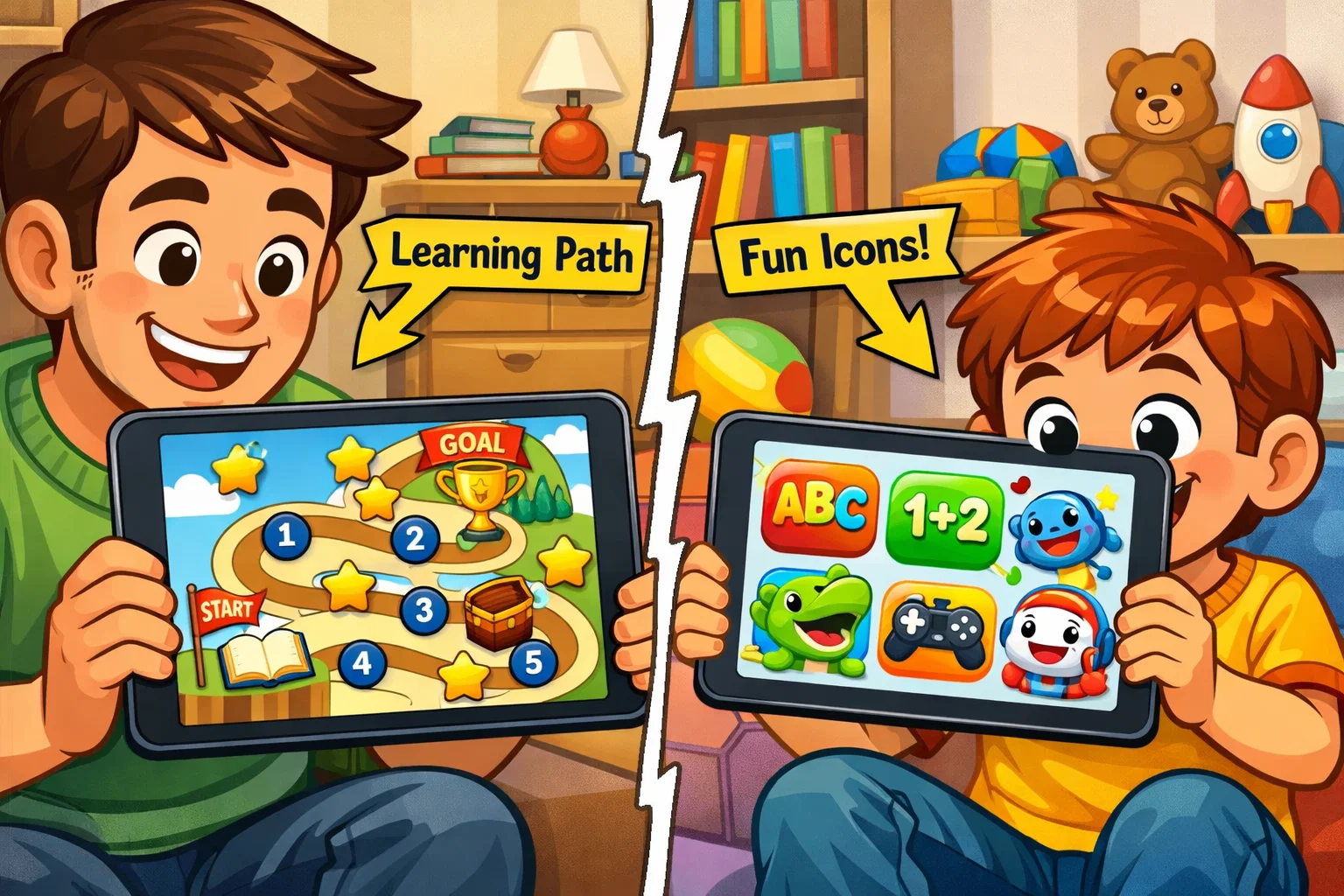
As a parent, choosing the right digital learning tool can feel like navigating a maze. You want a platform that is educational and safe, yet engaging enough that your child actually wants to use it. For years, the original ABCmouse has been a leading platform in early childhood education, but the recent introduction of ABCmouse 2 (often referred to as ABCmouse 2.0) has raised new questions for many families. Is the new version intended to replace the original, or to complement it? Does your current ABCmouse subscription cover both?
This guide provides an objective, side-by-side comparison of ABCmouse and its successor. Both apps are developed by Age of Learning and focus on early learning for children aged 2–8. While they share a common curriculum foundation, they differ significantly in their user interface, technological backbone, and how they structure the learning path. Whether you are an existing ABCmouse user or looking to sign up for ABCmouse for the first time, understanding these nuances will help you choose the best fit for your family’s needs.
ABCmouse Subscription Options
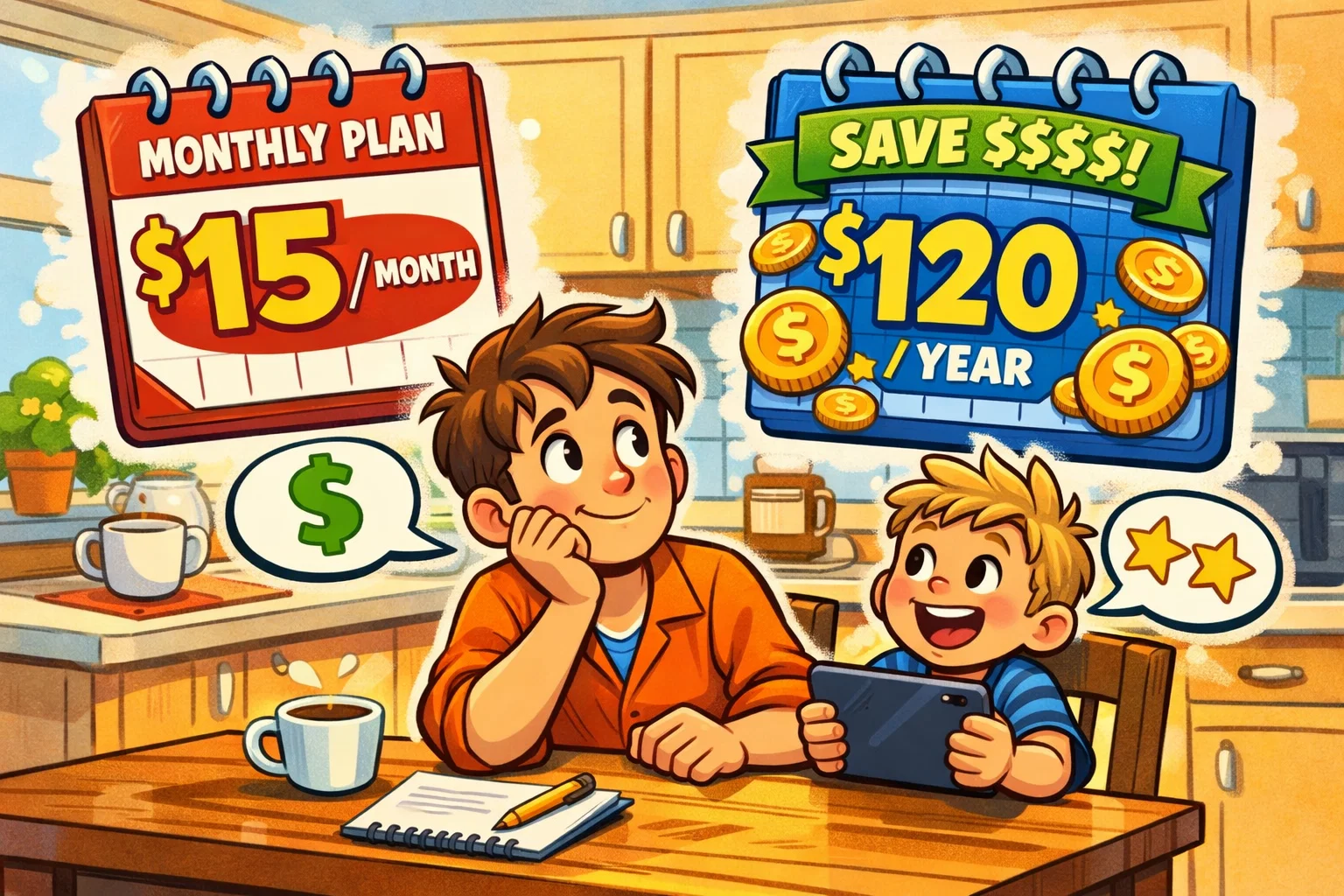
Navigating the financial side of educational apps should be transparent. Both versions operate under a monthly subscription or annual model, and for many families, the two apps are actually linked. From a user perspective, a unified billing system helps parents manage educational expenses without creating multiple accounts for different children.
Pricing Plans Comparison
The digital ecosystem generally offers two tiers of access. ABCmouse offers limited free access that allows families to try the program without entering payment details. Free access includes up to 10 activities per day. For full access to the thousands of games and lessons available, a paid monthly subscription is required.
| Plan Type | Estimated Cost | Features |
| Monthly Plan | ~$14.99/mo | Full access, 3 profiles, cancel anytime. |
| 6-Month Plan | $29.99 (one-time payment) | Full access during the 6-month period; does not auto-renew. |
| Annual Plan | $45 for the first year (promotional rate), then renews at $59.99/year (plus applicable taxes). | Best value; significant savings over monthly. |
| Basic (Free) | $0 | 10 activities per day; limited areas. |
Free trial availability varies by platform and promotion. Apple subscriptions typically offer a 7-day trial, while Google Play may offer a 1-month trial, depending on current promotions. Monthly and annual subscriptions renew automatically unless canceled before the renewal date. Renewal terms depend on the platform where the subscription was purchased. Based on user feedback, setting a calendar reminder for renewal dates can help families avoid unexpected charges.
Access to ABCmouse 2 With Existing Subscription
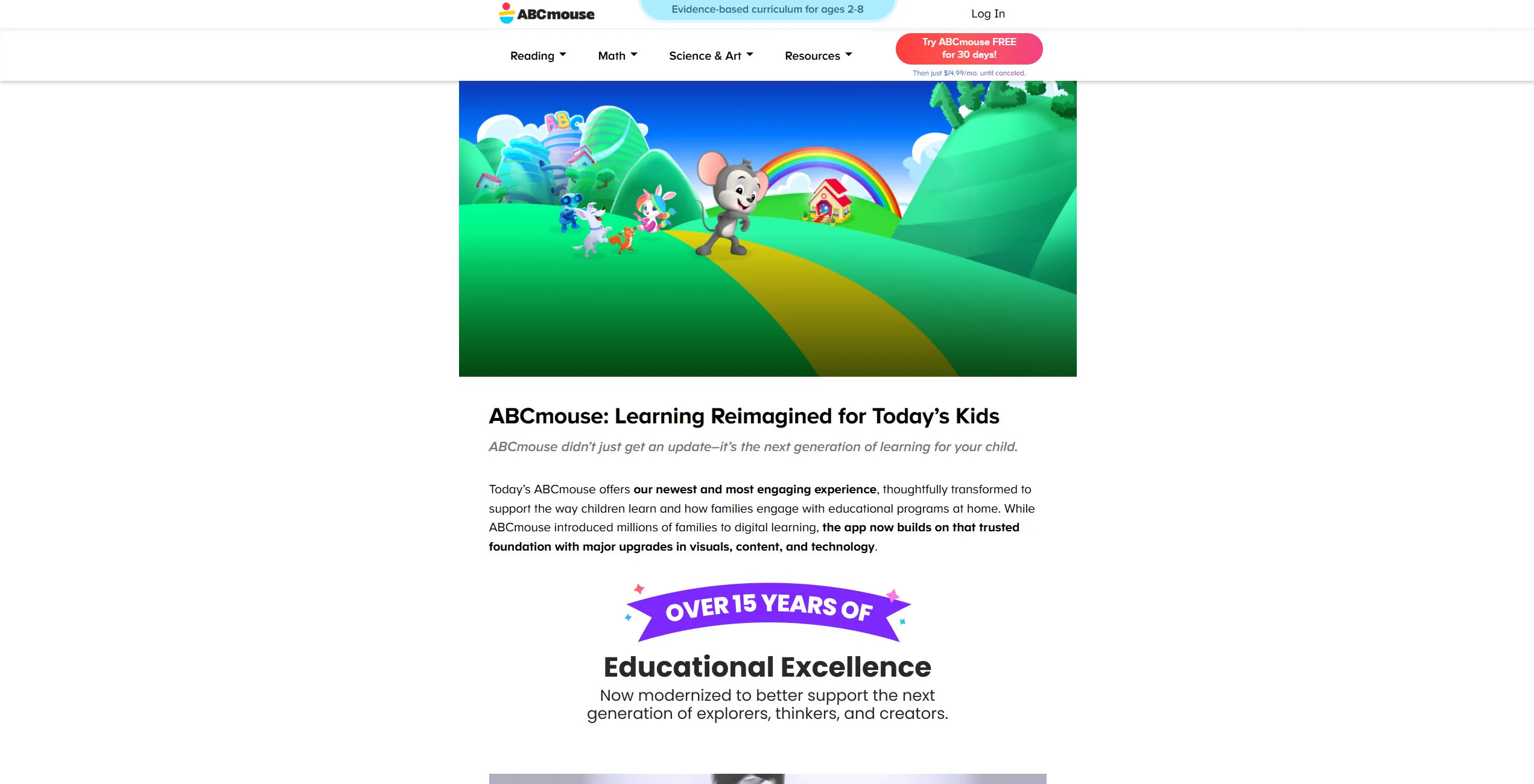
If you are a current ABCmouse or “Classic” user, there is good news regarding your investment. An active ABCmouse subscription provides access to both Classic and ABCmouse 2 at no additional cost, as long as the subscription remains active. As long as your ABCmouse subscription is active, you can use your existing credentials to log in to the ABCmouse 2 app. This “2-for-1” benefit is good for as long as you maintain your original membership, essentially giving you two distinct educational environments for the price of one.
Refund Policy and Billing Management
Account management remains tied to the platform where you originally signed up (Web, iOS, or Android). If you subscribed through the original ABCmouse website or app, you cannot manage billing within the ABCmouse 2 interface. Most refunds are handled according to the terms of the platform provider. Generally, refunds are available within a specific window if the service does not meet your needs, but pro-rated refunds for partial months are rarely granted once a billing cycle has started.
Value for Families With Multiple Children
Both versions allow parents and caregivers to create up to three child profiles under a single ABCmouse subscription. This provides excellent value for households with multiple children in the ages 2 to 8 bracket. Each child’s progress, learning path, and tickets are tracked separately. This separation is crucial for child development, as it allows each sibling to feel a sense of individual achievement without competing for the same progress markers.
Learning Path Structure
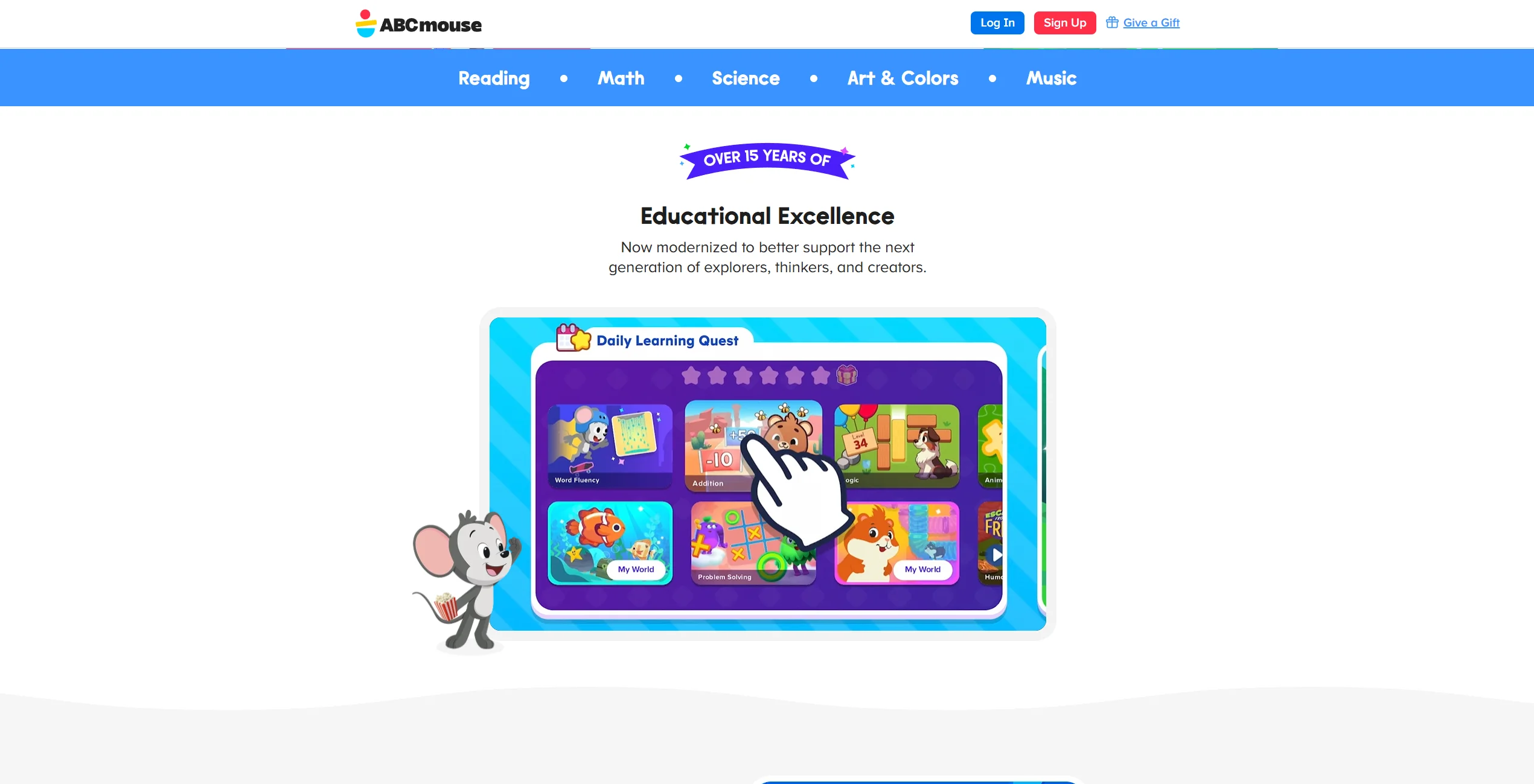
The “Step-by-Step Learning Path” is the heart of the experience, but the new ABCmouse has reimagined how children navigate it based on modern pedagogical research.
Learning Path Progression Model
In the original ABCmouse, there is typically a single learning path offered that blends different subjects. This linear approach is great for generalists. However, ABCmouse 2 separates the learning experience into distinct paths for Reading and Math. This reflects a modern understanding that children often develop skills asynchronously—a child might be a gifted reader but require more time to grasp numerical concepts.
Grade Level Adjustment
Flexibility is a key feature in the new ABCmouse. While the original ABCmouse program allows level adjustments, the separate path system in ABCmouse 2 makes it easier for caregivers to set each subject’s learning journey independently. This is particularly helpful for “twice-exceptional” learners or children who develop skills at different speeds across subjects. You can set the math path to Level 2 while keeping the reading path at Level 4.
Subjects and Skill Categories Covered
Both programs cover a vast scope of early learning subjects designed to prepare children for elementary school:
- Reading: Phonics, sight words, and sentence structure.
- Math: Counting, addition, subtraction, and geometry.
- Science: Life sciences, weather, and simple physics.
- Art & Music: Color theory, drawing, and rhythm.
Adaptive Learning Features
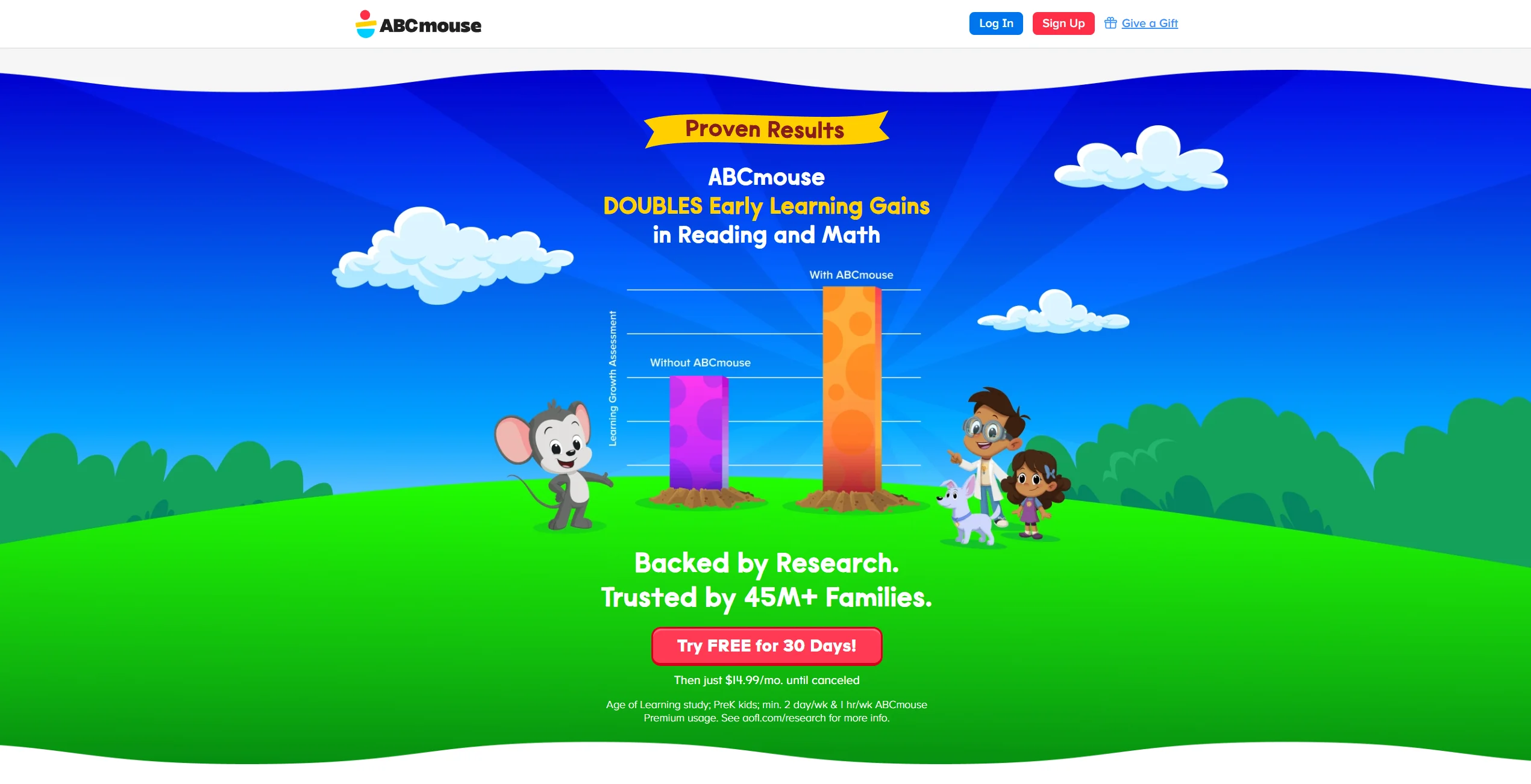
While both systems use a structured sequence, they are not fully “adaptive” in the sense of AI-driven difficulty spikes. Instead, they rely on the learning path at a different level being manually selected by a parent. Some parents prefer this manual control because it ensures their child is not moved ahead before fully mastering a concept.
Learning Through Unstructured Play

Modern education experts emphasize that play is the “work” of the child. Both apps integrate this philosophy beyond the structured lessons.
Free Exploration Activities
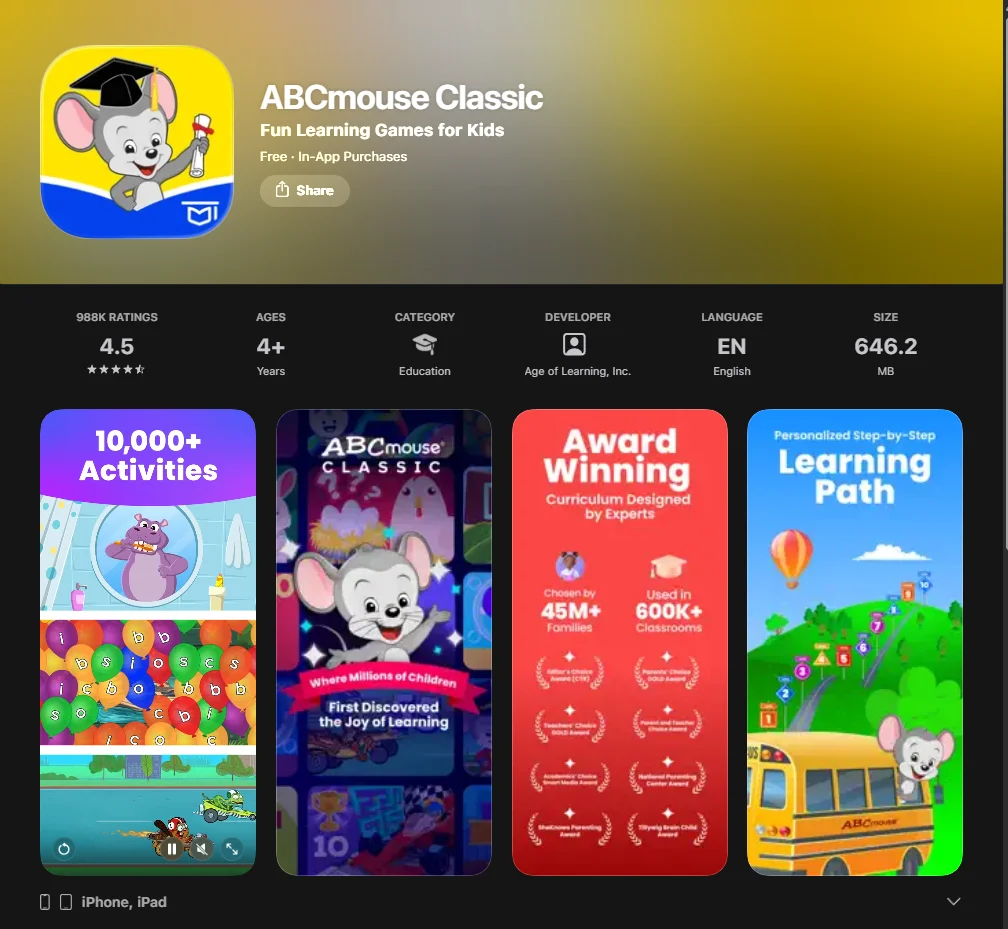
The latest version introduces “My World,” an updated and enhanced version of the exploratory zones found in the original. While the original ABCmouse includes avatar-based areas such as the Room, Aquarium, and Hamster features, the newer platform adds interactive environments such as:
- Bot Beats: Introduction to basic logic and coding.
- Safari Park: Deep dives into life science.
- Pet Town: Narrative-driven play and responsibility.
Gamification and Motivation Systems
The tickets and rewards system remains a cornerstone of the engagement strategy. Children earn tickets for completing activities on ABCmouse, which can be spent in the avatar section of ABCmouse. This sense of ownership encourages children to log in regularly, helping build consistent learning habits through positive reinforcement.
Balance Between Structure and Play
The original abcmouse programme is often seen as more “classroom-like,” whereas the second version feels more like an open-world exploration. Finding the right balance depends on your child’s personality; some children thrive with the clear “next step” of a path, while others learn better when they feel they have the agency to choose their own activities.
App Appearance and Navigation
The visual shift is perhaps the most immediate difference you’ll notice when comparing abcmouse versions.
Interface Design Differences
The ABCmouse 2 home screen was designed with a strong mobile-first approach. The updated app uses modern technology to deliver high-definition animations and a bright, inviting aesthetic. The original software has a denser, more “clickable” interface that “suggests that” it was originally optimized for desktop web browsers.
Navigation Simplicity for Young Children
For young children in mind, the engaging mobile user interface of the newer app often uses swiping and large icons. Usability for young children is generally higher in the new version, as there are fewer small buttons to misclick, which reduces frustration for toddlers who are still developing fine motor skills.
Accessibility Features
Both apps offer “spoken instructions,” which is vital for non-readers. The new abcmouse 2 app has further refined these audio cues to be more intuitive, helping children navigate the engaging world of education without constant parental help. This independence is a key factor in building a child’s confidence in their own learning ability.
Number of Activities

Quantity vs. Quality is a common debate among parents looking to get abcmouse.
Total Activity Volume
Currently, the original program technically has a higher total number of items if you count every single printable and legacy book. However, ABCmouse 2 already offers a comprehensive early learning curriculum featuring over 13,000 activities, with new content added regularly.
Content Update Frequency
New content in abcmouse 2 is being added more frequently than in the classic version. The developers are focusing their new abcmouse 2 efforts on the modern platform, ensuring that the technology remains compatible with the newest tablets and phones.
How Programs Can Be Accessed
Where and how your child learns is as important as what they learn, especially for families on the go.
- Device Compatibility: Both are available on iOS, Android, and Amazon tablets. The original abcmouse remains superior for desktop/web browser use.
- Offline Access: The original abcmouse program offers several “companion apps” for offline use. ABCmouse 2 is primarily an online experience. Offline functionality is limited compared to Classic and may vary by platform.
- Multi-Device Progress Sync: As long as your subscription is active, progress syncs across devices. A child can start a lesson on an iPad and finish it on an Android phone.
Data Migration and Account Setup

If you decide to get abcmouse 2 after using the classic version, the transition is designed to be seamless for the family.
What Transfers Between Platforms
When you log into the new app with an active ABCmouse account, your child profiles and tickets will transfer. However, because the learning path structure is different, your child may need to retake a short placement check to ensure they are on the right learning path at a different level. This ensures the material is neither too easy nor too hard.
Account Management Tools
You must continue managing your account through the original website if that’s where you signed up. The parental dashboard in both apps allows you to monitor time spent and activities on abcmouse, providing data-driven insights into where your child is excelling or struggling.
Feature Comparison Overview
Core Features of ABCmouse
The original ABCmouse is a stable, content-rich environment. It is the best choice for structured learning for families who prefer a “classic” digital classroom feel and require thousands of printable resources for “off-screen” learning time.
Core Features of ABCmouse 2
The new ABCmouse 2 represents an updated and enhanced version. It offers abcmouse 2 premium features like separate math/reading paths and much higher-quality graphics. It is arguably the best choice for exploratory learning and children who are highly motivated by gaming mechanics.
Age Suitability Comparison
Both apps serve ages 2 to 8. However, the engaging world of education in the newer app often appeals more to the upper end of that range (ages 6–8) due to its more “game-like” feel. The original version remains a favorite for preschoolers who enjoy simple, repetitive routines and a predictable interface.
Parental Controls and Safety
Digital safety is non-negotiable for modern parents. Both platforms provide a safe, ad-free learning environment. There are no external links or third-party ads to distract your child. Caregivers can use built-in timers to manage screen time effectively, ensuring a healthy balance between digital and physical play.
Strengths and Limitations
Strengths of the Original
- Massive, proven library of content that has stood the test of time.
- Excellent desktop support for families who don’t want to use tablets.
- Wealth of printable activities that help transition learning to the real world.
Strengths of the New Version
- Modern, high-performance interface with native mobile support.
- One learning path per subject (Reading vs. Math) for better customization.
- Higher engagement for children used to modern, high-definition mobile games.
Potential Limitations
The monthly subscription can be a hurdle for some budgets, and the transition from one to the other might have a slight learning curve for children who are very attached to their “old” virtual room or pet.
Choosing Based on Family Needs
If your child thrives on a strict, linear progression and primarily uses a desktop computer, the Classic version may be the better choice. However, if you prefer a modern mobile interface and content that feels fresh and technology-forward, ABCmouse 2 may be the better fit.
FAQ ABCmouse vs ABCmouse2
Are ABCmouse and ABCmouse 2 suitable for different age groups?
Both platforms are designed for children aged 2 to 8 years old. While the core curriculum remains similar, the newer version features an interface that some older children find more engaging, while the original program’s simplicity continues to be a great fit for toddlers and preschoolers.
Is ABCmouse 2 better for older children?
It might be. The updated graphics and more complex navigation in the new application often resonate better with children in first or second grade. The separate learning paths for math and reading also allow older children to progress faster in subjects they excel at without being held back by a unified path.
Can both apps be used with one subscription?
Yes, a single active membership generally provides access to both the original program and the new version. You can use your same login credentials to access the premium features on either app at no additional cost as long as your subscription remains active.
Does Progress Automatically Transfer Between Apps?
Basic account data such as child profiles and earned tickets will transfer when you log into the new version. However, because the curriculum structure has been reimagined, your child’s specific spot on the learning path may need to be adjusted manually to match their current progress.
Which App Offers Better Long-Term Value?
Value depends on your child’s learning style. The original system offers a massive library of legacy content and printables that are excellent for homeschooling. The new application offers a more modern experience with frequent updates and improved performance, making it a strong choice for families looking for the latest in educational technology.

Take a short quiz to find out what your everyday choices say about your parenting style
When your child is curious about something new, what’s your instinct?
Take a short quiz to find out what your everyday choices say about your parenting style
“Can I download this app?” What happens next?
Take a short quiz to find out what your everyday choices say about your parenting style
When it comes to rules at home, which sounds most like you?
Take a short quiz to find out what your everyday choices say about your parenting style
If you could give your child one life skill today, what would you pick?
Take a short quiz to find out what your everyday choices say about your parenting style
Your child gets to choose what to watch. What would your ideal setup look like?
Take a short quiz to find out what your everyday choices say about your parenting style
Pick your parenting superpower ✨



