
Best Writing Apps for Preschool Kids: Complete Guide for Parents

 Discover a Free Education Video App for Kids
Pastory uses AI to personalize educational video content based on your child’s interests and personality. Safe, engaging, and built for curious young minds. Sign up now to stay updated and enjoy early access with a free trial
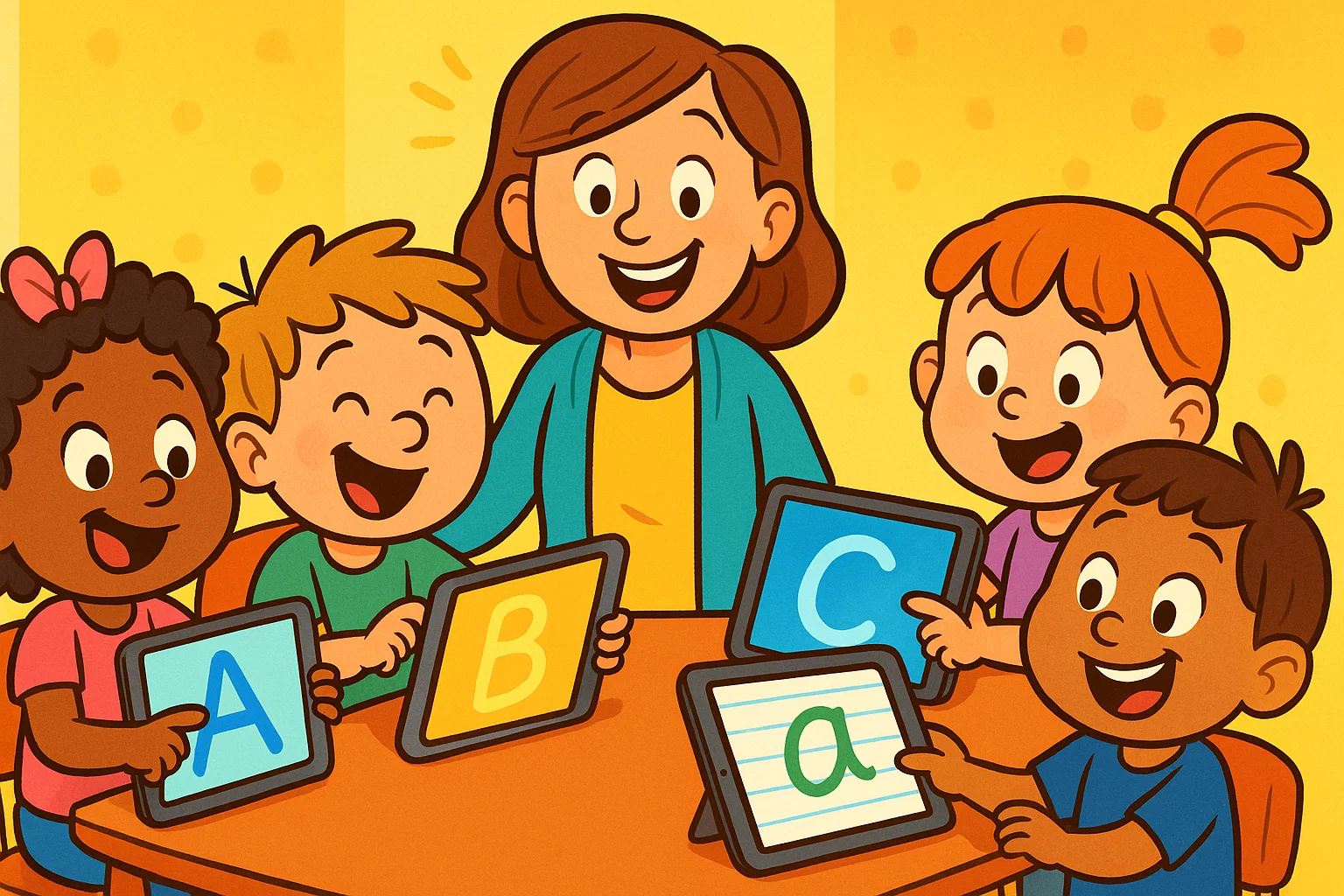
Helping young children develop writing skills is one of the most meaningful investments a parent or teacher can make in early education. As tablets and smartphones become everyday fixtures in family life, writing apps for kids have evolved into powerful learning tools that blend literacy development with genuine engagement.
The best writing apps don’t just keep children occupied — they build phonics awareness, letter formation habits, and reading and writing foundations that carry children through their entire school journey.
Top 8 Writing Apps for Toddlers & Preschoolers
This guide covers the top 8 writing apps for toddlers and preschoolers, what features to look for, how to make the most of screen time, and how to choose the right software to support your child’s specific skill level. Whether you’re a parent looking for iPad-friendly tools or a teacher searching for classroom resources, this guide gives you everything you need to make a confident, informed choice.
Khan Academy Kids
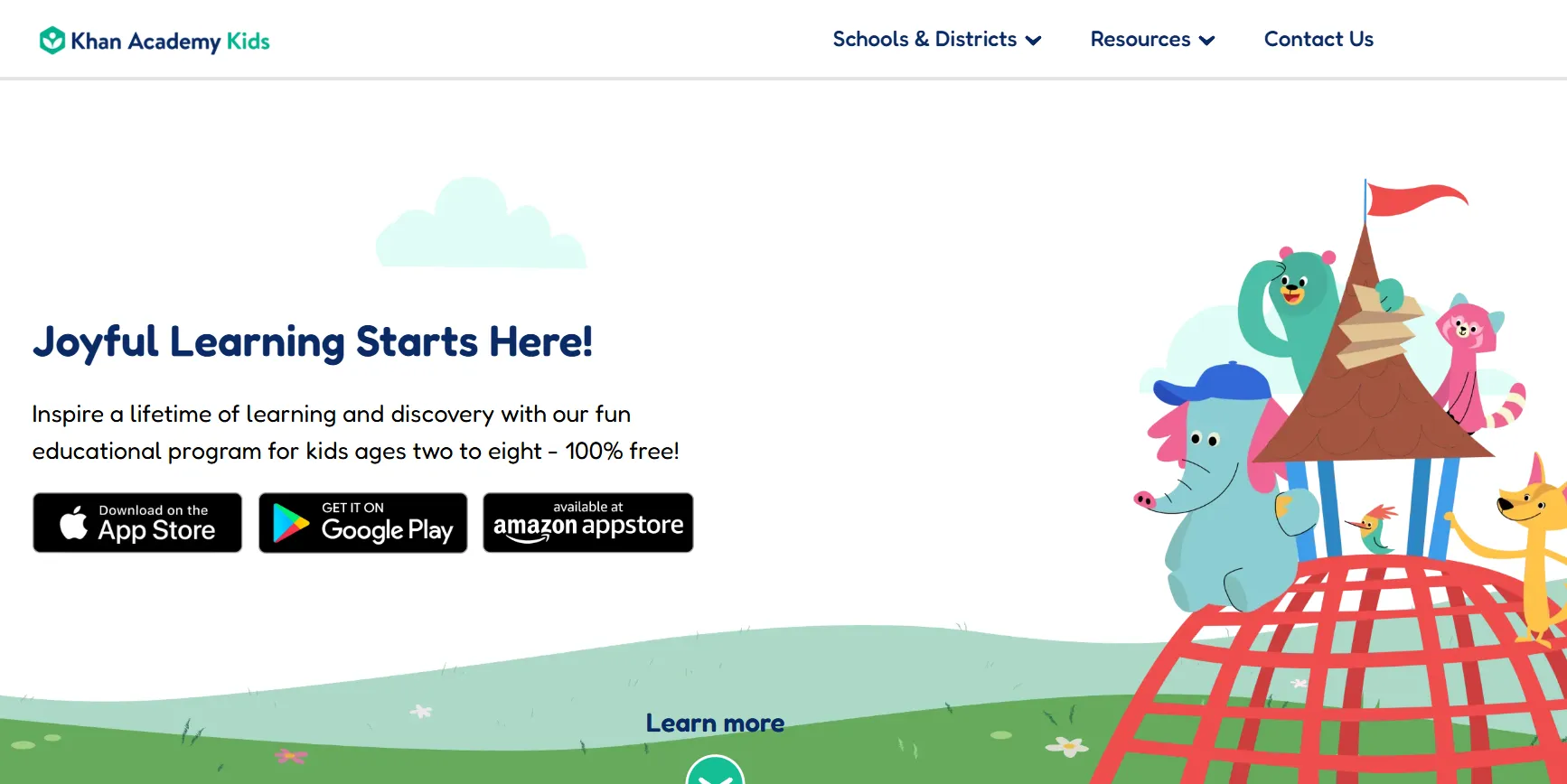
- Age Group: 2–8
- Main Focus: Foundational literacy and letter tracing
- Price: Free
Khan Academy Kids is an award-winning educational app that uses friendly animal characters to guide children through letter tracing, phonics, and early reading. Its curriculum is built around research-backed developmental milestones, making it one of the most trustworthy free tools available for families. Common Sense Media rates it highly for educational quality, noting that its structured approach genuinely builds essential literacy skills without ads or built-in purchases.
The app helps kids develop both letter recognition and phonemic awareness through interactive games, songs, and short stories. Parents appreciate that Khan Academy Kids tracks progress automatically, giving adults visibility into which letters and sounds their child has mastered.
LetterSchool
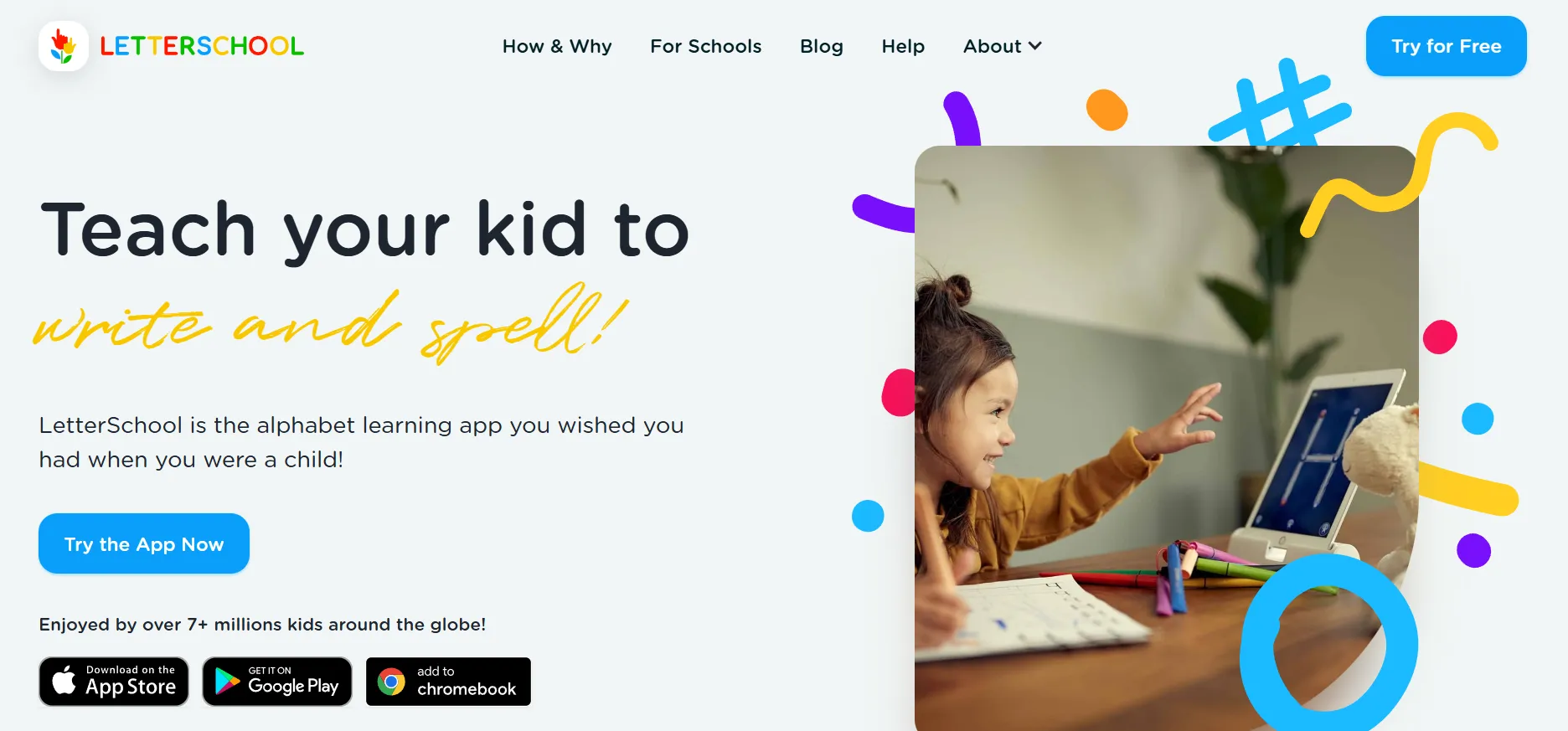
- Age Group: 3–7
- Main Focus: Animated letter and number tracing
- Price: Free version; full access from $4.99/month or $44.99/year
LetterSchool uses a three-step learning method to teach children how to trace and form letters correctly. In each step, the child watches an animation, follows a guided trace, and then attempts the letter independently — a structure that mirrors how occupational therapists approach letter formation practice. It is available on the App Store for iPhone and iPad and has received strong ratings from educators and parents globally.
What makes LetterSchool stand out among writing apps is how letters come to life — a letter “B” might transform into a bouncing ball, helping children connect abstract symbols with meaningful images. This approach supports morphological awareness and makes alphabet learning feel like a game rather than a chore.
Writing Wizard
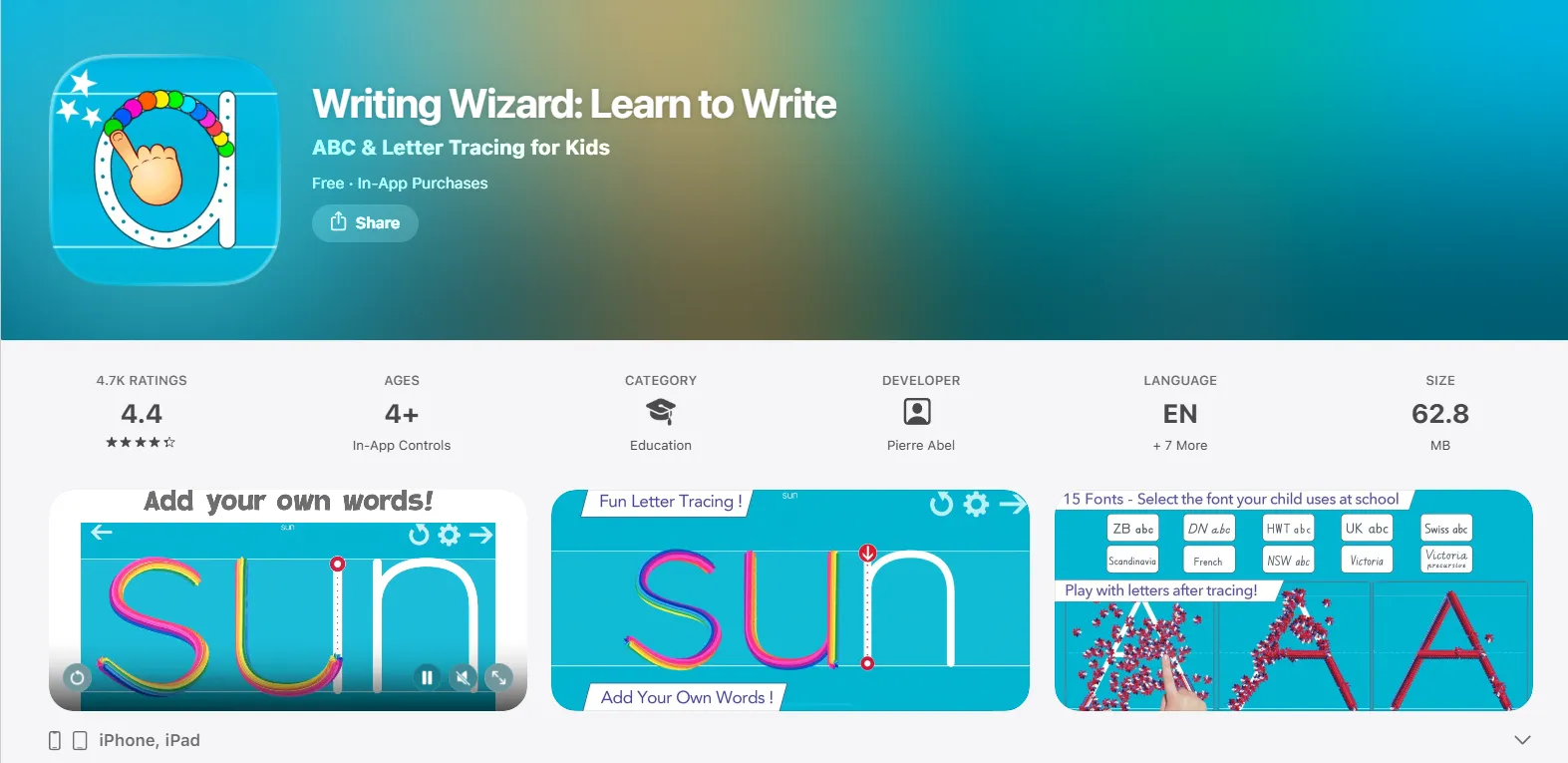
- Age Group: 4+
- Main Focus: Customizable handwriting practice
- Price: $4.99 one-time purchase
Writing Wizard is a highly-rated handwriting app that lets parents and teachers customize the word lists children practice. This means a child can trace their own name, sight words from school, or any vocabulary their teacher assigns — making it a genuinely useful tutor extension for classroom learning.
As children trace letters, animated sparks and sounds provide positive reinforcement that keeps young learners engaged. Research on early literacy suggests that multisensory feedback — combining visual, auditory, and tactile cues — strengthens letter formation memory, and Writing Wizard delivers all three simultaneously.
Dexteria Jr.
- Age Group: 2–6
- Main Focus: Basic letter tracing and phonics
- Price: Free
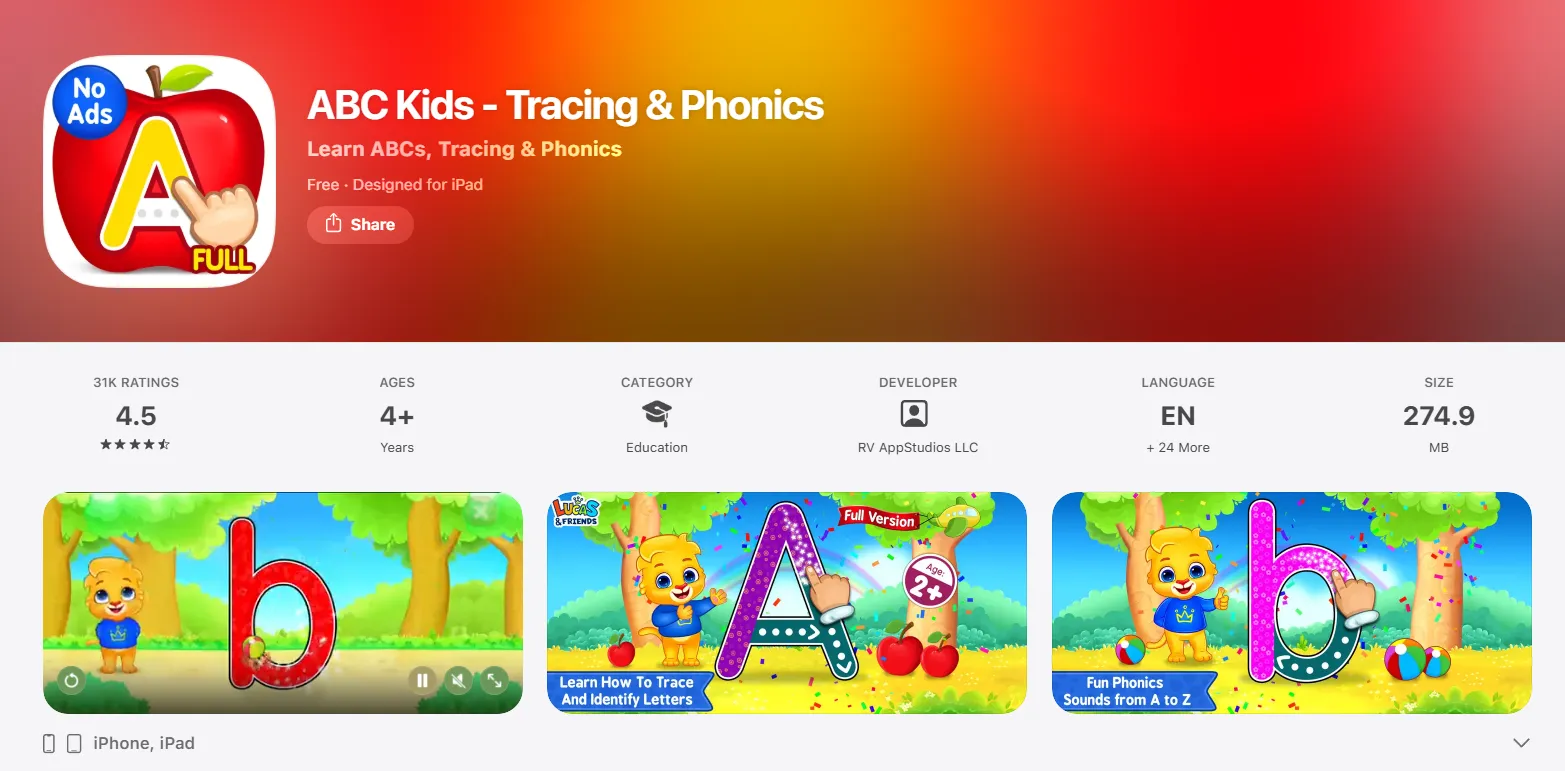
ABC Kids is a straightforward, colorful tracing app covering uppercase and lowercase letters alongside phonics sounds. It rewards children with stickers and toys for completing tasks, which encourages consistent practice. It is completely free and ad-free, making it one of the most accessible writing apps for families on any budget.
The app’s simplicity is its strength for very young learners. Toddlers between ages 2 and 4 benefit from its clean interface, which avoids the overstimulation that can distract children from the actual learning task. It’s an excellent starting point before moving on to more complex options like LetterSchool or Writing Wizard.
Duolingo ABC
- Age Group: 3–6
- Main Focus: Early literacy and letter formation
- Price: Free
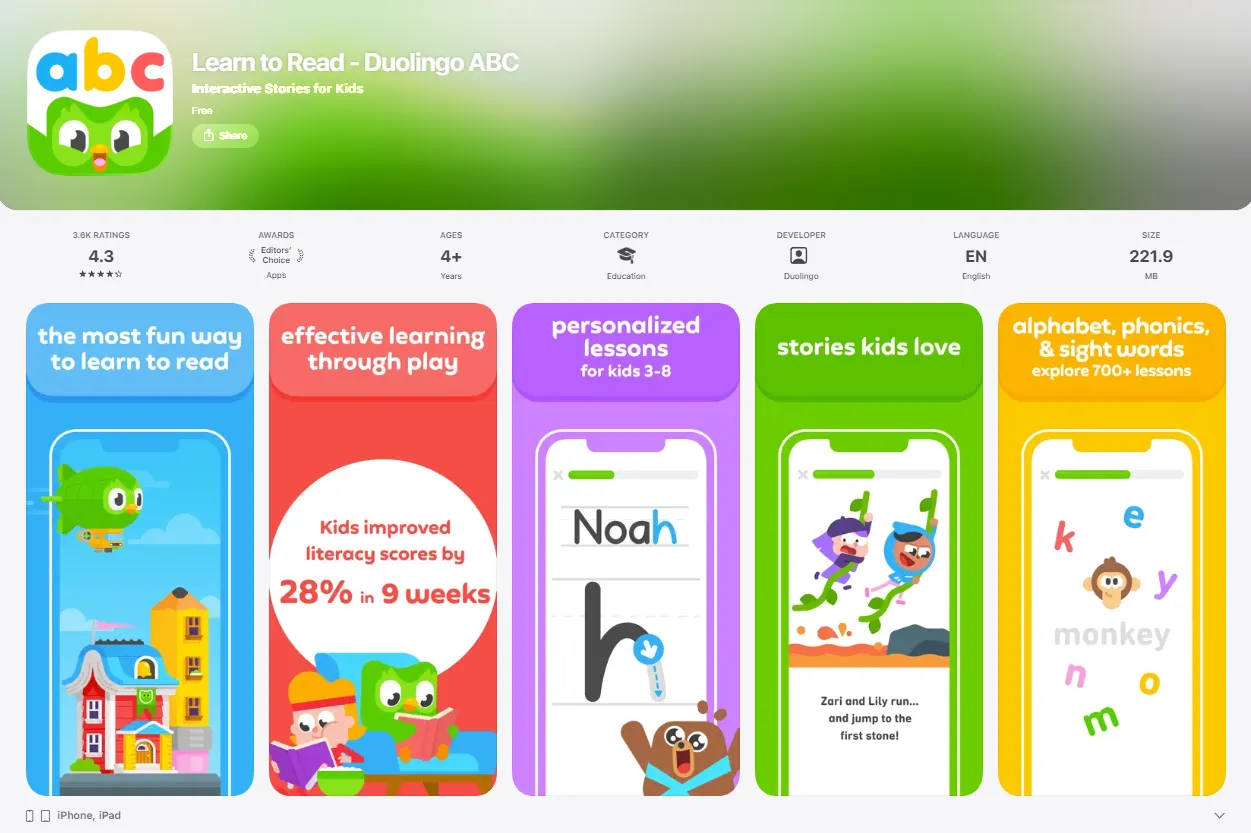
Duolingo ABC applies the bite-sized, game-style learning format that made the original Duolingo language app famous, adapting it for early childhood reading and writing. Lessons are short, rewarding, and designed to build handwriting feel like an adventure rather than a task. The app includes over 300 lessons covering letter formation, phonics, and simple story reading.
Duolingo ABC is built on the same evidence-based learning principles as the parent app, including spaced repetition and mastery-based progression. Independent reviews consistently rate it as one of the best reading apps for beginners, and it remains completely free with no ads.
Elmo Loves ABCs
- Age Group: 2–5
- Main Focus: Letter exploration and coloring
- Price: ~$4.99
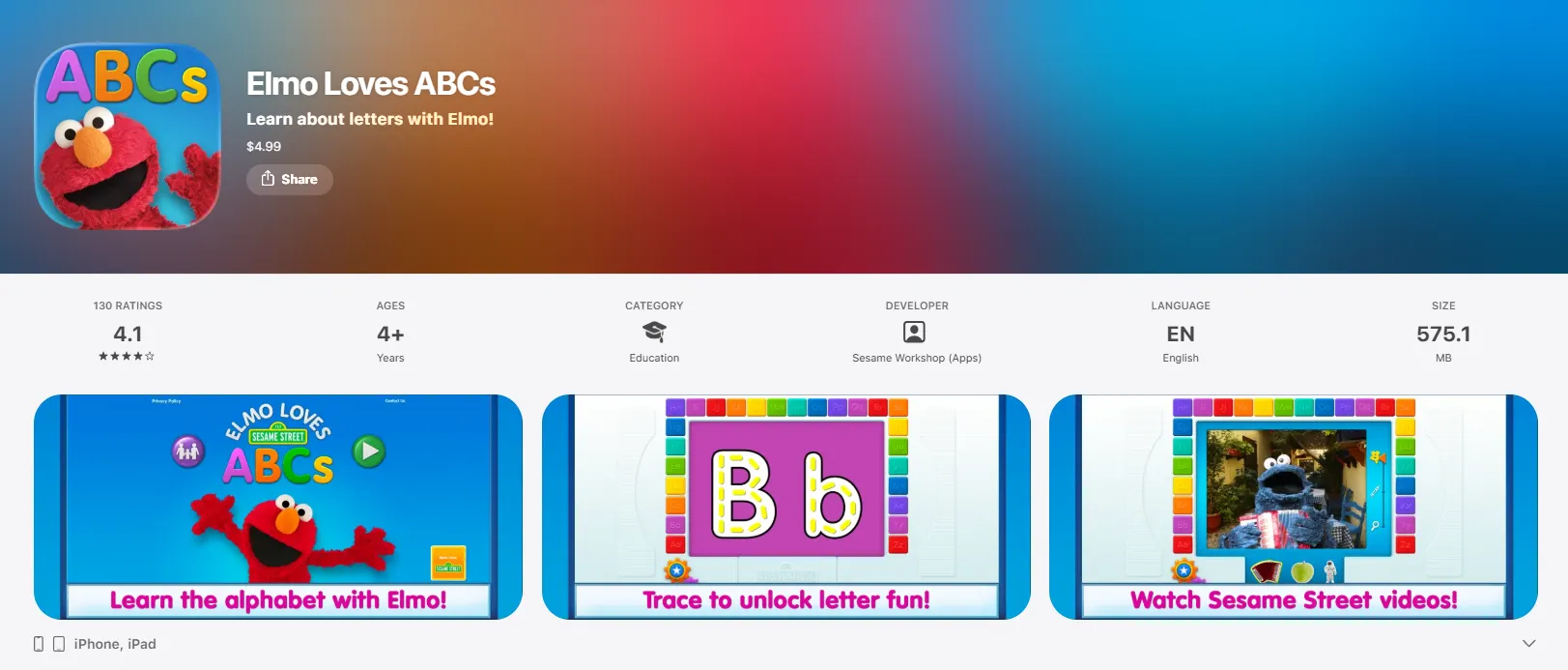
Elmo Loves ABCs uses the familiarity of Sesame Street characters to make letter learning feel warm and reassuring for very young children. It includes over 80 classic Sesame Street clips and games, with letter tracing unlocking related videos and coloring pages. For toddlers who already love Elmo and his friends, this emotional connection can significantly increase engagement.
While it offers less depth than some other options, Elmo Loves ABCs excels as an introductory tool for children aged 2 to 3 who need gentle, low-pressure exposure to the alphabet before moving on to more structured tracing and phonics work.
PocketPhonics
- Age Group: 3–6
- Main Focus: Letter sounds and tracing
- Price: ~$6.99
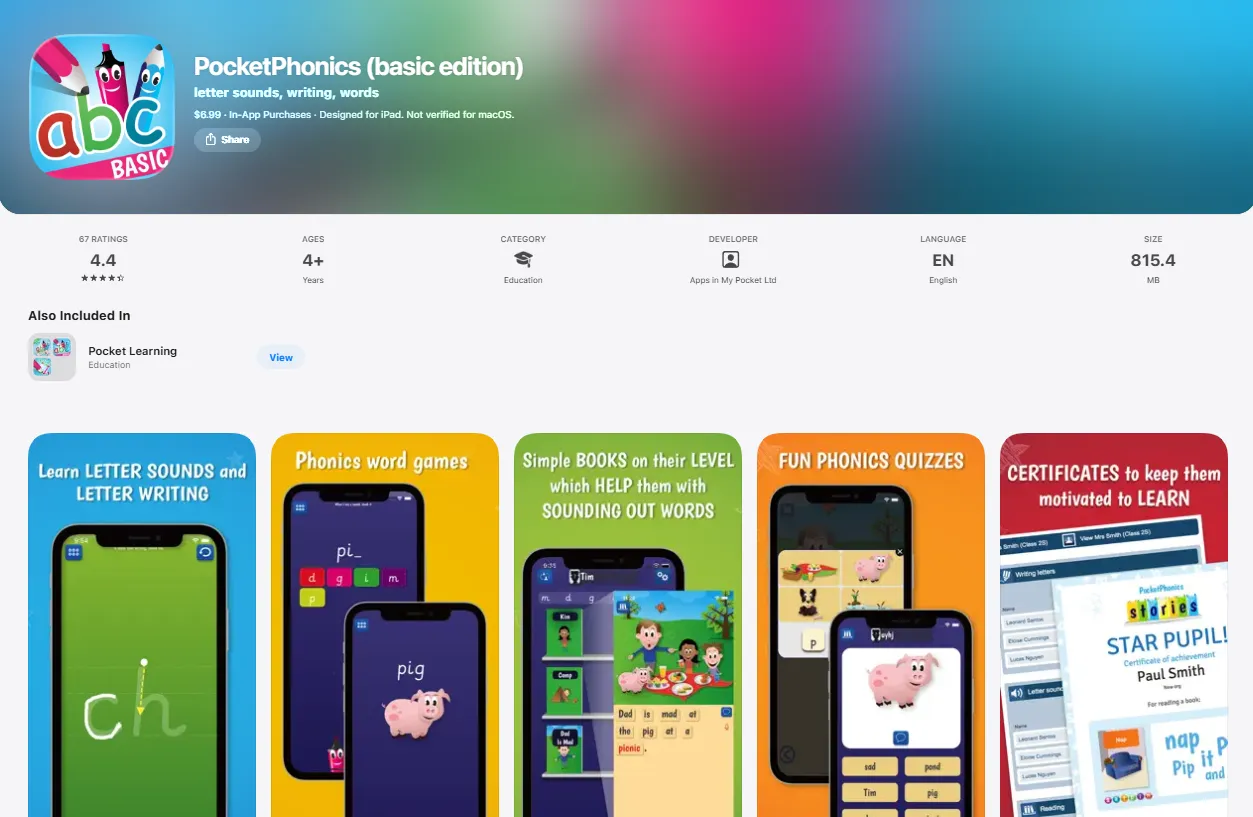
PocketPhonics combines letter tracing with direct instruction in phonemes — the individual sounds that letters represent. This dual focus means children don’t just learn to write letters; they understand how written symbols connect to spoken language. Research from the Department of Education consistently shows that phoneme instruction is among the most effective early literacy interventions available.
The app is particularly well-suited for children who are starting to read alongside learning to write, as it reinforces the letter-sound relationship from both directions simultaneously. PocketPhonics has strong ratings on the App Store and is frequently recommended as a great resource for children showing signs of phonological difficulty.
Tips for Choosing the Right Writing App for Kids
Matching App to Child’s Skill Level
Before downloading an app, take a few minutes to assess where your child currently stands. Can they recognize any letters? Do they understand that written symbols correspond to sounds? Can they hold a stylus or finger steadily enough to trace? If a child is still developing basic fine motor skills, start with Dexteria Jr. or ABC Kids. If they already recognize letters and are beginning to read, apps like Duolingo ABC offer more appropriate challenge.
Setting Goals for Writing Improvement
Clear learning goals make it easier to measure whether an app is actually working. Rather than a vague aim like “get better at writing,” try specific targets such as “recognize all 26 uppercase letters,” “correctly trace 10 letters without assistance,” or “match 5 letter sounds to pictures.” Concrete goals help parents and teachers know when to progress to a more challenging option and prevent a child from staying on content they’ve already mastered.
Testing Apps Before Commitment
Most writing apps offer free versions or trial periods, and it’s always worth testing before purchasing. Download two or three free options and observe how your child interacts with each one. Does the interface make sense to them? Do they stay focused, or do they get distracted by peripheral features? Child engagement in the first few minutes is often a reliable indicator of whether an app will hold their attention over time. Common Sense Media reviews are also a reliable starting point for narrowing down options.
Reading Reviews and Expert Recommendations
Look beyond star ratings and check reviews from educators, child psychologists, and parents with children at similar developmental stages. Common Sense Media, in particular, evaluates educational apps against clear learning and safety criteria. Teacher forums and parenting communities often surface useful real-world feedback that regular reviews miss — including details about how well an app supports children with dyslexia or other learning differences.
How to Encourage Kids to Use Writing Apps Effectively
Creating a Writing Routine
Consistency is the most important factor in building any early literacy skill. A 10–15 minute daily session with a writing app is far more effective than an occasional 45-minute marathon. Tie app practice to an existing routine — after breakfast, before a favourite show, or as part of a bedtime wind-down — to reduce resistance and help children associate writing practice with a familiar, comfortable part of their day.
Making Writing Fun and Rewarding
Beyond the in-app rewards, parents can add their own layer of celebration. Keep a simple sticker chart on the fridge and let a child add a sticker after each session. Allow them to choose which letters to practice, or ask them to “teach” you what they learned — a technique known as the protégé effect, which research shows deepens a child’s own understanding. Creative freedom, like writing their name or a favourite word, also increases intrinsic motivation significantly.
Participating in Your Child’s Writing Journey
Parental involvement transforms a passive screen experience into an active learning conversation. Sit beside your child during app sessions when possible, ask questions about the letters they’re tracing, and celebrate small wins out loud. When a child feels that their parent is genuinely interested in their progress, their engagement and persistence increase noticeably. This is one of the clearest findings in early childhood literacy research — and it costs nothing.
Smart Next Steps for Parents and Teachers
Writing apps work best as one part of a broader, intentional approach to early literacy — not as a standalone solution. The strongest outcomes come when digital tools are paired with read-aloud sessions, physical writing practice, and regular conversation about letters, sounds, and words.
Here are some immediate steps to take:
- Download one free app this week — Khan Academy Kids or ABC Kids are both excellent starting points with zero financial commitment
- Spend 10 minutes observing your child interact with the app before deciding whether it’s the right fit
- Set a simple 15-minute daily practice goal and tie it to an existing routine
- Combine digital sessions with one physical writing activity, such as tracing letters in a notebook or forming letters with playdough
The goal is to build a habit of engagement with letters and language — and the right writing app can make that habit genuinely enjoyable for children and parents alike.
Frequently Asked Questions
What Age Should Kids Start Using Writing Apps?
Most writing apps are designed for children aged 2 and up, and that’s a reasonable starting point for very simple letter exposure and fine motor games. Structured letter tracing tends to be most effective from around age 3 or 4, when children have sufficient fine motor control to follow guided paths. That said, individual readiness varies considerably — a confident 2.5-year-old may take to letter tracing easily, while some 4-year-olds still benefit most from fine motor preparation games like Dexteria Jr.
Are Writing Apps Safe for Children?
Safety depends largely on the specific app and how it’s used. The safest options are ad-free, have no in-app purchases, and do not collect personal data from children. Apps like Khan Academy Kids, ABC Kids, and Duolingo ABC meet all three criteria. Always check the privacy policy before downloading, and verify it complies with COPPA (Children’s Online Privacy Protection Act) if you’re based in the US, or the equivalent regulation in your region.
Can Writing Apps Replace Traditional Learning?
Writing apps are designed to support traditional learning, not replace it. Handwriting on physical paper develops muscle memory, spatial reasoning, and tactile feedback that touchscreen tracing cannot fully replicate. The most effective approach treats apps as a supplement — particularly useful for phonics reinforcement, letter recognition, and engagement — while maintaining regular pencil-and-paper practice alongside them.
Which Writing App Is Best for Beginners?
For absolute beginners — children aged 2 to 4 with little or no prior exposure to letters — Khan Academy Kids and ABC Kids are the strongest starting points. Both are free, ad-free, and designed with very young learners in mind. For children who are slightly older or have some letter familiarity and are ready for more structured tracing, LetterSchool’s three-step method provides a clear, scaffolded introduction to letter formation that works well for most early learners.

Take a short quiz to find out what your everyday choices say about your parenting style
When your child is curious about something new, what’s your instinct?
Take a short quiz to find out what your everyday choices say about your parenting style
“Can I download this app?” What happens next?
Take a short quiz to find out what your everyday choices say about your parenting style
When it comes to rules at home, which sounds most like you?
Take a short quiz to find out what your everyday choices say about your parenting style
If you could give your child one life skill today, what would you pick?
Take a short quiz to find out what your everyday choices say about your parenting style
Your child gets to choose what to watch. What would your ideal setup look like?
Take a short quiz to find out what your everyday choices say about your parenting style
Pick your parenting superpower ✨



