
10 Best Free Educational Apps for Toddlers and Preschoolers

 Discover a Free Education Video App for Kids
Pastory uses AI to personalize educational video content based on your child’s interests and personality. Safe, engaging, and built for curious young minds. Sign up now to stay updated and enjoy early access with a free trial
The best free educational apps for preschoolers offer safe design, age-appropriate content, and real learning value — but finding ones that actually deliver takes effort. Many apps are cluttered with ads or in-app purchases that undercut their usefulness.
This article covers 10 carefully selected free apps for toddlers and preschoolers, what features to look for, an honest look at the pros and cons of free apps, and practical tips for keeping screen time purposeful and balanced.
Key Takeaways
- This article reviews 10 free educational apps designed specifically for toddlers and preschoolers.
- Top picks include Khan Academy Kids, PBS KIDS Games, Sesame Street, and Duolingo ABC.
- Key features to prioritize include an ad-free environment, age-appropriate design, and offline accessibility.
- Free apps can carry hidden costs or ads, so knowing what to look for helps parents choose wisely.
- Practical tips are included to help parents use screen time in a way that supports early childhood development.
Best Free Educational Apps for Toddlers and Preschoolers
Not every educational app deserves a place on your child’s device. The apps featured in this guide were evaluated based on a consistent set of criteria to ensure they meet high standards for early childhood learning.
Strong candidates were selected based on the following factors:
- Educational value: Does the app target real developmental skills — literacy, math, problem-solving, or emotional regulation?
- Safety and privacy: Is it free from aggressive ads, external links, or inappropriate content?
- Age-appropriate design: Are the visuals, audio cues, and interaction style suited to young children ages 2–6?
- Usability: Can a toddler or preschooler navigate it with minimal adult help?
- Offline access: Can it be used without a constant internet connection?
Apps that met all or most of these criteria were included. Those with unclear privacy policies or heavy reliance on in-app purchases were excluded.
Note: Completely Free vs. Freemium Apps
It’s important to distinguish between apps that are entirely free and those that are free to download but require payment for full access. Truly free apps — like Khan Academy Kids and PBS KIDS Games — offer complete content at no cost with no in-app purchases. Freemium apps, such as Starfall ABCs or LEGO DUPLO World, offer a meaningful free version but lock some features behind a paywall. Both types are included here, with notes on what each free version actually provides.
Here is a snapshot of the top free educational apps available:
| App | Age Range | Focus Areas | Price |
| Khan Academy Kids | 2–8 years | Reading, math, social-emotional | Free |
| PBS KIDS Games | 2–8 years | Science, math, creativity | Free |
| Sesame Street | 2–5 years | Literacy, math, emotional development | Free |
| Duolingo ABC | 3–6 years | Phonics, sight words, handwriting | Free |
| Starfall ABCs | 2–5 years | Alphabet, early literacy | Free (limited) |
| Breathe, Think, Do | 2–5 years | Emotional regulation | Free |
| LEGO DUPLO World | 2+ years | Spatial awareness, fine motor skills | Free (limited) |
| Busyboard Games for Kids | 1–4 years | Fine motor skills, sensory development, early logic | Free (limited) |
| The Planet of Good Deeds | 3–7 years | Social-emotional learning, habit building, and responsibility | Free (limited) |
| Puzzle Shapes: Toddlers & Kids | 2–5 years | Shape and color recognition, logic, and spatial awareness | Free (limited) |
Khan Academy Kids
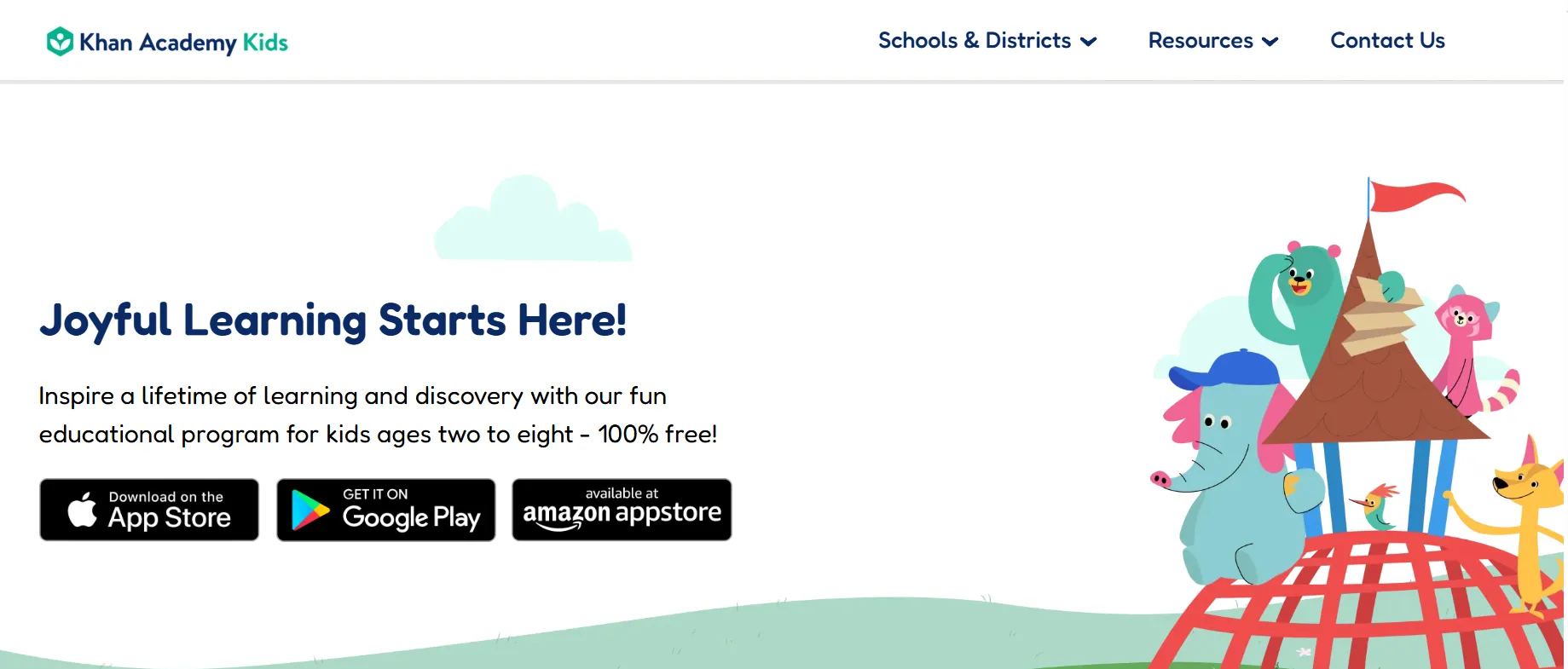
- Age Range: 2–8 years
- Focus Areas: Reading, writing, math, social-emotional development
- Price: 100% free — no ads, no in-app purchases
Khan Academy Kids uses an adaptive learning path to tailor activities to each child’s current level, covering a broad range of early academic and social skills. The app is developed by a nonprofit organization and is one of the most comprehensive free educational apps available.
Key features include:
- Adaptive curriculum that adjusts to your child’s progress
- Full library of interactive lessons, books, and songs
- Guided learning with animated animal characters
- Downloadable content for offline use
- No ads and no in-app purchases
PBS KIDS Games
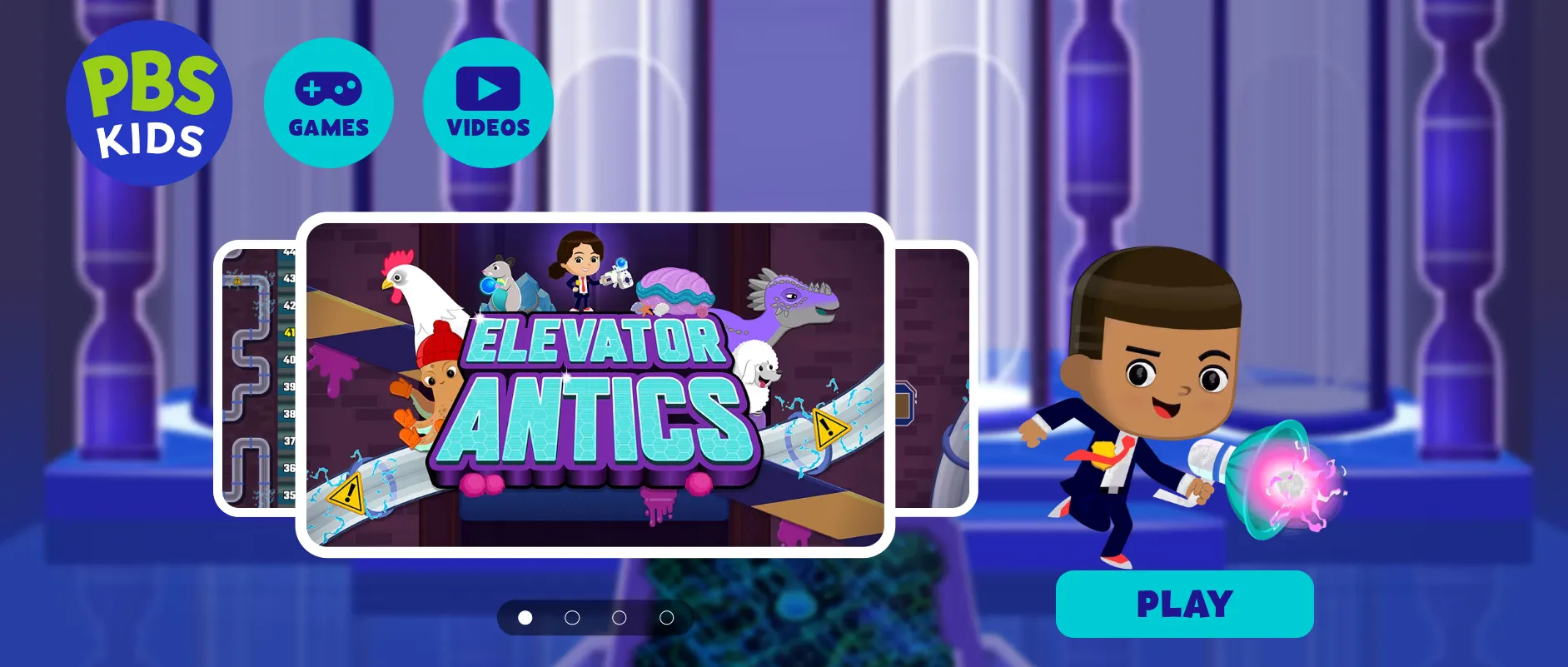
- Age Range: 2–8 years
- Focus Areas: Science, math, reading, creativity, social skills
- Price: Free
PBS KIDS Games features over 250 curriculum-based mini-games built around familiar characters like Daniel Tiger and Wild Kratts. The app is updated regularly with new content designed to support school readiness across multiple subject areas.
Key features include:
- 250+ curriculum-aligned mini-games
- Weekly content updates with new activities
- Characters and storylines from popular PBS KIDS shows
- Focus on imagination, school readiness, and core academics
- No ads within the app
Sesame Street
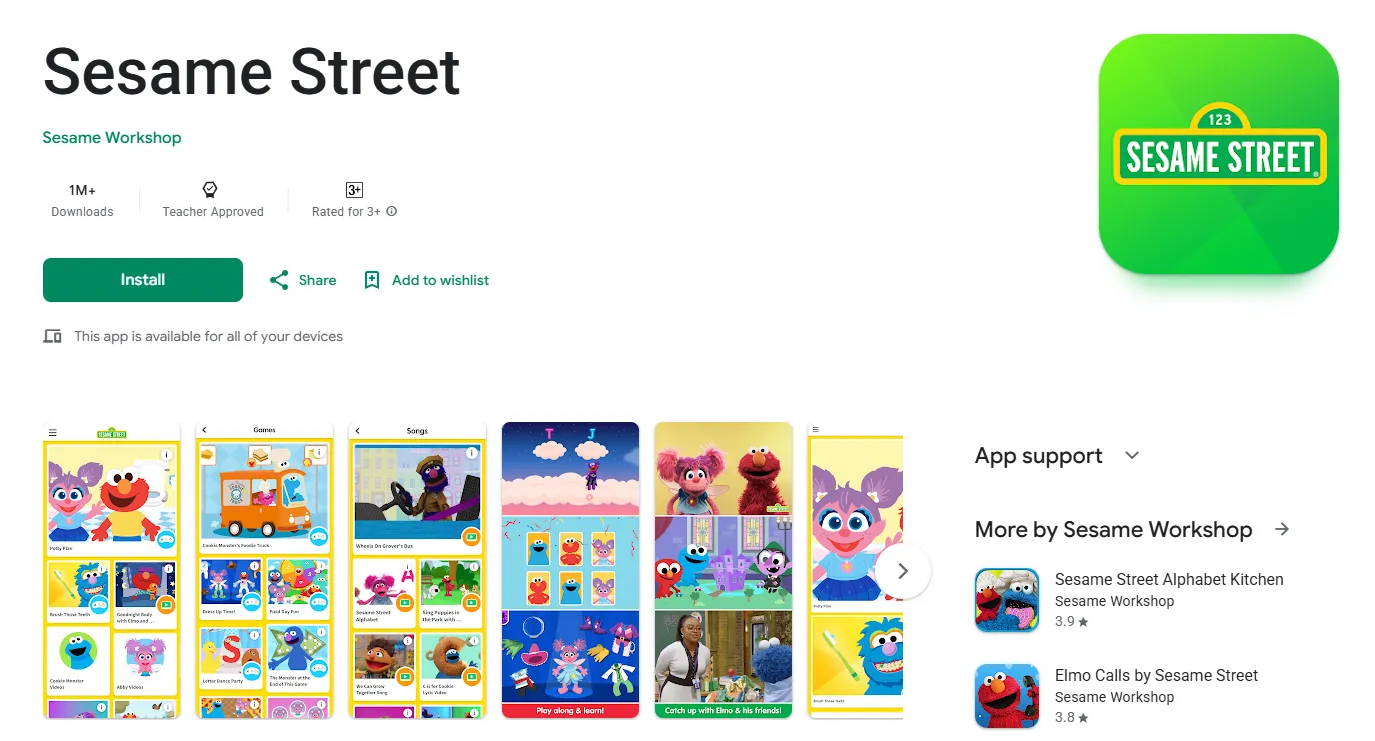
- Age Range: 2–5 years
- Focus Areas: Emotional development, literacy, math, science
- Price: Free (100+ games included)
The Sesame Street app provides a safe, ad-free environment where young children can play games and watch short videos alongside Elmo, Cookie Monster, and other beloved characters. Parents can filter content by learning area or character to target specific developmental goals.
Key features include:
- 100+ free games covering literacy, math, and emotional learning
- Content filtering by subject area and character
- Ad-free experience throughout
- Short video clips paired with interactive activities
- Developed in alignment with early childhood education research
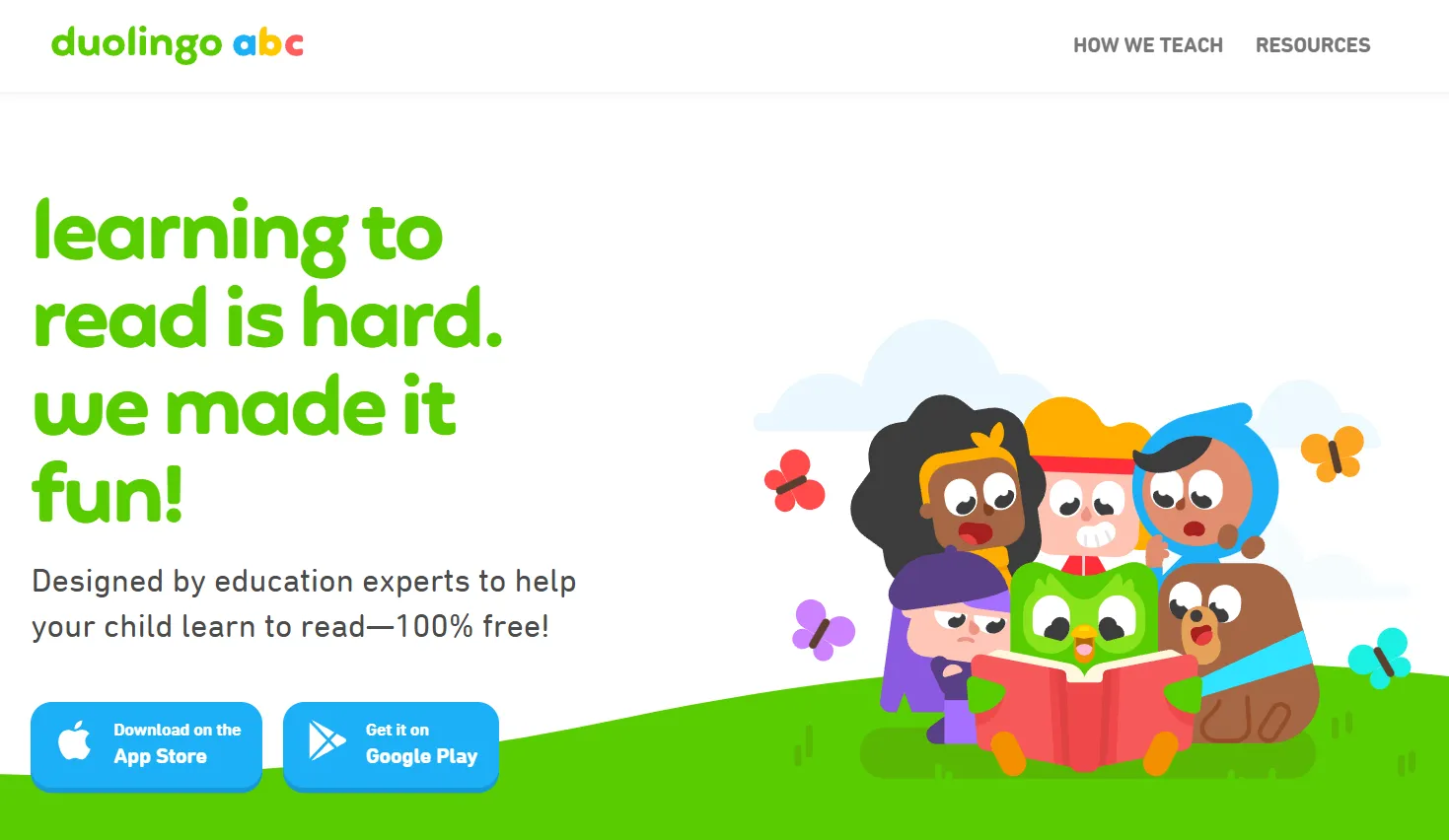
Duolingo ABC
- Age Range: 3–6 years
- Focus Areas: Literacy, phonics, sight words, handwriting
- Price: Free
Duolingo ABC applies the gamified lesson structure of the popular language-learning app to early reading development. Lessons are delivered in short, engaging sessions that keep preschool kids motivated while building foundational reading skills.
Key features include:
- Bite-sized, gamified lessons designed for short attention spans
- Coverage of phonics, sight words, and letter formation
- Progress tracking across reading and handwriting skills
- Engaging animations and positive reinforcement
- Fully free with no paywalled content
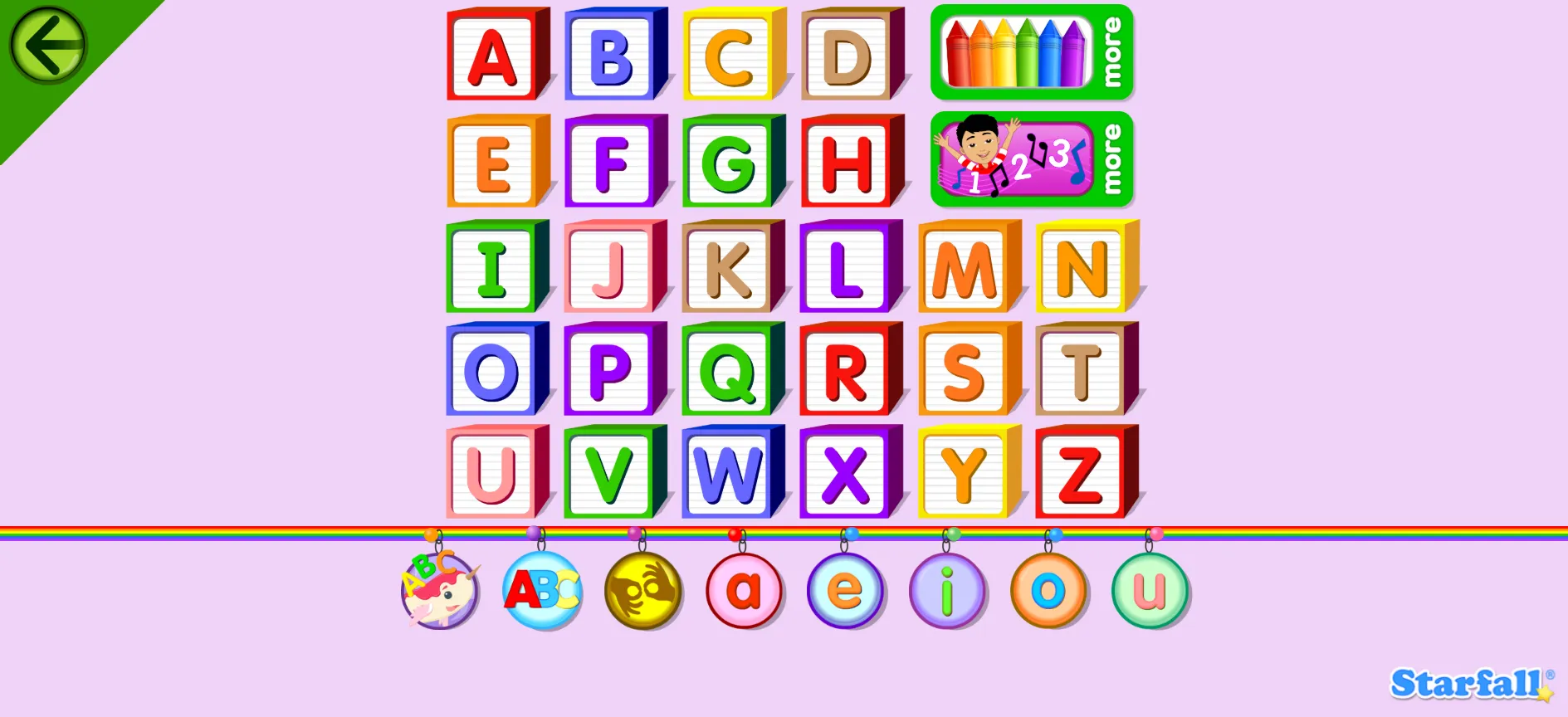
Starfall ABCs
- Age Range: 2–5 years
- Focus Areas: Alphabet recognition, letter sounds, early literacy
- Price: Free (optional membership for full content)
Starfall ABCs is a long-established early literacy app that uses songs, simple games, and interactive visuals to help children learn the alphabet. The free version provides meaningful access to letter recognition and phonics activities, making it a reliable starting point for early readers.
Key features include:
- Interactive alphabet games with audio and visual cues
- Letter sound and formation practice
- Simple, low-distraction interface suited to toddlers
- Songs to reinforce letter recognition
- Optional paid membership for expanded content
Breathe, Think, Do with Sesame
- Age Range: 2–5 years
- Focus Areas: Emotional regulation, problem-solving, coping skills
- Price: Free
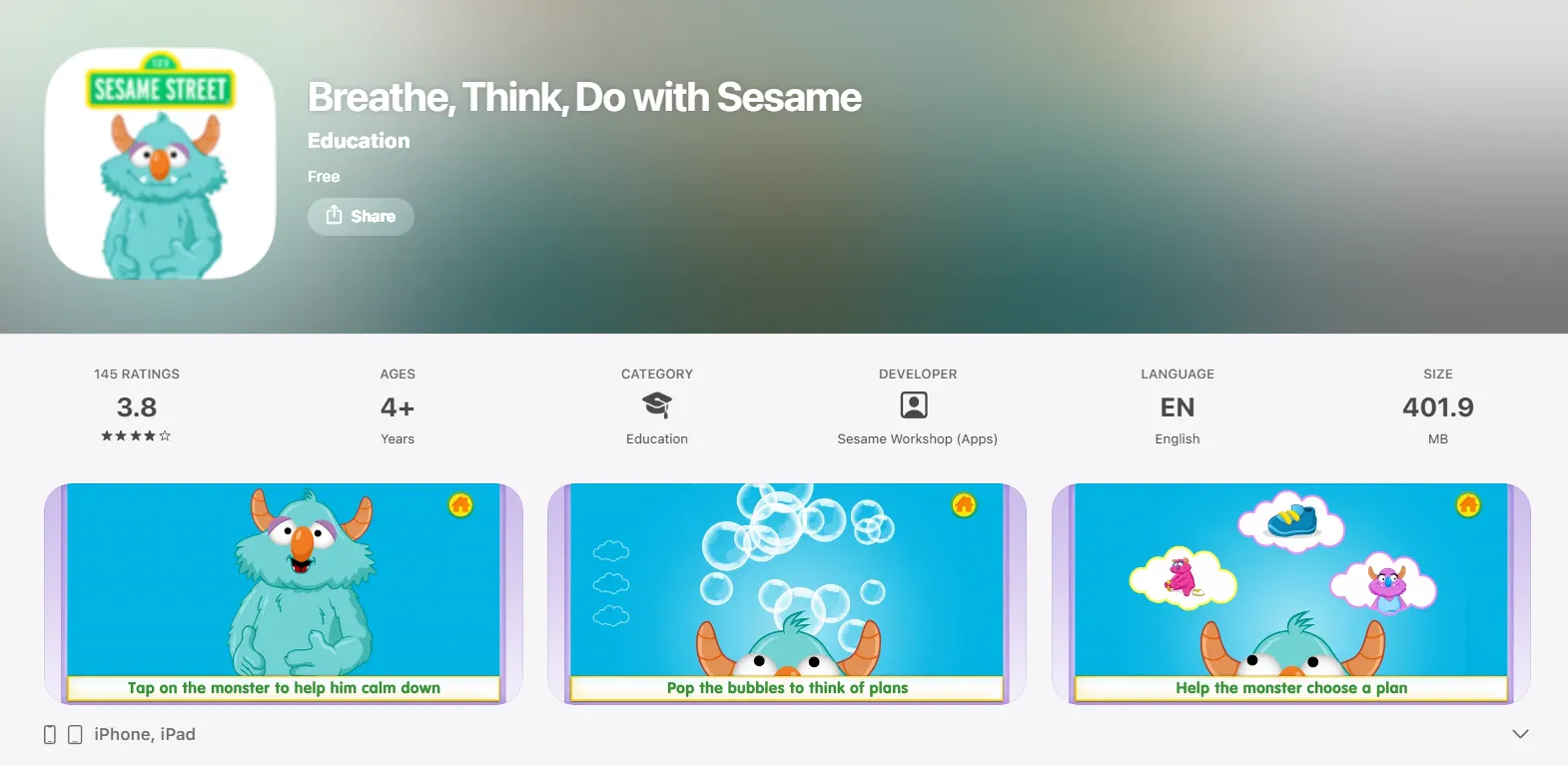
Breathe, Think, Do with Sesame is specifically designed to build emotional intelligence in young children. The app teaches a three-step calming strategy — breathe, think, do — through interactive scenarios that help children practice managing frustration and working through difficult situations.
Key features include:
- Three-step emotional regulation framework
- Relatable scenarios featuring a Sesame Street monster character
- Interactive calming exercises children can practice independently
- Available as a standalone or within the Sesame Street app
- Developed in collaboration with child development specialists
LEGO DUPLO World
- Age Range: 2+ years
- Focus Areas: Fine motor skills, spatial awareness, creative play, social-emotional learning
- Price: Free to download (some activities require purchase)
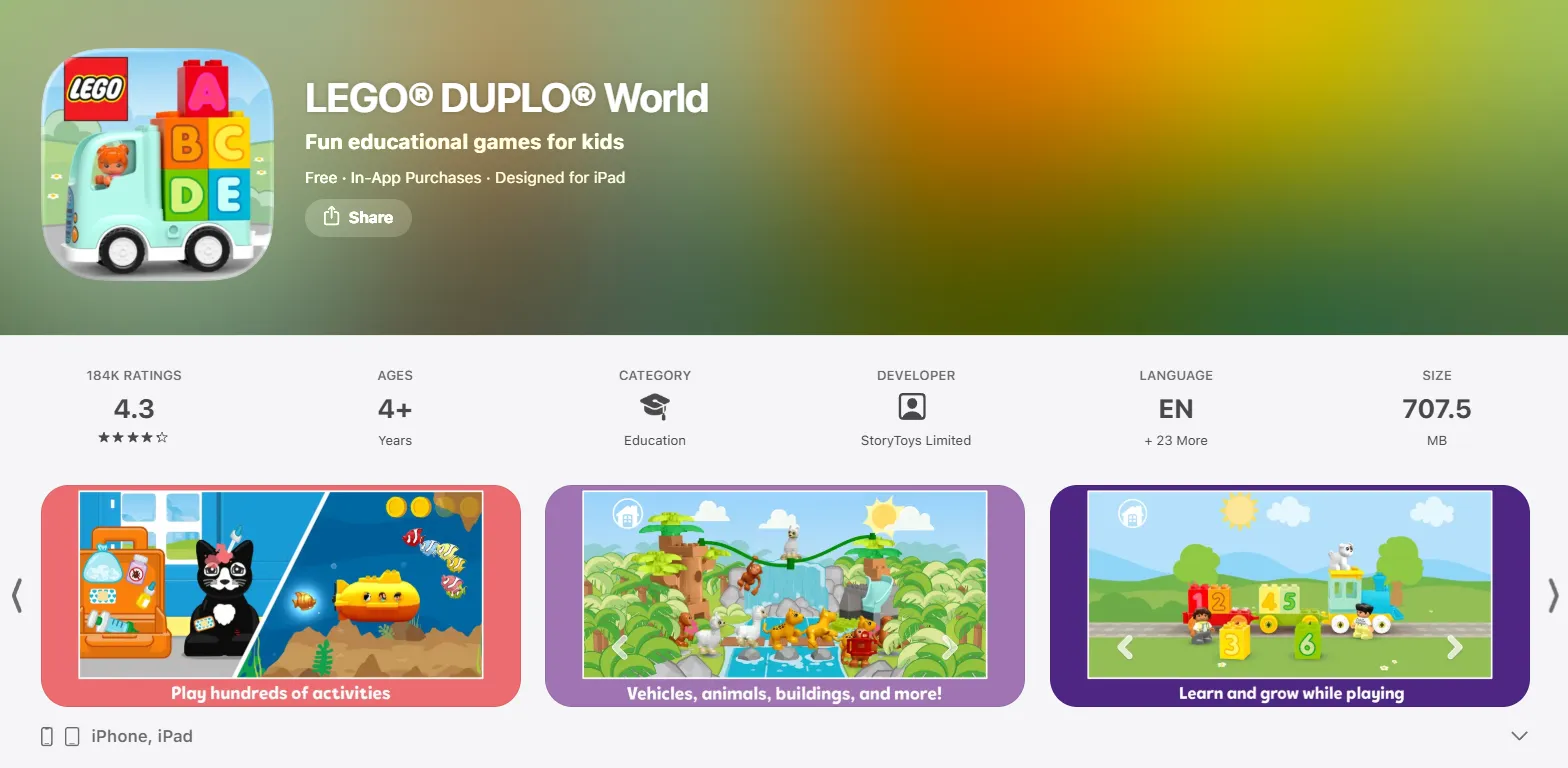
LEGO DUPLO World offers vibrant digital building experiences that align with early learning frameworks for young children. It encourages open-ended creative play while supporting spatial reasoning and basic problem-solving skills in an age-appropriate environment.
Key features include:
- Digital building and creative play activities
- Age-appropriate scenarios covering home, farm, train, and more
- Supports spatial awareness and early problem-solving
- Simple, intuitive interface designed for toddlers
- Free version includes a meaningful amount of content before any paywall
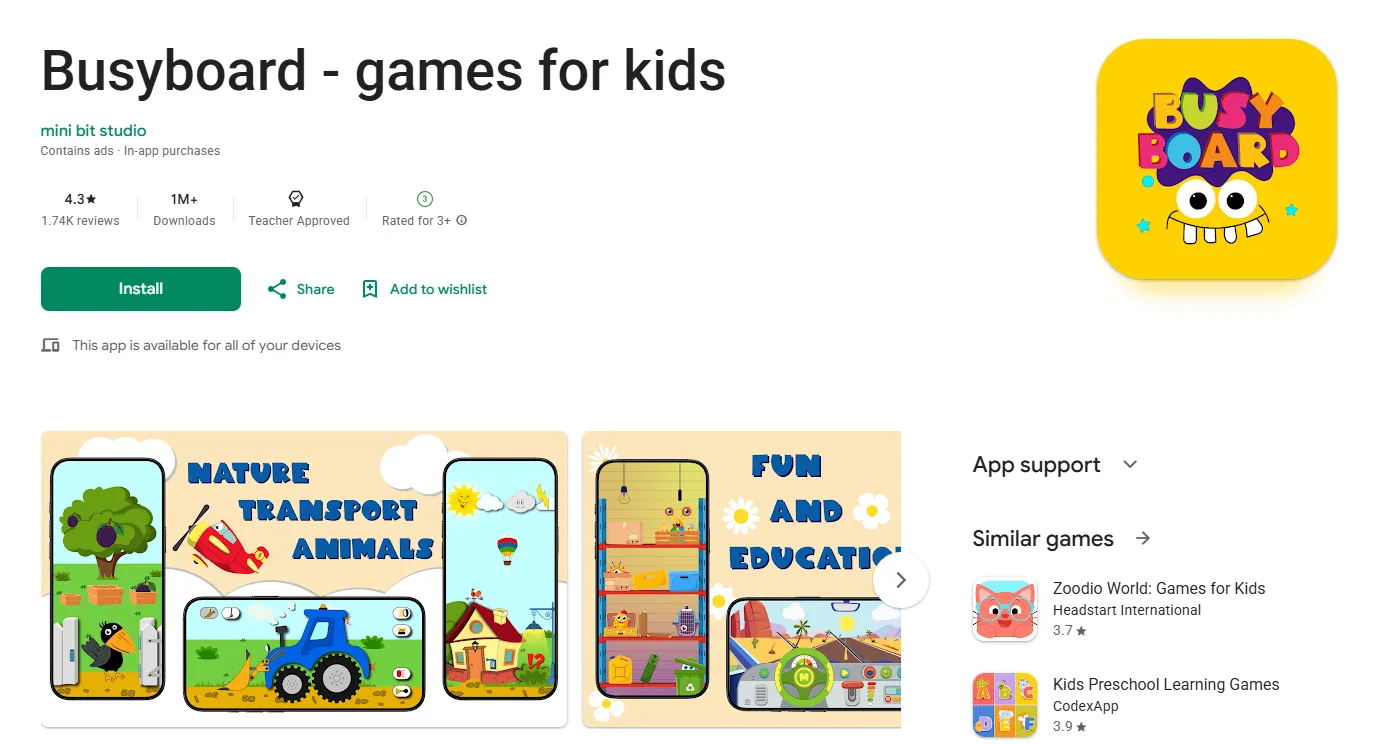
Busyboard Games for Kids
- Age Range: 1–4 years
- Focus Areas: Fine motor skills, sensory development, and early logic
- Price: Free to download (contains ads; some versions offer a “Google Play Pass” option for ad-free play)
Inspired by real-world Montessori busy boards, this app provides digital versions of everyday objects. Children can interact with switches, zippers, buttons, and calculators. It includes over 300 sensory elements like animal sounds and musical instruments to keep toddlers engaged while building hand-eye coordination.
Key features include:
- Over 300 sensory elements and sounds to click and explore
- Digital versions of household items
- Built-in instruments with high-quality real sounds
- An intuitive, vibrant interface optimized for phones and tablets
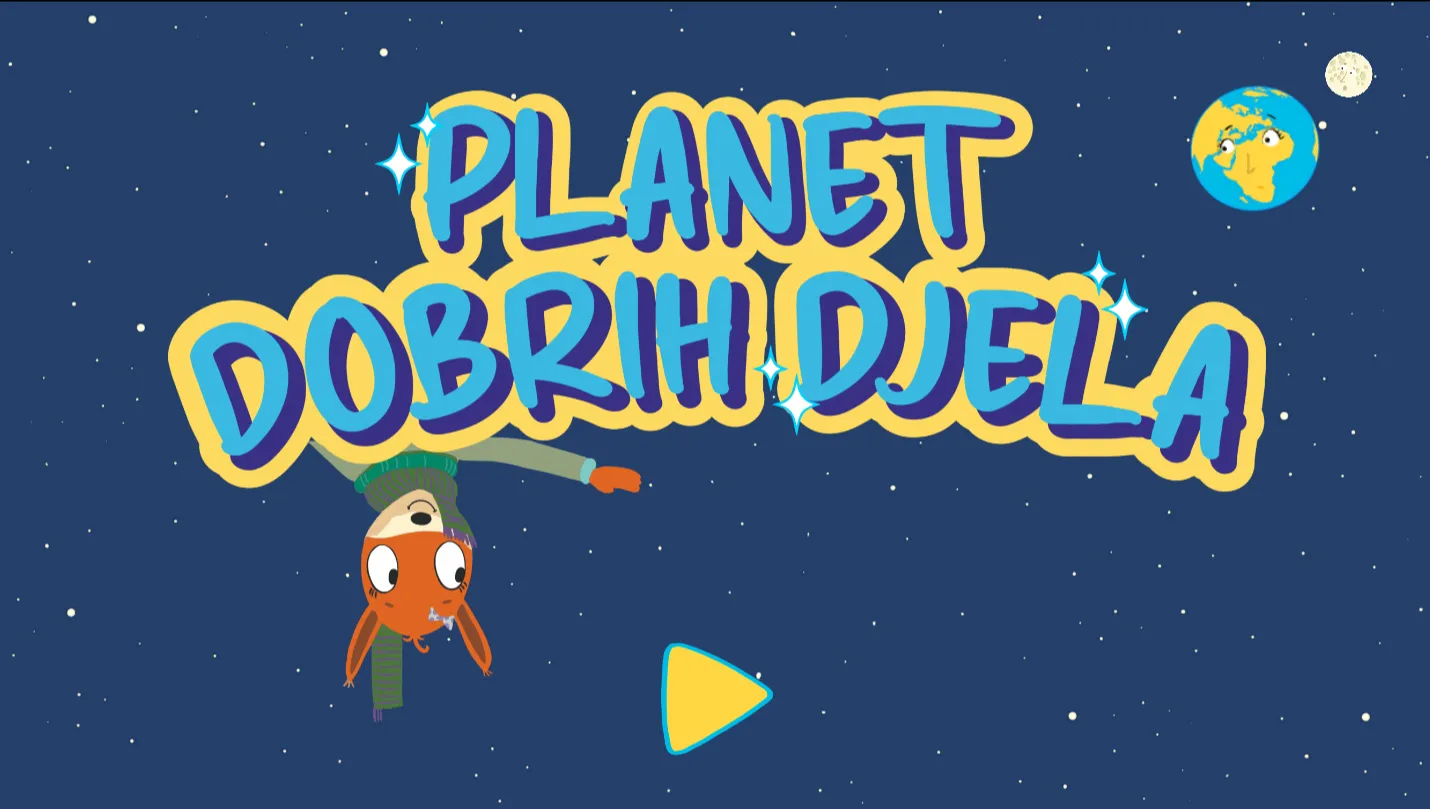
The Planet of Good Deeds
- Age Range: 3–7 years
- Focus Areas: Social-emotional learning, habit building, and responsibility
- Price: Free (includes in-app purchases for additional “deeds” or themes)
This game by KEY BOAR STUDIOS focuses on character building by encouraging children to perform helpful tasks and “good deeds.” Through interactive mini-games and a virtual planet to nurture, kids learn the importance of kindness, helping at home, and environmental care. It is designed to bridge the gap between digital play and real-world positive behavior.
Key features include:
- Volunteer simulation
- “Daily good deeds” through small, meaningful actions
- Eco-conscious missions
- Larger text (up to 200%), dark mode, and reduced motion settings
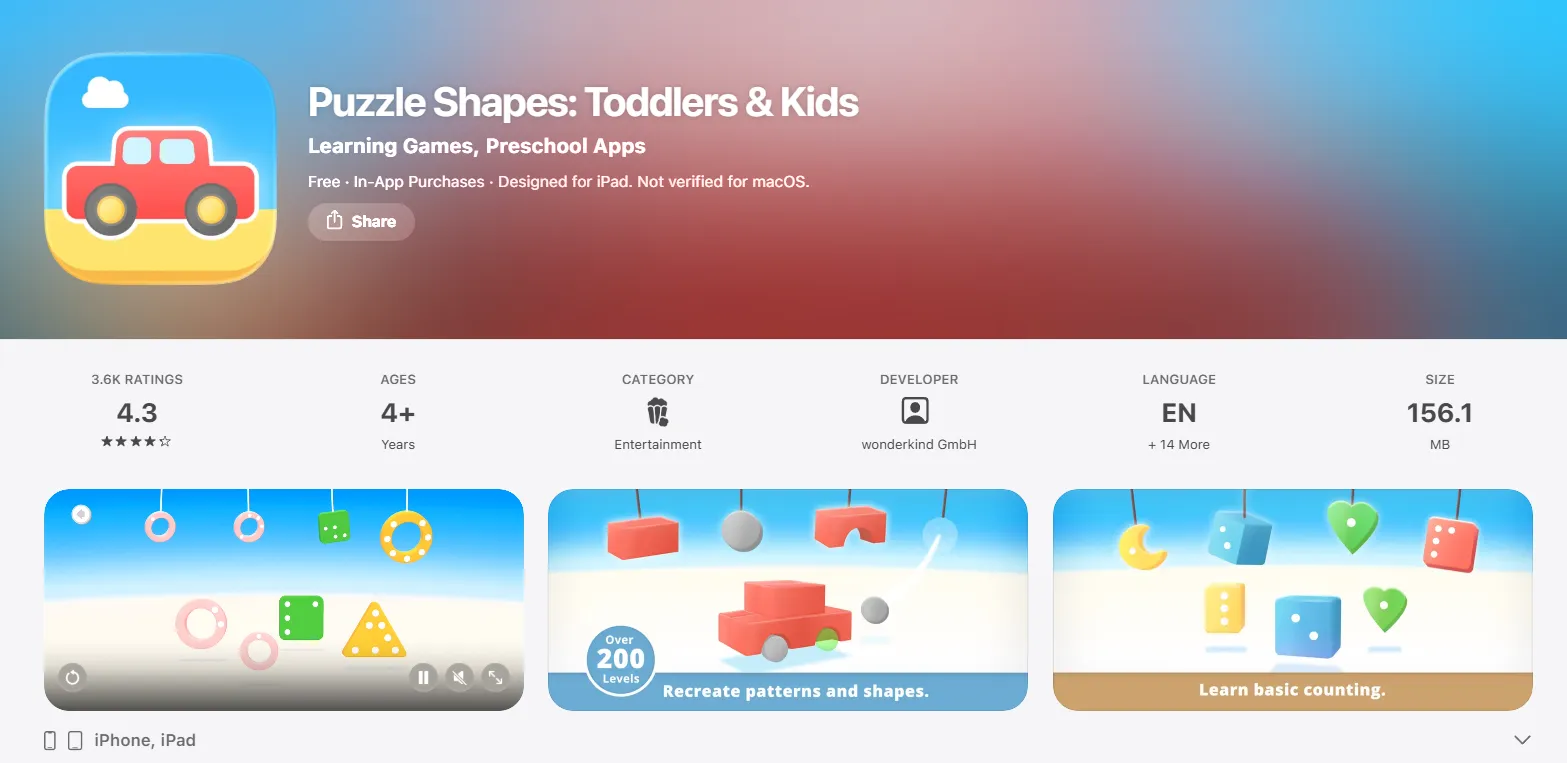
Puzzle Shapes: Toddlers & Kids
- Age Range: 2–5 years
- Focus Areas: Shape and color recognition, logic, and spatial awareness
- Price: Free to download (offers a “Full Version” or paid individual packs)
Developed with a focus on cognitive development, this app features over 200 tasks that help children distinguish between 2D and 3D shapes. The difficulty scales as the child progresses, moving from simple matching to complex pattern recognition. It is completely text-free, making it easy for non-readers to navigate independently.
Key features include:
- Over 200 educational levels that cover matching pairs, shapes, sizes, and colors
- Complex building in a creative mode
- Text-tree interface for non-readers
- Progress tracking for parents
Features to Look for in Educational Apps
Ad-Free and Safe Environment
For toddlers and preschoolers, an ad-free experience is not a luxury — it’s a requirement. Ads interrupt focus, can expose young children to inappropriate content, and often include links that lead children away from the application without warning. The American Academy of Pediatrics (AAP) recommends that digital content for young children be carefully selected and free from commercial messaging.
Age-Appropriate Design
Young children interact with technology differently than older kids or adults. Educational apps for toddlers and preschoolers should feature large, tappable buttons, simple navigation, clear audio instructions, and high-contrast visuals. Interface complexity should match the child’s developmental stage — a 2-year-old needs a very different experience than a 6-year-old. Apps designed for preschool kids typically limit reading requirements and rely on audio cues and visual prompts to guide children through activities independently.
Offline Accessibility
Reliable internet access isn’t always available, whether families are on road trips, in areas with limited connectivity, or simply managing data usage. Apps that offer offline access allow learning to continue without interruption.
Progress Tracking and Parental Controls
Parents benefit from knowing how their child is progressing. Many quality educational apps include built-in dashboards that show which activities have been completed, which skills are developing, and where a child may need more practice. Parental controls — such as usage timers, content filters, and account management — give caregivers the ability to shape the learning experience. These tools help parents support their child’s development without needing to sit next to them for every session.
How to Choose the Right App for Your Child
With so many options available, it’s important to look beyond flashy graphics and focus on what truly supports your child’s development. Here are some key factors to consider:
- Match the App to Your Child’s Age and Skills. A learning game that is too advanced can frustrate a child, while one that is too simple may bore them. Start by checking the recommended age range provided by the developer, then observe how your child interacts with the app during the first few sessions. If they lose interest quickly or become upset, it may not suit their developmental level.
- Balance Fun and Learning. The most effective educational apps feel like play rather than formal lessons. Research shows that young children learn best through engaging, playful experiences—even in digital environments. Look for apps that use songs, colorful characters, and short challenges to keep children interested. Apps that reward effort with positive feedback and allow kids to explore at their own pace tend to produce better learning outcomes than those that feel like digital worksheets.
- Check Reviews and Ratings. Store ratings and parent reviews provide useful real-world insights. Pay attention to comments about how young children interact with the app, whether in-app purchases are intrusive, and if the content stays age-appropriate over time. Resources like Common Sense Media offer independent evaluations based on both educational value and child safety.
- Test the App Before Regular Use. Before adding any app to your child’s routine, spend 10–15 minutes exploring it yourself. Look for unexpected external links, loud or inappropriate sounds, confusing navigation, or requests for personal information. Then try the application together with your child to observe their reaction. This trial period helps ensure the app is a good fit before making it part of their daily activities.
Pros and Cons of Free Educational Apps
Advantages of Free Apps
Free educational apps remove a significant financial barrier for families. High-quality learning tools like Khan Academy Kids and PBS KIDS Games are available to any family with a smartphone or tablet, regardless of income. The variety of free content available today also means parents can explore different learning styles — some children respond better to music and storytelling, while others prefer puzzles or building challenges. Free apps make it possible to try multiple options without any cost.
Limitations and Hidden Costs
The main limitation of free apps is that “free” does not always mean fully free. Many apps in the freemium model offer an appealing first experience and then lock the most engaging content behind a subscription or one-time purchase. Additionally, some free apps sustain themselves through advertising, which can be disruptive and inappropriate for young children. Always read the description carefully and check recent reviews to understand exactly what the free version includes before downloading.
Screen Time Considerations
The AAP recommends no screen time for children under 18 months (except video chatting), and no more than one hour per day of high-quality programming for children ages 2–5. For children ages 6 and older, consistent limits on screen time are advised. Free educational apps can absolutely fit within these guidelines when used intentionally. The key distinction is between passive consumption — such as watching videos with no interaction — and active, guided digital learning, which is more developmentally appropriate and beneficial.
Tips for Safe and Effective App Usage
Helping children use apps safely and effectively requires clear boundaries and active involvement. With a few simple habits, you can turn screen time into a positive learning experience:
- Set Screen Time Limits. Use built-in device tools to set daily limits for apps so usage doesn’t quietly grow into hours of passive entertainment. Experts recommend that app-based learning should support—not replace—a balanced daily routine.
- Co-Play with Your Child. Learning improves when you sit with your child, ask questions, and talk about what’s happening on screen. Research in Child Development shows that children understand and remember more when adults actively participate.
- Monitor Content Regularly. Apps change over time, so check them every few weeks to ensure content is still appropriate. Watch for new ads, features, or in-app purchases your child might encounter.
- Create a Balanced Routine. Combine digital learning with offline activities like reading, drawing, or outdoor play. This helps children build important social, motor, and creative skills that screens alone can’t provide.
Final Recommendations
The best free educational apps for toddlers and preschoolers share a few things in common: they are designed with children’s development in mind, they are safe and ad-free, they make learning genuinely engaging, and they support — rather than replace — the role of parents and caregivers in a child’s early education.
Whatever apps you choose, the most important factor is how you use them. Apps are tools — and like any tool, their value depends on how thoughtfully they are applied.
Frequently Asked Questions
Are free educational apps safe for toddlers?
Most reputable free educational apps — including those from PBS KIDS, Khan Academy, and Sesame Workshop — are designed with child safety as a priority. They do not collect personal data beyond what is necessary for the app to function, and they are free from external advertising. That said, parents should always review an app’s privacy policy and test it before allowing independent use. Supervision remains the most reliable safety measure for children under 5.
What are the best apps without ads?
Khan Academy Kids and Sesame Street are among the best completely ad-free options available. Both are developed by nonprofit organizations with a mission focused on children’s education rather than commercial revenue. PBS KIDS Games is also ad-free within the app itself. These three are consistently recommended by educators and child development specialists for their commitment to safe, uninterrupted learning.
How much screen time is appropriate for toddlers and preschoolers?
The AAP recommends limiting screen time to one hour per day of high-quality content for children ages 2–5, and discouraging screen use entirely for children under 18 months (apart from video calls). For children ages 6 and older, the guidance is to set consistent, reasonable limits. Quality matters as much as quantity — one focused, interactive learning session is more valuable than two hours of passive viewing.
Can educational apps replace traditional learning?
Educational apps are not a replacement for traditional learning — they are a supplement. Early childhood development depends on physical play, social interaction, hands-on exploration, and face-to-face communication, none of which a screen can fully replicate. Apps are most effective when they extend and reinforce what children are already learning through books, play, and daily life experiences. Think of them as one engaging tool in a larger toolkit, not a standalone curriculum.

Take a short quiz to find out what your everyday choices say about your parenting style
When your child is curious about something new, what’s your instinct?
Take a short quiz to find out what your everyday choices say about your parenting style
“Can I download this app?” What happens next?
Take a short quiz to find out what your everyday choices say about your parenting style
When it comes to rules at home, which sounds most like you?
Take a short quiz to find out what your everyday choices say about your parenting style
If you could give your child one life skill today, what would you pick?
Take a short quiz to find out what your everyday choices say about your parenting style
Your child gets to choose what to watch. What would your ideal setup look like?
Take a short quiz to find out what your everyday choices say about your parenting style
Pick your parenting superpower ✨



