
10 Best Preschool Learning Apps: A Parent’s Guide

 Discover a Free Education Video App for Kids
Pastory uses AI to personalize educational video content based on your child’s interests and personality. Safe, engaging, and built for curious young minds. Sign up now to stay updated and enjoy early access with a free trial
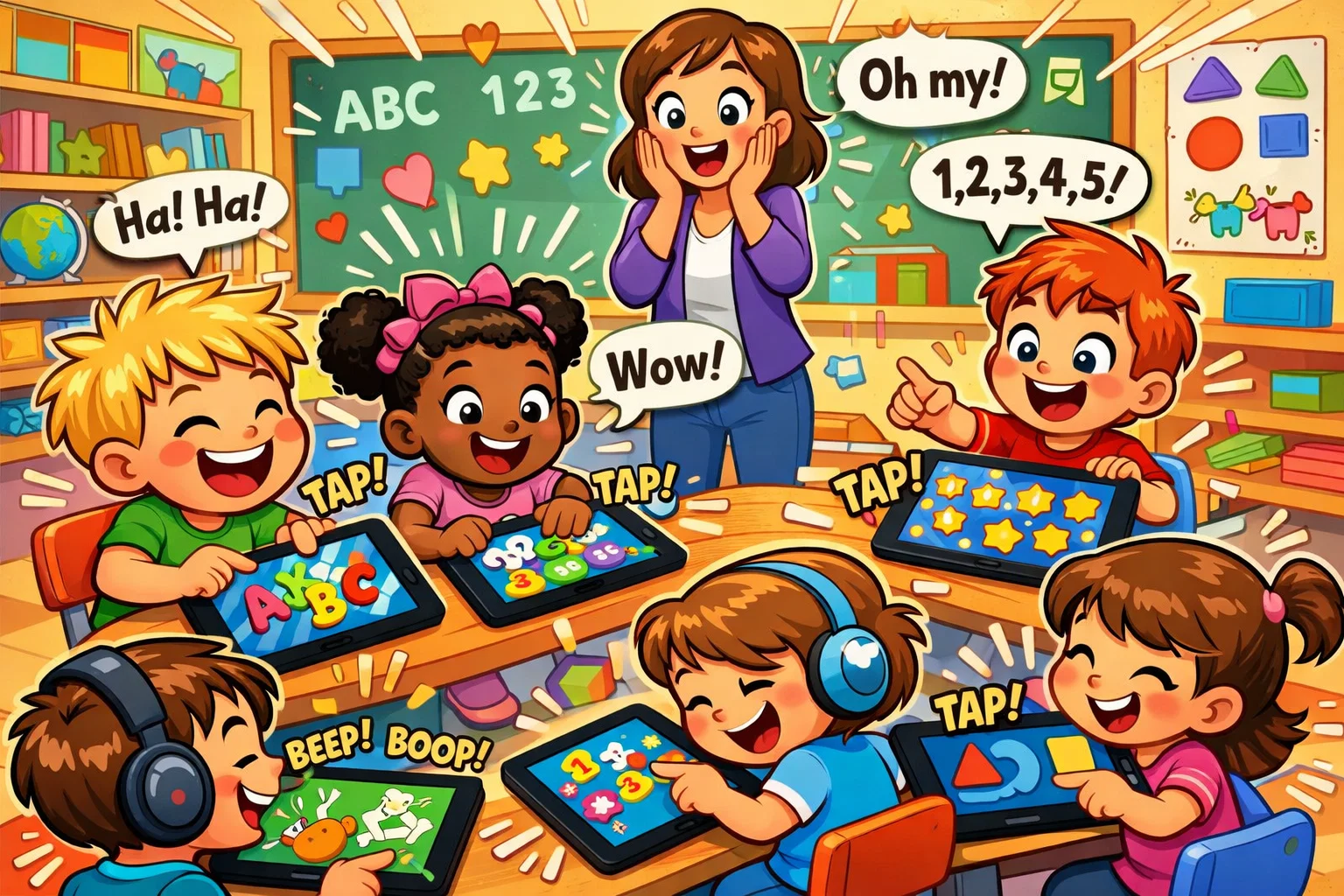
Finding the best preschool learning apps means looking beyond colorful animations to tools that genuinely support early childhood development. This guide covers 10 top-rated apps for children ages 2–8, evaluated for educational depth, age-appropriate design, and safe, ad-free environments.
You will also find clear criteria for choosing the right app, tips for making screen time more intentional, and common mistakes parents should avoid when selecting learning apps for young children.
Key Takeaways
- This guide reviews 10 of the best preschool educational apps for children ages 2–8, selected for educational quality and safety.
- The strongest apps combine curriculum-aligned content, age-appropriate design, and ad-free, privacy-safe environments.
- Several apps — including Khan Academy Kids, PBS KIDS Games, and Moose Math — include teacher-friendly features such as progress dashboards and Common Core alignment, making them strong choices for classroom or home-school use.
- For families seeking a Montessori-inspired approach, Pok Pok and Sago Mini World prioritize calm, self-directed play over rewards and competition.
- Co-learning with your child and setting realistic screen time limits increases the benefit of learning apps.
- Common mistakes include prioritizing entertainment over educational depth and overlooking privacy practices.
- Final recommendations help parents match the right app to their child’s age and learning goals.
What Makes a Preschool Learning App Truly Educational?
Not all software marketed for young children supports meaningful development. The American Academy of Pediatrics (AAP) recommends that digital media for children under five should be high-quality, interactive, and ideally experienced alongside a caregiver.
A genuinely effective early learning app does several things well. It adapts to the child’s pace, avoiding frustration from content that’s too advanced or boredom from content that’s too simple. It teaches foundational skills — literacy, early math, social-emotional learning — in ways that feel like play rather than instruction. And it gives parents visibility into progress, so caregivers can reinforce learning in everyday life.
Top 10 Preschool Educational Apps in 2026
For preschoolers ages 2–5, the best educational apps blend foundational academic skills with open-ended play and emotional development.
For preschoolers ages 2–5, the best educational apps blend foundational academic skills with open-ended play and emotional development.
Khan Academy Kids
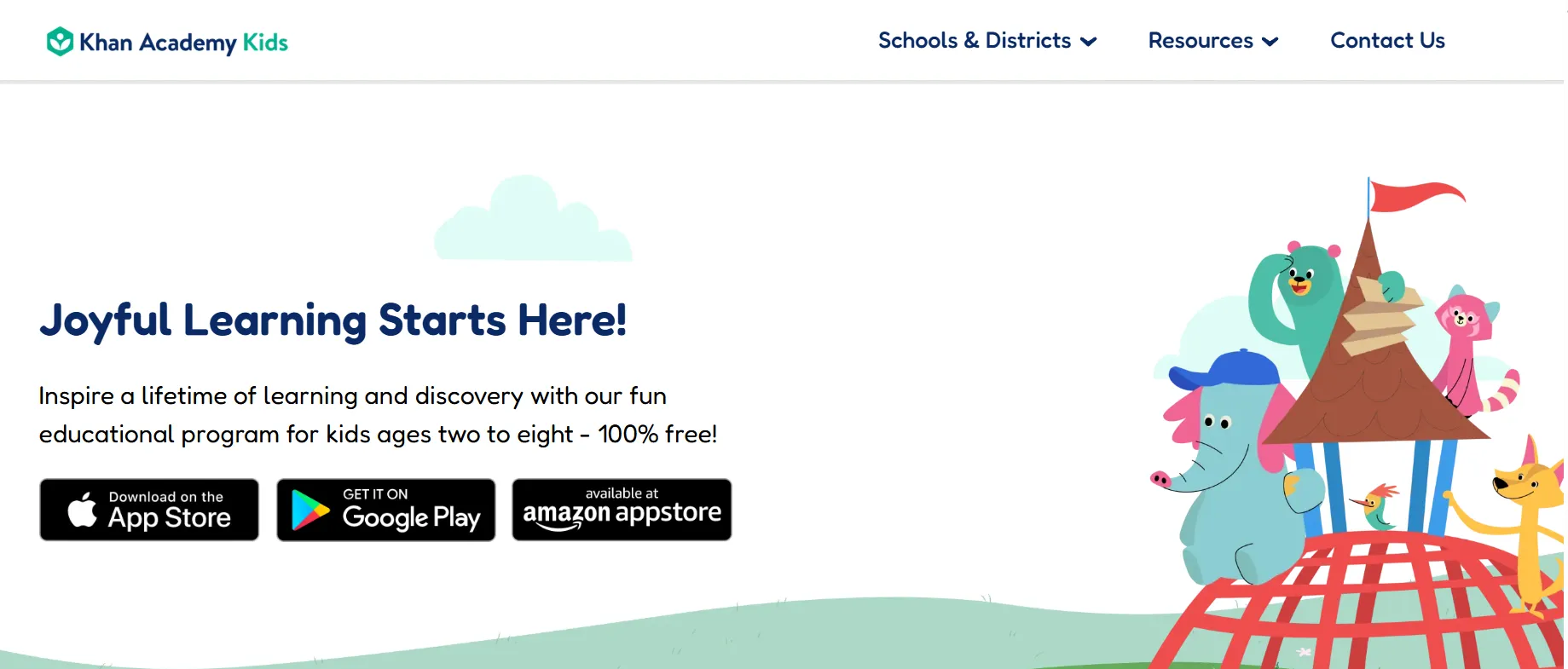
- Age range: 2–8
- Subject focus: Reading, math, logic, SEL
- Cost: Free
Developed by early childhood experts, Khan Academy Kids offers thousands of activities, books, and videos in a single ad-free platform. The app uses an adaptive learning engine to personalize each child’s experience and includes a parent dashboard for tracking progress. It is one of the few truly comprehensive free tools available, covering language arts, numeracy, and social-emotional skills without paywalls or subscriptions.
ABCmouse
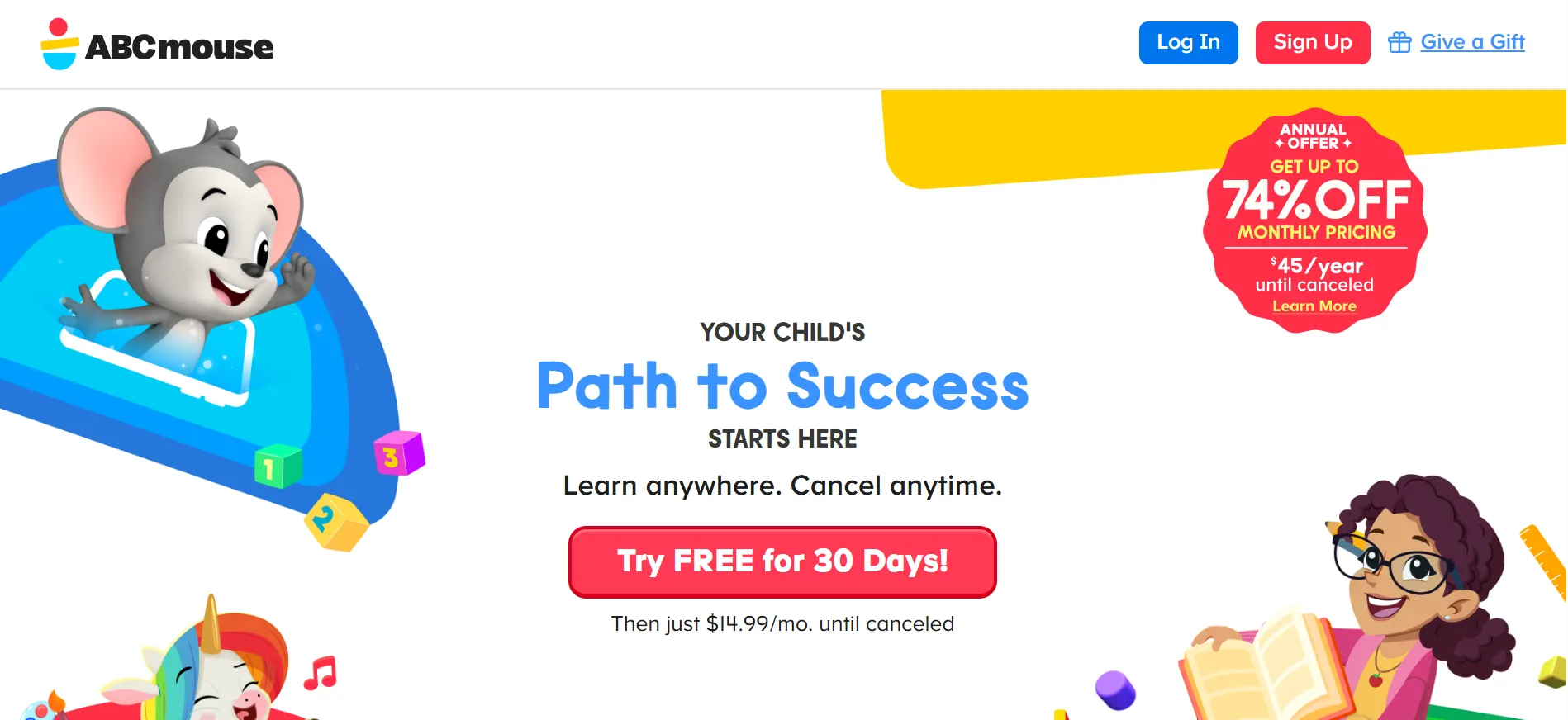
- Age range: 2–8
- Subject focus: Full curriculum
- Cost: ~$14.99/month
ABCmouse guides children through a step-by-step learning path covering reading, math, science, and art. With over 10,000 activities and a digital rewards system, it maintains engagement across extended use. Voice-guided lessons support children who cannot yet read on-screen instructions independently. The app includes offline access, making it practical for travel or areas with limited connectivity.
Endless Alphabet
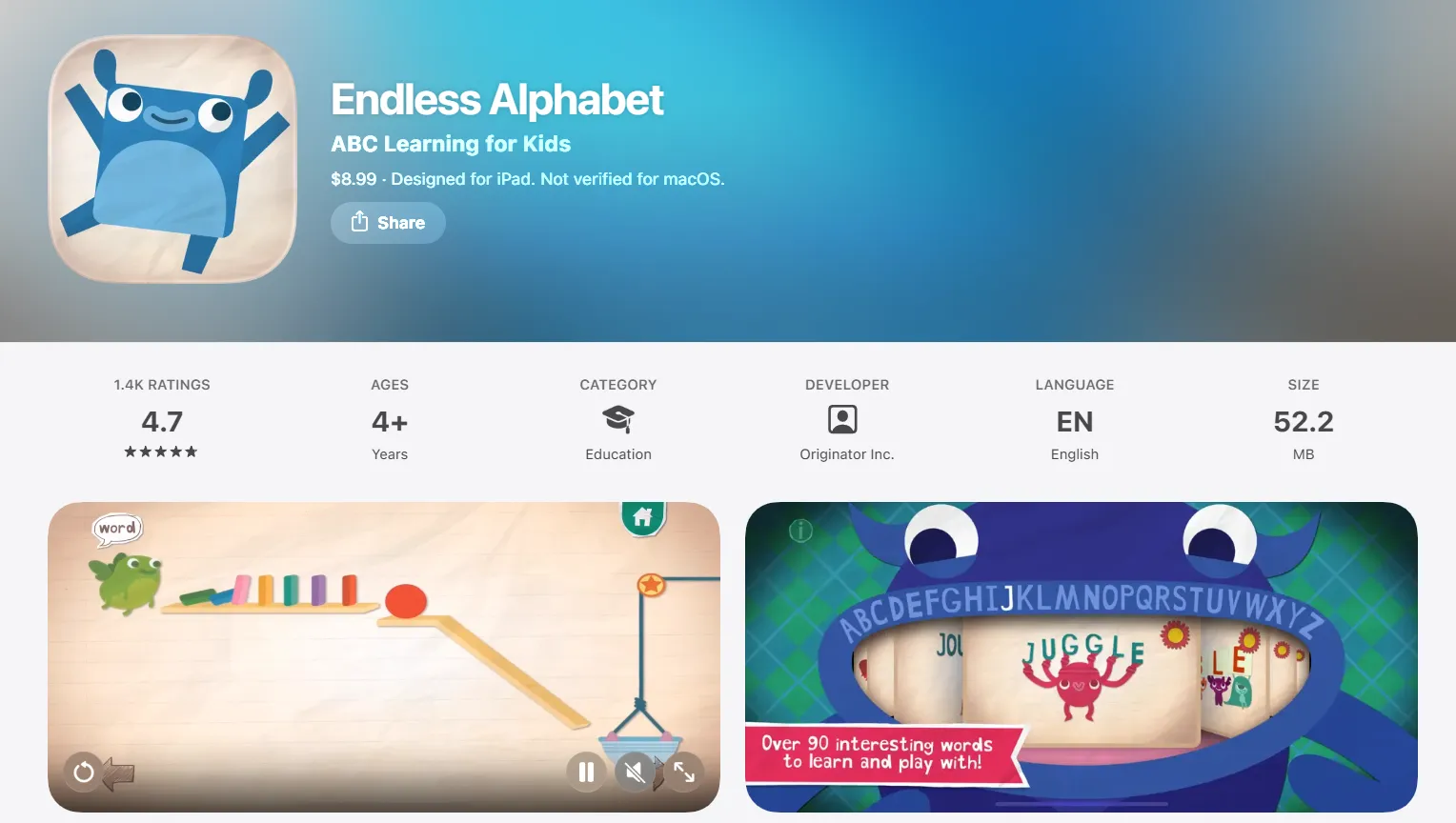
- Age range: 2–5
- Subject focus: Phonics and vocabulary
- Cost: $8.99 one-time
Endless Alphabet uses interactive monster-themed word puzzles to teach over 100 vocabulary words. Letter sounds, definitions, and animations are presented without high scores or failure mechanics — an important design choice that keeps young learners relaxed and curious. The app works offline and supports tactile screen interaction, making it a strong choice for toddlers just beginning to engage with letters and sounds.
PBS KIDS Games
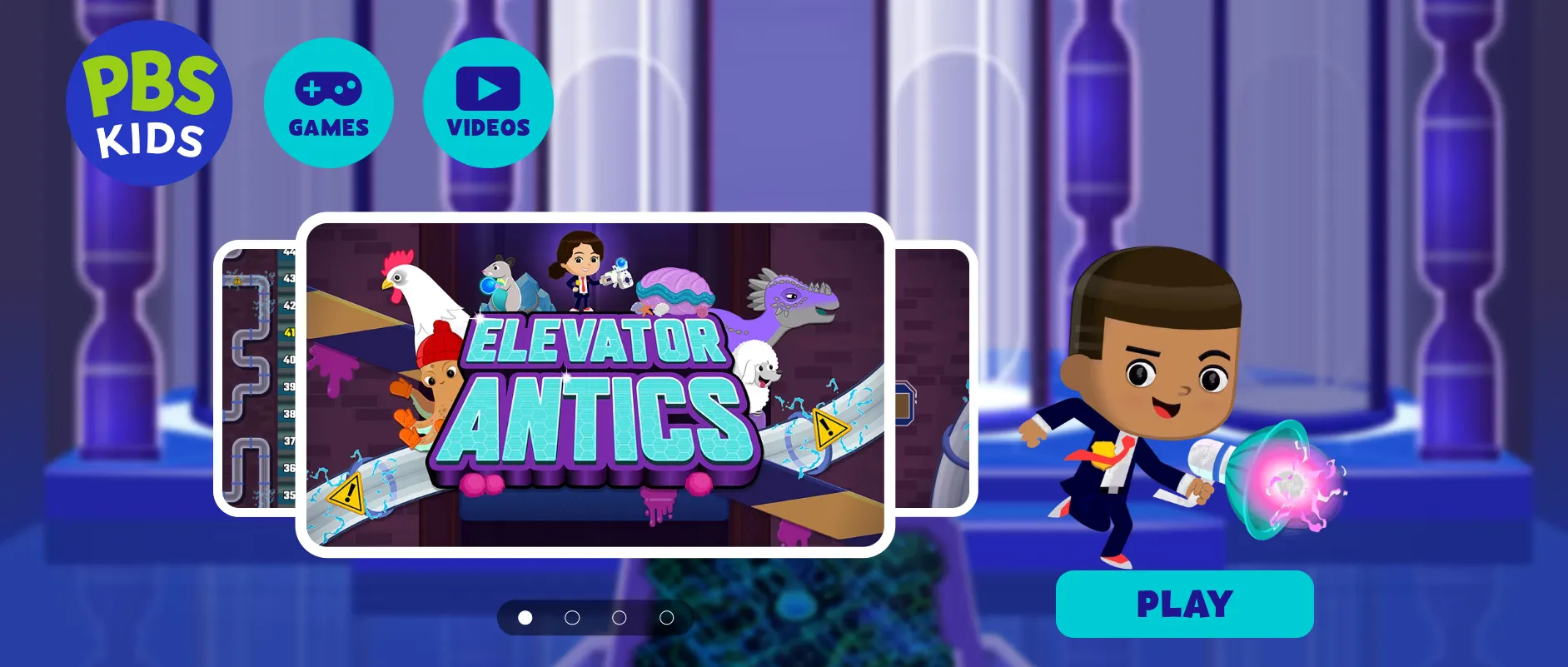
- Age range: 2–8
- Subject focus: STEM, literacy, social skills
- Cost: Free
Built around familiar characters like Daniel Tiger and Curious George, PBS KIDS Games offers more than 100 ad-free mini-games covering multiple subject areas. The app benefits from decades of public broadcasting research into children’s media and includes a dedicated parent resource section. Games are downloadable for offline use and designed to complement classroom and home reading routines.
Duolingo ABC
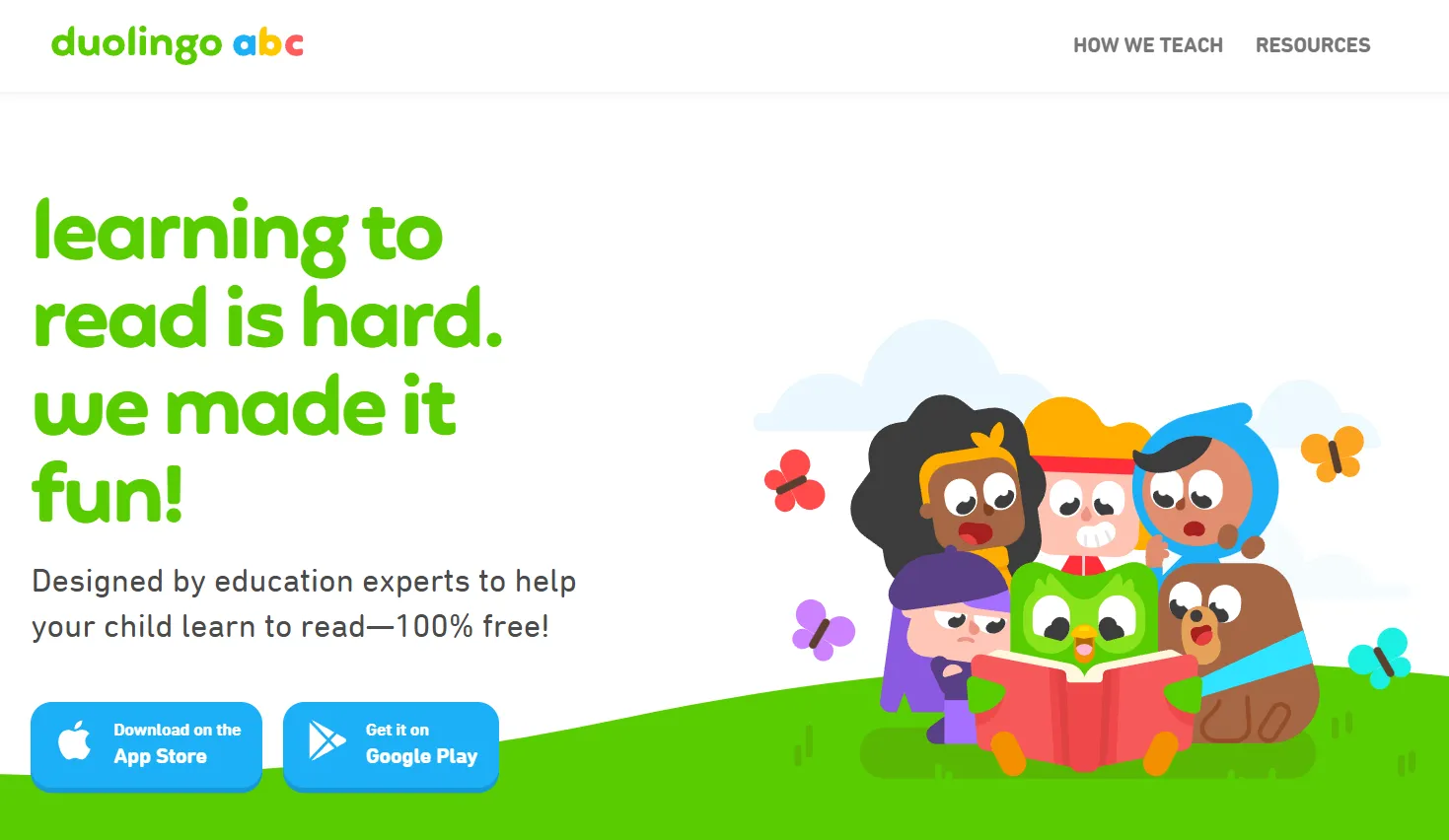
- Age range: 3–6
- Subject focus: Early literacy and phonics
- Cost: Free
Created by the team behind the popular language-learning platform, Duolingo ABC applies gamified micro-learning to foundational reading. The app features over 700 bite-sized lessons covering letter recognition, phonics, and handwriting. It is completely ad-free, works offline, and rewards progress with encouraging animations rather than competitive scoring — an approach particularly well suited to early learners who are still building confidence.
Lingokids
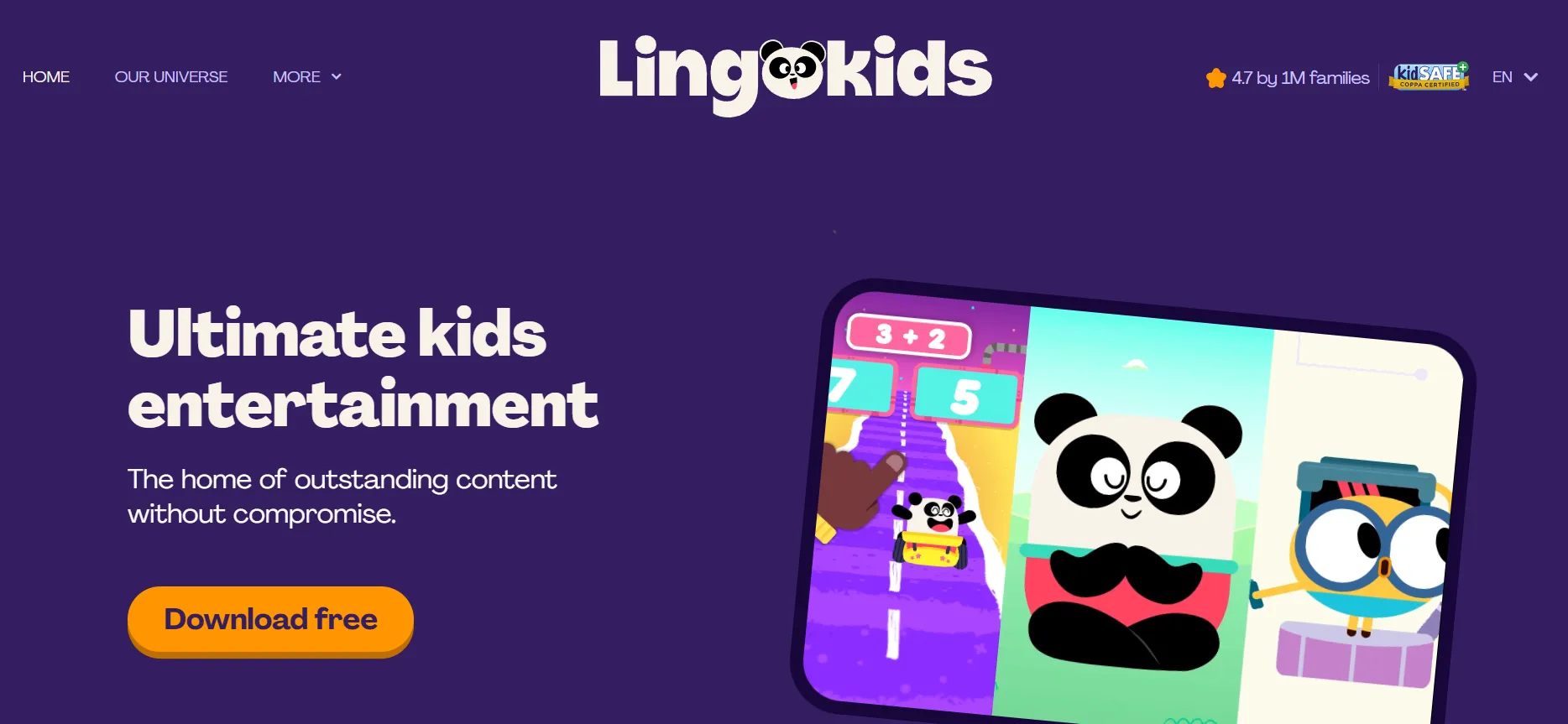
- Age range: 2–8
- Subject focus: Language, math, science, SEL
- Cost: Freemium, ~$14.99/month
Lingokids uses a “Playlearning” model — a term the platform coined to describe content that merges play-based exploration with curriculum-aligned goals. The app offers over 1,600 interactive activities, is certified by kidSAFE, and provides a parent community dashboard. Its adaptive design adjusts to each child’s developmental stage, making it a flexible option for households where English language development is a priority alongside general early learning.
Sago Mini World
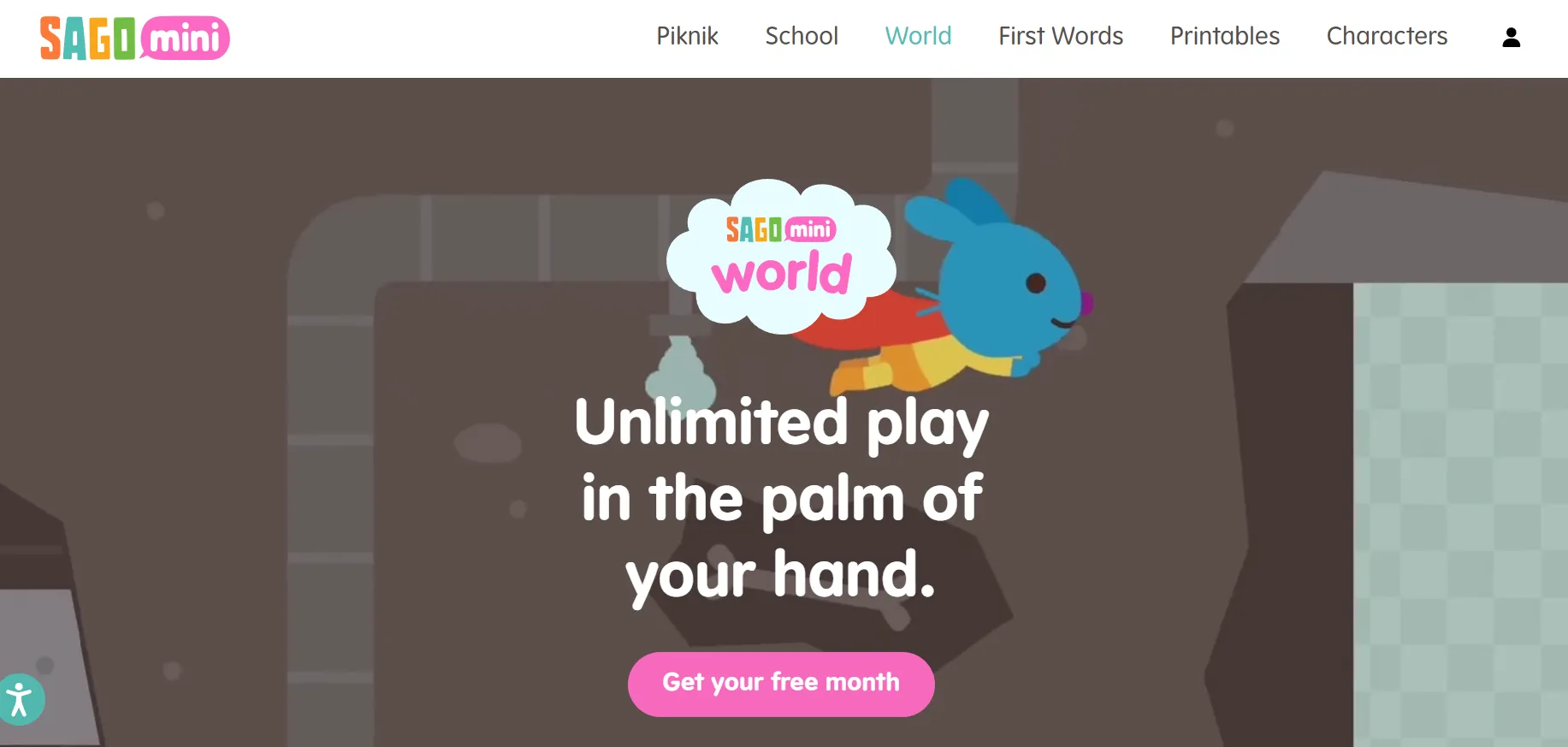
- Age range: 2–5
- Subject focus: Creativity and problem-solving
- Cost: ~$11.99/month
Sago Mini World packages more than 40 open-ended games into a single subscription, designed around low-stimulation principles that prioritize calm, imaginative play. There are no levels, no timers, and no failure states — a deliberate design choice that supports the kind of intrinsically motivated exploration associated with healthy early childhood development. Content is downloadable for offline use, and the interface is clean enough for very young children to navigate independently.
Moose Math
- Age range: 3–7
- Subject focus: Numeracy and counting
- Cost: Free
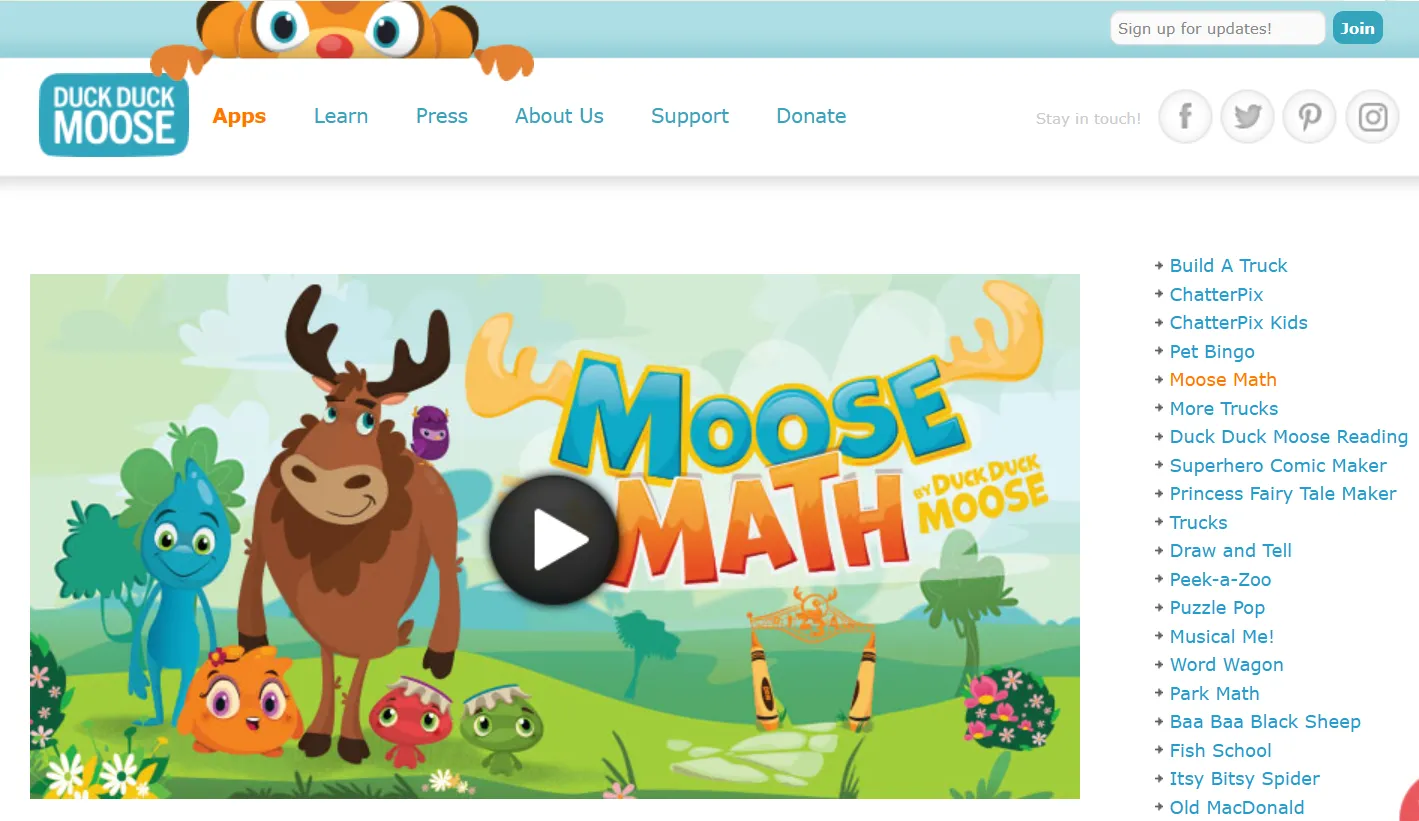
Part of the Duck Duck Moose educational series, Moose Math teaches addition, subtraction, geometry, and counting through playful activities like making smoothies and running a pet shop. The app aligns with Common Core mathematics standards, includes multiple difficulty levels, and generates progress reports for parents. It is entirely free and ad-free, making it one of the best-value early math tools available.
Pok Pok
- Age range: 2–6
- Subject focus: Montessori-inspired open play
- Cost: ~$6.99/month
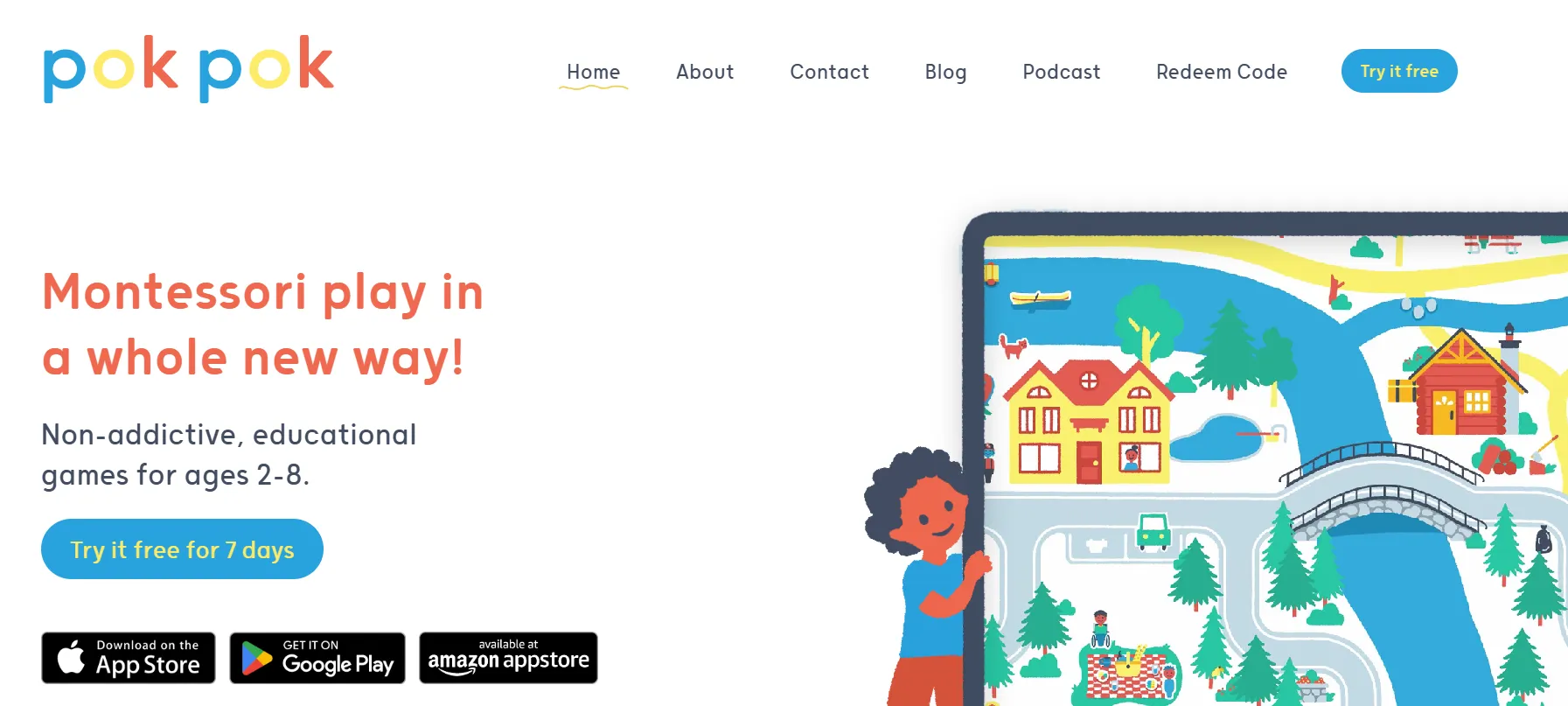
Pok Pok is a digital playroom designed around Montessori principles of independent, self-directed exploration. Hand-drawn visuals, no rewards, and no winning or losing mechanics create an environment where children engage with content purely out of curiosity. New digital “toys” are added monthly, keeping the experience fresh without overwhelming young users. The app is particularly well suited to children who become easily overstimulated by fast-paced or reward-heavy interfaces.
Epic!
- Age range: Up to 12
- Subject focus: Reading and literacy
- Cost: ~$7.99/month
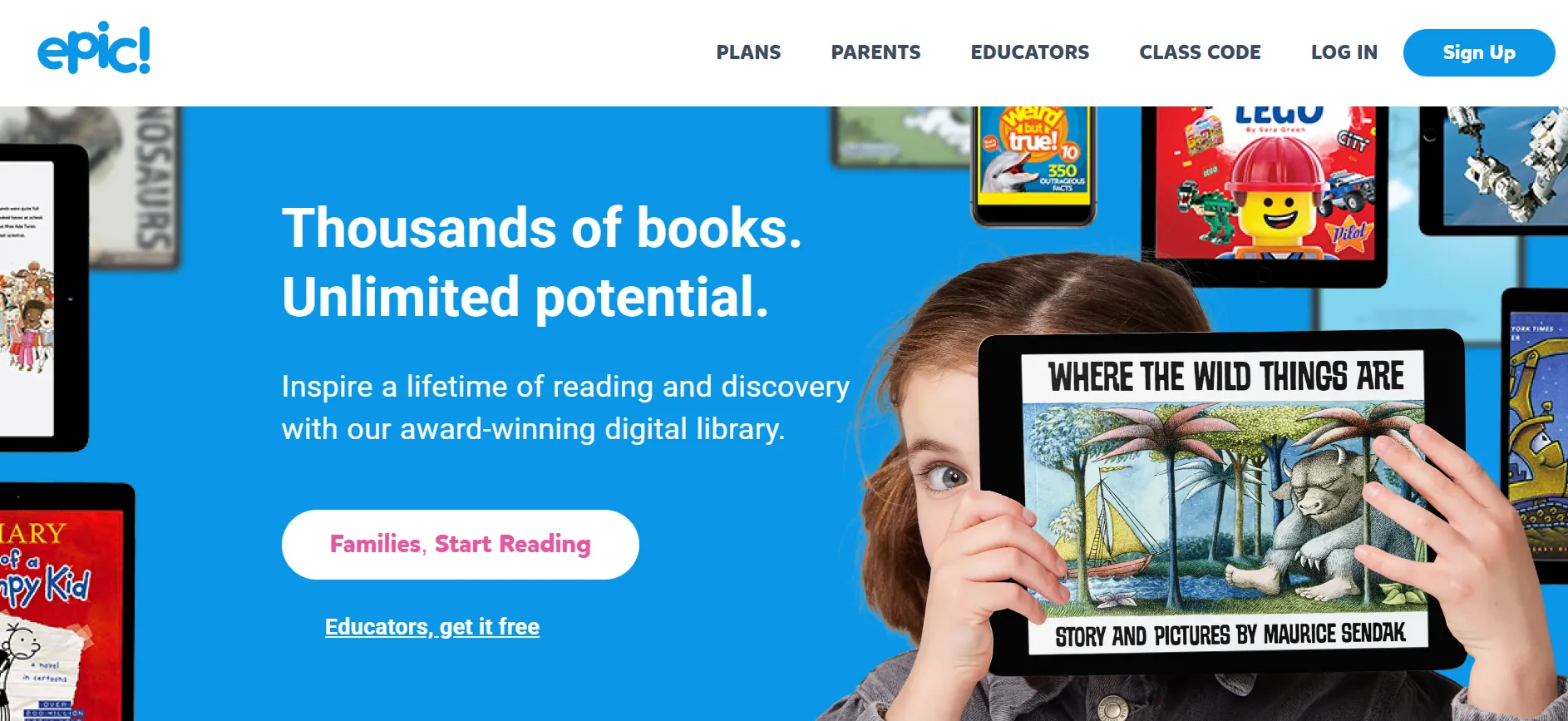
Epic! gives preschoolers access to over 40,000 books, audiobooks, and educational videos, including a “Read-to-Me” feature for children who are not yet reading independently. Personalized recommendations adjust to each child’s interests and reading level, while built-in quizzes support comprehension without making assessments feel high-stakes. For households prioritizing literacy development above all else, Epic! offers the most extensive digital library available for this age group.
How to Choose the Best Preschool Learning Apps
The sheer number of apps available can make selection feel overwhelming. The following criteria help narrow the field to tools that genuinely support early learning.
Age-appropriate content and design
Children ages 2–5 are in a sensitive period for language acquisition, number sense, and social-emotional development. Apps designed for this window should use large tap targets, minimal text on screen, audio narration, and short activity durations of three to five minutes. Developmental mismatch — content that is either too simple or too abstract — reduces engagement and learning transfer.
Ad-free and privacy-safe environments
Children under the age of five cannot meaningfully distinguish between content and advertising. The best preschool learning apps are either fully ad-free or use rigorous content filters for their younger tiers. Parents should look for apps certified by independent organizations like kidSAFE or those that comply with COPPA (Children’s Online Privacy Protection Act) to ensure personal data is not collected or shared.
Educational depth and curriculum alignment
There is a meaningful difference between an app that entertains children and one that teaches them something. Look for software that aligns with recognized frameworks — Common Core standards for math and literacy, Montessori principles for self-directed exploration, or Head Start Early Learning Outcomes for social-emotional development. Apps developed with input from child psychologists or early childhood educators are more likely to deliver genuine learning outcomes.
The most important features to evaluate when comparing apps include:
- Adaptive difficulty that adjusts to the individual child’s level
- Parent dashboards that show time spent, skills covered, and progress
- Content grounded in phonics, number sense, or social-emotional learning — not just pattern recognition
- Offline functionality for use without a reliable internet connection
Tips for Parents Using Preschool Learning Apps
Digital tools deliver the best outcomes when parents are actively involved in how children engage with them.
Set realistic screen time limits
The AAP recommends no more than one hour of high-quality screen time per day for children ages 2–5, with younger toddlers limited to video calling only. For preschool learning apps, shorter, consistent sessions of 10–20 minutes tend to be more effective than extended single sessions. Integrating app use into a predictable daily routine — such as after breakfast or before an afternoon activity — helps children transition in and out of digital play without resistance.
Co-learn alongside your child
Research consistently shows that parental co-viewing significantly increases the learning value of digital media for young children. Sitting with your child during app use, asking questions about what they see, and connecting app content to real-world experiences — “we counted five apples in the game; let’s count the apples in the fruit bowl” — transforms passive screen time into active learning. Most apps with parent dashboards also provide suggested offline activities to reinforce digital lessons.
Track progress and adjust accordingly
Most quality preschool learning apps include some form of progress tracking. Check in on your child’s performance data every few weeks and use it to guide conversations with teachers or pediatricians if you notice persistent gaps. Progress that stalls may indicate the app’s content level needs adjustment, or that the child would benefit from more hands-on, non-digital practice in a specific area.
Common Mistakes When Choosing Learning Apps
Avoiding a few common pitfalls can save significant time and money when building a child’s digital learning toolkit:
- Choosing apps based on popularity or app store rankings. App store charts reflect download volume and monetization success, not educational quality. Many of the most-downloaded apps for young children are designed primarily to maximize session time through reward loops — a pattern associated with addictive use rather than learning. Independent review sources such as Common Sense Media or recommendations from early childhood educators provide more reliable guidance than bestseller lists.
- Ignoring educational depth in favor of entertainment. An app that a child loves to use is not necessarily one that teaches them anything meaningful. Some highly engaging apps rely almost entirely on pattern-matching or reflex-based gameplay that builds no transferable skills. Before committing to a subscription, look for specific educational claims backed by evidence — whether the app’s content aligns with early literacy frameworks, for example, or whether it was developed with input from child development researchers.
- Overloading a child with too many apps at once. Variety is not a virtue when it comes to preschool learning software. Children in the 2–5 age range benefit most from consistent, repeated engagement with a small number of well-chosen tools rather than brief, disconnected experiences across many platforms. Rotating through too many apps prevents the kind of repetition and mastery that underpins early skill development. One to two core apps, used consistently over several weeks, typically outperforms a library of ten used sporadically.
Best Preschool Apps for Teachers
Several apps reviewed in this guide include features that make them especially useful in preschool and pre-K classroom settings, not just at home. Teachers looking for tools that complement lesson plans or support individual skill-building will find the following options particularly well suited to classroom use.
- Khan Academy Kids — Includes a teacher and parent dashboard that tracks each child’s progress across reading, math, and social-emotional skills. The app is completely free, making it practical for classroom deployment without budget constraints.
- PBS KIDS Games — Built on decades of public broadcasting research into children’s media, PBS KIDS offers a dedicated parent and educator resource section alongside its 100-plus ad-free games. Many activities are designed to complement classroom read-aloud and STEM routines.
- Moose Math — Aligns directly with Common Core mathematics standards for early grades and generates progress reports that teachers can use to identify skill gaps. It is free and ad-free, with no subscription required.
When selecting apps for classroom or group use, prioritize tools with progress-reporting features, offline functionality for areas with unreliable connectivity, and content that aligns with your curriculum framework.
Best Montessori Apps for Preschoolers
Parents and educators drawn to Montessori principles — self-directed exploration, intrinsic motivation, and calm, uncluttered environments — will find a small but strong set of options among the apps reviewed here.
- Pok Pok — The closest digital equivalent to a Montessori playroom. Hand-drawn visuals, no rewards, no winning or losing, and monthly new digital toys encourage children to explore purely out of curiosity. Designed for ages 2–6 and available for approximately $6.99/month.
- Sago Mini World — Shares Montessori-aligned values through its low-stimulation design: no levels, no timers, and no failure states. More than 40 open-ended games support imaginative, child-led play for ages 2–5.
Both apps deliberately avoid the reward loops and competitive mechanics common in mainstream children’s software, making them a natural fit for families who prioritize intrinsic motivation and calm engagement over points and prizes.
Final Recommendations for Preschool Learning Apps
The best preschool learning app depends on what a specific child needs most at their current developmental stage:
- For families prioritizing literacy, Duolingo ABC and Epic! offer the strongest focused content.
- For a comprehensive early curriculum, Khan Academy Kids provides the most complete free solution.
- For children who need a calm, low-pressure digital environment, Pok Pok’s Montessori-inspired design stands out.
- For early math skills specifically, Moose Math delivers structured, standards-aligned content at no cost.
Whatever combination a family chooses, the principles are the same: select apps with clear educational goals, use them in short consistent sessions, stay involved in your child’s digital play, and treat screens as one part of a broader learning environment — not a substitute for it.
Frequently Asked Questions
What age should children start using learning apps?
Most child development experts recommend waiting until age 18–24 months before introducing any interactive screen media, and even then, only with a caregiver present. Structured use of high-quality learning apps is generally appropriate from around age 2–3, with meaningful engagement increasing around age 4 when children can follow simple on-screen instructions independently.
How much screen time is appropriate for preschoolers?
Current AAP guidelines recommend limiting screen time to one hour per day for children ages 2–5, prioritizing high-quality, educational content over passive video. For children under 18 months, screen use should be limited to video calling. These are general guidelines — individual child temperament, existing screen habits, and the quality of content all influence what is appropriate for a given family.
Are learning apps actually effective for preschool education?
Research suggests that high-quality educational apps can meaningfully support early literacy and numeracy when used consistently and with parental involvement. A 2023 analysis published in Early Childhood Education Journal found that children who used adaptive learning apps for phonics showed measurable gains in letter-sound knowledge compared to peers without access. However, apps are most effective as a supplement to — not a replacement for — play-based, hands-on learning and caregiver interaction.
What features define the best preschool learning app?
The most important features are adaptive difficulty that matches the child’s current level, ad-free and privacy-safe design, content aligned with recognized early learning frameworks, short activity durations suitable for young attention spans, and a parent dashboard that provides meaningful progress data. Apps developed with input from early childhood educators or child psychologists consistently outperform those built primarily around engagement metrics.

Take a short quiz to find out what your everyday choices say about your parenting style
When your child is curious about something new, what’s your instinct?
Take a short quiz to find out what your everyday choices say about your parenting style
“Can I download this app?” What happens next?
Take a short quiz to find out what your everyday choices say about your parenting style
When it comes to rules at home, which sounds most like you?
Take a short quiz to find out what your everyday choices say about your parenting style
If you could give your child one life skill today, what would you pick?
Take a short quiz to find out what your everyday choices say about your parenting style
Your child gets to choose what to watch. What would your ideal setup look like?
Take a short quiz to find out what your everyday choices say about your parenting style
Pick your parenting superpower ✨



