
Apps Like Zigazoo: Best Safe Social Media Alternatives for Kids

 Discover a Free Education Video App for Kids
Pastory uses AI to personalize educational video content based on your child’s interests and personality. Safe, engaging, and built for curious young minds. Sign up now to stay updated and enjoy early access with a free trial
Finding a safe social media app for kids in 2026 requires balancing a child’s desire for creativity with a parent’s need for safety and control. Users searching for apps like Zigazoo often include parents looking for a kid-friendly short-video app, families seeking a safer messaging option, and caregivers comparing moderated platforms for children. This article evaluates popular apps for kids based on safety features, age-appropriateness, and moderation quality.
Quick Answer: Best Apps Like Zigazoo
If you need a quick recommendation, the following platforms are among the better-known kid-focused options available in 2026. Each app designed specifically for kids offers a unique focus, from short-form video to private family chats.
- Coverstar: One of the best TikTok-like apps for kids, with a focus on music, dance, and video challenges without direct messaging.
- Kinzoo Messenger: A kid-friendly messaging app that lets children communicate with family and approved contacts without ads.
- YouTube Kids: A popular option for children who mainly want to watch videos within a more controlled environment, especially when parents use its stricter content settings.
- Messenger Kids: A highly controlled messaging app from Meta that parents manage through the Parent Dashboard linked to their Facebook account.
- JusTalk Kids: A messaging app for children that offers video calls, chat features, and parent-oriented controls; the service states that messages and calls are end-to-end encrypted.
- LEGO Play: A creative social network centered on building and sharing LEGO creations within a strictly moderated community.
Best Pick for Short-Form Video Creativity
Coverstar is the platform most functionally similar to the Zigazoo experience. Coverstar provides a short video feed where kids engage in lip-syncing, dance challenges, and creative filters without “open-door” risks. By removing private direct messaging and using moderation that combines automated systems with human review, Coverstar aims to reduce common social risks for younger users.
Best Pick for Safer Friend-and-Family Contact
Kinzoo Messenger serves families who prioritize private connection over public discovery. Kinzoo offers a family-focused interface where children can share pictures, voice notes, and messages only with parent-approved contacts. This messaging app is built on a “safety-by-design” philosophy, meaning it lacks addictive “likes” or public follower counts found on typical social media apps.
Best Pick for Younger Kids
YouTube Kids remains a strong option for children under the age of 7 who primarily want to watch content rather than create it. YouTube Kids provides a more controlled viewing environment for children, and parents can further limit what is available by using settings such as Approved Content Only mode. Parents can further refine this by selecting “Approved Content Only” mode, which limits the app to specific shows or creators chosen by the caregiver.
Best Pick for Parents Focused on Safety
JusTalk Kids is a strong option for parents who want robust parental controls. This app, designed specifically for kids, does not require a phone number during setup and gives parents tools to manage approved contacts. JusTalk Kids is designed for communication with known contacts and includes parent controls that can reduce the risk of unwanted contact.
Best Apps Like Zigazoo for Kids
When choosing a kid-friendly alternative to TikTok or Zigazoo, parents should look for platforms that maintain COPPA compliance and offer robust moderation.
1. Coverstar
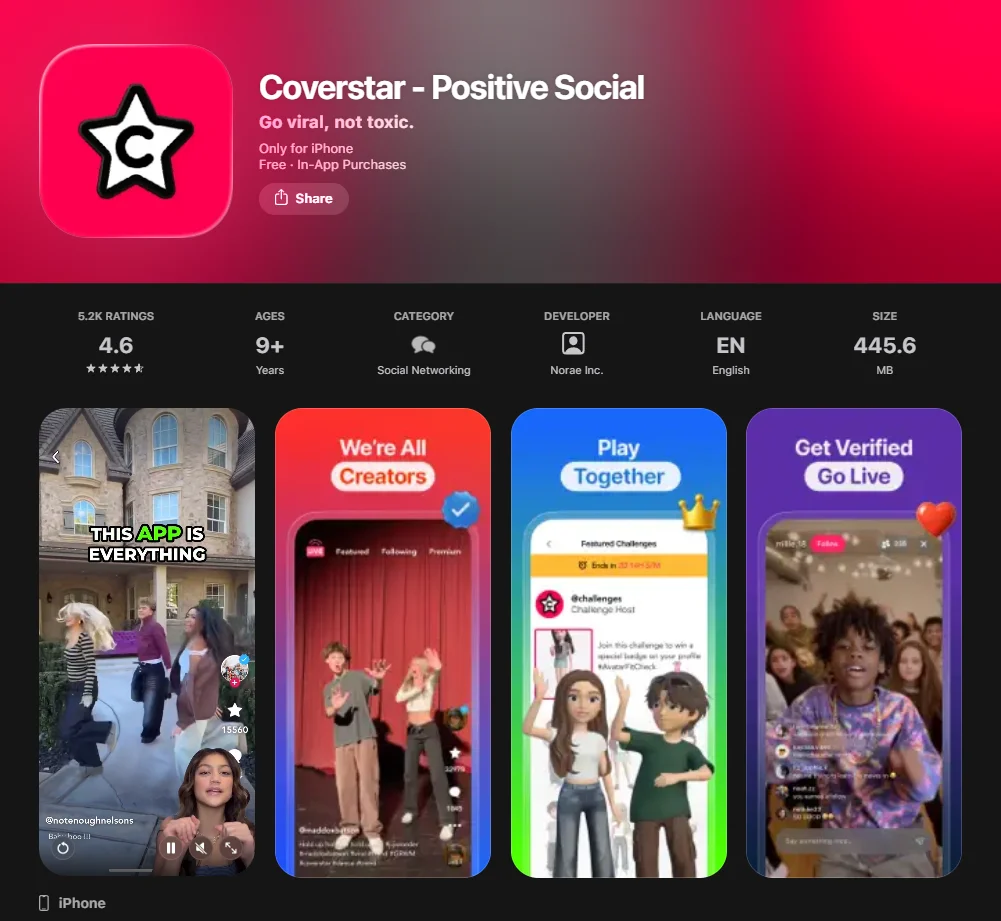
Coverstar is often cited as one of the closest alternatives to Zigazoo for young creators. It allows kids to watch videos and create their own using an extensive library of music and filters.
- Best for: Aspiring influencers and creative performers.
- Age Fit: 6 to 13 years old.
- Safety Note: Coverstar employs a strict “No DM” (Direct Message) policy, which prevents strangers from contacting young users privately.
2. Kinzoo Messenger
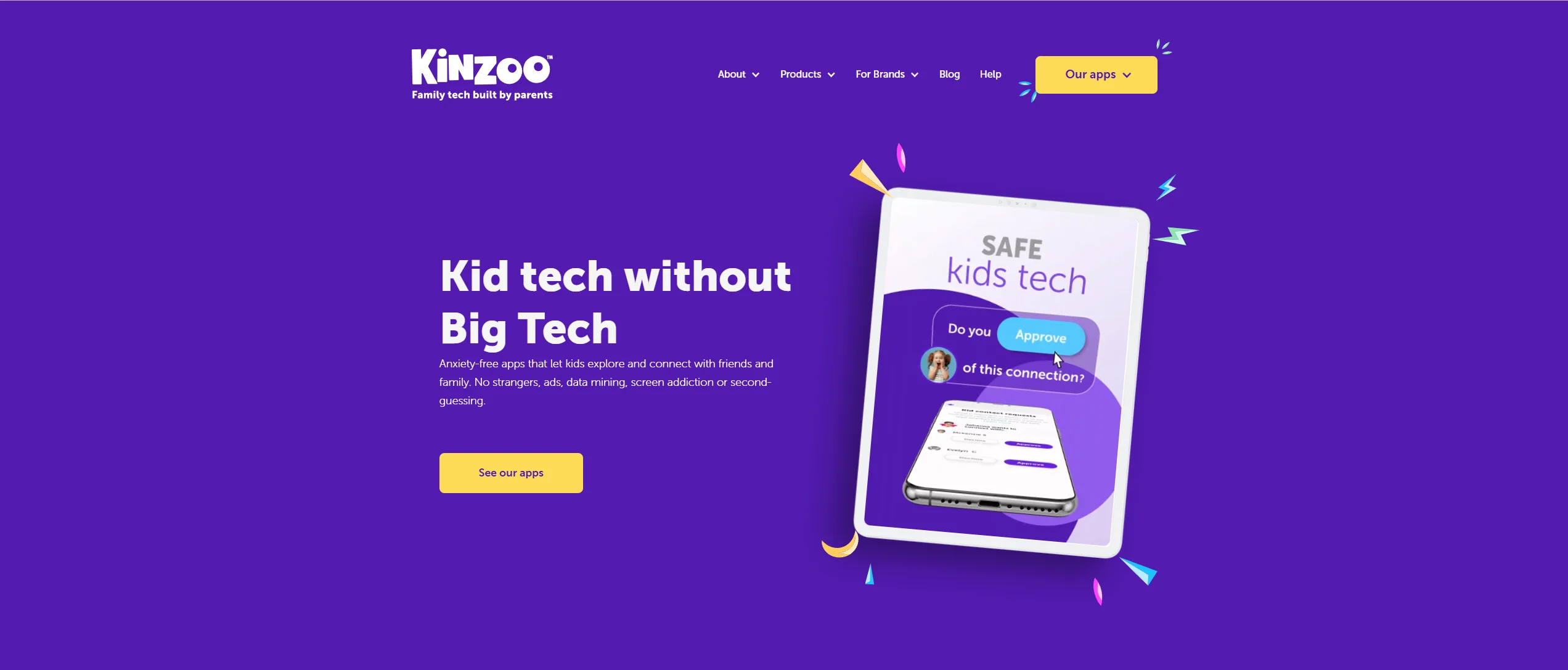
Kinzoo Messenger is a messaging app that prioritizes the “Family Circle.” It is completely ad-free and does not use “addictive” algorithms to keep kids on the screen.
- Best for: Safe communication with family and close friends.
- Age Fit: 5 to 12 years old.
- Safety Note: Parents approve contacts before messaging, which substantially reduces the likelihood of unwanted contact.
3. Messenger Kids
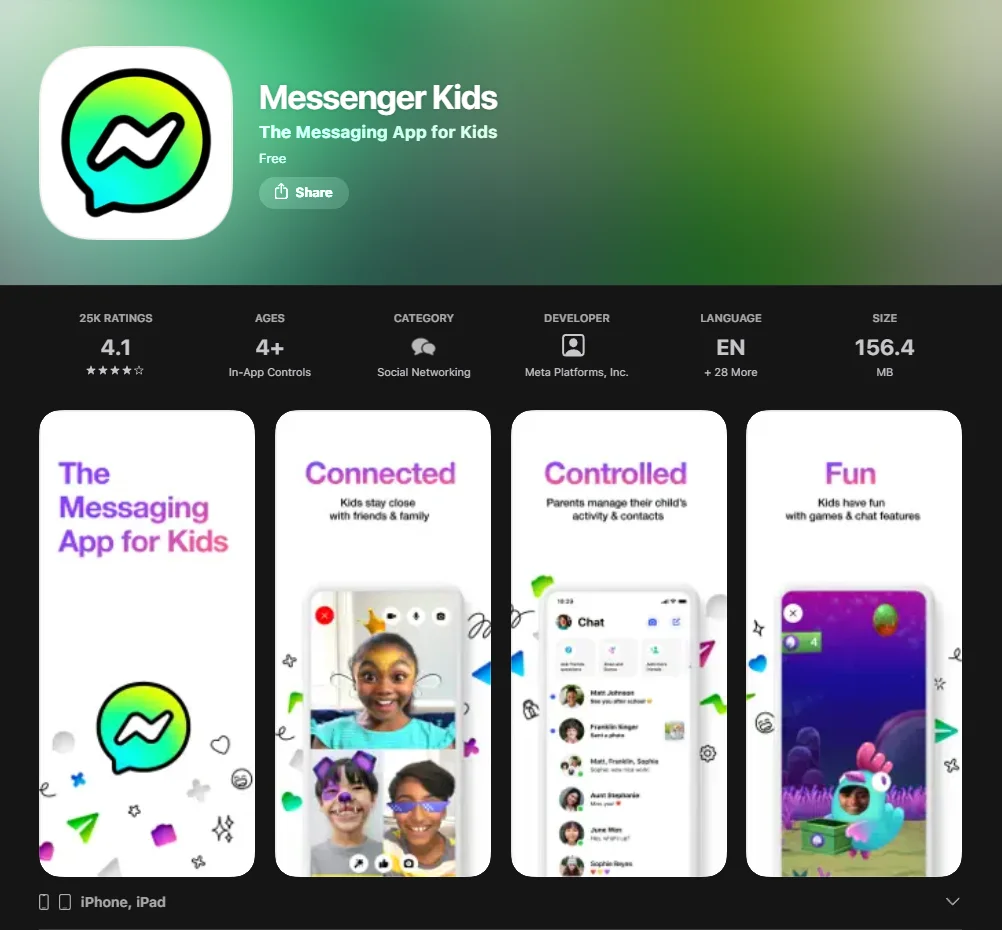
Owned by Meta, Messenger Kids is a messaging app designed for children who are not old enough for a full Facebook account.
- Best for: Kids who want a “grown-up” chat experience with stickers and filters.
- Age Fit: 6 to 12 years old.
- Safety Note: The “Parent Dashboard” allows caregivers to see who their child is chatting with and view a history of reported or blocked contacts.
4. YouTube Kids
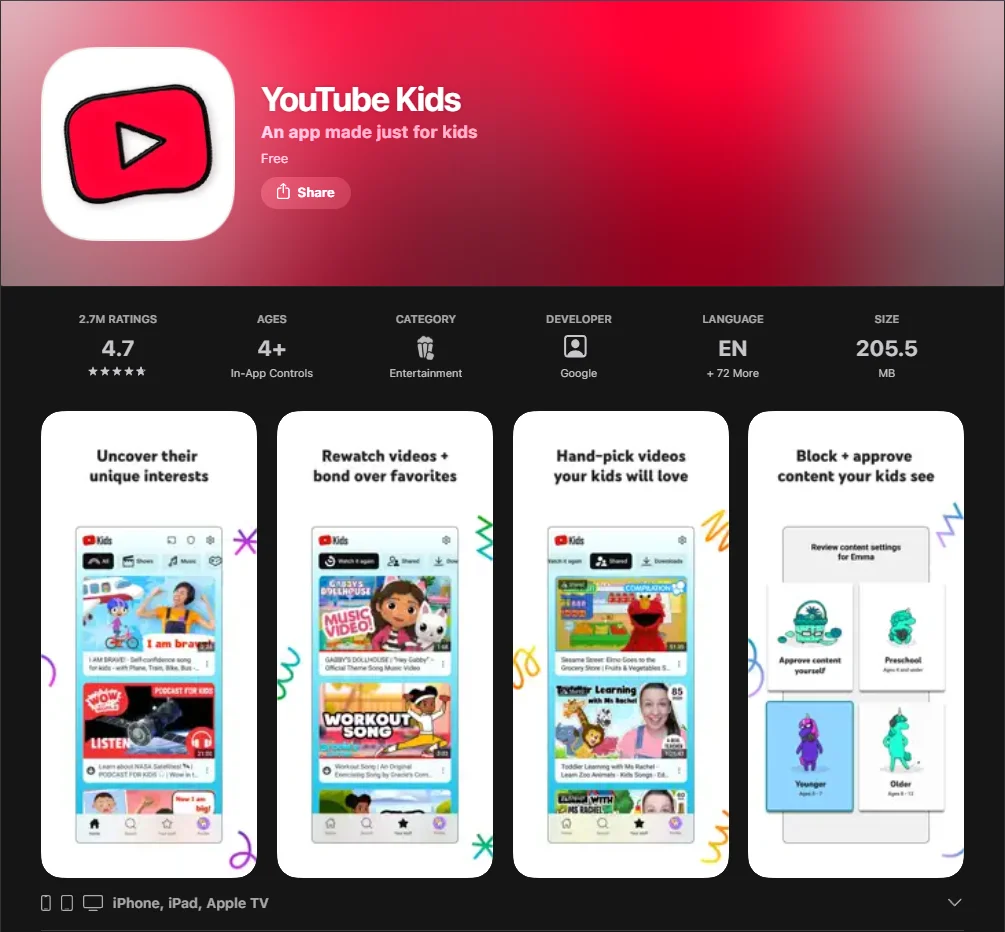
While not a social network in the traditional sense, YouTube Kids offers a large library of video content for children.
- Best for: Educational content, “how-to” videos, and entertainment.
- Age Fit: 2 to 12 years old.
- Safety Note: The app uses a mix regarding automated filters and human review, though parent-led curation is still recommended.
Why Search for Apps Like Zigazoo
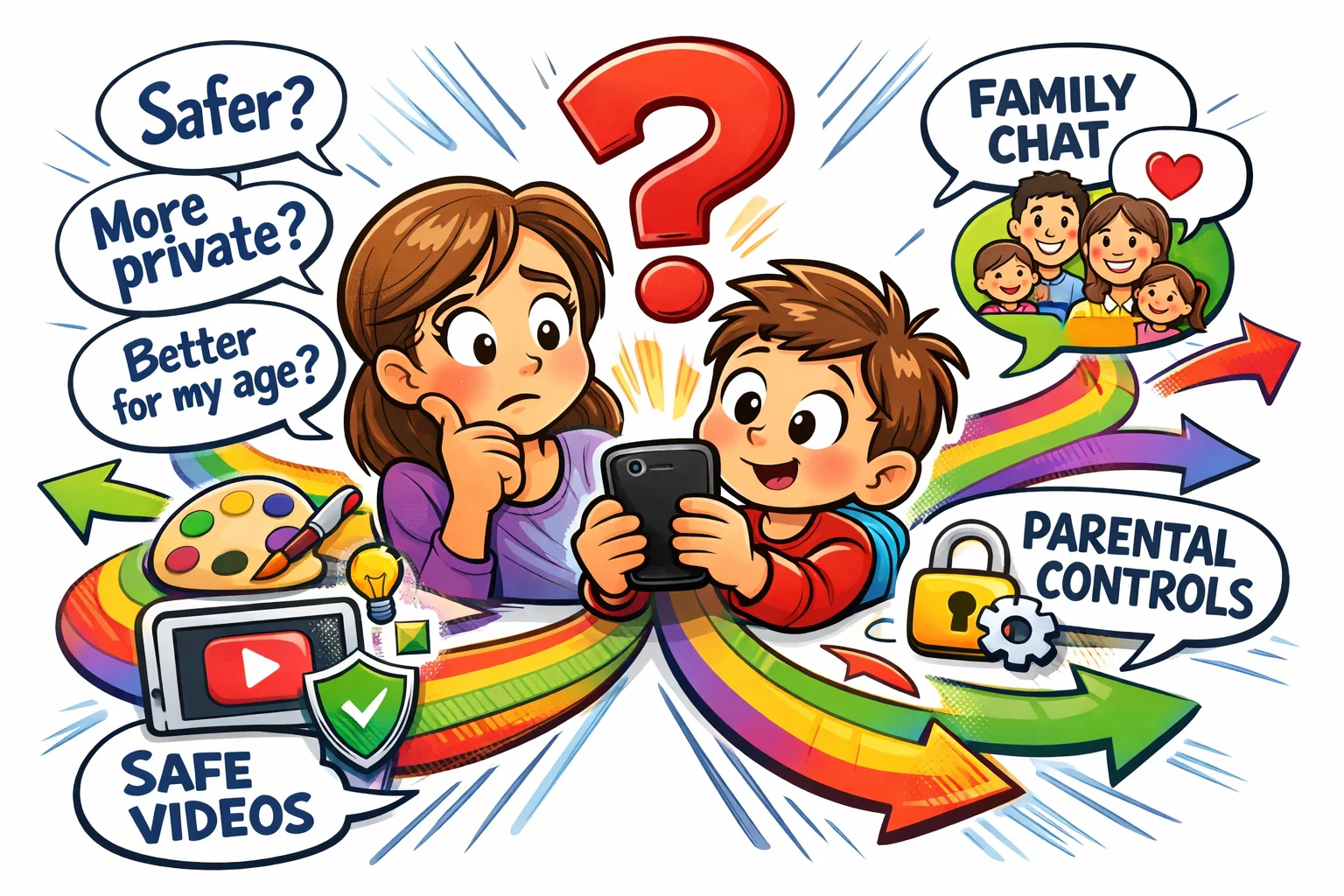
As children reach the “tween” years (ages 9–12), their interest in social media often grows, driven by a developmental need for peer validation and creative expression. While Zigazoo is a pioneer in the kid-friendly social space, many families seek alternatives to find a better “age fit” or to access different social interaction tools. The American Academy of Pediatrics advises families to consider a child’s age, maturity, and the quality of digital experiences when introducing social media or other digital platforms.
Need for More Age-Specific Options
The digital needs of a 6-year-old differ vastly from those of a 12-year-old. While a younger child may benefit from learning and social prompts on Zigazoo, a pre-teen might find those prompts too restrictive and seek a platform where kids can have more creative autonomy. Seeking safe apps that cater to narrower age bands ensures that the content and moderation levels remain developmentally appropriate.
Need for Different Social Features
Some families prioritize messaging app functionality over video sharing. If a child’s primary goal is staying in touch with grandparents or school friends, a video-centric app might not be the most efficient tool. In these cases, moving to platforms like Kinzoo or Messenger Kids provides a more focused environment for building one-on-one communication skills.
Need for Stronger Parent Oversight
While Zigazoo offers safe online features, some parents prefer “hard” parental controls that allow active contact approval and screen-time scheduling. Apps like Messenger Kids or JusTalk Kids integrate directly with the parent’s device, providing transparency that “open discovery” platforms often lack. Many parents prioritize this kind of oversight when choosing a child-focused app.
What Zigazoo Offers
To understand the best alternatives to Zigazoo, it helps to first understand the Zigazoo model. Zigazoo presents itself as a safer social app for kids and teens, with a strong emphasis on moderation and privacy controls. It is designed to function as a “non-toxic TikTok,” where kids can create and share videos in response to specific “challenges.”
Short-Form Video Experience
The core of the app is a short video feed that mimics the “scrollable” nature of platforms like TikTok. However, unlike mainstream apps, the feed is curated to show positive, challenge-based content. This structure supports cognitive development by giving children specific prompts to solve, such as “show us a science experiment.”
Community Style
Zigazoo fosters a “positivity-first” culture. Zigazoo emphasizes moderated interaction and child-focused design choices intended to reduce common social risks such as bullying. This design may be more appealing to younger users because it emphasizes visual prompts and guided social interaction.
Age Appeal
The app’s primary appeal lies in giving young users the feeling of being on a “real” social media platform without “not-so-safe” elements. It provides a safe space where tweens can feel like creators. Some educators and child-safety advocates view guided, challenge-based participation as more developmentally appropriate than unrestricted browsing, but the effect depends on design, moderation, and parental involvement.
Apps Like Zigazoo by Category
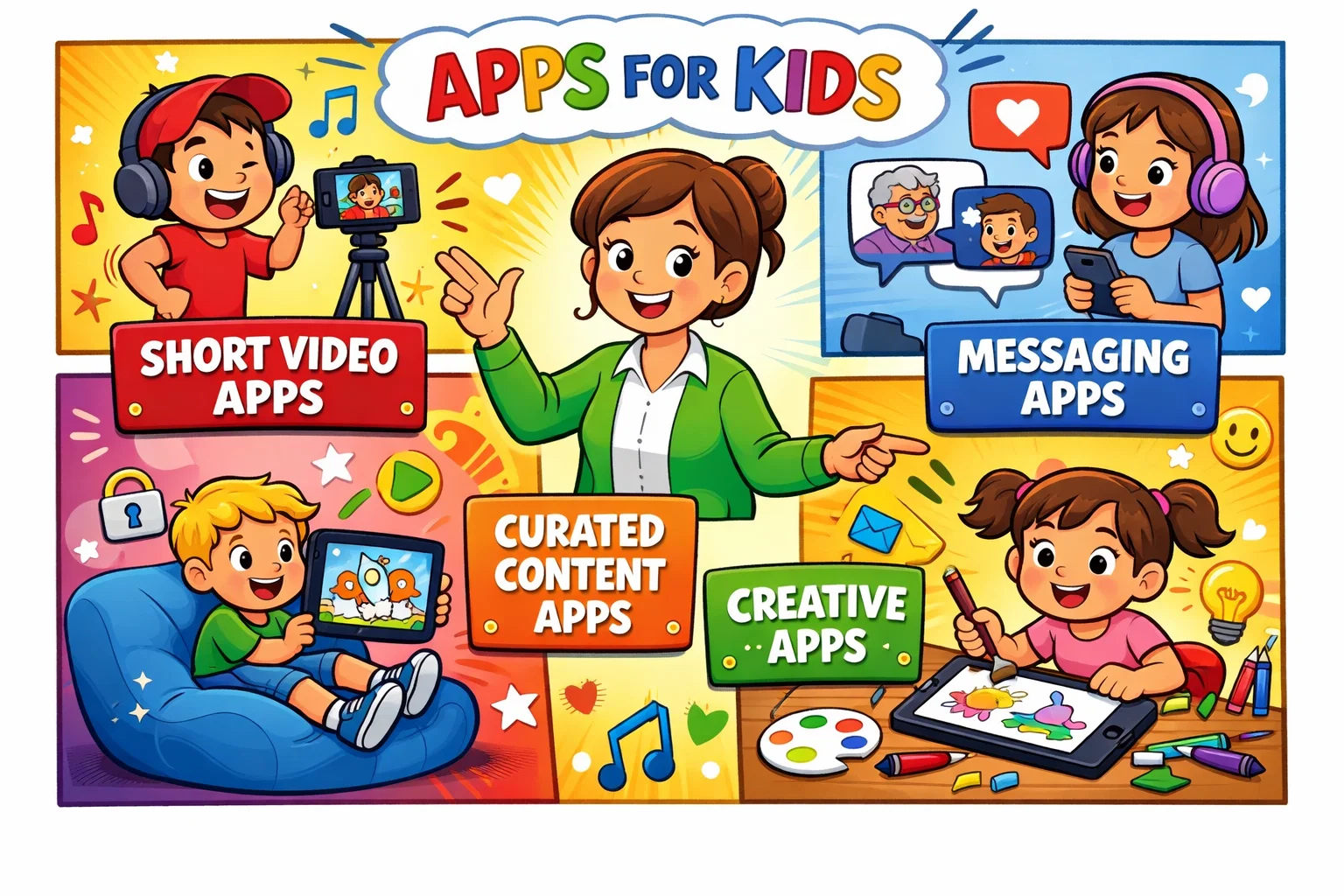
Categorizing TikTok alternatives by user goal helps families find the right tool quickly. This segmentation ensures the kid-friendly apps selected align with the child’s specific digital interests.
Best Short Video Apps for Kids
This category includes Zigazoo and Coverstar. These apps may appeal to kids who want to create short videos, join challenges, and experiment with filters in a moderated setting.
- Key Feature: Challenge-based content creation.
- Safety Level: High, due to video-only responses or lack of DMs.
Best Messaging Apps for Kids
Kinzoo Messenger, Messenger Kids, and JusTalk Kids focus on direct communication. They are safe apps that prioritize a closed network of family and friends rather than a public feed.
- Key Feature: Parent-approved contact lists.
- Safety Level: Very high, because these apps are built around parent-managed or approved contact networks.
Best Curated Content Apps for Younger Kids
YouTube Kids and Azoomee are built primarily for curated entertainment and learning. They are kid-friendly social options that allow exploration within a “walled garden” of pre-screened media.
- Key Feature: Educational and entertainment-focused content libraries.
- Safety Level: High, provided parental filters are active.
How Apps Compare to Zigazoo
Comparing apps like Zigazoo requires looking at features such as moderation practices, privacy controls, and the level of social openness.
Feature Comparison Matrix
| Feature | Zigazoo | Coverstar | Kinzoo | Messenger Kids |
| Primary Goal | Challenges | Creation | Chatting | Socializing |
| Target Age | 4-12 | 6-13 | 5-12 | 6-12 |
| DMs Allowed | No | No | Approved Only | Approved Only |
| Ad-Free | Yes | Yes | Yes | Yes |
| COPPA Compliant | Yes | Yes | Yes | Yes |
Content Moderation
One of the strictest moderation approaches is pre-moderation, where content is reviewed before publication. Zigazoo utilizes this model heavily. Other platforms like YouTube Kids rely more on post-moderation and sophisticated AI filters. For parents, the choice often depends on whether they want a “curated garden” or a “filtered library.”
Safety Features to Check Before Choosing an App
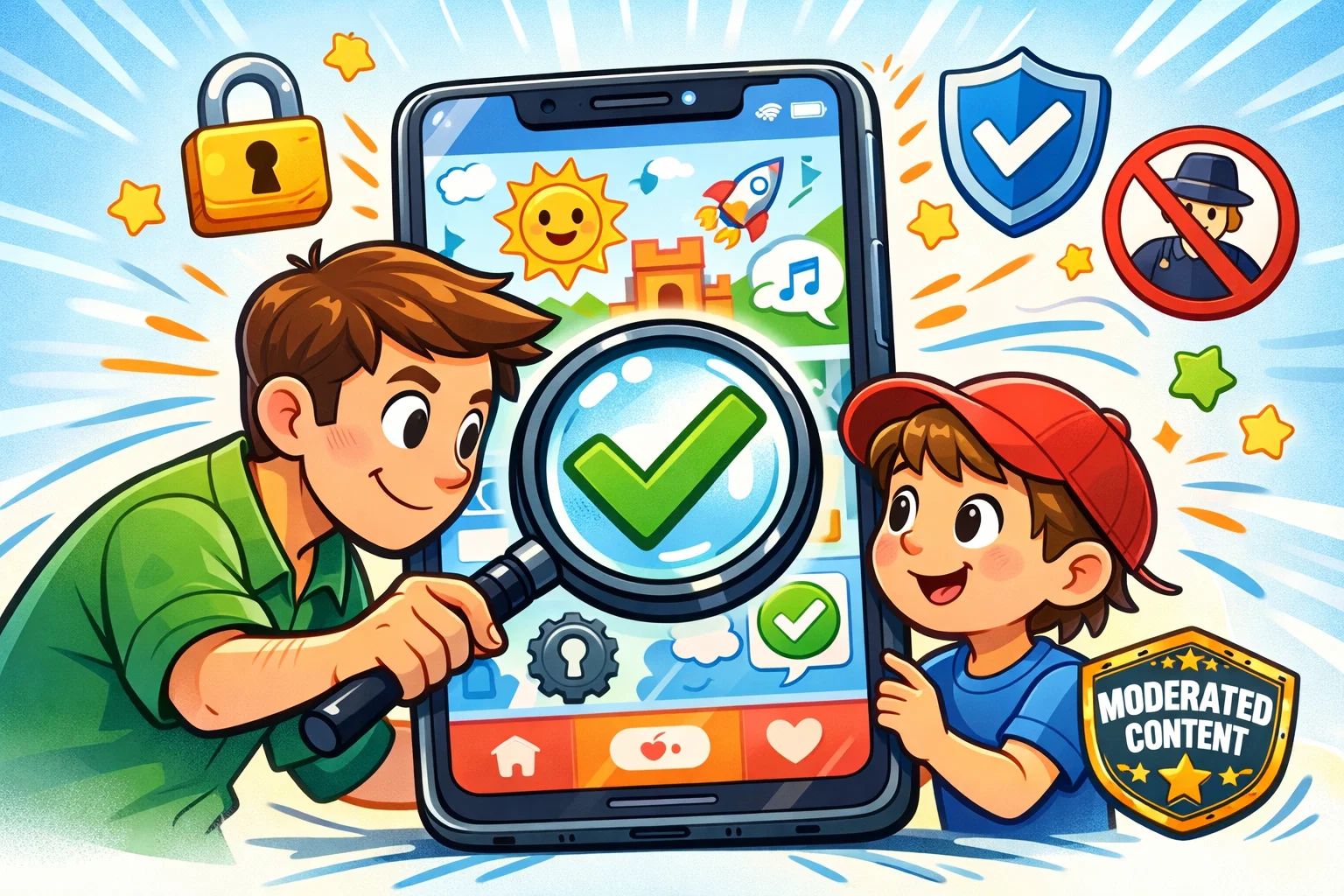
Expert guidance from organizations like the AAP suggests that keeping kids safe online is a proactive process. Before downloading any social app for children, check for these five essential safety features.
- Parent Dashboard: A dedicated interface on the parent’s phone to manage settings.
- Contact Approval: A “whitelist” system where only approved people can interact with the child.
- No Public Search: Ensuring the child’s profile cannot be found by strangers via a general search engine.
- Time Management: Built-in limits that disable the app after a set amount of use.
- Reporting Tools: Easy-to-use buttons that allow the child to flag inappropriate content immediately.
Moderation Workflow
Understanding the difference between AI and human moderation is vital. AI catches “hard” violations like nudity, but human moderators identify “soft” violations like bullying or “predatory grooming.” The best apps like TikTok for kids use a hybrid approach to provide a safer space that children and parents can trust.
Risks of Social Media for Kids
Even a safe and enjoyable experience carries inherent risks if not monitored. The U.S. Surgeon General’s Advisory says social media may pose risks to some young people’s mental health, including possible impacts on anxiety, sleep, and well-being.
- Inappropriate Content: Even with moderation, some borderline content can still slip through filters.
- Unwanted Contact: On platforms with public discovery, bad actors may attempt to bypass parental controls through creative usernames.
- Privacy Risks: Children may inadvertently share personally identifiable information, such as a school name or location clue, in the background of their videos.
- Addictive Design: Features like streaks and infinite scroll are designed to encourage repeated engagement, which can be especially hard for a developing brain to resist.
Tips for Parents to Make Social Apps Safer
To ensure a fun and safe digital life, parents should treat using social media apps as a collaborative activity.
Set Parental Controls
The first step is always technical. Use tools like Google Family Link to set hard limits on when the app can be opened. Ensure that “In-App Purchases” are disabled to prevent accidental spending on digital stickers.
Talk About Online Safety
Education is more effective than restriction. Discussing topics like the permanence of the internet helps a child understand that what they share online can remain accessible for a long time. The Child Mind Institute suggests that parents “co-view” content with their children weekly to maintain an open dialogue.
How to Choose the Best App Like Zigazoo
Decision support helps users move from browsing to choosing. Use this checklist to find the right safer social media option.
Pick by Age Range
- Ages 4–7: Focus on options such as YouTube Kids or Azoomee. The priority here is curated viewing and limited social interaction.
- Ages 8-10: Zigazoo or LEGO Play are ideal. These offer a safe and engaging introduction to community participation.
- Ages 11-12: Some families may consider apps such as Coverstar or Messenger Kids, depending on the child’s maturity level and the parent’s preferred level of oversight.
Pick by Social Openness
Does your child want to reach a wide audience or just their cousins?
- Public/Semi-Public: Zigazoo, Coverstar (with moderation).
- Closed/Private: Kinzoo, JusTalk Kids.
Final Thoughts: Safe Digital Experience for Kids
Choosing the best app like Zigazoo ultimately depends on your child’s goal. If they want to be a “creator,” Coverstar is a fantastic choice. If they want to stay in touch with family, Kinzoo or Messenger Kids provides a more secure starting point. No app is 100% risk-free, but by choosing platforms like these—which are designed to provide a safe and educational experience—you are giving your child the tools needed to become responsible digital citizens.
FAQ
What app is similar to Zigazoo?
Coverstar is the most functionally similar app, with a focus on short-form video challenges. For messaging-focused needs, Kinzoo is one of the closest alternatives in terms of safety philosophy.
Is there an app like TikTok for kids?
Zigazoo and Coverstar are child-focused short-video apps that aim to offer a more moderated experience than mainstream social platforms. They offer a similar “watch and create” loop while aiming to provide a safer environment through strict moderation.
Is Zigazoo safe for kids?
Zigazoo presents itself as a child-focused, COPPA-certified platform with moderated interactions and safety-oriented design choices.
What age is Zigazoo for?
Many families consider it suitable for elementary-school-age children, but suitability depends on the child’s maturity and the level of parental involvement. Children under 6 may lack the fine motor skills to fully engage with video challenges.
What app lets kids make videos without social media?
Many parents choose offline creativity tools instead. Kinzoo, by contrast, is primarily a private family communication app, which may suit parents who want to avoid public-facing social media features for children.

Take a short quiz to find out what your everyday choices say about your parenting style
When your child is curious about something new, what’s your instinct?
Take a short quiz to find out what your everyday choices say about your parenting style
“Can I download this app?” What happens next?
Take a short quiz to find out what your everyday choices say about your parenting style
When it comes to rules at home, which sounds most like you?
Take a short quiz to find out what your everyday choices say about your parenting style
If you could give your child one life skill today, what would you pick?
Take a short quiz to find out what your everyday choices say about your parenting style
Your child gets to choose what to watch. What would your ideal setup look like?
Take a short quiz to find out what your everyday choices say about your parenting style
Pick your parenting superpower ✨



