
Safe Messaging Apps for Kids: Family Messengers That Help Kids Stay Connected

 Discover a Free Education Video App for Kids
Pastory uses AI to personalize educational video content based on your child’s interests and personality. Safe, engaging, and built for curious young minds. Sign up now to stay updated and enjoy early access with a free trial
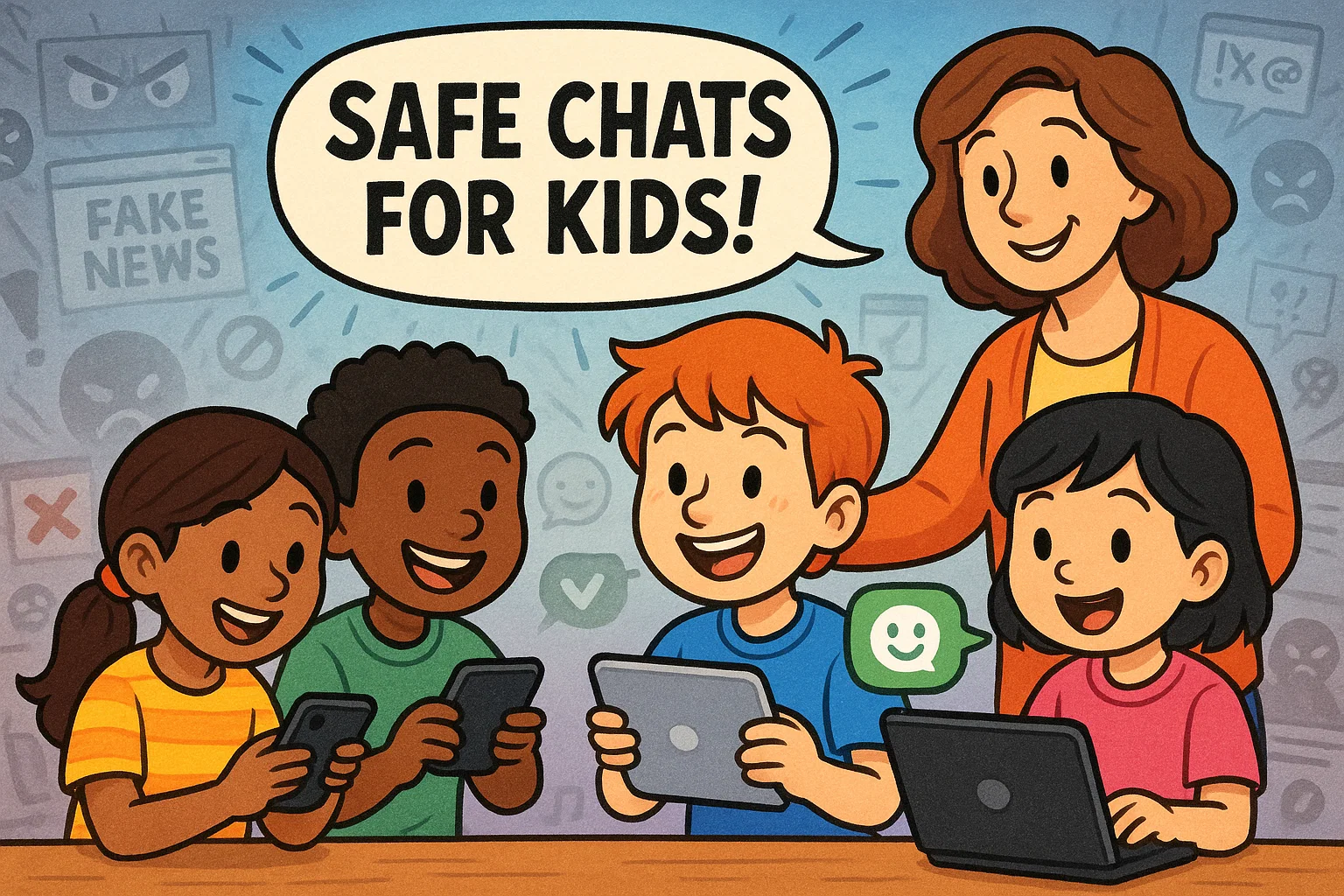
In today’s digital landscape, children are naturally drawn to technology and communication platforms. As a parent, finding the right balance between allowing your child to explore digital communication while ensuring their safety can feel overwhelming. The good news is that several kid-friendly messaging apps offer free, secure ways for children to connect with family and approved contacts under parental supervision.
Why Child Messaging Apps Matter
Your role as a parent extends beyond simply downloading an app and hoping for the best. Effective digital parenting involves active engagement with your child’s online activities while respecting their growing need for independence.
The key is finding messaging solutions that support your family’s values while giving kids appropriate freedom to communicate. This may include setting specific times for app use, discussing appropriate conversation topics, or establishing consequences for misuse.
Benefits for Kids
When implemented thoughtfully, kid-friendly messaging apps offer several developmental advantages:
- Enhanced family connections: Video calls with distant relatives become more accessible and engaging
- Digital literacy development: Children learn appropriate online communication etiquette in a controlled environment
- Confidence building: Safe messaging experiences help kids develop comfort with technology
- Emergency communication: Older children can maintain contact with parents during school activities or visits with friends
Top Kid-Friendly Messaging Apps 🌟
Choosing the ideal messaging app for your child involves considering their age, maturity, and your family’s specific needs for supervision. To help simplify this decision, we’ve compiled a list of leading kid-friendly messaging apps.
Messenger Kids

Messenger Kids, developed by Meta, is specifically designed for children under 13 who want to video chat and message with family members and parent-approved friends. The app requires parental setup and ongoing supervision, making it a controlled entry point into digital messaging.
Key Features:
- Parent-controlled contact list with no ability for children to add contacts independently
- Video calling with fun AR filters and interactive games during calls
- No advertising or in-app purchases to protect children from commercial targeting
- Comprehensive parental dashboard showing all messaging activity and contacts
- Sleep mode feature allowing parents to restrict usage during specific hours
Messenger Kids on the App Store
Kinzoo

Kinzoo functions as a private family messaging network, designed for families with children ages 6-16. The app creates a secure communication bubble where only invited family members can participate, eliminating exposure to unknown contacts.
Key Features:
- Private family network with invitation-only access
- Video and voice calling capabilities with high-quality audio/video
- Parent-approved contact system ensuring all communication partners are known
- Message filtering that automatically blocks inappropriate content
- Location sharing features for family coordination and safety
Kinzoo: Fun All-Ages Messenger on the App Store
JusTalk Kids

JusTalk Kids focuses on video communication with enhanced safety measures specifically tailored for younger users. The app emphasizes visual communication while maintaining strong protective barriers against inappropriate contact.
Key Features:
- High-quality video and voice chat optimized for children’s devices
- Stranger prevention technology that blocks unknown callers
- Interactive doodle features allowing kids to draw on screen during video calls
- Comprehensive parental controls including contact management and usage time limits
- Cross-platform compatibility ensuring connection across different devices
JusTalk Kids – Safe Messenger on the App Store
Stars Messenger

Stars Messenger takes a unique approach by eliminating phone number requirements, instead using PIN-based friend connections. This system gives parents complete control over who can contact their child while simplifying the setup process.
Key Features:
- PIN-based contact addition system eliminating phone number sharing
- Parent approval required for all new contacts
- Simple, child-friendly interface designed for easy navigation
- Message history accessible to parents through dedicated parent view
- No personal information collection beyond basic account setup
Stars Messenger Kids Safe Chat on the App Store
Gabb Messenger

Often associated with Gabb phones designed for kids, Gabb Messenger provides basic texting functionality without internet browsing capabilities. This app appeals to families seeking minimal digital exposure while maintaining essential communication features.
Key Features:
- Text messaging without access to broader internet content
- Parent-managed contact lists with approval required for additions
- No social media integration or external app downloads
- Simple interface focused purely on communication essentials
- Built-in content filtering to block inappropriate messages
Gabb Messenger on the App Store
Fennec Messenger

Fennec Messenger prioritizes privacy and simplicity, offering straightforward messaging without data tracking or advertising. The app appeals to privacy-conscious families seeking minimal digital footprint options.
Key Features:
- Zero data tracking or personal information storage
- Simple messaging interface without complex features that might confuse young users
- Parental control over all contact additions and removals
- Encrypted messaging for enhanced privacy protection
- Lightweight design that doesn’t drain device battery or storage
Fennec Messenger – Family Chat on the App Store
Caribu

Caribu transforms traditional video calling into interactive experiences by combining communication with shared activities. The app is particularly effective for maintaining connections with distant family members through engaging shared experiences.
Key Features:
- Interactive video calls with shared reading capabilities
- Drawing and coloring activities that both participants can engage with simultaneously
- Library of children’s books available for shared reading sessions
- Screen recording capabilities for parents to save special moments
- Multi-generational design connecting children with grandparents and extended family
Caribu by Mattel on the App Store
Whereby

While not exclusively designed for children, Whereby offers browser-based video calling that can be effectively used for supervised child communication. The platform’s simplicity and lack of required downloads make it accessible for family use.
Key Features:
- Browser-based video calls requiring no app downloads
- Easy meeting room setup with shareable links
- Screen sharing capabilities for educational or entertainment purposes
- Recording features for important family conversations
- Customizable meeting rooms with personalized backgrounds
Whereby – Video Meetings on the App Store
Implementing Safe Messaging Practices 🛡️
Implementing safe messaging practices is about empowering your child with the skills and boundaries necessary to navigate digital communication responsibly.
Setting Ground Rules
Establishing clear expectations before your child begins using any messaging app creates a foundation for responsible digital behavior. Consider developing a family media agreement that outlines appropriate usage times, acceptable conversation topics, and consequences for misuse.
Effective ground rules often include specific time limits for app usage, designated device-free zones in the home, and clear guidelines about sharing personal information. Dr. Sarah Clark from the University of Michigan suggests that “children respond better to clear, consistent boundaries that they help create rather than rules imposed without explanation.”
| Rule Category | Example Guidelines | Age Considerations |
| Usage Time | 30-60 minutes daily | Younger kids need stricter limits |
| Contact Approval | Parent approval required | All ages until proven responsibility |
| Content Sharing | No personal photos without permission | Especially important for pre-teens |
| Location Sharing | Only with immediate family | Never with friends without oversight |
Open Communication
Maintaining ongoing dialogue about your child’s digital experiences encourages them to share concerns or uncomfortable situations they may encounter. Research from the Family Online Safety Institute indicates that children who feel comfortable discussing online experiences with parents are 40% more likely to report problematic interactions.
Create regular opportunities for conversations about digital experiences without making them feel like interrogations. This might involve asking about interesting conversations they’ve had, funny moments during video calls with relatives, or any confusing messages they’ve received.
Utilizing App Features
Most kid-friendly messaging apps include robust parental control features, but these tools are only effective when parents actively engage with them. Take time to explore notification settings, review message histories when appropriate, and understand the reporting mechanisms available within each app.
Consider setting up regular “digital check-ins” where you review app activity together with your child. This collaborative approach helps them understand your concerns while building their own awareness of appropriate digital behavior.
Regular Review
As children grow and demonstrate responsible digital behavior, messaging app rules and restrictions may need adjustment. What works for a 7-year-old may be overly restrictive for a mature 12-year-old who has consistently followed established guidelines.
Plan quarterly reviews of your family’s messaging app usage, discussing what’s working well and what might need modification. These conversations also provide opportunities to address new features, updated safety concerns, or changing family circumstances.
Frequently Asked Questions ❓
What makes messaging apps for kids different from adult platforms like WhatsApp or Snapchat?
Apps for kids are designed as a safe space with privacy and protection as a priority, unlike platforms such as WhatsApp or Snapchat that focus on open social networking. These solutions typically include apps with built-in content restrictions, ad-free environments, and parental approval mechanisms that limit who kids can chat with and what they can share.
How do kid-friendly messenger apps help families stay connected?
A family messaging app supports family communication by allowing kids to stay in touch with parents and approved relatives through instant messaging, voice and video calls, and voice memos. This structure helps kids to stay connected while ensuring communication occurs within a controlled and supervised environment.
Do these messaging platforms allow creative expression for children?
Most modern kids app solutions include creative tools such as stickers, GIFs, and other fun features that make conversations engaging. These fun ways to communicate encourage kids to chat naturally while avoiding exposure to unsafe or unmoderated content.
How is parental control implemented in apps made for kids?
Parents create and manage accounts through a parent dashboard that provides full control over contacts, friend requests, and chat features. This setup allows adults to monitor activity, review content when needed, manage their child’s settings, and maintain peace of mind regarding kids’ safety.
Are kid-friendly messaging apps safe in terms of data privacy?
A strong commitment to safety includes strict data privacy policies, limited user data collection, and clear app’s privacy standards. Many platforms emphasize privacy and security by avoiding data sharing, offering encrypted messaging, and ensuring that personal information is not used for advertising.
Can kids use group chats and advanced communication features?
Many apps like Kinzoo Messenger support group chats, voice and video calls, and additional features such as location tracking, where appropriate. These options are usually activated only with parental approval to ensure responsible usage aligned with the child’s age.
Are all kid-friendly messaging apps free, or do some require payment?
Several apps for kids offer core functionality at no cost, while others operate as a paid app with expanded features like advanced monitoring or extended family access. Evaluating whether the app makes sense depends on privacy and protection standards, available features like content filtering, and the ability to view and manage interactions effectively.
How can parents choose the best messaging platform for their child?
Choosing the best option involves assessing how the child uses technology, the need for voice and video communication, and expectations around parental oversight. Apps like Facebook Messenger alternatives built for children focus on safety, parental involvement, and age-appropriate design, helping families select a solution that supports kids to use messaging responsibly.

Take a short quiz to find out what your everyday choices say about your parenting style
When your child is curious about something new, what’s your instinct?
Take a short quiz to find out what your everyday choices say about your parenting style
“Can I download this app?” What happens next?
Take a short quiz to find out what your everyday choices say about your parenting style
When it comes to rules at home, which sounds most like you?
Take a short quiz to find out what your everyday choices say about your parenting style
If you could give your child one life skill today, what would you pick?
Take a short quiz to find out what your everyday choices say about your parenting style
Your child gets to choose what to watch. What would your ideal setup look like?
Take a short quiz to find out what your everyday choices say about your parenting style
Pick your parenting superpower ✨



