
Is Roblox Safe for Kids – Complete Parental Safety Guide

 Discover a Free Education Video App for Kids
Pastory uses AI to personalize educational video content based on your child’s interests and personality. Safe, engaging, and built for curious young minds. Sign up now to stay updated and enjoy early access with a free trial
If you are a parent in 2026, the question “is Roblox safe for kids?” likely occupies a significant amount of your mental bandwidth. This massive online ecosystem has evolved from a simple sandbox into a global cultural phenomenon where millions of children spend their time. However, as it has grown, so have the complexities of its security landscape.
In recent years, the platform has faced unprecedented scrutiny, including government lawsuits and regional bans, prompting significant updates to its safety and moderation systems. This guide provides a comprehensive look at the environment today, including the latest 2024–2026 safety updates, a walkthrough of the new parental control dashboard, and a candid expert verdict on whether you should let your child play.
What Is Roblox?
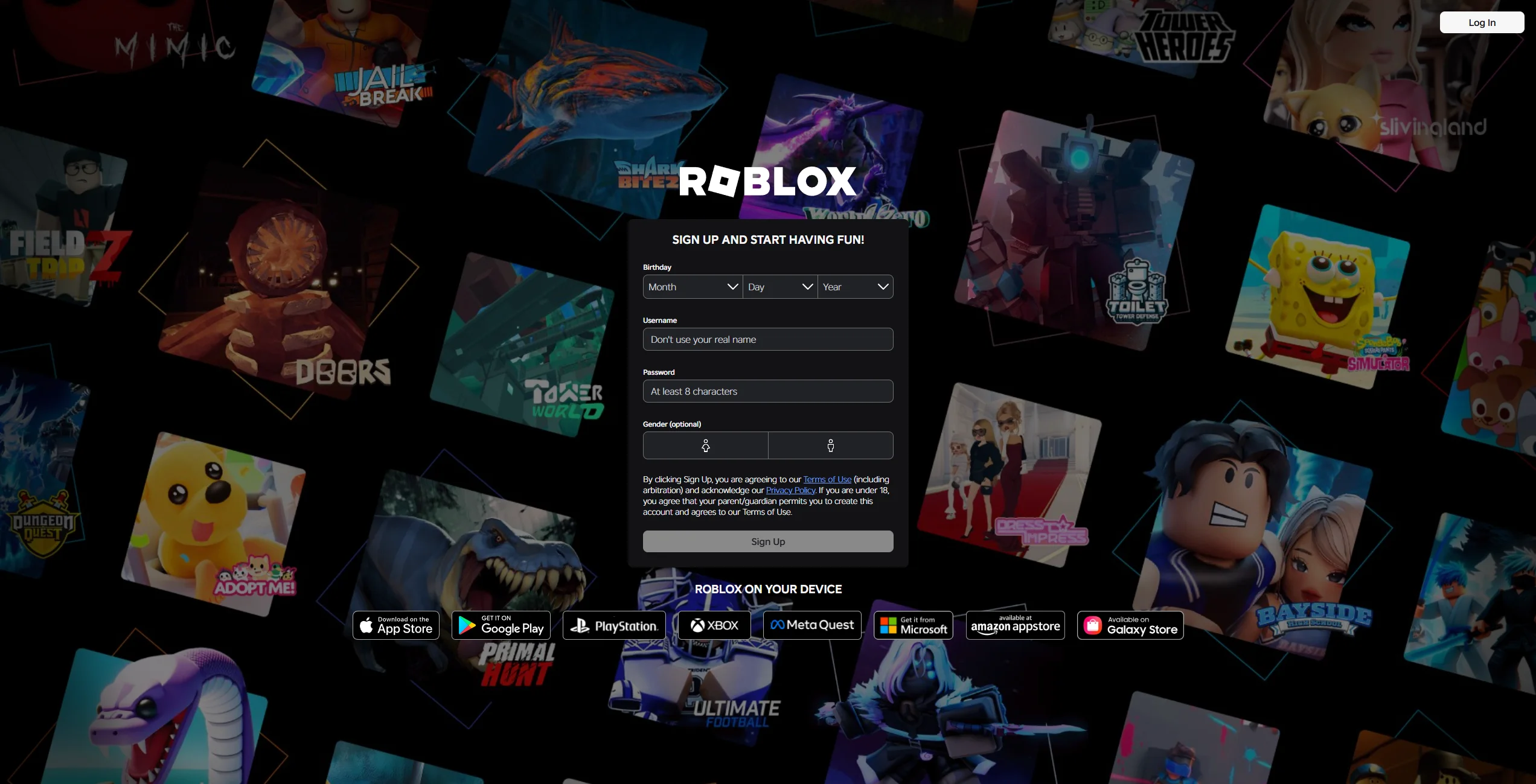
Essentially, this is a user-generated gaming platform, not a single game. Instead, it is a vast hub that hosts millions of individual experiences created by its users. Think of it as a “YouTube for games.” Instead of watching videos, Roblox users enter 3D environments to play everything from pet simulators to complex obstacle courses.
Because roblox is an online community, it relies heavily on social interaction. It is a place where children and teens meet up, chat, and participate in virtual events. As of 2026, it remains one of the most popular digital destinations for users under the age of 16, with tens of millions of daily active users worldwide.
What Is Roblox Studio?
Roblox Studio is the engine behind the curtain. It is a free game development tool that Roblox allows anyone to use to build their own 3D worlds. While this fosters incredible creativity and teaches basic coding, it can also introduce safety risks. Because the content is user-generated, inappropriate content can sometimes bypass automated filters before human moderators can take it down.
How Do People Use Roblox?
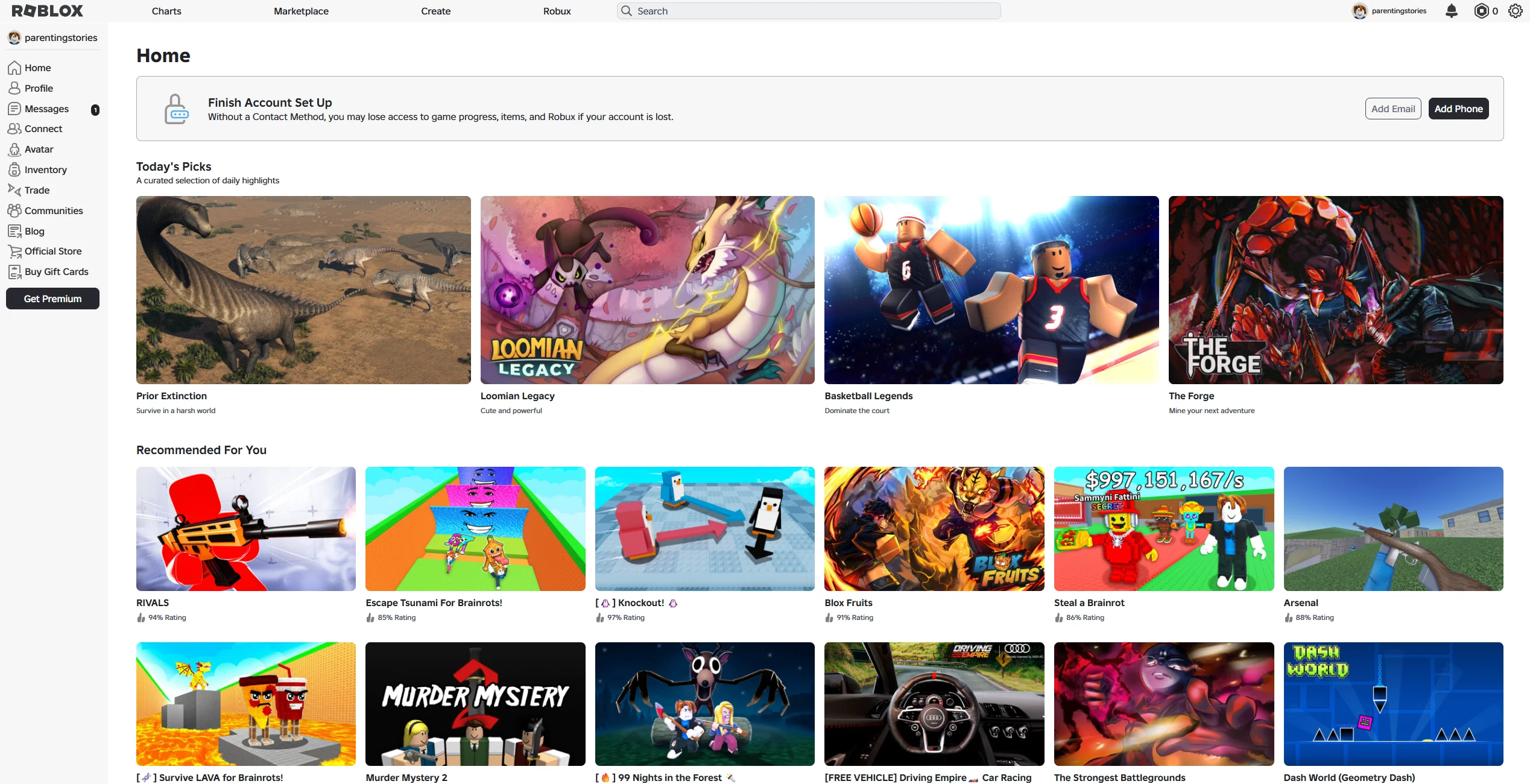
The experience on Roblox is highly social. Here is how most kids interact with the digital space:
- Gameplay: Participating in multiplayer games on Roblox.
- Avatar Customization: Using Robux (the virtual currency) to buy clothes and accessories for their avatar.
- Socializing: Using voice chat or text filters to communicate with friends on Roblox.
- Events: Attending virtual concerts or brand-sponsored launches.
Why Do Kids Like Roblox?
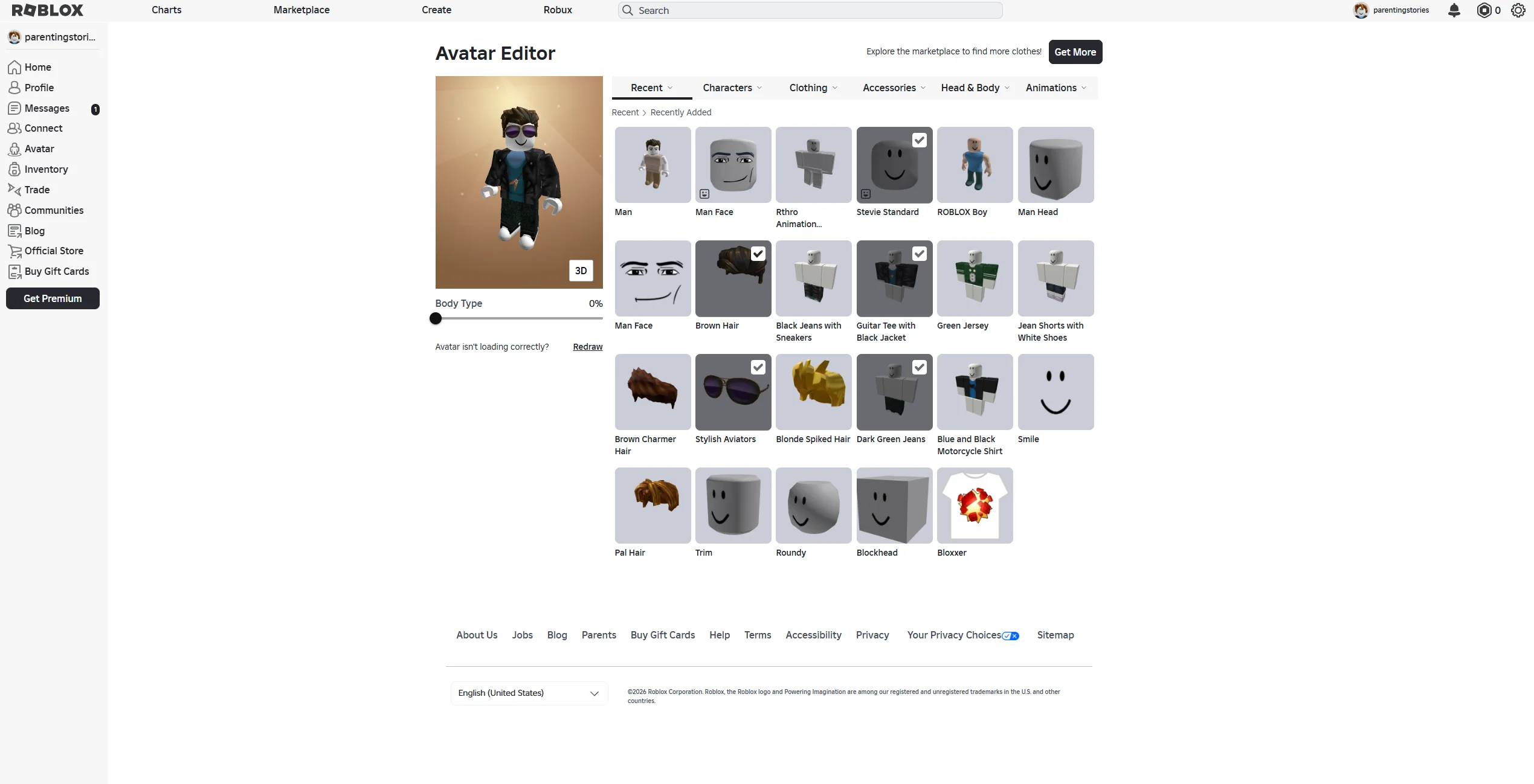
The draw of the gaming platform is its variety. If a child gets bored with one world, there are a million others just a click away. It provides a sense of agency—kids can choose who they want to be and what they want to do. For many, it is the modern equivalent of a neighborhood park, albeit a digital one.
Where Can You Play Roblox?
You can play Roblox on almost any modern device. This flexibility is great for convenience but makes monitoring time on Roblox more difficult for the average household.
| Platform | Difficulty of Supervision |
| PC & Mac | Low: Easier to see the screen in a shared room. |
| iOS & Android | High: Small screens and portability make it easy to hide activity. |
| Xbox & PlayStation | Medium: Usually played on a TV, but voice chat is harder to monitor. |
| VR (Meta Quest) | High: Completely immersive; parents cannot see what the child sees. |
How Much Does Roblox Cost?
Roblox is an online gaming platform that follows a “freemium” model. While it costs nothing to download and play games, the ecosystem is built on Robux.
Robux, Microtransactions, and Spending Risks

Robux is the virtual currency that powers the platform’s internal economy. Kids use it to buy “Game Passes” (special abilities) or cosmetic items for their avatar.
- Spending Traps: Developers often use “loot boxes” or limited-time offers to encourage spending.
- Subscription: A Premium membership provides a monthly stipend of currency.
- The Risk: Without a parental control lock on spending, a child’s Roblox account can quickly accumulate significant charges without proper spending controls in place. Make sure your kids understand that virtual coins cost real-world money.
What’s the Age Rating for Roblox?
The ESRB assigns Roblox a “T” for Teen rating in the United States, reflecting its user interaction and variable content. Roblox also uses an internal Content Maturity system that classifies experiences into categories such as Minimal, Mild, Moderate, and Restricted. These labels help parents decide which experiences are appropriate for their child’s age.
Rating Category Breakdown and Age Recommendations
| Category | Recommended Age | Content Description |
| All Ages | Everyone | Generally wholesome, minimal violence. |
| 9+ | Aged 9 and older | May contain mild violence or “spooky” themes. |
| 13+ | Age of 13 and up | More intense violence, suggestive humor. |
| Restricted | 13 and older (Verified) | Access limited to age-verified users who meet the platform’s age requirements; may include stronger language or mature themes. |
What Are Risks of Letting Child Play Roblox?
Despite its colorful exterior, there are legitimate safety gaps that parents should be aware of.
Exposure to Inappropriate Content
Because millions of items are uploaded daily, harmful content—often called “condo games”—occasionally appears. These are user-created spaces designed for adult roleplay. While they are usually deleted quickly, they can be a shock if a child’s account stumbles upon them.
Online Predators and Grooming Concerns
Predators may use the gaming platform to build trust with children under 13. They often attempt to move the conversation to unmoderated apps like Discord or Snapchat. Some reports in recent years have suggested that certain “social hangout” games were misused for inappropriate interactions.
Chat, Voice Chat, and Messaging Risks
While a filter catches most profanity, voice chat is harder to moderate in real-time. Even with AI-driven “toxic voice” detection, inappropriate content can still be heard before a user is banned.
Scams and Account Theft

“Free Robux” scams are rampant. Scammers use phishing links to steal a child’s roblox account and its associated virtual items.
Screen Time and Addiction Concerns
The software is designed to be “sticky.” Reward loops and social pressure can lead to excessive screen time, which, in extreme cases, may contribute to problematic gaming habits.
Latest Safety Updates and Blocking Controversies 2024–2026

The years 2024 through 2026 have been a turning point for online safety on the platform.
Content Moderation Updates
In response to global pressure, the company implemented Facial Age Estimation in January 2026. Users who want access to certain chat features must complete an age verification process, which may include facial age estimation. Without verification, chat functionality may be limited or restricted. The system is designed to apply different communication features based on verified age groups and apply different chat restrictions depending on age.
Reports About Platform Restrictions and Bans
- Turkey (2024): Blocked access to Roblox over concerns related to child safety and exploitation.
- Australia (2026): Regulators raised concerns about online grooming risks on the platform and signaled potential regulatory action under evolving online safety laws.
- Algeria & Egypt (2025-2026): Imposed restrictions citing “security and behavioral risks” for children.
Government and School Restrictions
Many schools implement network-level blocks on gaming platforms to reduce distractions and manage student device use during school hours.
Does Roblox Have Parental Controls?
Yes, and they were significantly upgraded in 2025. You can now manage your child’s roblox account directly from your own device using the linked parent dashboard.
How to Set Up Parent PIN
- Log in to the child’s account.
- Go to Settings > Parental Controls.
- Enable the Parent PIN. This prevents the child from changing the safety settings and parental limits you put in place.
How to Enable Allowed Experiences Controls
You can now set a “Maturity Level.” If you set it to “9+,” your child will not be able to join any experience rated above that level. This is a crucial tool to make sure your child stays within safe boundaries.
How to Disable or Limit Chat
For users under 13, you can now disable “Direct Messaging” entirely. A new 2025 update allows parents to use parental controls to see who is on the friends list and block specific users from contacting their child.
How to Report Inappropriate Behaviour or Block Someone

How to Block User
If someone is being a bully or making your child uncomfortable, click their username in the menu and select Block User. This prevents them from contacting your child’s Roblox account again.
How to Report Game or Message
Use the “Report Abuse” button found in the menu. Reports are reviewed by Roblox moderation teams, though response times may vary depending on the case and volume. Providing a clear reason helps keep kids safe.
How to Protect Child’s Personal Information
Strong Passwords and Two-Factor Authentication
Always enable Two-Factor Authentication (2FA). This requires a code from your email or an app to log in, making it much harder for scammers to use roblox as a tool for account theft.
Teaching Kids Not to Share Personal Data
Talk to your child about online stranger safety in age-appropriate terms.
“Never give out your real name, school, or phone number—even if they promise you free Robux.”
12 Ways to Make Roblox Safer for Child
- Use Parental Control Dashboard: Link your account to theirs to monitor activity remotely.
- Turn Off Voice Chat for Younger Kids: This is the highest-risk feature for harmful content.
- Set Spending Limits: Use the “Monthly Spend Limit” feature to avoid bill shock.
- Monitor Friends List: Regularly check who your child is adding. If you don’t know them in real life, ask about them.
- Keep Devices in Shared Spaces: Avoid letting kids play in bedrooms with the door closed.
- Enable Two-Factor Authentication: This is the best way to stay safe from hackers.
- Review Game History Weekly: Check the “Recently Played” list to see what games on Roblox they are gravitating toward.
- Teach Scam Awareness: Explain that there is no such thing as a “Robux Generator.”
- Set Screen Time Limits: Use the built-in timer that shuts the app down once the limit is reached.
- Use Third-Party Parental Control Apps: Tools like Bark or Qustodio can provide an extra layer of online gaming oversight.
- Play Together: The best way to help your child stay safe is to understand the world they are in.
- Regularly Update Privacy Settings: The developers update safety features often; check them once a month.
Conclusion
Is Roblox safe for kids? The answer depends largely on the level of parental involvement and the safety settings in place. The platform has made massive strides with its 2026 age-verification rollout, but no filter is perfect. By using the parental control tools provided and maintaining an open dialogue, you can help keep your kids safe while they enjoy this creative world.
Frequently Asked Questions
Is Roblox Safe for 7-Year-Olds?
It can be, but only if parental controls are strictly applied. At this age, you should set the content filter to “All Ages” and disable all forms of chat to ensure they are safe on Roblox.
Is Roblox Safe for 10-Year-Olds?
Many 10-year-olds can use the platform safely with appropriate supervision and guidance about online risks. However, parents should still monitor friends list activity and keep chat restricted to “Friends Only.”
Can Roblox Be Played Without Chat?
Yes. You can disable chat entirely in the privacy settings. This is the most effective way to keep your kids safe online from predators.
Is Roblox Educational or Just Entertainment?
While mostly entertainment, Roblox Studio is a legitimate educational tool for learning Lua programming and 3D design, helping kids build future career skills in coding and digital design.
Can Parents See Private Messages?
Parents cannot view full message content directly from the parent dashboard. However, if they log into the child’s account, they may be able to review available messages and chat history within the account settings.

Take a short quiz to find out what your everyday choices say about your parenting style
When your child is curious about something new, what’s your instinct?
Take a short quiz to find out what your everyday choices say about your parenting style
“Can I download this app?” What happens next?
Take a short quiz to find out what your everyday choices say about your parenting style
When it comes to rules at home, which sounds most like you?
Take a short quiz to find out what your everyday choices say about your parenting style
If you could give your child one life skill today, what would you pick?
Take a short quiz to find out what your everyday choices say about your parenting style
Your child gets to choose what to watch. What would your ideal setup look like?
Take a short quiz to find out what your everyday choices say about your parenting style
Pick your parenting superpower ✨



