
Best Alternatives to WhatsApp for Kids

 Discover a Free Education Video App for Kids
Pastory uses AI to personalize educational video content based on your child’s interests and personality. Safe, engaging, and built for curious young minds. Sign up now to stay updated and enjoy early access with a free trial
Navigating the digital landscape as a parent today can feel like being a pioneer in a high-tech wilderness. While we want our children to reap the benefits of staying connected with family and friends, the “open door” policy of many popular platforms presents significant hurdles. Many parents naturally gravitate toward familiar platforms like WhatsApp, only to realize it may not always be the best messaging app for children. With limited built-in parental controls and a minimum age requirement of 13 in most regions, it can leave a gap for families with younger children.
The search for a safe messaging app isn’t just about finding a place to send a quick “I’m home” text; it’s about finding a service that fosters online safety while teaching digital citizenship. Whether you’re looking to manage your child’s contact list, avoid the chaos of open group chats, or simply want a kid-friendly interface, several alternatives offer a more curated experience. This guide explores the best messaging apps for kids that prioritize privacy and security without sacrificing the fun kids love.
Why Parents Look for Alternatives to WhatsApp for Kids
While WhatsApp is the global gold standard regarding instant messaging, it was fundamentally designed with adults in mind. For children, the platform’s “open” nature can be a double-edged sword. Parents often seek alternatives because they need more granular tools to keep their child safe than a standard adult messaging platform provides.
WhatsApp age requirements and platform policies
In many countries, including the US and UK, 13 is the stated minimum age to use the service. However, age verification is often thin, and kids under 13 frequently bypass these rules. In recent years, new regulations in countries such as Australia and several US states have encouraged stricter age verification requirements, making it harder for younger kids to maintain accounts on adult-centric social media and messaging apps.
Privacy and safety concerns with WhatsApp
One of the primary risks is the address book-based system. On WhatsApp, anyone with your child’s phone number can potentially send messages or add them to WhatsApp groups. This lack of a “walled garden” means kids are susceptible to:
- Unknown Contacts: Strangers reaching out directly.
- Spam and Phishing: Malicious links sent via automated bots.
- Group Chat Chaos: Being added to large groups where content isn’t moderated.
Risks of open messaging platforms for children
Open platforms often lack a specialized filter to catch inappropriate content. Without a dedicated parental control dashboard, it is difficult for parents to monitor who their child is talking to without physically taking the phone. Organizations such as the NSPCC have reported concerns that private messaging platforms can be misused to manipulate or groom children, highlighting the importance of parental awareness.
Key Pointers When Choosing Messaging Apps for Kids
When choosing a new app, don’t just look at the stickers and filters. Use this checklist to evaluate if a communication app is truly designed for kids.
Strong parental controls
The right app should allow parents to manage every aspect of the experience. This includes:
- Contact Approval: You should be the one to approve every single person your child chats with.
- Activity Reports: Real-time or weekly summaries of who they are messaging.
- Time Limits: The ability to lock the software during school hours or at night.
No public profiles or open search
A safe messaging environment should be invisible to the public. The app should allow your child to be found only by people you authorize. Systems that use “Star Codes” or unique IDs rather than phone numbers are generally safer, as they prevent random discovery.
Age-appropriate design
Younger kids don’t need an algorithmic “Discovery” feed. The interface should be simple, ad-free, and focused solely on the ability to chat with family and friends.
Content moderation and reporting tools
Look for tools that include a filter for profanity or “sensitive content.” Reliable apps provide a way for kids to report a message, which should immediately trigger a notification to the parent’s device.
Apps for Kids Under 13
For kids ages 6 to 12, a “closed loop” system is vital. These services are specifically built to comply with children’s online privacy protection (COPPA) standards.
Messenger Kids
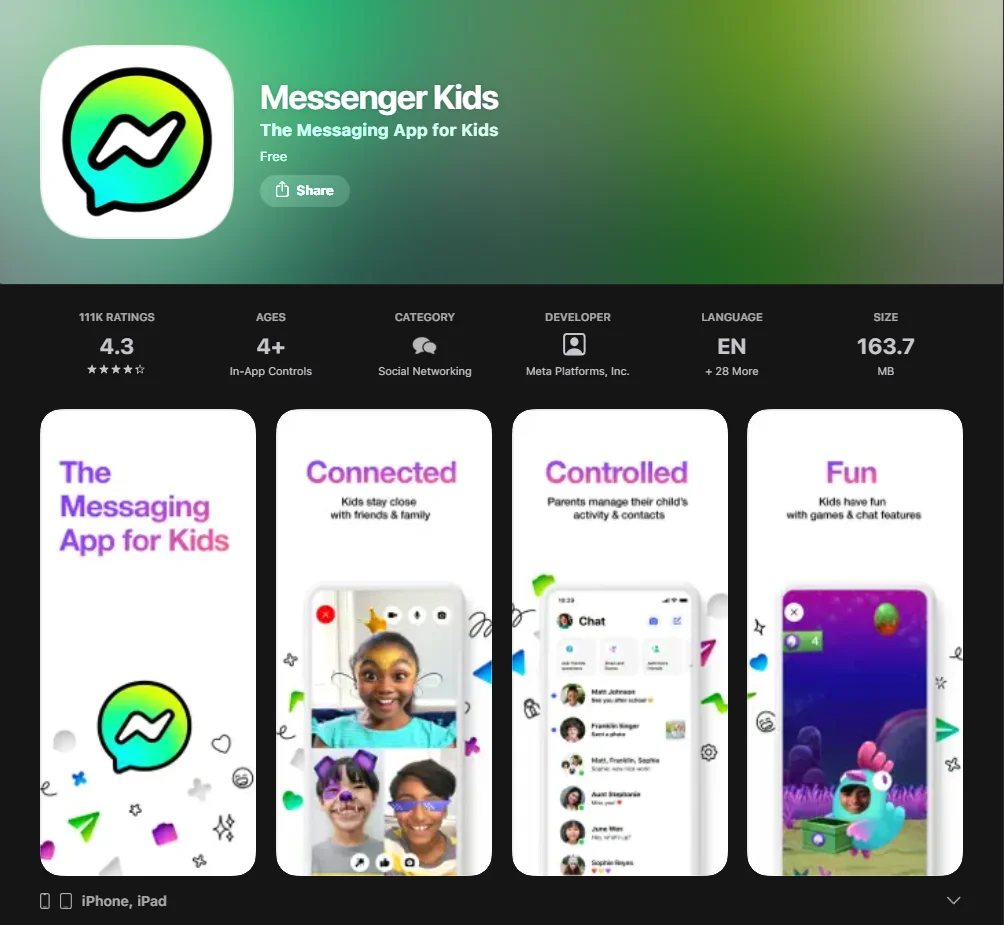
Created by Meta, Messenger Kids is a restricted version of the app that doesn’t require a Facebook account for the child. It is managed through the parent’s Facebook account.
- Safety Feature: Parents approve all contacts.
- Fun Stuff: Kids love the AR masks and drawing tools during a video call.
JusTalk Kids
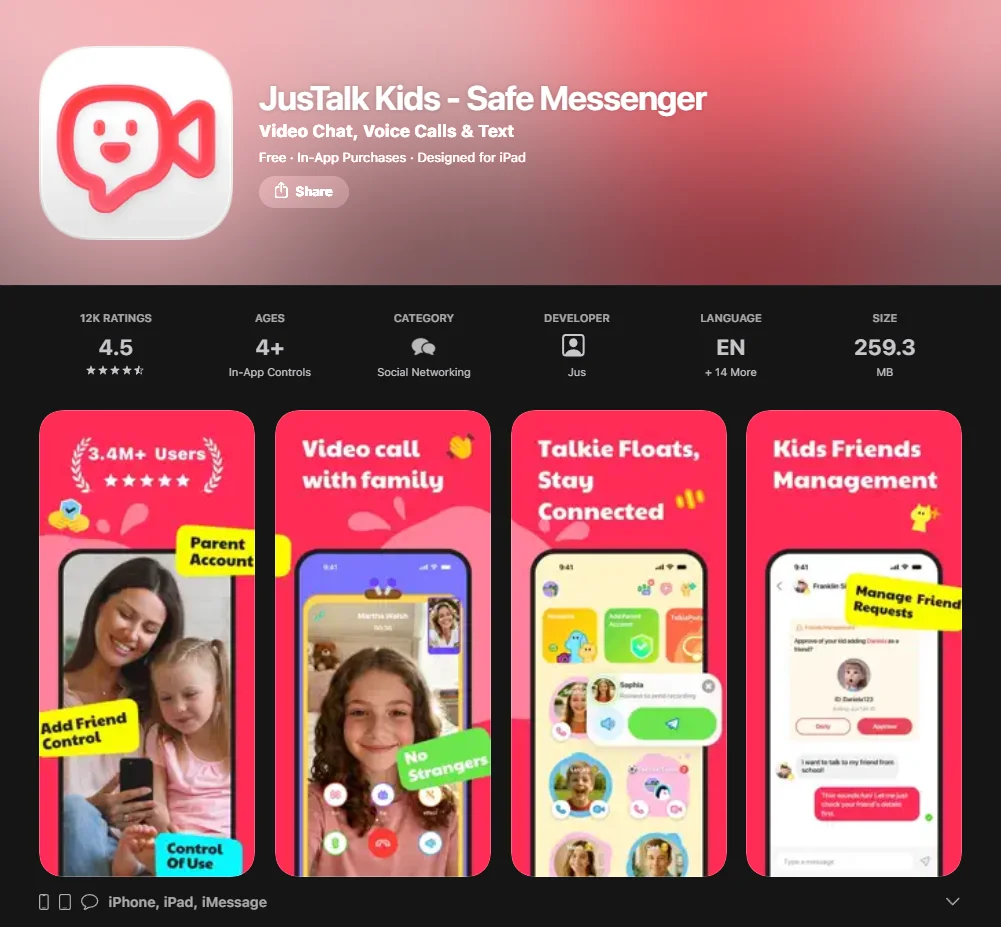
This is a dedicated app for children that focuses on video chat and texting.
- Security: It uses end-to-end encryption and doesn’t allow strangers to find the child.
- Control: Parents can set a passcode to prevent kids from adding friends without permission.
Kinzoo
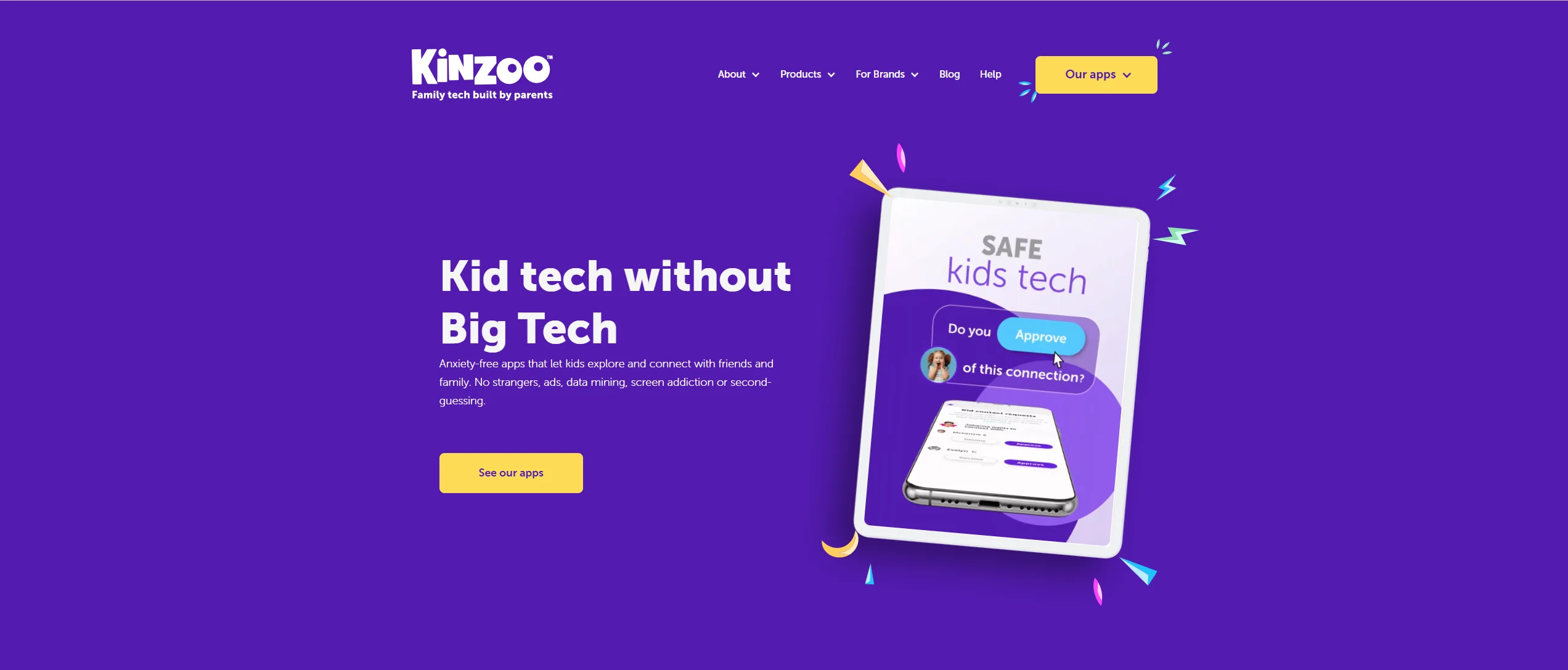
Kinzoo markets itself as a “private social platform.” It is designed with a family-focused structure and limited public interaction.
- Feature: It features a “Family Store” where kids can get stickers, but it’s completely ad-free.
- Trust: It is COPPA-certified, meaning it follows strict data collection rules.
Stars Messenger
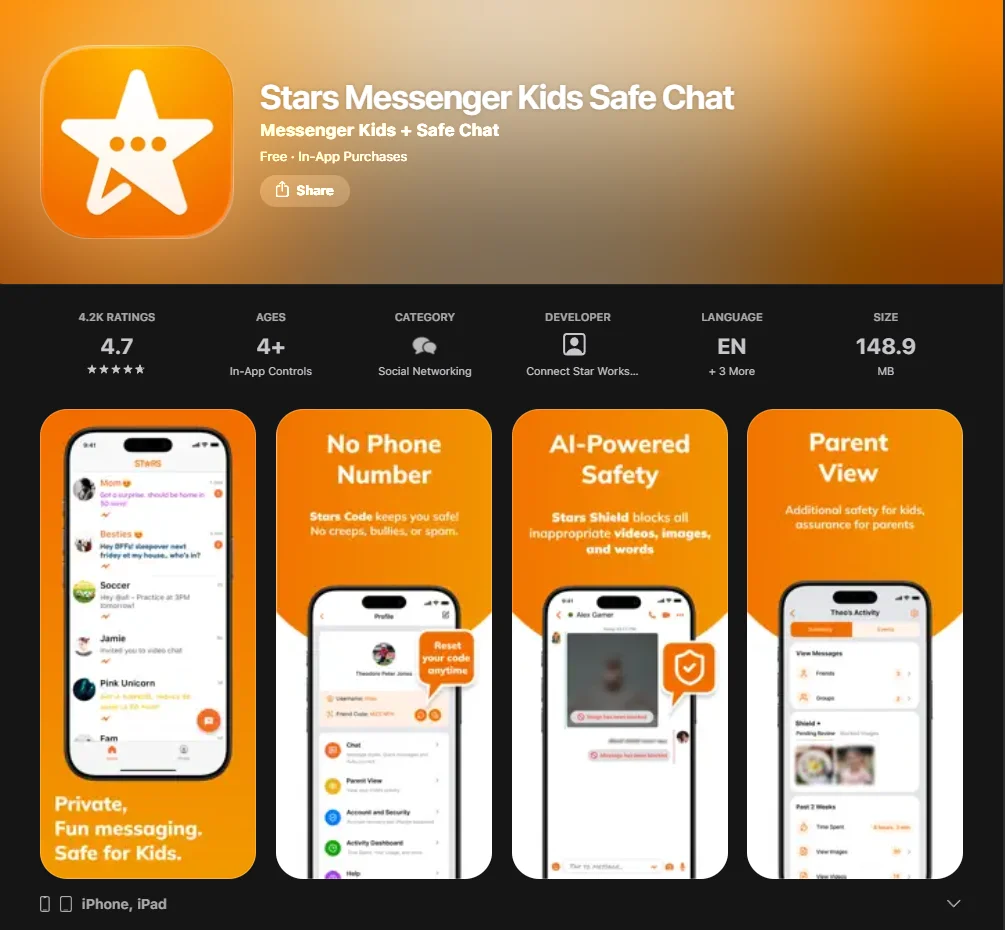
This chat app uses “Star Codes” instead of phone numbers. It is great for kids and families who want to stay connected without sharing personal identifiers.
GeckoLife
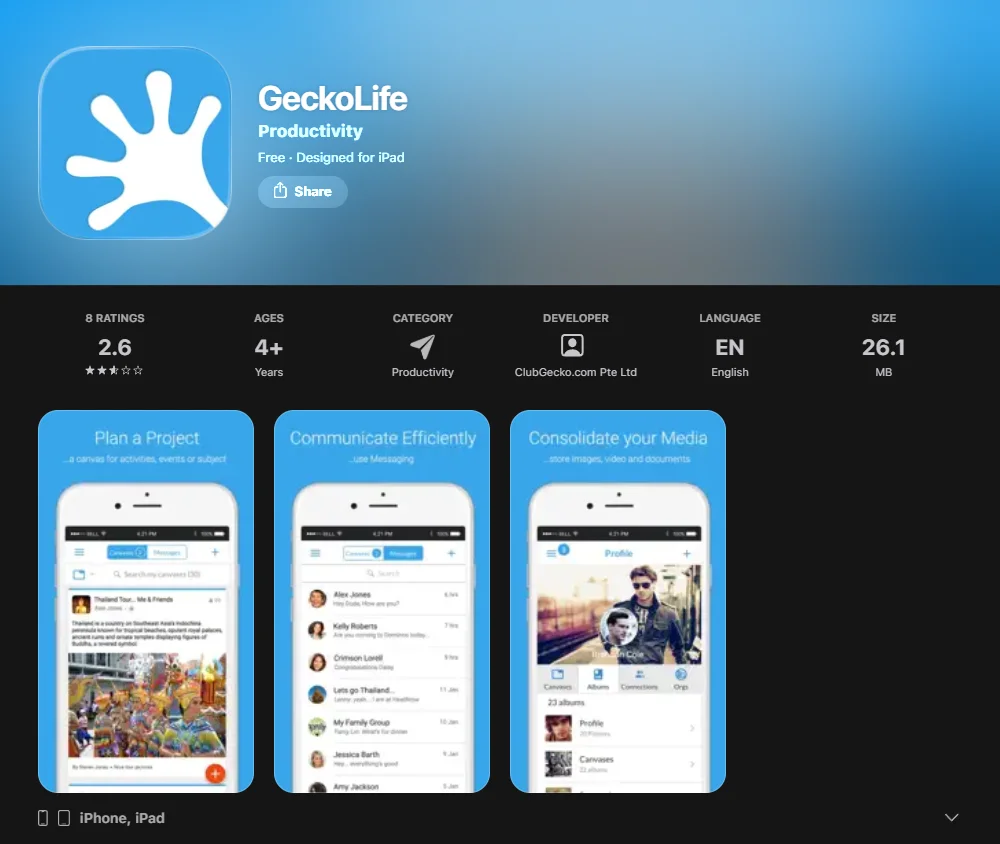
More of a private social network than a simple texting app, GeckoLife allows for moderated “canvases” where kids can share photos and updates with a pre-approved circle of family.
| App Name | Primary Benefit | Key Safety Feature | Platform |
| Messenger Kids | Easy setup for FB users | Parent-managed contact list | iOS & Android |
| Kinzoo | Creative expression | No public search functionality | iOS & Android |
| JusTalk Kids | High-quality video calls | Passcode-protected friend adds | iOS & Android |
| Stars Messenger | Anonymity | Uses codes, not phone numbers | iOS & Android |
Apps for Kids Ages 13 and Older
Once your child reaches the age of 13, they may want more “mature” features. At this stage, the goal shifts from total control to parental supervision.
Telegram with parental supervision
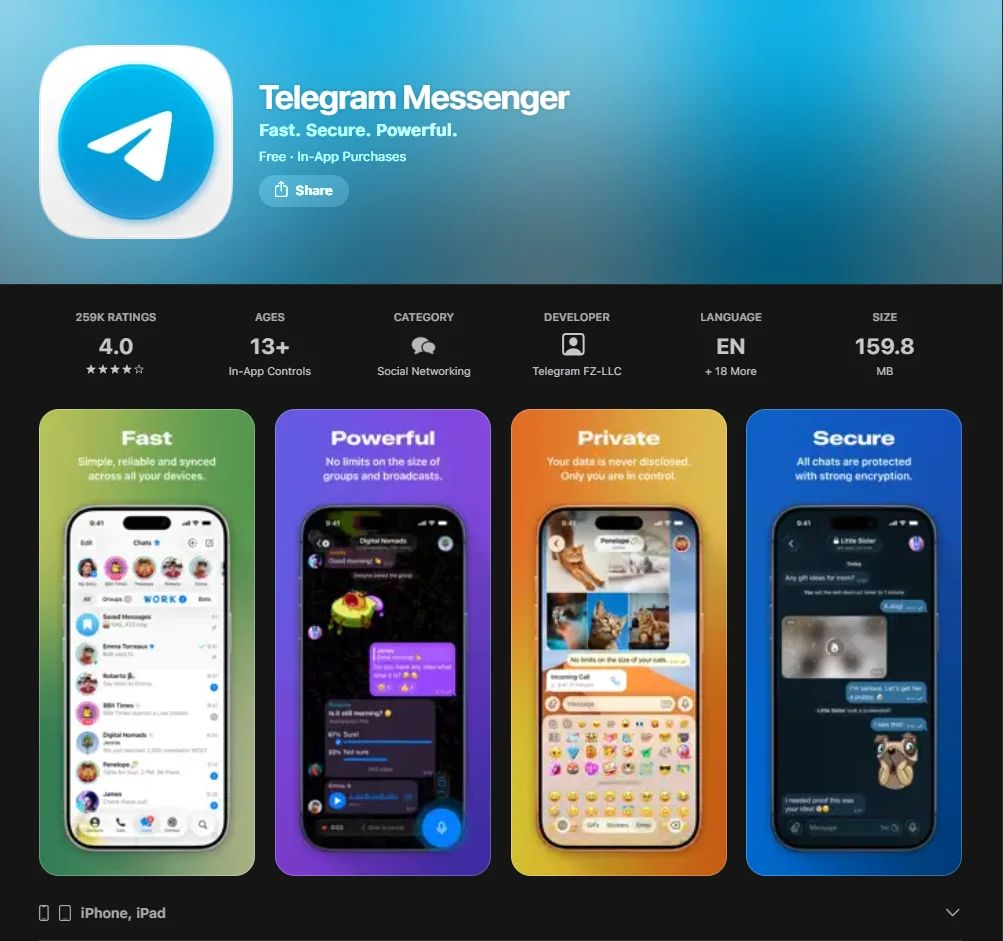
While Telegram is a powerful messaging service, it lacks built-in parental control features. However, by using it on a device with OS-level restrictions (like Apple Screen Time), parents can limit access to “Nearby” features and public channels.
Signal
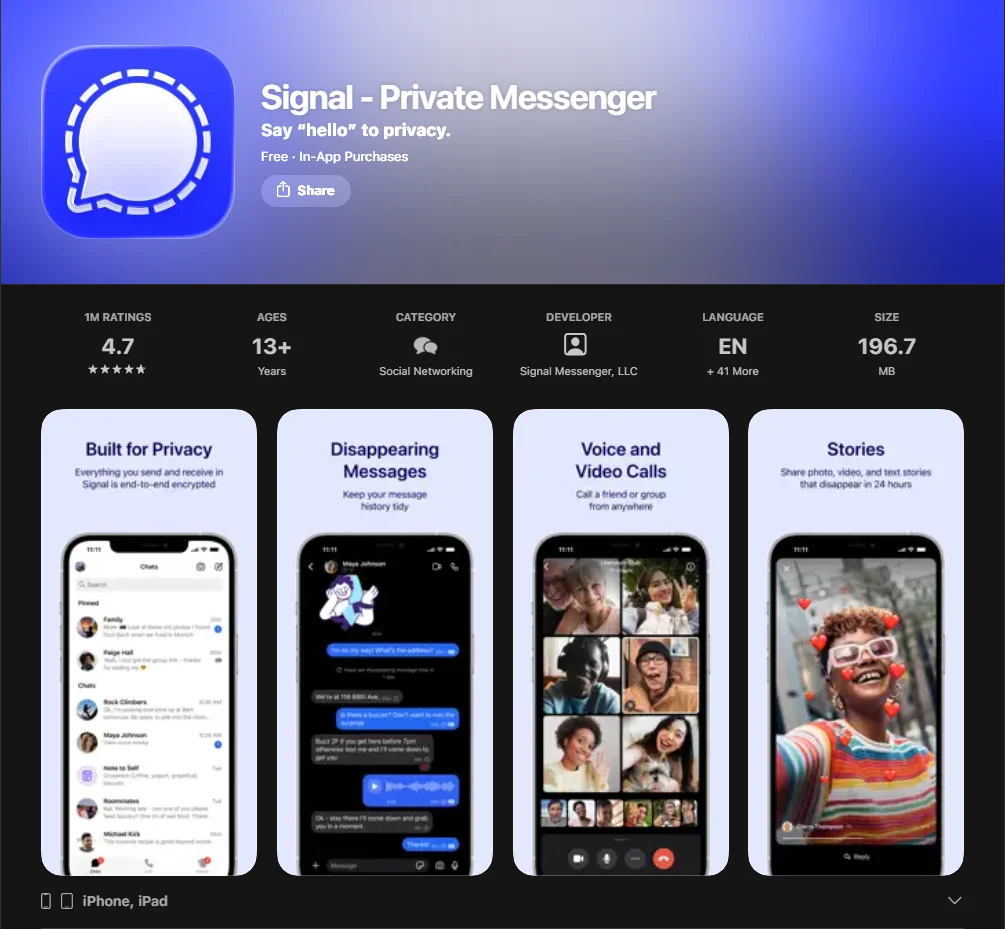
Signal is widely regarded as one of the strongest messaging apps for privacy.
- Pros: It has the most robust end-to-end encryption.
- Cons: It requires a phone number, so it is best for teens who already have their own mobile line.
Discord with strict parental configuration
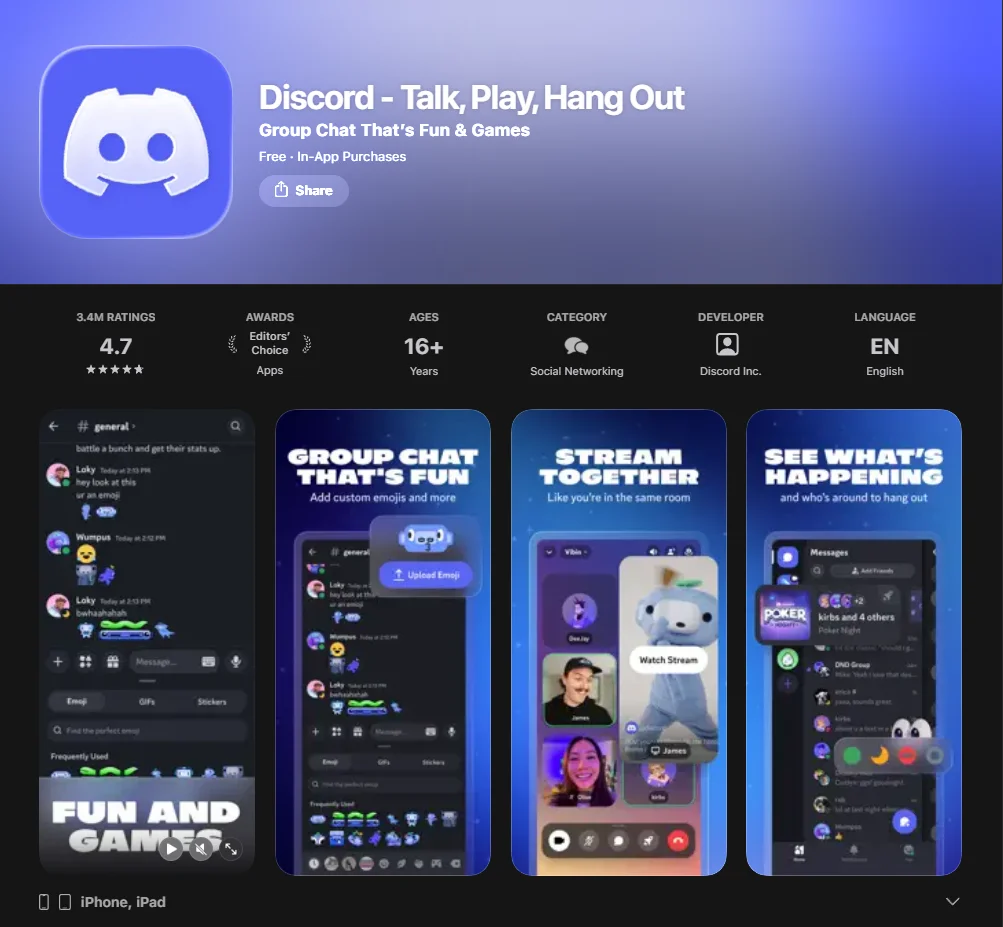
Discord is the go-to app for gamers. However, it can be dangerous due to its public servers. For a teen, it should only be used with “Direct Message” filters set to “Keep Me Safe” and by joining private, invite-only servers.
Communication Apps to Help Kids Stay Connected

Sometimes, you don’t need a full-blown social media platform. If the goal is just to stay in touch with relatives, these specialized tools work well.
- Zoom: Perfect for scheduled family reunions. Since it requires a meeting ID and password, it is naturally private.
- Marco Polo: This platform uses asynchronous video chat (like a video walkie-talkie). It’s great for kids who want to share photos and videos without the pressure of a live call.
- FaceTime: For iOS users, FaceTime is often one of the easiest ways to make video calls. It can be restricted via iphone settings to only allow calls from “Contacts Only.”
- Whereby: A browser-based video service that doesn’t require app downloads. You simply share a private URL for a family “room.”
Why Parents Should Help Kids Choose Messaging Apps
Many child development specialists compare the digital world to a large, unmonitored playground, emphasizing the need for active parental involvement.
Building digital responsibility
Helping children choose the right app is the first step in teaching them how to behave online. It’s an opportunity to discuss why we don’t share private info and how to handle a “mean” message.
Setting boundaries early
Establishing a “Family Tech Agreement” early on helps children stay grounded. By choosing a messaging platform together, you’re setting the tone that online activity is a shared family responsibility, not a secret.
Monitoring without invading privacy
There is a balance between keeping your child safe and respecting their growing need for autonomy. Use the parental dashboard features to check for red flags (like unknown contacts) rather than reading every message in their private conversations.
Safety Measures to Take While Using Messaging Apps
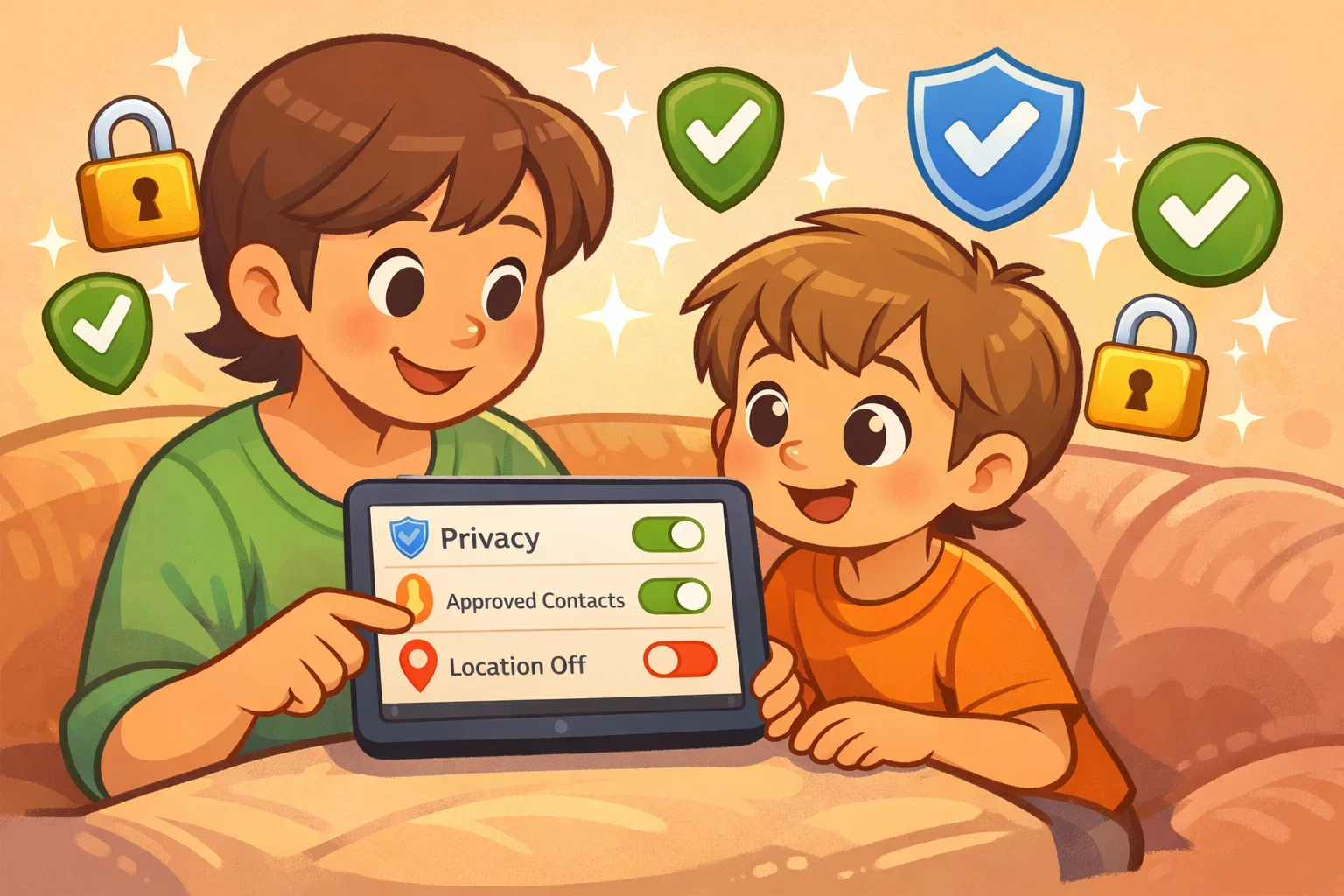
Regardless of which messaging apps for children you choose, these universal safety steps are non-negotiable.
- Enable parental controls: Always dive into the privacy settings of both the app and the device (ios or android).
- Teach children about online strangers: Explain that “friends of friends” are still strangers.
- Disable location sharing: Ensure “Live Location” is turned off to prevent tracking.
- Review privacy settings regularly: Software updates frequently; what was private yesterday might be public after a new app update.
How to Choose Messaging App for Kids
Choosing the best messaging app for kids requires a systematic approach. Don’t just follow the trend; follow the features.
- Evaluate age compatibility: Is your child emotionally ready for the features the app offers?
- Review data collection policies: Check the privacy policy. Does the company sell data to advertisers? (Apps like Kinzoo and Messenger Kids generally do not).
- Test parental dashboard features: Before your child starts, use the app yourself. See how easy it is to block someone or view the contact list.
- Compare free vs paid safety features: Some tools like JusTalk Kids offer a free version but lock the best safety filters behind a subscription. Decide if the “Messaging Plus” features are worth the cost.
Best Parental Control Apps to Support Messaging Safety
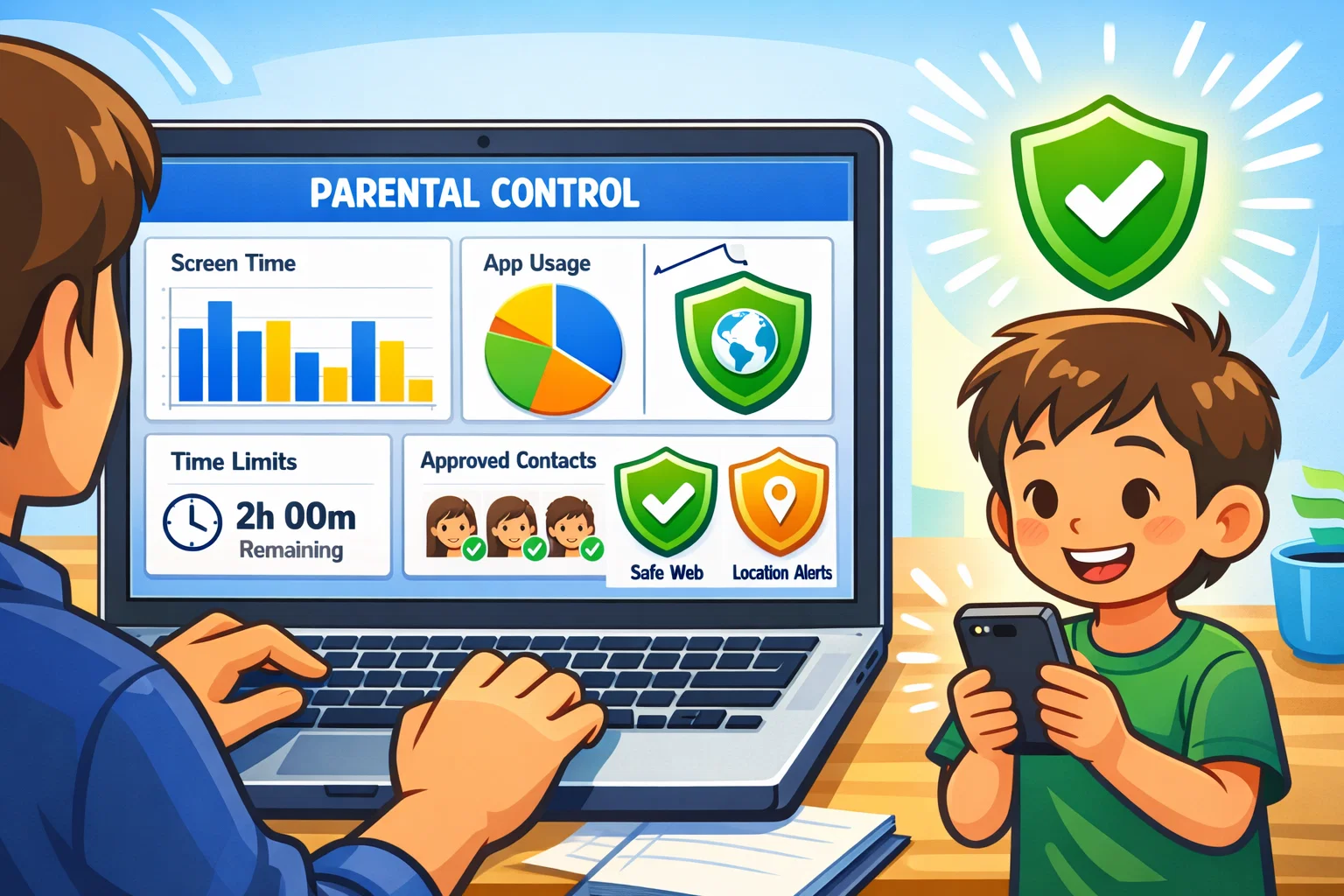
If you decide to let your child use a more “adult” chatting app, you can supplement it with third-party tools.
- Apple Screen Time: Allows parents to manage their child’s “Communication Safety,” which can blur sensitive images.
- Google Family Link: It works on both iOS and Android devices and allows parents to manage downloads and see exactly how much time is spent on a specific app.
- Qustodio: Provides deep insights and can even block specific social media apps if they become a distraction.
Smartphone Alternatives for Kids
If a full smartphone feels like too much, consider “dumbed down” hardware.
Gabb devices
Gabb provides phones and watches that look like modern tech but have no social media or internet browsers. They use a proprietary messaging platform designed with restricted functionality.
Smartwatches for kids
Devices like the Gabb Watch 3e or the Fitbit Ace LTE allow for video calls and texting but only to a list of 10-20 parent-approved contacts.
Basic phones with limited apps
The “Brick Phone” is making a comeback. A simple device that only supports SMS (texting) avoids the pitfalls of various messaging apps entirely.
Tips for Safe Usage of Kids Messaging Apps
- Create family tech agreement: Write down the rules (e.g., “No phones at the dinner table”).
- Schedule screen-free hours: Use the “Downtime” feature on ios to lock services after 8 PM.
- Encourage open communication: Make sure your child knows they won’t get “in trouble” if they show you something weird they saw in a group chat.
Frequently Asked Questions
Is WhatsApp safe for children?
WhatsApp is generally safe for teens, but for kids under 13, it lacks the “walled garden” controls needed to prevent contact from strangers. It also lacks a built-in filter for inappropriate content.
At what age should a child get a messaging app?
Most experts suggest starting with kid-friendly messaging around ages 6-8 (for family only) and moving toward more independent apps like WhatsApp around age 13, depending on the child’s maturity.
Which messaging app has the strongest parental controls?
Messenger Kids and Kinzoo are often cited as having some of the most comprehensive parent-management features, as they require 100% parental approval for all contacts.
Are encrypted apps safer for kids?
End-to-end encryption protects privacy from hackers, but it also means parents cannot “remote monitor” messages. For younger kids, a messaging platform with a parent-accessible dashboard is often safer than a fully encrypted one.

Take a short quiz to find out what your everyday choices say about your parenting style
When your child is curious about something new, what’s your instinct?
Take a short quiz to find out what your everyday choices say about your parenting style
“Can I download this app?” What happens next?
Take a short quiz to find out what your everyday choices say about your parenting style
When it comes to rules at home, which sounds most like you?
Take a short quiz to find out what your everyday choices say about your parenting style
If you could give your child one life skill today, what would you pick?
Take a short quiz to find out what your everyday choices say about your parenting style
Your child gets to choose what to watch. What would your ideal setup look like?
Take a short quiz to find out what your everyday choices say about your parenting style
Pick your parenting superpower ✨



