
ABCmouse vs Reading.com: Choosing the Best Phonics App to Help Your Child Learn to Read

 Discover a Free Education Video App for Kids
Pastory uses AI to personalize educational video content based on your child’s interests and personality. Safe, engaging, and built for curious young minds. Sign up now to stay updated and enjoy early access with a free trial
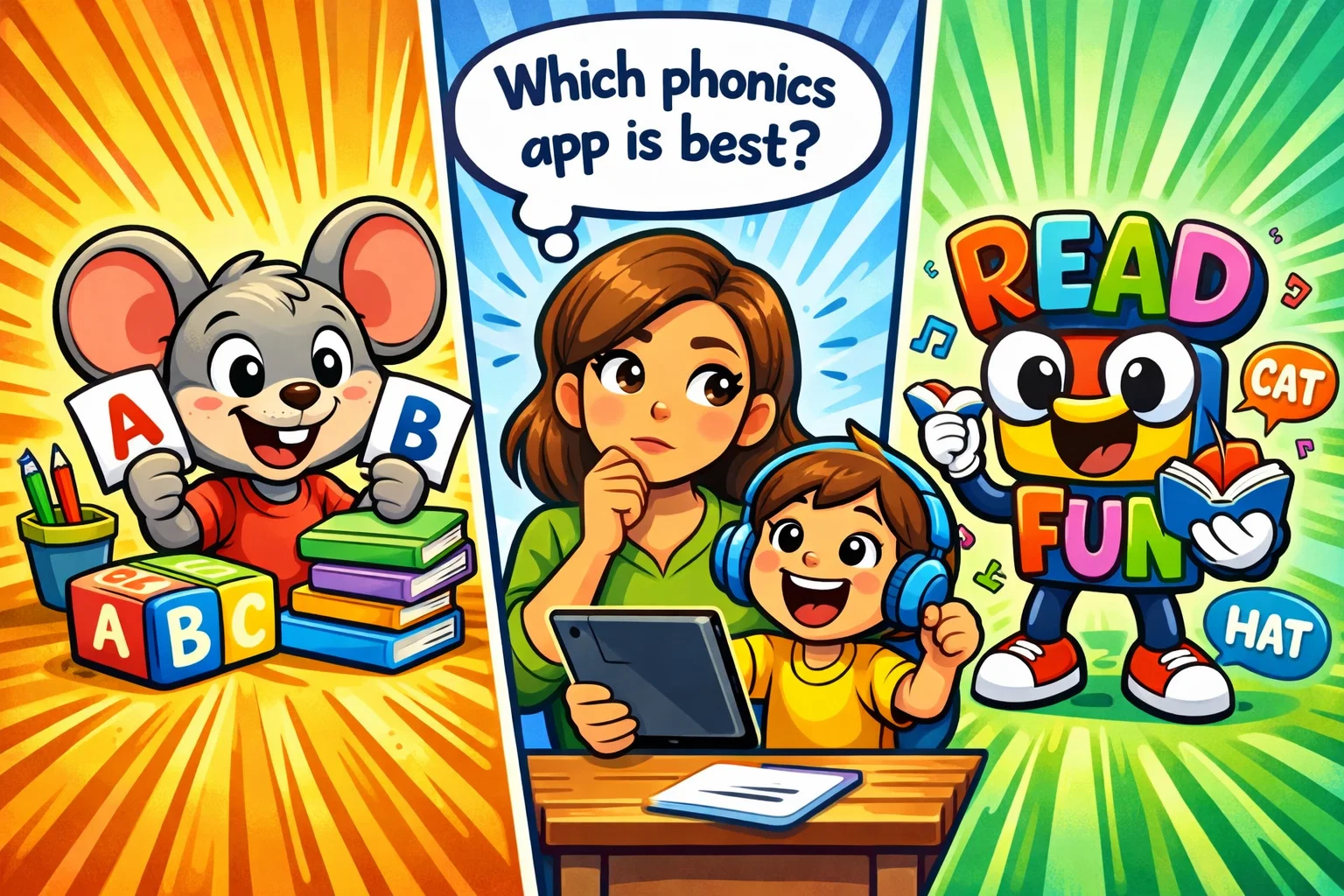
Choosing the right digital platform to support your child’s early education can feel like an important and sometimes overwhelming decision. With so many apps promising to help children learn how to read, parents often find themselves caught between broad, multi-subject platforms and specialized literacy programs. Two well-known platforms in this space are ABCmouse and Reading.com. While both aim to foster literacy skills in young learners, they utilize vastly different methodologies and educational philosophies.
This review provides a neutral, side-by-side comparison of ABCmouse and Reading.com to help you make an informed choice for your preschool or early elementary child. We will explore their curricula, teaching approaches, and pricing models without bias. Whether you are looking for an all-in-one learning platform or a focused phonics-based journey, understanding these nuances is the first step in supporting your child’s learning journey.
Core Differences Between Phonics Reading Programs
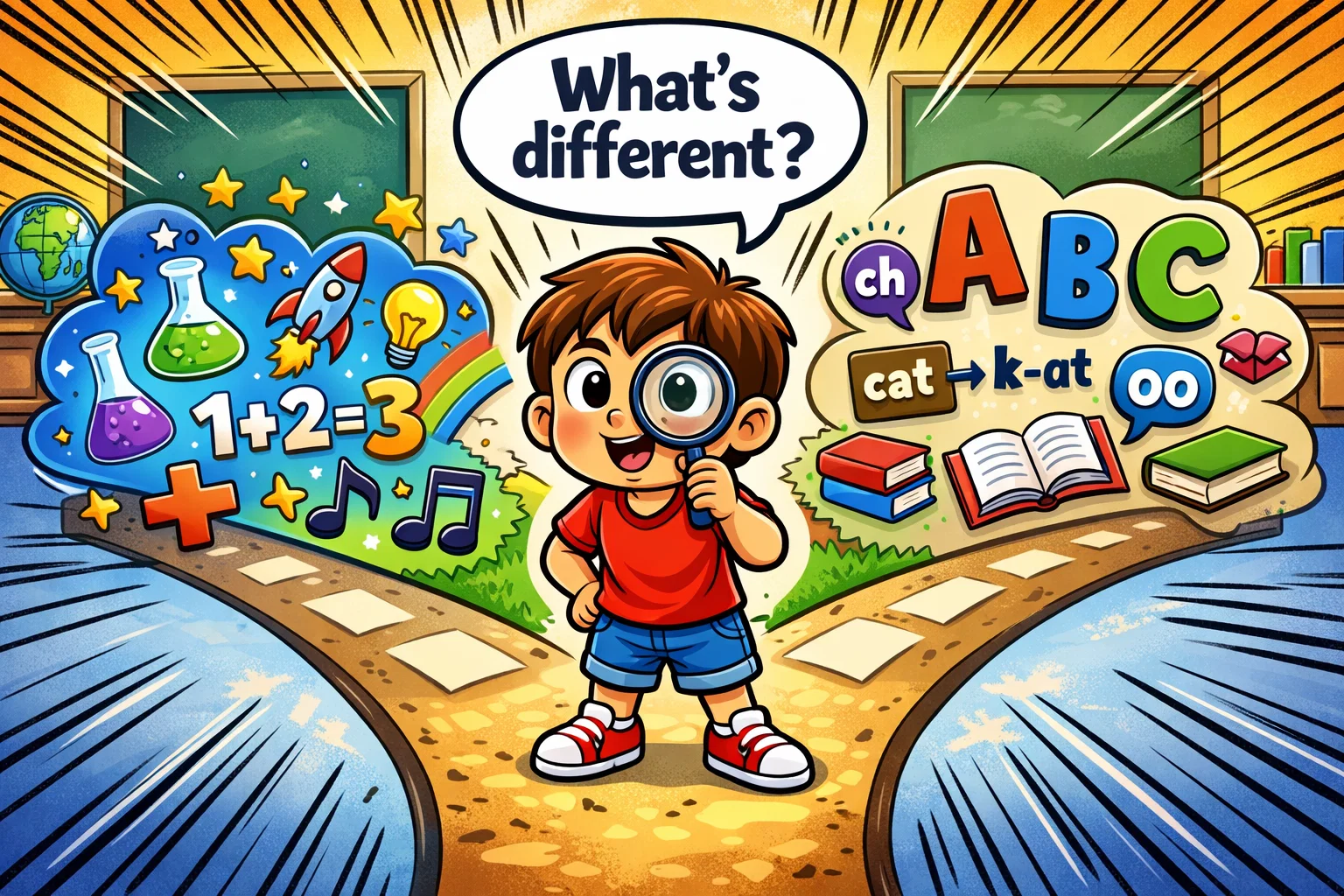
At a high level, the primary distinction between these two platforms lies in their academic scope and the role of the parent. ABCmouse is designed as a comprehensive “Early Learning Academy,” offering a broad ecosystem that covers early math, science, social studies, and art. It is largely designed for independent exploration, allowing children aged 2–8 to navigate a structured learning path on their own.
In contrast, Reading.com is a specialized literacy program that focuses almost exclusively on the mechanics of language. It is uniquely designed as a “co-play” experience, meaning it explicitly requires a parent or educator to sit with the child and guide them through the lessons. While ABCmouse provides a broad digital playground, Reading.com offers a structured literacy program grounded in systematic phonics and designed for collaborative use.
Learning Focus and Academic Scope
When selecting a learning platform, the first question is often: “What exactly will my child be learning?”
- ABCmouse: This platform is a generalist. It provides a full reading curriculum alongside robust modules for mathematics, science and social studies, and creative arts. With over 13,000 activities, it aims to be a supplemental “one-stop shop” for early childhood education.
- Reading.com: This app is a specialist. Its primary goal is to teach children how to decode written language. You won’t find math games or science videos here; instead, every activity is engineered to move a child from letter recognition to reading fluency.
For families seeking a holistic supplement to school, ABCmouse offers more variety. However, for those specifically concerned about basic literacy skills or phonemic awareness, the narrow focus of Reading.com may be more appealing.
Curriculum Structure and Progression Model
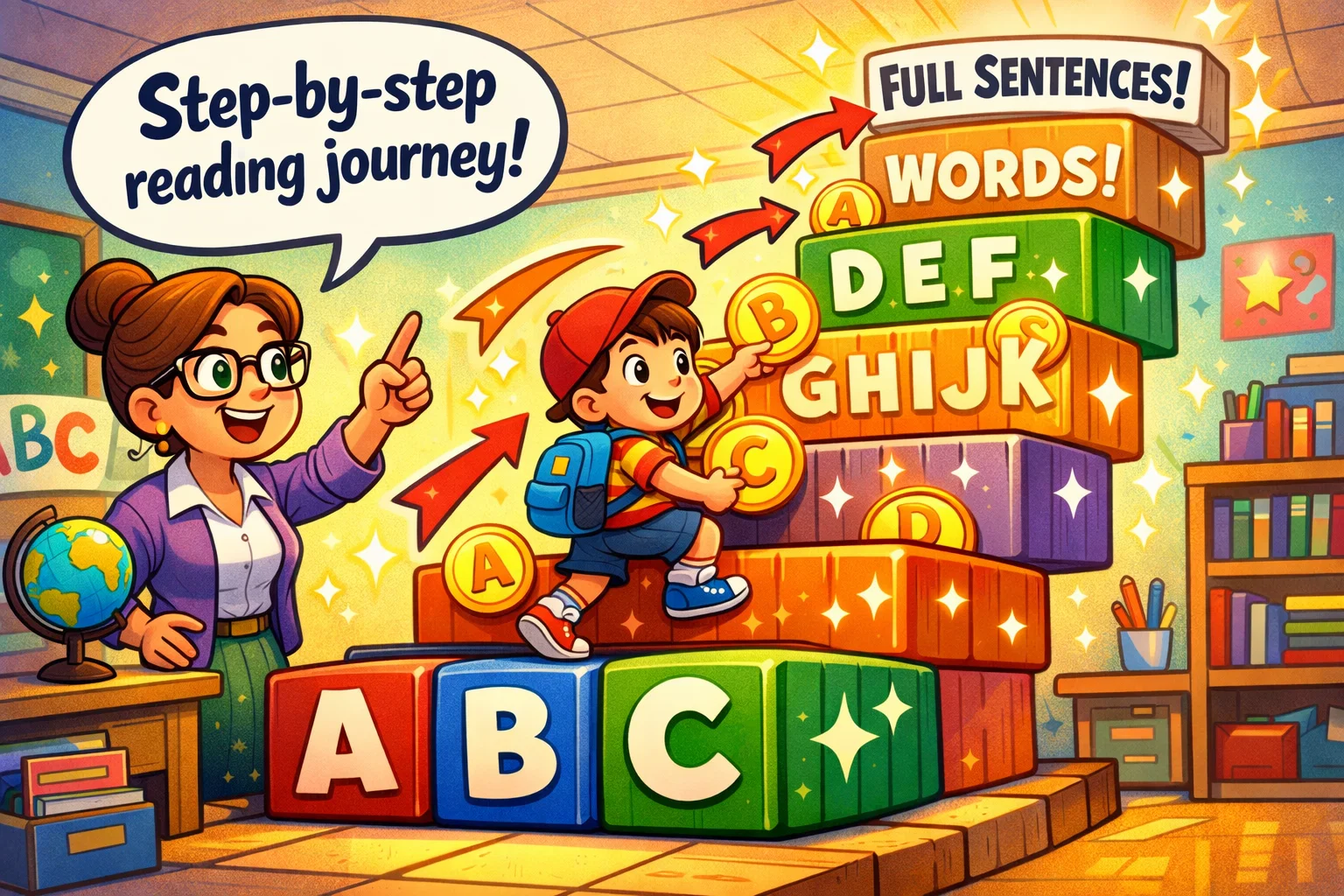
Both apps use a sequential model to ensure children build skills progressively, but their “paths” look quite different.
ABCmouse: The Learning Path
ABCmouse utilizes a Learning Path that consists of 10 levels and over 850 lessons. As children complete activities (games, books, puzzles), they move along a map. The progression is linear, but children have the freedom to “jump off” the path and explore the Zoo, Farm, or Art Studio at any time. This flexibility can increase engagement, but it may also reduce sustained focus on core literacy tasks.
Reading.com: The Scripted Journey
Reading.com follows a highly structured 99-lesson sequence. Unlike ABCmouse, it is “scripted” for the parent. Each lesson tells the adult exactly what to say to help the child decode words or understand a new phonics rule. The progression is strictly tied to mastery; children move from individual sounds to blending, and eventually to interpreting full, interactive books.
Skill Development Priorities
The way each app teaches children to read reflects different pedagogical priorities.
| Feature | ABCmouse | Reading.com |
| Primary Method | Mixed (Phonics + Sight Words) | Systematic Phonics |
| Instructional Material | Massive Digital Library (All levels) | Decodable Books (Unlocked via lessons) |
| Subject Breadth | High (Language, Math, Science, Art) | Low (Literacy only) |
| Writing Practice | Digital Tracing & Worksheets | Interactive Letter Formation |
| Parental Role | Observer / Independent Play | Active Guide / Co-player |
ABCmouse approaches early reading through exposure and repetition, providing children with access to a large digital library and sight-word practice. Reading.com prioritizes phonemic awareness and the ability to decode text, following the “Science of Reading” framework which suggests that explicit instruction in letter-sound relationships is the most effective way to teach foundational skills.
How ABCmouse Works for Young Learners
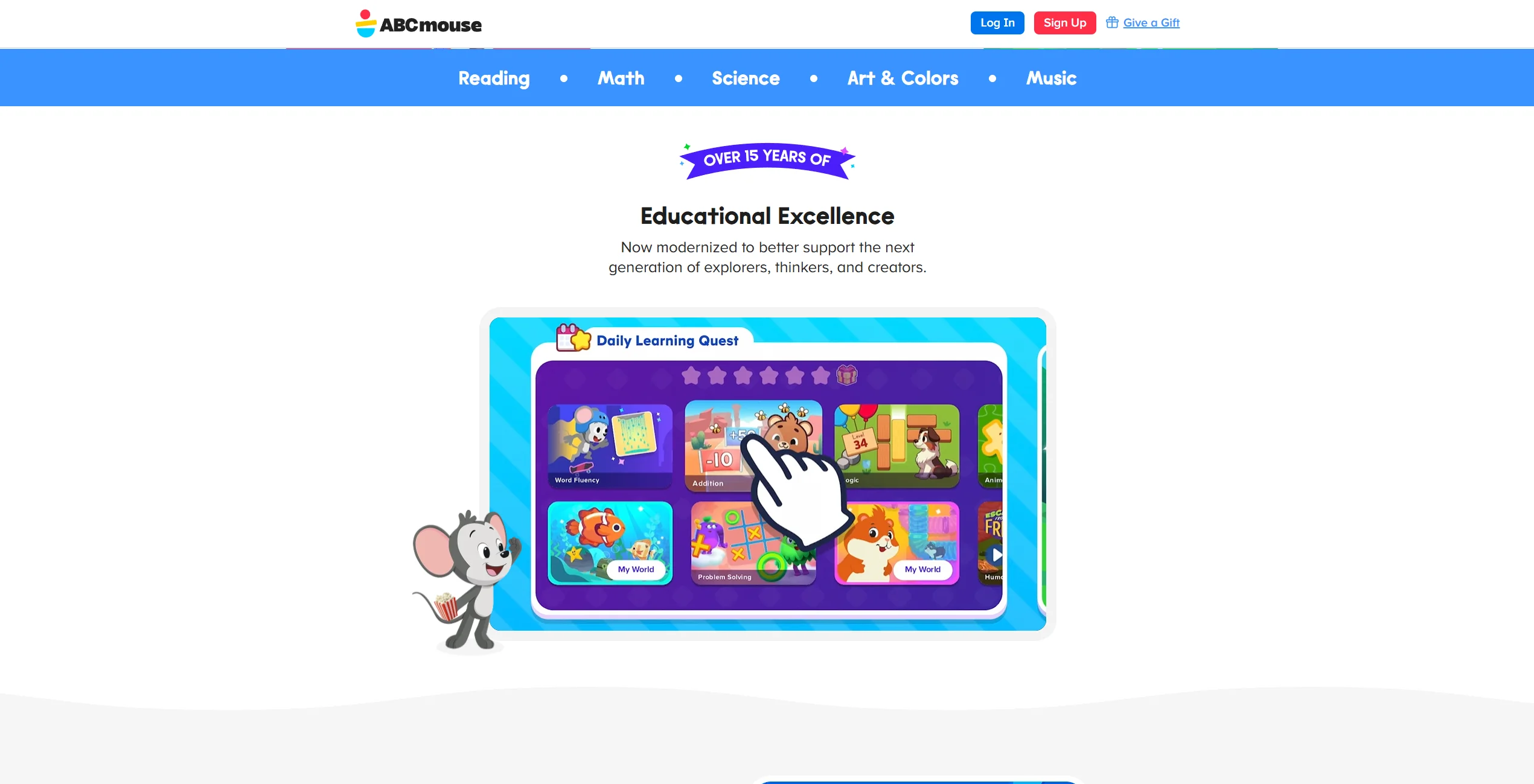
ABCmouse is often described as a “digital classroom.” Upon logging in, children are typically guided by an on-screen character who directs them to their next lesson. The interface is vibrant and designed to be “kid-friendly,” though it can feel busy to some users.
Course Path and Lesson Navigation
The Step-by-Step Learning Path is the heart of the experience. It covers everything from the alphabet for toddlers to 2nd-grade level reading comprehension. The navigation is intuitive; even a preschooler can usually find their way to the next gold circle on the map.
Content Variety and Activity Formats
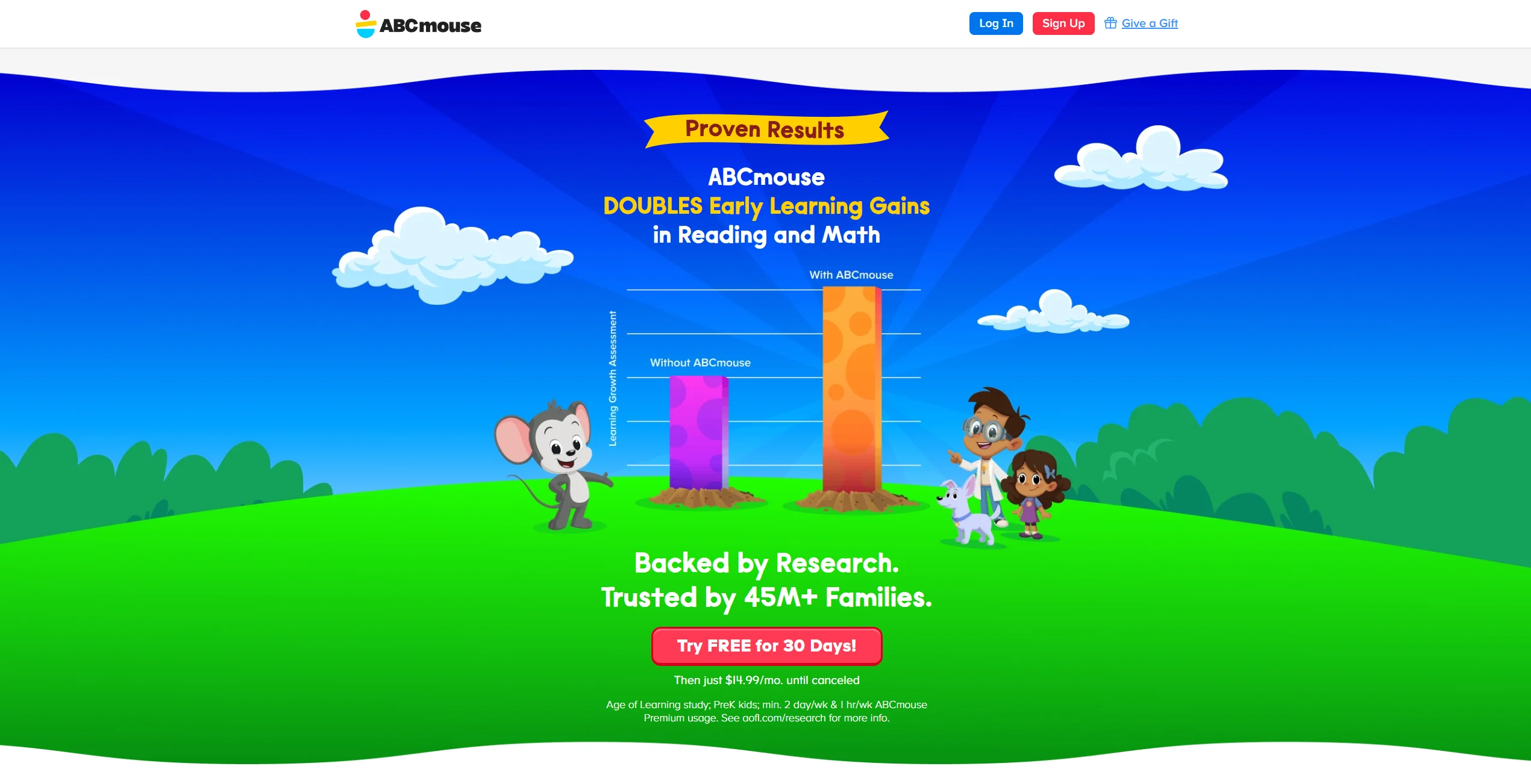
One of ABCmouse’s greatest strengths is its variety. If a child gets bored with a literacy app game, they can switch to a song, a puzzle, or a digital reading book. This variety can help keep children aged 2–8 engaged for extended periods. Additionally, the platform provides hundreds of worksheets that parents can print for offline practice.
Progress Tracking and Reporting Tools
In ABCmouse Classic, parents can use the Parent Section/Progress Tracker to view time spent and number of activities completed (with filters). In the newer ABCmouse app, a full parent progress suite is still described as ‘in development’, so detailed reporting may be more limited depending on which version a family uses
How Reading.com Works for Beginning Readers
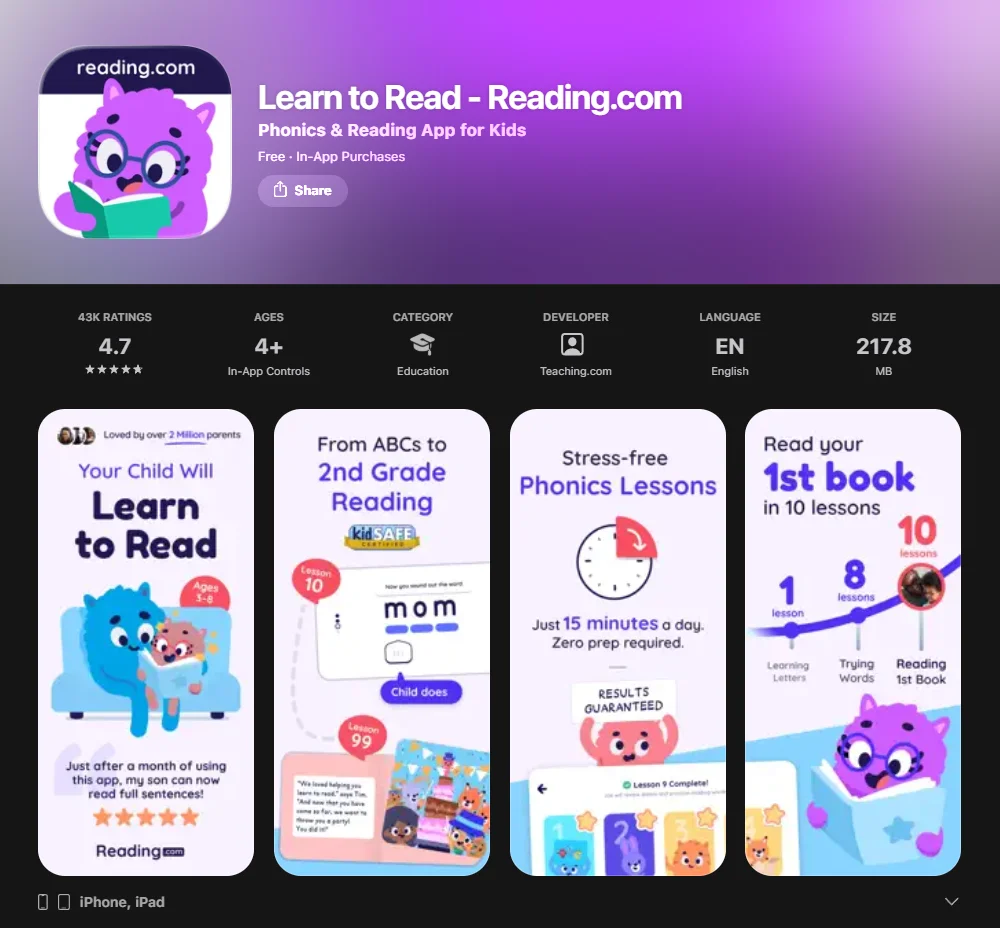
It is less of a “playground” and more of a “tutor in your pocket.” It is designed to be used in short, 15–20 minute bursts.
Phonics-Based Instruction Model
The app uses a systematic phonics approach. It doesn’t just show words; it teaches the child how to “stretch” and “slide” sounds together. This focus on phonics skills is designed to reduce reliance on contextual guessing, which can occur in early reading development.
Structured Learning Journey
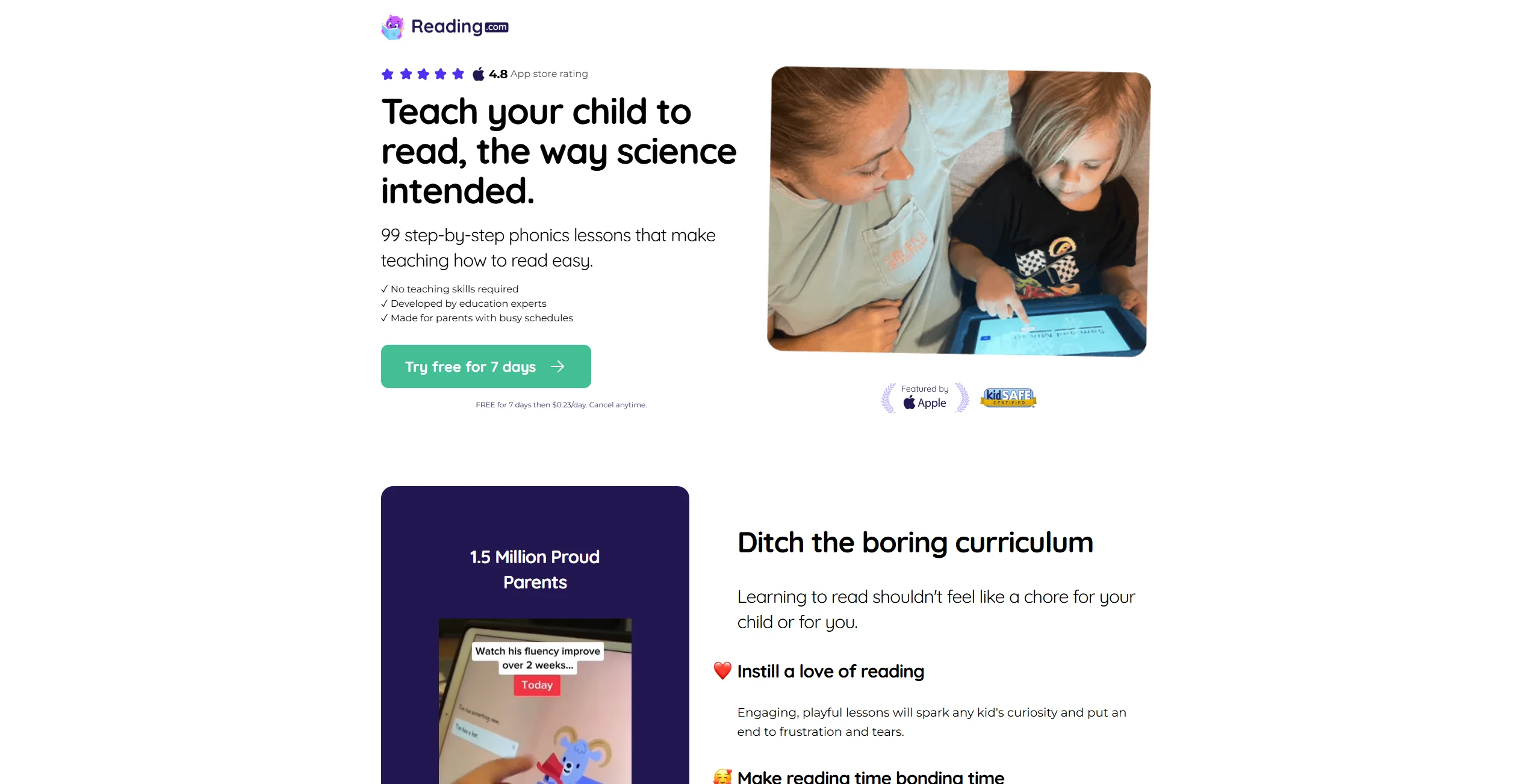
The journey is divided into clear milestones:
- Learning Letters: Recognition and sound-letter mapping.
- Blending: Merging sounds into CVC (Consonant-Vowel-Consonant) words.
- Interactive Books: Transitioning to decodable text.
- Advanced Decoding: Handling long vowels, digraphs, and irregular words.
Reinforcement and Repetition Strategies
To ensure fluency and comprehension, the app incorporates “Mastery Checks.” A child cannot advance to more complex levels until they demonstrate they can accurately identify the words in the current stage. This “built-in review” helps build reading confidence before moving on to harder material.
Side-by-Side Overview of Features

When we compare ABCmouse and Reading.com, the differences in “gamification” are immediately apparent. ABCmouse uses a “Ticket and Reward” system. Children earn tickets for every activity, which they can spend in a virtual shop to decorate their avatar’s room or buy items for a virtual pet. This is a powerful motivator for many children, though some educators worry it can distract from the actual learning journey.
Reading.com takes a more restrained approach to gamification. The rewards are typically “unlocks”—new games or new books in the library. Because the app is designed for “co-play,” the primary motivation is often the positive interaction with the parent.
Personalization and Adaptive Learning
ABCmouse allows parents to set the initial level for their child, and the learning path progresses as they complete tasks. It is not “adaptive” in the sense that it changes difficulty on the fly, but it offers a wide range of content for different abilities. Reading.com starts with a placement test to ensure the child begins at the right spot in the sequence of lessons.
Literacy Results and Skill Outcomes
Research into digital learning suggests that consistent engagement is often more important than the specific platform used.
- Building Foundations: Both apps excel at teaching the alphabet and letter recognition. ABCmouse uses catchy songs and “Bubble Popper” games, while Reading.com uses tactile tracing and auditory blending.
- Fluency and Comprehension: Fluency practice often benefits from large digital libraries. ReadingIQ, created by the same company as ABCmouse, is one example of a kids’ digital reading library with thousands of books; other ecosystems have their own libraries as well.
- Independent Learning: If you need 20 minutes to cook dinner while your child learns, ABCmouse is the better fit. If you want to be the one teaching them to read, Reading.com provides the tools to do so without needing a degree in education.
Reviews from Parents and Teachers
Feedback from the community highlights a few recurring themes for both platforms.
Common Praise Points
ABCmouse is frequently praised for the breadth of its content and the fact that it covers multiple subjects. Parents of toddlers often mention that it is a great “first app” due to its safety and ease of use.
Reading.com receives high marks from parents who felt their children were “falling behind” or “guessing” at words in school. Users appreciate the clear, scripted nature of the lessons, which takes the guesswork out of home instruction.
Frequently Mentioned Drawbacks
A common critique of ABCmouse is that it can feel “dated” or “clunky” on older devices. Some parents also find the reward system too distracting, noting their children spend more time “shopping” than learning. For Reading.com, the primary drawback is the requirement for parent involvement; it isn’t an app you can just “hand over” to a child, which may not fit every family’s schedule.
Pricing Comparison and Subscription Options
Note: Pricing shown below reflects typical US web pricing for ABCmouse and common US in-app pricing for Reading.com. Prices can vary by platform (web vs App Store/Google Play), region, taxes, and promotions, so always confirm inside the app or on the official pricing pages.
| Plan Type | ABCmouse | Reading.com |
| Monthly | ~$14.99 / month | ~$12.49 / month |
| Annual | ~$45.00 / year | ~$74.99 / year |
| Free Trial | 30 days (typically available to new subscribers when selecting the monthly plan; terms may change and promos differ) | 7 Days |
| Family Sharing | Up to 3 children | Up to 3 children |
ABCmouse often offers discounted annual plans, which may reduce the effective monthly cost. Reading.com is generally more expensive annually but provides a very targeted, high-quality specialist service for teaching reading.
Which Platform Fits Different Types of Families?
Families Seeking All-in-One Early Education
If you want a supplemental program that prepares your child for the social and academic breadth of preschool or Kindergarten, ABCmouse provides a more complete “school-like” experience.
Families Focused on Literacy Mastery
If your primary goal is to improve literacy skills or help a struggling reader “crack the code,” the specialized focus of Reading.com is likely more effective. Its adherence to systematic phonics makes it a strong choice for targeted intervention.
Homeschooling Support Considerations
For homeschoolers, ABCmouse works well as a “learning center” for independent work. Reading.com acts more like a literacy curriculum that the parent-teacher can deliver directly, ensuring they are part of every milestone in their child’s learning journey.
Digital Learning Routine Implementation Tips
Regardless of which phonics app you choose, consistency is key.
- Recommended Daily Usage: For children aged 2-5, 15–20 minutes of high-quality “learning screen time” is often sufficient. Older children (ages 6–8) may benefit from up to 30 minutes.
- Combine with Offline Activities: No app can replace the experience of holding a physical book. Use the reading worksheets provided by these apps to bridge the gap between the screen and the real world.
- Balance Screen Learning: Ensure digital tools are just one part of a day filled with physical play, social interaction, and “read-aloud” time where you read to your child.
FAQ
Is ABCmouse or Reading.com better for toddlers?
ABCmouse is generally more suitable for very young toddlers because of its “Toddler Time” section, which includes simple songs, coloring, and basic alphabet videos that don’t require high-level motor skills. Reading.com is better suited for older toddlers (ages 3.5 and up) who are starting to show an interest in letters and have the attention span for a 15-minute guided lesson with a parent. While ABCmouse allows for more “point and click” exploration, Reading.com requires more focus and verbal interaction.
Are these apps suitable for different age groups?
ABCmouse covers a wider age range from 2 to 8 years old and scales its content across 10 levels that grow with the child into 2nd grade. Reading.com focuses on the critical window of learning how to decode, typically targeting ages 3 to 8, and its content ends once the child reaches a 2nd-grade level of proficiency. ABCmouse is a long-term companion for multiple subjects, while Reading.com is a targeted tool for the specific phase of becoming a fluent reader.
Can children use both platforms together?
Children can certainly use both platforms together as they are highly complementary. A family might use Reading.com for 15 minutes of intensive, parent-led phonics instruction in the morning and then allow the child to use ABCmouse for independent play and exploration of math or science in the afternoon. Since Reading.com focuses specifically on the “how” of decoding and ABCmouse provides a broad “library” of content to practice those skills, they can work well as a dual-approach to early literacy.
How much should a child spend on learning apps daily?
Many experts suggest limiting educational app use to approximately 15 to 30 minutes per day, depending on the child’s age and attention span. For a preschooler, 15 minutes is often the “sweet spot” before they become fatigued or overstimulated by the screen. It is also important to remember that the quality of the interaction matters more than the minutes; 15 minutes of guided learning on an app like Reading.com is often more educationally valuable than an hour of unguided play.
Which platform is more affordable long term?
ABCmouse is often more affordable in the long term because of its frequent “deep discount” annual offers which can make the cost per month very low for a massive amount of content. Reading.com has a lower monthly entry price but covers only one subject, meaning you might eventually need to pay for additional apps if you want math or science support. However, if your only goal is literacy, the “value for money” on Reading.com is high because of the specialized, expert-led curriculum it provides for a single subscription.
How do these apps compare to other popular programs like Reading Eggs or Starfall?
When choosing the best platform, many parents perform a reading eggs vs abcmouse comparison. While ABCmouse offers a broad curriculum, Reading Eggs focuses specifically on a progressive literacy path. Tools like Starfall are excellent for free, casual exploration of the alphabet, but they often lack the structured sequence of lessons found in a premium program. In many reviews of Reading Eggs, users note that the app is specifically tailored to build early reading ability through games and activities. If you are looking for apps where children can follow a highly systematic method of learning, you might find that specialized programs—much like phonics-heavy Hooked on Phonics—provide a more direct route to literacy than general educational platforms.
Do these platforms help with phonemic awareness and decoding?
Yes, both platforms are designed to improve a child’s learning of foundational literacy skills. A robust app must prioritize skills and phonemic awareness, as the ability to manipulate sounds is essential for long-term reading fluency. ABCmouse incorporates this through phonics games and music, helping children master basic reading skills in a low-pressure environment. Reading.com takes a more direct approach to teaching reading, focusing on how to decode words sound-by-sound. Many educators argue that structured phonics instruction is generally more effective than relying solely on sight-word memorization. If a child needs targeted reading support, a program built around systematic phonics may provide clearer instructional structure.
Can these programs be used as a primary reading curriculum for homeschooling?
Both can serve as a powerful program for your child, but they play different roles in a learning journey. ABCmouse is a versatile resource for reading and math, offering creative activities and a wide breadth of children’s reading materials. Reading.com functions as a structured literacy curriculum that guides parents through scripted lessons. For a comprehensive approach, some families use abcmouse and reading eggs or Reading.com in tandem to ensure no gaps in early literacy.

Take a short quiz to find out what your everyday choices say about your parenting style
When your child is curious about something new, what’s your instinct?
Take a short quiz to find out what your everyday choices say about your parenting style
“Can I download this app?” What happens next?
Take a short quiz to find out what your everyday choices say about your parenting style
When it comes to rules at home, which sounds most like you?
Take a short quiz to find out what your everyday choices say about your parenting style
If you could give your child one life skill today, what would you pick?
Take a short quiz to find out what your everyday choices say about your parenting style
Your child gets to choose what to watch. What would your ideal setup look like?
Take a short quiz to find out what your everyday choices say about your parenting style
Pick your parenting superpower ✨



