
YouTube Kids vs Nick Jr: App Comparison for Parents

 Discover a Free Education Video App for Kids
Pastory uses AI to personalize educational video content based on your child’s interests and personality. Safe, engaging, and built for curious young minds. Sign up now to stay updated and enjoy early access with a free trial
Deciding between YouTube Kids and the Nick Jr app often feels like choosing between a large, open video platform and a tightly curated content library. As we move through 2026, the digital landscape for children has become increasingly complex. Parents are no longer just looking for “something to watch”—they are seeking a balance of safety, educational value, and age-appropriate content that won’t inadvertently lead to inappropriate clips or overstimulating viewing loops.
This comparison is based on publicly available features and hands-on review of the apps, updated 2026 pricing models, and the robustness of their parental controls. Whether you are navigating the needs of a curious toddler or an early elementary student, this guide provides a detailed overview at which ecosystem aligns best with your family’s digital safety standards and viewing habits.
YouTube Kids Overview
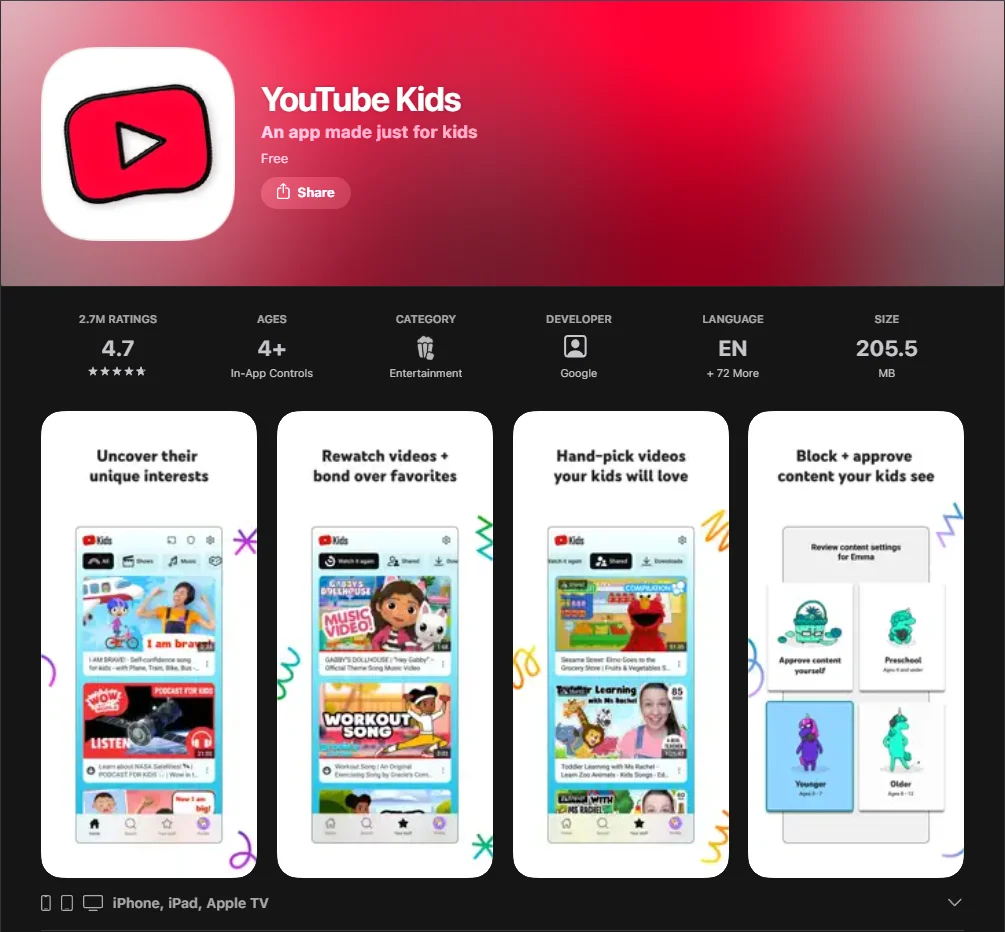
Owned by Google, YouTube Kids was designed to be a “walled garden” version of the main YouTube platform. In 2026, it remains one of the most widely used video platforms for children worldwide, functioning as a filtered entry point to the massive YouTube content ecosystem. The app is widely available across iOS, Android, and Smart TV platforms, making it a highly accessible choice for families on mobile devices.
This comparison reflects how the app is designed to work across its age-based content settings (Preschool, Younger, Older) and how recommendations can differ by setting. While the core idea is a curated environment, it is important to remember that YouTube Kids is still a platform driven by automated systems and user-generated uploads, rather than a traditional broadcast network.
Content Library and Format Variety
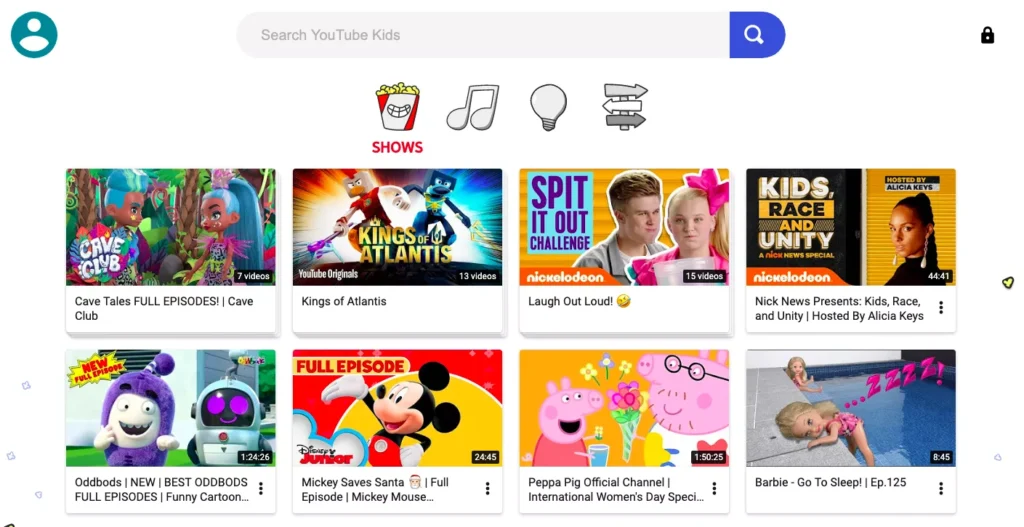
The sheer volume of content on YouTube Kids is unparalleled. It offers a massive variety of formats, including:
- Animated shorts and full-length cartoon episodes.
- Animated series from independent creators and big brands like Disney.
- Nursery rhymes and Cocomelon loops that have massive appeal for toddlers.
- Gaming walk-throughs and toy reviews (often featuring popular creators).
- Educational songs and preschool basics (ABC/123).
The strength of this model is its diversity; if your child has a niche interest—like “vintage steam trains”—they will find it here. However, because it relies on a content strategy of user uploads, the quality can vary from professional productions like PBS Kids to lower-budget home videos that might disturb a parent looking for high-quality children’s television.
Age Categories and Content Filtering
YouTube Kids utilizes three primary age-based settings:
- Preschool (Ages 4 & Under): Focuses on child-friendly content that fosters creativity.
- Younger (Ages 5–8): Allows children to explore their interests, from Mickey Mouse clips to DIY crafts.
- Older (Ages 9–12): Provides access to additional music videos, gaming, and family vlogs.
While YouTube’s search engine filters out the most egregious inappropriate content, no automated system is one hundred percent perfect. Because not all videos are manually reviewed, inappropriate or misleading content may occasionally slip through automated systems.
Parental Controls and Account Setup
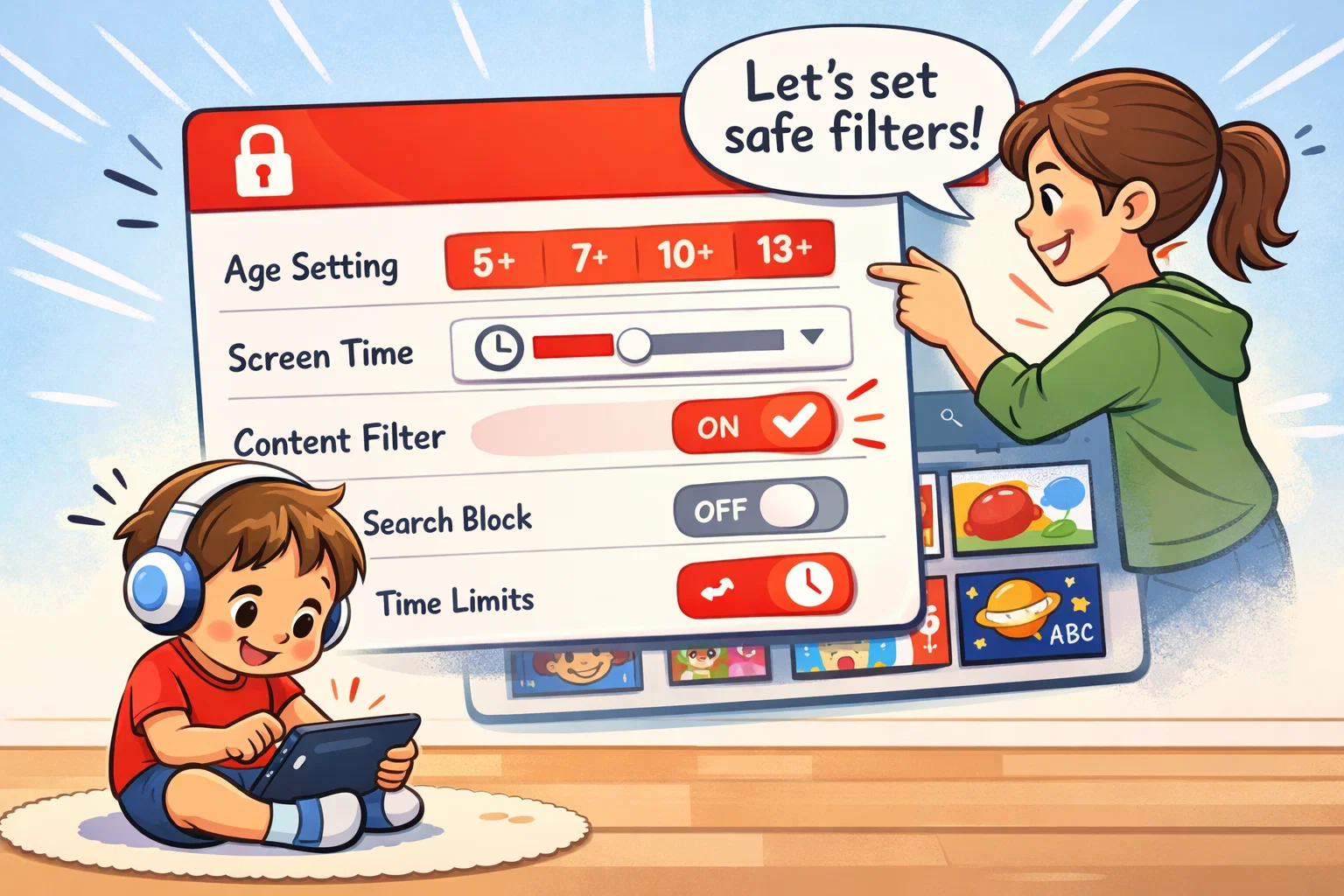
Setting up the app requires a parent’s Google account. The parental control features are among the most robust in the industry:
- Timer: Automatically locks the app to limit screen time.
- Search Control: You can turn off the search bar entirely.
- Blocking: Easily block a specific channel or video with two taps.
- Approved Content Only: Parents can select every video, ensuring kids only watch what is vetted.
Interface and User Experience for Kids
The interface is intentionally bright. For preschoolers, the large thumbnails and voice search capability make navigation intuitive. However, the continuous scroll design, including short-form video recommendations and video scrolling features is designed to capture attention, which can lead to a laugh one minute and an overstimulated meltdown the next.
Ads and Monetization Model
The standard version of YouTube Kids is free but includes sponsored content and ads. To remove ads, parents must subscribe to YouTube Premium (pricing varies by region; in the U.S., YouTube Premium family plans are typically around $20–25 per month), which also removes related content that might be distracting.
Nick Jr App Overview
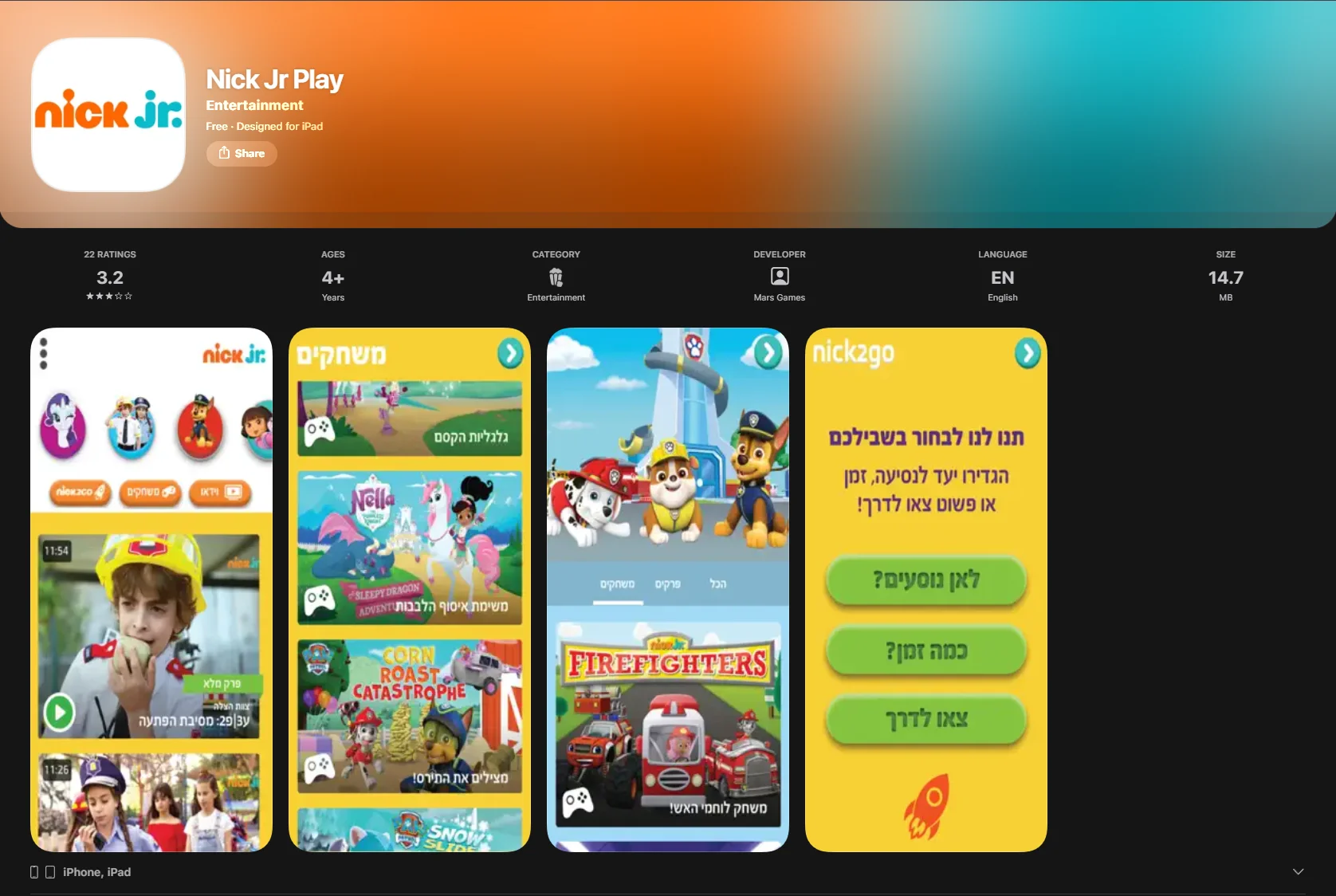
The Nick Jr app is a Nickelodeon brand app (Nick Jr is part of Paramount’s portfolio). Unlike the open and user-generated nature of YouTube, Nick Jr operates like a premium junior extension of a traditional network. It is specifically tailored for the preschool demographic, acting as a digital home for iconic characters.
Content Focus and Show Library
The library is “curated” in the truest sense. The Nick Jr app focuses on professionally produced Nick Jr programming (episodes and clips from Nick Jr shows). You won’t find user-generated toy unboxings here; instead, you get episodes and clips from shows such as PAW Patrol and Dora the Explorer (availability may vary by region and subscription).
Age Suitability and Educational Themes
Nick Jr is a calm and focused environment designed for children. The themes center on social-emotional learning and problem-solving. Because the content is produced by the same network that creates the shows, the tone is remarkably consistent and friendly.
Parental Control Options
Because the content is already pre-screened and “safe” by default, the parental control suite is thinner. You can gate the app behind a “grown-ups only” lock, but you won’t find the granular blocking found on Google’s app. It is a high-trust environment where kids are unlikely to accidentally find adult material.
Interface and Navigation Simplicity
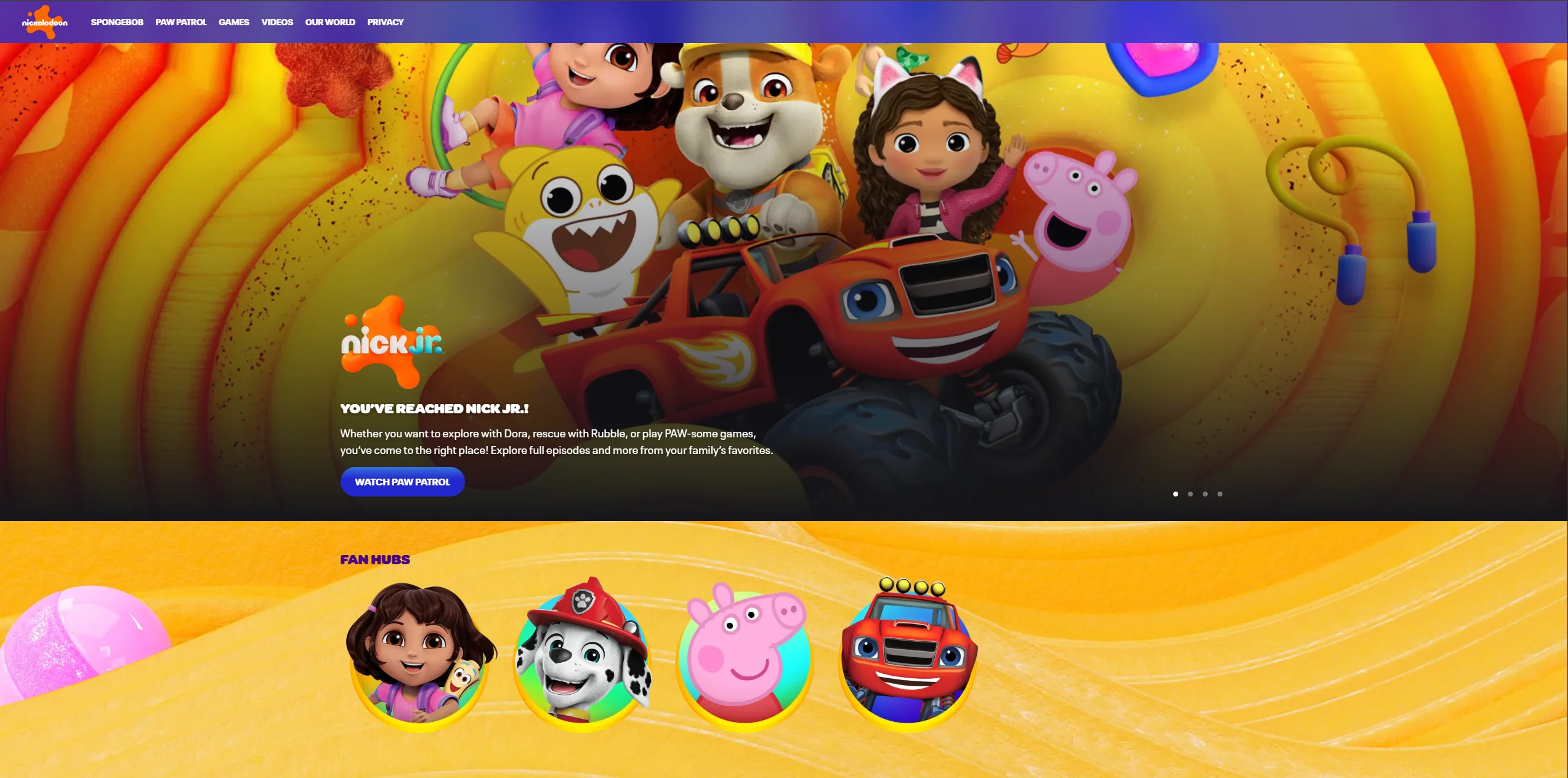
The design is built around character icons. The interface is organized around recognizable characters, allowing children to select shows by tapping on familiar icons. Discovery is primarily character/show-based; search functionality is limited compared with YouTube Kids (interface can vary by device/version).
Pricing Model and Access Requirements
Full access in the Nick Jr app may require signing in with a participating TV provider. Separately, many Nick Jr shows are available to stream inside the Paramount+ app with a Paramount+ subscription.
| Feature | YouTube Kids | Nick Jr App |
| Primary Owner | Paramount / Nickelodeon | |
| Content Source | Global Creators (User-Uploaded) | Professional Network Production |
| Ad Model | Ad-supported (Free) or Premium | Access can be free with limited content; full episodes may require TV provider sign-in. Ads/house promos can depend on the access method and platform. |
| Search Feature | Robust / Toggleable | Minimal to None |
| Best For | Variety and specific interests | Safe, familiar characters |
Content Safety Comparison
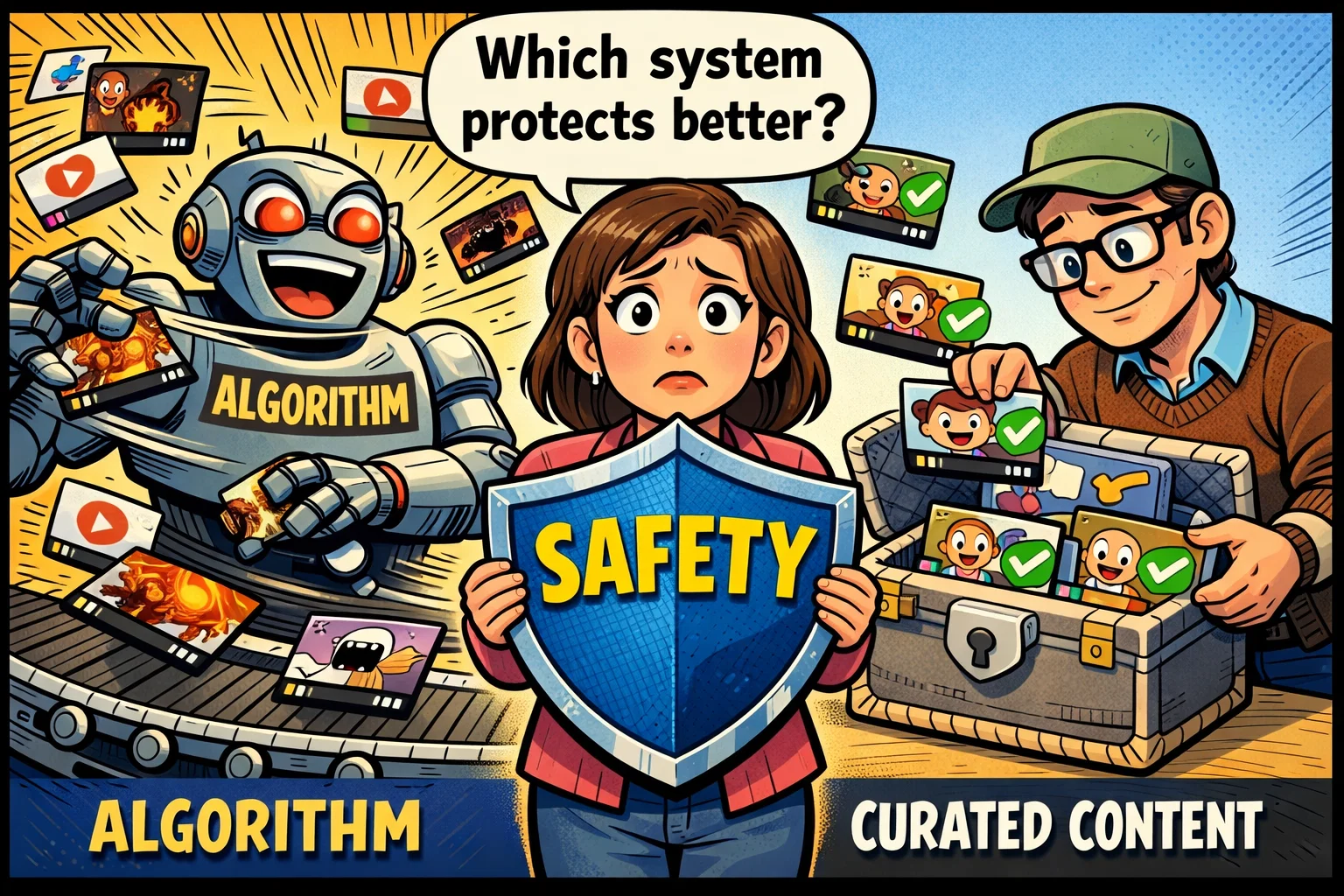
Automated Moderation vs Editorial Curation
YouTube Kids uses AI to scan millions of hours of video content. While impressive, AI can be tricked. Nick Jr, conversely, uses human editorial curation. Nick Jr content is professionally produced and curated by the brand, rather than uploaded by the public.
Risk of Inappropriate Content Exposure
The risk on Nick Jr is significantly lower due to its fully curated content model. On YouTube Kids, the risk is low but present. The primary concern is not always “malicious” content but rather low-quality nursery rhymes or knockoff animations that don’t provide real educational value.
Control Level Available to Parents
YouTube Kids offers more customization options. If you want your child to only watch PBS Kids and NASA videos, you can set that up. Nick Jr is an “all or nothing” alternative; you get what the host network provides.
Age Suitability Comparison
Best Choice for Toddlers (2–4 Years)
Often preferred: Nick Jr.
Toddlers thrive on repetition. The Nick ecosystem is built for this. The lack of a search bar prevents them from getting lost, and the calm pacing may feel calmer and more structured for younger viewers than high-energy shorts creators.
Best Choice for Preschool (4–6 Years)
Often preferred: Tie.
If your child is obsessed with a specific character on Nickelodeon, Nick Jr is a dream. However, if they want to discover how a bear hibernates or see a real rocket launch, the variety on YouTube Kids is superior.
Best Choice for Early Elementary (6–9 Years)
Often preferred: YouTube Kids.
By age 6, children typically outgrow the “babyish” feel of Nick Jr. They may begin to show interest in gaming content and short-form videos. The “Older” setting on the YouTube app provides a bridge to the mainstream digital world while still maintaining some safety rails.
Pricing Comparison 2026
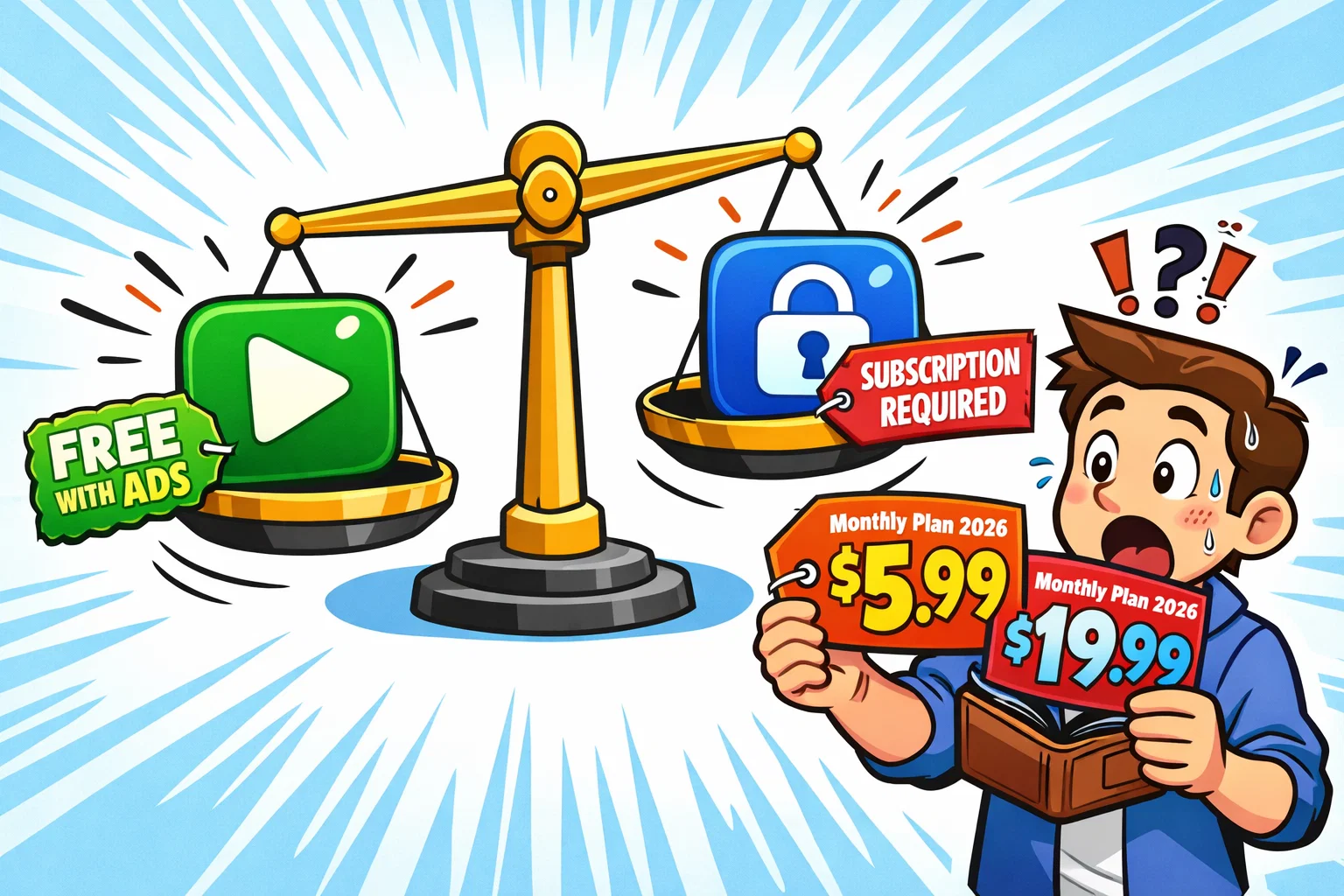
YouTube Kids Pricing
- Standard Version: Free (with ads).
- YouTube Premium: In the U.S., YouTube Premium Family is listed at $22.99/month (pricing can vary by country and taxes).
Nick Jr Pricing
- Standalone: Bundled with Paramount+ ((U.S.) lists Essential at $8.99/month and Premium at $13.99/month (plans/pricing can change and vary by region).).
- Live TV Bundles: Philo or Sling (Live TV bundle pricing varies by provider and frequent promotions; check current rates for your region/provider).
User Experience Differences
Algorithm-Driven Recommendations
YouTube Kids is built on a “Lean Back” model. Once a video ends, the algorithm picks related content. This can be great for discovery but can lead to “infinite viewing.”
Structured Episode-Based Experience
Nick Jr feels more like traditional children’s TV. Episodes have a clear beginning and end. This structure makes it easier for parents to set boundaries.
Screen Time Control and Habit Formation
Both apps offer timer tools. However, the rise of short-form video content like YouTube Shorts has changed the game. These quick videos are designed to capture attention in a way that traditional 22-minute long-form videos do not.
Pros and Cons Summary
YouTube Kids Strengths
- Large library with endless variety.
- Excellent parental control features.
- Free to use if you can tolerate ads.
- High appeal for specific hobbies.
YouTube Kids Limitations
- Algorithms can occasionally recommend “junk.”
- Heavy reliance on ads in the free version.
- Risk of accidentally seeing a fake video.
Nick Jr Strengths
- Fully curated, professionally produced environment.
- High-quality animation and children’s television standards.
- Significantly reduced likelihood of algorithm-driven content chains.
Nick Jr Limitations
- Very limited content for children over age 6.
- Often requires a paid subscription.
- Cannot replace the sheer variety of YouTube.
Who Should Choose YouTube Kids?
You should choose YouTube Kids if your child has varied interests. It is the better choice for families who want a “one-stop-shop” for education and entertainment. It’s also ideal for parents who are willing to select specific channels, effectively creating their own custom kids’ network.
Who Should Choose Nick Jr?
Nick Jr is the premier choice for parents of preschoolers who prioritize trust. If you want to hand your child a tablet without ever worrying they might expose themselves to something weird, Nick Jr may be a strong option for families prioritizing fully curated content. It is a friendly app that guarantees age-appropriate, high-quality viewing.
Frequently Asked Questions
Is YouTube Kids suitable for toddlers?
YouTube Kids is suitable for toddlers only if parents use the “Preschool” setting or “Approved Content Only.” While it offers many nursery rhymes, the automated nature means it is less inherently safe than Nick Jr. For the under-4 crowd, the structured and slower-paced content on Nick Jr is generally considered more developmentally appropriate.
Is Nick Jr suitable for children over 6?
Nick Jr is generally not recommended for children over 6 as most of the content is tailored to early developmental stages. By elementary school, children typically find the themes too simple. At this age, a child might prefer the Disney app or the “Older” section of YouTube Kids for more engaging animated series.
Which app is safer for preschoolers?
Nick Jr may feel safer for many parents due to its fully curated content model. While YouTube Kids offers powerful tools, it still carries a small risk of showing a knockoff video that has bypassed automated filters. For a parent seeking absolute certainty, the editorial model of Nick Jr is superior.
Do both apps show ads?
Both apps utilize monetization models that often include advertisements. The free version of YouTube Kids features ads unless you pay for a premium subscription. The Nick Jr app often shows commercials or “internal” ads for other shows on the network depending on how you log in.
Can parents fully control content?
Parents have more granular control on YouTube Kids through “Approved Content Only.” On the Nick Jr app, control is more about limiting access to the app itself. While YouTube offers more “knobs and dials,” Nick Jr provides a pre-controlled environment that requires less active management to keep things friendly.

Take a short quiz to find out what your everyday choices say about your parenting style
When your child is curious about something new, what’s your instinct?
Take a short quiz to find out what your everyday choices say about your parenting style
“Can I download this app?” What happens next?
Take a short quiz to find out what your everyday choices say about your parenting style
When it comes to rules at home, which sounds most like you?
Take a short quiz to find out what your everyday choices say about your parenting style
If you could give your child one life skill today, what would you pick?
Take a short quiz to find out what your everyday choices say about your parenting style
Your child gets to choose what to watch. What would your ideal setup look like?
Take a short quiz to find out what your everyday choices say about your parenting style
Pick your parenting superpower ✨



