
Choosing the Best Streaming Service for Kids: Amazon Kids+ vs Disney+

 Discover a Free Education Video App for Kids
Pastory uses AI to personalize educational video content based on your child’s interests and personality. Safe, engaging, and built for curious young minds. Sign up now to stay updated and enjoy early access with a free trial
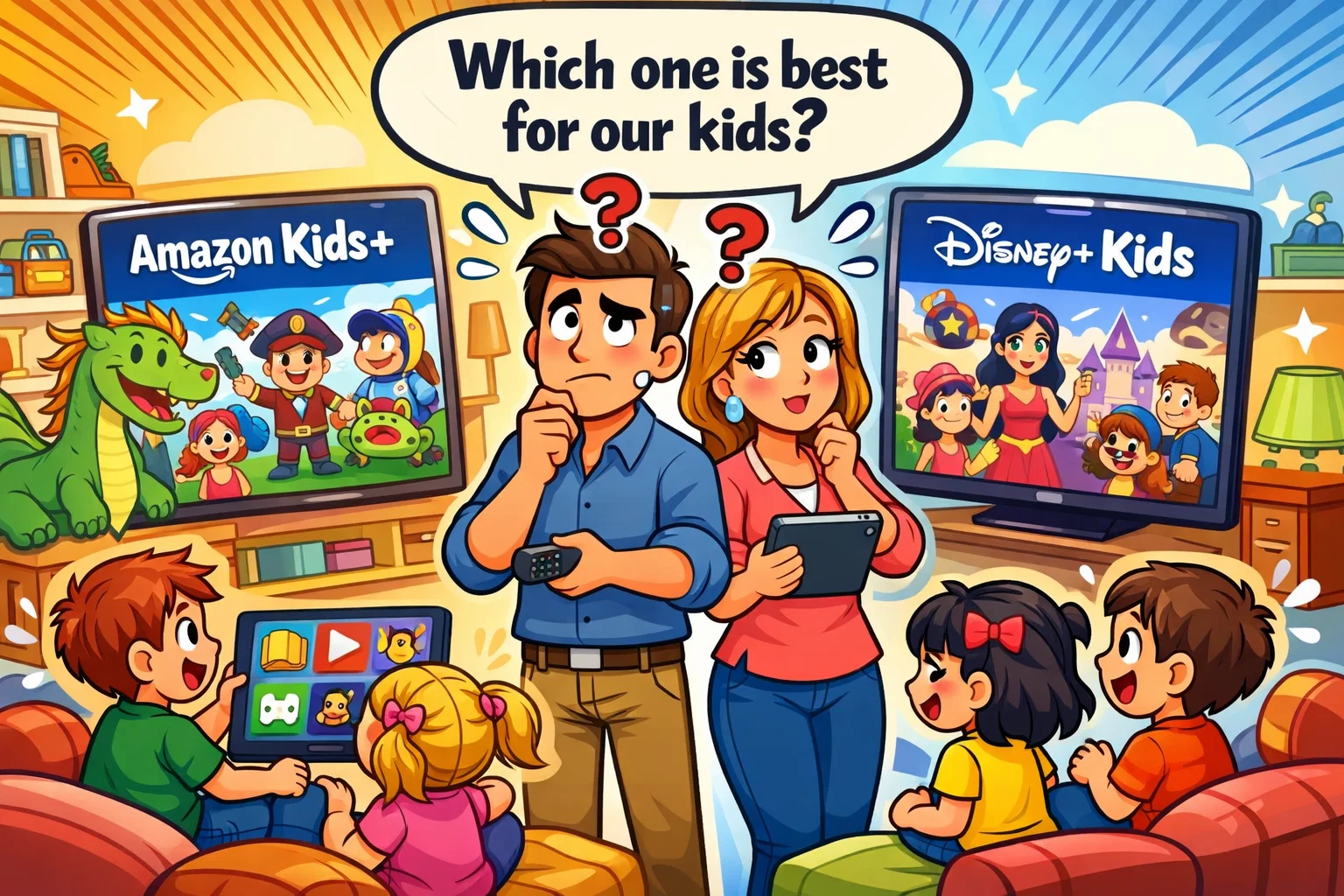
Choosing the right digital environment for your child has become an important decision for many parents. In 2026, the landscape of best streaming services for kids has evolved beyond simple video playback into comprehensive ecosystems. While both Amazon Kids+ and Disney+ Kids aim to provide a safe haven for young viewers, they serve fundamentally different roles in a child’s development and entertainment routine.
This guide provides a neutral, expert analysis of how these two major platforms compare. We will examine their unique content libraries, robust parental control features, and overall value for money. Whether you are looking for an educational powerhouse or a portal to the world’s most famous animated franchises, understanding these nuances is key to selecting the platform that best fits your family’s needs.
What Is Amazon Kids+
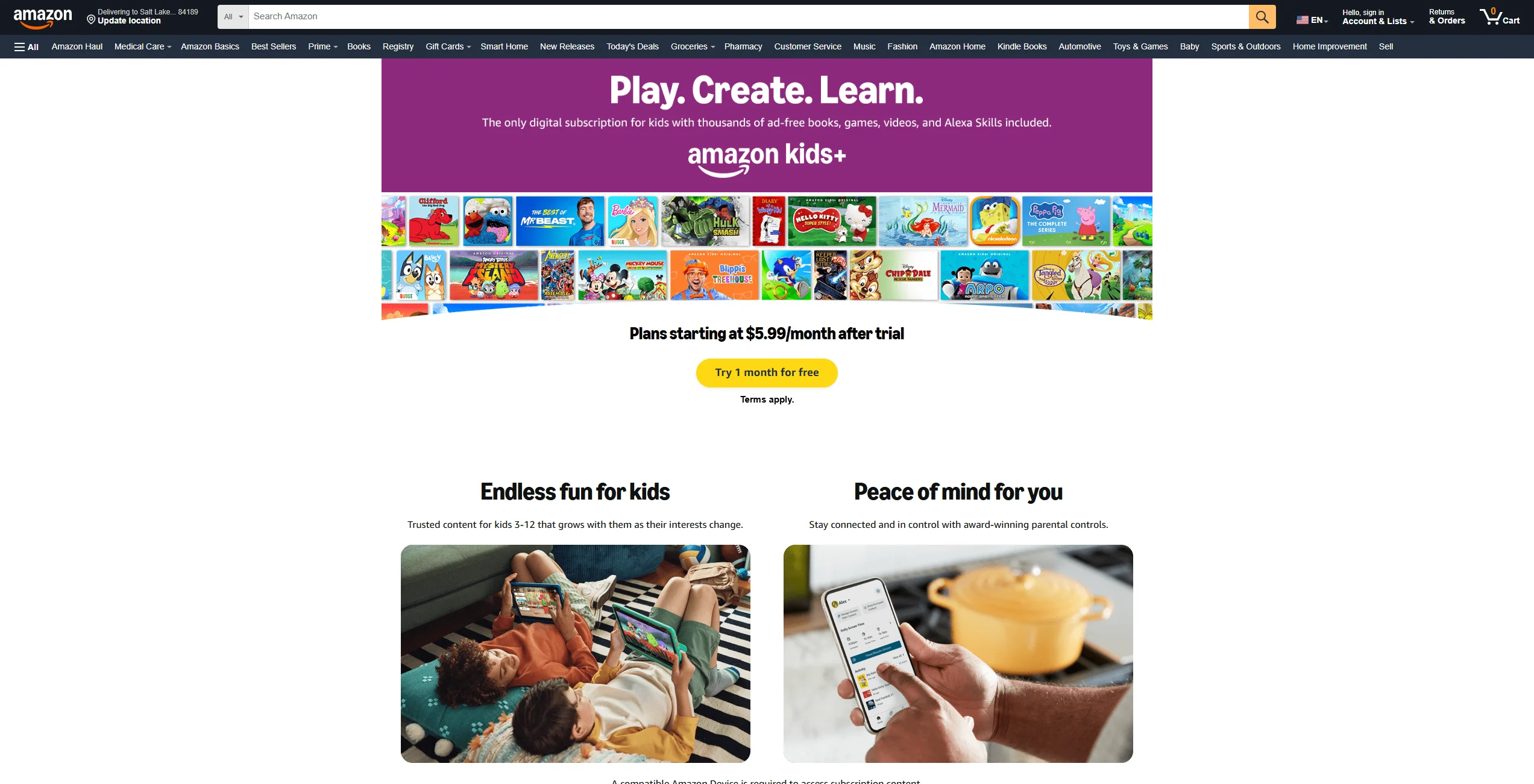
Amazon Kids+ is a comprehensive, subscription-based ecosystem specifically designed for kids aged 3–12 (as described by Amazon). Unlike a standard video streaming app, it functions as a “walled garden” that integrates multiple forms of media. It is not just about shows and movies; it is a multi-format digital environment that encompasses books, educational apps, games, and even specialized Alexa skills.
Originally launched as Kindle FreeTime Unlimited, the service has matured into a cross-platform solution. It aims to reduce concerns around open-ended internet browsing by providing a curated space where content is filtered according to age guidelines set by Amazon.
Content Library on Amazon Kids+
The library on Amazon Kids+ is incredibly diverse, often cited as offering over 20,000 titles (varies by region and device). While it includes favorites like SpongeBob SquarePants and Blippi, its true strength lies in its variety:
- Educational Content: Includes STEM-focused apps and learning tools aligned with U.S. curriculum standards.
- Digital Books: Thousands of titles ranging from picture books for younger kids to chapter books for older kids.
- Games & Apps: Ad-free versions of popular games where in-app purchases are strictly blocked.
- Audible for Kids: A large selection of audiobooks and kid-friendly podcasts perfect for screen-free time.
Age-Based Profiles and Personalization
Amazon utilizes a sophisticated age range filter. When you set up a kids profile, you select the child’s birthdate, and the interface automatically adjusts. Young kids (ages 3–5) see simplified navigation with larger icons, while the interface for pre-teens (10–12) presents more advanced navigation and more complex “bridge” content.
Devices Compatible with Amazon Kids+
The service is most at home on Amazon Fire TV and Fire tablets (especially the “Kids Edition” models). However, it is also available on:
- iOS and Android: Through the dedicated kids app.
- Kindle e-readers: Focusing specifically on the book library.
- Echo Devices: For music, stories, and educational games.
Ads and In-App Purchases Policy
One of the primary selling points of Amazon Kids+ is its ad-free environment. Amazon Kids+ is described as including ad-free games, videos, books, and apps for kids. Furthermore, it blocks in-app purchases and external transactions by default; younger users cannot make purchases within apps, and external links to social media or stores are blocked by default.
Pros and Cons for Families
| Pros | Cons |
| Includes books, games, and audio alongside video | Interface can feel cluttered on non-Amazon devices |
| Exceptional “educational first” philosophy | High-quality “Originals” are fewer than Disney’s |
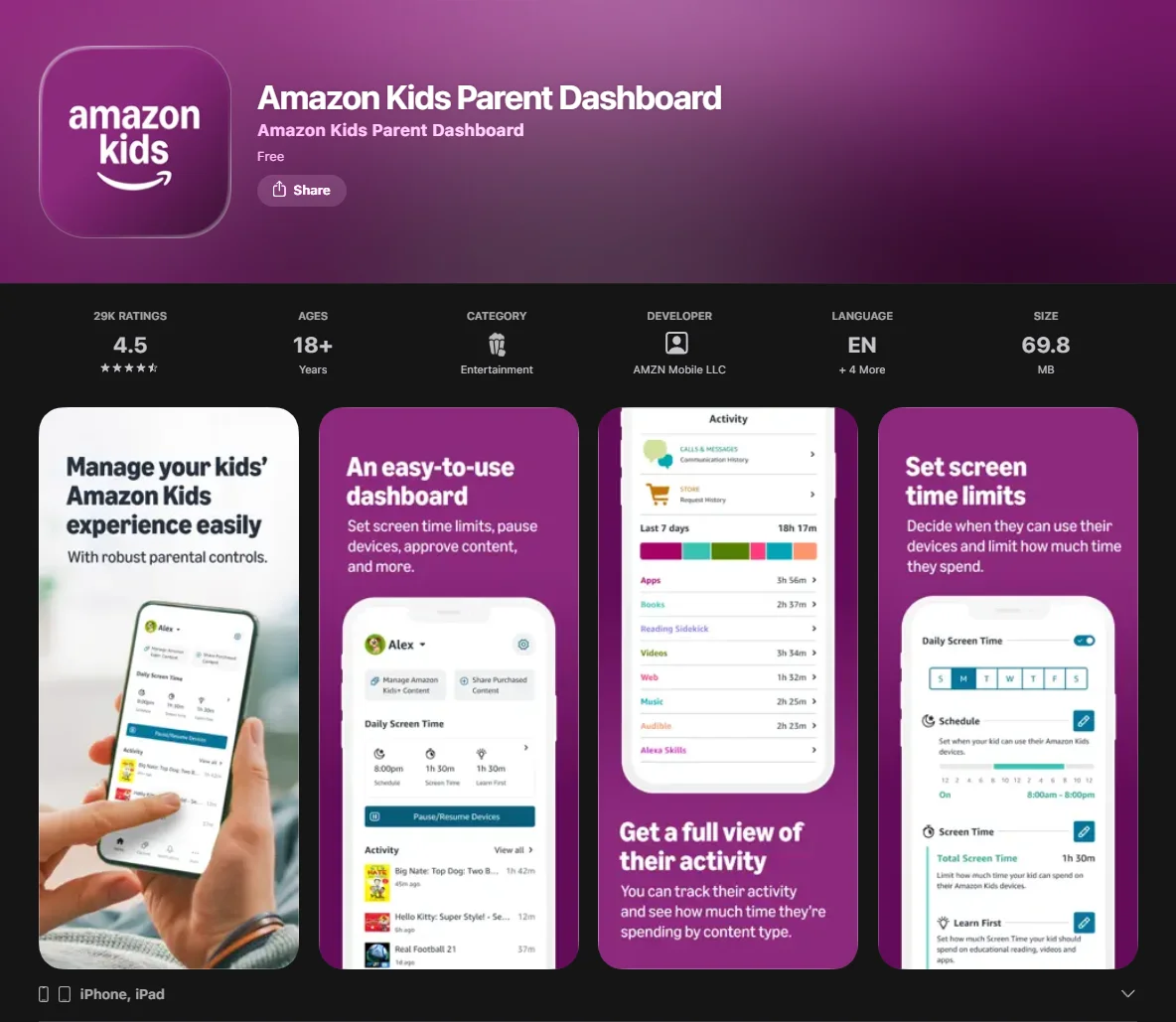
| Granular controls include category-based limits (apps/video vs reading) and educational goals such as Learn First via Parent Dashboard. | Requires a paid Kids+ subscription; Prime membership only affects the price, but does not replace the Kids+ subscription. |
What Is Disney+ Kids
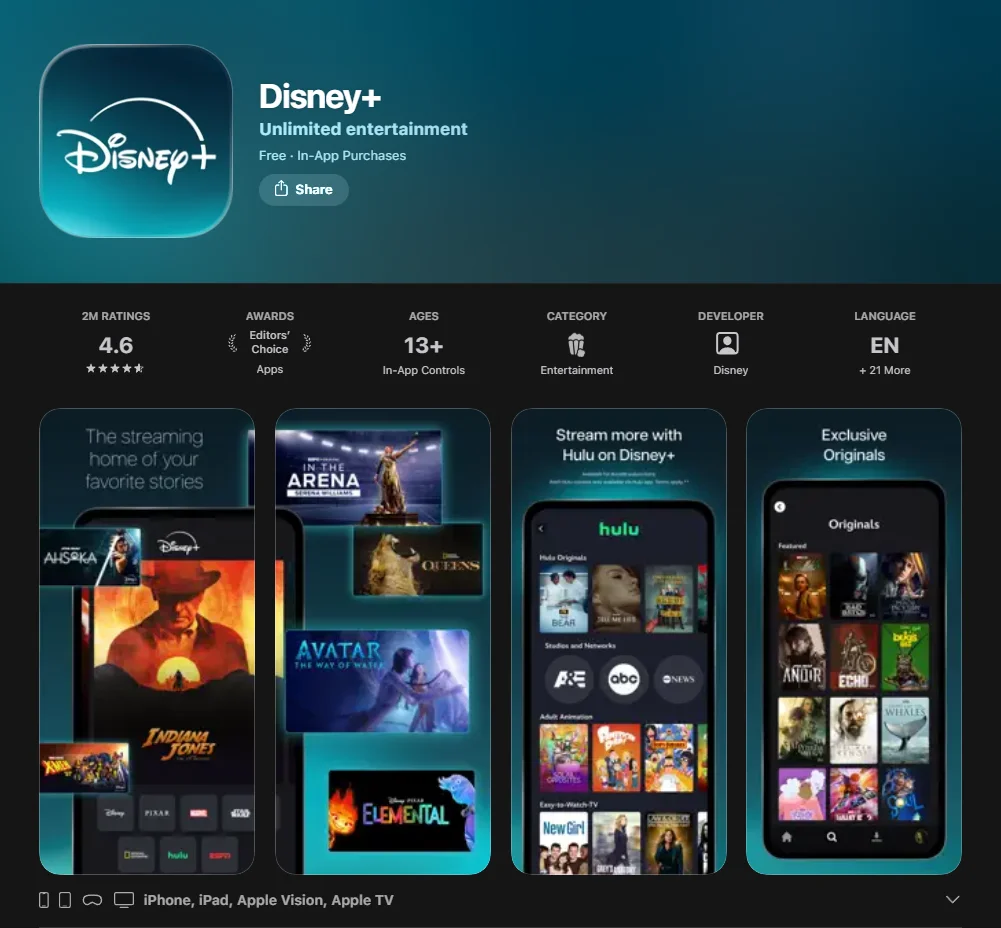
Disney+ Kids (often referred to as Junior Mode) is a specialized profile setting within the broader Disney Plus platform. Unlike Amazon’s standalone ecosystem, Disney+ is a streaming service first and foremost. Disney+ is positioned as the primary streaming home for Disney, Pixar, Marvel, Star Wars, and National Geographic content.
Content Library on Disney+ Kids
The library is an extensive collection of well-known family and cultural titles. It is the primary destination for families who want access to:
- Disney Classics: From Snow White to The Lion King.
- Modern Powerhouses: Frozen, Moana, and the majority of Pixar titles available on Disney+.
- Branded Universes: Marvel and Star Wars content (subject to maturity rating filters).
- National Geographic: High-quality documentaries for curious minds.
- Disney Junior: Popular series like Bluey and Mickey Mouse Funhouse.
Kids Profiles and Content Filters
Disney+ uses a simplified kids mode. When a profile is toggled to “Junior,” the entire interface changes to a bright, character-driven layout. If you want older kids to access higher-rated titles, use a regular profile with a content rating limit.
Junior Mode is an “all-ages only” space and doesn’t use custom content ratings in the same way.
Supported Devices

As a major streaming app, Disney+ is available almost everywhere:
- Smart TVs and Game Consoles: Full 4K support for family movie nights.
- Mobile Devices: Smooth performance on iPhones, iPads, and Android tablets.
- Streaming Sticks: Seamless integration with Fire TV, Roku, and Apple TV.
Ads and Subscription Tiers
In 2026, Disney+ offers both “Standard with Ads” and “Premium” ad-free tiers. However, it is important to note that even on the ad-supported tier, ad experience on Disney+ depends on the selected subscription tier and region; parents seeking a fully ad-free experience should choose the Premium plan.
Pros and Cons for Families
| Pros | Cons |
| Unbeatable library of world-class animation | Limited to video (no interactive games/books) |
| Strong emotional and nostalgic connection | Parental controls are less granular than Amazon’s |
| Excellent 4K HDR video quality | Pricing has increased steadily over the years |
Amazon Kids+ vs Disney+ Kids Content Comparison
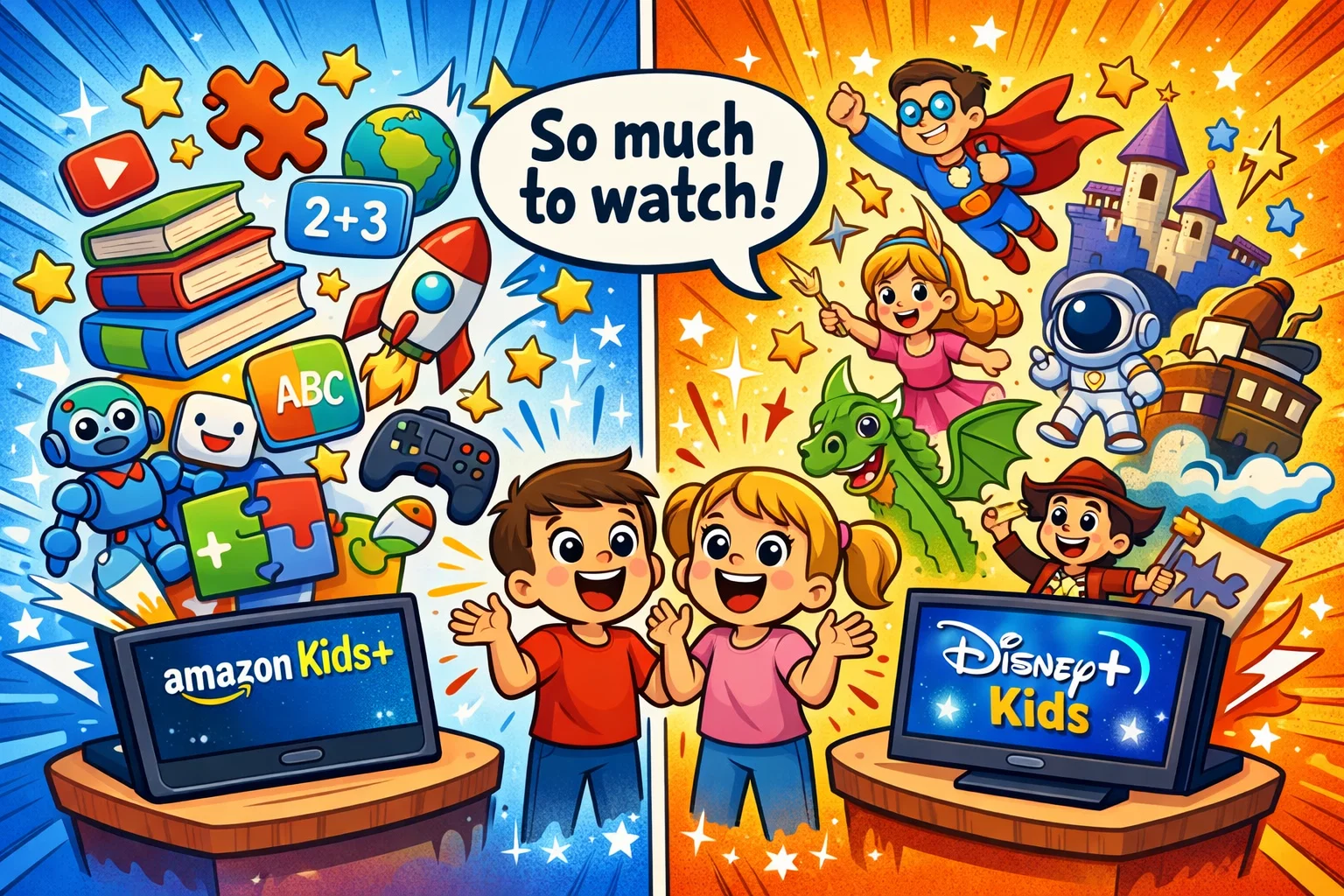
When comparing these streaming platforms, the choice often comes down to active vs. passive engagement.
Variety of Educational Content
Amazon Kids+ generally offers more structured learning tools compared to Disney+. Its “Learn First” feature allows parents to block entertainment until educational goals (like 30 minutes of reading) are met. Disney+, while offering incredible documentaries via National Geographic, is primarily an entertainment-first platform. It provides “edutainment” rather than a curriculum-based experience.
Franchise-Based Entertainment
Disney is one of the strongest franchise-driven platforms. If your child is particularly interested in Disney classics, superheroes, or Disney Junior characters, few platforms offer comparable franchise depth. Amazon Kids+ relies more on licensed content from Cartoon Network, Nick Jr, and its own growing slate of Amazon Originals like Dino Dex and Hello Kitty: Super Style!.
Content Updates and Exclusives
Many Disney theatrical releases eventually become available on Disney+, though release timing varies by title and region. Amazon Kids+ focuses on “utility” updates—regularly adding new books and interactive games to keep the “playground” fresh for growing minds.
Offline Downloads for Kids
Disney+ supports downloads on mobile devices for offline viewing; Amazon Kids+ is a multi-format subscription where offline availability depends on the specific app/content type and device.
Amazon Kids+ vs Disney+ Kids Pricing 2026
Pricing is a major factor for most families. Amazon Kids+ offers discounted pricing for Prime members, though a separate Kids+ subscription is still required.
Monthly and Annual Plans
| Service | Monthly Price | Annual Price |
| Amazon Kids+ (Prime Member) | $5.99 | $48.00 (U.S. list price) |
| Amazon Kids+ (Non-Member) | $7.99 | $79.00 (U.S. list price) |
| Disney+ (With Ads) | $11.99 | N/A |
| Disney+ Premium (No Ads) | $18.99 | $189.99 |
Prices reflect current U.S. list rates and may vary by region or promotion.
Family Plans and Bundles
Disney+ is frequently bundled with Hulu and ESPN+, which can offer better value if the adults in the house also want to watch diverse content. Amazon Kids+ supports multiple child profiles under a single subscription, though exact limits may vary by device and account configuration.
Value for Money for Different Family Sizes
For a single viewer who loves movies, Disney+ is a strong contender. However, for a household with multiple siblings of varying ages, Amazon Kids+ offers significantly more “per-person” value due to the inclusion of games and books that would otherwise cost $5–$10 each.
Parental Controls and Safety Features
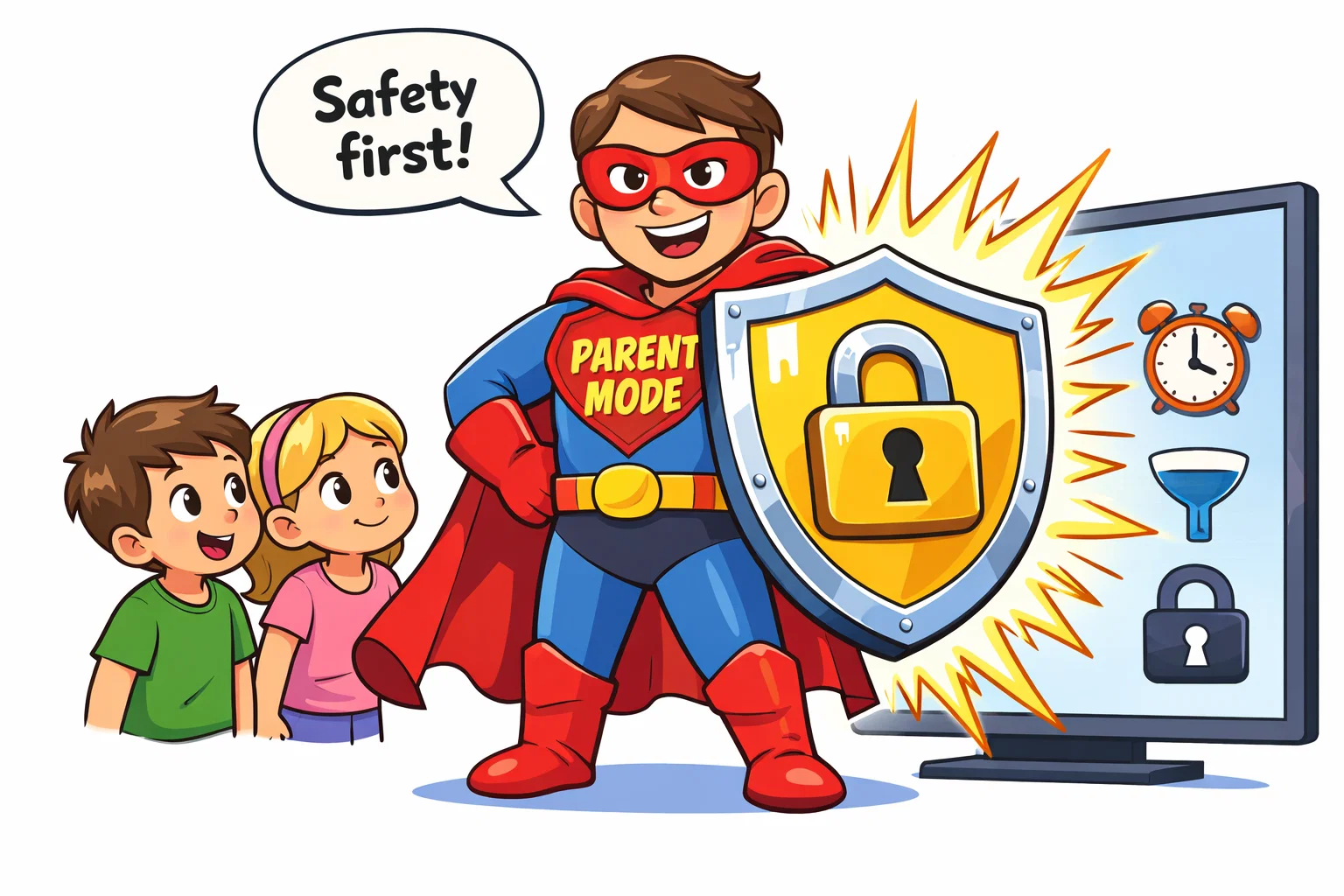
Safety is a primary consideration for any children’s streaming service.
Screen Time Limits
Amazon’s parental control dashboard is among the most comprehensive available on kid-focused platforms. You can set total screen time limits, or specific limits for different types of content (e.g., unlimited reading, but 30 minutes of video). Disney+ describes a built-in Kid-Proof Exit for Junior Mode to help prevent switching profiles.
Content Filtering and Restrictions
Both platforms allow filtering by age group. Amazon’s filtering system proactively restricts content outside the selected age range. Disney’s filter is “rating-based”—it hides anything above the threshold you set (e.g., 9+).
Monitoring and Activity Reports
Amazon provides activity reports accessible through the Parent Dashboard, showing what children have been reading, watching, and playing. Disney+ does not currently offer detailed usage analytics to the same degree.
User Experience and Interface for Kids
Navigation Simplicity
The Amazon interface is designed for touch. On Fire tablets, it uses a visual grid that prioritizes recent activity, making it easy for a preschooler to find their way back to a favorite book. Disney+ utilizes a “character-first” navigation where the user clicks on an icon of Elsa or Mickey to see related media. This visual cue system works effectively for those who cannot yet read.
Profile Switching for Families
Switching between profiles on Disney+ is a two-click process, similar to Netflix. Amazon requires a swipe down and a PIN if you are exiting the “Kids+” environment, providing an extra layer of security to keep youngsters away from the standard Prime Video library.
Search and Recommendations
Disney+ uses a recommendation system that suggests titles such as Encanto or Star Wars Rebels based on viewing history. Amazon’s search is more utility-focused, often prioritizing educational content or books that match the age profile assigned to the user.
Accessibility Features
Both platforms provide accessibility features such as captions and audio descriptions. They offer robust closed captioning, audio descriptions (especially for Disney’s major releases), and multiple language options, which is a fantastic way for bilingual families to encourage language development.
Best Option by Age Group
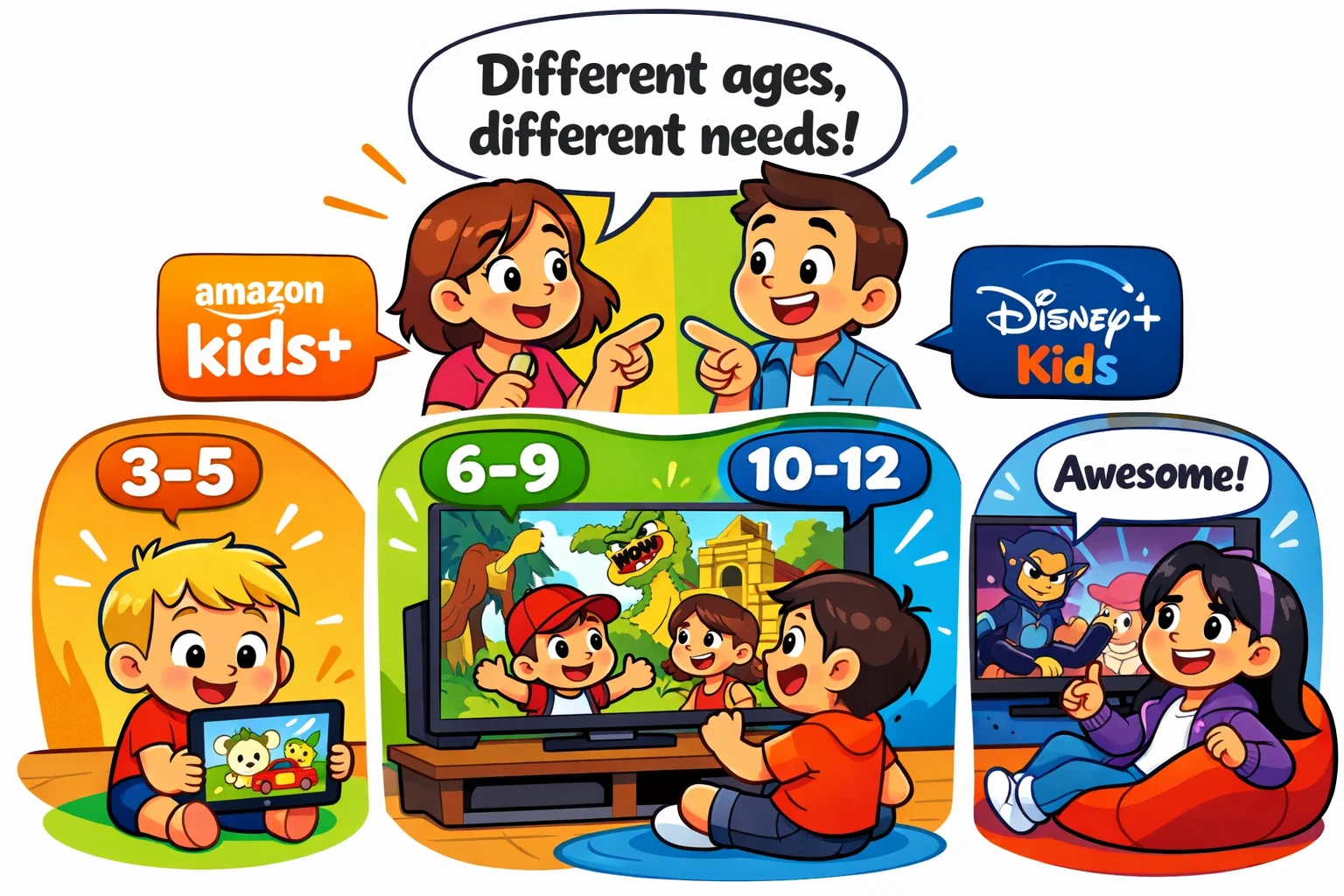
Preschool Children (Ages 3–5)
For many families, Amazon Kids+ may be the stronger option in this age group. The simplified interface and the inclusion of interactive read-along books make it superior for early literacy and safe, independent exploration. Disney Junior is great, but the diversity of activities on Amazon wins for this developmental stage.
Little Learners (Ages 6–9)
For many children in this age range, Disney+ may be the more appealing option. This is the “sweet spot” for Disney. At this age, school-aged children are deeply invested in characters like those from Encanto or Star Wars. The visual quality and storytelling on Disney+ are unmatched for this demographic.
Pre-Teens (Ages 10–12)
The choice in this age range largely depends on individual preferences. It depends on the individual. If they are avid readers and gamers, Amazon Kids provides more utility. If they are movie buffs who want to keep up with the latest Marvel series, Disney+ is the essential choice.
Amazon Kids+ vs Disney+ Kids Pros and Cons Summary
When Amazon Kids+ Makes More Sense
Choose Amazon if you want a “digital library” rather than just a TV screen. It is the best choice for parents who want to encourage reading and interactive learning alongside entertainment. It may provide strong value for Prime members with multiple children.
When Disney+ Kids Makes More Sense
Choose Disney if your household revolves around movie nights and high-quality animation. If your primary goal is access to the world’s most popular franchises in 4K, and you don’t need the extra games or books, Disney+ is widely regarded as a leading platform for premium family-focused video content.
How Platforms Were Evaluated
Content Review Method
Libraries were assessed based on the balance between passive video and active engagement. The evaluation considered the ratio of “pure entertainment” to “educational utility” across both ecosystems.
Safety and Control Testing
Parental lock bypass resistance and time-based restrictions were tested. The depth of the “Parent Dashboard” was a primary metric for authoritativeness in safety.
Pricing and Feature Analysis
Calculations were based on 2026 market rates, considering the hidden value of bundled books/apps in the Amazon model versus the high production value of Disney originals.
Alternatives Parents Also Consider
- Netflix Kids: Best for original content like CoComelon Lane and a very user-friendly kids mode.
- YouTube Kids: A free, ad-supported alternative. It has the most variety but requires the most parental oversight due to its algorithm-driven nature.
- Apple TV+ Family Content: A smaller but very high-quality curated library of exclusive family programming.
Amazon Kids+ vs Disney+ Kids FAQ
Are Amazon Kids+ and Disney+ Kids suitable for different age groups?
Both platforms cater to a wide range of developmental stages, generally from 3 to 12. However, they approach these stages differently. Amazon Kids+ is structured to grow with the user by shifting from simple picture books and cartoons for toddlers to complex strategy games and chapter books for pre-teens. Disney+ relies on its massive library of “all-ages” classics, allowing guardians to manually adjust maturity ratings as a child gets older. Essentially, Amazon is more of a structured developmental tool, while Disney is a premium entertainment hub that remains relevant through high-quality storytelling for all members of the family.
Which service offers better educational value?
Amazon Kids+ offers significantly more direct educational value. Because it includes specialized learning apps, thousands of books, and the “Learn First” goal-setting feature, it acts more like an educational supplement. Disney+ provides “edutainment” primarily through National Geographic. While your little one will learn fascinating facts about nature and space on Disney+, they won’t be practicing math or phonics as they would within the Amazon Kids+ environment.
Do both platforms offer ad-free viewing for children?
Amazon Kids+ is strictly ad-free across all its content, including games and books. Disney+ offers different tiers; while the Premium tier is ad-free, the cheaper “Standard with Ads” tier may include commercials. However, Disney generally keeps its “Junior Mode” profiles free of traditional commercial interruptions to maintain a safer environment for the youngest viewers, though promotional clips for other Disney shows may still appear on the screen.
Can parents fully control what children watch?
Both services provide strong tools, but Amazon’s “Parent Dashboard” is more comprehensive. It allows for remote management of screen time, content blocking, and even “bedtime” settings where the device shuts down automatically. Disney+ focuses more on “access control” via Profile PINs and maturity ratings, which prevent youngsters from seeing inappropriate movies but don’t necessarily help guardians manage the amount of time spent watching.
Which service is more affordable in 2026?
If you are already an Amazon Prime member, Amazon Kids+ is the more affordable option at $5.99 per month for up to four users. Disney+ has a higher entry price, especially for the ad-free Premium version. However, for families who already pay for Disney+ for the adults, the specialized features for minors are included at no extra cost, whereas Amazon Kids+ is always an additional subscription fee on top of or separate from Prime.
How do these services compare to other platforms for kids like Netflix?
In today’s streaming landscape, comparisons such as Netflix vs. Disney or Amazon are common. While Netflix and Disney both dominate in terms of high-budget original content, they serve different purposes. A Netflix original series might cater more toward a general audience, whereas titles exclusive to Disney+ are strictly family-centric. Unlike netflix and amazon prime video, which host massive general libraries, Amazon Kids+ is a dedicated streaming arm specifically for children. If you already subscribe to Prime, you might find that Prime Video has some crossover content, but the Kids+ app also provides books and games that streaming services like Netflix typically do not offer in one bundle.
Can I find live TV or linear channels on these apps?
When it comes to live TV, neither Amazon Kids+ nor the standard Disney+ app functions like a traditional cable replacement with live channels. In the U.S., certain Disney content may be accessible via Hulu + Live TV bundles, subject to availability and subscription terms. On the other hand, Amazon Kids+ focuses on on-demand content. While it doesn’t offer streaming TV in a linear format, its streaming library is packed with Prime Video titles and shows like Blippi or LEGO Monkie Kid. For families specifically seeking free live educational programming, the PBS Kids app remains a strong option, subject to regional availability.
What are the best things to watch if my child likes interactive content?
If your little one is bored with standard tv streaming, Amazon Kids+ may be a strong option for families seeking a mix of video and interactive content. The app offers a deep selection of movies alongside interactive apps including STEM games. While Disney+ is the home for classic Disney films, it is primarily a passive experience. For more content for kids that involves “doing” rather than just kids watching, Amazon’s ecosystem is a strong choice. However, if you are looking for shows and movies like those found on sky kids app or like paramount (such as SpongeBob), you will find a more robust video-only experience on those dedicated on-demand streaming services.

Take a short quiz to find out what your everyday choices say about your parenting style
When your child is curious about something new, what’s your instinct?
Take a short quiz to find out what your everyday choices say about your parenting style
“Can I download this app?” What happens next?
Take a short quiz to find out what your everyday choices say about your parenting style
When it comes to rules at home, which sounds most like you?
Take a short quiz to find out what your everyday choices say about your parenting style
If you could give your child one life skill today, what would you pick?
Take a short quiz to find out what your everyday choices say about your parenting style
Your child gets to choose what to watch. What would your ideal setup look like?
Take a short quiz to find out what your everyday choices say about your parenting style
Pick your parenting superpower ✨



