
Kinzoo vs JusTalk Kids: Best Family Messaging App for Kids to Safely Stay in Touch

 Discover a Free Education Video App for Kids
Pastory uses AI to personalize educational video content based on your child’s interests and personality. Safe, engaging, and built for curious young minds. Sign up now to stay updated and enjoy early access with a free trial
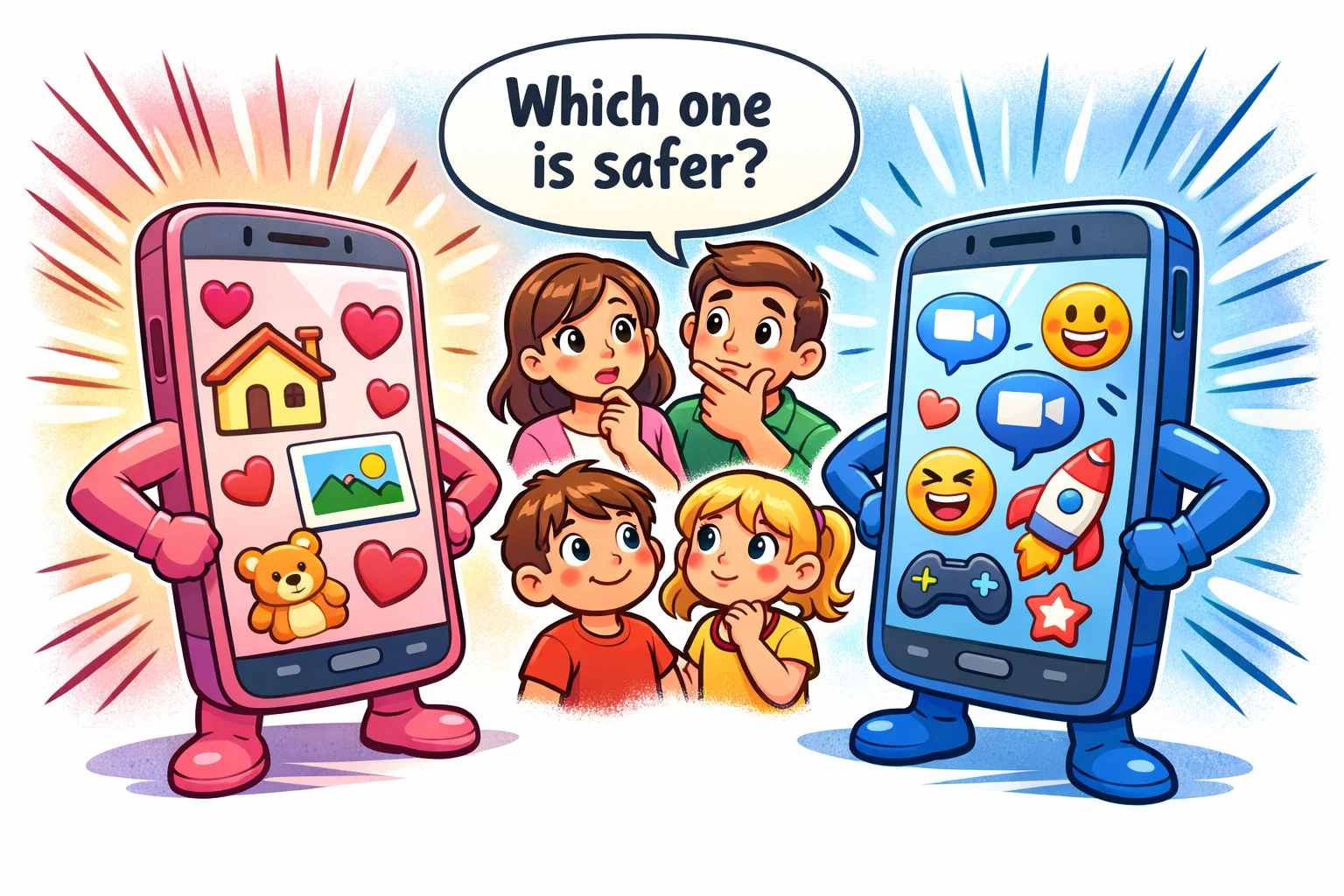
In an era where digital communication is a fundamental part of life, parents often find themselves caught between wanting their children to stay connected and the valid fears of open social media. Choosing a messaging app for a child isn’t just about fun features like stickers; it’s about creating a safe environment where they can learn digital citizenship without exposure to the risks of the open internet.
Kinzoo and JusTalk Kids have emerged as two of the most popular apps for kids to safely engage with loved ones. While both serve as messaging apps designed with safety in mind, they offer distinct experiences – one focusing on a minimalist, private family circle and the other on high-energy, interactive video calling. This guide provides a neutral, in-depth comparison to help you determine which platform provides the peace of mind your family needs.
Why Compare Kinzoo and JusTalk Kids?

As children reach school age, the desire to stay in touch with friends and grandparents grows. Parents often search for an app like WhatsApp or Snapchat but with robust parental controls and no public discovery. Kinzoo and JusTalk Kids are frequently compared because they both target the under-13 demographic, removing the requirement for a phone number and prioritizing privacy and security.
Growth of Family Messaging Apps
The shift toward family messaging apps is partly driven by parents seeking alternatives to mainstream social media platforms. Many parents are increasingly seeking “closed ecosystems” that prevent contact with strangers while still allowing children to communicate with family in a controlled environment. In recent years, growing demand for family-friendly apps has led to more specialized features that go beyond simple text.
Key Decision Factors for Parents
When evaluating a messaging platform, most parents prioritize the following:
- Safety & Contact Control: Can my child chat with anyone I haven’t approved?
- Data Privacy: Does the app encrypt messages and avoid selling data?
- Pricing: Is it a paid app, or does it rely on in-app purchases?
- Engagement: Does it have fun features like a sticker marketplace or video chat games?
Quick Overview of Both Apps
Before diving into the technical details, it is helpful to see where each app sits in the market.
What Is Kinzoo?
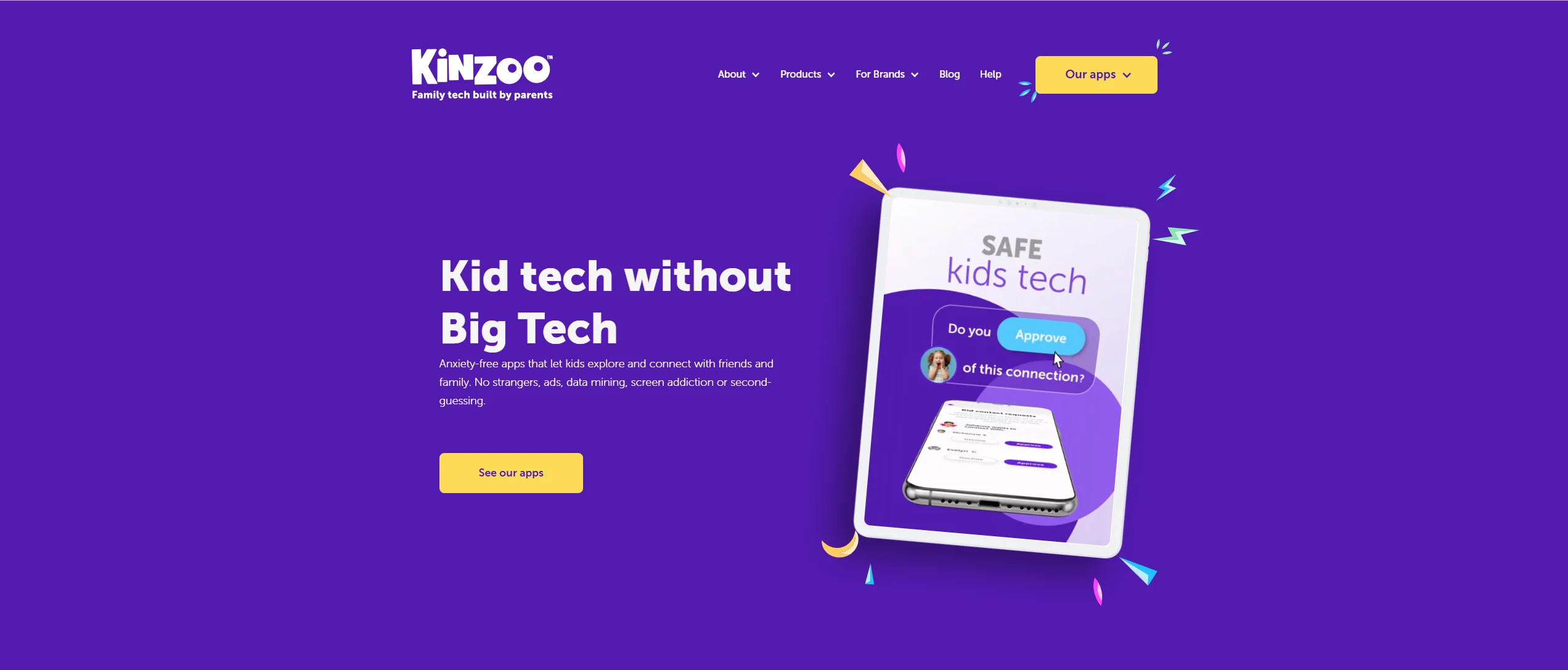
Kinzoo positions itself as a private “memory-making” platform. It is a family messaging app that avoids persuasive design (the “infinite scroll” or “likes” found on social media). It is explicitly designed with kids in mind, focusing on a curated “Path” of stories, podcasts, and activities that families can enjoy together.
What Is JusTalk Kids?

JusTalk Kids is a specialized version of the popular JusTalk video calling app. It emphasizes high-definition voice and video calling. It feels more like a traditional messenger but is stripped of adult features, ensuring a safe way for children to video call friends and family with built-in interactive tools like doodles and games.
Core Differences at a Glance
| Feature | Kinzoo | JusTalk Kids |
| Primary Focus | Private family storytelling & chat | Interactive video calling & games |
| Phone Number | Does not require a phone number; account setup is handled through parent registration (method may vary by platform). | Uses a unique JusTalk ID for account creation; a phone number is not required. |
| Encryption | Claims private and secure messaging | States that messages and calls use end-to-end encryption. |
| Monetization | Subscription (Kinzoo Club) & Zoonies | Free version with ads; Premium subscription removes ads and unlocks extra features |
| Best For | Close family circles | Active friend groups & long-distance calls |
Age Suitability and Target Audience

Apps for Kids Under 13
Both apps state that they are designed to comply with COPPA regulations for kids under 13. They require parents to approve every contact request. Kinzoo often feels slightly more educational and “quiet,” making it ideal for the 6–9 age range. JusTalk Kids, with its faster-paced video chat and gaming elements, often appeals to the 8–12 bracket.
Apps for Ages 13 and Older
Once children reach 13, they may begin to find these apps restrictive. However, many families continue using them for family messaging specifically because they keep a permanent, private record of family interactions away from the noise of Snapchat or WhatsApp.
Which App Feels More Age-Appropriate?
The interface of Kinzoo is minimalist and clean, which may feel “too young” for a 12-year-old but is perfect for a first-timer. JusTalk Kids utilizes a more vibrant, feature-rich UI that mimics adult messengers, making it a good “bridge” app before a child graduates to more mature platforms.
Safety and Privacy Features
Safety is the cornerstone of any safe messaging platform. Here is how each app approaches safety and data protection.
Account Setup and Parent Approval
In both apps, parents create the account. Kinzoo uses an email-based setup, while JusTalk Kids allows for a unique ID. Critically, neither requires the child to have their own phone number, which is a significant advantage for privacy and security.
Contact Control and Friend Requests
The parent dashboard in both apps is the gatekeeper.
- JusTalk Kids: Parents receive instant notifications of friend requests and must enter a password to approve them.
- Kinzoo: Uses an invitation-based system where an adult must initiate or approve the connection. There is no “search for users” feature that could expose a child to strangers.
Data Privacy and Information Sharing
Kinzoo positions its business model as not relying on targeted advertising and instead monetizes through subscriptions and in-app purchases. JusTalk Kids states that the app does not rely on advertising within the Kids version and offers a Premium subscription to unlock additional features.
Main Features Comparison

Text Messaging and Media Sharing
Both apps allow children to message using text, photos, and voice messages. Kinzoo stands out with its “Paths” center—a collection of curated content children can share with parents to spark conversation. JusTalk Kids focuses on the immediate “fun” of the chat, offering a massive library of GIFs and stickers.
Video and Voice Calling
If your main goal is to allow children to video call grandparents, JusTalk Kids is the stronger contender. It supports group video chat with high stability. Kinzoo offers “Blips” (short video calls limited to eight minutes) and “Jams” (group audio calls designed for chatting while gaming).
Creative and Fun Features
- JusTalk Kids: Includes in-call games and the ability to doodle on the screen while talking.
- Kinzoo: Features a safe AI art tool called “Kai” where kids can create their own stickers in a controlled setting.
Pricing and Subscription Models
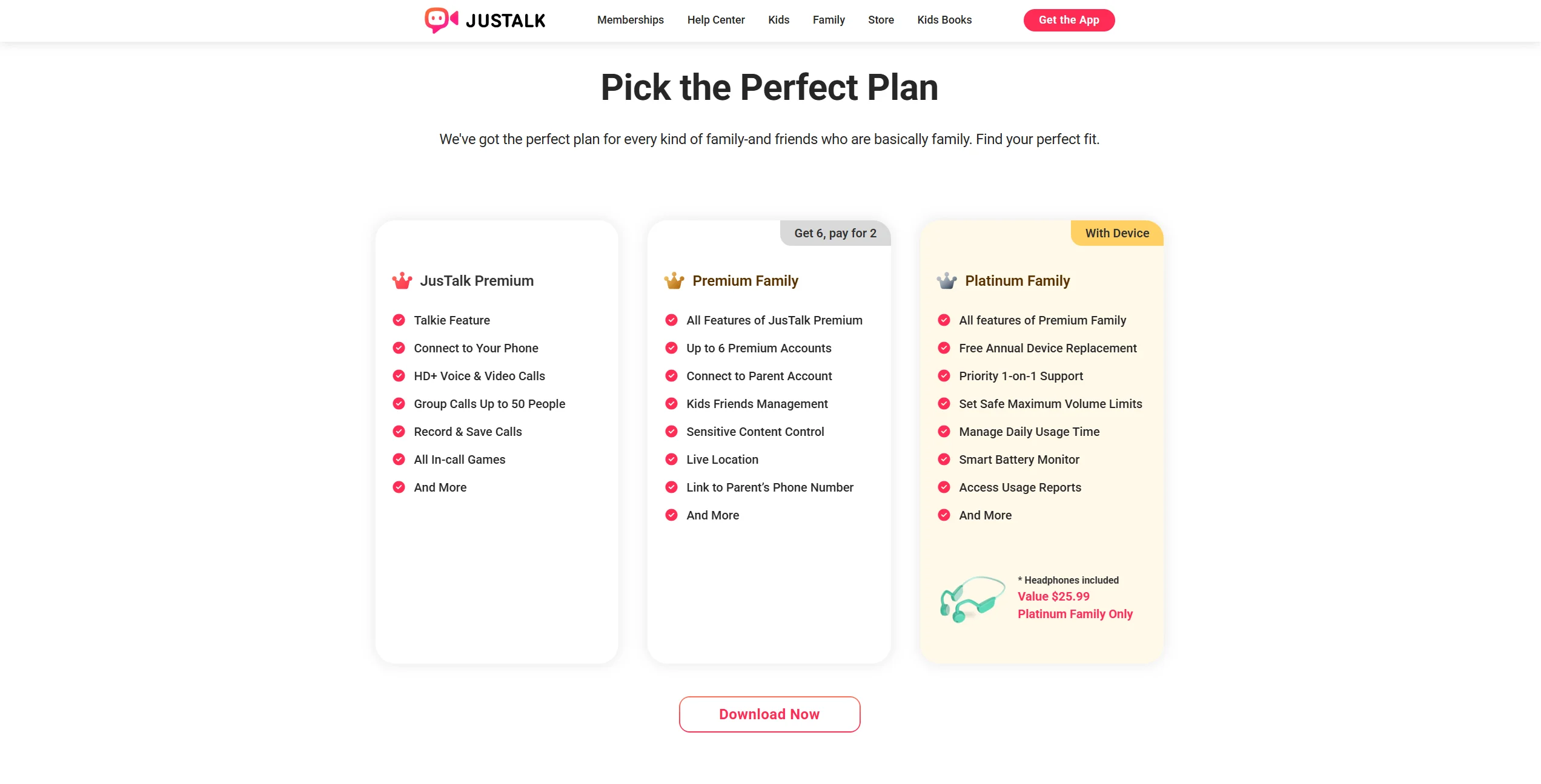
Understanding the in-app costs is vital for long-term family communication.
| Plan Type | Kinzoo (2026) | JusTalk Kids (2026) |
| Free Tier | Basic messaging & limited “Paths” | Basic calls & texts (may include ads) |
| Monthly Premium | ~$4.99 (Kinzoo Club) | typically listed as $10.99/month (Kids Premium) |
| Annual Premium | ~$49.99 | typically listed as $39.99–$49.99/year (plan/options vary) |
| In-App Currency | “Zoonies” for stickers/games | No (Direct subscription) |
Kinzoo uses a hybrid model. You can buy “Zoonies” for one-off purchases or subscribe to the Kinzoo Club to unlock everything for the whole household. JusTalk Kids relies more on its Premium subscription to unlock features like call recording and ad-removal.
Pros and Cons of Each App

Kinzoo
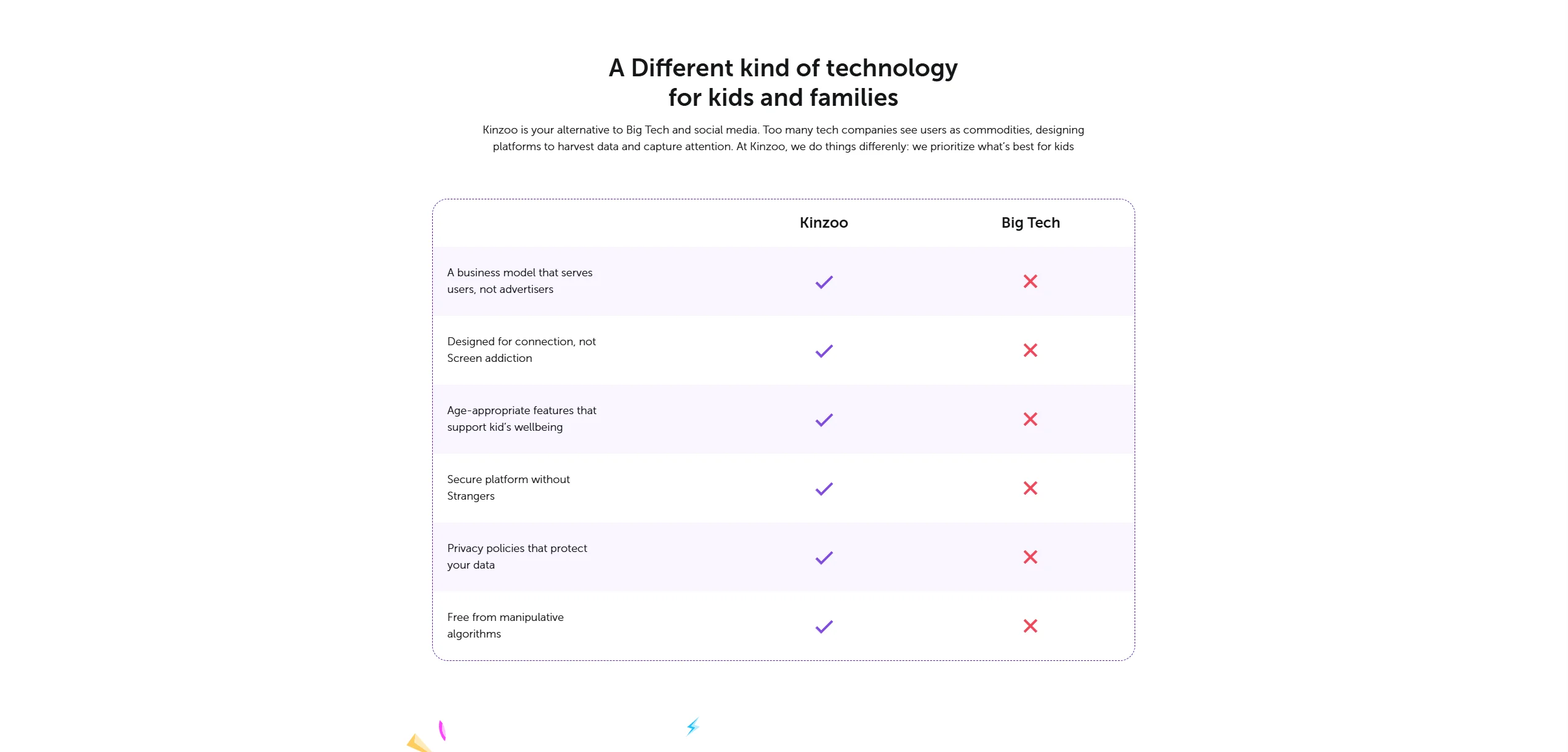
Pros:
- Extremely high data privacy standards.
- No “addictive” design elements like likes or public feeds.
- Does not require a phone number to stay connected with family.
Cons:
- Video calling is less “game-heavy” than competitors.
- The subscription is almost necessary to access the best content.
JusTalk Kids
Pros:
- Strong video calling features compared to many other family messaging apps.
- Interactive features keep kids enjoying long-distance calls.
- Robust parental controls including sensitive content warnings.
Cons:
- The interface can feel cluttered.
- The free version’s ads (though reviewed) are a deterrent for some.
Real-Life Use Cases
Small Close Family Communication
If you want a digital “living room” just for mom, dad, and the kids, Kinzoo may be the better fit. Its focus on sharing stories and “meaningful moments” makes it feel more like a private scrapbook than a messenger.
Long-Distance Family Connection
For a child who wants to play a game with a cousin across the country while on a video chat, JusTalk Kids may be more suitable. The “Walkie Talkie” mode is also excellent for quick, fun check-ins.
Tips for Safe Usage
Regardless of which family messaging app you choose, the tool is only as safe as its implementation.
- Set Communication Rules: Discuss when the app is allowed (e.g., no chat after bedtime).
- Review Contacts Regularly: Use the parent dashboard once a month to ensure you still know everyone on the list.
- Teach Internet Safety: Use these apps to teach internet safety concepts like “don’t share your password” before they move to more open platforms.
Frequently Asked Questions
Is Kinzoo or JusTalk Kids Better for Younger Children?
Kinzoo is generally considered better for very young children because it has a simpler interface and a “quiet” design that does not encourage over-usage. JusTalk Kids is better for slightly older children who want a more interactive and feature-heavy experience with their friends and family members. Both provide a much safer alternative to standard social media apps.
Do Both Apps Work for Kids Under 13?
Yes, both apps are explicitly designed for kids under 13 and comply with privacy regulations like COPPA. They both require an adult to set up the account and give the parent full control over who the child can communicate with. This makes them significantly safer than allowing a child to use a standard adult messaging platform.
Which App Is More Affordable?
JusTalk Kids is often seen as more affordable for basic use because its core video and voice calling features are free, though you may encounter ads. Kinzoo is free to download, but many of its engaging features are locked behind a subscription or the purchase of “Zoonies” currency. For a completely ad-free experience, both usually require a paid plan.
Do These Apps Require a Phone Number?
Neither Kinzoo nor JusTalk Kids requires a child to have their own phone number or SIM card to work. They can be installed on a tablet or an old smartphone connected to Wi-Fi. Kinzoo typically uses an email address for the parent’s account setup, while JusTalk Kids uses a unique ID system, keeping the child’s personal data more private.
Can Children Talk to Strangers?
In both apps, children are protected from talking to strangers because they cannot receive messages or calls from anyone who has not been approved by a parent. There is no public “search” directory for children’s profiles. This ensures that the social circle remains limited to trusted friends and family members only.

Take a short quiz to find out what your everyday choices say about your parenting style
When your child is curious about something new, what’s your instinct?
Take a short quiz to find out what your everyday choices say about your parenting style
“Can I download this app?” What happens next?
Take a short quiz to find out what your everyday choices say about your parenting style
When it comes to rules at home, which sounds most like you?
Take a short quiz to find out what your everyday choices say about your parenting style
If you could give your child one life skill today, what would you pick?
Take a short quiz to find out what your everyday choices say about your parenting style
Your child gets to choose what to watch. What would your ideal setup look like?
Take a short quiz to find out what your everyday choices say about your parenting style
Pick your parenting superpower ✨



