
Unplugged Coding Activities for Kids: Screen-Free Algorithm Games on Paper

 Discover a Free Education Video App for Kids
Pastory uses AI to personalize educational video content based on your child’s interests and personality. Safe, engaging, and built for curious young minds. Sign up now to stay updated and enjoy early access with a free trial
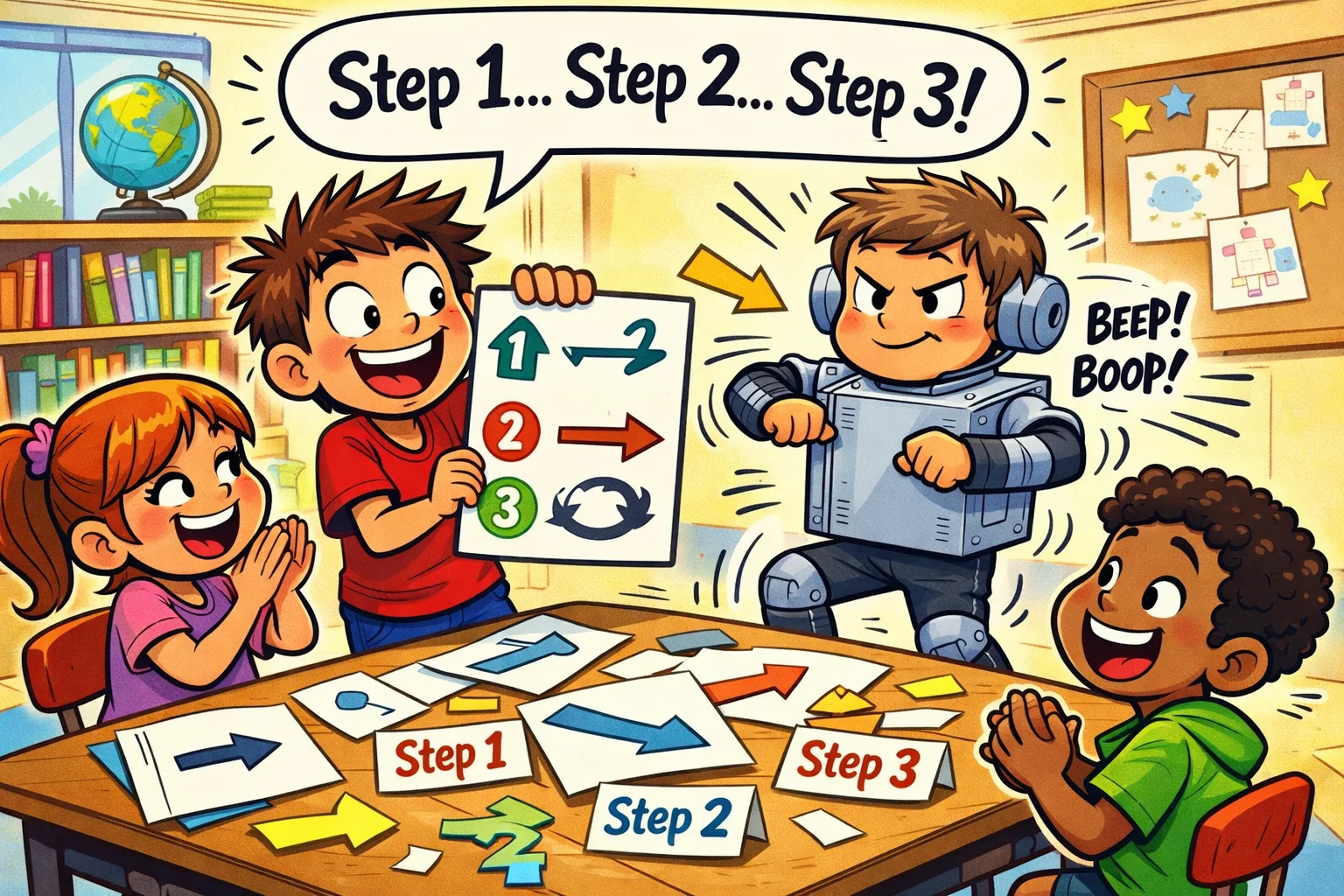
In an era where digital screens are ubiquitous, many parents and educators are surprised to learn that the foundational principles of computer science don’t require a laptop or tablet at all. Teaching coding for kids is less about memorizing a specific programming language and more about developing computational thinking – the ability to break down complex problems into manageable, logical steps. By using unplugged coding activities, we can introduce these vital concepts in a way that is tactile, engaging, and completely screen-free.
The coding-free algorithm challenge uses physical materials like paper, cards, arrows, and symbols to simulate how a programmer thinks. These unplugged coding exercises allow children to focus on logical reasoning and problem-solving without the distractions of a digital interface. Whether it is guiding a friend through an obstacle course using a set of instructions or solving a coding worksheet for kids, these activities build the thinking skills necessary for future STEM learning.
Coding for Kids Without Screens: What an Algorithm Challenge Teaches
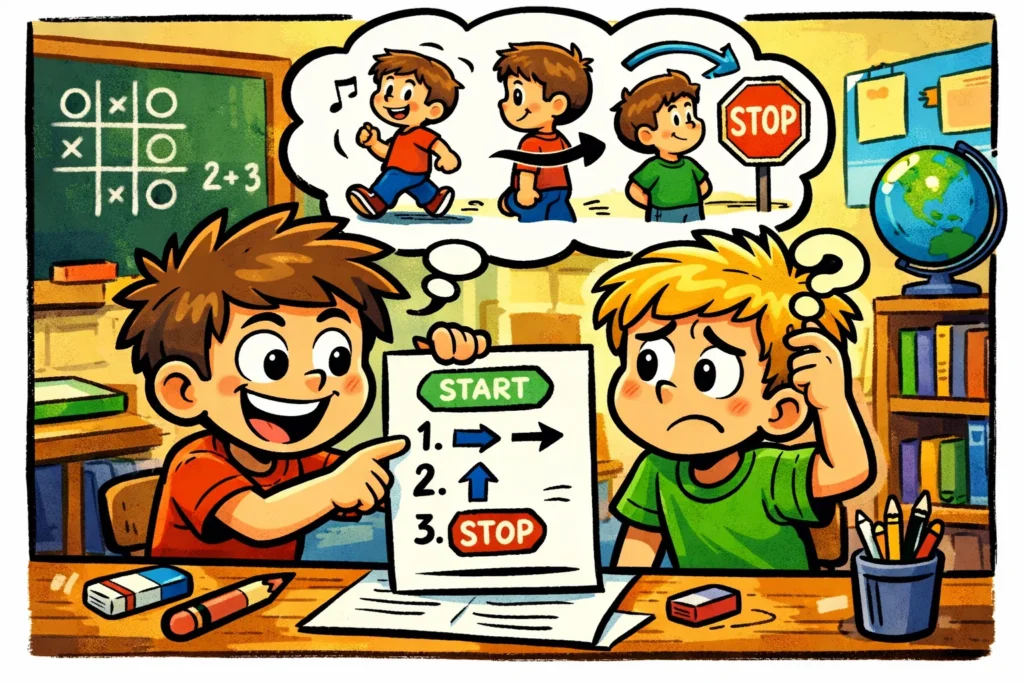
To a child, the word “algorithm” might sound like something out of a science fiction movie. However, in the world of kids coding, an algorithm is a set of step-by-step instructions used to solve a problem or complete a task. It is essentially a recipe for success. When the computer is removed from the activity, a “challenge” becomes a game of precision where the child must communicate clearly to achieve a goal.
Algorithm Explained Through Daily Tasks
We use algorithms every single day without realizing it. For example, the process of brushing teeth is a perfect real-world algorithm. If you skip the “put toothpaste on brush” step, the algorithm fails. By mapping these routines to printed steps on a worksheet, children begin to see the world through the lens of sequencing.
Paper Instructions as Core Learning Tool
In these screen-free activities, we replace code editors with physical tools. Instead of typing move_forward, a child might use a printable arrow card. These visual representations help kids visualize the flow of logic. Using free printable resources, a table or floor becomes a “game board” where the “code” is laid out for everyone to see and critique.
Difference Between Coding Activities and Coding-Free Challenges
While online coding classes and coding platforms are excellent for older children, unplugged coding activities for kids offer a unique sensory experience.
- Screen-based: Instant feedback, often visual/abstract, involves syntax.
- Coding-free: Tangible, social, focuses on coding logic and problem-solving rather than syntax.
Core Coding Concepts Kids Learn Through Screen-Free Activities
When children engage in unplugged coding, they aren’t just playing; they are practicing high-level programming concepts. These are the “building blocks” of all technology.
Sequencing Through Ordered Paper Steps
Sequencing is the foundation of basic coding. It is the specific order in which instructions are executed. During a coding game, if a child puts the “turn left” card before the “walk 3 steps” card, their “robot” might walk into a wall. This physical feedback is a great way to introduce the idea that order matters.
Conditions Using If-Then Paper Rules
Conditional logic is what allows a program to make decisions. You can teach this concept by using “If–Then” cards.
“IF the path is blocked by a toy, THEN move right. ELSE, move forward.”
Loops Using Repeating Instruction Cards
Instead of writing the same step ten times, we use loops. In screen-free coding, this might be a “Repeat 3x” card placed next to an arrow. This teaches efficiency and pattern recognition.
Functions as Reusable Instruction Blocks
A function is a mini-algorithm that performs a specific task. For example, a “Make a Square” function might include four “Move Forward” and “Turn Right” steps. Once defined on a piece of paper, the child can simply use the “Square” symbol whenever they need that shape, introducing core ideas of modularity in coding.
| Concept | Unplugged Equivalent | Learning Goal |
| Algorithm | A recipe or set of chores | Step-by-step planning |
| Sequencing | Numbering steps 1, 2, 3 | Logical order |
| Debugging | Fixing a “broken” instruction | Problem-solving |
| Binary Code | Using two colors of beads | Data representation |
Paper-Based Algorithm Challenges for Kids
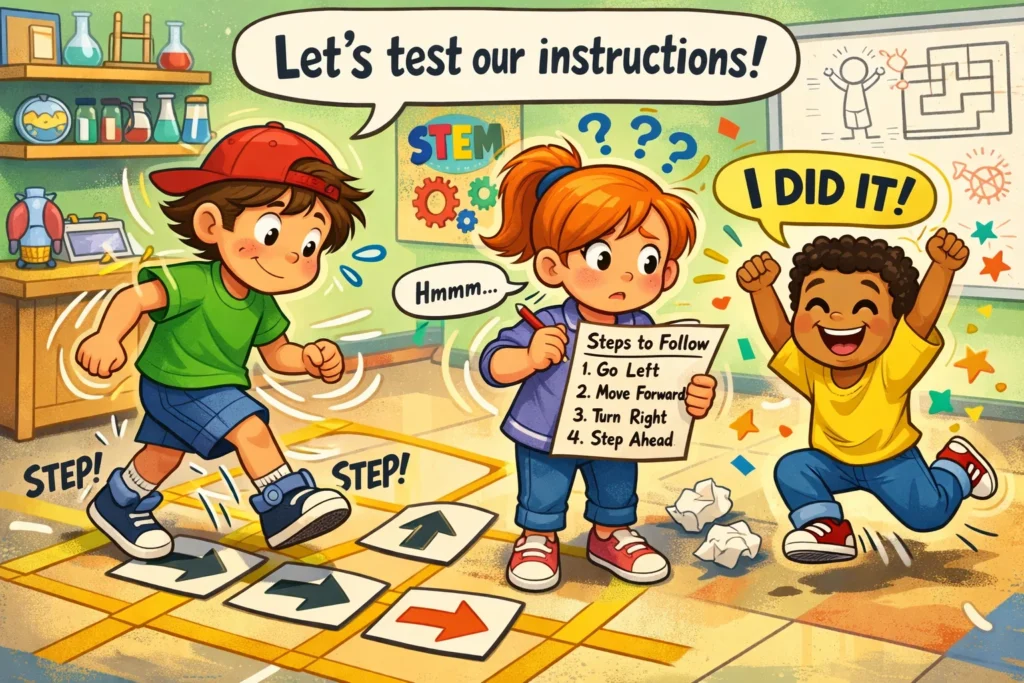
Practical, hands-on stem activities are the best coding teachers. Here are several engaging coding challenges you can try today.
Guide a Friend Using Written Instructions
In this unplugged game, one child acts as the “programmer” and the other as the “robot.” The programmer writes down a set of instructions on a printable coding sheet. The robot must follow them exactly as written. If the programmer forgets to say “open the door,” the robot walks into it. This highlights the need for precision in coding to kids.
Arrow Programming on Paper Grid
Create a simple grid on a piece of paper or use a free worksheet. Place a “treasure” at one end and a character at the other. Use a coding activity where the child must place arrow symbols in a line to create a path.
Origami Challenge Without Verbal Help
Origami is a physical algorithm. Give a child a sheet of step-by-step instructions with only symbols and no words. This forces them to rely on logical reasoning and visual sequencing to reach the final product.
Obstacle Course With Printed Steps
Turn your living room into a coding challenge. Kids create a series of paper “commands” (Jump, Crawl, Spin) and lay them on the floor. A sibling or parent must then navigate the obstacle course by “reading” the code on the floor.
Debugging Challenge Using Incorrect Instructions
To debug is to find and fix errors. Give the child a coding worksheet for kids where the algorithm for a simple task (like making a bowl of cereal) is out of order. Help kids identify the “bug” and rearrange the steps to solve a problem.
Unplugged Coding Games for Kids Using Simple Paper Materials
You don’t need expensive kits to teach coding without a computer. Simple household items work perfectly.
- Paper Airplane Algorithm Game: Write down the steps to fold a plane. Swap with a friend. If their plane doesn’t fly, you must debug your instructions.
- Dice-Based Algorithm Decision Game: Use dice to introduce randomness and conditional logic. “If you roll a 6, move 2 spaces. If you roll anything else, move 1 space.”
- Cup Stacking Algorithm Challenge: Write a “program” to stack cups in a specific pyramid shape. Use symbols for “pick up,” “move left,” and “set down.”
- Binary Bracelets Using Paper Symbols: Introduce binary code by using two different colors of paper strips to represent 0s and 1s, creating patterns that represent the first letter of their name.
Why Screen-Free Coding Activities Help Kids Learn Coding Skills
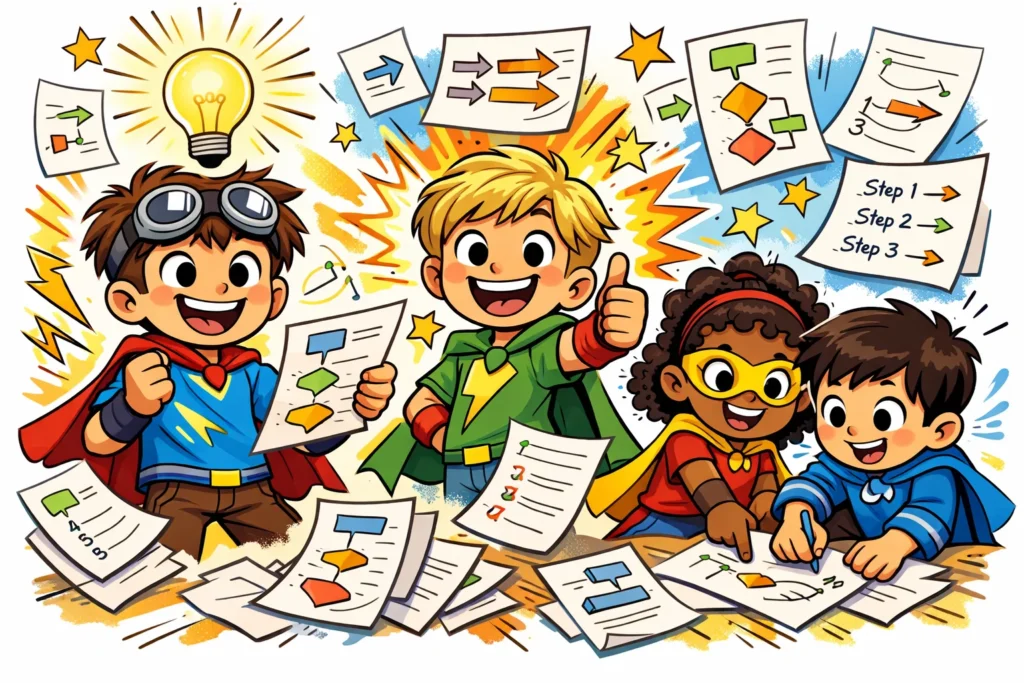
Screen-free activities that promote computational thinking help improve spatial awareness and logical thinking skills.
Logic and Structured Thinking Development
Learning to code without a computer encourages children to visualize outcomes. They learn the basics of cause and effect, which is a vital life skill far beyond the computer lab.
Focus Improvement Without Screens
Screen-free coding activities reduce the “ping” of notifications and the overstimulation of bright lights. This allows for deeper concentration and a longer “flow state” as children practice coding logic.
Collaboration and Communication Skills
Unlike sitting alone at a laptop, unplugged coding is often a great activity for groups. It requires children to talk, explain their logic, and work together to solve a problem.
Creativity Through Open-Ended Paper Tasks
When kids learn via paper, they aren’t limited by the software’s UI. They can draw their own icons, invent their own coding game rules, and expand their thinking skills in any direction.
Adapting Paper Algorithm Challenges for Different Ages
To effectively teach coding, you must meet the child where they are developmentally.
Preschool and Kindergarten Modifications
At this age, focus on pattern recognition and simple sequencing. Use pictures instead of words. A great way to introduce algorithms is through life cycle printable sheets (e.g., egg → caterpillar → cocoon → butterfly).
Elementary School Challenge Expansion
Introduce coding concepts without screens like loops and if-then statements. Use a game board format where they have to collect “coins” while navigating a maze, requiring more complex logical thinking.
Advanced Learner Extensions
For older kids, introduce optimization. Challenge them to solve a problem using the fewest number of instruction cards. This introduces the concept of code efficiency.
How Parents and Teachers Can Use Paper Algorithm Challenges
Home Learning Setup Without Technology
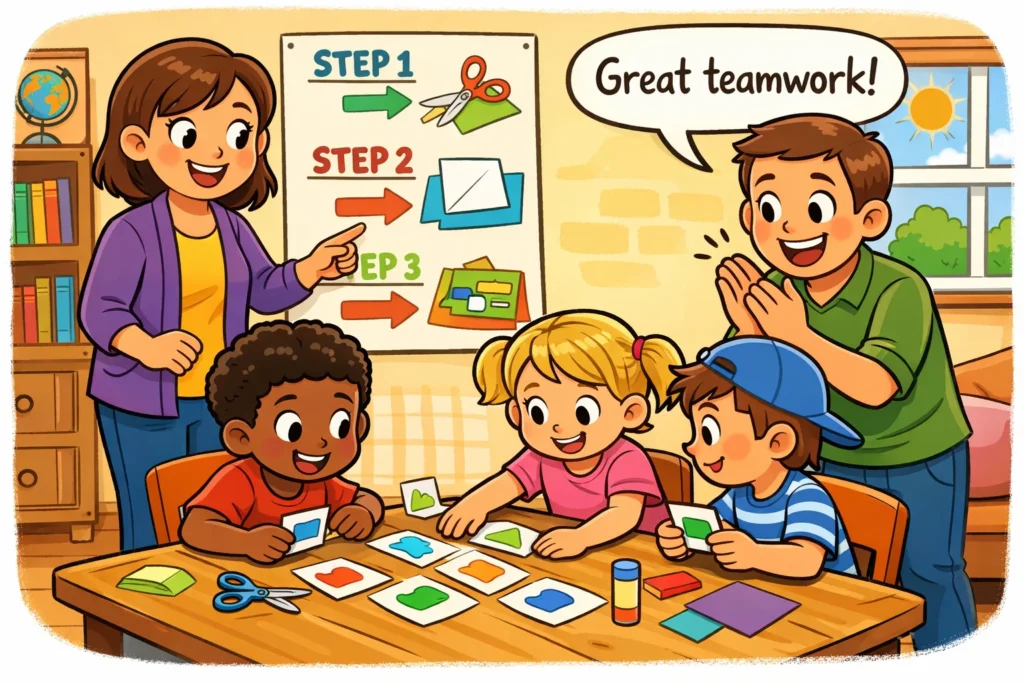
You only need paper, markers, and scissors. Create a “Coding Corner” where you keep free coding activities and printable coding challenges ready for rainy days.
Classroom Group Activities and Roleplay
Teachers can allow kids to “program” each other during gym class or transitions. Using a set of instructions to guide a blindfolded peer helps build trust and clarity in communication.
Printable Worksheets and Instruction Cards
Keep a folder of free coding resources. Many stem activities sites offer a free worksheet or coding worksheet for kids that can be laminated and reused with dry-erase markers.
Screen-Free Algorithm Learning Compared to Digital Coding Tools
| Feature | Unplugged Coding | Online Coding Classes |
| Tactile Learning | High (Physical materials) | Low (Mouse/Keyboard) |
| Social Interaction | High (Face-to-face) | Moderate (Chat/Video) |
| Error Feedback | Manual (Physical testing) | Automatic (Instant) |
| Prerequisites | None | Device & Internet |
When Coding-Free Approach Works Best
The coding-free approach is the ideal starting point for coding for children under age 8. It builds the logical thinking skills required to understand why code works before they have to worry about how to type it.
Combining Paper Challenges With Digital Coding Later
The way to introduce technology is as a tool to scale what they’ve already learned. Once a child understands a paper algorithm, moving to a platform like Scratch feels like a natural progression rather than a daunting new language.
Next Steps After Paper Algorithm Challenges
Progressing From Paper Logic to Visual Coding
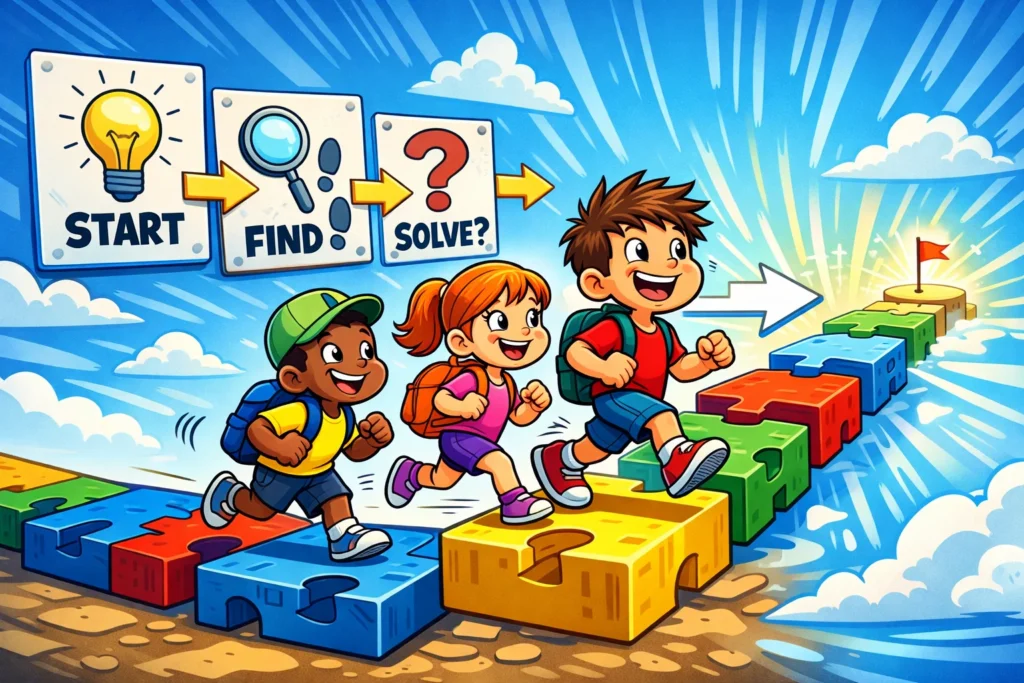
If your child can successfully debug a paper maze, they are likely ready for block-based online coding. Look for signs of computational thinking, such as them automatically breaking chores into “steps” or identifying “loops” in music.
Creating Custom Algorithm Challenges at Home or School
Don’t be afraid to introduce kids to your own challenges. Use a deck of cards or a box of LEGOs to create a coding game. The goal is to keep the problem-solving aspect fun and interactive.
Frequently Asked Questions About Coding-Free Algorithm Challenges
Yes! As we’ve explored, an algorithm is a set of steps. Whether those steps are written in Python or drawn with crayons on a worksheet, the underlying coding logic remains the same. Many unplugged coding activities are actually more effective for young children than screen-based ones.
Children as young as 4 can begin with simple sequencing (like the order of getting dressed). More complex coding concepts like loops and conditional logic are typically appropriate for ages 7 and up.
For younger children, coding activities should be short – about 10 to 15 minutes. Older children may enjoy a more complex coding challenge or obstacle course that lasts 30 to 45 minutes.
They don’t replace them; they provide the foundation. Unplugged coding ensures that when children finally do join online coding classes, they spend their time learning the software rather than struggling with basic logical reasoning.

Take a short quiz to find out what your everyday choices say about your parenting style
When your child is curious about something new, what’s your instinct?
Take a short quiz to find out what your everyday choices say about your parenting style
“Can I download this app?” What happens next?
Take a short quiz to find out what your everyday choices say about your parenting style
When it comes to rules at home, which sounds most like you?
Take a short quiz to find out what your everyday choices say about your parenting style
If you could give your child one life skill today, what would you pick?
Take a short quiz to find out what your everyday choices say about your parenting style
Your child gets to choose what to watch. What would your ideal setup look like?
Take a short quiz to find out what your everyday choices say about your parenting style
Pick your parenting superpower ✨



