

If you are a parent wondering whether Disney+ is safe for kids, the short answer is yes. From a child-development perspective, streaming services are often evaluated by their ability to balance high-quality entertainment with robust safety tools. Disney+ is widely considered one of the most trustworthy streaming platforms available today, provided that parents take a few minutes to configure the built-in parental controls on Disney+.
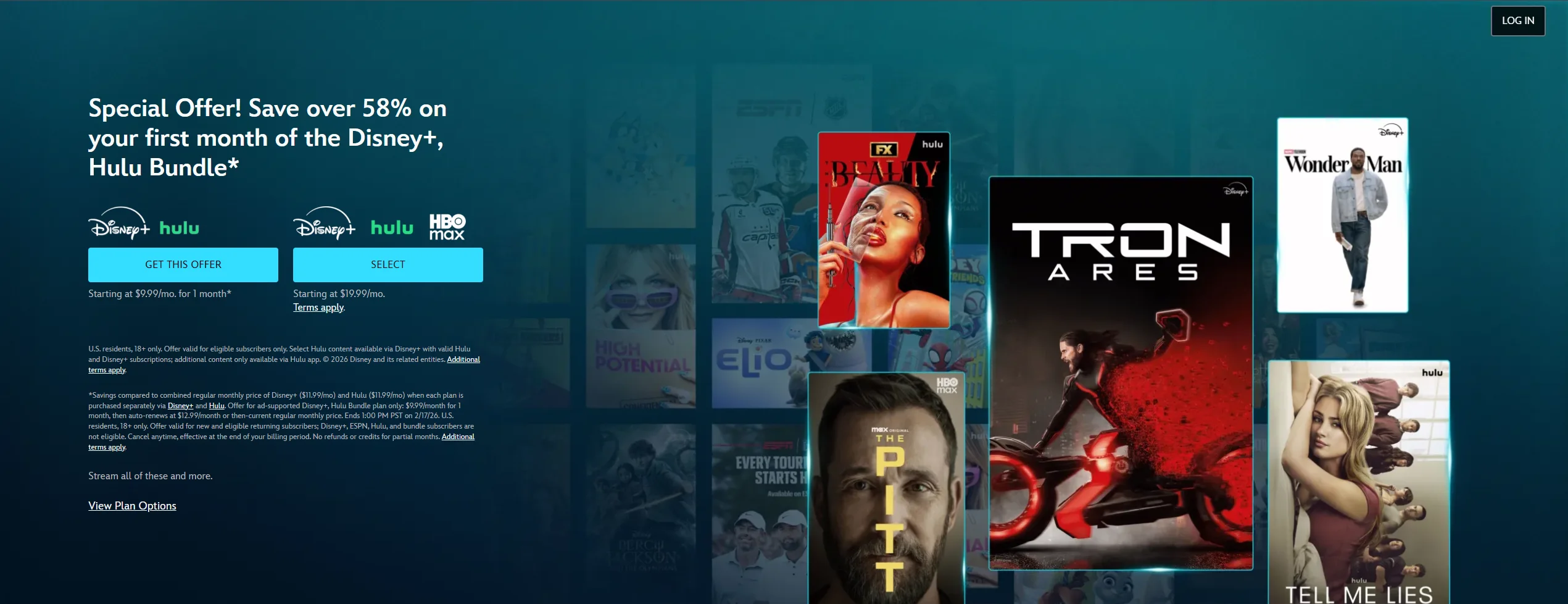
The service offers an unparalleled library of family-friendly franchises from Walt Disney, Pixar, Marvel, Star Wars, and National Geographic. However, with the addition of more mature content from Hulu and the Star brand in certain regions, the platform is no longer “kids-only” by default. This makes it more important than ever for parents to understand Disney+ parental controls. By using age-based profile settings and PIN protection, you can create a safe, curated viewing environment that grows with your child.
What Is Disney+ Kids?
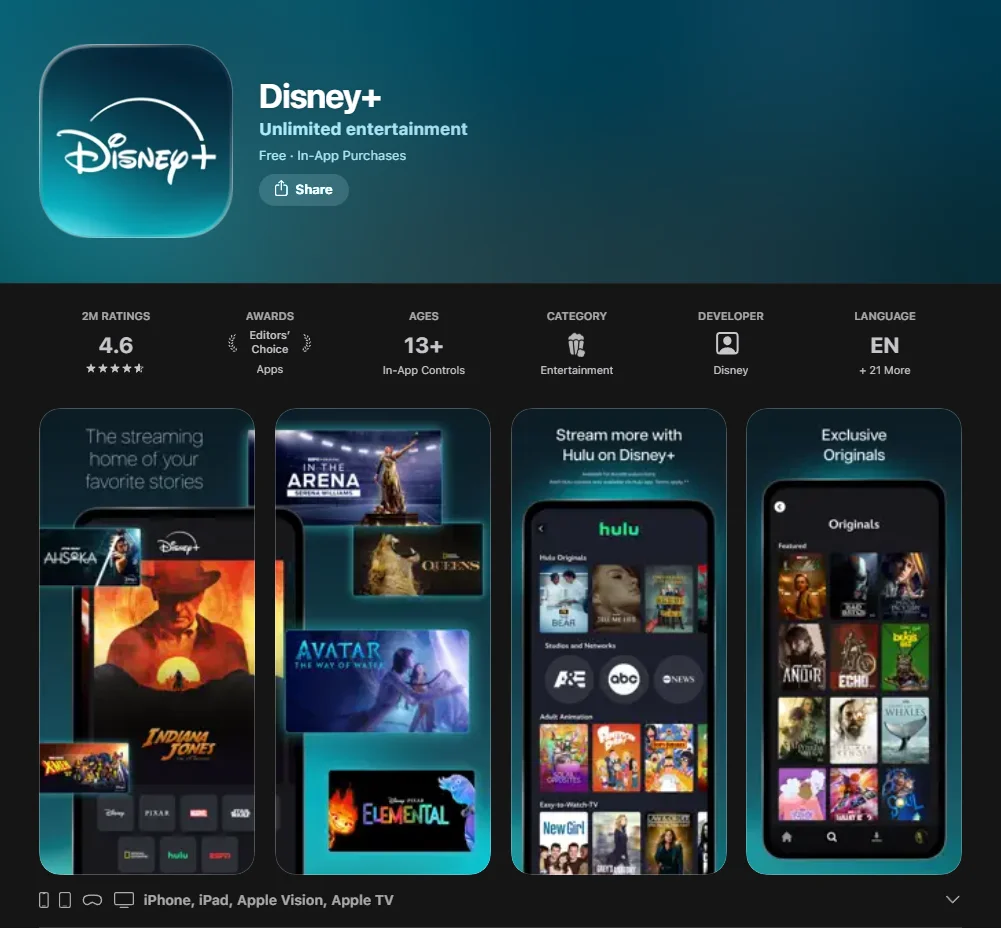
When people talk about “Disney+ Kids,” they are usually referring to a specific viewing experience within the main Disney Plus ecosystem. It is not a separate app like YouTube Kids; rather, it is a specialized profile setting designed to filter Disney’s massive content library into a selection that is suitable for younger children.
Within this environment, the interface transforms. The complex menus of the standard adult profile are replaced with colorful, character-driven icons like Mickey Mouse, Elsa, or Buzz Lightyear. The main goal of this setting is to encourage independent viewing without the risk of a child accidentally stumbling across a PG-13 Marvel movie or a darker Star Wars series.
Disney+ Platform Basics
At its core, Disney+ is a subscription streaming service that serves as a digital vault for nearly a century of entertainment. It brings together:
- Disney Animation: From classic 2D masterpieces to modern hits.
- Pixar: Groundbreaking animated films known for their emotional depth.
- Marvel & Star Wars: Vast cinematic universes (though some require higher age ratings).
- National Geographic: Educational documentaries and nature TV shows.
The Disney+ Kids Experience Within the Main App
The “Kids Profile” (Junior Mode) is a toggleable profile setting for younger viewers. When activated, it applies Disney+ Kids profile restrictions, while regular profiles can also be customized with age-based content rating settings. It also removes “clickable” ads in the ad-supported tiers and simplifies navigation. The animated and live-action titles shown are curated for a young audience.
Who Disney+ fits best
Disney+ is an excellent choice for:
- Preschoolers: Who need gentle, repetitive, and educational content.
- School-age kids: Who are beginning to explore longer movies like Encanto or Frozen.
- Nostalgic parents: who want to share Disney classics like The Little Mermaid with the next generation.
How It Works for Families
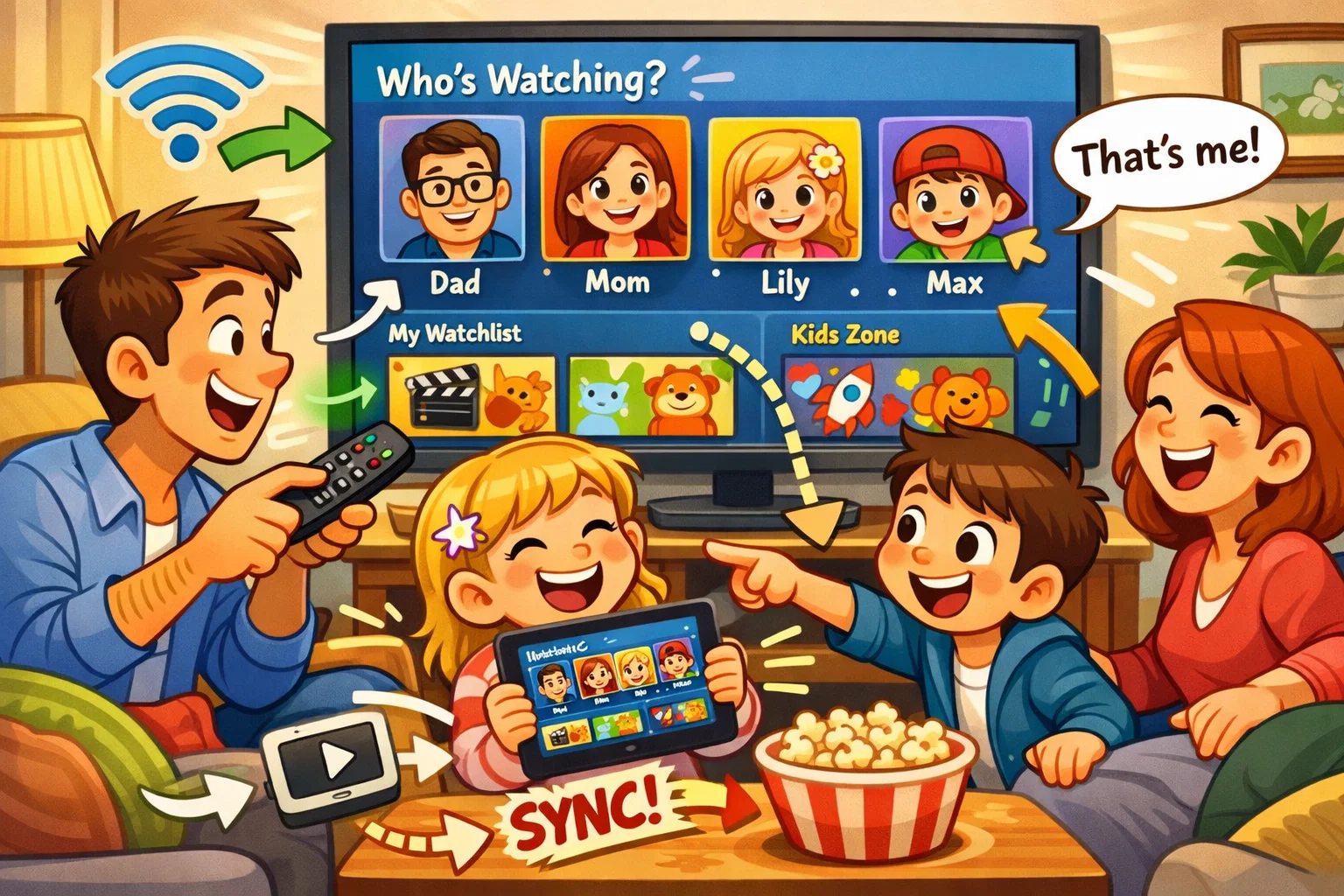
The beauty of Disney+ lies in its flexibility. A single Disney+ account allows users to create up to seven profiles, meaning everyone from a toddler to a teenager can have a customized viewing experience.
Account setup for parents
To begin, parents need to sign up via a web browser or the app. Once the account is active, you’ll be prompted to set up your first profile. It is highly recommended that the primary account holder (you) sets an adult profile first and immediately secures it with a PIN.
Kids profile setup
When you create a profile for your child, you can turn on Junior Mode. This is the easiest way to ensure the library is restricted to appropriate content. For older children, you can opt out of Junior Mode but still set a specific age rating limit (e.g., 6+, 9+, or 12+).
Navigation for younger viewers
The app is designed to make discovery easy for young viewers. Younger kids who cannot yet read can navigate using the “Character” row. Tapping a picture of Mickey Mouse or a Disney Princess brings up movies and TV shows associated with that character. This visual approach helps children make their own choices within a safe environment.
Streaming across devices
Disney+ is highly accessible. You can watch on:
- Smart TVs: Best for shared family movie nights.
- Tablets & Phones: Perfect for offline downloads during travel.
- Web browsers: useful for managing account settings.
Safety Guide for Parents
In the world of child development, we often say that “tools are the fence, but parents are the gatekeeper.” Disney+ provides the tools, but parental involvement is what makes the viewing environment truly safe for kids.
Main safety features
| Feature | What it does | Why it matters |
| Junior Mode | Limits content to TV-Y/G ratings. | Prevents exposure to even mild “scary” scenes. |
| Profile PIN | Locks adult profiles with a 4-digit code. | Stops kids from “profile hopping” to see R-rated disney films. |
| Content Ratings | Lets you set specific age-based viewing limits (0+ to 18+). | Grows with your child’s maturity level. |
| Kid-Proof Exit | Adds an exit challenge to leave Junior Mode. | Prevents accidental navigation to settings. |
Safe viewing habits at home
To get the most out of the platform, co-viewing is recommended. Watching a new release together allows you to discuss themes of friendship or bravery. It also helps you judge whether a film might be too intense for your child’s temperament, regardless of its official rating.
Why parental involvement still matters
No filter is 100% perfect for every child. A documentary about predators in the wild on National Geographic might be appropriate by rating but too intense for a sensitive 5-year-old. Parents can use the “Description” tab to check for warning labels before pressing play.
Disney+ Parental Controls
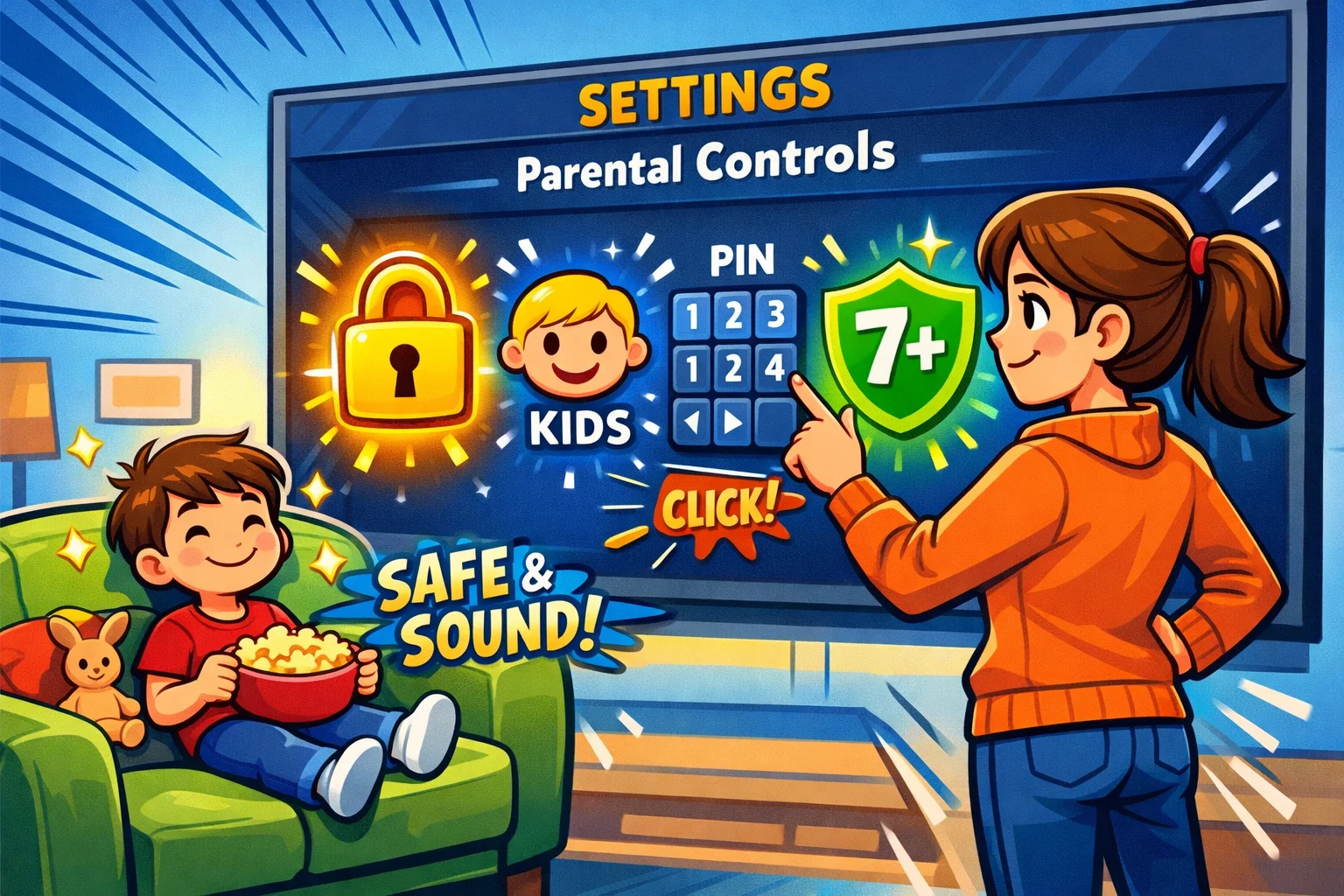
Disney+ parental controls have been significantly updated in recent years to accommodate Hulu integration and more mature content.
Content rating restrictions
You can safely set a maturity level for each profile. If you set a profile to “9+,” that user will never see films like Deadpool or Logan in their search results. This is effectively a hard filter, meaning those titles do not appear in that child’s profile.
Kids Profile (Junior Mode)
When Junior Mode is enabled:
- The interface is simplified.
- On Junior Mode profiles, autoplay is disabled by default.
- Search results are limited to the youngest audience tier.
- On Junior Mode profiles, clickable ads are removed and autoplay is disabled by default.
Profile PIN and account protection
This is one of the most important settings for parents to enable. Without a PIN on the adult profiles, a curious child can easily switch from their restricted profile to yours with two clicks.
How to Change Parental Controls on Disney+
Setting up a safer viewing environment is a straightforward process. Follow these steps to update your settings regularly:
- Log in to Disney+ on a mobile device or browser.
- Go to Edit Profiles and select your child’s profile.
- Under the Parental Controls section, select Content Rating.
- Enter your account password (this prevents kids from changing their own limits).
- Choose the desired age rating (e.g., 7+).
- Toggle Junior Mode ON if the child is a preschooler.
- Set a Profile PIN for all adult accounts.
- Click Done or Save.
Pro Tip: Check these settings after any major app update to ensure your preferences remain active.
Is Disney+ Good for Kids?
From a child-development perspective, Disney+ can be more than just entertainment; it can also support emotional and social learning.
- Family-friendly storytelling: many Disney movies follow a hero’s journey structure, teaching children about resilience and overcoming obstacles.
- Content variety: whether it’s a short animated feature or a full-length live-action film, there is something for almost every mood.
- Positive co-viewing: it is a platform that gives families opportunities to bond. Shared stories become shared vocabulary for families.
Adult Content: What Parents Should Know
It is a common misconception that Disney+ only offers content for very young children. In reality, the library contains significant adult content that may be inappropriate — especially since the integration of Hulu titles.
Parents should know that while more mature films are available, they can be kept separate through profile settings and parental controls. A child may be able to see these titles if parental controls are not properly configured and the profile is left at the default 18+ setting. I always recommend checking the age rating of any new release before letting a tween watch it independently.
Content Warnings and Age Ratings
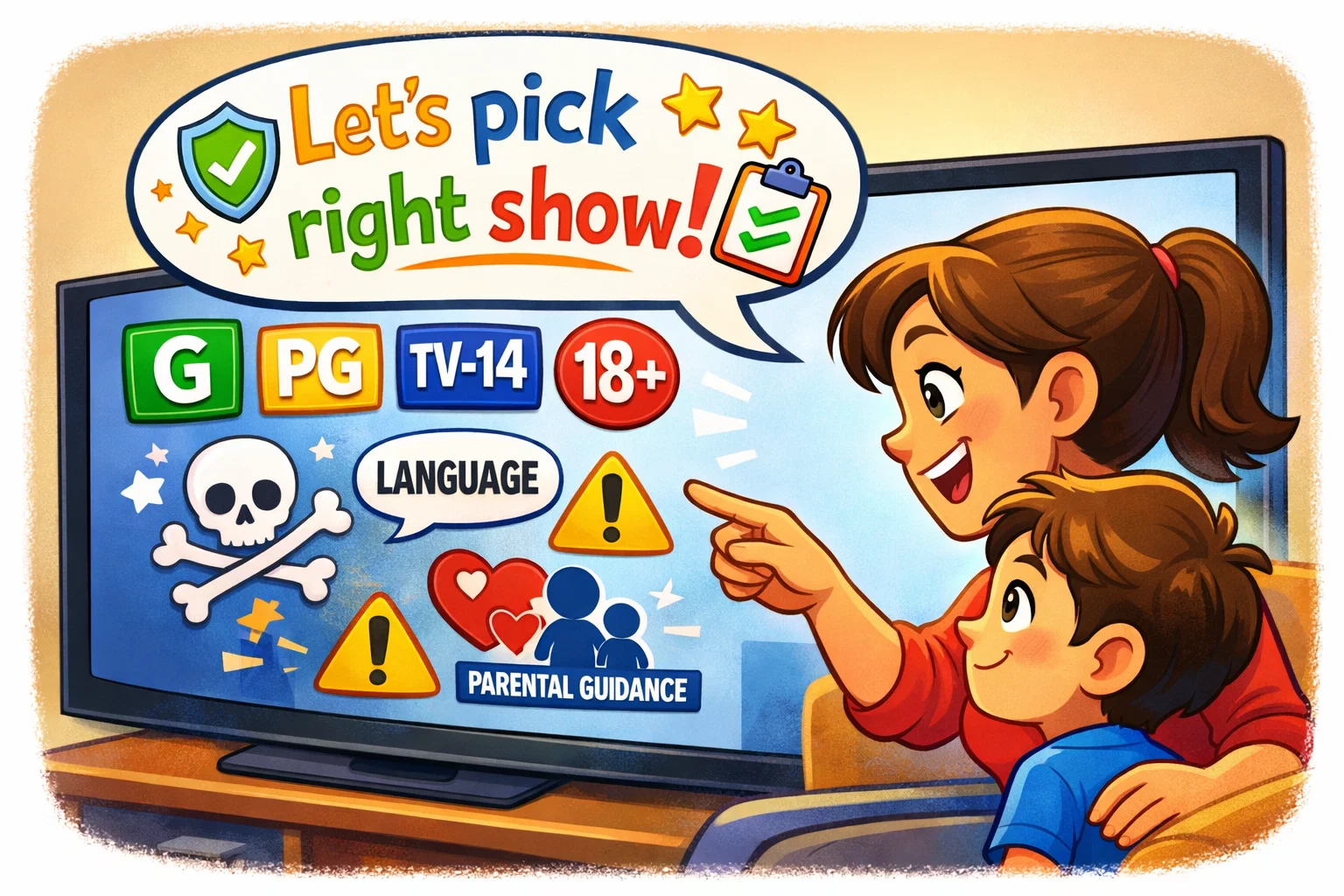
Some Disney classics were made in a very different era. Some Walt Disney animated films from the 1940s and 1950s may include warnings about outdated cultural depictions.
What content warnings mean
Disney uses these labels to provide context. Rather than removing the film, Disney includes a warning explaining that certain scenes may contain stereotypes that were wrong then and remain wrong now. This is a great opportunity to encourage a conversation with older kids about history and empathy.
Best way to screen unfamiliar titles
Before movie night, use a trusted site like Common Sense Media or the Details tab in the app to check whether a film includes warnings such as tobacco depictions or scary sequences.
Best Content for Kids
| Age Group | Recommended Titles | Why they are great |
| Preschool (2-5) | Bluey, Mickey Mouse Clubhouse | Gentle pacing, focus on play and logic. |
| School Age (6-9) | Frozen, Toy Story, Finding Nemo | Emotional intelligence and adventure. |
| Tweens (10-12) | Star Wars: The Clone Wars, selected Marvel titles | Complex themes of justice and teamwork. |
| Family Night | The Lion King, Moana, National Geographic | High production value for all ages. |
Disney+ Review for Parents: Final Verdict
Disney+ remains a top-tier choice for families. It combines the nostalgia of Walt Disney, the cutting-edge animation of Pixar, and the educational depth of National Geographic. While the inclusion of more mature content through Hulu makes the platform more complex, Disney+ parental controls are robust and effective.
Who will like Disney+ most? Disney+ is best suited to families who value high-quality storytelling and want a safe digital space that can grow with their children. By taking a proactive approach—setting up profile PINs and regularly reviewing content—you can ensure your kids enjoy the magic of Disney safely.