

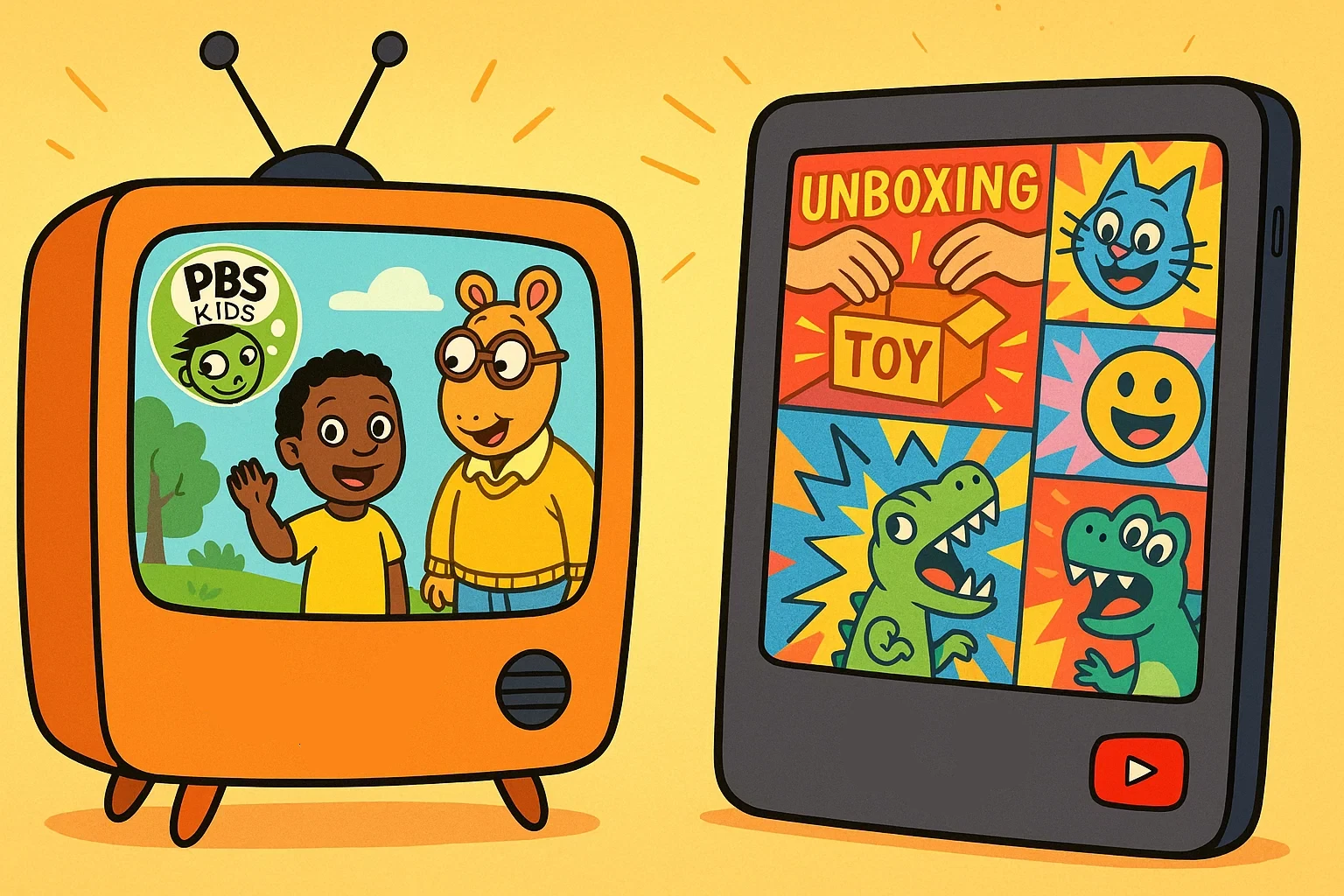
Choosing between the YouTube Kids app and the PBS Kids app often comes down to understanding how different types of kids content influence development. For families navigating kids watching habits on a tablet or smart TV, the decision is not only about entertainment but about educational depth, emotional tone, and long-term impact.
PBS represents a classic, slow-paced, and carefully structured approach rooted in a timeless educational legacy. Programs such as Sesame Street, Arthur, and Reading Rainbow were created to inspire curiosity, encourage cooperation, and support formative learning stages. In contrast, the YouTube Kids app offers vast playlists, trending kids shows, and algorithm-driven discovery, creating a fast-moving stream of material similar to platforms like Amazon Prime. Each platform delivers a distinct experience for preschoolers and older children exploring the world around them.
Content and Quality
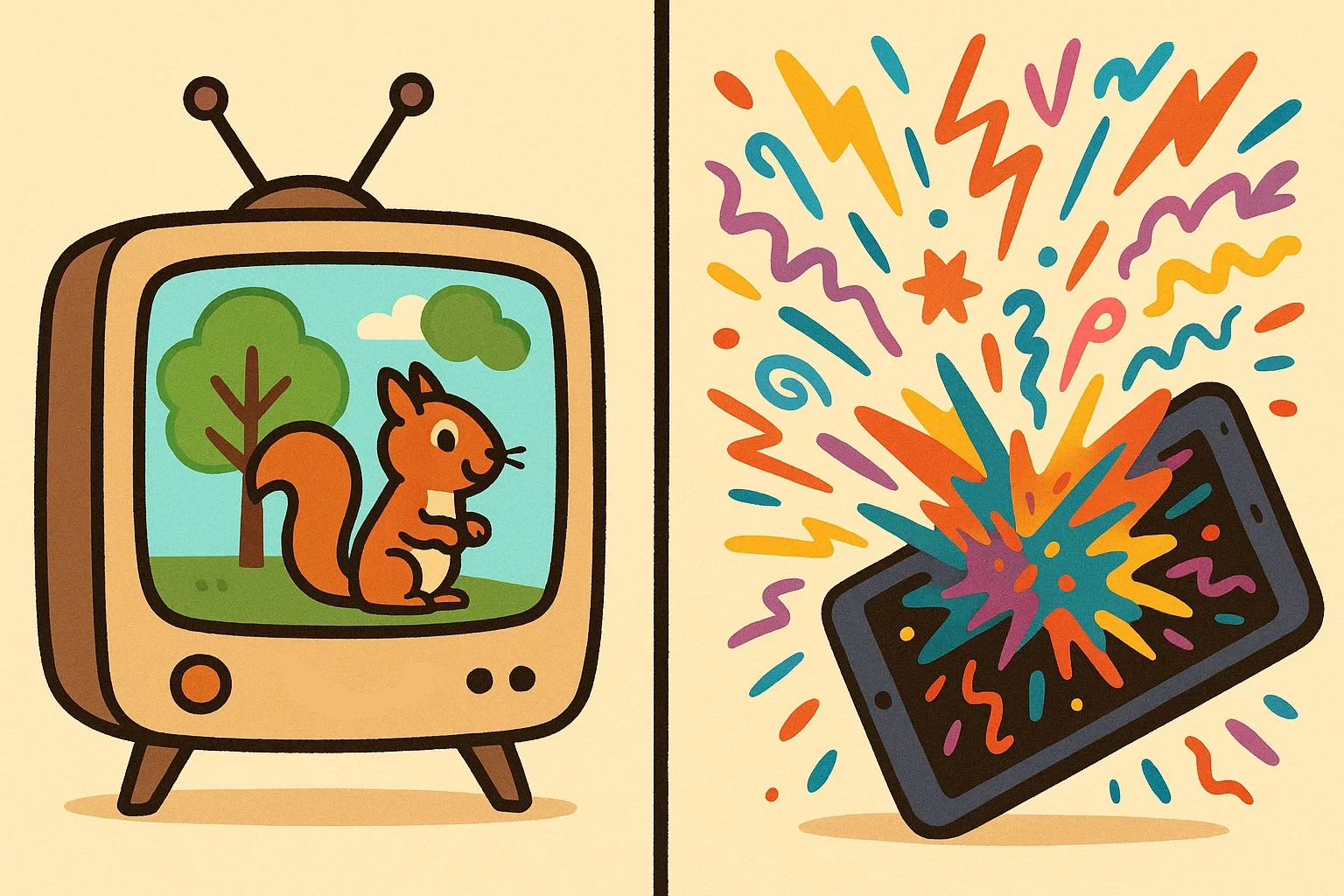
The foundation of any children’s platform lies in its material. Both YouTube Kids and PBS approach creation and curation differently, leading to distinct experiences for young viewers.
Educational Value 📚
PBS operates with a clear educational mission. Every show undergoes rigorous development with child development experts and educators.
Popular educational offerings include:
- Daniel Tiger’s Neighborhood (social-emotional learning)
- Odd Squad (mathematical reasoning)
- Wild Kratts (science and nature)
- WordWorld (early literacy)
YouTube Kids, by contrast, offers a mixed educational landscape. While the platform hosts excellent educational channels like Crash Course, National Geographic, and SciShow, the quality varies significantly. The algorithm may suggest that, “in some cases,” educational material competes with purely entertainment-focused videos for your child’s attention.
However, YouTube Kids provides access to diverse learning formats including:
- Interactive science experiments
- Language learning videos in multiple languages
- Creative arts and crafts tutorials
- Real-world educational field trips
Entertainment Factor 🎭
YouTube Kids excels in entertainment variety. The platform’s vast creator ecosystem produces material spanning every conceivable interest – from toy unboxings to animated adventures. This diversity means children rarely experience boredom, though it may indicate a potential for endless scrolling behavior.
PBS takes a more curated approach to entertainment. While the volume is smaller, each program undergoes quality control to ensure age-appropriate humor, positive messaging, and constructive conflict resolution. The entertainment value focuses on character development and meaningful storytelling rather than quick dopamine hits.
Video Types
| Platform | Video Types | Average Length | Variety |
| YouTube Kids | Vlogs, animations, tutorials, unboxings, nursery rhymes | 3-15 minutes | Very High |
| PBS Kids | Full episodes, clips, educational segments, games | 15-30 minutes | Moderate |
YouTube Kids offers shorter, snackable material that aligns with modern attention patterns.
PBS provides both full episodes and shorter clips, allowing parents to choose duration based on available time and attention span goals.
Characters and Shows
PBS features beloved, time-tested characters that have shaped generations of children. These characters often serve as consistent role models, teaching empathy, problem-solving, and social skills through repeated interactions. Children develop deep connections with characters like Daniel Tiger, who explicitly teaches emotional regulation strategies.
YouTube Kids characters vary widely in quality and messaging. While some creators maintain high standards and positive role modeling, others may prioritize engagement metrics over developmental appropriateness. Popular characters might include toy reviewers, animated animals, or real families sharing their daily lives.
Safety and Control
Digital safety remains the primary concern for parents navigating children’s online material. Both platforms implement different approaches to moderation and parental control.
Video Moderation 🛡️
PBS maintains complete editorial control over its programming. Every video undergoes professional review before publication, ensuring adherence to educational standards and child development principles. This closed ecosystem approach means parents can trust that material aligns with PBS’s educational mission.
YouTube Kids faces the challenge of moderating millions of hours of user-generated programming. The platform uses a combination of machine learning algorithms, community flagging, and human review. However, inappropriate material occasionally slips through these filters. YouTube reports removing over 1.5 million videos from the platform in 2023, highlighting both the scale of the challenge and their commitment to addressing it.
Ad-Free Experience
PBS Kids provides a completely ad-free experience across all platforms. Funding comes from public broadcasting support, corporate sponsorships, and educational grants. This model ensures that commercial interests don’t influence decisions or interrupt the viewing experience.
YouTube Kids includes advertising, though it’s regulated more strictly than on the main YouTube platform. Ads target families rather than children directly, and the platform prohibits ads for inappropriate products. Parents can opt for YouTube Premium to eliminate ads entirely, though this requires a monthly subscription.
Parental Settings
YouTube Kids offers robust parental controls including:
- Blocking by specific videos or channels
- Watch time limits
- Search disable options
- Age-appropriate filtering
- Viewing history and activity reports
PBS provides simpler parental controls, primarily because the curated nature of the platform requires fewer safety interventions. Parents can create profiles, track viewing habits, and access educational resources to extend learning beyond screen time.
Risks and Questionable Content ⚠️
Despite improvements, YouTube Kids has faced criticism for inappropriate material reaching children. Issues have included:
- Disturbing animations disguised as children’s programming
- Excessive consumerism promotion
- Inappropriate comments or suggestions
- Algorithm-driven binges that may indicate problematic viewing patterns
PBS Kids presents minimal risks due to its curated nature. The primary concern might be screen time management rather than material appropriateness.
User Experience
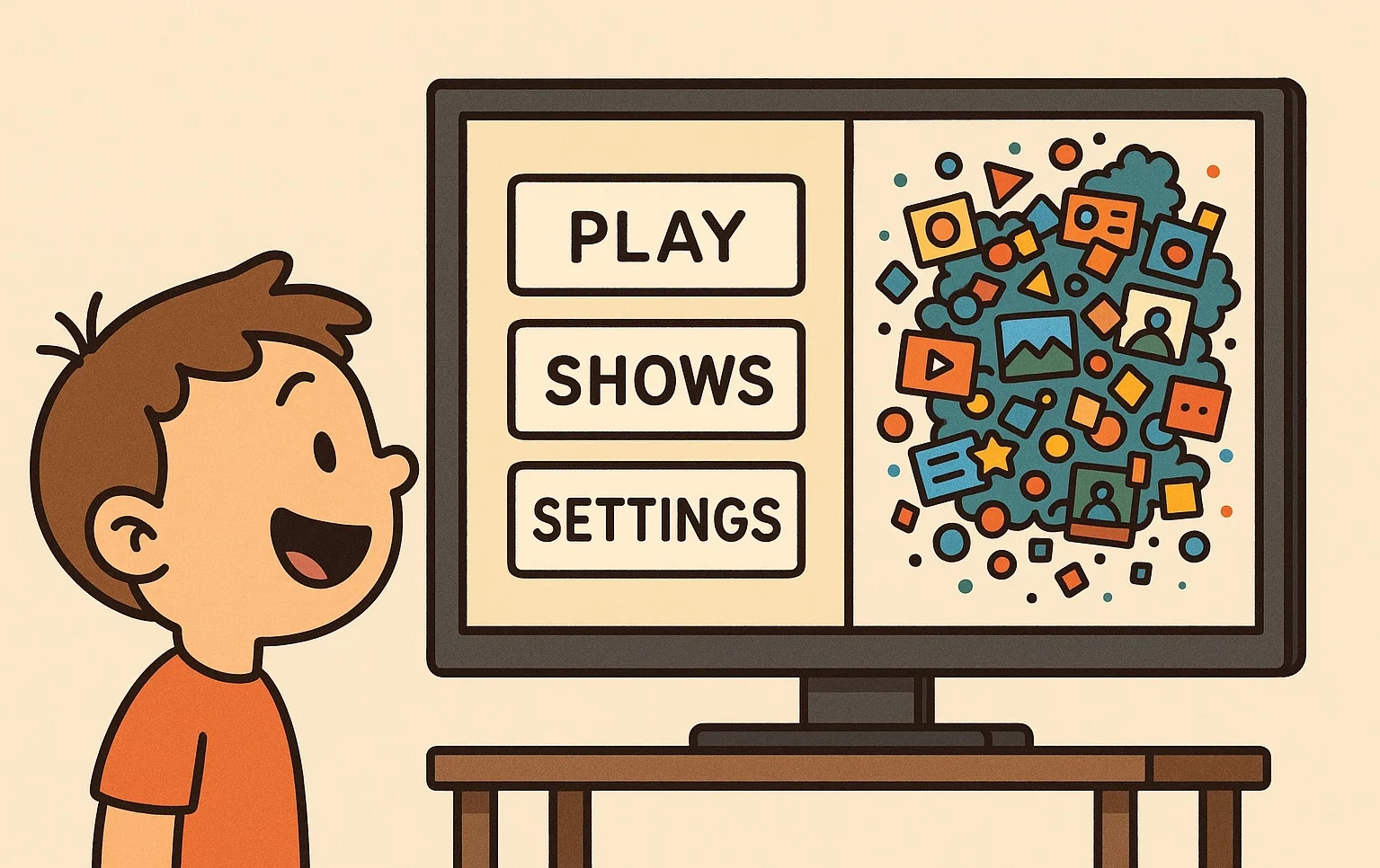
The platform interface and navigation significantly impact how children interact with programming and develop digital literacy skills.
Navigation
YouTube Kids uses a colorful, icon-based interface designed for touch interaction. Children can browse by categories like “Shows,” “Music,” “Learning,” and “Explore.” The algorithm personalizes recommendations based on viewing history, which can create both discovery opportunities and potential echo chambers.
PBS offers a simpler navigation structure organized around familiar characters and shows. The interface prioritizes ease of use over algorithmic discovery, allowing children to find favorite material quickly without overwhelming choices.
Accessibility
PBS Kids leads in accessibility features, offering:
- Closed captioning on all programming
- Audio descriptions for visual material
- Simplified navigation for motor skill challenges
- Programming designed with learning differences in mind
YouTube Kids provides basic accessibility features like captions (when uploaded by creators) and text-to-speech functionality, though implementation varies by video.
Target Audience by Age
YouTube Kids segments material for two age groups:
- Preschool (ages 4 and under)
- School age (ages 5-8)
- Older children (ages 9-12)
PBS primarily targets preschool through early elementary ages (2-8 years), with programming carefully calibrated for developmental appropriateness within this range.
Ease of Use
Both platforms prioritize child-friendly design, though they achieve this differently. YouTube Kids offers more discovery features but requires more parental oversight. PBS provides a more contained, predictable experience that children can navigate independently with minimal risk.
Business Model
Understanding how each platform operates financially helps parents evaluate long-term sustainability and potential conflicts of interest.
Advertising
YouTube Kids generates revenue through advertising, with strict guidelines governing child-directed material. Advertisers cannot collect personal information from children under 13, and ads must comply with children’s advertising regulations.
PBS operates ad-free, though it includes brief sponsor acknowledgments that feel more like public service announcements than commercial advertising.
Subscriptions
YouTube Kids is free with ads, or ad-free with a YouTube Premium family subscription ($17.99/month). Premium also includes access to YouTube Music and offline downloads.
PBS Kids remains completely free across all platforms and devices.
Funding
PBS Kids receives funding from:
- Federal appropriations
- Corporate sponsorships
- Educational grants
- Viewer donations
- Licensing agreements
YouTube Kids operates within Google’s advertising ecosystem, making revenue through targeted advertising and premium subscriptions.
Pros and Cons
YouTube Kids Advantages ✅
- Vast variety spanning every interest area
- Multiple language options and cultural perspectives
- Regular updates and trending topics
- Robust parental control options
- Free access to extensive educational resources
- Creative inspiration through DIY and tutorial videos
PBS Kids Advantages ✅
- Professionally developed educational programming
- No advertising interruptions
- Consistent quality and messaging
- Strong accessibility features
- Trusted brand with decades of child development expertise
- Programming designed by educators and child psychologists
YouTube Kids Disadvantages ❌
- Inconsistent quality
- Potential for inappropriate material exposure
- Algorithm-driven consumption patterns
- Commercial influence on decisions
- Requires active parental monitoring
- Risk of excessive screen time through autoplay features
PBS Kids Disadvantages ❌
- Limited variety
- Less frequent updates compared to user-generated platforms
- Primarily US-focused programming
- May not align with all cultural or educational preferences
- Limited programming for children over age 8
- Fewer interactive features
Conclusion: What to Choose for Your Child?
Summary
| Feature | YouTube Kids | PBS Kids |
| Educational Quality | Variable, requires curation | Consistently high, expert-developed |
| Safety Level | Moderate, needs supervision | High, professionally moderated |
| Variety | Extensive, diverse creators | Limited but curated |
| Age Range | 0-12 years | 2-8 years primarily |
| Cost | Free with ads/$17.99 premium | Completely free |
| Advertising | Present (regulated) | None |
| Parental Controls | Extensive options | Basic but sufficient |
| Accessibility | Basic features | Comprehensive support |
| Update Frequency | Constant | Regular but controlled |
| Best For | Varied interests, older children | Educational focus, younger children |
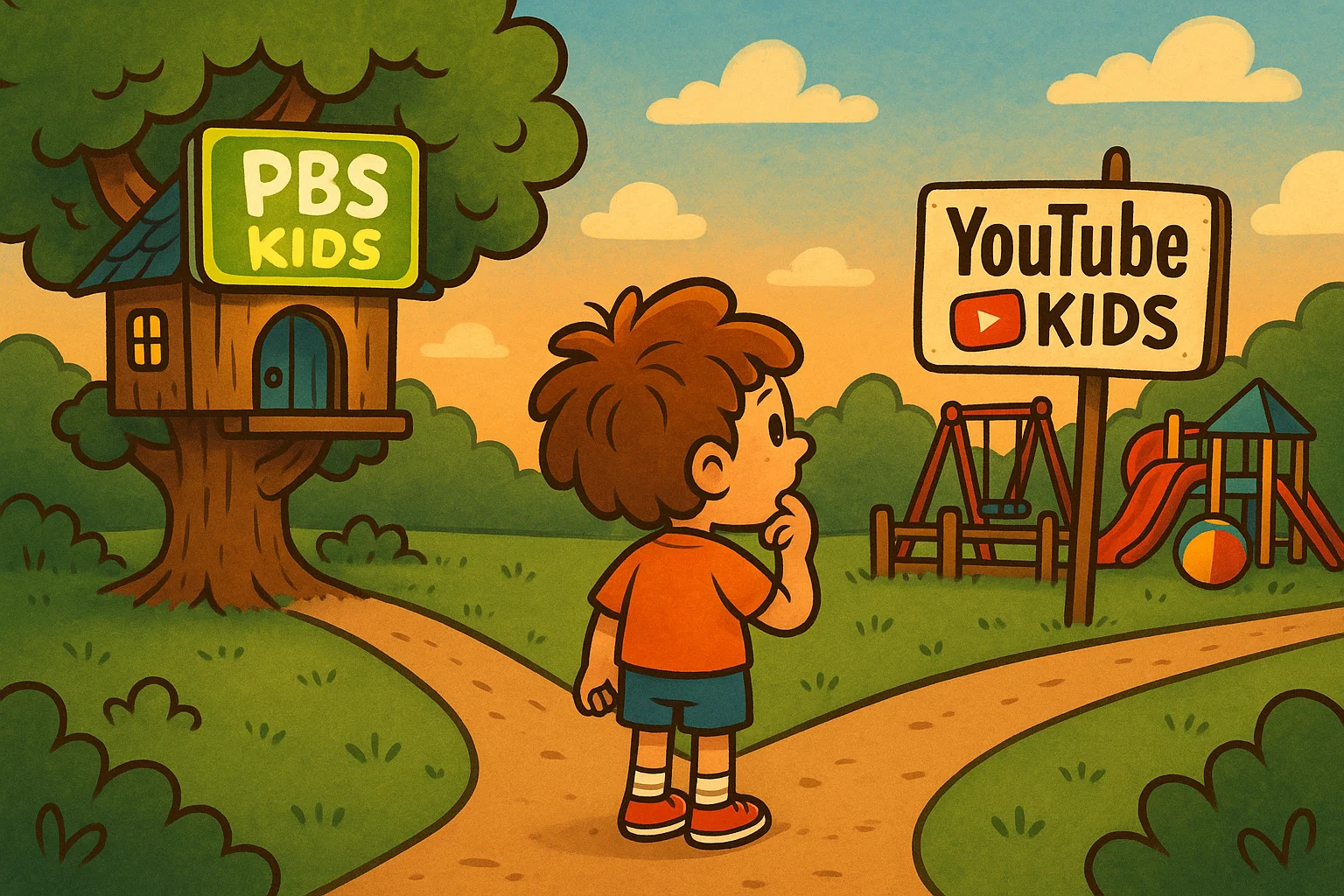
The choice between YouTube Kids and PBS ultimately depends on your family’s priorities, your child’s age, and your comfort level with digital management. PBS excels for parents seeking curated, educational programming with minimal oversight required. YouTube Kids offers broader variety but demands more active parental involvement in selection and time management.
Research from the Journal of Broadcasting & Electronic Media suggests that the platform matters less than how families engage with digital material. Active co-viewing, discussion about programming, and integration with offline activities maximize the educational benefit of either platform.
Recommendations for Parents 💡
Choose PBS if you prefer:
- Minimal oversight requirements
- Consistent educational messaging
- Ad-free viewing experiences
- Programming aligned with child development principles
- Simplified decision-making for your child
Choose YouTube Kids if you value:
- Variety and cultural diversity
- Following your child’s specific interests
- Access to trending topics and current events
- Multiple language learning opportunities
- Creative inspiration and DIY projects
Regardless of platform, best practices include:
- Setting clear screen time boundaries
- Co-viewing programming regularly
- Discussing what children watch
- Encouraging offline activities related to digital material
- Regularly reviewing and adjusting parental settings
Many families successfully use both platforms strategically – PBS for educational programming and YouTube Kids for exploring specific interests under supervision.