

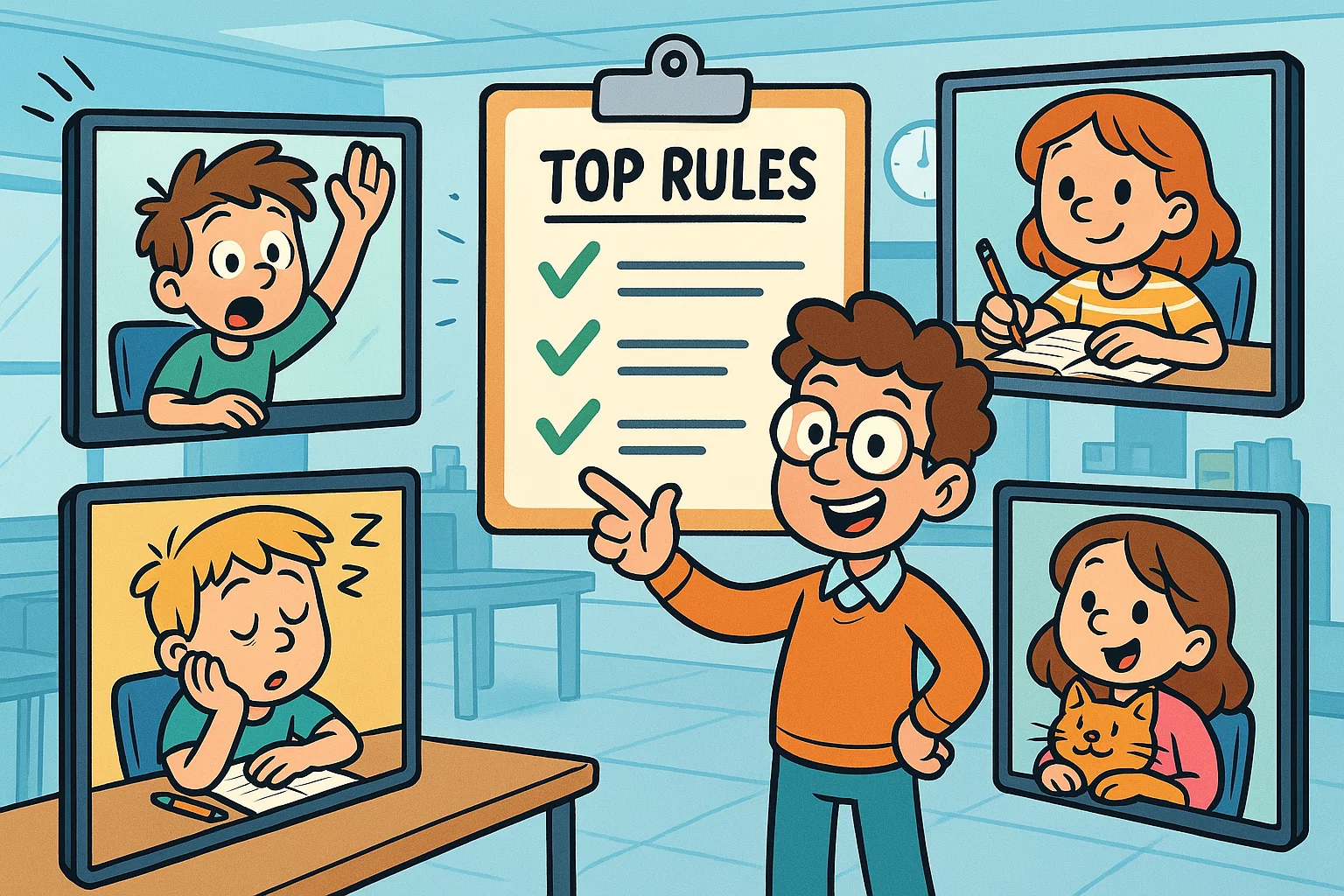
The shift to virtual learning has opened incredible doors for education, offering flexibility and access like never before. However, the online environment, while convenient, presents unique challenges when it comes to maintaining focus, structure, and respectful communication. Just as in a physical classroom, a successful online class hinges on clear, consistently applied classroom rules for both teachers and students.
The foundation of any successful virtual learning experience is a robust set of virtual classroom rules and expectations. These guidelines are not about rigid control; they are the scaffolding that supports a high-quality, engaging, and equitable educational experience for every student. By establishing a shared code of conduct, educators can create a positive learning environment where academic growth thrives and no student feels isolated or unheard.
Why Online Classroom Behavior Rules Matter
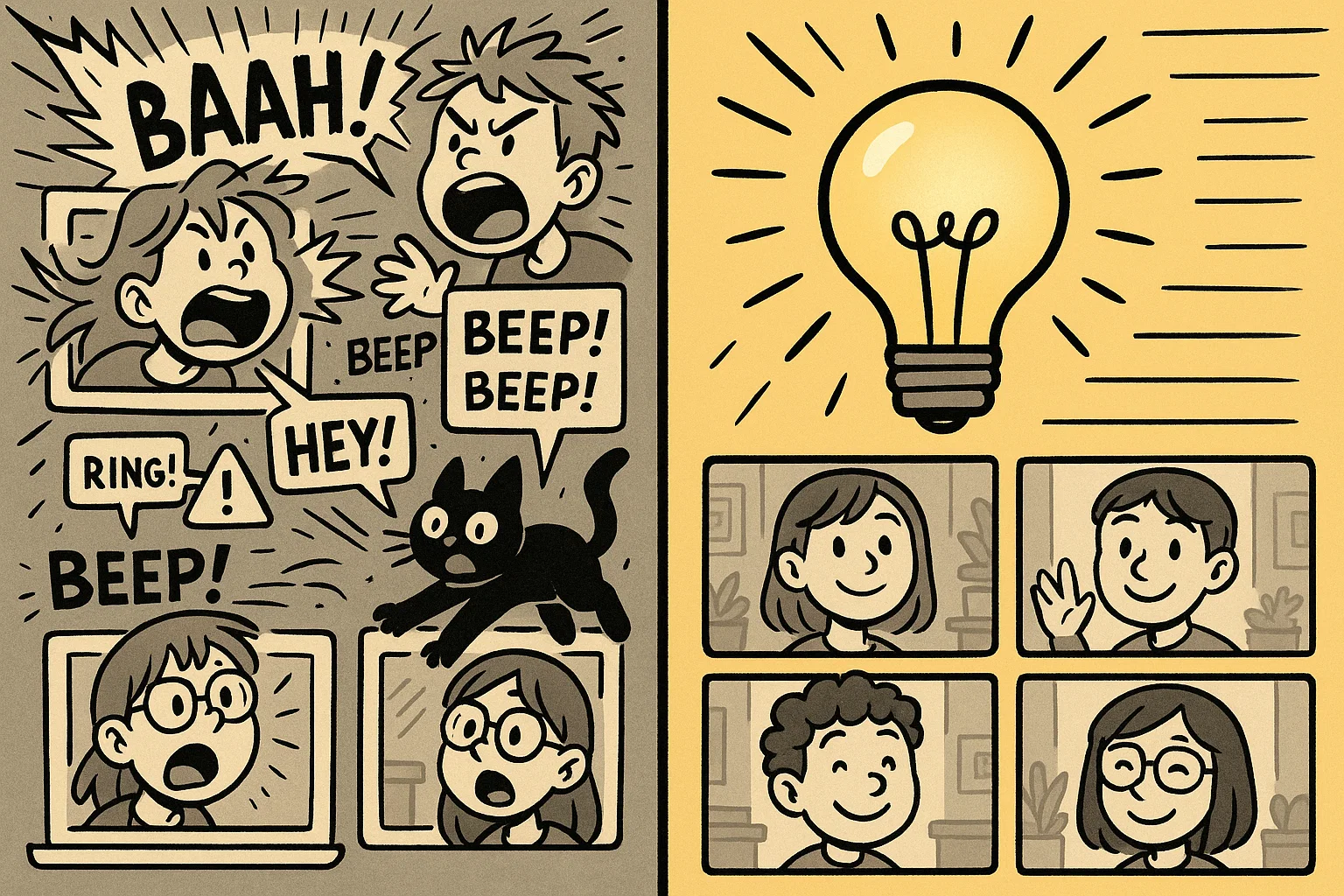
The purpose of clear classroom rules in any educational setting is to protect the focus and the flow of the learning process. In a virtual classroom, where the dynamics of attention are constantly being tested by distractions lurking just outside the camera’s view, these rules become even more critical. They provide structure, ensure technological fairness, and, most importantly, protect the emotional and intellectual safety of all participants. When students know what is expected, they can dedicate their energy to learning, not confusion.
The benefits of well-defined behavior guidelines extend to both the students and teachers. For teachers, they offer a framework for classroom management and constructive discipline. For students, they clarify how to move through the online setting respectfully and effectively.
Impact of Clear Expectations on Learning Quality
Consistency and clarity are the cornerstones of an effective online learning experience. When rules and expectations are clearly defined and consistently reinforced, they reduce the cognitive load associated with navigating the technology and the social dynamics. This predictability allows students to focus their attention on the lesson itself, leading to improved learning outcomes.
- Improved Attention: Students understand the need to stay focused and avoid behaviors that draw attention away from the material.
- Reduced Confusion: Clear procedures for asking questions (e.g., using the virtual hand feature) prevent online discussions from descending into chaos.
- Increased Predictability: Knowing the routine – when to speak, when to mute, and how to transition between activities – makes the entire virtual class feel stable and safe.
How Behavior Guidelines Reduce Disruptions
Uncontrolled disruption is the quickest way to lower the quality of any instructional session. In the online environment, common disruptions include unexpected mic feedback, excessive or off-topic chat messages, or simply a student being visibly distracted by something away from the lesson.
A clear code of conduct helps to prevent these common issues:
| Disruption Type | Rule to Address It | Benefit |
| Microphone Noise | Mute Mic When Not Speaking | Ensures the teacher and speaking student can be heard clearly by every student. |
| Chat Spam/Distraction | Use Chat for Class-Related Questions Only | Keeps the focus on the content and prevents useful information from being lost. |
| Multitasking/Off-Task | Limit Distractions During Class | Helps students know they must be present and ready to learn. |
Role of Mutual Respect in Virtual Spaces
The concept of netiquette – or internet etiquette – is paramount in a virtual setting. Digital communication can often lack the non-verbal cues present in a physical classroom, making it easier for misunderstandings or unintentional offense to occur. A core set of ground rules must center on mutual respect.
These guidelines help ensure that online interactions remain constructive and inclusive:
- Respect for the teacher’s time and effort.
- Respect for their classmates’ opinions and input.
- Respectful, non-aggressive communication style.
This focus on respect is key to building a safe and inclusive digital space where students feel comfortable sharing their thoughts and participating actively.
How Teachers Should Set Behavior Expectations in Online Classes
Effective behavior management begins with the educator’s approach. It is not enough to simply list the rules; teachers must actively set expectations, communicate them clearly, and model the desired behavior. The goal is to teach students how to be productive, respectful digital citizens.
Set the Tone From the First Session
The first few minutes of the initial online class are crucial for establishing the behavioral ground rules. The teacher’s communication style – calm, confident, and consistent – will largely shape the behavior norms. This is the time to review the syllabus section on behavior and outline what a typical session looks like.
Expert Insight: Research suggests that teachers who model the behavior they want to see – for example, always signing on a few minutes early, testing their tech aloud, and using polite phrasing when correcting behavior – are more successful at gaining student commitment.
Use Visual Reminders and Repeat Key Rules
Because students are not physically present in a traditional classroom setting, they may need more frequent, varied reminders. Utilize the digital tools at your disposal to keep expectations front-of-mind.
- Startup Slide: Display key classroom rules (e.g., “Mute your mic,” “Keep your camera on”) on a title slide while students enter the meeting.
- Checklist: Provide a downloadable “Ready for Class” checklist covering preparation and behavior.
- In-Lesson Reminders: Use quick reminders before starting breakout rooms or an online discussion to reinforce relevant rules, such as “speak clearly when it’s your turn.”
Involve Students in Rule Creation
To increase student buy-in and promote a sense of ownership over the learning environment, involve students in the creation of a few key norms. Asking students what rules they believe are essential for a good class can lead to more meaningful, internalized behavior.
For example, ask: “What two ground rules do we need to make sure everyone can hear each other and learn without distractions?” This strategy helps the students feel like collaborators, not just passive rule-followers.
Add Consequences and Positive Reinforcement
Behavioral boundaries must be coupled with defined, fair consequences. These should be clearly outlined in the syllabus and communicated calmly. For a minor infraction, a private chat message might be appropriate. For serious or persistent issues, disciplinary action must follow a defined procedure.
Equally important is positive reinforcement. Acknowledge and praise good behavior, preparation, and respectful online interactions. Use phrases like, “Thank you, Sarah, for using the virtual hand feature; that helps our flow!”
Core Rules for Online Classroom Behavior
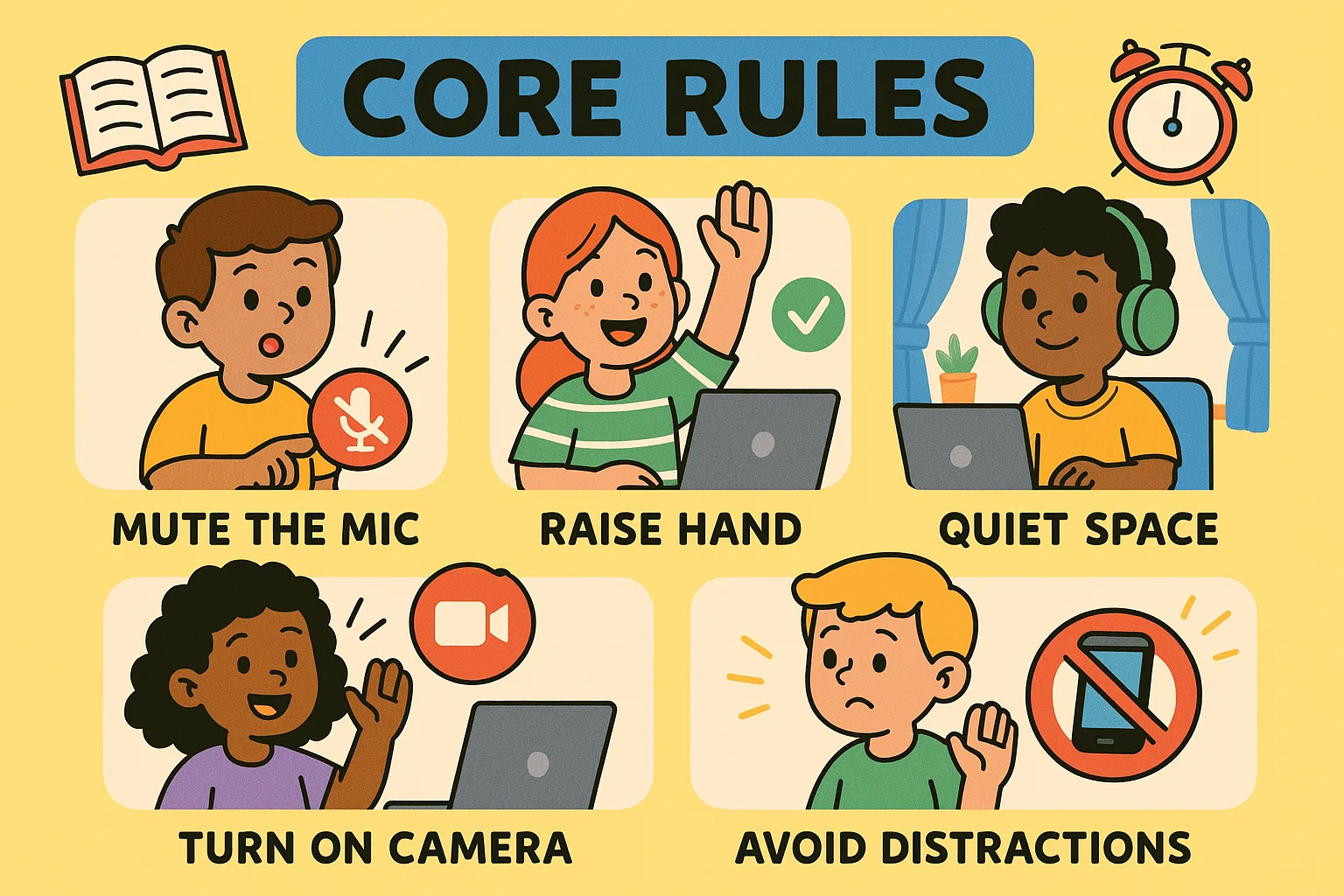
These 10 virtual classroom rules are essential for creating a successful and engaging online learning experience. They cover the spectrum from technical readiness to social communication, ensuring the best netiquette is followed.
1. Be Prepared for Class
Students should treat the virtual class like any other academic commitment. This means being prepared and ready with all necessary materials (notebook, textbook, etc.) and ensuring technology is working before the session starts.
- Tech Check: Log in 5 minutes early to test the mic, camera, and Wi-Fi connection.
- Materials: Have notebooks, pens, and relevant readings accessible.
- Login Readiness: Ensure all necessary links or passwords are saved and ready to go.
2. Show Up on Time
Punctuality in the online classroom is as important as in a traditional classroom. Late arrivals disrupt the teacher’s flow and can pull the focus away from the lesson. Teachers should require students to sign on before the official start time.
3. Find Quiet Space and Minimize Noise
Students should choose a dedicated space where they can focus and avoid adding disruptive background noise. This includes asking family members to respect the class time and choosing a clear, appropriate background (using a virtual background if necessary).
4. Mute Mic When Not Speaking
This is perhaps the most fundamental of all virtual classroom rules. Any open microphone can inadvertently transmit disruptive noises (coughing, typing, movement), which can severely lower the quality of the audio for everyone else. Students must know to keep their mics muted unless they are called upon to speak.
5. Turn Camera On as Required
While flexibility may be needed for specific circumstances, students should generally be expected to keep their cameras on. Seeing faces helps the teacher gauge engagement and understanding. It also helps students feel connected to their classmates and teacher, reducing the feeling of isolation in the online setting.
6. Limit Distractions During Class
Students must understand that they are expected to be focused on the lesson. This means putting away cell phones, closing unrelated computer tabs, and avoiding other activities like eating and drinking during the main instructional time. Anything that takes attention away from the lesson should be avoided.
7. Follow Respectful Communication Etiquette
All online interactions must be respectful. This includes:
- Using appropriate, professional language (no inappropriate language or excessive slang).
- Avoiding all-caps in the chat (as this can be interpreted as shouting).
- Making sure questions and comments are constructive and relevant.
- Students must respect their classmates by listening attentively when others speak.
8. Participate Actively
Students will help drive the learning process by engaging fully. Encourage them to answer questions, respond in the chat, use the virtual hand feature to ask a question, and contribute during online discussions.
9. Use Tools and Features Appropriately
The various features of the video conferencing software (chat, reactions, polls, breakout rooms) are powerful learning tools, but they can be distracting if misused. Teach students the proper use: for example, using discussion forums for longer, asynchronous responses and the live chat for quick, relevant questions and comments.
How to Create a Positive Online Learning Environment
Creating a positive online learning environment goes beyond just policing bad behavior. It’s about cultivating a space that is emotionally safe, highly engaging, and technically accessible. A positive online setting is one where every student feels valued and motivated to participate.
Build Safe and Inclusive Digital Space
The virtual setting must be free from any form of harassment or bullying. Teachers must put in place and consistently enforce anti-bullying norms and quickly address any disrespectful behavior.
- Modeling: Teachers should model respectful, affirmative language.
- Emotional Safety: Establish a clear rule: “We speak to each other with kindness and respect our classmates’ perspectives, even when we disagree.”
Encourage Collaboration and Team Behavior
The online environment can sometimes feel isolating. Teachers need to structure activities to encourage peer interaction. Effective use of breakout rooms for small group discussions and collaborative documents can foster a sense of teamwork. This structure helps students overcome the feeling that they are alone in their learning journey.
Keep the Atmosphere Motivating and Supportive
The teacher’s attitude is infectious. A positive learning atmosphere is created through frequent praise, acknowledging effort, and responding to mistakes as learning opportunities. Using humor appropriately and showing genuine interest in student success can engage your students more deeply.
Maintain Consistency in Routines
Consistency is a key factor in behavior stability. When students know what to expect – the flow of a regular class, the submission rules for assignments, and the way the teacher handles disruptive behavior – they feel more secure and less likely to test the boundaries.
Setting Routines and Systems for Better Behavior
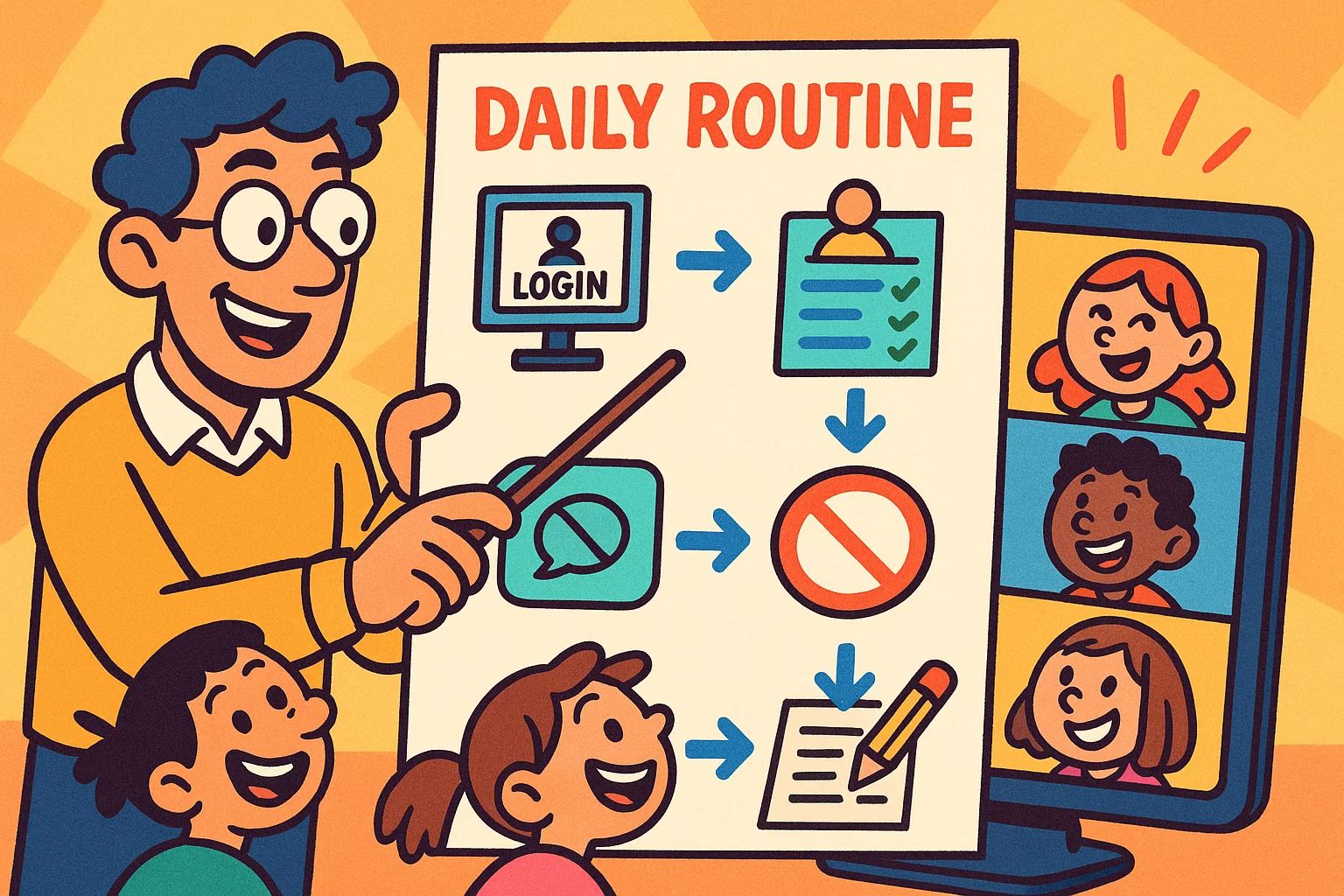
Routines are the invisible backbone of successful classroom management. They reduce cognitive friction by automating parts of the class time, freeing up mental space for both teachers and learners to focus on the content.
Repeat Daily Start and End Procedures
Simple, predictable routines at the beginning and end of each session ensure a smooth flow.
- Start-Up Routine: A structured check-in, a quick tech check, and a 2-minute “warm-up” activity on a shared screen.
- End-of-Class Reflection: A routine for asking a final question in the chat or a one-sentence reflection on the main takeaway.
Use Predictable Workflow for Assignments
Confusion over submission methods and deadlines is a common source of frustration. Consistent rules for platform navigation and assignment submission, clearly laid out in the syllabus, reduce chaos. Students know what’s expected when the routine never changes.
Structure Transitions and Activity Changes
Moving smoothly between a lecture, a video, a poll, and breakout rooms requires clear verbal and visual cues. Use specific phrases like, “We are now transitioning from the large group to small breakout rooms for the next ten minutes. Please prepare to move.”
Engaging Students to Improve Online Behavior
The most effective form of discipline is deep engagement. When students feel interested and involved, they are less likely to be off-task or disruptive. The connection between involvement and discipline is clear: The more you engage your students, the fewer behavior issues you will see.
Use Interactive Tools Frequently
Frequent use of tools like polls, quick quizzes, and collaborative whiteboards keeps students active and responsive. Teachers should offer tools that can help vary the learning experience and prevent passive viewing. These methods help to check for understanding and require students to maintain focus.
Keep Lessons Varied and Dynamic
A monotonous format encourages distraction. Teaching and learning in the online environment should involve regular shifts in pacing, the use of diverse visual aids, and a mix of whole-group and small-group activities to make online sessions dynamic.
Support Quiet or Shy Students
Some students are naturally less inclined to participate actively in a large online group. Use the private chat function for quiet check-ins, or assign them specific, non-threatening roles in breakout rooms to encourage participation gently.
Planning for Challenging Behavior Before It Happens
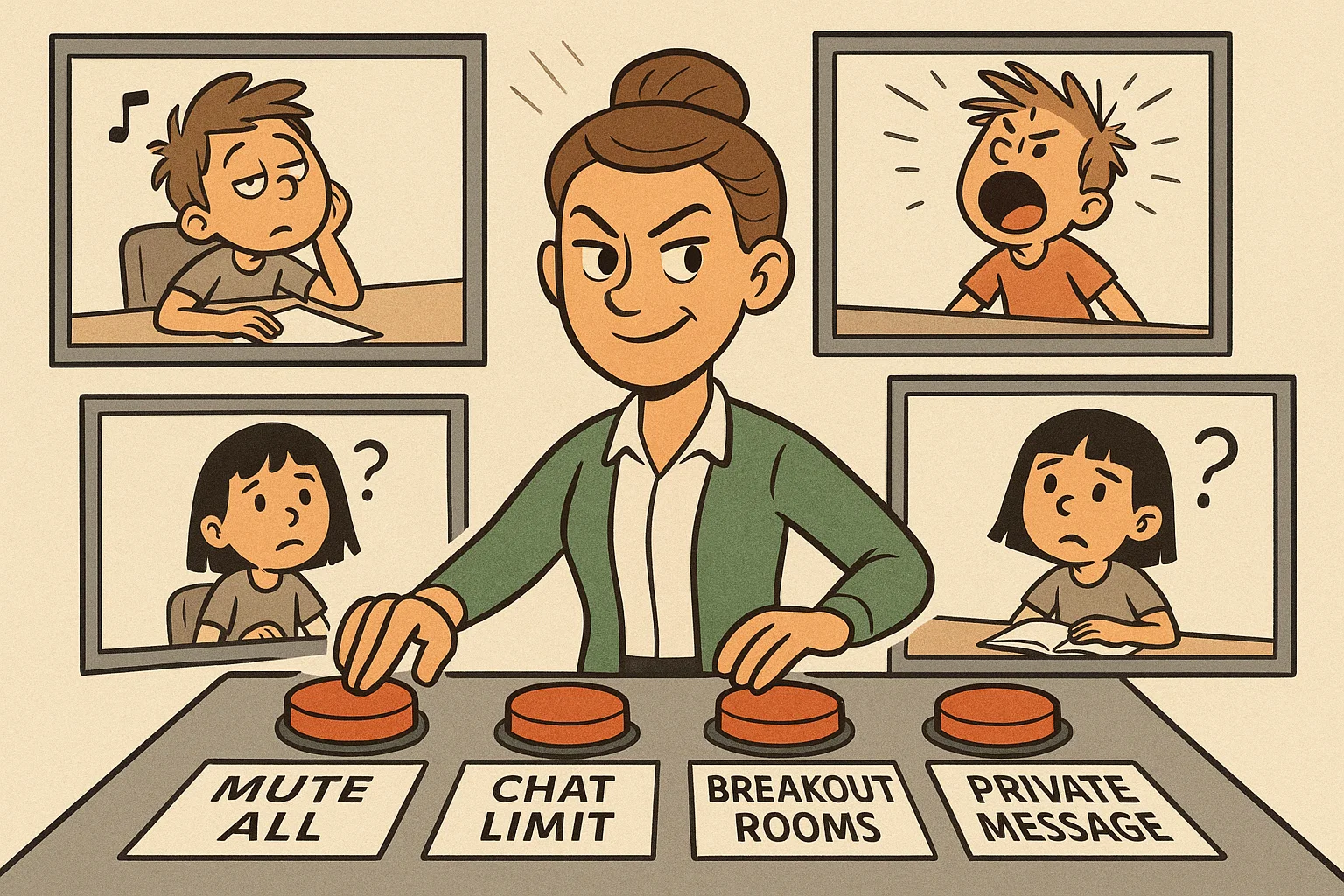
Effective classroom management involves proactive planning. Teachers must anticipate potential distractions and have a clear, calm plan for intervention to ensure minor issues do not escalate.
Identify Early Signs of Off-Task Behavior
Teachers must develop an eye for the subtle cues of disengagement in the virtual setting:
- Camera Off: A student who unexpectedly turns their camera off after a period of engagement.
- Late Responses: Extremely delayed answers to direct questions.
- Chat Silence: A student who typically participates but is suddenly silent in the chat.
Prepare Action Steps for Different Scenarios
Having a tiered response system ensures swift and fair action.
| Scenario | Action Step (Minor) | Action Step (Serious) |
| Student is distracted (looks away) | Call the student’s name gently: “Anya, what is your perspective on this point?” | Use the private chat feature to check in: “Is everything okay? Please focus on the lesson.” |
| Persistent Mic Abuse | Use the mute-all function and remind the ground rules. | Remove the ability for the student to unmute themselves for a period. |
Use Technology Tools for Classroom Management
The video conferencing platform provides essential tools to maintain order:
- Mute-All: Use this feature strategically to regain control quickly.
- Waiting Rooms: Keep students in the waiting room until the official class time to ensure punctuality.
- Private Messages: Use the private chat for discreet, non-shaming behavioral redirects.
Common Online Behavior Issues and How to Handle Them
Even with the clearest rules and expectations, issues will arise. Having immediate, consistent strategies in place helps to address these issues constructively.
Off-Task or Distracted Students
The goal is to regain attention without embarrassing the student. Acknowledge the potential for distraction in the home setting.
Strategy: Redirect by asking a direct, content-related question. “Marco, could you summarize the last three points? I want to make sure we’re ready to move on.” This gently brings them back ready to learn.
Disruptive Students Affecting Others
This involves behaviors that directly interrupt the learning of others, such as making inappropriate sounds or screen-sharing irrelevant content.
Strategy: Immediately remove the distraction (e.g., end screen-sharing). Use a private chat or a quick, non-emotional statement: “We need to keep the learning environment positive for everyone. Please stick to our code of conduct.”
Camera or Mic Misuse
For students who repeatedly refuse to keep their camera on or who forget to mute, the solution lies in consistent, calm enforcement of the stated rules and expectations.
Strategy: Send a private message first. If the misuse continues, follow the disciplinary action defined in the syllabus. This ensures the student is treated fairly based on the published expectations.
Chat Misbehavior and Inappropriate Messages
Misuse of the chat, including spamming or off-topic comments, is a frequent issue.
Strategy: Reiterate the netiquette rules: chat is for questions and comments relevant to the lesson only. If the issue is severe, disable the public chat function temporarily and remind students of the rules regarding inappropriate language.
Cyberbullying or Negative Interactions
Any form of bullying, harassment, or disrespectful behavior must be addressed immediately and severely. This is a critical factor in creating a safe space.
Strategy: Immediately stop the session if necessary. Address the behavior privately, involve parents/guardians, and apply a zero-tolerance policy. The rule must be clear: all online interactions must respect their classmates.
Conclusion: Promote Positive Digital Behavior for Better Learning
Creating a thriving virtual learning environment is a collaborative process. The successful implementation of virtual classroom rules for students acts as a powerful lever for constructive learning. Teachers must commit to consistency, modeling the behavior they wish to see, and fostering mutual respect. By setting clear routines, actively engaging students, and establishing strong learning environment norms, educators can ensure that the online class is a rich, safe, and effective experience for every student. The effort put in place to define this code of conduct will ultimately translate into greater student focus and deeper academic success.