

Supporting a child with dyslexia demands effective tools. Technology offers interactive apps to help transform reading and writing challenges. These specialized tools provide the multisensory approach many dyslexic kids need. When children with learning disabilities struggle with traditional methods, apps to help with dyslexia bridge the gap. The best apps to help children combine phonemic awareness, text-to-speech, and adaptive learning.
Specialized Resources for Dyslexic Learners
Using Individual Needs 📚
Every dyslexic child learns uniquely. Understanding these differences is crucial for selecting useful apps. Approximately 15-20% of children have some form of learning disability, with dyslexia being common. Apps for dyslexic learners should offer customizable features. Effective dyslexia and learning disabilities apps often include progress tracking so parents can track their child’s progress, identifying areas needing support.
Multisensory Learning and Gamification 🎮
Multisensory learning is highly effective for children with disabilities. Many of these apps engage multiple senses — visual, auditory, tactile — strengthening neural pathways for language processing. Apps to help with dyslexia use gamification, making learning engaging. These games make practice feel like play, helping overcome reading challenges.
Successful dyslexia apps integrate features like interactive flashcards with audio, letter/sound recognition games, and reading passages with highlighting/text-to-speech.
Creating Supportive Environments at Home and School
Apps for kids with dyslexia work best within broader support systems. Parents can create routines combining app practice with traditional reading. Schools can use these reading tools to supplement instruction and support young learners. Teachers find these apps to help differentiate instruction, assigning targeted activities while tracking their child’s progress.
Nessy Fingers Touch Typing
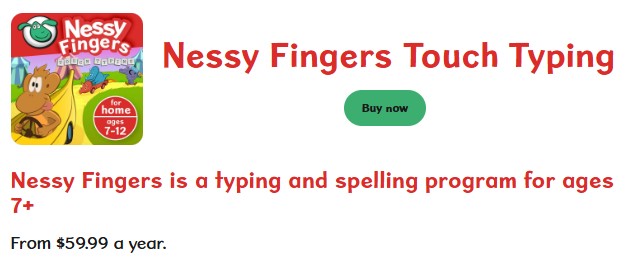
Nessy Fingers Touch Typing is a structured literacy app designed to support children with dyslexia through keyboard-based learning. The program focuses on phonics, spelling, and reading accuracy while building typing fluency, which often reduces pressure on handwriting skills. Lessons are presented through short, animated exercises that reinforce phonemic awareness and left-to-right sequencing. Progress reports allow parents and educators to monitor skill development and identify areas requiring additional practice.
Key Features:
- Structured phonics, spelling, reading lessons
- Engaging animations, interactive exercises
- Systematic phonemic awareness
- Detailed progress reports
Link: Nessy Fingers Touch Typing
Dyslexia Gold
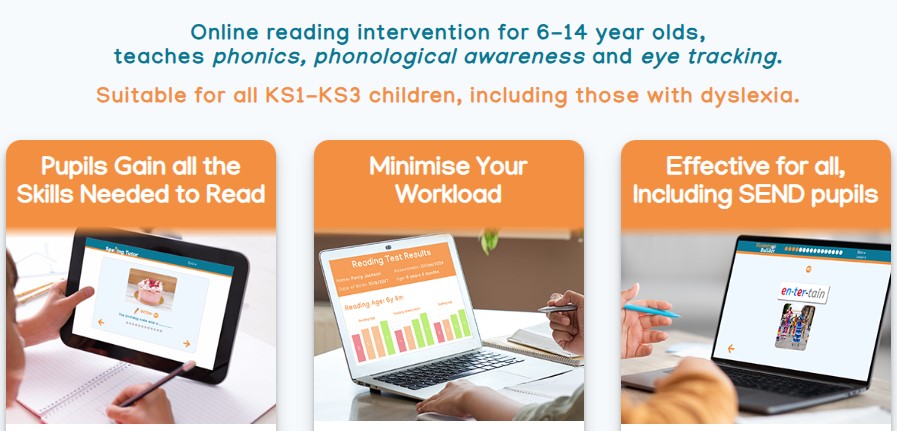
Dyslexia Gold is a specialized reading intervention app developed specifically for learners with dyslexia. The program combines structured phonics instruction with exercises that strengthen visual and auditory processing skills essential for accurate decoding. Activities follow a clear progression, allowing children to practice reading words and sentences at an individually adjusted pace. Built-in progress tracking supports ongoing assessment and helps adults identify improvements in fluency and accuracy.
Key Features:
- Customizable difficulty levels
- Progress tracking
- Audio instructions/feedback
- Visual supports for letter recognition
Link: Dyslexia Gold
Dyslexia Reader

Dyslexia Reader is a reading support app created to improve comprehension and accessibility for children with dyslexia. The tool uses synchronized text highlighting and text-to-speech to reduce cognitive load during reading tasks. Adjustable fonts, colors, and reading speed help accommodate individual visual and processing preferences. The solution is especially useful for working with longer texts and multiple document formats in both school and home settings.
Key Features:
- Built-in text-to-speech
- Allows highlighting
- Adjustable reading speed, font size, background colors
- Works with various text formats
Link: Dyslexia Reader
Voice Dream Reader

Voice Dream Reader is a powerful text-to-speech app designed to improve access to written content for learners with dyslexia. The tool supports high-quality voices with synchronized highlighting, which helps reinforce word recognition and reading flow. Flexible controls allow adjustment of speed, voice, and visual presentation to match individual processing needs. Compatibility with multiple file formats makes the solution suitable for school materials, ebooks, and online texts.
Key Features:
- High-quality voice options
- Synchronized highlighting
- Customizable reading speeds
- Support for multiple file formats
Link: Voice Dream Reader
ABC Spelling Magic
ABC Spelling Magic is a phonics-focused app designed to support early spelling development in children with dyslexia. Learning activities are built around letter manipulation, allowing learners to construct words while hearing corresponding sounds. Visual cues and auditory feedback reinforce sound–letter connections, which are critical for decoding and spelling accuracy. The structured progression makes the tool suitable for early readers who need systematic reinforcement.
Key Features:
- Phonics-based interactive spelling
- Multisensory approach
- Includes upper and lower case practice
Link: ABC Spelling Magic
Montessori Words & Phonics
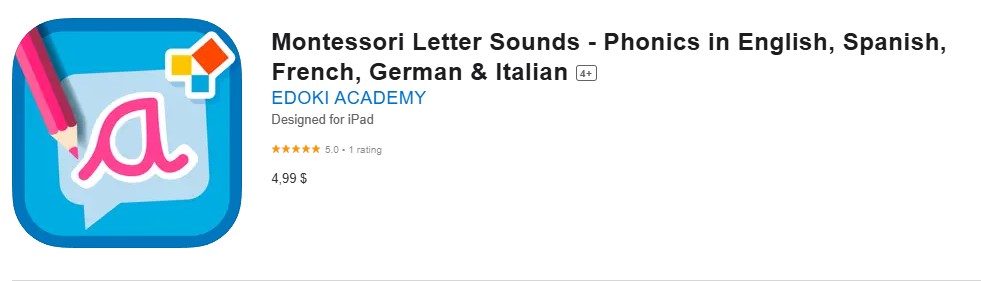
Montessori Words & Phonics is a literacy-focused app based on Montessori teaching principles and structured phonics instruction. Activities guide children from basic sound recognition to building complete words, reinforcing letter–sound relationships through hands-on interaction. The learning sequence follows a clear progression, supporting accuracy and confidence in early reading. Emphasis on repetition and sensory engagement makes the program suitable for learners with dyslexia who benefit from systematic practice.
Key Features:
- Systematic phonics instruction
- Hands-on interactive exercises
- Focuses on letter-sound relationships
Link: Montessori Words & Phonics
Writing Wizard

Writing Wizard is a handwriting-focused app designed to support children with dyslexia who experience difficulties with letter formation and fine motor control. The program provides guided tracing exercises supported by visual cues and audio feedback, helping reinforce correct stroke order. Adjustable letter size, difficulty levels, and font options allow customization for individual learning needs. This structured practice supports writing accuracy while reducing frustration during early literacy development.
Key Features:
- Guided letter formation practice
- Visual and auditory cues
- Customizable letter sizes/difficulty
- Multiple font options (dyslexia-friendly)
Link: Writing Wizard
Doodle Spell

Doodle Spell is a creative spelling-focused app designed for children with dyslexia who learn effectively through movement and visual interaction. Learners form letters and words by drawing them, which supports kinesthetic memory and pattern recognition. This multisensory approach reinforces spelling rules while maintaining high engagement. The format is especially beneficial for children who struggle with traditional text-based spelling exercises.
Key Features:
- Combines drawing with spelling
- Multisensory learning
- Engages kinesthetic learners
Link: Doodle Spell
Spell Wizards

Spell Wizards is a structured spelling app developed to support children with dyslexia through rule-based instruction and gradual skill progression. The program introduces English spelling patterns in a systematic sequence, helping learners understand why words are spelled a certain way. Multiple difficulty levels and customizable word lists allow alignment with individual learning stages. This approach supports long-term retention and reduces reliance on memorization alone.
Key Features:
- Systematic spelling instruction
- Multiple difficulty levels
- Customizable word lists
Link: Spell Wizards
Dyslexia Keyboard

Dyslexia Keyboard is an assistive writing app designed for children with dyslexia and dysgraphia who struggle with spelling accuracy and sentence construction. The tool detects common error patterns and offers real-time corrections to reduce writing interruptions. Integrated grammar and word prediction features support clearer written expression. This solution is particularly useful for longer writing tasks in academic settings.
Key Features:
- Advanced spelling/grammar checking
- Recognizes common dyslexic errors
- Provides corrections
Link: Dyslexia keyboard
A+ Spelling Test

A+ Spelling Test is a customizable spelling assessment app designed for children with dyslexia who need targeted practice and evaluation. Parents and teachers can create individualized word lists aligned with current learning goals. Interactive exercises support repeated exposure to correct spelling while reinforcing word recognition. The structured testing format helps track progress and identify specific areas requiring reinforcement.
Key Features:
- Customizable spelling assessments
- Interactive practice activities
- Supports individual word lists
Link: A+ Spelling Test
OpenDyslexic

OpenDyslexic is a typography-focused app created to improve reading comfort for individuals with dyslexia through a specially designed font. Letter shapes use heavier baselines and distinctive forms to reduce visual confusion and letter reversals. This design supports smoother reading flow and improved focus during longer texts. The font is widely integrated into reading tools and educational platforms to enhance accessibility.
Key Features:
- Specialized font for dyslexia
- Aims to reduce letter confusion
- Can improve reading fluency
Link: OpenDyslexic
Simplex Spelling Phonics
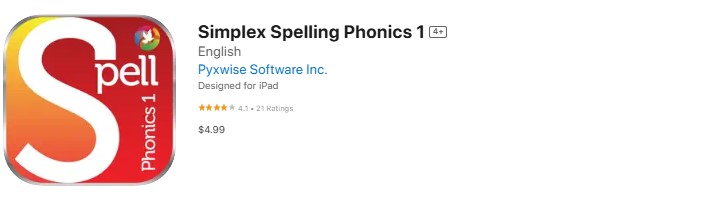
Simplex Spelling Phonics is a structured literacy app focused on strengthening the connection between sounds and spelling patterns for children with dyslexia. The program combines assessment with instruction to target specific weaknesses in phoneme–grapheme mapping. Lessons progress systematically, reinforcing accuracy through repetition and guided practice. This approach supports learners who need explicit instruction rather than incidental exposure.
Key Features:
- Systematic instruction in sound-letter relationships
- Assessment/instruction components
- Addresses specific learning needs
Link: Simplex Spelling Phonics
LetterReflex
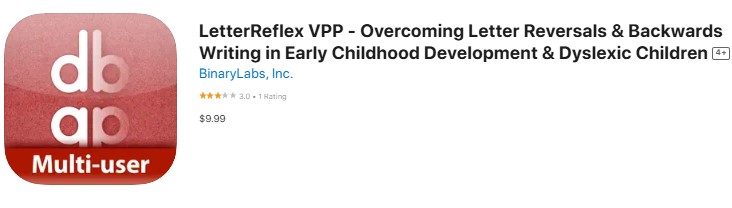
LetterReflex is a skill-building app designed to improve reading fluency in children with dyslexia through rapid letter recognition training. Timed exercises help develop automatic identification of letters and sound patterns, which is essential for smoother decoding. Repeated practice strengthens processing speed while maintaining a clear instructional focus. This format is particularly useful for learners who struggle with slow or effortful reading.
Key Features:
- Rapid letter recognition training
- Uses timed exercises
- Builds automatic letter identification
Link: LetterReflex
Clicker Writer
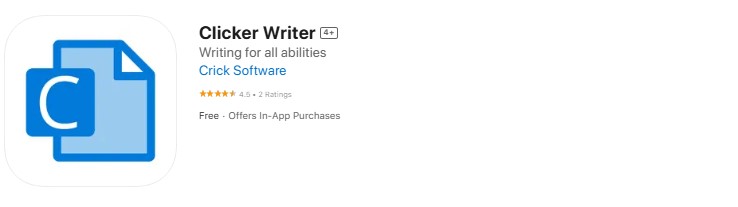
Clicker Writer is a literacy support app designed to help children with dyslexia develop written expression alongside reading skills. The tool combines word processing with spelling support, word prediction, and text-to-speech feedback to reduce cognitive load during writing. Sentence-building features assist learners in structuring ideas more clearly. This integrated approach supports confidence and accuracy in longer writing tasks.
Key Features:
- Word processing
- Spelling assistance/word prediction
- Text-to-speech feedback
Link: Clicker Writer
Spy Sam Reading Book

Spy Sam Reading Book is an interactive story-based app designed to motivate children with dyslexia through guided reading practice. Short narratives are paired with built-in reading support that helps learners decode text without breaking engagement. The storyline format encourages repeated reading, which supports fluency and confidence. This approach is especially effective for children who respond better to contextual and narrative-driven learning.
Key Features:
- Interactive, engaging stories
- Built-in reading support
- Maintains student motivation
Link: Spy Sam Reading Book
Oz Phonics
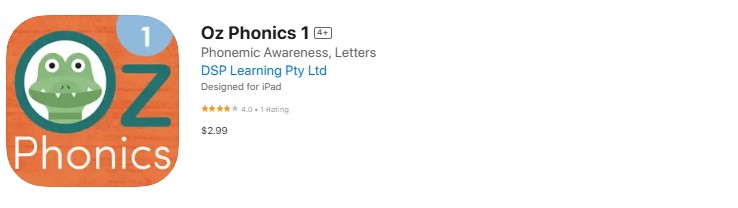
Oz Phonics is a structured phonics app developed to support children with dyslexia through explicit sound-to-word instruction. Lessons progress from basic phoneme recognition to more complex word decoding, reinforcing accuracy at each stage. Built-in assessment tools help monitor reading development and highlight areas that need reinforcement. This systematic format aligns well with evidence-based literacy interventions used in early education.
Key Features:
- Systematic phonics instruction
- Lessons from basic sound to complex word reading
- Assessment tools for progress tracking
Link: Oz Phonics
Mindnode 6 – Mind Map

MindNode is a visual organization app designed to help children with dyslexia structure ideas and information more clearly. Mind mapping allows thoughts to be arranged spatially, reducing the cognitive load associated with linear note-taking. This visual approach supports planning, comprehension, and memory retention across reading and writing tasks. The tool is especially useful for learners who process information more effectively through visual patterns.
Key Features:
- Mind-mapping functionality
- Helps organize thoughts/information
- Visualizes concepts
Link: Mindnode 6 – Mind Map
Mind Meister

MindMeister is a visual thinking app designed to support idea organization for children with dyslexia. Concepts are arranged into structured maps that make relationships between ideas easier to understand. This format supports comprehension, planning, and revision during learning tasks. Visual structuring is particularly beneficial for learners who struggle with sequential text-based organization.
Key Features:
- Mind-mapping tool
- Supports organization of ideas
- Beneficial for visual thinkers
Link: Mind Meister
Choosing Right App for Child
Assessing Child Needs
Before selecting from the many apps to help, parents should evaluate their child’s learning profile. A dyslexic child needing phonemic awareness may benefit from sound-letter apps, while another with strong phonics but poor fluency might need practice reading and comprehension apps. Consider: current reading level, learning style, attention span, tech comfort, past responses to methods. Professional evaluations offer insights.
Reading App Reviews and Recommendations
When researching dyslexia and learning disabilities apps, look for evidence-based reviews. Educational technology specialists and teachers often provide valuable insights. Reliable sources: professional organizations, ed-tech review sites, special education blogs, academic research, school reading specialists. Pay attention to text-to-speech quality, progress tracking, and customer support.
Trialing Apps and Monitoring Progress
Many of these apps offer free trials. Use these to test how well an app fits your child. Observe: engagement, ease of navigation, content quality, skill alignment, school integration. Track their child’s progress using both the app’s tools and your observations. Look for improvements in targeted skills like letter recognition, phonemic awareness, spelling, or reading confidence. Document successes/challenges.