

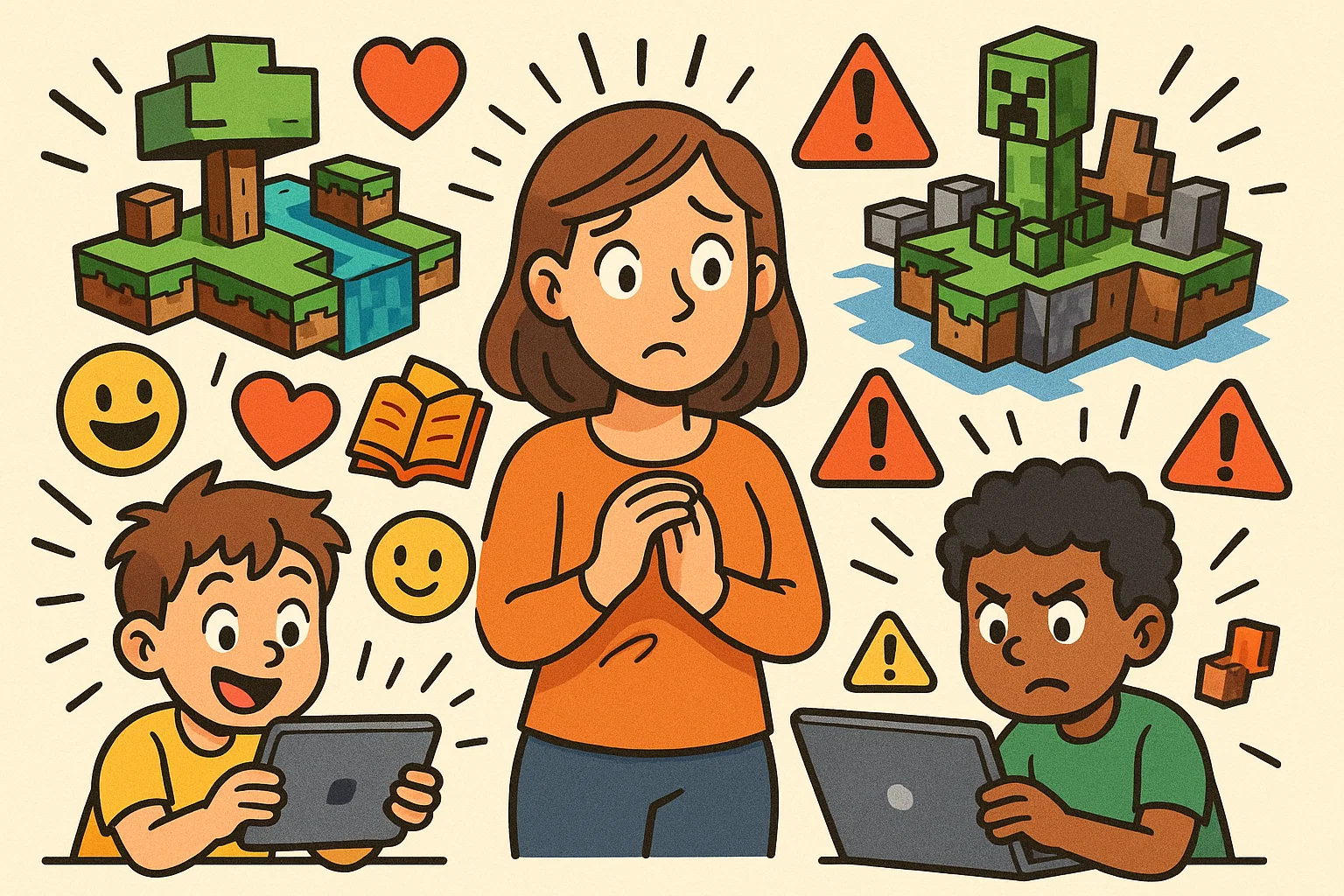
Minecraft remains one of the most played video games among children worldwide. Many families ask a practical question: is Minecraft safe and good for kids, or can it create behavioral and online risks? The answer depends less on the game itself and more on how it is used, monitored, and structured within a child’s routine.
Research shows that sandbox games can support creativity, spatial reasoning, collaboration, and early coding skills. At the same time, open servers, in-game purchases, and excessive screen time require active parental guidance. With clear boundaries, proper safety settings, and informed supervision, Minecraft can shift from simple entertainment to a constructive digital activity that supports learning and social development.
What is Minecraft and Why it’s Popular Among Kids?
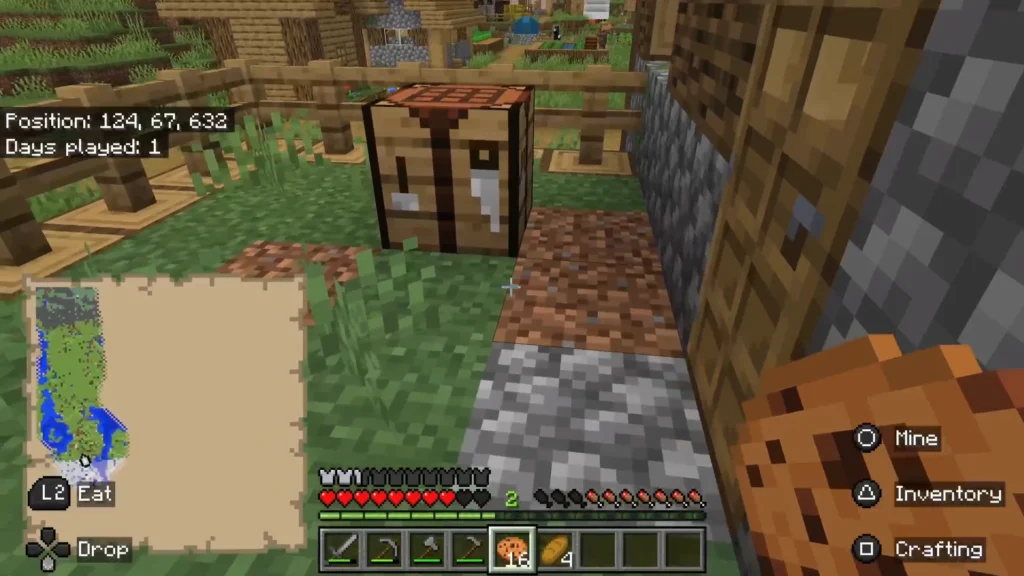
Minecraft is a popular open-world sandbox game that allows players to build, create and explore in a virtual environment made entirely of building blocks. Created by Mojang Studios and now owned by Microsoft, Minecraft is a game that has captured the imagination of over 238 million players of all ages worldwide, with a significant portion being children and teenagers.
The game’s appeal lies in its limitless creative possibilities. Unlike traditional video games with predetermined objectives, playing this game empowers kids to create their own experiences, build elaborate structures using virtual building blocks, and explore vast Minecraft world environments at their own pace. When your child wants to play Minecraft, they’re entering a cartoony universe where players can build anything their imagination and creativity can conceive.
Brief History of Minecraft
The platform began as an indie project by Swedish developer Markus “Notch” Persson in 2009. Microsoft acquired Mojang Studios for $2.5 billion in 2014, recognizing the game’s educational potential. Key milestones include:
- 2009: Initial release of the Classic version
- 2011: Official launch with survival mode
- 2014: Microsoft acquisition
- 2016: Launch of the Education Edition
- 2019: Minecraft Earth release (augmented reality version)
- 2023: Introduction of enhanced parental controls
The game continues to evolve with regular updates, maintaining its relevance across different platforms including Xbox One, PlayStation 4, Nintendo Switch, and mobile devices.
Game Modes and Features
Minecraft offers several gameplay modes and continues to evolve with new features:
| Mode | Description | Best For |
| Creative Mode | Unlimited resources, no threats | Building and designing |
| Survival Mode | Gather resources, manage hunger and health | Problem-solving challenges |
| Adventure Mode | Custom maps with specific rules | Structured gameplay |
| Spectator Mode | Observe without interaction | Learning and exploration |
The Education Edition provides additional tools specifically designed for classroom learning, including classroom management features and curriculum-aligned content. This version is used in educational settings to help kids learn various subjects through interactive gameplay.
Community and Social Aspect
The social dimension of Minecraft is a popular aspect that significantly contributes to its appeal. Children can play with friends or family members through multiplayer mode, joining servers where thousands of players collaborate on massive projects. This community aspect allows kids to learn from others, share creations, and develop social skills in a digital environment. Many children enjoy playing the game because they can connect with friends or family members, creating shared experiences in the Minecraft world.
Benefits of Minecraft for Kids
Research suggests that the platform offers numerous developmental benefits when used appropriately. A study by the University of Glasgow found that playing sandbox games like this one can improve creativity, communication skills, and adaptability. For parents wondering what Minecraft that’s beneficial looks like, the answer lies in how the game can help kids develop essential skills.
Encouraging Creativity and Imagination
The platform serves as a digital canvas where children can express their imagination and creativity without physical limitations. Kids learn to build everything from simple houses to complex replicas of famous landmarks using virtual building blocks. This creative freedom helps develop spatial reasoning skills and architectural thinking, particularly when children want to build elaborate structures.
Dr. Constance Steinkuehler, a games researcher at the University of Wisconsin-Madison, notes that “the game allows children to engage in the kind of creative problem-solving that’s increasingly valuable in our digital economy.”
Problem-Solving and Critical Thinking Skills
Survival mode requires players to manage resources, plan ahead, and solve complex challenges. Children learn to:
- Strategically gather and allocate resources
- Plan construction projects from conception to completion
- Troubleshoot when builds don’t work as expected
- Understand cause-and-effect relationships through redstone mechanics
Collaboration and Teamwork
Multiplayer gameplay naturally develops collaboration skills. Children work together to build cities, complete challenges, and manage shared resources. These experiences teach compromise, leadership, and collective problem-solving.
Learning Opportunities in Schools
The Education Edition is used in educational settings across over 115 countries to help children learn various subjects. Teachers report improved engagement when Minecraft is used in educational contexts for:
- Mathematics (geometry, measurement, data analysis)
- History (recreating historical sites)
- Science (chemistry lab simulations)
- Language arts (storytelling through builds)
This version helps manage classroom activities and provides structured learning environments where kids learn through interactive gameplay.
STEM and Coding Skills
The world of coding becomes accessible through the platform’s Code Builder feature, which introduces programming concepts using visual block-based coding languages. This aspect of the game teaches kids fundamental programming logic and helps children develop technical skills that are increasingly valuable in today’s digital world.
Potential Risks of Minecraft for Kids
While the platform offers many benefits, parent needs to understand potential risks to ensure Minecraft safe gameplay and a safe experience for their children. Kids may encounter various challenges that require parental awareness and management.
Exposure to Inappropriate Content
One concern parents should know is that unmoderated servers may expose children to inappropriate language, content, or behavior from other players. Some user-generated content might not be age-appropriate, particularly on Java Edition servers with minimal oversight. Children could be exposed to inappropriate material when playing on public servers without proper supervision.
Screen Time and Gaming Addiction
The game’s engaging nature can lead to excessive time playing Minecraft. The Entertainment Software Rating Board (ESRB) gives Minecraft a rating of E10+, but this rating of everyone 10 doesn’t address time limits. Signs of problematic gaming include:
- Neglecting homework or social activities
- Difficulty stopping when asked
- Mood changes when gaming is restricted
- Physical symptoms like headaches or eye strain
Parents need to monitor how much time their children spend in the Minecraft world to ensure healthy gaming habits.
Cyberbullying and Online Safety
When children play on public servers, they may encounter cyberbullying or inappropriate social interactions. Players can communicate through chat functions or voice chat platforms like discord, potentially exposing younger kids to unsuitable conversations. This is why Minecraft safe practices are essential for protecting children online.
In-Game Purchases and Spending
The Marketplace offers skins, worlds, and add-ons purchased with Minecoins. Without proper controls, kids may make unauthorized purchases, leading to unexpected charges on family accounts. Parents need effective tools to help manage these potential expenses.
Differentiating Between Game Versions for Safety
Understanding version differences is crucial for safety:
- Java Edition: More modding options but less parental control
- Bedrock Edition: Better parental controls and cross-platform play
- Education Edition: Safest option with built-in classroom management
Safety Features and Parental Controls in Minecraft
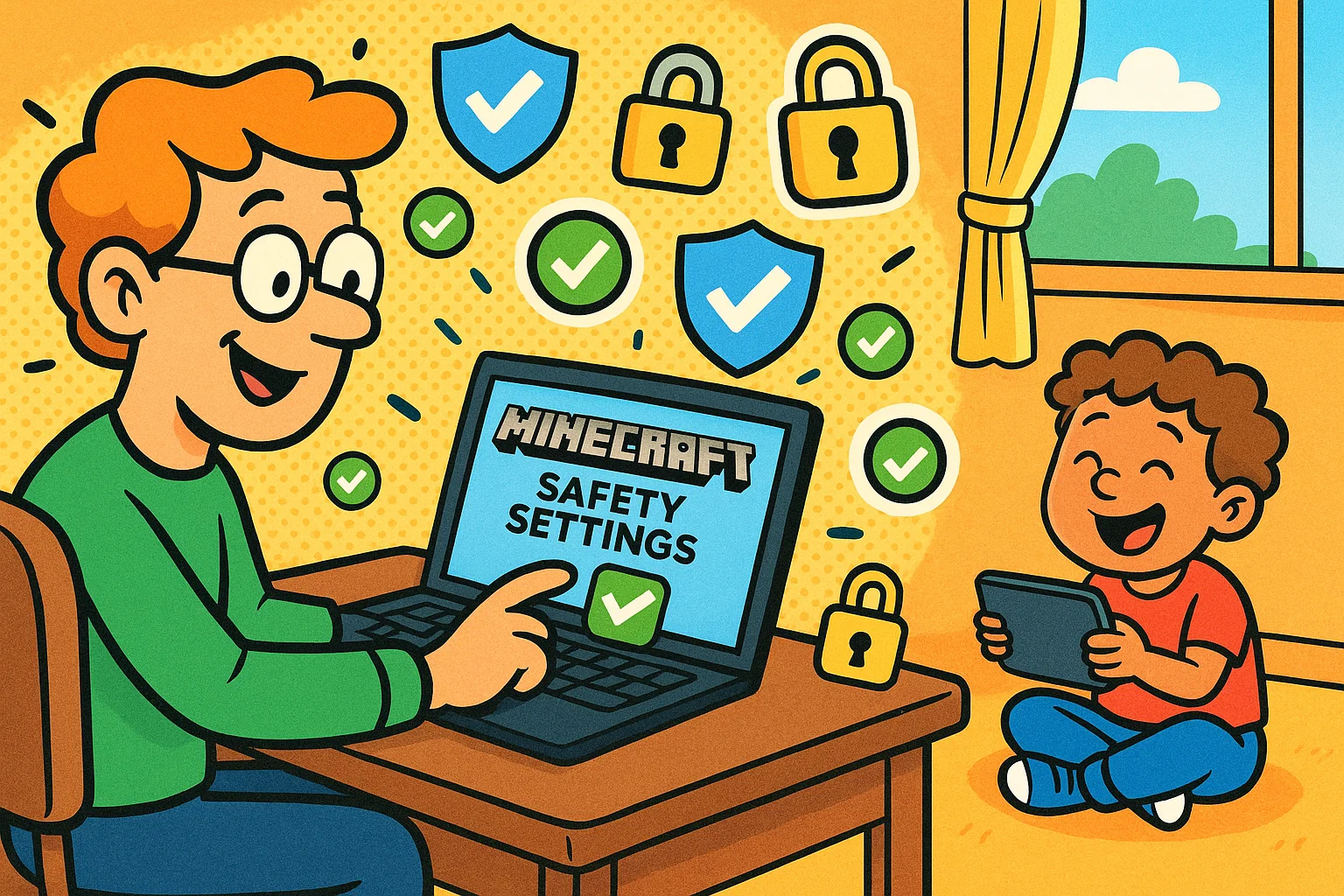
Modern game versions include robust safety features, and there are parental controls available that parents can use to create Minecraft safe environments for their children. These tools help manage various aspects of gameplay to ensure safe for children’s experiences.
Built-in Parental Controls
Bedrock Edition offers comprehensive parental controls available through Xbox Family Safety, even on non-Xbox platforms. These controls help parents to manage:
- Multiplayer access restrictions
- Communication limitations with other players
- Marketplace purchase controls
- Playtime limits and scheduling
- Gaming activity monitoring
These features help manage the overall gaming experience and provide parents with the tools they need to oversee their child’s Minecraft world activities.
Server Moderation and Filters
Choose whitelisted servers or kid-friendly realms with active moderation. The Realms service provides a safer environment where you can control who joins your child’s world.
Blocking and Reporting Tools
Teach your child to use built-in tools to:
- Mute disruptive players
- Report inappropriate behavior
- Block unwanted friend requests
- Leave uncomfortable situations immediately
Privacy Settings and Account Management
Set up proper account security by:
- Using strong, unique passwords
- Enabling two-factor authentication
- Creating child accounts through family systems
- Regularly reviewing friend lists and communications
Best Practices for Parents
Implementing thoughtful guidelines helps maximize the platform’s benefits while minimizing risks. When a child loves Minecraft, parents need strategies to ensure healthy and safe gameplay.
Setting Clear Rules and Time Limits
Establish age-appropriate screen time guidelines for time playing Minecraft:
- Ages 7-10: 30-60 minutes on weekdays, up to 2 hours on weekends
- Ages 11-14: 1-2 hours on weekdays, flexible weekend limits with breaks
- Ages 15+: Collaborative limit-setting based on responsibilities
These guidelines help manage excessive time playing the game while still allowing children to enjoy the creative benefits.
Playing Together as a Family
Transform Minecraft into a family bonding activity by:
- Creating shared building projects with friends or family members
- Exploring new Minecraft world environments together
- Discussing problem-solving strategies
- Celebrating creative achievements
Playing with friends or family members makes the experience more social and allows parents to monitor interactions directly.
Monitoring Servers and Communities
Research servers before allowing access. Look for:
- Clear community guidelines
- Active moderation
- Educational focus
- Positive user reviews from other parents
Educating Kids About Online Etiquette
Teach digital citizenship principles:
- Treat others with respect and kindness
- Never share personal information
- Report inappropriate behavior immediately
- Understand that online actions have real consequences
Cost of Minecraft and Available Versions
Understanding Minecraft’s pricing structure helps parents make informed purchasing decisions.
Java vs. Bedrock Edition
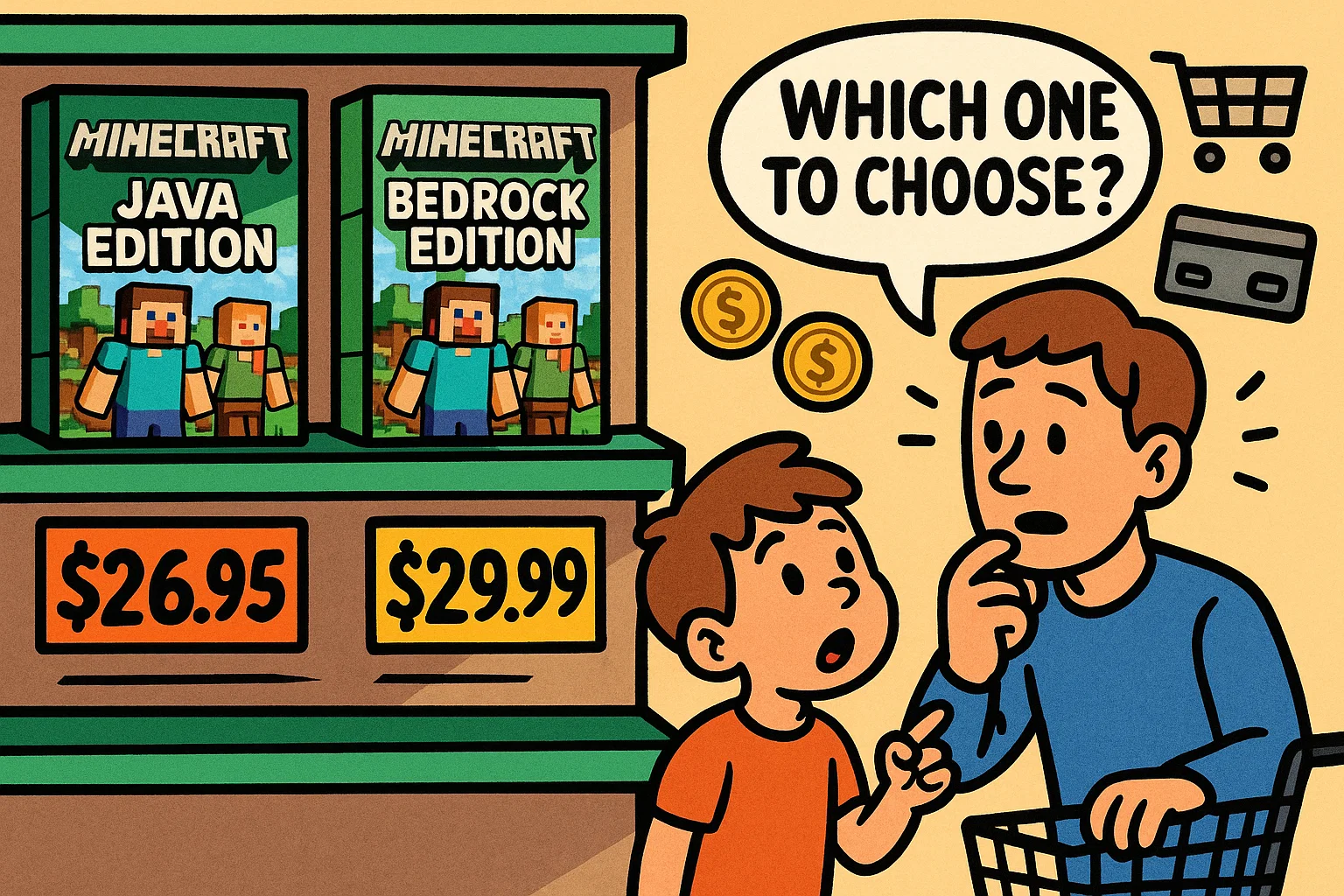
| Feature | Java Edition | Bedrock Edition |
| Price | $26.95 | $29.99 |
| Platforms | PC, Mac, Linux | Mobile, Console, Windows 10/11 |
| Mods | Extensive free mods | Limited, paid marketplace |
| Parental Controls | Limited | Comprehensive |
| Cross-platform Play | No | Yes |
For younger children, Bedrock Edition offers better safety features and parental oversight.
Education Edition
Schools can purchase Minecraft Education Edition for $5 per student annually. Home educators may access it through Microsoft 365 Education subscriptions.
In-Game Purchases
While the base game provides complete functionality, optional purchases include:
- Minecraft Realms: $3.99-$7.99 monthly for private servers
- Marketplace content: $1.99-$9.99 for skins, worlds, and texture packs
- Minecoins: Virtual currency for marketplace purchases
Conclusion: Is Minecraft Good for Kids?
Minecraft can be highly beneficial for children when used thoughtfully and with appropriate supervision. The game helps kids develop creativity, problem-solving skills, and collaboration abilities while providing engaging entertainment. However, parent needs to actively manage potential risks through proper controls, time limits, and ongoing communication.
The key to success lies in balance – allowing children to explore Minecraft’s creative potential while maintaining awareness of their online interactions and overall screen time. With proper guidance, Minecraft becomes a valuable tool for learning and development rather than simply entertainment. For parents who want to know about Minecraft, the most important takeaway is that Minecraft safe gameplay is entirely achievable with the right approach and parental involvement.