

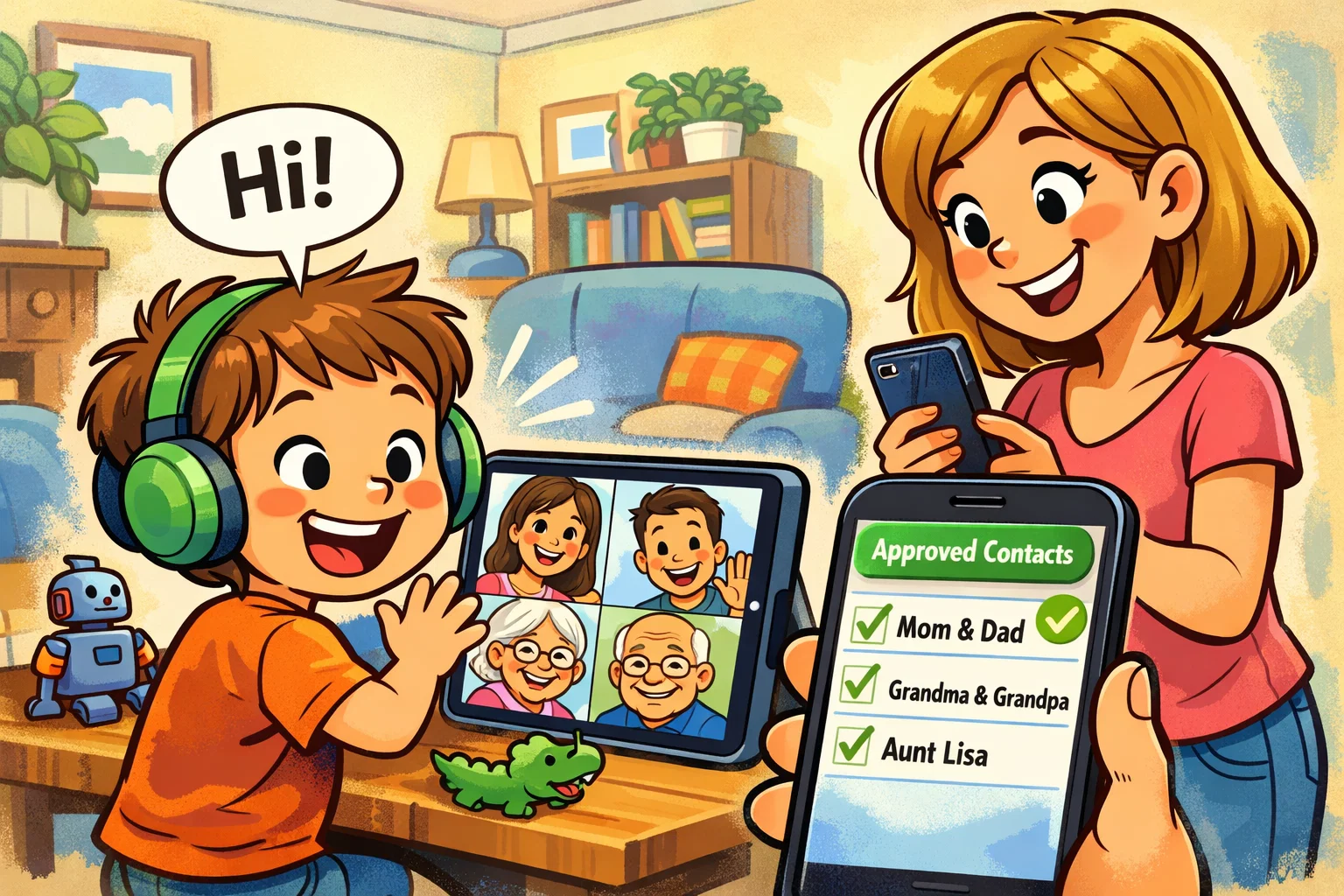
When it comes to introducing your child to the world of digital communication, the primary concern for any parent is safety. JusTalk Kids can be a good and safe option for children when parents set it up properly and actively use its safety controls. Unlike standard messaging platforms, this app is designed for younger users, helping ensure that their first experiences of online communication take place in a protected, parent-supervised environment.
The app works well for children because it offers an intuitive, kid-friendly interface that prioritizes privacy over social discovery. By focusing on parent-approved contacts and end-to-end encrypted communication, JusTalk Kids provides a secure environment for calling and messaging with family. It essentially acts as a “walled garden,” allowing children to enjoy the fun of stickers, doodles, and video calls without the risks typically found on adult-oriented platforms.
Quick Summary

For parents looking for a quick answer, JusTalk Kids is a dedicated messaging app for young users who may not yet be ready for more open platforms like WhatsApp or Messenger. It allows for high-quality video chat, voice calls, and text messaging using a unique JusTalk ID rather than a phone number.
| Feature | Details |
| Best For | Children aged 4–12 and their families |
| Primary Use | Safe video calls, messaging, and creative sharing |
| Safety Core | Parent-approved contacts and no stranger access |
| Platform | Available on iOS and Android devices |
| Cost | Basic features are available for free, but some additional features and parental tools require a paid subscription. JusTalk Kids also offers in-app purchases, so current pricing and plan details should be checked in the app and on the official website |
Who JusTalk Kids Fits Best
The app is a good choice for families looking for a ‘bridge’ messaging app. It fits young children who want to stay connected with grandparents or school friends, and it’s perfect for parents who want a high level of oversight without hovering over their child’s shoulder every second.
Main Reasons Parents Choose It
- Approval-Based Contacts: JusTalk Kids offers parent-managed contact controls. Parents can approve or decline friend requests, although official materials indicate that some of these controls are tied to a linked parent account and premium family features.
- No Phone Number Needed: Reduces the risk of a child’s data being harvested or searched by strangers.
- Engaging Features: Includes fun ways to interact, such as drawing on the screen during a video call.
- Cross-Platform Support: Works across tablets, including iPads and Kindle devices, as well as smartphones.
Short Answer to Safety Question
JusTalk Kids is positioned as a safer messaging app for children, combining encryption, a parent passcode, and contact controls. However, the level of safety depends on how the app is set up and used by parents, and no online environment can be considered completely risk-free.
What Is JusTalk Kids Messenger
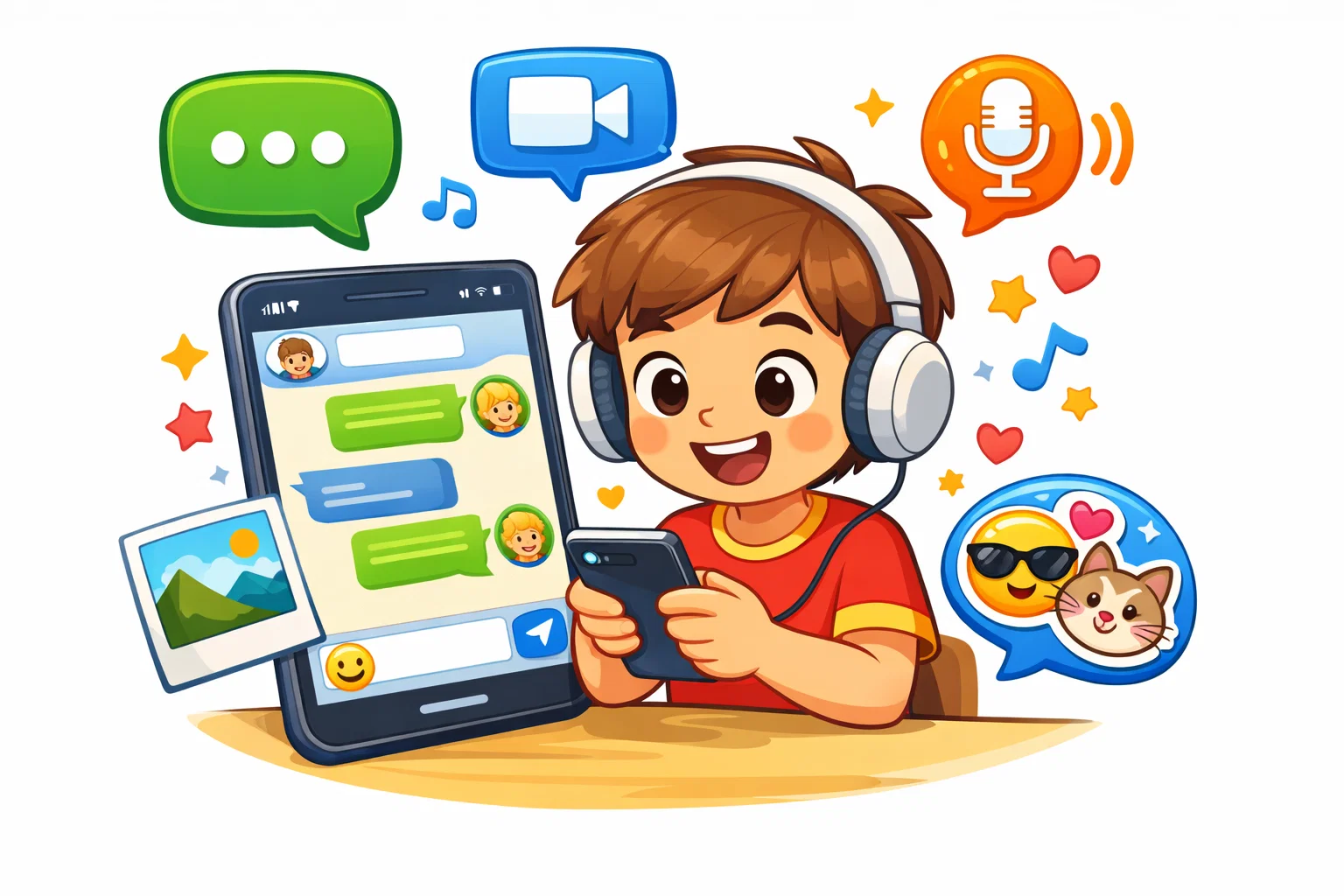
JusTalk Kids is more than just a simple calling app. It is a comprehensive communication tool reimagined for the developmental needs of children. While adults often use apps for productivity or information, children tend to use them for play and connection. This messaging app understands that distinction.
What JusTalk Kids Does
The app facilitates calling and messaging through a variety of formats. Kids can send:
- Text and Emojis: Standard messaging with kid-safe stickers.
- Voice Notes: Perfect for younger children who aren’t yet fluent in typing.
- Video and Voice Calls: High-definition calls that remain stable even on slower Wi-Fi.
- Media Sharing: Sending photos and short videos to approved contacts.
How Kids Use It Day to Day
Imagine a child wanting to show their drawing to a grandparent across the country. Instead of waiting for a scheduled family Zoom call, they can start a quick video chat and doodle on the screen together in real time. It can also be used for walkie-talkie-style check-ins between parents and children after school.
Why It Feels Easy for Young Users
The app includes large, colorful icons and a simplified navigation bar. There are no complicated settings menus for the child to get lost in; the focus is entirely on the people they are allowed to talk to. Designed for simplicity, the app makes it easy for even a four-year-old to start a call to ‘Mom’ with a single tap.
What Is JusTalk
To understand the kids’ version, one must first look at the parent company. The original app, JusTalk, is a global communication service with millions of users. It is a powerful tool used by teens and adults for high-quality video conferencing.
JusTalk Ecosystem in Simple Terms
The JusTalk ecosystem is split into two distinct paths. There is the “Standard” JusTalk, which functions similarly to other popular messaging apps, and then there is JusTalk Kids, which is the specialized, restricted version. They are built on the same high-quality technical foundation but differ significantly in their social architecture.
Why Kids Version Exists
The version of the app for kids exists because the standard online world isn’t built for children. Standard apps often have “discoverability” features that make users searchable by anyone. JusTalk Kids removes these features, replacing them with parental controls and a closed-loop system where privacy is the default setting.
How Parent Role Changes Experience
In the standard app, the user is the administrator. In the kids’ version, parents act as the administrators. This shift in power means that the child enjoys the fun of the app while the parent manages the “back-end” safety, such as age verification and contact management.
Is JusTalk Kids Safe for Kids
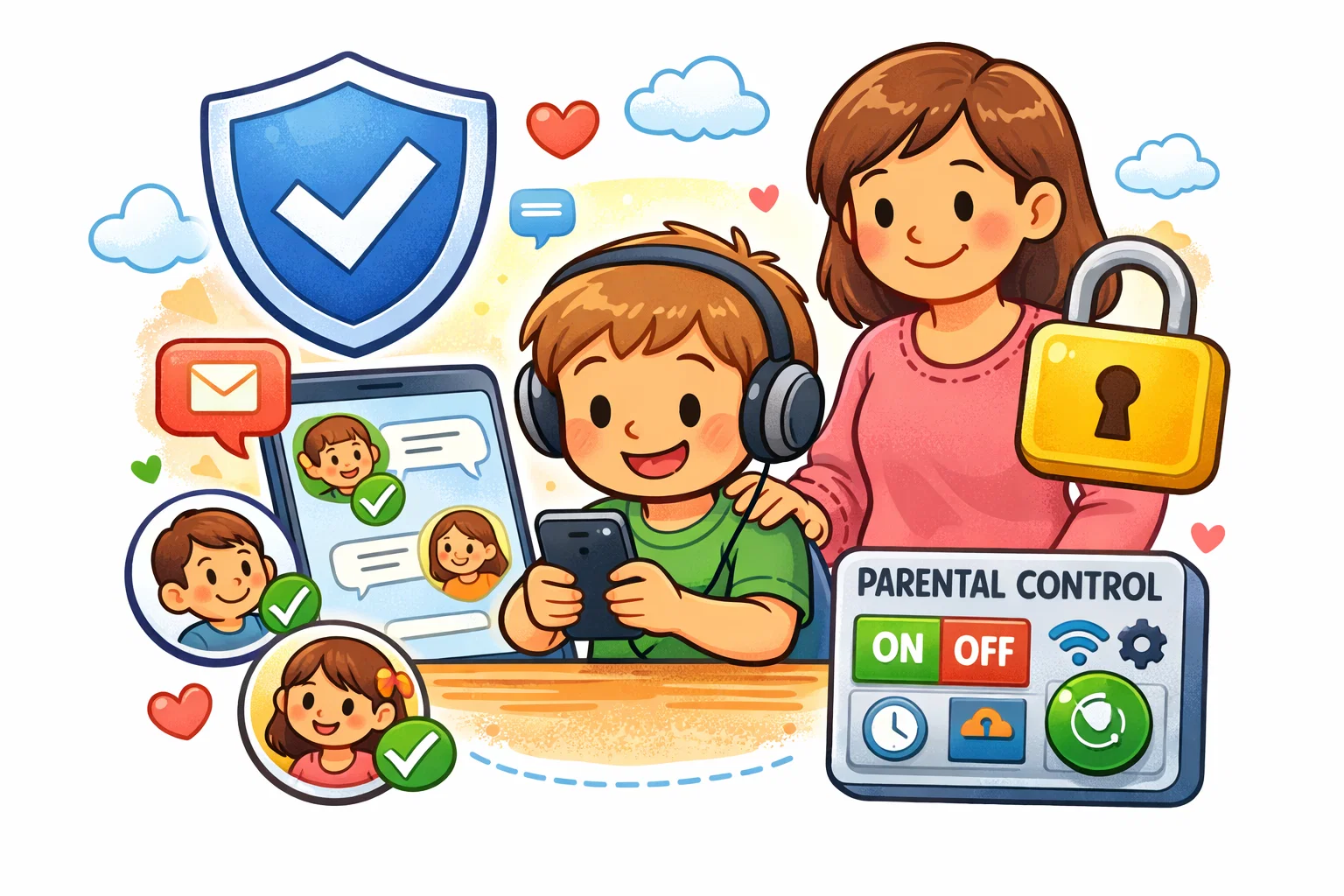
The short answer is yes, but the “how” is what matters to safeguarding professionals. The app suits children because it effectively eliminates the “stranger danger” variable that plagues most social networking sites.
Private Profiles and Parent Approval
Unlike a public messenger, profiles on JusTalk Kids are private. According to the app’s description, children do not receive requests, messages, or calls from strangers unless that contact has been added and approved first. A more accurate way to describe this is that contact access is restricted, rather than claiming that a child’s ID is completely unsearchable. The app uses a 4-digit parent passcode to protect social settings, and parents can approve or decline friend requests. It is more accurate not to describe this as a single universal rule that every new contact is always added only through a passcode step. In practice, this reduces the chance of friend requests from people the family does not know.
Stranger Contact Protection
Because the app limits discoverability, it is much harder for strangers online to find your child. There are no “public rooms” or “suggested friends.” This design choice is a major deterrent against unwanted contact and grooming.
No Phone Number Setup Benefit
Many messaging apps for kids require a SIM card, but JusTalk Kids does not. You can set it up on an iPad or a Wi-Fi-only tablet. This prevents your child’s phone number from being leaked in data breaches or used by third parties for marketing.
End-to-End Encryption on JusTalk Kids
Safety isn’t just about who you talk to; it’s about who might be listening. JusTalk Kids offers end-to-end encryption, a security feature that is especially important in modern online communication.
What End-to-End Encryption Means for Parents
JusTalk Kids states that private chats use end-to-end encryption. It is more accurate to keep the wording that narrow, rather than extending it to every possible use case or making an absolute claim about all data in all situations. It provides reassurance that your family’s private moments stay private.
What Is Encrypted in the App
If specific data types are listed, they should only be included when directly confirmed in official documentation; otherwise, a broader wording is safer and more accurate.
Why Encryption Supports Safe Communication
In an era of frequent data breaches, knowing that your child’s conversations are end-to-end encrypted can help protect them from interception. It ensures that the kids’ online presence doesn’t leave a trail of unencrypted data that could be exploited later.
Features of JusTalk Kids
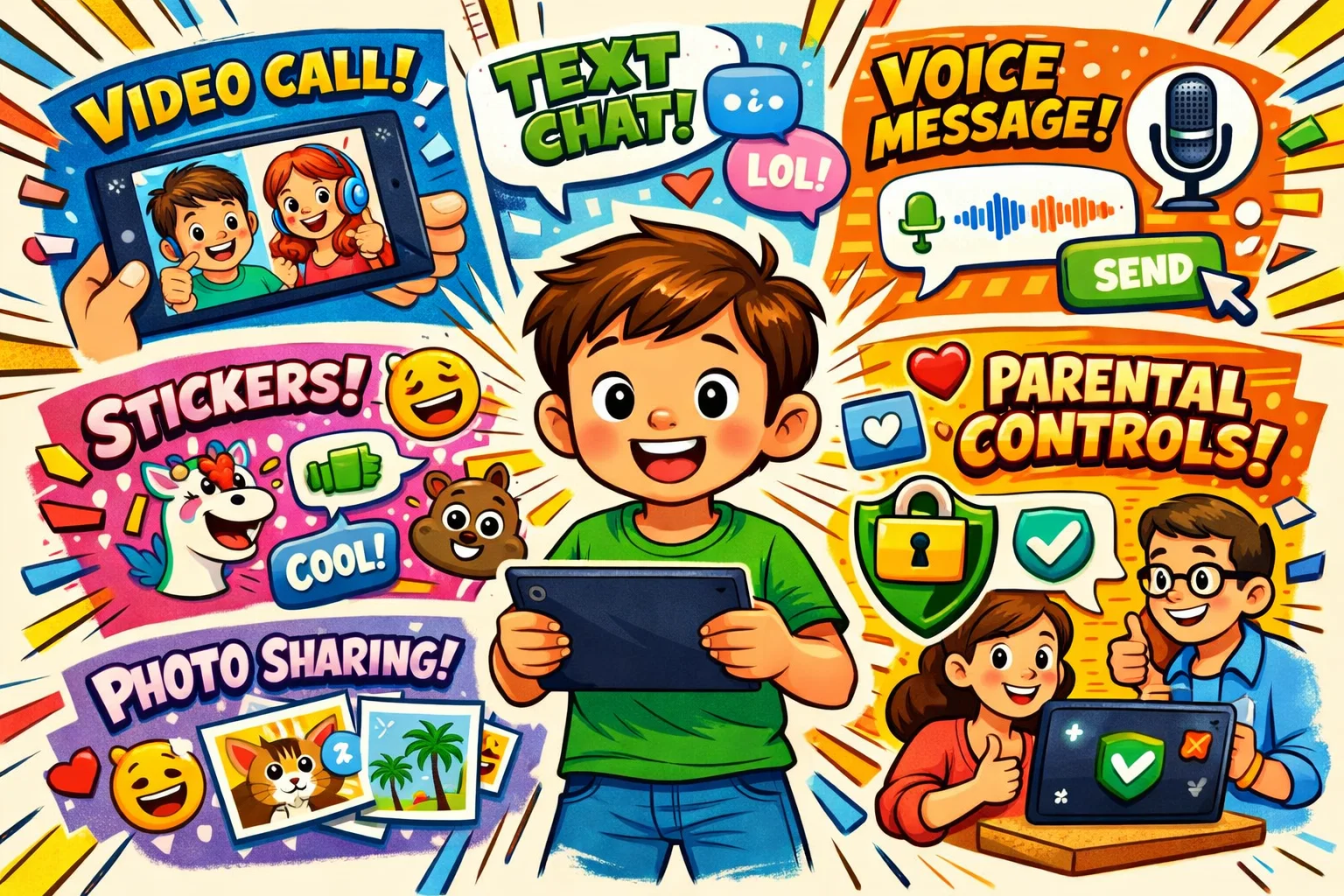
The app is packed with child-friendly features that make it more than just a utility; it’s a playground for digital interaction.
Video Calls and Voice Calls
The core of the app is its safe video and audio calling. Its call quality is often described as better than that of many other kids’ apps, maintaining clarity even when the connection is not perfect. It allows kids to stay connected with multiple family members in a group call—up to 50 people in the premium version.
Text Messages, Voice Notes, Photos, and Short Videos
Children can express themselves in different ways and keep the conversation going without being on a live call. If they are too young to type, using the app to send a voice note is a great way to practice verbal communication.
Kid-Friendly Interface
The Google Play listing describes the app as having no ads. However, because the service also includes subscriptions and in-app purchases, it is better to present this as a store-listing claim rather than as a broad standalone statement. Without the distraction of flashing banners or “suggested content,” children can focus on the task at hand: talking to their loved ones.
Parent Passcode and Social Feature Controls
Parents can set a 4-digit passcode that is required to access the safety settings. The parent passcode helps protect social settings and allows parents to manage contacts, including blocking or removing them. Some expanded parental control and monitoring features depend on a linked parent account and subscription level.
Sensitive Content Controls
JusTalk Family and JusTalk Kids describe tools for Sensitive Content Controls and parent review. However, specific details about how detection, blurring, and notifications work should not be stated too categorically unless they are directly confirmed in official documentation.
Why Young People Use JusTalk Kids Instead of WhatsApp
While WhatsApp is the world’s most popular messaging tool, it isn’t always the best app for children. Here is why many prefer the JusTalk alternative:
| Feature | JusTalk Kids | |
| Account Type | ID-based (No SIM needed) | Phone number-based |
| Parental Oversight | High (Passcode protected) | Minimal (Limited) |
| Stranger Risk | Low, since JusTalk Kids states that children are protected from calls, messages, and requests from strangers unless a contact has been added and approved first | Moderate, as phone-number-based accounts can be easier to find |
| Environment | Built for children | Built for adults |
More Parental Control
On WhatsApp, once a child has a phone, they can technically message anyone. On JusTalk Kids, it’s up to parents to approve every single connection. This gives parents more privacy, reassurance, and peace of mind.
More Suitable First Messenger Experience
The JusTalk Kids safety features act like training wheels. It teaches kids how to message responsibly before they move on to more open platforms in their teens.
Signing Up for JusTalk Kids
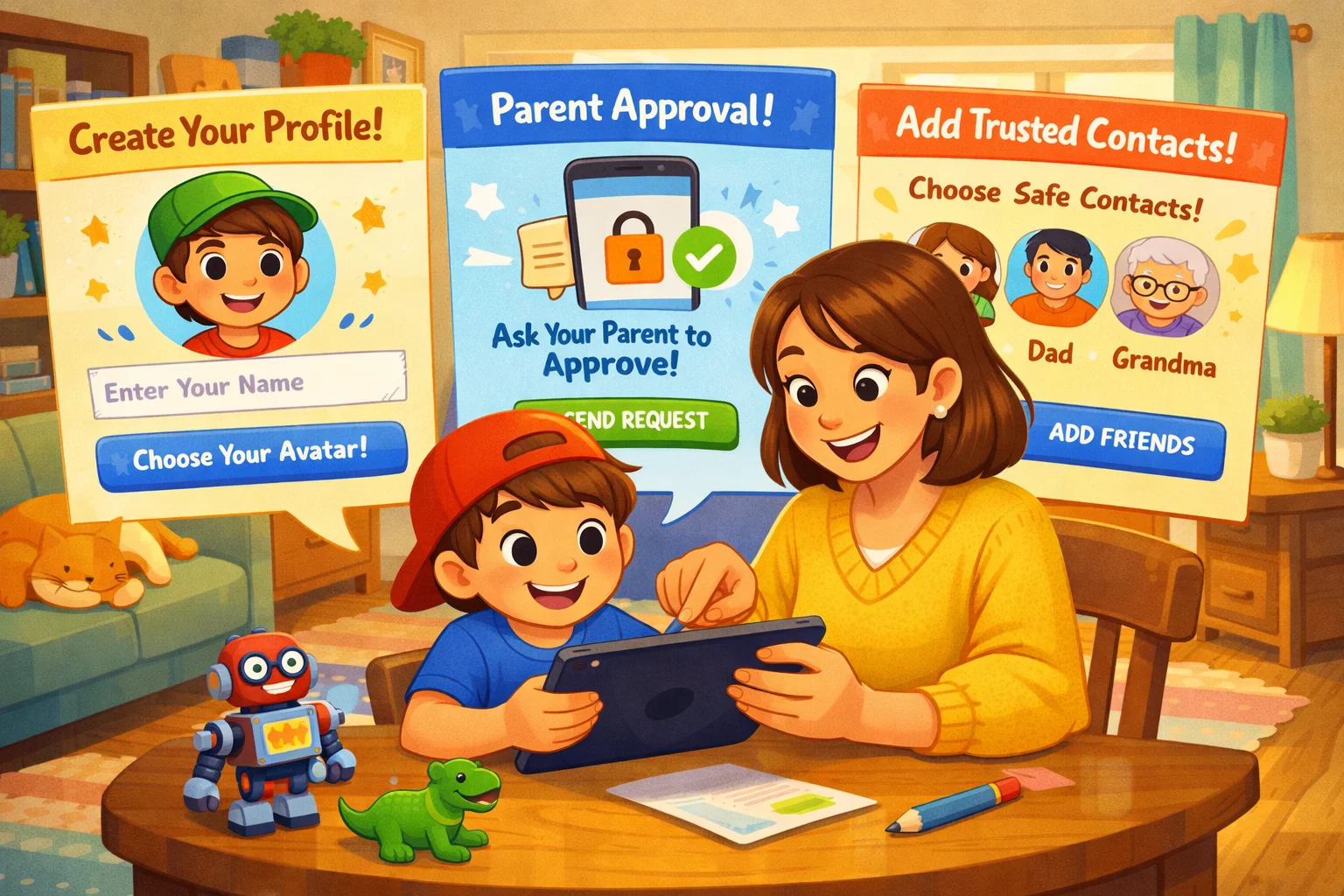
Getting started is designed to be a collaborative process between parents and kids.
First Setup for Child
You can download the app from the App Store or Google Play. You’ll create a unique JusTalk ID. It is best to choose a username that does not reveal your child’s full name or location.
Parent Consent and Parent Setup
During setup, JusTalk Kids offers parental tools, and expanded parent management can be enabled by linking the child’s account to a parent account through JusTalk Family. It is better not to state that this is typically done through the standard adult JusTalk app, because current official materials describe these features through JusTalk Family.
Adding Approved Contacts
You can add family members by their ID. The app can notify you when a friend request is sent or received, helping ensure that no one is added without your approval.
JusTalk Kids Pricing
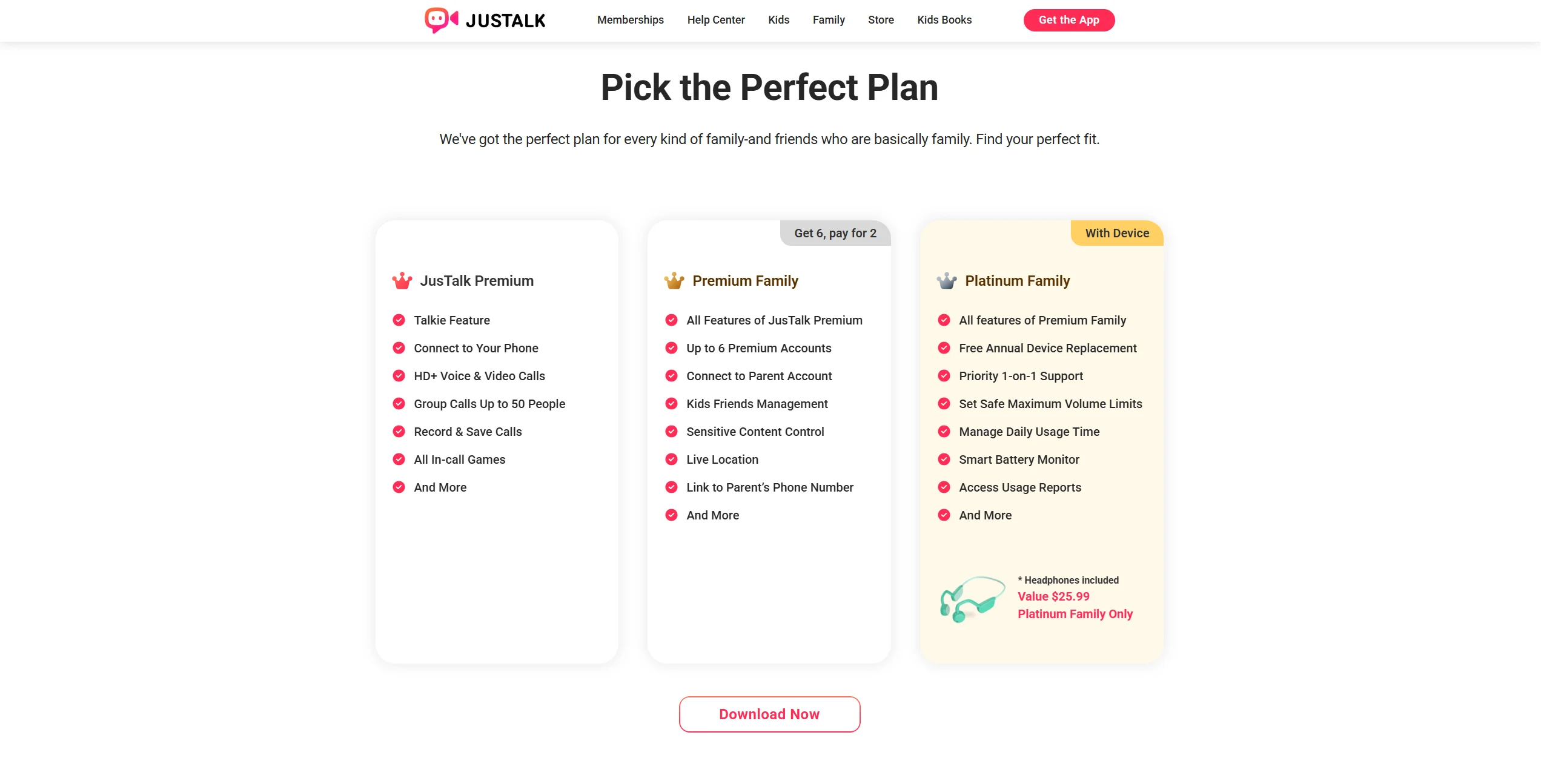
The app offers a free basic experience and paid subscription plans. The official site currently lists Kids Premium at $10.99 per month or $39.99 per year, and Premium Family at $19.99 per month or $99.99 per year, along with additional family options. Premium plans unlock extra features, including friend-request management, sensitive content controls, and other benefits listed on the official memberships page.
Age Limit and Who Can Use JusTalk Kids
In the App Store, it is listed with a 4+ age rating, while access and safety controls are described through developer-managed restrictions. The phrase ‘officially intended for children under 13’ should only be used if the article directly cites a current developer statement saying exactly that.
Why Parental Involvement Matters at Different Ages
For a six-year-old, parents may need to set up JusTalk Kids and manage every interaction. For a 12-year-old, you might give them more autonomy while still keeping children safe by periodically reviewing their contact list.
The Difference Between JusTalk and JusTalk Kids
It is important not to confuse the two. JusTalk is the general-purpose messenger, while JusTalk Kids is the restricted version.
Which Version Fits Child Better?
JusTalk Kids is the version designed specifically for children, with stronger parental controls and a more restricted contact model. Specific claims about adult-version features such as ‘Look Around’ or ‘Global Search’ should only be included if they are directly supported by current official documentation.
Ways to Keep Child Safe on JusTalk Kids and Online
Even with a safe app, digital literacy is key. Use these tips to keep your child safe:
- Approve Contacts Together: Make it a “team” activity so they understand the risks of talking to strangers.
- Set Parent Passcode: Never share this code with the child; it is your “key” to the safety settings.
- Teach Safe Image Sharing: Remind them that even with encryption, they should only send photos they’d be happy for you to see.
- Discuss Privacy: Explain why we don’t share our address or school name, even with friends.
- Use a Shared Routine: Check the app together regularly to review contacts, privacy settings, and your child’s general communication habits.
Is JusTalk Kids Right for Your Family?
If you are a parent who values online safety but wants your child to enjoy the benefits of technology, this app is a strong contender. It works especially well for:
- Parents who travel and want to stay in touch with their children every day.
- Families want a fun way for siblings to chat on their tablets.
- Parents who want to avoid the cyberbullying risks of larger social platforms.
Skills and Benefits Kids Can Build
Beyond simply chatting, using a messaging app designed for them can help kids build:
- Communication Confidence: Learning how to hold a digital conversation.
- Digital Routine: Understanding the “etiquette” of calling someone (e.g., asking if they are free first).
- Family Connection: Strengthening bonds with distant relatives through regular, fun interaction.