

Navigating the digital landscape as a parent often feels like a balancing act between providing enriching entertainment and ensuring safety. Amazon Kids+ (formerly FreeTime Unlimited) has emerged as a leading solution for families seeking a curated, ad-free environment. This all-in-one digital subscription is designed specifically for children aged 3–12, offering a vast library of educational content, entertainment, and robust parental controls that help parents and guardians feel more at ease.
This review covers everything you need to know about Amazon Kids+, a subscription for kids ages 3-12. It also explains how the service works across various devices, from Amazon Fire tablets to Kindle devices, and why many families consider it a worthwhile investment. The focus is on the platform’s ability to provide a kid-friendly experience that balances fun with learning while keeping children within a safer digital environment.
What Is Amazon Kids+
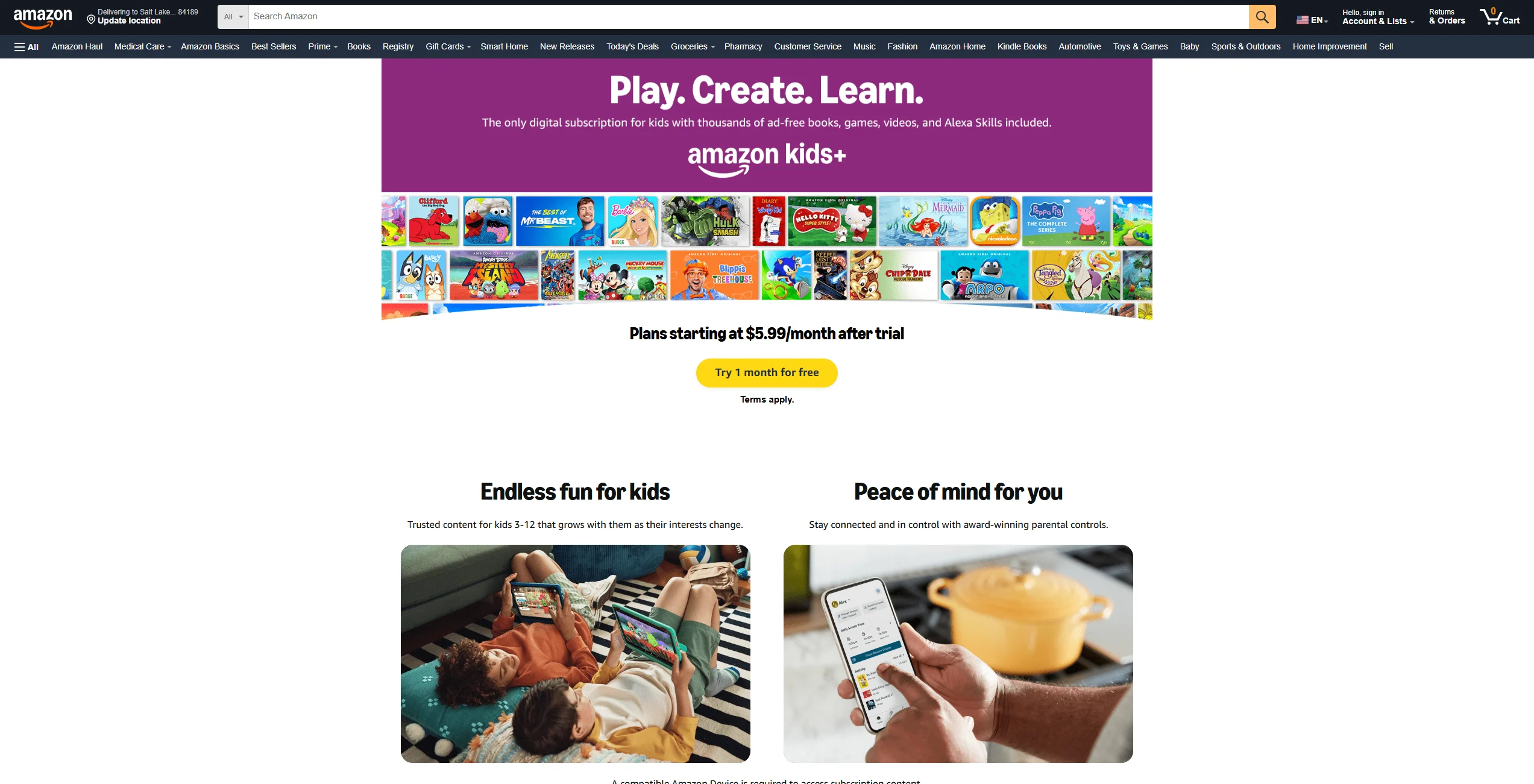
At its core, Amazon Kids+ is a subscription to Amazon Kids that gives families unlimited access to thousands of books, movies, TV shows, educational apps, games, and audiobooks. Unlike standard streaming platforms, Amazon Kids+ is built from the ground up with a “kids-first” philosophy. It is not just a folder of cartoons; it is a personal library tailored to a child’s developmental stage.
The service is designed to be a “walled garden.” This means that once a child enters their profile, they are shielded from the broader internet, social media, and unauthorized in-app purchases. Whether they are using a Fire tablet, an Amazon Kindle, or even the Amazon Kids app on smartphones, the interface remains consistent, simplified, and focused on age-appropriate discovery. Through their child profile, children can access a simplified interface designed around safe discovery.
Core Service Features
The platform stands out due to several foundational features that simplify digital parenting:
- Ad-Free Environment: There are no banner ads, pre-roll commercials, or sponsored content, ensuring a focused experience.
- Unified Access: One subscription covers multiple content types in Amazon Kids+, including books, videos, games, and apps.
- Cross-Platform Compatibility: While it works especially well on Amazon Fire Kids devices, it is also compatible with iOS, Android, and Fire TV.
- Offline Access: Parents can download favorite ebooks and videos for travel, which is especially useful during long car rides or flights.
Who Amazon Kids+ Fits
Amazon Kids+ is not a one-size-fits-all product; it scales with the child.
- Preschoolers (Ages 3-5): Focuses on tactile games, read-to-me books, and shows from PBS Kids and Nick Jr.
- Early Elementary (Ages 6–8): Introduces more complex educational apps, LEGO-themed content, and popular series such as Diary of a Wimpy Kid.
- Pre-Teens (Ages 9-12): Provides access to titles like Harry Potter, National Geographic content, and advanced STEM challenges.
Why Kids Like the Platform
Children often enjoy the sense of autonomy that Amazon Kids+ provides. In a world where they are often told “no” when it comes to technology, this platform gives them more room to explore safely. They can shape their own experience, switching from an episode of Sesame Street to a Kindle book about dinosaurs or exploring Alexa skills designed for play. The inclusion of familiar characters from Disney, Nickelodeon, and PBS makes the digital space feel welcoming and exciting rather than clinical.
Why Amazon Kids+ Is Good for Kids
When parents ask if a service is “good,” they are usually looking for a balance of quality and safety. Amazon Kids+ excels here by acting as a curated digital space. High-quality, interactive media can support early literacy and problem-solving skills when delivered in a structured environment. By providing access to a wide variety of educational content, Amazon Kids+ can help foster curiosity and independent learning.
| Feature | Benefit for the Child |
| Curated Library | Exposure to new authors and diverse topics. |
| Goal Setting | Encourages finishing a book before playing a game. |
| Variety | Prevents “app fatigue” by offering multiple media formats. |
Ad-Free Experience for Kids
The importance of an ad-free experience cannot be overstated. Standard video platforms often use aggressive advertising that can be confusing for young children. By removing these distractions, Amazon Kids+ allows children to engage deeply with the story or game at hand. This can lead to a calmer viewing experience, as there are no accidental clicks on advertisements that lead to external sites.
Age-Appropriate Content Selection
Amazon uses a combination of automated filters and human curation to help ensure that the content visible to a 4-year-old is very different from that shown to a 10-year-old. This age-appropriate filtering is flexible: as your child grows, the parental controls allow you to adjust the age filter and unlock more advanced material. This prevents younger children from stumbling upon scary themes while ensuring older kids don’t get bored with “babyish” content.
Learning and Entertainment Balance
The platform is designed to help children learn while they play. Many of the games included are educational apps disguised as entertainment. For instance, a child might play a LEGO building game that introduces basic engineering principles or listen to podcasts that explain how the natural world works. This balance helps make screen time feel more purposeful and can extend what children are already learning at school or preschool.
What Kind of Content Can Kids Enjoy
The sheer volume of available content is one of the service’s strongest features. Amazon includes content from many well-known children’s media brands, ensuring there is usually something fresh to explore.
Shows and Videos
From Disney classics to Nickelodeon hits, the video section is robust. It includes full seasons of popular shows, allowing kids to follow their favorite characters through various adventures. Because the content is ad-free, the transitions between episodes are smooth and controlled.
Books and Reading Content
As the company behind Kindle, Amazon offers a large library of ebooks. Kindle Kids users have access to thousands of books, ranging from picture books for toddlers to full-length novels for middle-schoolers. The “Word Wise” and “Vocabulary Builder” features on Amazon Kindle devices further support literacy by providing easy definitions for difficult words.
Games and Interactive Activities
The library of apps includes premium games that would typically cost several dollars each in the Google Play or Apple App Store. Within the subscription, these are included at no extra cost, and importantly, they have all in-app purchases blocked by default.
Educational and STEM Content
For parents focused on academics, the STEM (science, technology, engineering, and math) category is especially useful. Interactive apps teach coding basics, math drills, and scientific facts. These tools entertain while building foundational skills that are useful in everyday learning.
Trusted Brands and Familiar Characters
Children are naturally drawn to what they know. Seeing Sesame Street characters or Marvel heroes makes them more likely to engage with the educational components of the platform. Amazon uses familiar brands such as Disney to create a bridge between entertainment and active learning.
Is Amazon Kids+ Safe for Kids?
Safety is the cornerstone of the Amazon Kids+ experience. Amazon’s Family Trust team works continuously to refine the algorithms and manual checks that govern the platform. While no digital tool is completely foolproof, Amazon Kids+ is designed to be safer for children and easier for parents to manage than an open web browser.
Safe Digital Space
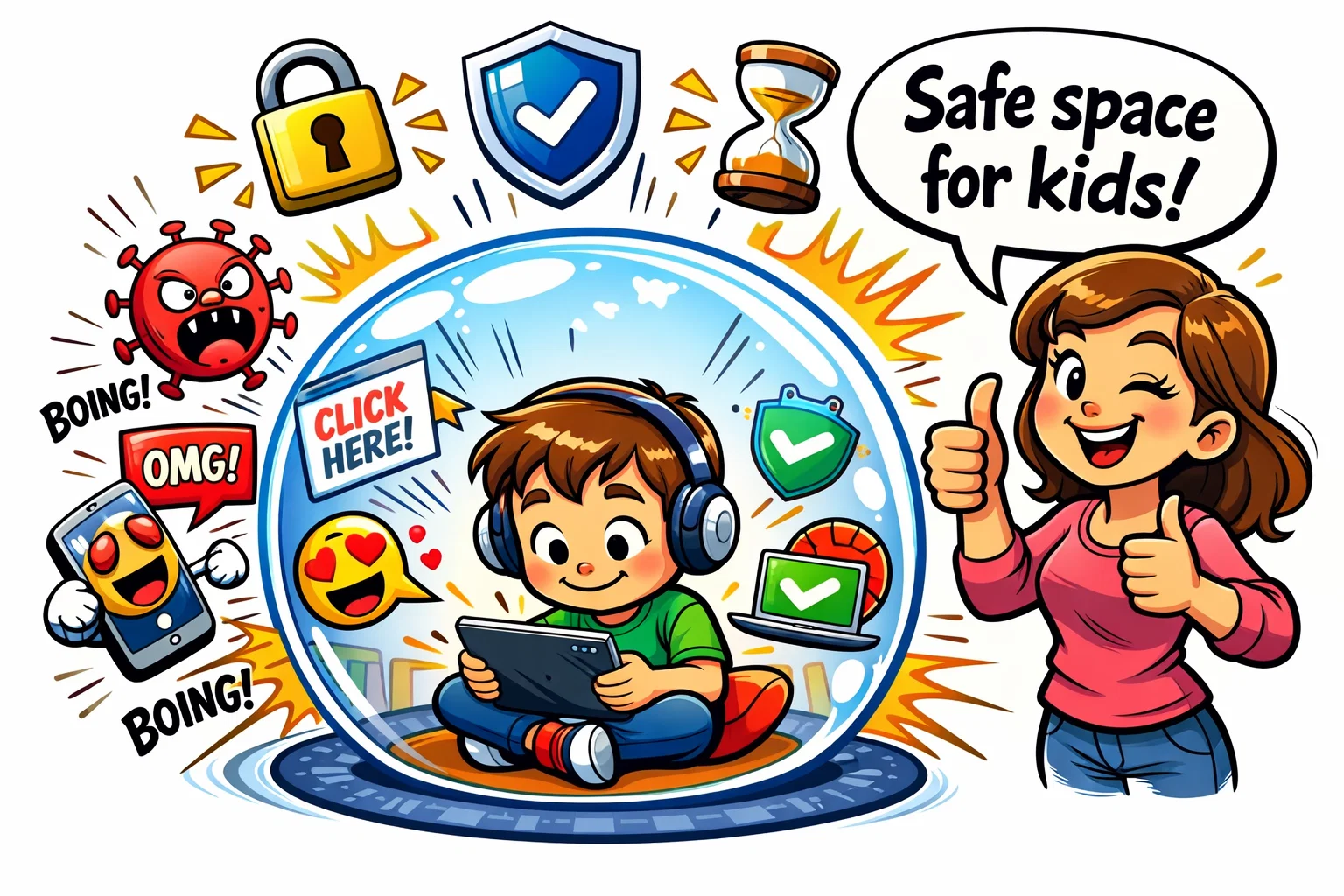
When a child is using a child profile, they are essentially in a locked-down version of the device. They cannot access the Play Store, they cannot make unauthorized purchases, and they cannot communicate with strangers. This creates a safer digital space where exploration is encouraged without many of the risks associated with the open web.
Safe Web Browser
The safe web browser within Amazon Kids+ is a standout feature. It limits web browsing to a pre-approved list of websites that have been vetted for age-appropriate use. Parents can set additional permissions if they want to allow specific sites (like a school portal), but by default, the “wild west” of the internet is kept at bay.
Parent Dashboard and Parental Controls
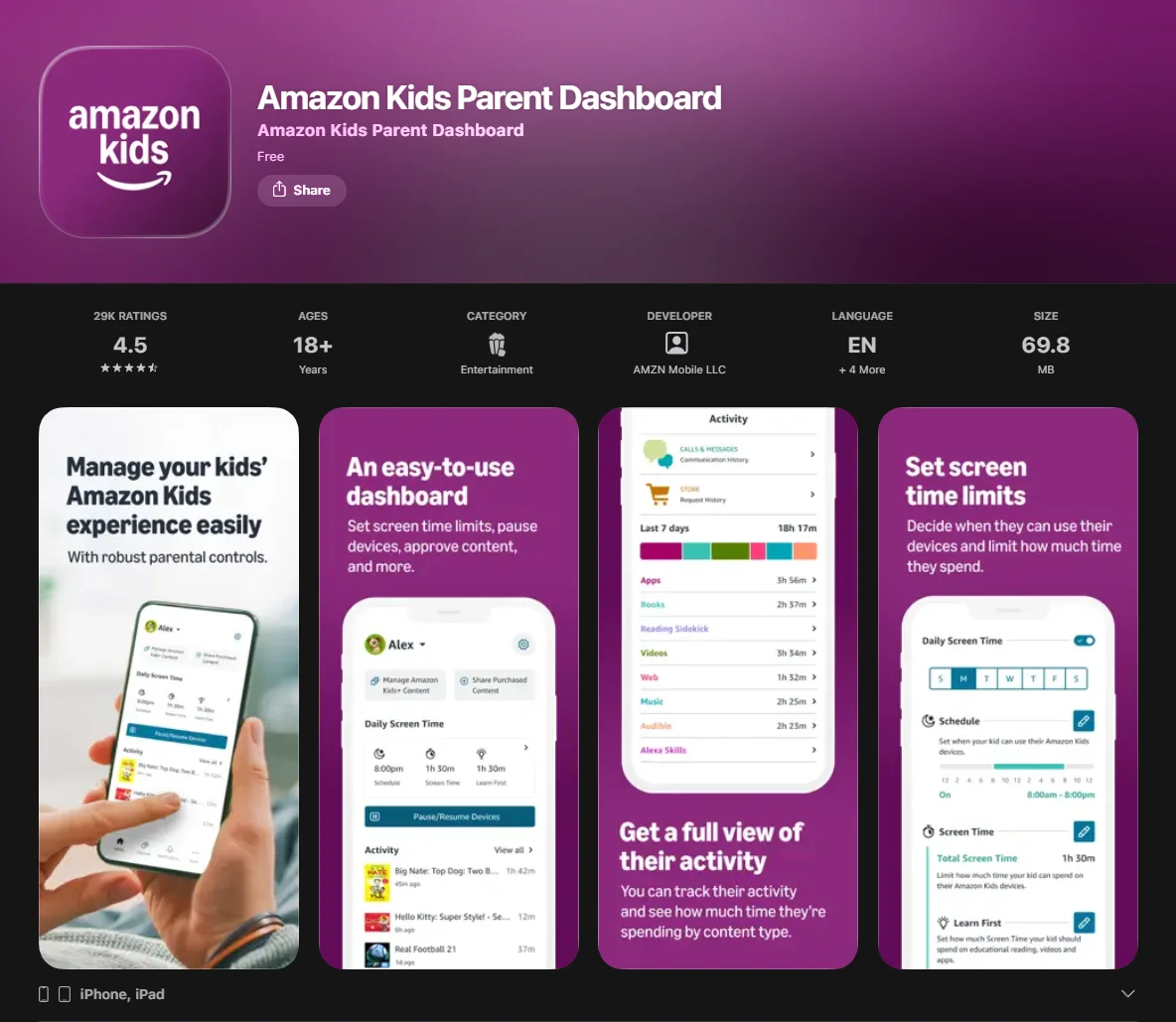
The Parent Dashboard is the “remote control” for your child’s digital life. Accessible via a web browser or an app on your own phone, it gives you a bird’s-eye view of how the service is being used.
Child Profiles for Family Use
You can create up to four individual child profiles under a single Amazon account. This is crucial for families with children of different ages. Each profile has its own progress tracking, personal library, and age settings.
Screen Time Limits
One of the most praised features is the ability to limit screen time. You can set daily limits for total screen time or specific categories. For example, you can allow unlimited reading but limit videos to 30 minutes a day. You can also set a “bedtime” where the tablet automatically shuts down for the night.
Activity Monitoring for Parents
The Parent Dashboard provides detailed reports on how your child is using the service. It shows you which books they are reading and which apps they spend the most time on. This data can be a useful conversation starter; if you notice that your child is interested in a particular audiobook about space, you can find a related science project to do together offline.
Tip: Use the “Learn First” feature to set educational goals. This requires children to meet a specific amount of time on educational apps or books before they can access cartoons or games.
Subscription, Free Trial, and Device Compatibility
Understanding the costs and technical requirements is essential for deciding whether the service is worth it.
Free Trial and First Steps
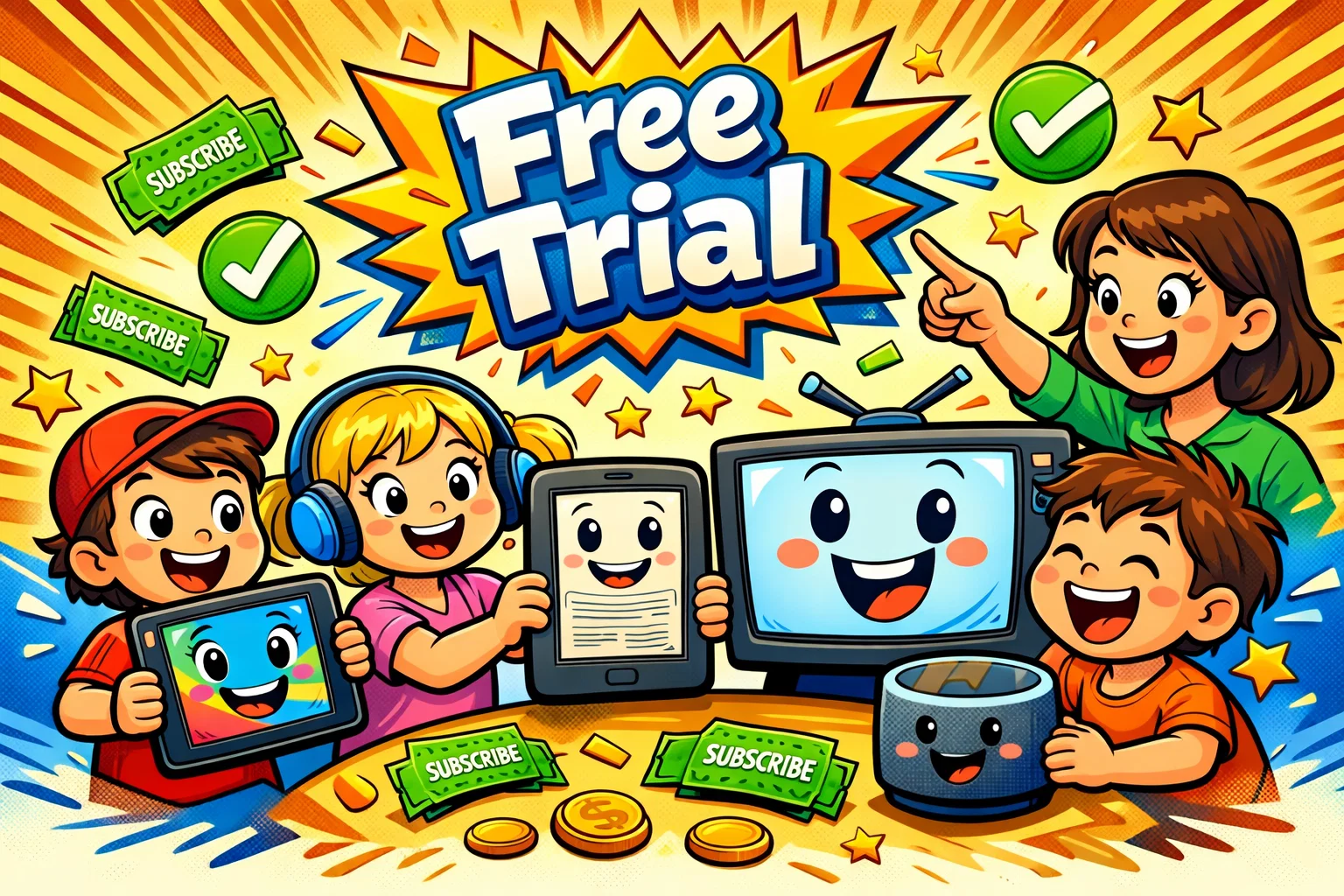
Amazon currently advertises a 1-month free trial for Amazon Kids+ in the US and UK. This is the best way to test if the content available resonates with your children. If you purchase an Amazon Kids device, the included Amazon Kids+ period depends on the device: some Fire Kids tablets include 6 months, while some models include 1 year; Amazon also advertises a 2-year worry-free guarantee on eligible Kids devices.
Compatible Amazon Devices
- Fire Tablets: The full experience, including games, videos, and books.
- Kindle: Focused strictly on reading. A Kindle Kids device is perfect for minimizing distractions.
- Fire TV: Great for ad-free viewing on the big screen.
- Echo/Alexa: Provides access to audiobooks, music, and Alexa skills.
Pricing and Value
The cost is generally structured as follows (prices may vary by region):
- For Prime Members: Pricing varies by region. In the US, Amazon Kids+ currently starts at $5.99 per month for Prime members; in the UK, it starts at £4.99 per month for Prime members.
- Non-Prime Members: Slightly higher per month fee.
Given the amount of content included, many families may find it good value compared with paying for multiple individual services.
How to Get Started with Amazon Kids+
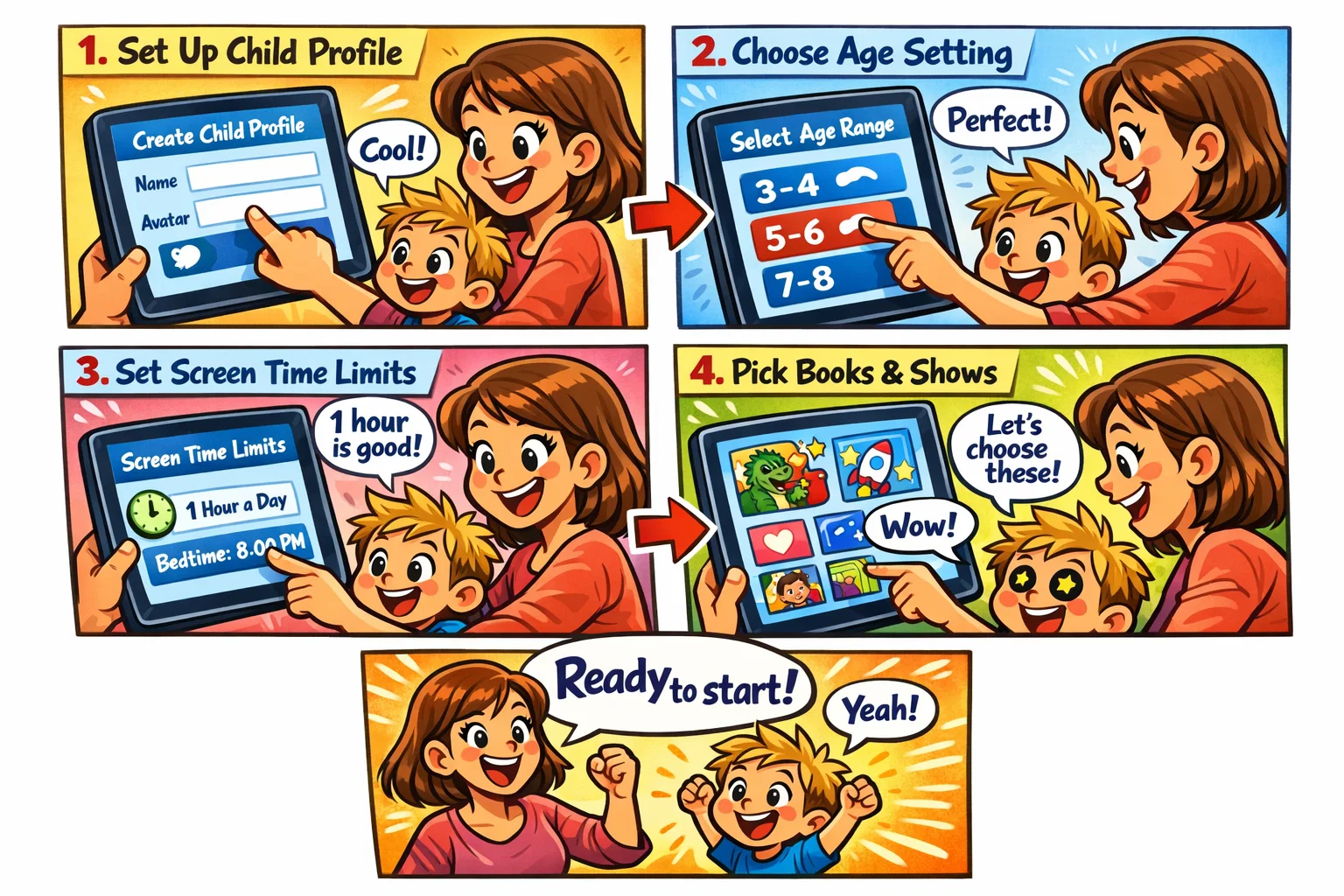
Setting up the service is straightforward and takes less than ten minutes.
- Create a Child Profile: Open the Amazon Kids app on your device and follow the prompts to add a child. You’ll enter their name and birthdate.
- Choose Age Settings: Select the appropriate age range (e.g., ages 6-8). This will immediately filter the library to show relevant content.
- Set Healthy Screen Limits: Use the parental controls to decide how much screen time is appropriate for your family’s routine.
- Pick First Books and Shows: Browse the library with your child and “download” a few items to their personal library so they have something to start with immediately.
Amazon Kids+ Review: Why It Suits Kids
Overall, Amazon Kids+ is a useful tool for modern parents. It helps bridge the gap between the digital experiences children want and the safety controls parents need. By offering a large, curated selection of media from familiar brands, it helps make a child’s digital experience both enriching and entertaining.
Final Verdict
Amazon Kids+ can be a good and safe option for children when parents take a few minutes to set daily limits and customize the age settings. It provides an easy-to-use interface that empowers children to explore their interests—whether that’s through audiobooks, STEM games, or classic Disney stories—within a protected environment. For families already using the Amazon ecosystem, it is a worthwhile addition that can simplify the daily routine and provide peace of mind.