

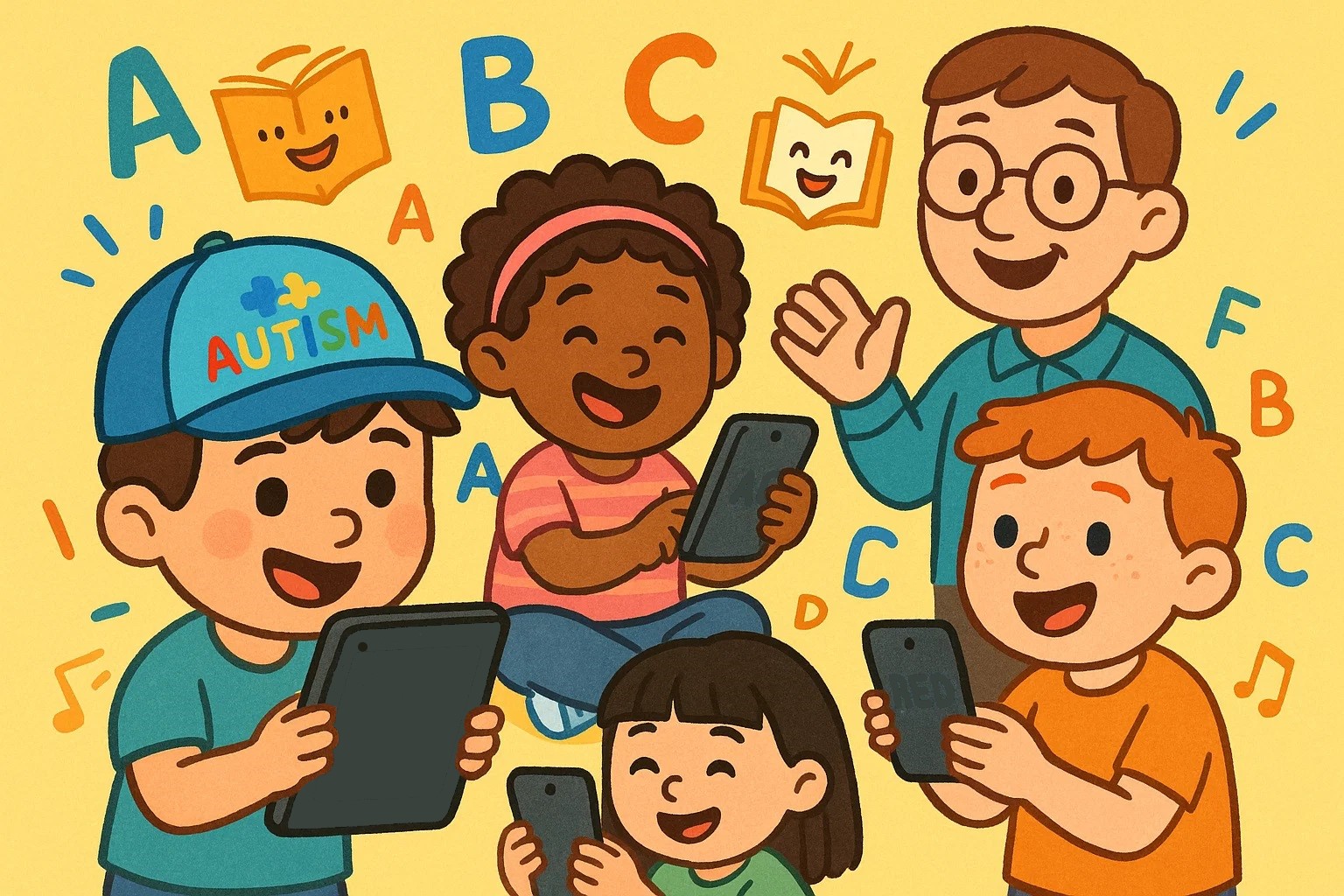
Finding effective reading apps for autistic children requires a thoughtful, individualized approach. Many children on the autism spectrum respond positively to structured digital environments that combine visual clarity, predictable routines, and interactive reinforcement. When thoughtfully selected, reading technology can strengthen vocabulary development, decoding skills, and comprehension while reducing anxiety associated with traditional instruction.
Research in special education and assistive technology indicates that structured, visually supported digital tools may increase engagement and task persistence for learners with autism. However, not every literacy app is equally effective. Successful selection depends on alignment with developmental level, communication profile, sensory preferences, and cognitive strengths. The following guide highlights evidence-informed applications and practical selection criteria to support meaningful reading progress.
ABA Flash Cards

ABA Flash Cards uses Applied Behavior Analysis (ABA) principles to build foundational skills through systematic instruction and positive reinforcement. Its structured format, clear visuals, and consistent feedback make it ideal for children with autism who benefit from routine and explicit instruction in areas like vocabulary and early reading.
Key Features:
- Customizable flashcard sets for different skill levels
- ABA-based teaching protocols with positive reinforcement
- Progress tracking and data collection capabilities
- Visual and auditory prompting options
- Offline functionality for consistent access
ABA Flash Cards & Games – Emotions on the App Store
Social Story Creator & Library

This app helps create and utilize social stories, which are structured narratives that explain social situations and expectations. It’s invaluable for helping children with autism understand social cues and bridge the gap between social situations and reading comprehension by providing relevant context.
Key Features:
- Pre-made story library with autism-specific themes
- Custom story creation tools with photo integration
- Text-to-speech functionality for auditory support
- Simple, distraction-free interface design
- Sharing capabilities for consistent use across environments
Social Story Creator & Library on the App Store
Otsimo Special Education

Otsimo Special Education is a comprehensive adaptive learning platform designed for children with special needs, including autism. It offers varied educational activities that adapt to individual progress rates, supporting multimodal learning through visual, auditory, and interactive elements across various skill areas.
Key Features:
- Adaptive learning algorithm that adjusts to individual progress
- Multiple skill areas including reading, math, and life skills
- Visual schedules and routine-building tools
- Detailed progress reports for parents and educators
- Professional consultation options available
App Store: Otsimo | Special Education 1+
Endless Reader

Endless Reader makes sight word learning engaging through interactive word puzzles, colorful animations, and phonetic breakdowns. Its visual approach helps make abstract word concepts concrete, aiding children with autism who may thrive with visual and repetitive learning.
Key Features:
- Interactive word puzzles with letter animation
- Phonetic pronunciation guidance for each word
- Sentence context activities to build comprehension
- Self-paced learning without time pressure
- Vibrant, engaging visual design that maintains attention
Endless Reader on the App Store
Proloquo2Go AAC

Primarily an Augmentative and Alternative Communication (AAC) tool, Proloquo2Go benefits pre-reading by helping children connect symbols, words, and meaning. For those with limited verbal communication, it builds language structure and vocabulary, acting as a bridge to literacy.
Key Features:
- Extensive vocabulary with symbol and text options
- Customizable display layouts for different communication needs
- Word prediction and grammar support features
- Multiple language options and dialect support
- Robust backup and sharing capabilities across devices
Proloquo2Go AAC on the App Store
Amazon Kindle

Amazon Kindle, a general e-reading app, offers accessibility features that make it effective for children with autism, despite being designed for general use. Its customizable text, background colors, and font styles reduce visual stress, and its vast library allows for finding books matching specific interests to boost engagement.
Key Features:
- Adjustable text size, font, and background colors
- Text-to-speech functionality with variable speed
- Highlighting and note-taking capabilities for comprehension support
- Access to millions of books including specialized autism resources
- Offline reading capability for consistent access
Amazon Kindle on the App Store
Epic – Kids’ Books & Reading

Epic provides an extensive digital library with diverse content to align with a child’s specific interests and reading level, which is crucial for engagement in children with autism. Its personalized recommendations and varied formats support a scaffolded approach to reading development.
Key Features:
- Library of over 40,000 books with diverse topics and formats
- Personalized reading recommendations based on interests
- Read-to-me and audiobook options for different learning styles
- Progress tracking and reading achievement badges
- Teacher and parent dashboard for monitoring engagement
Epic – Kids’ Books & Reading on the App Store
ABCya Games
ABCya Games leverages the power of gamification to make reading fundamentals engaging and accessible. The platform’s game-based approach can be particularly effective for children with autism who may find traditional reading instruction less motivating or too abstract. Educational games provide the repetition and immediate feedback often needed for skill mastery.
Key Features:
- Age-appropriate games covering phonics, sight words, and comprehension
- Clear visual and auditory feedback systems
- Self-paced gameplay without competitive pressure
- Teacher-created content aligned with educational standards
- Safe, ad-free environment for focused learning
ABCya Games: Kids Learning App on the App Store
Bitsboard Flashcards PRO

Bitsboard Flashcards PRO offers exceptional customization capabilities for personalized learning experiences. Its flexibility allows integrating personal photos and audio, making abstract concepts concrete and meaningful for children with autism, fostering stronger connections to the material.
Key Features:
- Custom flashcard creation with personal photos and audio
- Multiple game formats to maintain interest and engagement
- Sharing capabilities between family members and educators
- Detailed progress tracking and performance analytics
- Offline functionality for consistent access across environments
Bitsboard Flashcards PRO on the App Store
Reading Eggs

Reading Eggs provides a comprehensive, structured approach to reading instruction. Its systematic progression, combined with interactive lessons, games, and activities, offers the predictability, repetition, and varied practice opportunities that are highly effective for children with autism.
Key Features:
- Structured lesson progression from pre-reading to fluent reading
- Interactive games and activities to reinforce learning
- Detailed progress reports showing skill development
- Reward systems and motivational elements
- Additional resources for parents and educators
Reading Eggs – Learn to Read on the App Store
Choosing Best Reading Apps
Selecting the most appropriate reading app for your child requires careful consideration of their individual needs, preferences, and developmental stage. The process involves more than simply downloading popular apps—it requires thoughtful evaluation of how each tool aligns with your child’s learning style and goals.
Key Features to Look For
When evaluating reading apps for children with autism, certain features consistently prove more beneficial than others.
- Visual clarity is paramount, as many children with autism are sensitive to cluttered or overstimulating interfaces. Apps with clean, simple designs and clear navigation tend to be more successful in maintaining attention and reducing anxiety.
- Customization options are crucial for effectiveness. The ability to adjust difficulty levels, modify visual presentations, or incorporate personal content can make the difference between an app that frustrates and one that motivates.
- Consider whether the app provides multiple ways to access information. Some children learn better through visual input, while others benefit from auditory support. Apps offering both text-to-speech and clear visual presentations provide flexibility.
- Progress tracking capabilities can offer valuable insights into your child’s development. However, ensure data collection doesn’t create pressure; the focus should remain on learning and enjoyment.
Age and Skill Appropriateness
Matching apps to your child’s developmental level, rather than chronological age, often yields better results, as children with autism may have uneven skill development.
- Consider your child’s attention span. Some children engage with longer activities, while others need shorter, more frequent interactions. Apps that segment learning or allow for natural stopping points can accommodate varying attention capabilities.
- Ensure the app’s content and presentation style match your child’s emotional and social development. Apps designed for younger children might feel condescending to older children with autism, even if the academic content is appropriate.
Trialing and Evaluation
Most children with autism benefit from gradual introduction to new apps.
- Start with short sessions and gradually increase usage as your child becomes comfortable. This prevents overwhelming experiences that might create negative associations with reading technology.
- Document what works and what doesn’t during your trial period. Note features your child gravitates toward, those that cause frustration, and how the app fits into your overall reading support strategy. This helps in future selections.
- When appropriate, involve your child in the evaluation process. Children with autism often have clear preferences and can provide valuable feedback on what helps them learn most effectively, increasing their investment in using chosen apps.