

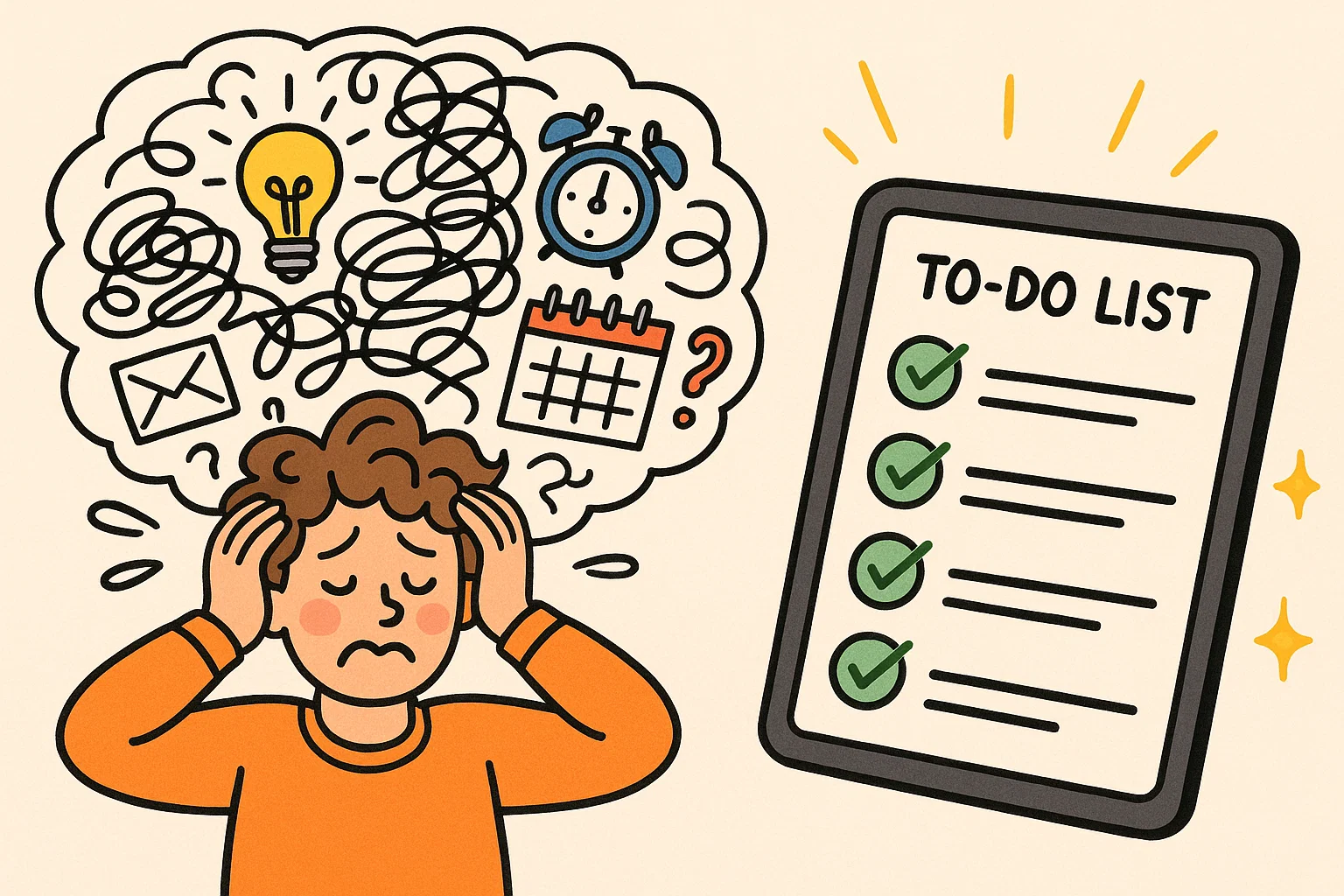
Living with ADHD often means managing fluctuating attention, time blindness, and executive function challenges that traditional planners fail to address. Searching for the best to do list app for ADHD requires more than a simple task manager; it involves identifying a digital system designed to support non-linear thinking, flexible prioritization, and dopamine-driven motivation.
Modern ADHD-focused productivity applications incorporate behavioral science principles, including visual task structuring, micro-goal reinforcement, gamification mechanics, and adaptive scheduling. These features compensate for working memory limitations and improve follow-through consistency. The following guide evaluates leading solutions based on usability, cognitive support mechanisms, and practical sustainability, helping families, teens, and adults select an effective planning system aligned with ADHD-specific needs.
Defining ADHD To Do Lists
An ADHD to-do list app is a digital tool created to support distinctive cognitive patterns and executive function challenges. Unlike generic productivity platforms, this type of solution integrates features that address time blindness, task initiation barriers, and sustained attention difficulties. Visual structuring, gamification elements, adaptive reminders, and flexible organization systems allow planning to align with non-linear thinking and fluctuating focus levels.
Why Apps Help ADHD Productivity
Digital task management apps provide several advantages for hyperactive users that traditional paper-based systems cannot match. The interactive nature of apps helps maintain engagement, while features like notifications and reminders work as external memory aids, particularly beneficial for those with working memory challenges. Apps offer the flexibility to reorganize and reprioritize tasks instantly, accommodating shifting focus. Many individuals with ADHD report that visual feedback and checking off tasks provide crucial dopamine reinforcement, sustaining motivation.
Key Problems Apps Solve for ADHDers
ADHD task management apps address several core challenges individuals with ADHD commonly face. Time blindness and planning difficulties are addressed through calendar integration and time-blocking features. Executive function support comes through features like task breakdown assistance, priority sorting, and automated scheduling. Motivation and focus maintenance are enhanced through gamification, progress tracking, and reward systems that tap into the need for immediate feedback.
1. Focus Bear

Focus Bear is a comprehensive productivity app designed for individuals with ADHD to improve focus. It combines task management with habit tracking and distraction blocking.
Key Features:
- Distraction blocking, customizable routines
- Break reminders, time tracking
- Calendar integration, Pomodoro timer
2. TickTick
TickTick offers a robust task management system with features benefiting ADHD users. Its clean interface and flexible organization make it easy to maintain task lists without overwhelm.
Key Features:
- Multiple view options, natural language processing
- Smart date parsing, Pomodoro timer
- Location-based reminders, collaboration, habit tracking
3. Sunsama

Sunsama focuses on daily planning and time management, valuable for ADHD users who struggle with time estimation and schedule adherence. It emphasizes realistic planning and reflection.
Key Features:
- Daily planning ritual, integration with productivity tools
- Automatic time tracking, weekly/monthly views
- Task import from email, focus mode, reflection prompts
4. Todoist

Todoist is a popular task management app with features effective for ADHD users, maintaining simplicity and reliability. Its natural language processing makes task entry intuitive.
Key Features:
- Natural language task entry, project/label organization
- Karma system, template library
- Cross-platform sync, email integration, collaboration
5. Goblin Tools

Goblin Tools focuses on task breakdown and organization, helping users break overwhelming tasks into manageable steps.
Key Features:
- Task breakdown assistance, overwhelming task simplification
- Step-by-step guidance, emotional support
- Simple interface, free core features, web-based
6. Trello

Trello‘s visual Kanban board system appeals to ADHD users who benefit from seeing tasks visually. The drag-and-drop interface is interactive.
Key Features:
- Visual Kanban boards, customizable cards
- Team collaboration, Power-ups
- Due dates/reminders, mobile/desktop sync, third-party integrations
7. NotePlan

NotePlan combines note-taking with task management, appealing to hyperactive users who prefer an integrated system. It offers markdown support and calendar integration.
Key Features:
- Markdown-based system, calendar integration
- Backlink system, daily/weekly/project organization
- Quick capture, cross-platform, customizable templates
8. Things 3
Things 3 offers an elegant, award-winning interface that simplifies task management with powerful organizational features. Its design aligns with ADHD users who get overwhelmed by clutter.
Key Features:
- Clean, minimalist design, natural language task entry
- Area/project organization, Today/Upcoming/Someday sections
- Quick entry, deadline management, award-winning UX
9. Upbase

Upbase combines project management with team collaboration, suitable for hyperactive users in team environments or managing complex projects.
Key Features:
- Project/team management, time tracking
- Multiple project views, file sharing
- Task dependencies, communication tools, customizable workflows
10. Amazing Marvin

Amazing Marvin stands out for its extensive customization, allowing hyperactive users to create a system perfectly matching their needs.
Key Features:
- Highly customizable interface, day planning
- Habit tracking/goal setting, reward system
- Multiple organization methods, advanced filtering, automation
11. Workflowy
Workflowy‘s infinite nesting structure appeals to hyperactive users who think non-linearly. It allows flexible organization adapting to changing thought processes.
Key Features:
- Infinite nesting bullet-point structure, zoom functionality
- Tagging/search, collaboration/sharing
- Cross-platform sync, simple interface, flexible organization
12. Habitica 🎮

Habitica gamifies task management by turning your to-do list into an RPG. This is motivating for hyperactive users who respond to immediate rewards and visual progress.
Key Features:
- RPG-style character progression, rewards/penalties
- Social features, accountability partners
- Habit tracking, custom rewards/consequences, party system, mobile/web access
13. Focus To-Do

Focus To-Do combines task management with the Pomodoro Technique, offering a productivity solution for organization and focus challenges in ADHD.
Key Features:
- Integrated Pomodoro timer, task prioritization
- Progress tracking, multiple reminders
- Cross-platform sync, white noise/focus sounds, detailed reports
14. Nozbe
Nozbe offers a comprehensive productivity system based on Getting Things Done (GTD) methodology, providing structure helpful for managing tasks and projects.
Key Features:
- GTD-based organization, project/context-based management
- Team collaboration, multi-platform support
- Email integration, time tracking, review/planning tools
15. Structured

Structured focuses on visual day planning, using a timeline approach to help hyperactive users understand their day flow and manage time.
Key Features:
- Visual timeline for planning, time blocking
- Quick task entry, calendar integration
- Customizable appearance, focus mode, simple interface
Sticking With An ADHD Task App
Anchoring To Routines
Success with any ADHD app depends on integrating it into routines. Individuals with hyperactivity benefit from external structure, and consistent app usage provides this. Anchor usage to existing habits like morning coffee or evening wind-down. Set specific times for daily planning. Start with micro-habits, like opening the app for two minutes each morning, rather than overhauling your system.
Pairing With Focus Tools
ADHD task management apps work best with complementary focus tools. Pair your chosen app with time-blocking methods, distraction blockers, or environmental modifications. Consider website blockers, noise-canceling headphones, or different locations. The app becomes part of a larger system. Some users combine multiple apps; ensure this simplifies, not complicates, your workflow.
Starting Small, Building Momentum
A common mistake is trying to organize your entire life immediately. This leads to overwhelm. Instead, start by managing one area, like work or household tasks. Master basic features before advanced ones. Many successful users started with only 20% of features, expanding gradually. Building momentum through small wins is crucial for ADHD brains, which thrive on positive reinforcement.
Regular Review And Adaptation
ADHD task management systems need ongoing adjustment. What works now may need modification as responsibilities or energy levels change. Regular review sessions (e.g., monthly) help identify what’s working and what needs adjustment. Pay attention to usage patterns. The app usage will evolve. The best app is the one you actually use consistently, not necessarily the one with the most features.