
Kindergarten Graduation Invitation Ideas: Crafting the Perfect Keepsake

 Discover a Free Education Video App for Kids
Pastory uses AI to personalize educational video content based on your child’s interests and personality. Safe, engaging, and built for curious young minds. Sign up now to stay updated and enjoy early access with a free trial
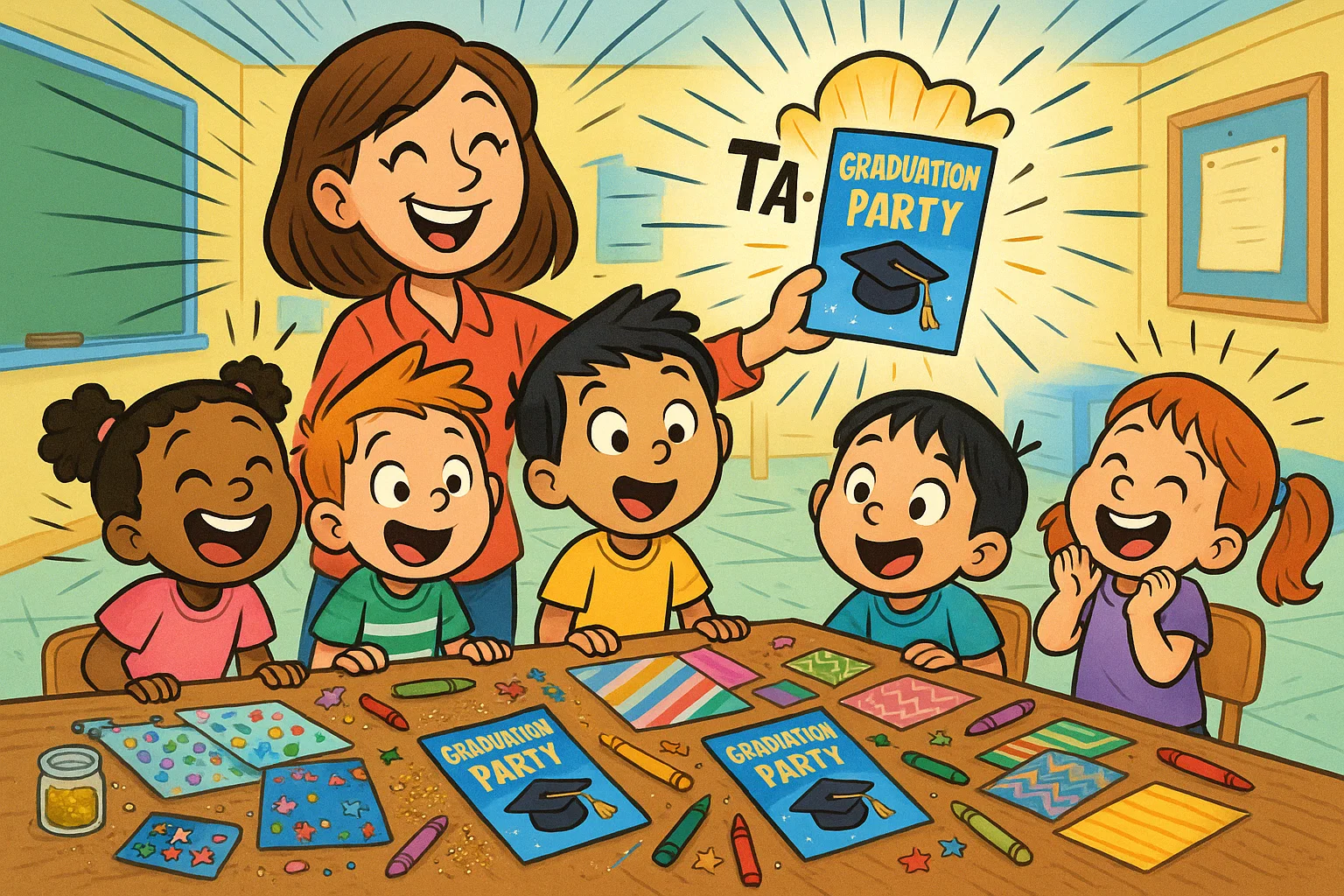
The journey from those first timid steps into the classroom to the proud moment of kindergarten graduation is a significant milestone for any child and their family. This joyous celebration marks the completion of their foundational learning years and is the perfect opportunity to recognize their achievement. To share this important day, a beautifully designed, personalized graduation invitation is essential. It serves not only as a formal announcement but also as a cherished keepsake for friends and family.
Choosing the right invitation template can feel overwhelming, but it’s a wonderful chance to reflect your child’s personality and the joy of the Class of 2025 celebration. This guide is designed to make the process easy, offering tips on wording, design inspiration, printing options, and where to find the best editable kindergarten graduation invitation designs, whether you need a quick digital share or a classic printable for your kindergarten graduation ceremony.
Kindergarten Graduation Invitations Overview
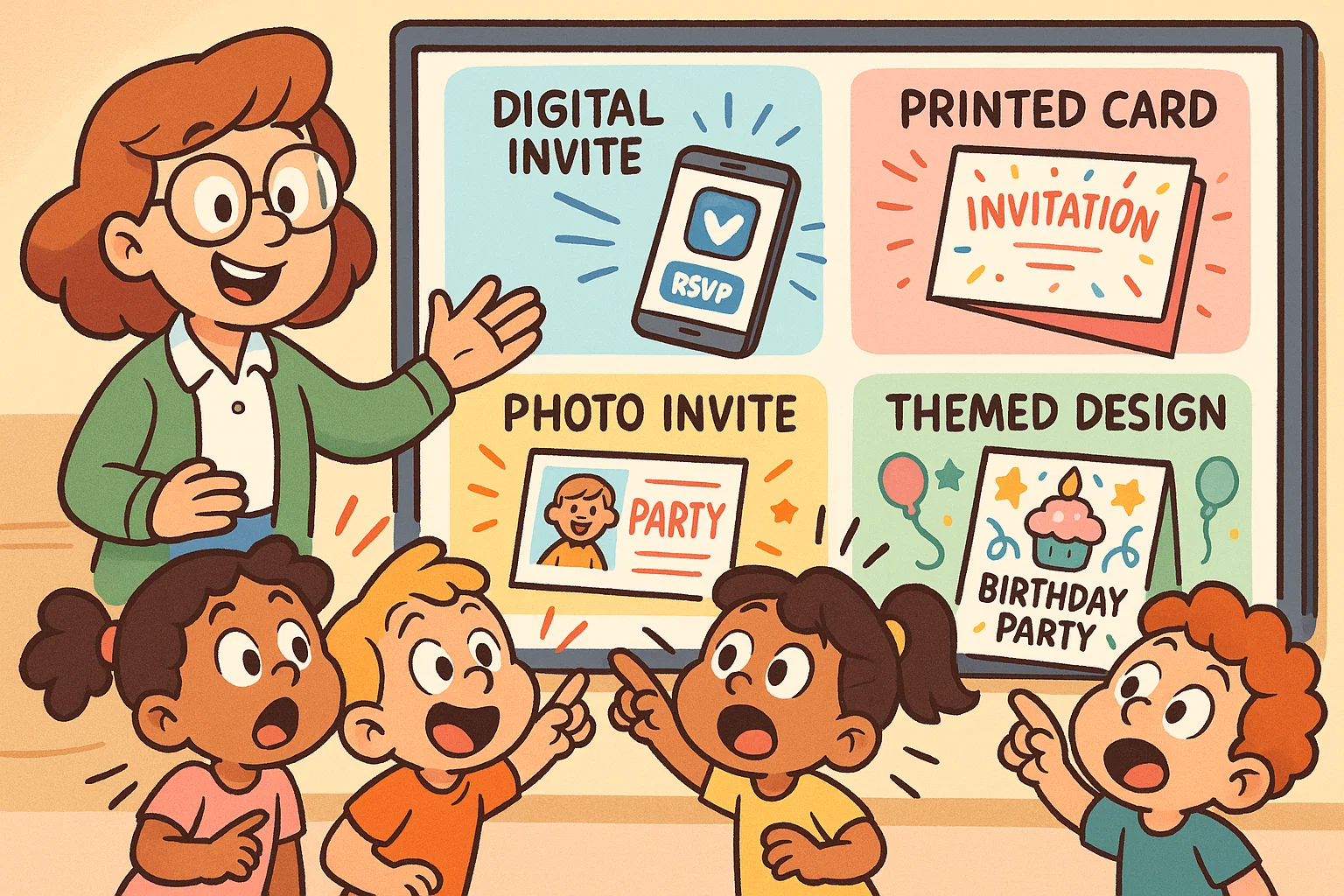
A well-crafted graduation invitation clearly communicates the event details and sets an exciting tone for the ceremony. Whether you’re planning a full graduation party or a simple announcement, the purpose remains the same: to warmly invite loved ones.
Invitations typically come in two main formats:
- Digital: Easily shared digitally via email or messaging apps. They are cost-effective, immediate, and often come as an editable template from sites like Greetings Island or Canva.
- Printed: The traditional choice, offering a tangible keepsake. They require time for printing and mailing but provide a classic, formal feel. Many parents prefer a downloadable design that they can print at home or at a local service.
Modern design trends for a kindergarten graduation favor bright colors, playful imagery, and easy-to-read font styles. The goal is to make the invite as cheerful and accessible as the grad themselves.
Kindergarten Graduation Invitations on Popular Platforms
Many online resources cater specifically to crafting the perfect preschool graduation invitation. These platforms simplify the design process, making it easy to personalize an invite without needing graphic design expertise.
| Platform | Key Feature for Graduation Invites | Best For |
| Zazzle | High-quality printing and unique, independent designer templates. | Parents looking for professionally printed, premium designs. |
| Greetings Island | Wide selection of free graduation invitations and easy online customization tools. | Quick, simple download and digital sharing. |
| Canva | Highly flexible editable template designs, perfect for a modern, custom look. | Teachers or parents are comfortable with a simple design tool. |
| TeachersPayTeachers | Resources created by educators, often bundled with matching certificates and classroom materials. | Teachers needing classroom-specific, themed bundles. |
Free Kindergarten Graduation Invitations
It is entirely possible to find high-quality free graduation invitations without compromising on design. Platforms like Greetings Island offer an array of free, editable options that allow you to change the essential text fields and event information. Likewise, a search on TeachersPayTeachers (TPT) often yields free or affordable sampler packs that include a basic invitation template.
When choosing a free template, double-check the download quality. Ensure the resolution is high enough for crisp printing if you plan to use a physical format. Free options sometimes limit the extent to which you can customize elements like colors or the size of the school logo.
Editable Kindergarten Graduation Invitations
The power of an editable invitation lies in its flexibility. An editable template allows the user—whether a teacher or a parent—to easily modify specific design elements to match the celebration’s needs.
Commonly editable elements include:
- Text Fields: Changing the date, time, location, and the child’s name.
- Photos: Uploading a picture of the child’s class or individual student.
- Colors: Adjusting the palette to match the school colors or party theme.
- Font Styles: Selecting a fun, readable font that suits the theme.
- School Logo: Adding the school or classroom logo for an official touch.
An editable Canva template is a popular choice due to its user-friendly interface, making it easy to customize even for beginners.
Kindergarten Graduation Invitation Themes
Selecting a theme is a fun way to reflect the excitement of the milestone and the young graduate’s journey.
Preschool and Pre-K Celebration Themes
For our younger pre-K and preschool graduates, themes should be fun and inherently playful. Think cute, non-threatening designs that reflect the wonder of their early years.
- Rainbow Road to Success: Bright, colorful rainbows, stars, and playful handprint elements.
- Little Astronauts: Stars, planets, and rockets to signify the start of a great journey.
- Super Reader / Super Learner: Caped characters and book icons celebrate their foundational literacy skills.
Future Is Bright Theme
This highly popular theme is optimistic and easy to translate into a beautifully designed invitation. Design elements often include:
- Sunshine and Ray Graphics: Evoking a sense of warmth and potential.
- Sparkle and Shine: Subtle glitter textures or starbursts.
- Bright Colors: Yellows, oranges, and sky blues that feel energetic.
Animal Graduate Theme
A favorite among educators, this theme uses adorable animal characters wearing graduation caps and gowns. These illustrations are often found in teaching resource bundles and lend themselves well to a cute, memorable invite.
Minimalist Modern Theme
For those seeking a sleeker look, a minimalist modern theme offers sophistication. This style utilizes clean lines, ample white space, simple typography, and often a muted or pastel color palette. It’s a great option for an announcement that feels mature yet still celebratory.
Custom Kindergarten Graduation Invitation Ideas
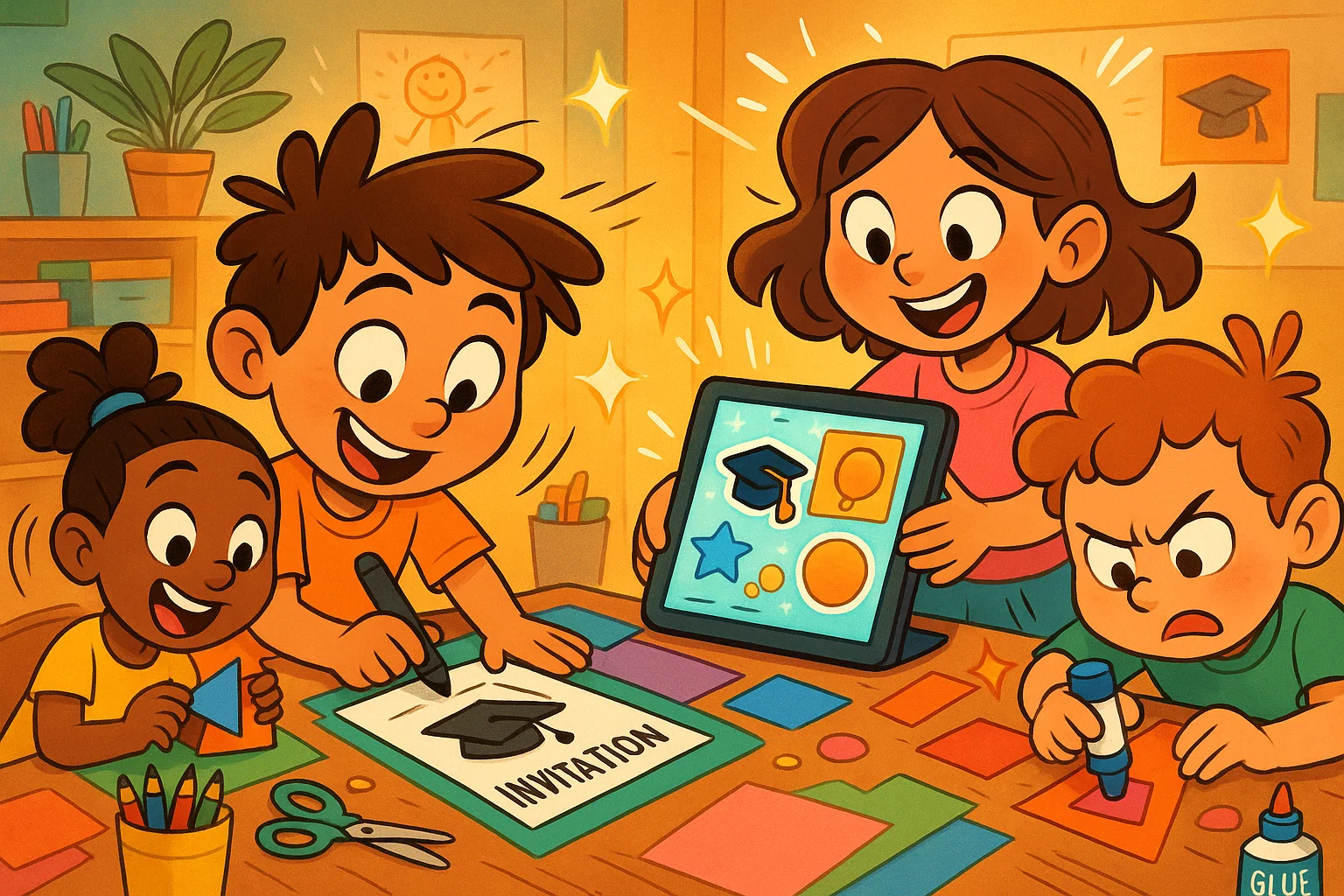
Personalize your invitation to create a truly unique keepsake.
Creating Custom Invitations Online
Customization is simple on platforms like Zazzle and Canva. The process generally involves:
- Selecting a Base Template: Choose a style that aligns with your vision.
- Uploading Media: Drop in a photo of the child’s smiling face or the entire class.
- Editing Text: Input all event details—date, time, location.
- Review and Download/Order: Carefully proofread before finalizing the design for download or print order.
Handmade Kindergarten Graduation Invitations
For a high-touch, personal approach, consider a DIY invitation. Involve the child by letting them:
- Add a handprint or finger painting element.
- Decorate the envelopes with stickers or crayons.
- Sign their name on the back of the card.
Photo-Based Graduation Invitations
Using a great photo instantly elevates the invitation. Consider a professional cap-and-gown photo, a candid shot from the classroom, or a composite of the child’s favorite moments from the year.
Digital Kindergarten Graduation Invitations
When time is short or guest lists are large, a digital invite is the perfect solution. Digital invites from services like Greetings Island or Zazzle can be instantly sent via email or shareable link, making it easy for friends and family to receive the announcement quickly. This is also especially convenient for international guests.
Essential Details to Include in Kindergarten Graduation Invitations
Clarity is key. Your invitation should be informative and leave no question unanswered for the guests.
Key Information for Parents and Guests
Ensure the following core details are prominently displayed:
- Who: The full name of the graduate and the Class of 2025.
- What: The event title (e.g., “Kindergarten Graduation Ceremony” or “Preschool Graduation Party”).
- Where: Full address of the venue (school classroom, auditorium, or party location).
- When: The date and exact time of the event.
- Dress Code: Optional, but helpful for parents (e.g., “Smart Casual” or “School Uniform”).
Wording Ideas for Graduation Invitations
Keep the message short, sweet, and focused on congratulations:
- “Join us to celebrate [Child’s Name]’s Kindergarten Graduation!”
- “You’re invited! [Child’s Name] is moving up! Please join us for their Pre-K Graduation.”
- “A little grad is ready for big school! Class of 2025 Graduation Ceremony.”
RSVP and Contact Details
Make it easy for guests to let you know if they can attend. Clearly state the RSVP deadline and method:
Kindly RSVP by May 15th to [Teacher/Parent Email Address] or via text message to [Phone Number]. This allows the school to plan seating and refreshments accordingly.
Ceremony and Program Highlights
A brief mention of the program adds value, especially for family traveling to attend.
- Example: “The ceremony will feature a short performance by the students, presentation of certificates, and a cake reception immediately following.”
When to Send Kindergarten Graduation Invitations

Timing ensures maximum attendance and proper planning.
Ideal Timeline for Ordering Printed Invitations
Teachers should aim to finalize the design and place a print order approximately 6–8 weeks before the graduation date. This allows for:
- Design and Proofing: 1 week
- Printing Time: 1-2 weeks
- Delivery: 1 week
- Mailing to Guests: Sending out the invitation 3-4 weeks before the event.
Timing for Sending Digital Invitations
Digital formats are flexible. You can send them out 3-4 weeks in advance, but they are also useful for last-minute additions to the guest list, even just one week before the ceremony.
Tips for Busy Parents and Teachers
To avoid a rush, create a template early in the school year. Even an editable pre-K or kindergarten template can be saved and updated with the final details closer to the grad date.
Kindergarten Graduation Invitation Templates and Bundles
To streamline the event planning, many resources offer bundled sets.
Invitation and Certificate Sets
These sets include a matching invitation and certificate design, ensuring a cohesive look for the entire graduation ceremony. This consistency looks professional and ties the various elements of the celebration together.
Invitation and Coloring Pages Packages
Some bundles, often found on TeachersPayTeachers, include themed coloring sheets. These are a great way to engage the graduate and their younger siblings while the adults handle the planning.
Editable Graduation Programs and Diplomas
Using a unified design theme across the editable invitation, program, and diploma/certificate creates a polished, professional event. This is particularly helpful for schools hosting a large-scale event.
Using Kindergarten Graduation Invitations at Home
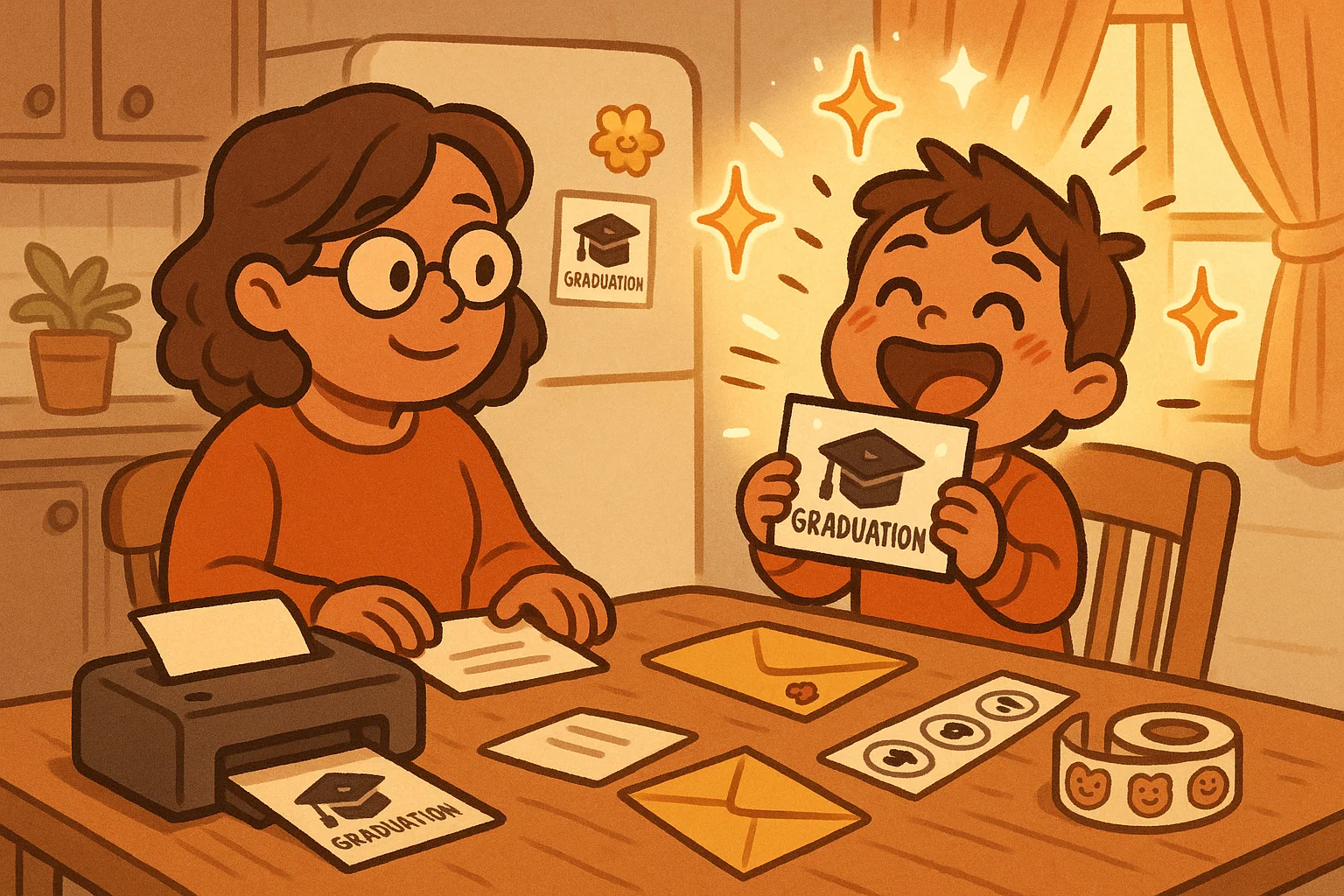
The invitation is part of the fun, especially for the child.
Home Printing Tips
If using a printable invitation template:
- Paper Choice: Use heavy cardstock (around 80-100 lb) for a quality feel.
- Printer Settings: Select the “Best” or “Photo” quality setting and choose “Matte” or “Glossy” depending on your paper.
- Cutting: Use a paper cutter for clean, straight edges.
Sharing Invitations Digitally with Friends and Family
For distant relatives, a quick email with the digital grad invites is ideal. Sharing via a closed family Facebook group or messaging app is also popular.
Involving Kids in Invitation Preparation
Let your child help seal envelopes, place stamps, or add a small sticker as a finishing touch. This reinforces their sense of ownership over the milestone and makes the graduation feel more real.
Preschool and Kindergarten Graduation Party Invites
A separate graduation party invitation is often needed for a less formal event following the ceremony.
Preschool Graduation Party Invitations
For preschool graduation party invites, the design can be even more playful than the formal announcement. Bright, cartoon-like characters and simple congratulations messages are great for younger children.
Pre-K & Kindergarten Promotion Invitations
Some schools host a combined event. Use a template that clearly states ‘Promotion and Graduation Celebration’ to cover both aspects.
Matching Party Decor and Invitations
Select an invitation template whose color scheme and theme can be easily matched with balloons, tablecloths, and cake decorations, creating a cohesive and memorable grad party.
Frequently Asked Questions
Similar Invitation Options to Explore
Beyond the standard card, consider:
- Video Invitations: A short, fun video message from the graduate sent digitally.
- Postcard Invites: Simple, double-sided cards that are less formal and easier to mail.
- Magnetic Invitations: A fun keepsake that guests can display on their refrigerator.
Customization Tips for Beginners
If you are new to editing platforms:
- Start Simple: Choose a template that already has the basic layout you like.
- Focus on Text: Only change the text fields initially; colors and photos can be adjusted later.
- Save Frequently: Save your work often, especially when using an editable Canva template or another browser-based tool.
Best File Formats for Printing and Sharing
| Use Case | Recommended File Format | Notes |
| Professional Printing | PDF with bleed and crop marks | Ensures the highest quality and color accuracy. |
| Home Printing | PDF or high-res JPG | Easy to open and print accurately from most devices. |
| Digital Sharing | PNG or compressed JPG | Smaller file size for quick loading via email or text. |
Troubleshooting Template Editing Issues
If you find that the font you chose is not loading correctly or the edges are getting cut off when you print, try the following:
- Font Issues: Ensure you have downloaded or activated all required font files specified by the template provider.
- Printing Edges: Always check the print preview and ensure you are not printing “full page” but using the correct dimensions with a slight border (or “bleed” for professional printers).

Take a short quiz to find out what your everyday choices say about your parenting style
When your child is curious about something new, what’s your instinct?
Take a short quiz to find out what your everyday choices say about your parenting style
“Can I download this app?” What happens next?
Take a short quiz to find out what your everyday choices say about your parenting style
When it comes to rules at home, which sounds most like you?
Take a short quiz to find out what your everyday choices say about your parenting style
If you could give your child one life skill today, what would you pick?
Take a short quiz to find out what your everyday choices say about your parenting style
Your child gets to choose what to watch. What would your ideal setup look like?
Take a short quiz to find out what your everyday choices say about your parenting style
Pick your parenting superpower ✨



