Best Online Learning Games for 2-Year-Olds: Parent-Assisted Picks

 Discover a Free Education Video App for Kids
Pastory uses AI to personalize educational video content based on your child’s interests and personality. Safe, engaging, and built for curious young minds. Sign up now to stay updated and enjoy early access with a free trial
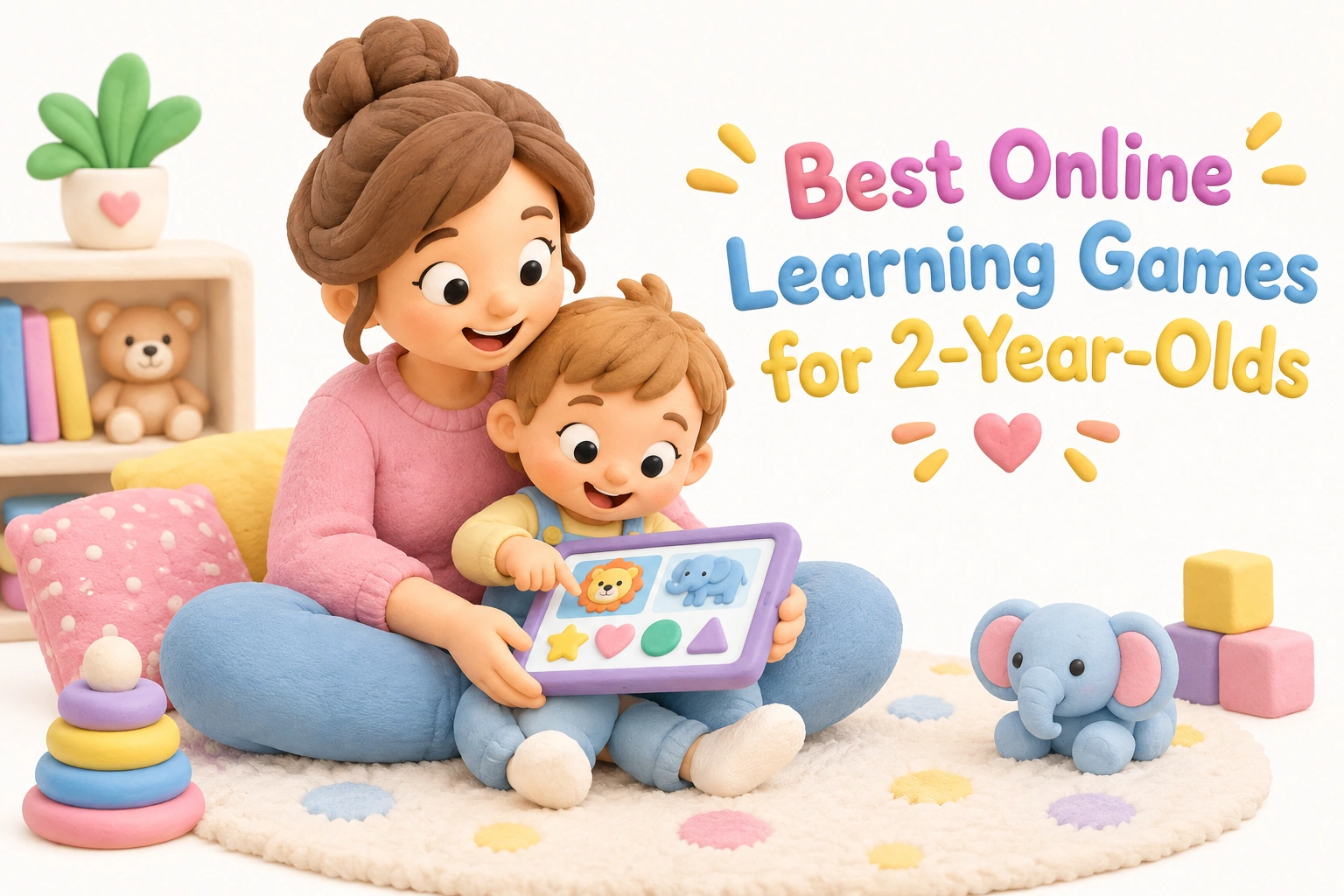
Finding genuinely useful free online games for 2 year olds can feel overwhelming when most search results lead to ad-heavy sites or apps designed for older children. This guide cuts through the noise with a curated look at browser-based and app-based options that are developmentally appropriate for toddlers, along with practical advice on how to play alongside your child to make screen time genuinely worthwhile.
Key Takeaways
- The best free toddler games online are browser-based, require no download or sign-up, and are completely ad-free — look for large tap targets, simple drag-and-drop mechanics, and no timers or scoring.
- Two-year-olds typically sustain focused attention for around 4–6 minutes per activity, so short sessions of two or three games (15–20 minutes total) are more productive than longer, unstructured screen time.
- Parent-assisted play — sitting with your child, narrating what happens on screen, and connecting it to real objects — significantly increases the developmental value of any digital game.
- The American Academy of Pediatrics has moved toward a quality-and-context model for screen time guidance rather than a rigid time cap alone; high-quality content used with caregiver involvement is the key variable.
- Online games can support color recognition, shape recognition, fine motor skills, and early language development, but they work best as a complement to hands-on play, not a replacement for it.
What Makes a Game Right for a 2-Year-Old?
A two-year-old is in a period of rapid cognitive and motor development. Symbolic thinking is just beginning to emerge, vocabulary is expanding quickly (often by several words per week), and fine motor control is still developing — meaning a child this age can tap a large button reliably but will struggle with precise mouse movements or multi-step instructions. Any game that works well for this age group needs to account for all of these realities at once.
The most developmentally appropriate games for toddlers share a recognizable set of features. Controls are reduced to a single tap, a keyboard press, or a simple drag-and-drop gesture. There are no timers counting down, no scores to chase, and no penalty screens when a child makes a mistake. Feedback is immediate and rewarding — a sound, an animation, a cheerful character reaction — because cause and effect is one of the central cognitive concepts a two-year-old is actively building. Games that respond instantly to touch teach toddlers that their actions have predictable consequences, which is a foundational element of early logical reasoning.
Equally important is what a good toddler game avoids. Autoplay sequences that move forward without the child’s input remove agency and turn an interactive experience into passive viewing. Advertisements — even brief ones — are inappropriate for this age group and can cause confusion or distress. Pop-ups, redirect links, and in-app purchase prompts are safety risks. When evaluating any free online game for a 2-year-old, these are the first things to check before handing over the device.
A Parent’s Checklist for Evaluating Toddler Games
Before introducing any new game, running through a short checklist takes less than two minutes and can save a frustrating session for both parent and child. The following criteria reflect both developmental appropriateness and basic digital safety for this age group.
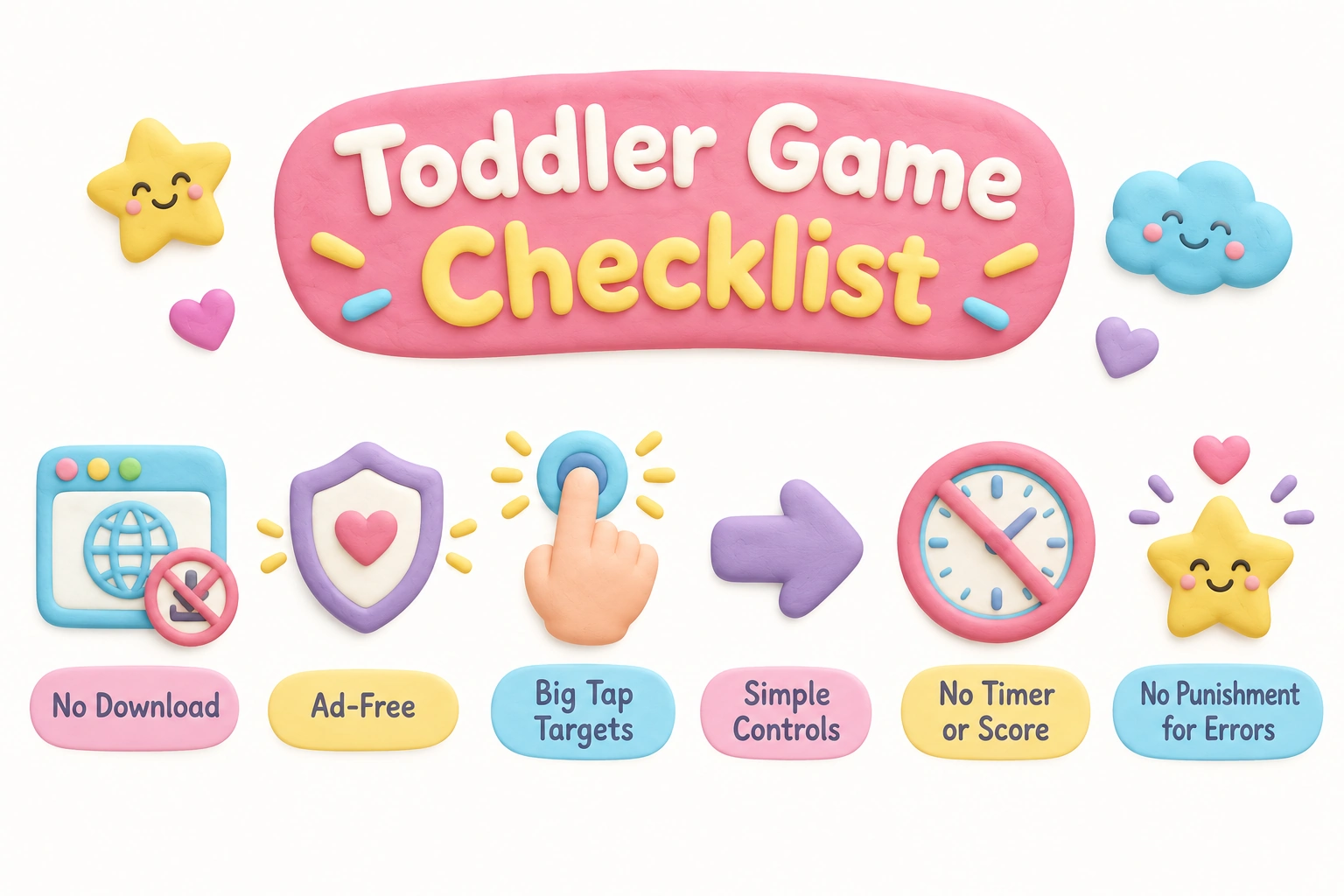
- No download or sign-up required — browser-based games that open immediately reduce friction and keep personal data out of the equation.
- Ad-free environment — no banner ads, video ads, or sponsored content visible during play.
- Large tap targets — buttons and interactive elements should be big enough for a toddler’s imprecise finger press.
- Single-action controls — tap, press, or simple drag and drop; no multi-step sequences or keyboard shortcuts.
- No timer or score — removes performance pressure and allows the child to explore at their own pace.
- No punishment for errors — incorrect taps should produce a neutral or gently encouraging response, not a buzzer or failure screen.
- No autoplay — the game should wait for the child’s input rather than advancing on its own.
- Age-appropriate content — simple, familiar concepts such as colors, shapes, animals, and everyday objects.
- Works on a tablet or touchscreen — most 2-year-olds interact more naturally with touch screen games than with a mouse.
Types of Games That Support Early Childhood Development
Not all game categories offer the same developmental return for a 2-year-old. Understanding what each type builds helps parents choose intentionally rather than defaulting to whatever loads fastest.
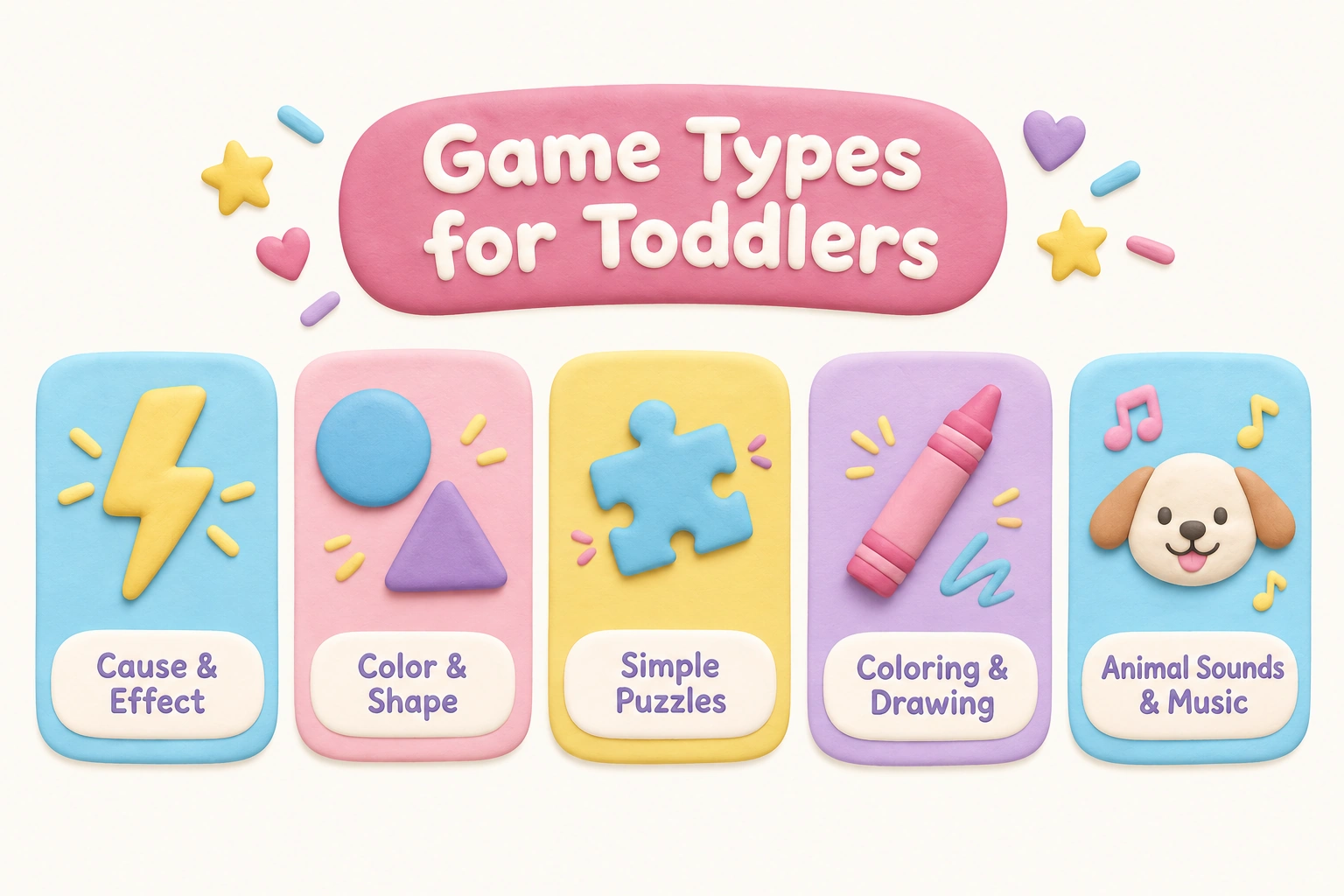
Cause and Effect Games
Cause and effect games are among the most developmentally valuable for this age group. When a child taps a button and a bubble pops, an animal appears, or a sound plays, they are directly experiencing the principle that actions produce predictable outcomes. This kind of contingent feedback supports early logical reasoning and helps build the concept of object permanence — the understanding that things continue to exist even when not visible. Simple bubble pop games, keyboard reaction games, and tap-to-reveal animal games all fall into this category and tend to hold a toddler’s attention well because the reward is immediate.
Color Recognition and Shape Recognition Games
Color sorting, shape matching, and shadow matching games introduce foundational pre-academic concepts in a low-pressure context. A child who taps the red apple or drags the triangle to its matching outline is practicing visual discrimination and early categorization — skills that contribute to school readiness later on. These games work best when a parent narrates alongside: saying “you found the circle — look, it’s round like your bowl” connects the screen activity to the child’s real-world experience and deepens vocabulary development at the same time.
Simple Puzzle and Jigsaw Games
Jigsaw puzzle games designed for toddlers typically involve three to six large pieces that snap into place with a tap or drag. Completing a puzzle supports spatial reasoning, hand-eye coordination, and the satisfying experience of task completion — an early form of goal-directed behavior. The drag-and-drop mechanic also builds fine motor skills in a way that translates directly to real-world activities like stacking blocks or fitting shapes into a sorter.
Coloring and Drawing Games
Digital coloring pages and open drawing canvases give toddlers creative freedom without the mess of physical art materials. While they do not replace the sensory experience of paint or crayons, they can support color recognition, early mark-making, and creative expression. The best versions offer a blank canvas with a simple color palette rather than a structured coloring book, which allows more open-ended exploration.
Animal Sounds and Music Games
Games that pair animal images with their sounds, or that let a child tap piano keys to produce notes, support auditory discrimination and early language development. Two-year-olds are in a sensitive period for vocabulary acquisition, and connecting a visual (a cow) with a sound (“moo”) and a word reinforces multi-modal learning. Music games also introduce the concept of rhythm and pattern, which has documented connections to early mathematical thinking.
Recommended Platforms and Where to Find Free Toddler Games Online
Several platforms consistently meet the quality criteria outlined above. None of the following are paid endorsements; they are included because they represent different approaches to free, age-appropriate learning games for toddlers and are frequently cited in early childhood education contexts.
PBS Kids Games
PBS Kids Games offers a large library of browser-based games featuring familiar characters from public television programming. The games are completely free, require no sign-up, and are produced under the PBS Kids editorial standards, which prioritize educational content and child safety. Many games are appropriate for ages 2–5 and cover early literacy, number recognition, and social-emotional themes. The interface is colorful and character-driven, which tends to engage toddlers who already recognize the shows. Parents should note that some games are better suited to ages 3 and up, so previewing before a session is worthwhile.
Khan Academy Kids
Khan Academy Kids is a free app (available on iOS and Android) rather than a browser-based game, but it deserves mention because it is one of the most comprehensively researched free educational tools available for children aged 2–7. The app covers early literacy, early math, social-emotional learning, and creative activities, and it is entirely ad-free with no in-app purchases. Khan Academy Kids works offline, which makes it a practical option when Wi-Fi is unavailable. The content is sequenced by developmental level, so the app adjusts as a child progresses. Because it requires a download and a free account setup, it involves slightly more parent effort upfront than a browser-based game, but the depth of content justifies that investment for families who want a structured early learning environment.
Toddler Games Online (toddlergamesonline.com)
This browser-based platform offers a focused collection of games specifically designed for ages 1–4, including coloring pages, memory card games, cause and effect activities, and simple puzzles. Games load directly in the browser with no download or sign-up, and the site is designed to minimize distractions. The controls are keyboard- and tap-friendly, making it accessible on both desktop and tablet. The game library is smaller than PBS Kids but more tightly age-targeted.
Little Keys and Similar Keyboard-Reaction Sites
Sites like Little Keys (littlekeys.co.uk) are designed for the very youngest users — children aged 1–3 who are fascinated by keyboards and touchscreens but not yet ready for directed gameplay. Pressing any key produces a colorful animation or sound, which is a pure cause-and-effect experience with no wrong answers. These sites are particularly useful for children who are not yet ready to follow even simple game instructions but who benefit from the immediate feedback of a screen responding to their touch.
Happy Clicks and LittleTapGames
Both Happy Clicks (happyclicks.net) and LittleTapGames (littletapgames.com) offer small collections of tap-based games for ages 1–3. The game designs are intentionally minimal — large targets, single interactions, immediate animated rewards — and both sites are ad-free. These platforms are useful for very short sessions with younger two-year-olds who are not yet ready for the slightly more complex mechanics of puzzle or sorting games.
The Case for Parent-Assisted Play: What the Research Suggests
The single most important factor in whether a digital game benefits a 2-year-old is not the game itself — it is whether a caregiver is actively involved during play. A study conducted by researchers at the Norwegian University of Science and Technology (NTNU) found that mothers were more engaged and responsive when playing tablet games with their toddlers than during television watching or traditional toy play, and that the developmental benefit of tablet play was closely tied to that active parental participation. When parents simply handed over a device and stepped away, the measurable benefit diminished significantly.
This finding aligns with what developmental psychologists call the “video deficit effect” — the well-documented observation that very young children learn less efficiently from screens than from equivalent live interactions. Co-play, where a parent sits alongside the child, narrates what is happening, asks simple questions, and connects screen content to real-world objects, effectively bridges this gap. A parent who says “you matched the blue circle — can you find something blue in this room?” is extending a two-minute game into a richer learning experience that reinforces both color recognition and language development.
Parent-assisted play does not require a script or a lesson plan. The most effective co-play strategies for toddlers are conversational and responsive: follow the child’s attention, name what they are doing, celebrate effort rather than correct answers, and keep the tone playful. The goal is shared engagement, not instruction.
Screen Time Guidance for 2-Year-Olds: The Updated Framework
Most parents are familiar with the older screen time guidance that recommended no more than one hour per day of screen time for children aged 2–5. The American Academy of Pediatrics has since moved toward a more nuanced framework that considers not just duration but also content quality, context, and caregiver involvement. The updated AAP approach — sometimes described around five key considerations including the child’s individual needs, content quality, the emotional context of viewing, whether screen time is crowding out other important activities, and whether caregivers are communicating about what is seen — reflects growing recognition that a rigid time cap does not capture the full picture of how digital media affects development.
In practical terms, this means that 20 minutes of high-quality, parent-assisted play with an age-appropriate learning game is meaningfully different from 20 minutes of unsupervised, ad-supported video content. The AAP screen time guidelines still caution against excessive or unstructured screen use, and the World Health Organization recommends that children under 3 have very limited sedentary screen time. The consensus across major health organizations is that when screen time does occur for toddlers, it should involve high-quality content and active caregiver participation wherever possible.
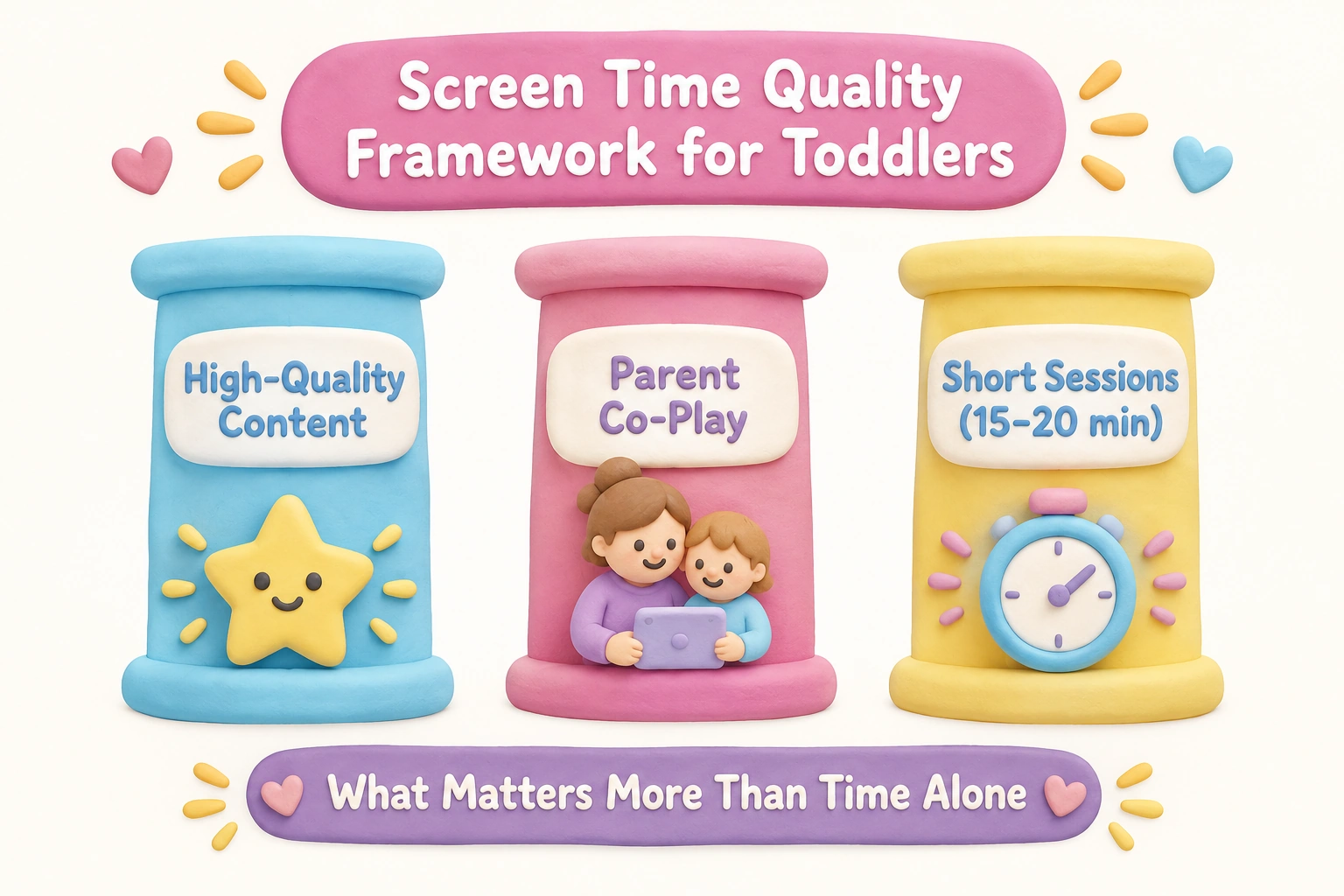
Given that the toddler attention span for a single activity is typically around 4–6 minutes, a practical session structure might look like this: two or three short games, 15–20 minutes total, with a parent present throughout, followed by an offline activity that connects to what was just played. This approach respects both the developmental reality of toddler attention and the guidance from pediatric health bodies.
Browser-Based Games vs. Downloaded Apps: Which Is Better for This Age?
Both browser-based games and downloaded apps can be appropriate for 2-year-olds, but they suit different situations. Browser-based games that require no download and no sign-up are the lowest-friction option — a parent can open a game in seconds without creating an account or managing storage space. They are ideal for occasional, supervised sessions on a shared family device. The trade-off is that browser games require an active internet connection and the quality varies widely, so parental vetting before each session is important.
Downloaded apps like Khan Academy Kids or Duolingo ABC offer more structured, sequenced learning experiences and often work offline, which is useful for travel or areas with unreliable connectivity. Apps also tend to have more consistent quality control because they go through app store review processes. The downside is the setup time and the need to manage the app on the device. For families who want a reliable, daily early learning routine, a well-chosen app may offer more consistency than browser-based games. For families who want occasional, low-commitment digital play, browser-based free toddler games online are the more practical choice.
Whichever format a family chooses, setting up a safe tablet environment matters. This includes enabling parental controls, turning off in-app purchase permissions, and — for browser use — bookmarking vetted sites rather than allowing a toddler to navigate independently.
What a 2-Year-Old Is Developmentally Ready to Learn
Understanding what a typical 2-year-old is developmentally ready for helps parents choose games that match rather than exceed their child’s current stage. At this age, most children are in the early stages of symbolic thinking — they can understand that a picture of a dog represents a real dog, which is why simple matching and recognition games work well. Language is expanding rapidly, with many children moving from two-word phrases toward short sentences. Parallel play (playing alongside others rather than cooperatively) is the norm, which means a 2-year-old will not yet benefit from multiplayer or turn-taking game mechanics.
Working memory at this age is limited — a child can hold one or two pieces of information in mind at once, which is why simple memory card games with just a few pairs are appropriate while complex multi-step games are not. Attention and impulse control are still developing, which is why games without timers or competitive scoring are more suitable. The developmental sweet spot for this age group is activities that offer immediate, clear feedback, involve familiar concepts, and allow the child to set the pace.
Extending Game Learning Into Everyday Life
The most effective use of educational games for toddlers is not as a standalone activity but as a starting point for real-world exploration. A color-sorting game played on a tablet can become a color hunt around the house. An animal sounds game can lead to a trip to a library book about farm animals. A simple puzzle game can be followed by a physical shape sorter or a set of wooden blocks. This kind of offline extension — sometimes called “bridging” in early childhood education — reinforces what was introduced on screen through the hands-on, sensory experiences that are most natural for toddlers.
Parents who narrate during play and then revisit the concepts in everyday contexts are effectively doubling the learning value of a short screen session. This approach also helps ensure that digital games remain a complement to physical play rather than a substitute for it — an important balance given that gross motor development, social interaction, and sensory exploration all require time away from screens.
Frequently Asked Questions
Are free online games for 2-year-olds actually safe?
Safety varies significantly by platform. Games on established sites like PBS Kids Games or purpose-built toddler platforms like Happy Clicks and Toddler Games Online are designed with child safety in mind — no ads, no external links, and no data collection from children. General-purpose gaming sites are not appropriate for this age group. Always preview a site or app before giving it to a toddler, and use parental controls on the device itself as an additional layer of protection.
How long should a 2-year-old play online games?
Given that the typical toddler attention span for a single activity is around 4–6 minutes, sessions of 15–20 minutes with two or three short games are generally more productive than longer, open-ended screen time. Major pediatric health organizations recommend keeping total daily screen time limited for this age group and ensuring that any screen time involves high-quality content and caregiver participation. Screen time should not crowd out sleep, physical activity, or face-to-face interaction.
Do these games need to be downloaded?
Many of the best options are fully browser-based and require no download or sign-up — they open directly in a web browser on a tablet, phone, or computer. Khan Academy Kids is a notable exception: it is a free downloaded app that also works offline, which makes it useful when internet access is limited.
Can a 2-year-old use a mouse, or do they need a touchscreen?
Most 2-year-olds find touchscreen interaction more intuitive than mouse control because it maps directly to how they interact with physical objects. If a desktop computer is the only available device, look for games with very large click targets and simple single-click mechanics. Keyboard-reaction games (where any key press produces a response) are also accessible on desktop for this age group.
Will online games help my child get ready for school?
Age-appropriate learning games can support early skills that contribute to school readiness — including color recognition, shape recognition, early number awareness, vocabulary development, and the ability to follow simple instructions. However, school readiness is a broad concept that also depends on social-emotional development, language skills, physical development, and self-regulation, none of which are fully addressed by screen-based games alone. Online games are most useful as one small part of a varied early learning environment that includes plenty of physical play, conversation, reading aloud, and social interaction.
What if my child gets frustrated with a game?
Frustration is a signal that the game may be too complex, too fast-paced, or simply not a good match for that child’s current stage. Two-year-olds vary considerably in their developmental pace, and a game that works well for one child may not suit another. If a child consistently struggles or disengages, try a simpler cause-and-effect game or a keyboard-reaction site, and return to more complex games in a few weeks. There is no developmental benefit to persisting with a game that causes distress.
Choosing Online Games That Work for Your Child and Your Family
The best free online games for 2-year-olds are not necessarily the most feature-rich or the most visually impressive — they are the ones that match your child’s current developmental stage, hold their attention without overwhelming them, and give you a natural opportunity to play alongside and talk about what you are both seeing. A simple bubble pop game played with a parent who narrates and asks questions will almost always be more valuable than a sophisticated educational platform used independently.
Start with one or two vetted, ad-free platforms — PBS Kids Games for character-based familiarity, Toddler Games Online or Happy Clicks for minimal, distraction-free play, or Khan Academy Kids if you want a structured offline-capable app. Preview each game yourself before introducing it, keep sessions short and parent-assisted, and use what happens on screen as a springboard for real-world conversation and play. That combination — quality content, active co-play, and offline extension — is where the genuine developmental value of toddler games lies.

Take a short quiz to find out what your everyday choices say about your parenting style
When your child is curious about something new, what’s your instinct?
Take a short quiz to find out what your everyday choices say about your parenting style
“Can I download this app?” What happens next?
Take a short quiz to find out what your everyday choices say about your parenting style
When it comes to rules at home, which sounds most like you?
Take a short quiz to find out what your everyday choices say about your parenting style
If you could give your child one life skill today, what would you pick?
Take a short quiz to find out what your everyday choices say about your parenting style
Your child gets to choose what to watch. What would your ideal setup look like?
Take a short quiz to find out what your everyday choices say about your parenting style
Pick your parenting superpower ✨