
10 Best Spelling Apps for Kids to Build Word Skills

 Discover a Free Education Video App for Kids
Pastory uses AI to personalize educational video content based on your child’s interests and personality. Safe, engaging, and built for curious young minds. Sign up now to stay updated and enjoy early access with a free trial
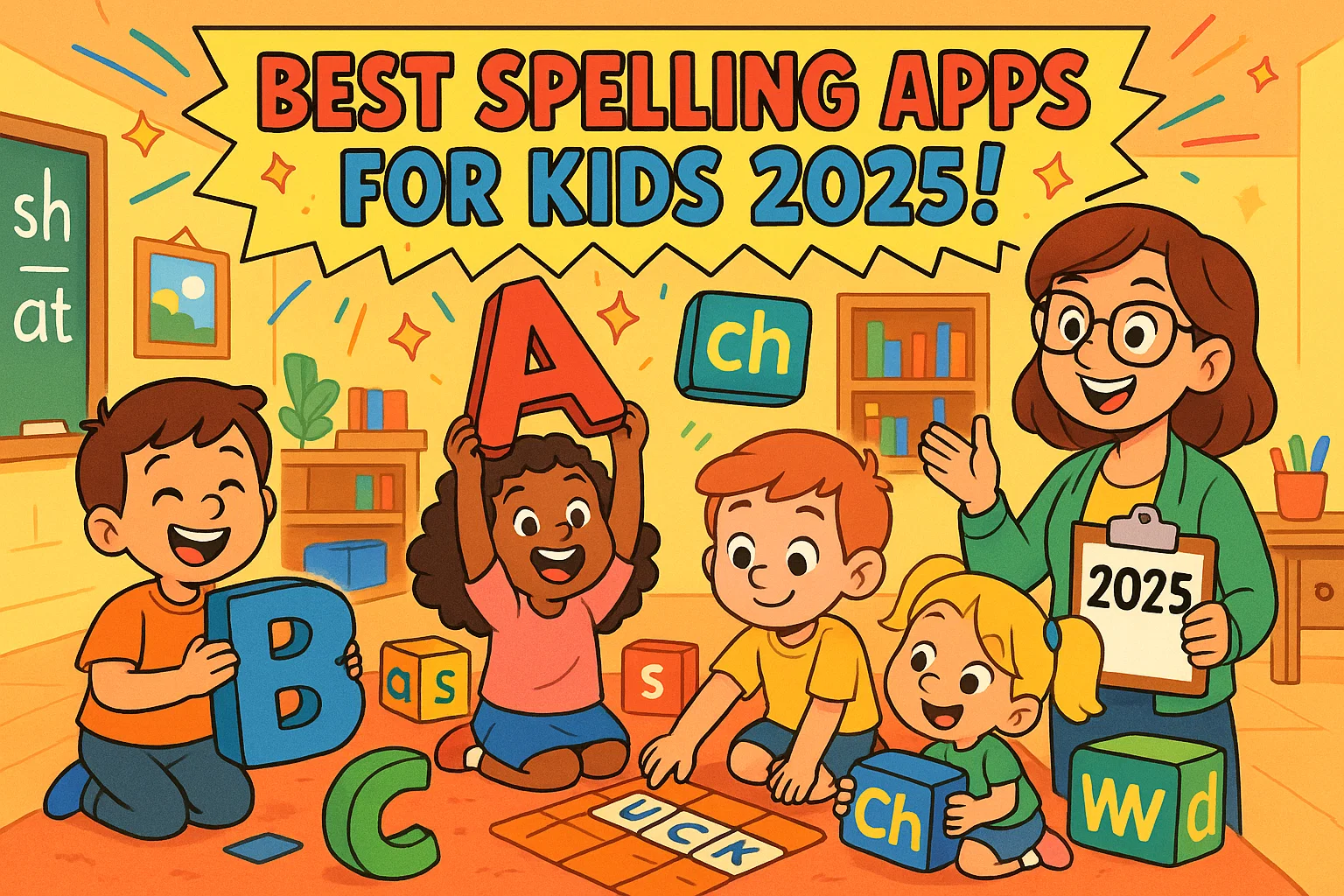
Finding the best spelling apps for kids means looking past colorful design to tools that genuinely build word skills through structured practice and age-appropriate progression. This article covers 10 spelling apps for children ages 5–11, spanning phonics-based starters, sight word tools, spelling bee formats, and interactive word games.
A practical guide section at the end walks parents through how to evaluate app quality, choose the right fit for their child, and support consistent spelling practice at home.
Key Takeaways
- This article reviews 10 spelling apps for kids ages 5–11, from phonics starters to advanced word challenges.
- Apps are selected for structured learning progression, age-appropriate content, and strong parent and educator feedback.
- Options include phonics-based apps, sight word tools, spelling bee formats, and interactive word games.
- A dedicated guide section explains how to evaluate spelling app quality and choose the right one for your child.
- Tips for maximizing app effectiveness help parents build consistent spelling habits at home.
1. ABC Spelling – Spell & Phonics
Average Rating: 4.6/5 stars
Cost: Free with in-app purchases
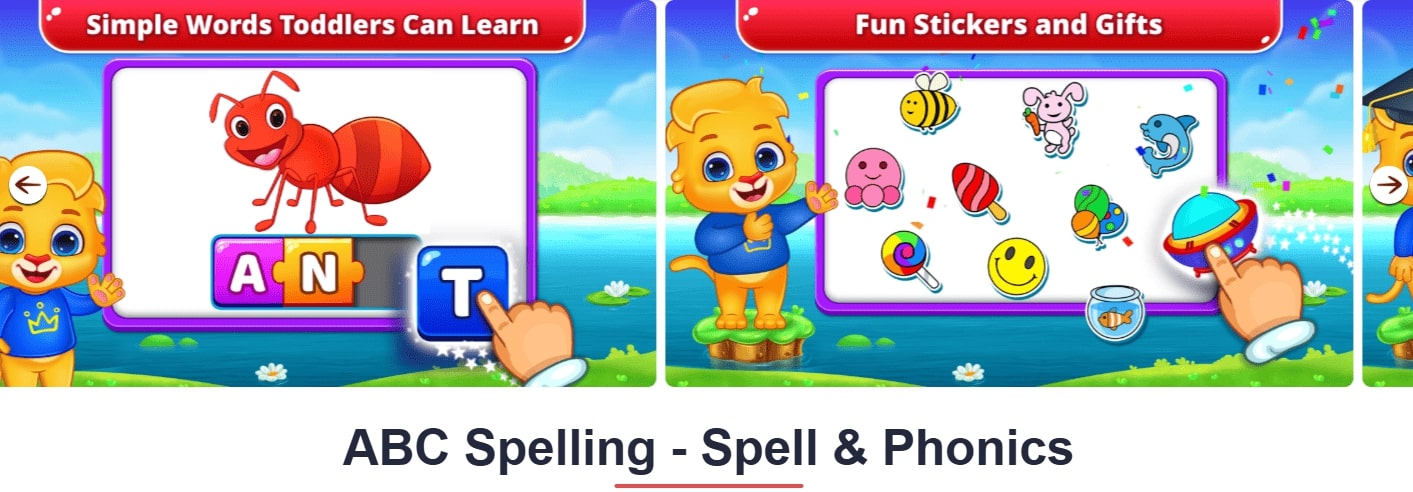
Designed for early learners, ABC Spelling introduces letters and words through guided interaction and visual reinforcement. The well-crafted app connects sounds with written forms, helping children learn the alphabet and recognize common words at a steady pace while building accurate spelling. Simple tasks, short activities, and interactive games support early reading development and maintain focus through structured play.
Standout Features:
- Letter tracing activities
- Phonetic pronunciation guides
- Reward system with virtual stickers
- Offline functionality
2. Sight Words by Photo Touch
Average Rating: 4.4/5 stars
Cost: Free
This learning tool focuses on high-frequency vocabulary commonly used in school language tasks. By working with structured word lists and repeated exposure to common terms, students learn correct word forms more efficiently, strengthening overall spelling accuracy. Short, focused sessions make the format suitable for regular homework and help students absorb new patterns without cognitive overload.
Key Strengths:
- Systematic progression through word lists
- Multiple practice modes (flashcards, spelling, games)
- Progress tracking for parents
- Voice recording feature
3. Word Wagon by Duck Duck Moose
Average Rating: 4.3/5 stars
Cost: Free
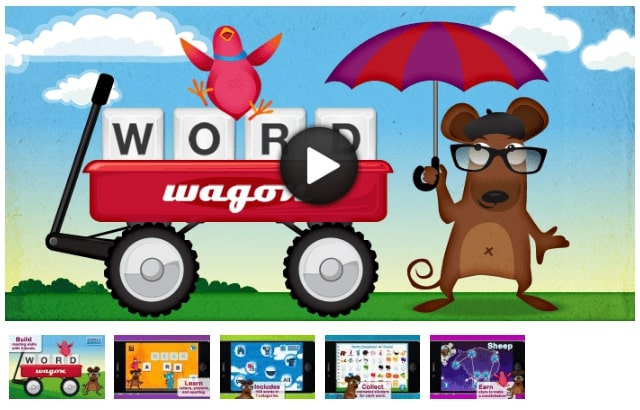
Built around interactive challenges, this engaging learning tool encourages children learn through hands-on problem solving. Tasks based on letters and words require active participation, which supports spelling development and improves long-term recall. The format suits kids ages who benefit from movement-based interaction, offering a fun, motivating experience that keeps engagement high.
| Feature | Rating | Description |
| User Interface | ⭐⭐⭐⭐⭐ | Colorful, intuitive design |
| Educational Value | ⭐⭐⭐⭐ | Strong phonics foundation |
| Engagement | ⭐⭐⭐⭐⭐ | High replay value |
| Parental Controls | ⭐⭐⭐ | Basic progress tracking |
4. Spelling Shed

Average Rating: 4.5/5 stars
Cost: $2.99
Developed with classroom use in mind, Spelling Shed supports structured school language practice through rule-based progression and adaptive difficulty. The system helps students recognize patterns that strengthen spelling accuracy over time, combining vocabulary development with measurable learning outcomes. This solution is particularly effective for older kids who require consistent weekly practice aligned with academic expectations.
Notable Features:
- Curriculum-aligned word lists
- Multiplayer spelling games
- Detailed progress reports
- Teacher dashboard for classroom use
5. Squeebles Spelling Connect

Average Rating: 4.2/5 stars
Cost: Free
Squeebles Spelling uses collection-based mechanics to turn routine practice into playful learning activities. Through interactive challenges and progress-based rewards, the app helps build spelling confidence while keeping attention steady over time. Custom word lists and adaptive pacing make this option suitable for kids to improve accuracy without pressure, especially when learning benefits from a game-driven structure.
Why Parents Love It:
- Customizable word lists
- Difficulty adjustment based on performance
- No advertisements or in-app purchases
- Comprehensive statistics tracking
6. Spelling Words: Spell It Games
Average Rating: 4.1/5 stars
Cost: Free with premium features
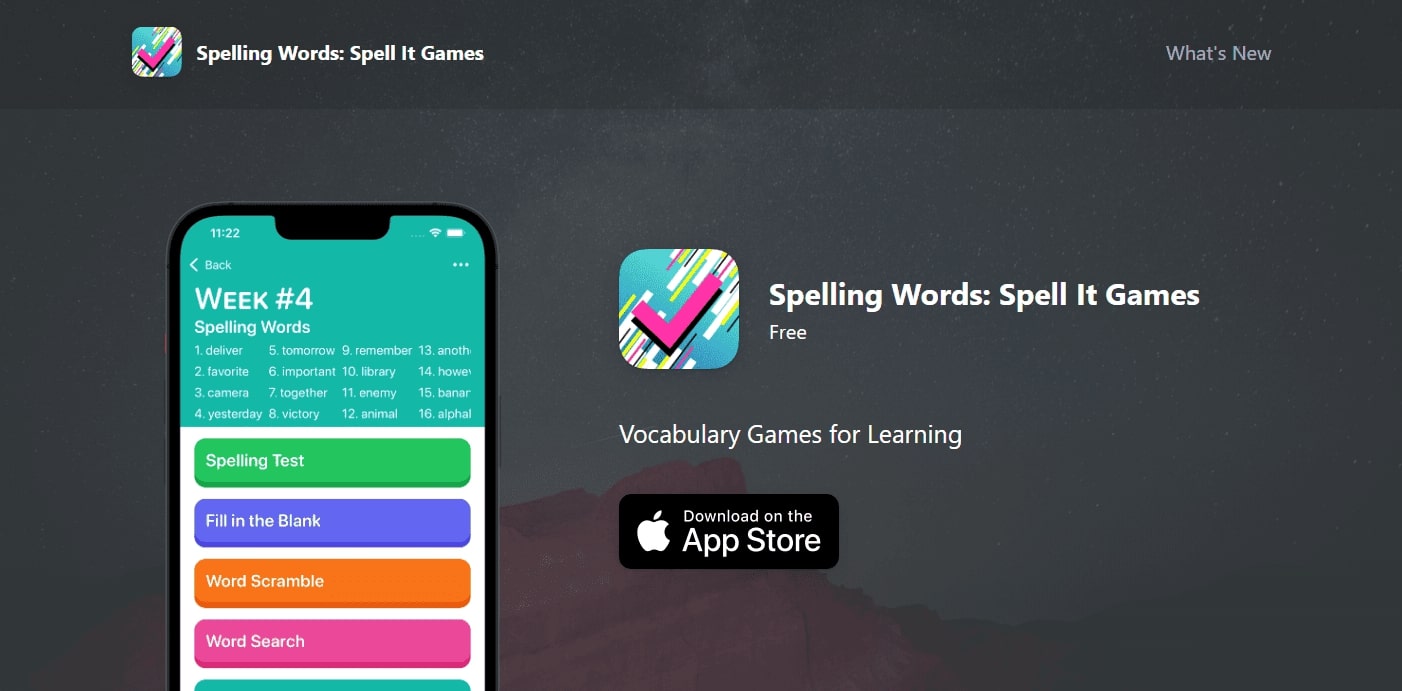
This learning solution emphasizes variety through interactive games that adapt to different learning preferences. Short exercises and rotating formats support focused practice without repetition fatigue, helping students master correct spelling through engagement rather than memorization alone. The design works well for kids use at home, particularly when consistent routines are needed to support school assignments.
7. Spelling Bee: English Words
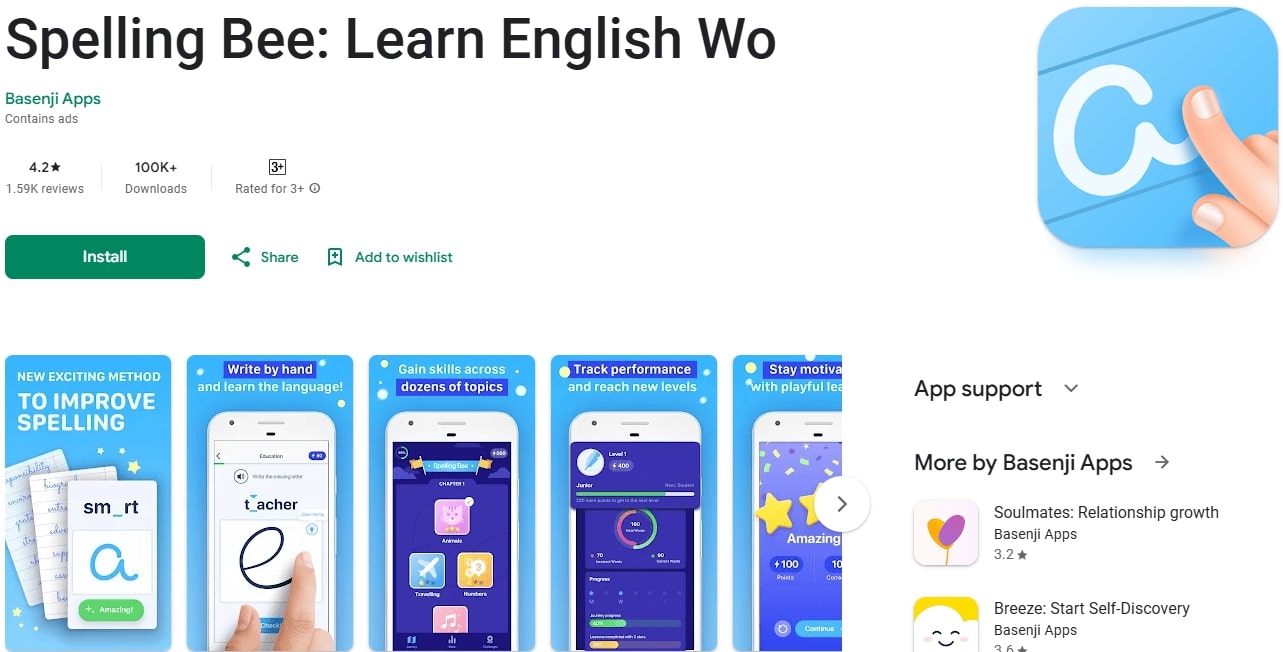
Average Rating: 4.7/5 stars
Cost: Free with in-app purchases
This platform is designed for learners preparing for advanced vocabulary challenges and formal assessments. Practice sessions mirror spelling bee quiz conditions, helping a speller develop accuracy, focus, and recall under timed formats. The structure supports advanced spelling development and suits older kids who already demonstrate strong vocabulary foundations.
Competition Prep Features:
- Official Scripps National Spelling Bee word lists
- Pronunciation guides and definitions
- Practice sessions with varying difficulty levels
- Mock competition mode
8. Spelling Bee: Spelling Quiz
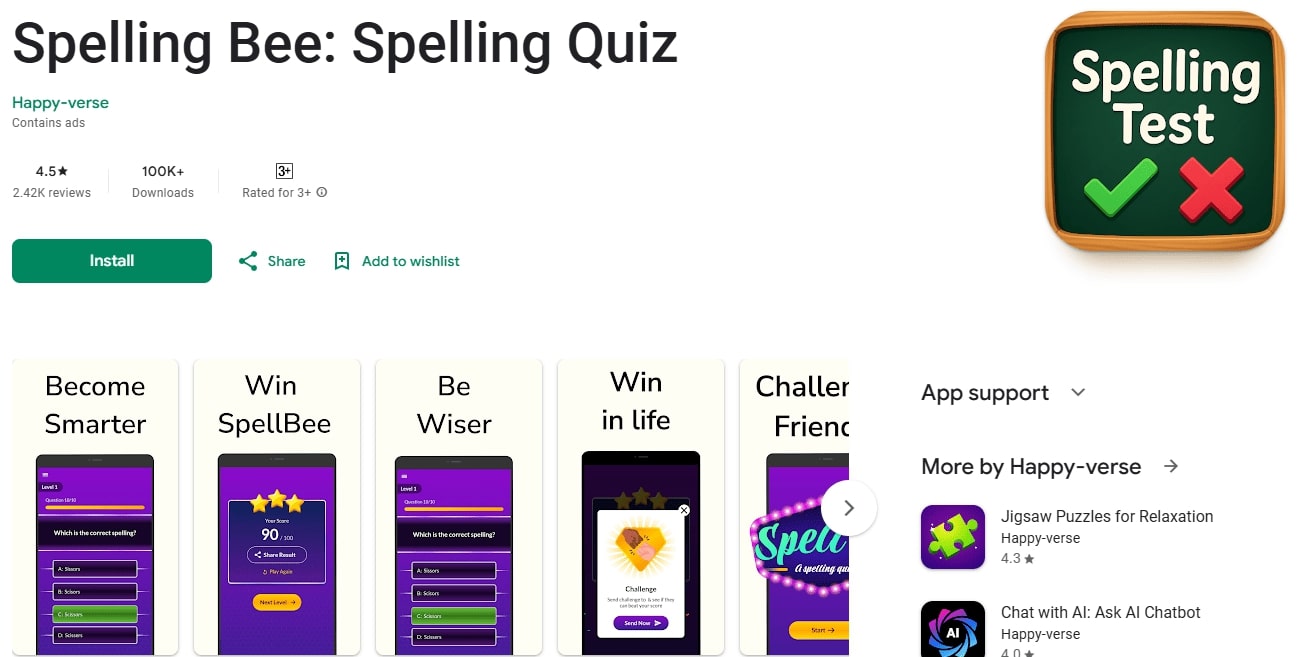
Average Rating: 4.6/5 stars
Cost: Free
Aimed at advanced learners, this tool deepens understanding of spelling of words through definition-based practice and structured recall. Detailed explanations and repeated exposure help students learn unfamiliar terms while refining precision. The format is especially useful for older kids and english language learners who benefit from contextual learning and systematic review.
9. Word Beach: Fun Spelling Games
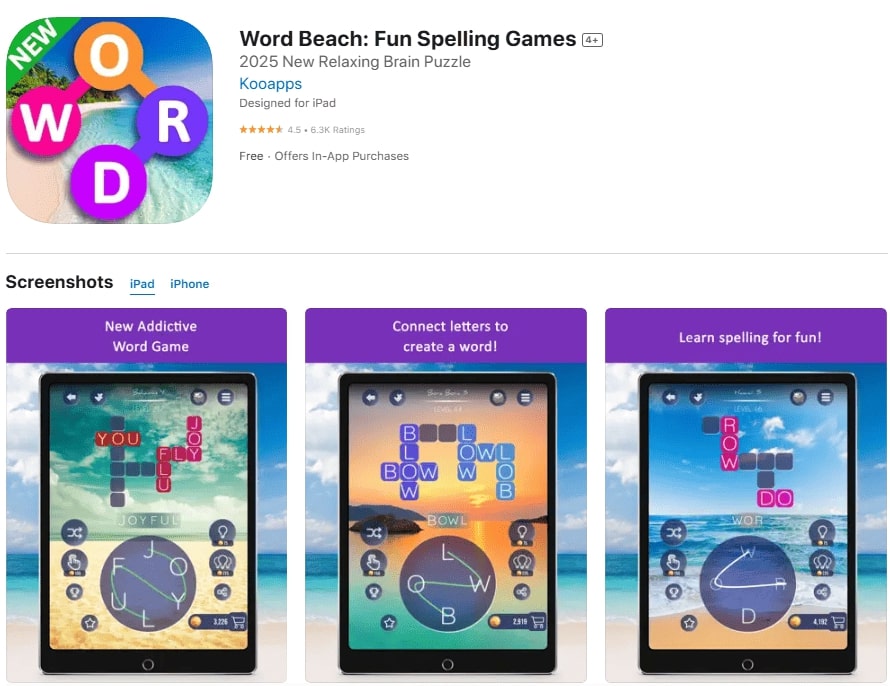
Average Rating: 4.3/5 stars
Cost: Free with optional premium content
Word Beach builds spelling fun around short challenges that gradually increase in complexity. Through word-building tasks and interactive games, kids learn how letters and words connect in meaningful patterns. The playful structure helps children develop accuracy naturally, making practice feel like discovery rather than repetition.
10. Spelling Queen Pangrams
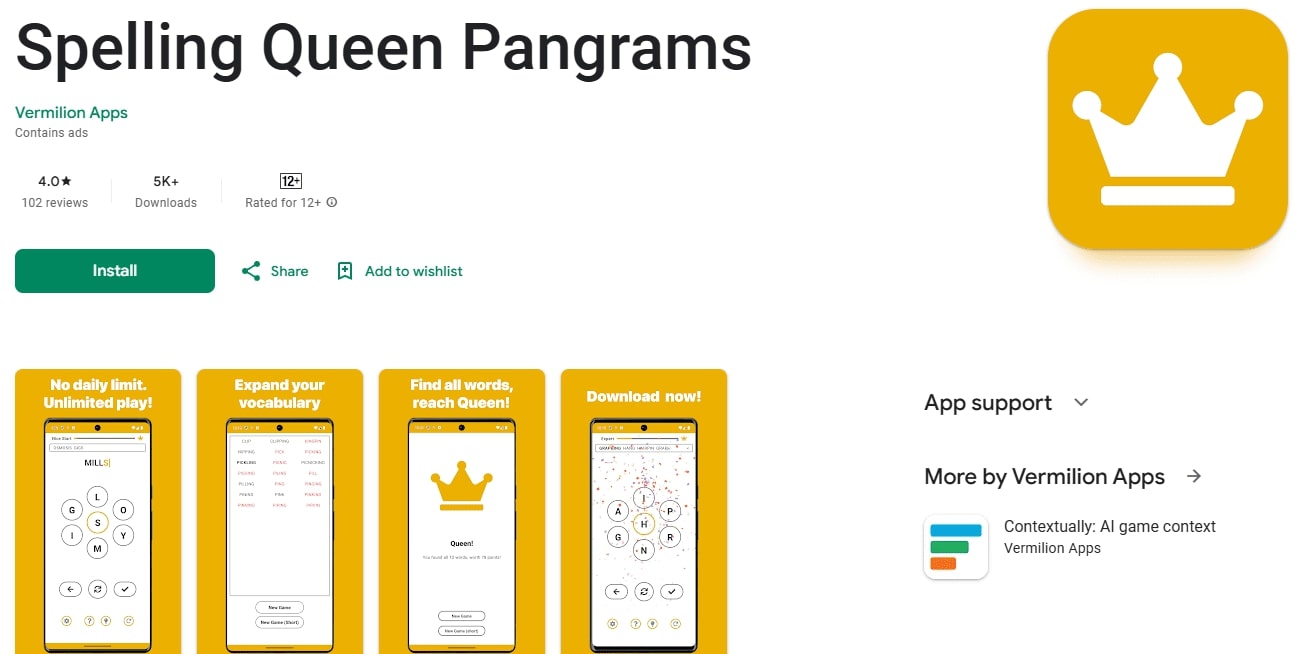
Average Rating: 4.0/5 stars
Cost: Free
This learning tool introduces creative sentence-based challenges that expose learners to the full range of letters and words. By working with complex constructions, students learn correct spelling while strengthening attention to detail and pattern recognition. The format supports advanced language development and is especially useful for practice beyond basic vocabulary.
How to Evaluate Quality Educational Tools
Selecting effective digital learning solutions requires a criteria-based evaluation rather than relying on popularity alone. High-quality educational tools are built on evidence-based design principles that align with established learning research and classroom methodologies. This approach ensures that digital practice supports measurable skill development rather than passive interaction.
Clarity of progression remains one of the most reliable indicators of quality. Well-structured platforms guide learners through clearly defined stages, allowing skills to develop gradually without abrupt difficulty jumps. Consistent sequencing supports confidence, sustained motivation, and predictable learning outcomes.
Feedback quality plays a central role in long-term effectiveness. Immediate, understandable responses help reinforce accuracy and guide correction without frustration. Tools that explain errors or provide corrective prompts generally support stronger retention than those limited to binary responses.
Transparency of learning goals further distinguishes reliable solutions. Clear descriptions of objectives allow parents and educators to align digital activities with school expectations. User reviews complement this analysis by reflecting real-world usability, engagement, and performance across different age groups.
| Evaluation Criteria | What to Look For | ducational Impact |
|---|---|---|
| Clarity of progression | Structured levels, logical sequencing, visible milestones | Supports steady skill development and motivation |
| Feedback quality | Immediate responses, corrective guidance, explanations | Improves accuracy and long-term retention |
| Transparency of learning goals | Clear objectives, skill descriptions, curriculum alignment | Enables alignment with academic expectations |
| Evidence-based design | Research-backed methods, educator involvement | Ensures meaningful learning outcomes |
| User reviews | Consistent feedback from parents and educators | Confirms usability and sustained engagement |
Top Features of Effective Spelling Apps
- Adaptive Learning Technology
Apps that customize difficulty based on performance can improve vocabulary retention by 30%. - Multi-Modal Learning Approach
Combining visuals, audio, and touch (e.g., interactive gameplay) aligns with Dr. Edgar Dale’s research for better retention. - Progress Tracking
Detailed analytics help kids and parents identify weak spots, such as tricky spelling lists or common words.
Choosing the Right App for Your Child
- Age & Skill Level: Apps for kids ages 5-11 should balance entertaining and effective methods.
- Learning Style: Opt for interactive apps with custom word lists if your child needs personalized spelling tests.
- Routine: Short, daily sessions with game-based apps help kids learn how to spell without excessive screen time.
Maximizing App Effectiveness
- Consistent Practice: 15–20 minutes daily works better than long, irregular sessions.
- Parental Involvement: Review progress to improve their spelling skills.
- Balanced Approach: Pair apps with traditional methods for literacy skills.
- Goal Setting: Use apps that allow kids to track achievements, like mastering school spelling words.
For kids ages 5–11, a well-crafted learning tool such as Spelling Shed or ABC Spelling can build a solid foundation in English language skills while keeping engagement high. Whether the goal involves spelling practice, vocabulary growth, or preparation for school assessments, the right solution supports steady progress and long-term confidence.
Frequently Asked Questions
How do these tools support reading and language development?
High-quality platforms strengthen reading and writing skills by reinforcing word recognition, phonetic awareness, and vocabulary growth. Structured repetition and contextual exercises help learners connect sounds with written forms, improving overall literacy outcomes.
Are these tools suitable for different age groups?
Most solutions are designed with flexible difficulty levels to support both early learners and older kids. Adjustable pacing and custom content allow activities to remain age-appropriate while continuing to challenge learners as skills improve.
Can these tools help with school assignments?
Many platforms include features suitable for regular homework, such as weekly word sets, progress tracking, and review modes. These functions support consistency and reduce reliance on last-minute practice before classroom assessments.
Do interactive formats actually improve learning results?
Research-backed design shows that interactive activities increase engagement and retention compared to passive methods. Immediate feedback and active participation help students correct mistakes quickly and reinforce correct language patterns.
Are there options available at no cost?
Several tools are completely free, while others offer limited access through trial periods. This allows families to evaluate usability and learning value before committing to paid features.
What should parents look for when choosing a learning tool?
Clear progression, meaningful feedback, and transparent learning goals remain the most reliable indicators of quality. User reviews from parents and educators provide additional insight into long-term effectiveness and ease of use in real learning environments.
What makes a spelling app engaging and effective?
An engaging spelling app balances structured spelling drills with interactive challenges and clear progression. Effective design gives kids motivation, helps students learn independently, and supports long-term literacy growth by making practice feel purposeful rather than repetitive.

Take a short quiz to find out what your everyday choices say about your parenting style
When your child is curious about something new, what’s your instinct?
Take a short quiz to find out what your everyday choices say about your parenting style
“Can I download this app?” What happens next?
Take a short quiz to find out what your everyday choices say about your parenting style
When it comes to rules at home, which sounds most like you?
Take a short quiz to find out what your everyday choices say about your parenting style
If you could give your child one life skill today, what would you pick?
Take a short quiz to find out what your everyday choices say about your parenting style
Your child gets to choose what to watch. What would your ideal setup look like?
Take a short quiz to find out what your everyday choices say about your parenting style
Pick your parenting superpower ✨



