
Kinzoo Messaging App for Kids vs WhatsApp: Safety, Features, Pricing Comparison

 Discover a Free Education Video App for Kids
Pastory uses AI to personalize educational video content based on your child’s interests and personality. Safe, engaging, and built for curious young minds. Sign up now to stay updated and enjoy early access with a free trial
Choosing a family messaging app today is no longer just about convenience; it’s about creating a secure platform where children can learn digital literacy without exposure to the pitfalls of the open web. Many parents find themselves torn between the mainstream convenience of WhatsApp and the specialized, child-focused environment of Kinzoo Messenger.
This comparison evaluates both platforms through a neutral, child-centric lens. We will explore how they differ in parental controls, privacy policy, and usability. Whether you are looking for a safe way to introduce your 7-year-old to texting or deciding if your 12-year-old is ready for a mainstream messaging app, this guide provides a factual breakdown of how these tools align with family needs in 2026.
Kinzoo Messenger Overview
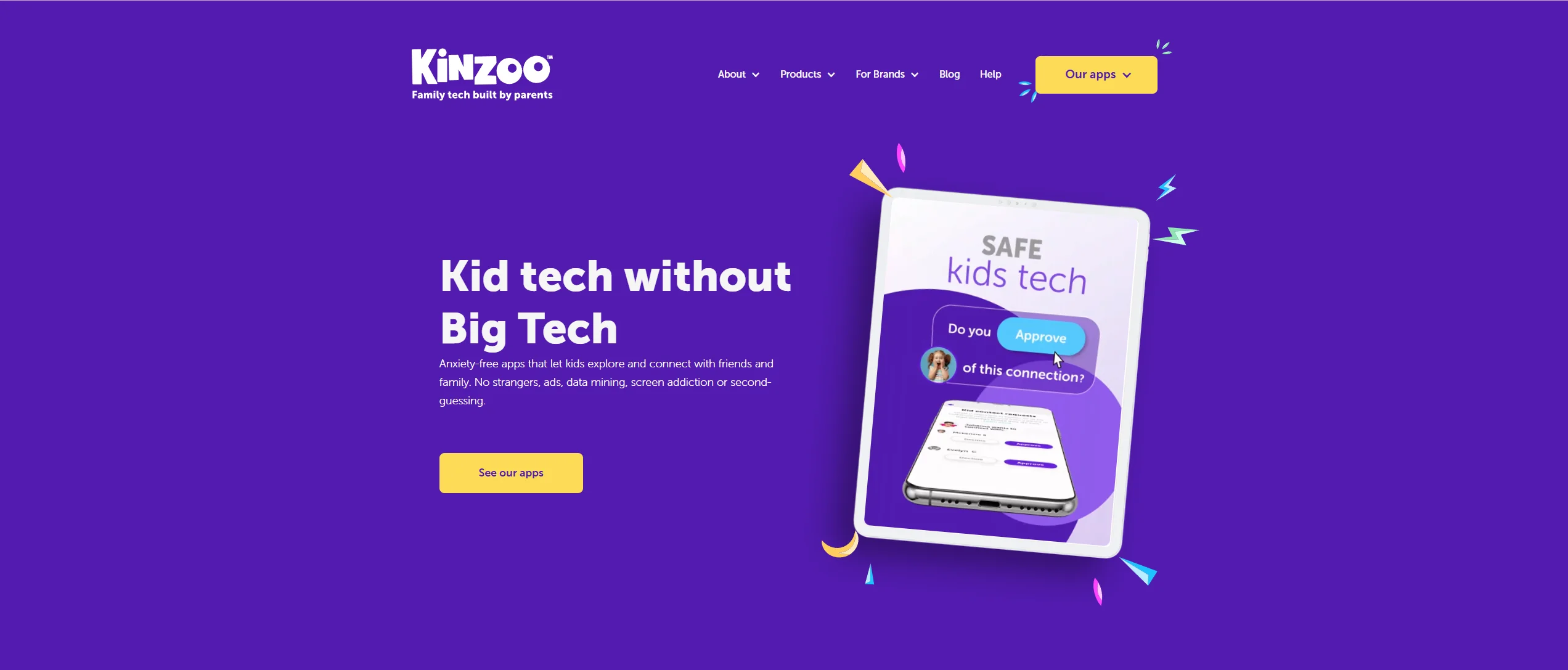
Kinzoo Messenger is a kid-friendly messenger designed from the ground up to prioritize data privacy and safety. Unlike general-purpose apps, Kinzoo positions itself as a “training wheels” social platform. It is kidSAFE+ and COPPA certified, meaning it meets established standards for protecting children’s online information. The app’s core philosophy centers on “connection, not addiction,” avoiding features such as likes, follower counts, and public feeds that can contribute to social pressure among younger users.
Core Features for Kids
Kinzoo offers a vibrant, user-friendly interface where children can send text, emojis, and stickers. A standout feature is Kinzoo Studio, which allows kids to create their own stories and characters, turning a chat into a creative outlet. The app supports video chat and voice notes, but with a twist: the “Blips” feature allows for short video messages that encourage concise, meaningful communication rather than endless scrolling or streaming.
Approved Contacts and Closed Network
The hallmark of Kinzoo is its controlled environment. A child cannot be “found” by strangers. There is no public search directory. To connect, users must exchange a unique “Magic Code.” Even then, parents approve every single contact request. This ensures the family group remains a private circle of children and family members.
No SIM Card and No Phone Number Setup
One of the most practical benefits for many families is that Kinzoo does not require a phone number.
- Device Flexibility: It works on tablets (iPad/Android) and older smartphones via Wi-Fi.
- Privacy: Since no phone number is linked, the child’s digital footprint is significantly smaller.
- Setup: Parents create an account using their email and then set up a child profile with a simple PIN.
Parents in Loop Model
The parent dashboard in Kinzoo gives guardians high visibility without being overly invasive. You can see who your child is talking to and manage their permissions. While parents are not automatically reading every message, the app is designed to ensure account-level transparency and oversight.
Device Compatibility and Ease of Setup
Kinzoo is available on iOS, Android, and Amazon Fire devices. The onboarding process is structured to ensure the parent is the “administrator.”
- Parent Install: Download and verify via email.
- Child Profile: Create the profile and set a 4-digit PIN.
- Child Install: Log in on the kid’s device using that PIN.
WhatsApp Overview
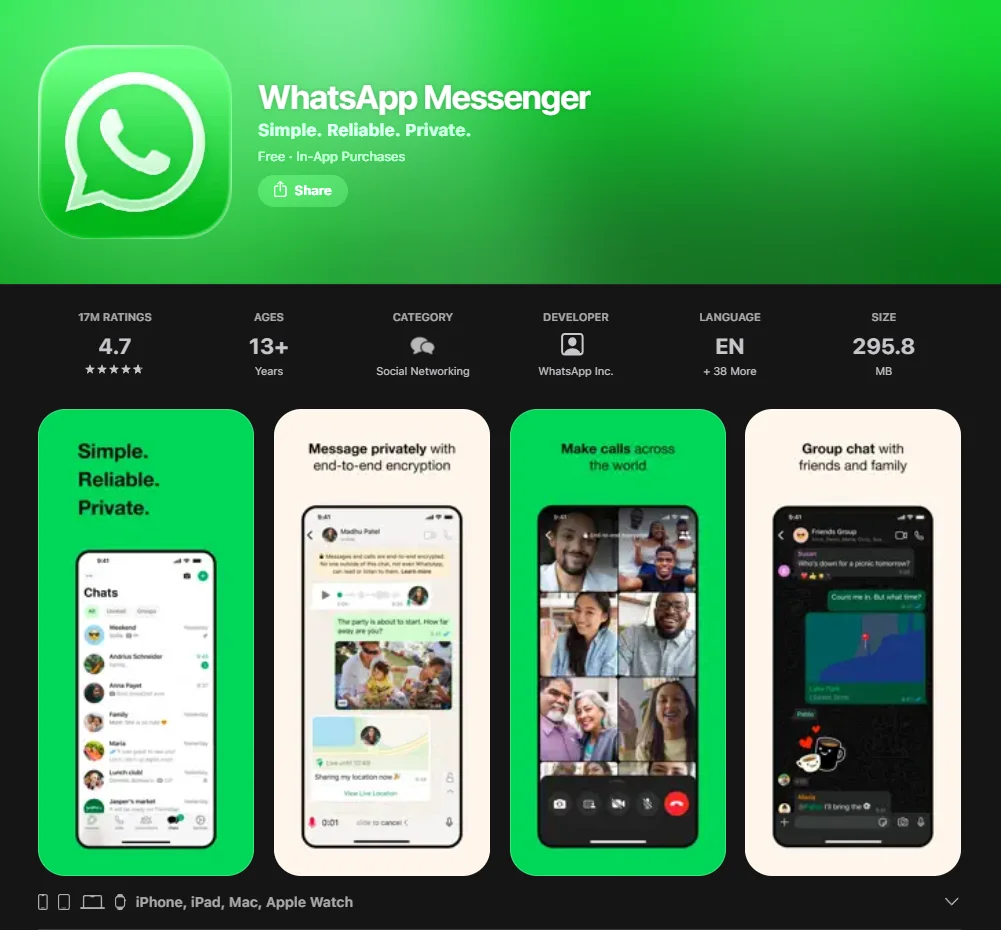
WhatsApp is one of the world’s most widely used messaging platforms and is owned by Meta. While it is a powerhouse for family communication, it was built for adults. WhatsApp does not provide a dedicated built-in parental control dashboard. Parents typically rely on in-app privacy settings combined with external tools such as Apple Screen Time or Google Family Link.
Core Messaging and Calling Features
WhatsApp is a full-featured texting app providing:
- High-quality video call and voice call capabilities.
- Group chats with up to 1,024 participants.
- Gifs, stickers, and advanced file sharing.
- “Channels” and “Communities” for following interests.
End-to-End Encryption Model
WhatsApp’s greatest strength is its security. Every chat is end-to-end encrypted. This means not even Meta can read the messages. However, for a parent, this creates a “black box” where you cannot monitor content unless you physically hold the child’s phone.
Phone Number Requirement and SIM Dependency
Unlike apps like Kinzoo, WhatsApp is tied to a phone number.
- Hardware: The child usually needs a SIM card or a dedicated number.
- Discovery: Anyone with your child’s number can theoretically see they have a WhatsApp account and send a message, though privacy settings can limit this.
Group Chats, Communities, and Public Exposure
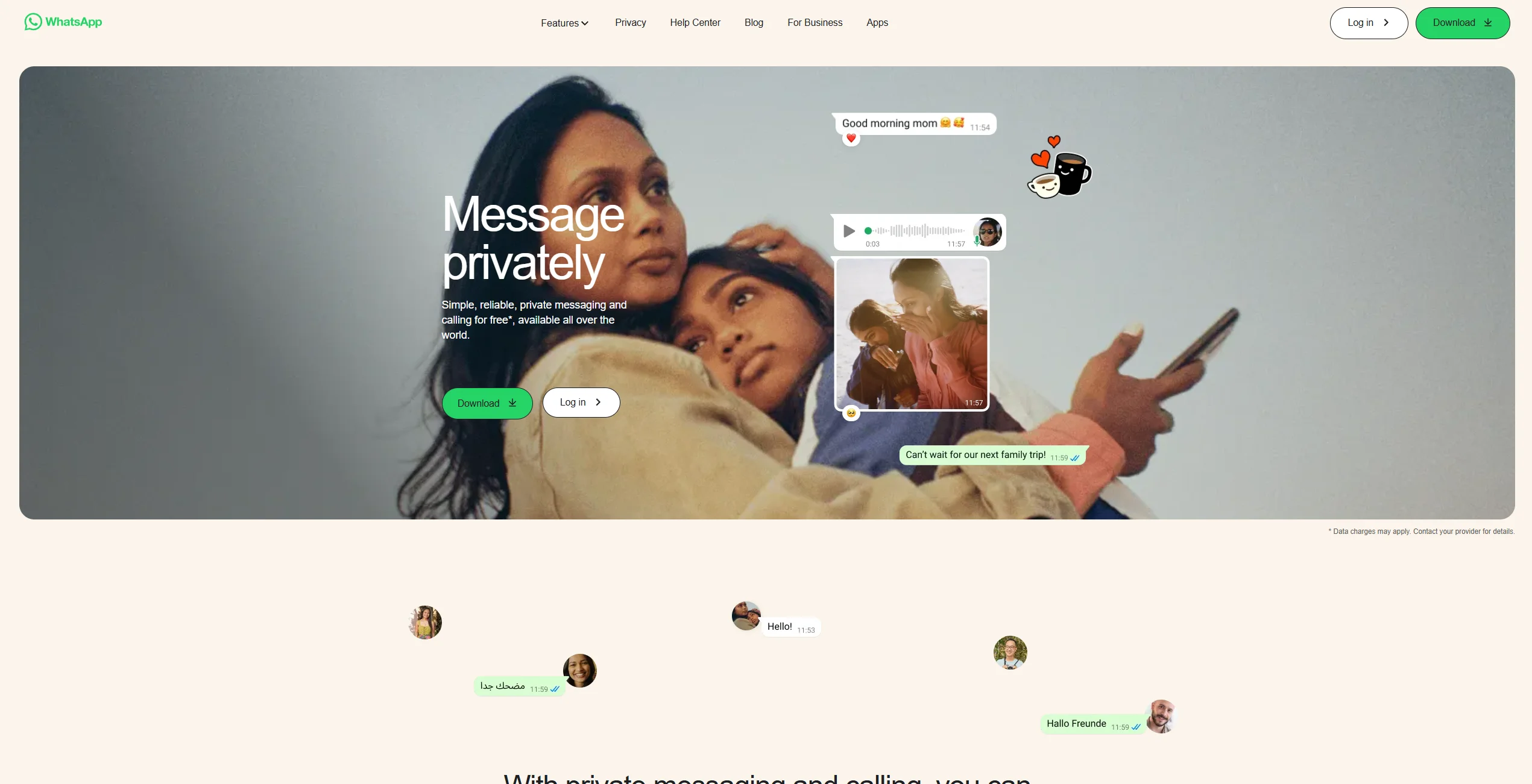
WhatsApp is an open ecosystem. Children can be added to group chats by classmates, which may include people the parents don’t know. The “Communities” feature allows users to join larger groups based on schools or interests, which can increase exposure to unwanted content or spam.
Age Restrictions and Platform Policies
The official minimum age for WhatsApp is 13 (in most regions). In certain regions, WhatsApp may request age verification, which can involve submitting identification or other verification methods. While many preteens use it, doing so may violate the Terms of Service unless specific supervised account features are enabled where available.
Safety Comparison for Children

| Feature | Kinzoo Messenger | |
| Primary Audience | Children (6+) & Families | General Public (13+) |
| Contact Discovery | Invitation Only (Magic Code) | Phone Number / Address Book |
| Parental Oversight | High (Parent Approves All) | Moderate (New 2026 Supervision Tools) |
| Data Usage | No Ads, No Data Selling | Meta Ecosystem (Metadata used) |
| Encryption | Kinzoo encrypts data in transit but does not offer end-to-end encryption, stating that full E2EE would limit its ability to support child-safety monitoring and reporting mechanisms. | End-to-End Encrypted |
| Phone Number | Not Required | Required |
Data Protection and Child Privacy
Kinzoo’s business model is based on in-app purchases (like stickers or “Zoonies” currency) rather than data mining. WhatsApp is part of the Meta data ecosystem. While message content is encrypted, WhatsApp collects certain metadata, such as who users communicate with and when.
Stranger Contact Risks
In Kinzoo, the risk of stranger contact is nearly zero because of the “Magic Code” and parent approval system. In WhatsApp, the risk is higher. Even with privacy settings turned on, a child can be “found” if their number is leaked or shared in a school group chat.
Encryption vs. Parental Visibility Trade-Off
This is the classic “Safety vs. Privacy” debate.
- WhatsApp offers total privacy from everyone, including parents.
- Kinzoo offers a controlled environment where the parent acts as a digital gatekeeper, which many experts suggest is better for younger children (ages 6–10) who are still learning boundaries.
Features Comparison for Daily Family Communication
Text, Voice, and Video Experience
WhatsApp is generally more reliable for video chat in areas with low connectivity due to its advanced compression. Kinzoo’s interface is designed to be child-friendly, with larger buttons and colorful layouts that are easier for young children to navigate.
Multimedia Sharing and Creative Tools
Kinzoo places a stronger emphasis on playful, creative features. With Kinzoo Studio and integrated drawing tools, it feels like a creative playground. WhatsApp is a utility; while it has emojis and gifs, its creative tools are basic and designed for quick, efficient sharing.
Screen Time and Usage Controls
- Kinzoo: Has built-in “quiet hours” and parents can see usage summaries.
- WhatsApp: WhatsApp does not offer built-in time-restriction controls for messaging. Usage limits must be managed through device-level parental control tools.
Age Suitability Breakdown
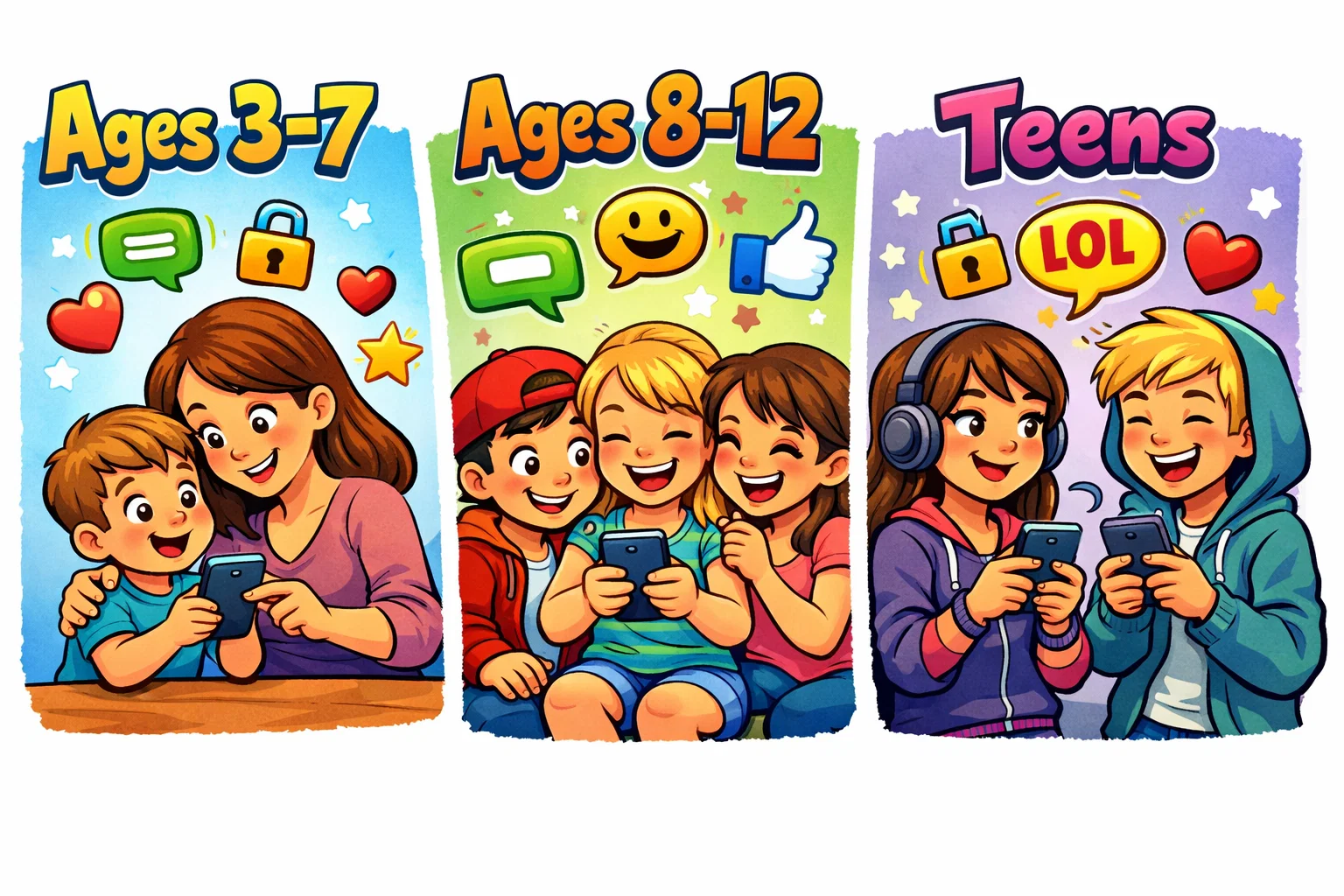
Children Ages 3–7
At this age, Kinzoo Together (a sister app) is often the best fit. It’s designed for “co-playing” during a video call. Traditional WhatsApp is generally not recommended for this age group due to the lack of built-in guardrails and the requirement for a phone number.
Children Ages 8–12
This is the “sweet spot” for Kinzoo Messenger. It gives kids the independence they crave—their own “account”—while giving parents peace of mind. WhatsApp is often introduced at the tail end of this range (11–12) as kids transition to middle school and need to coordinate with larger peer groups.
Teens 13–16
By 13, most children move to mainstream messaging apps like WhatsApp, Signal, or Snapchat. Social pressure to use the same platforms as peers often outweighs the safety advantages of child-specific apps.
Pricing Comparison
| Platform | Cost Structure | Notable Fees |
| Kinzoo Messenger | Free to Download | Paid app features: “Zoonies” for stickers/filters |
| Kinzoo Together | Subscription Based | Kinzoo Together offers a free tier and two subscription tiers. Pricing varies by region and platform, with promotional pricing sometimes listed around $6.99 per month (USD) |
| Free | No subscription; data usage costs apply |
Kinzoo is “freemium.” The basic messaging is free, but to unlock the best stickers, avatars, and Kinzoo Studio items, you may choose to make in-app purchases. WhatsApp is free to download and does not require a subscription for messaging features. As of recent updates, advertisements appear in the Updates (Status/Channels) tab in certain regions.
Pros and Limitations
Kinzoo
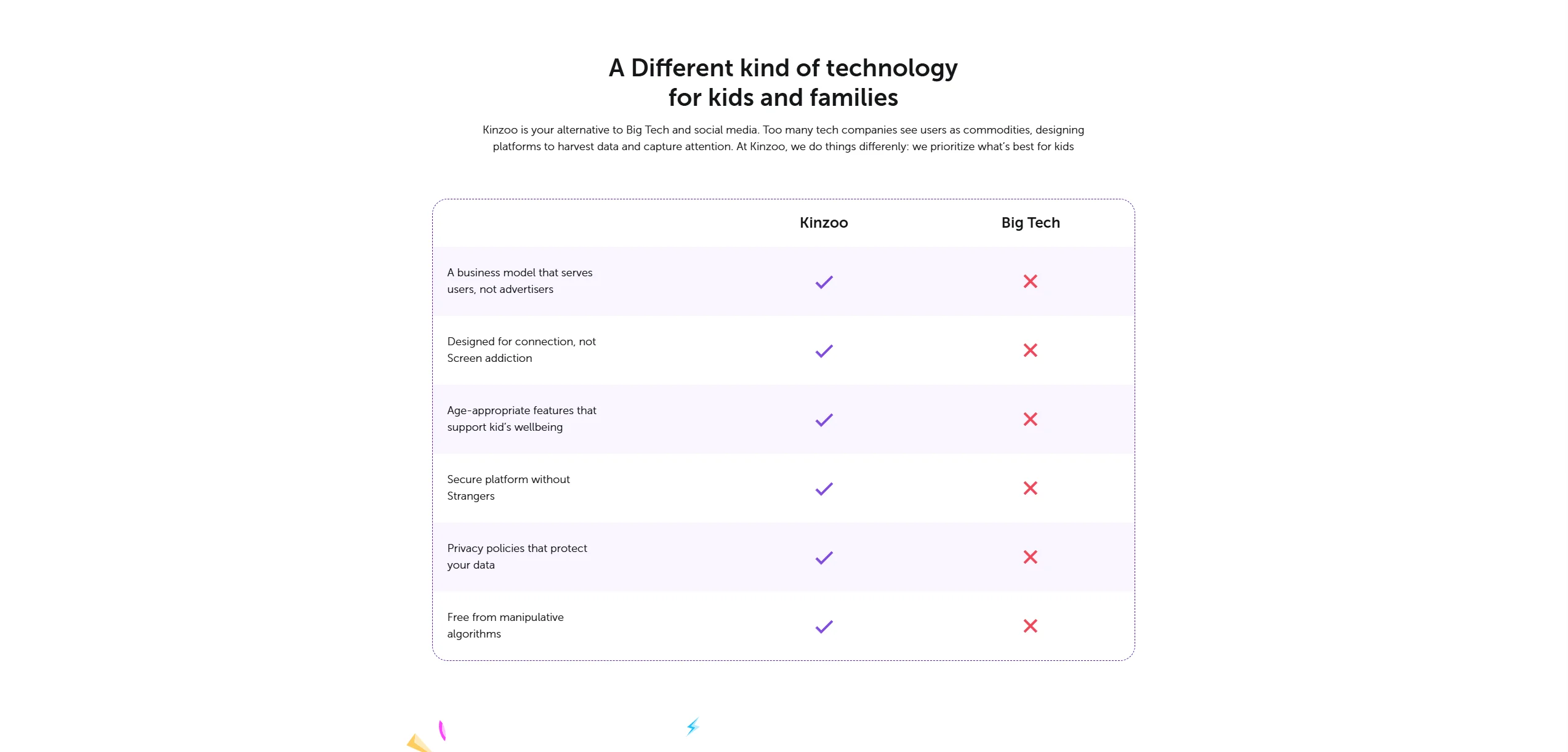
- Pros: Safer by design; no phone number; family-specific focus; COPPA certified.
- Cons: Small user base (friends must also download it); some content is behind a paywall.
- Pros: Widely adopted; high-quality calls; strong encrypted communication.
- Cons: Data privacy concerns; high risk of “digital noise” and spam; requires a phone number.
Real-World Use Cases
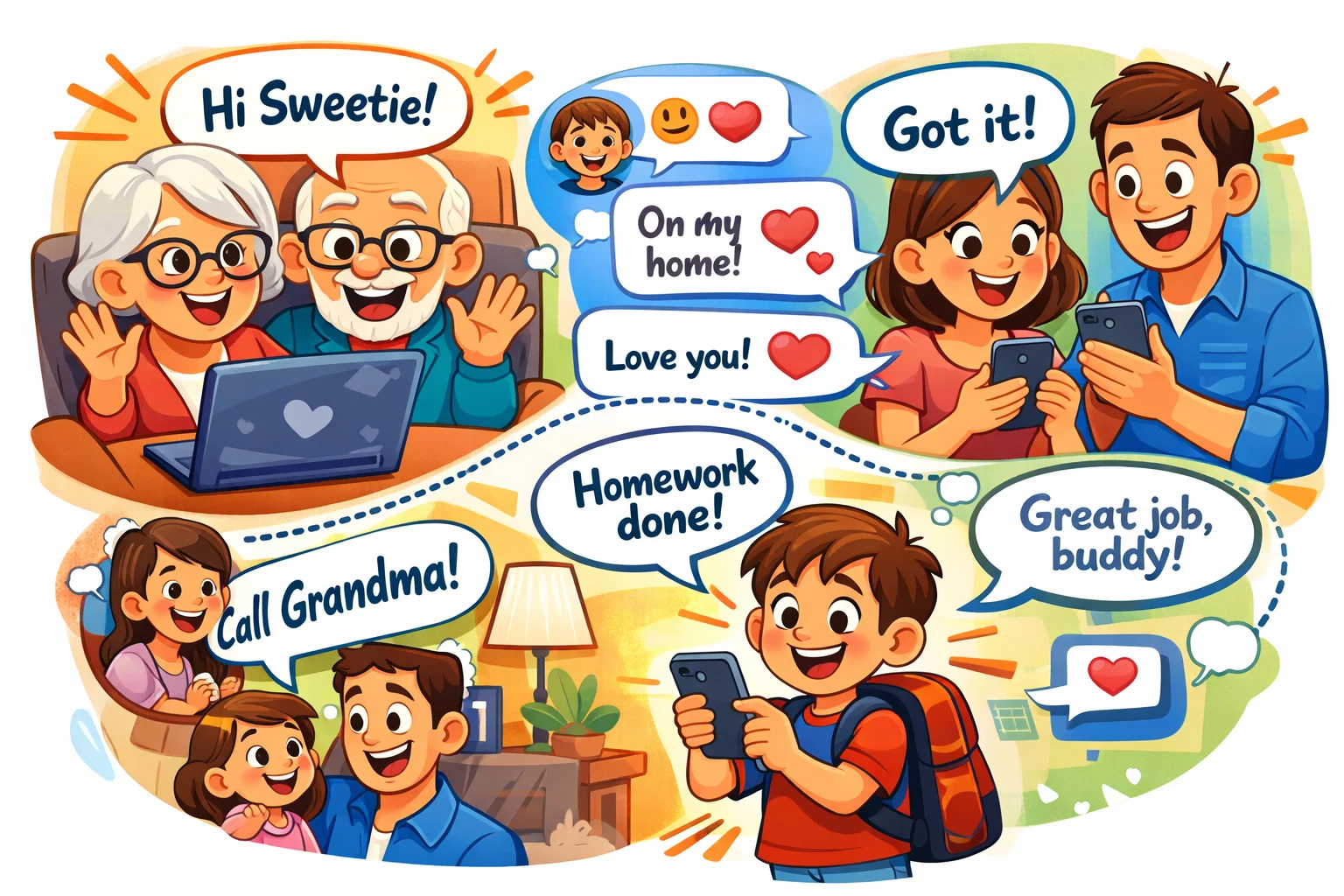
- First Messaging App: Kinzoo is the ideal “first step.” It teaches a child how to chat and use emojis responsibly before they are exposed to the wider world.
- Staying Connected With Extended Family: Kinzoo is excellent for grandparents. The interface is simple, and the “Together” features allow them to read stories to the kids.
- School and Peer Communication: If the whole soccer team is on WhatsApp, it becomes difficult to stay on Kinzoo. Parents of older children often feel pressure to transition to WhatsApp for social inclusion.
Alternatives Families Often Compare

- Messenger Kids: Meta’s version of a child-safe app. No Facebook account needed for the kid, but parents manage it through their own Facebook.
- JusTalk Kids: A strong competitor to Kinzoo that also offers video call features and drawing tools without needing a phone number.
- Fennec: Focuses on smartwatch and mobile integration for younger children.
FAQ
Is Kinzoo suitable for all age groups?
Kinzoo is primarily designed for children aged 6 to 12. While it offers a very secure and fun environment for elementary-aged kids, older teens might find it too restrictive compared to mainstream apps. It is an excellent tool for introducing digital communication, but most families find that as a child enters high school, they naturally transition to platforms their peers use.
Is WhatsApp safe for children under 13?
Officially, WhatsApp is for those 13 and older, and using it younger involves bypassing age gates. While its encryption is world-class for privacy, the app lacks the structured supervision found in Kinzoo. For a child under 13, WhatsApp should only be used with heavy parental involvement and strict privacy settings, as the risk of encountering unknown contacts or unmoderated group content is significantly higher.
Which app offers better parental control?
Kinzoo offers more direct parental control because it allows guardians to approve every contact and manage features like video calling through a dedicated dashboard. WhatsApp has improved its supervision tools recently, but its core design still favors user privacy over parental oversight. If your priority is “gatekeeping” who your child talks to, Kinzoo is the superior choice.
Can a child use WhatsApp without a phone number?
No, WhatsApp requires a valid phone number for account verification. This usually means the child needs a SIM card or a virtual number service. In contrast, Kinzoo allows children to set up accounts on Wi-Fi-only devices like tablets using just a parent’s email for verification, which is often more convenient for families not ready to buy their child a mobile plan.
Is a paid subscription worth it for families?
For Kinzoo, a subscription is worth it if your family uses the app for interactive activities like “Together” storytime or if your child is very engaged with the creative studio. However, the basic messaging features are free. WhatsApp is free for all features, so the “value” of a paid app like Kinzoo is really the investment in a curated, ad-free, and highly secure environment.
Which app works better for teens?
WhatsApp is often more practical for teens due to its widespread adoption. By the time a child is 14 or 15, being on a “kids’ app” can be socially isolating. WhatsApp provides the encryption and features (like large group chats and status updates) that teens use to coordinate their social lives, whereas Kinzoo’s features are intentionally scaled back and may feel too “young” for high schoolers.

Take a short quiz to find out what your everyday choices say about your parenting style
When your child is curious about something new, what’s your instinct?
Take a short quiz to find out what your everyday choices say about your parenting style
“Can I download this app?” What happens next?
Take a short quiz to find out what your everyday choices say about your parenting style
When it comes to rules at home, which sounds most like you?
Take a short quiz to find out what your everyday choices say about your parenting style
If you could give your child one life skill today, what would you pick?
Take a short quiz to find out what your everyday choices say about your parenting style
Your child gets to choose what to watch. What would your ideal setup look like?
Take a short quiz to find out what your everyday choices say about your parenting style
Pick your parenting superpower ✨



