

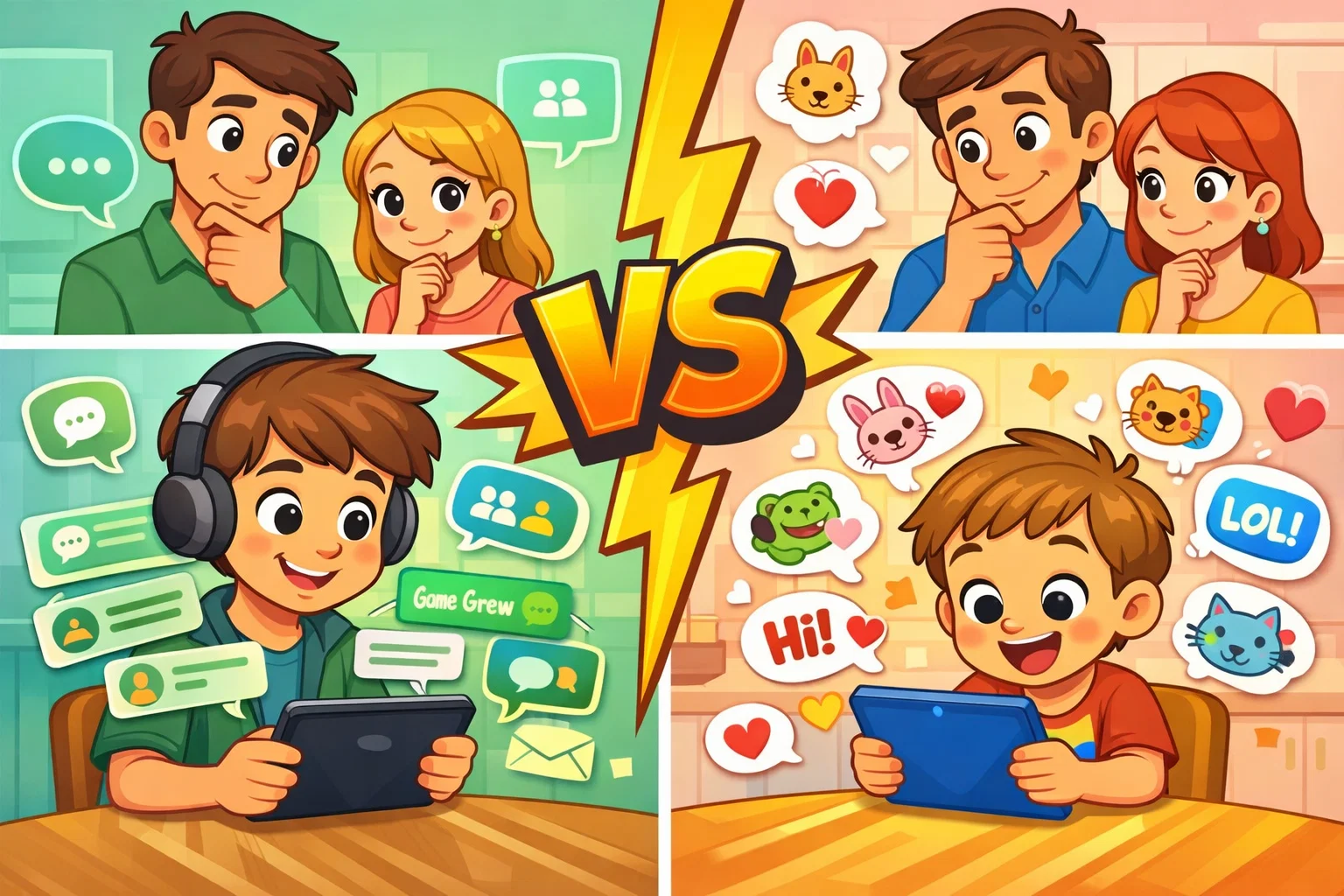
In today’s rapidly evolving digital communication landscape, choosing the right messaging app for your family is more than a matter of convenience; it’s a key part of responsible digital parenting. Many parents search for “WhatsApp vs. Messenger Kids” as they try to balance helping their children stay connected with maintaining a secure online environment. Although both platforms are owned by Meta, they serve fundamentally different purposes and offer very different levels of parental control.
This neutral comparison explores how each messaging platform stacks up for children and families. We will evaluate them based on age requirements, built-in safety features, privacy protocols, and overall user experience. Whether you are looking for an app for kids to chat with grandparents or a way for your teen to stay in touch with friends, understanding the nuances of these tools will help you make an informed decision for your household.
What Is WhatsApp?
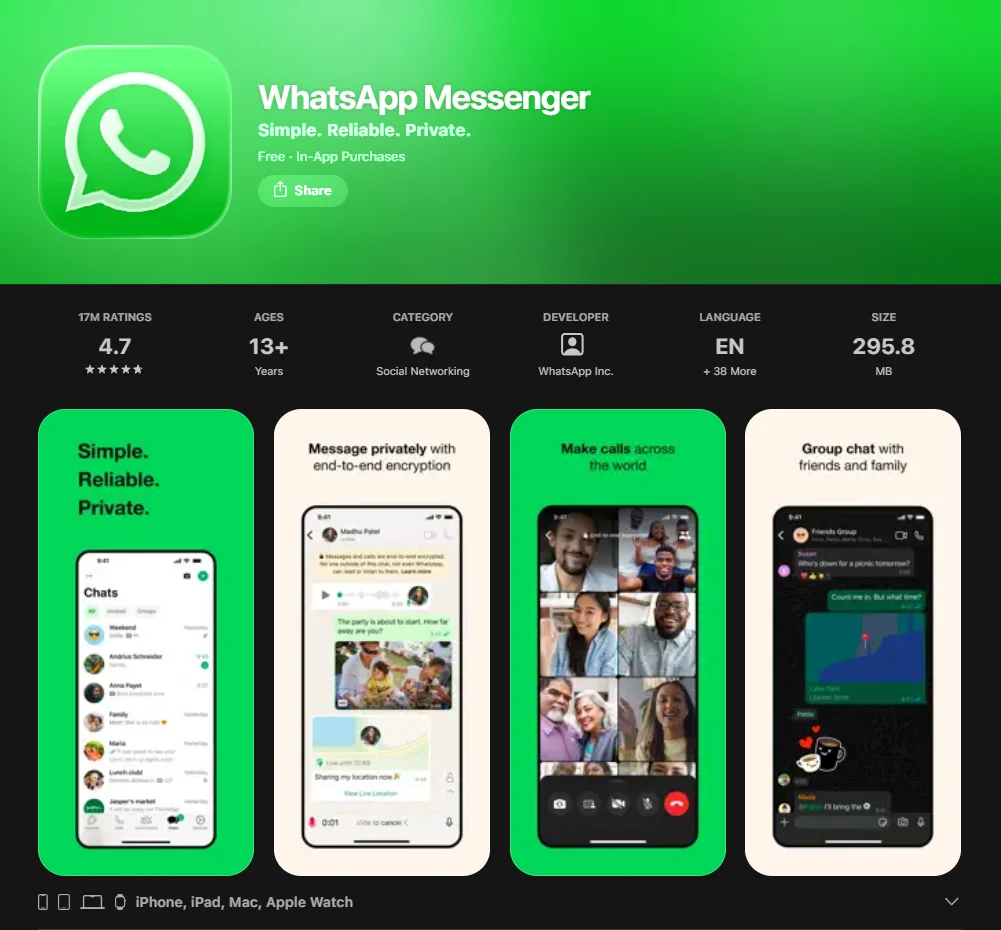
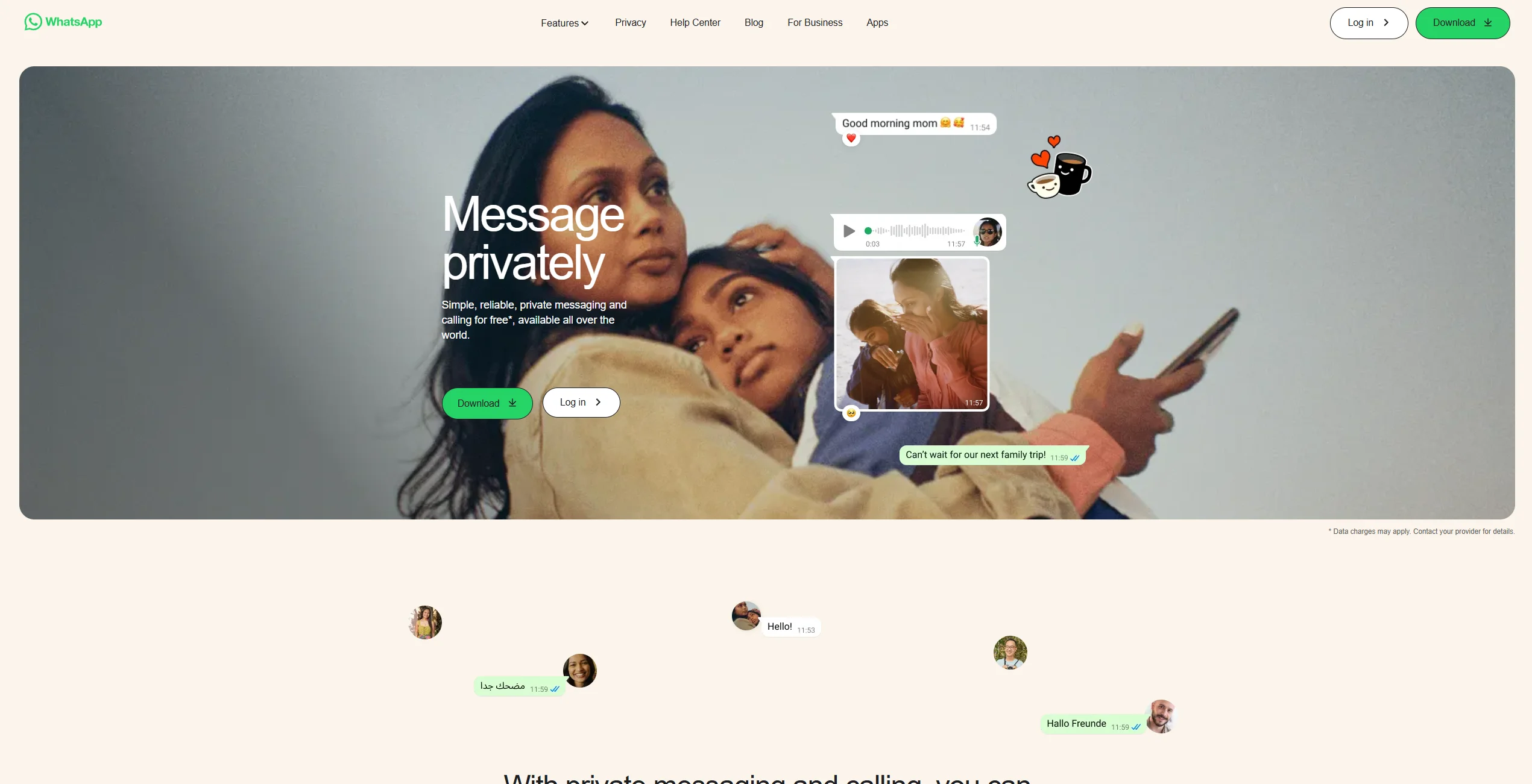
WhatsApp is one of the world’s most widely used messaging services, focused on simple, reliable, and private communication. Originally an independent startup, it was acquired by Meta (formerly Facebook) and has since grown into the go-to app for over two billion users worldwide. Unlike platforms designed specifically for children, WhatsApp is a general-purpose tool primarily intended for adults and teens.
The app’s identity is built around a verified phone number—it requires a valid phone number for registration, typically linked to a SIM or eSIM. This makes it a phone-first experience that is closely integrated with the user’s mobile device. Because it functions more as a utility than a social network, it does not include a public feed and instead focuses on direct and group messaging.
Core Messaging Features
WhatsApp provides a robust suite of communication tools that allow users to:
- Send text messages, images, PDFs, and voice notes.
- Engage in high-quality voice and video calls.
- Create group chats with up to 1,024 participants.
- Share a live location for real-time tracking (useful for safety).
- Use disappearing messages that delete after a set duration (24 hours to 90 days).
- Sync conversations across mobile devices and computers using WhatsApp Web or the desktop app.
Privacy and Security Tools
The hallmark of WhatsApp is end-to-end encryption. This ensures that only the sender and recipient can read the message, and not even Meta can access its content. Other security layers include:
- Two-step verification (a custom PIN for account registration).
- Privacy settings that allow you to hide “Last Seen,” “Online” status, and profile photos from people you don’t know.
- Silence Unknown Callers, which helps filter out potential spam or contact from strangers.
Age Requirements and Account Setup
To use the app, users must generally be at least 13 years old (or older if required by local law in their country). Setting up a WhatsApp account requires a mobile device and a verified phone number. This often means the child must already have their own phone plan, which is a significant milestone for many families. There is no “child mode” in the standard version. While WhatsApp has introduced support for multiple accounts and account switching on some devices, it does not provide a dedicated parental oversight dashboard.
Potential Concerns for Children
While it is an efficient tool, there are notable risks associated with WhatsApp:
- Exposure to Strangers: Anyone with your child’s phone number can attempt to message them or add them to a group.
- Inappropriate Content: Because messages are end-to-end encrypted, there is no built-in parental content monitoring, and remote content access is limited. Parents typically rely on device-level controls (such as Screen Time or Digital Wellbeing) or external parental control software for supervision.
- Lack of Parental Controls: Historically, WhatsApp has not offered a built-in dashboard for parents to approve contacts or set time limits.
- Cyberbullying: The “View Once” feature can be misused to send harmful content that disappears, making it difficult for parents to detect or document bullying.
What Is Messenger Kids?
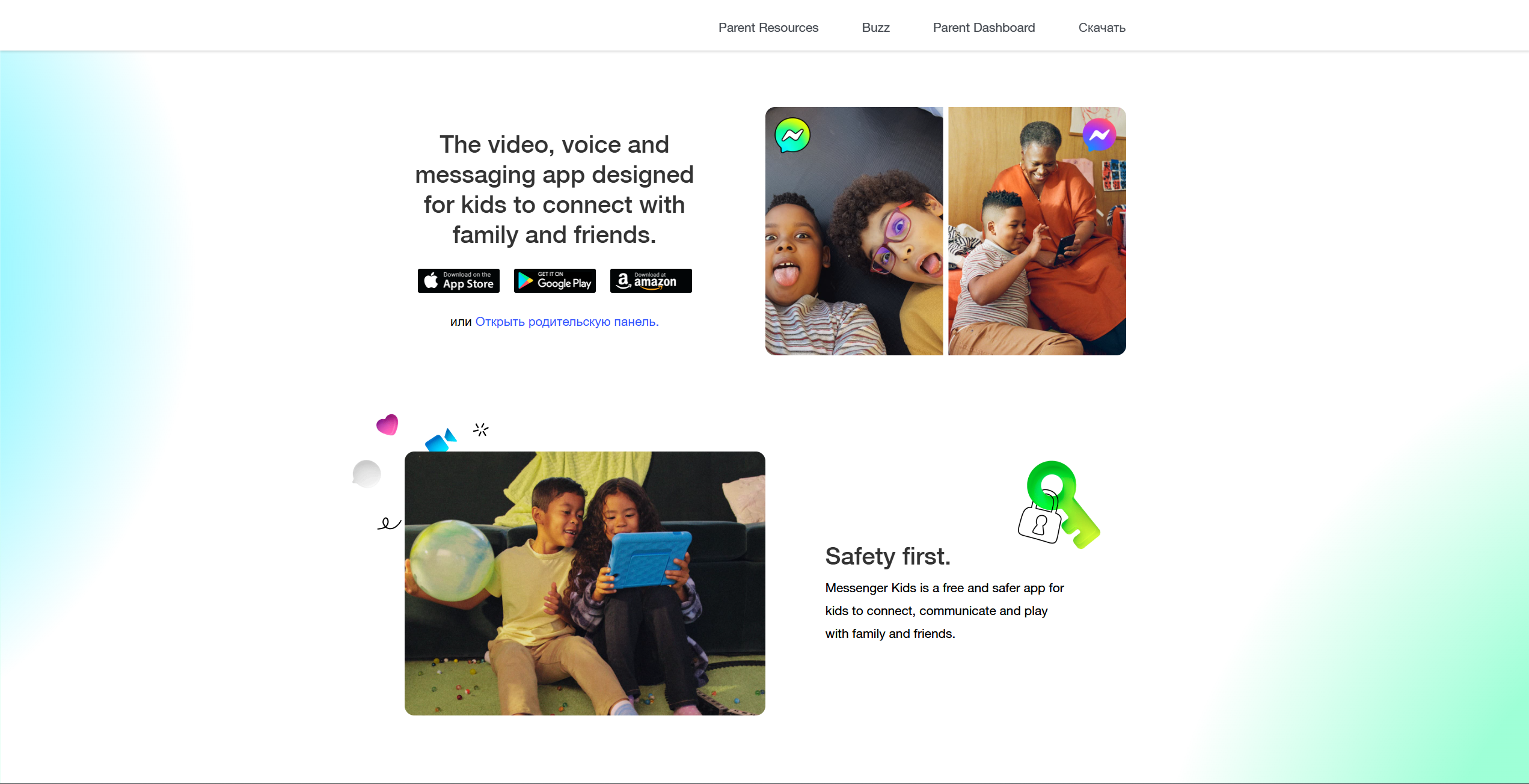
Messenger Kids is a messaging app designed specifically for children ages 6 to 12. Developed by Meta, it was designed from the ground up to be a “training wheels” version of digital communication. It is entirely parent-managed, meaning a child cannot download or use the app without a parent’s Facebook account linked to it.
One of the biggest draws for parents is that kids don’t need a phone number. The account is tied to the parent’s identity, providing a layer of accountability that standard apps lack.
Child-Focused Design
The interface is vibrant and playful and includes:
- AR filters, stickers, and drawing tools for video chat.
- A “Missions” feature that helps children learn how to use the app’s tools while developing basic digital communication skills.
- No advertisements and no in-app purchases, ensuring a “walled garden” experience.
Parental Controls and Dashboard
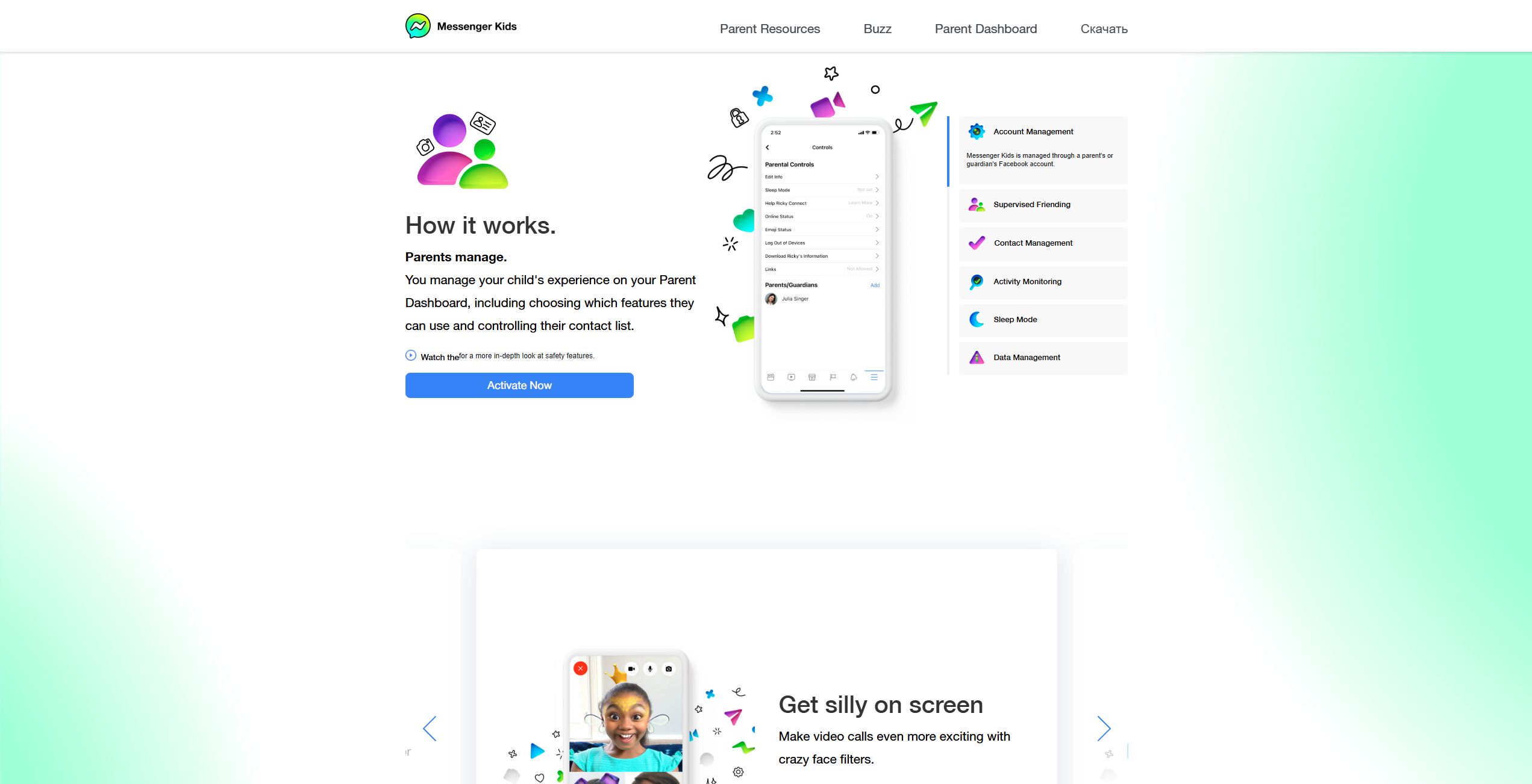
The Parent Dashboard is the heart of the experience. From their own Facebook app, parents can:
- Approve every contact on the contact list.
- View a log of images and videos sent and received.
- Set a “Sleep Mode” to automatically disable the app at bedtime.
- See a history of who the child is chatting with and how often.
Account Setup and Device Requirements
Setup is straightforward: the parent logs into their Facebook account on the child’s device (tablet or phone) and creates a mini-profile. Since it works over Wi-Fi, it is ideal for kids who have a tablet but no cellular plan.
Limitations Compared to Standard Messaging Apps
As children grow, they may find Messenger Kids too restrictive. The inability to stay connected with friends who are already on “adult” platforms like Snapchat or WhatsApp often leads to “app fatigue.” Furthermore, contact discovery is limited; you cannot just search for a friend—the parents must virtually “shake hands” first.
Age Suitability Comparison
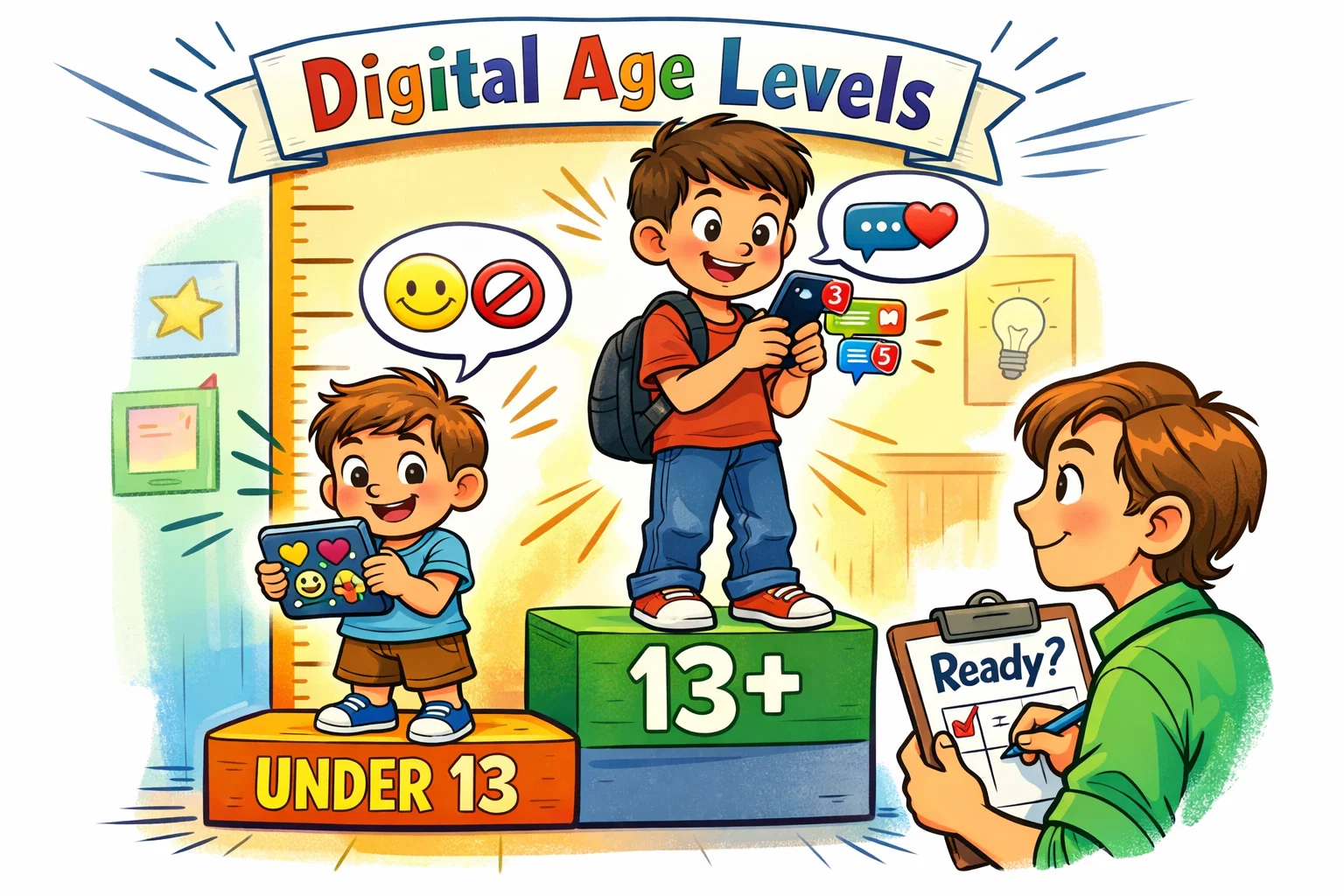
Choosing between these safe messaging apps often comes down to the child’s developmental stage.
| Feature | Messenger Kids (Ages 6–12) | WhatsApp (Ages 13+) |
| Primary Goal | Learning to communicate safely | Functional daily communication |
| Identification | Child profile managed through a parent’s Meta account (no phone number required) | Verified phone number required for registration |
| Contact Control | 100% Parent-Approved | Manual Blocking/Filtering |
| Encryption | Not end-to-end encrypted in the same way as WhatsApp; parental oversight features are available | End-to-End Encryption (content accessible only to participants) |
| Vibe | Playful, gamified | Professional, utilitarian |
Apps for Kids Under 13
For the younger set, Messenger Kids is the clear winner. It effectively mitigates the risks associated with the open internet by ensuring that children’s interactions are limited to a small, vetted circle. Many parents are unaware that creating or using a WhatsApp account under the minimum required age does not comply with the platform’s Terms of Service.
Apps for Kids 13 and Older
Once a child enters high school, WhatsApp becomes the popular messaging app for school projects and social coordination. Teens often find the “supervised” nature of Messenger Kids embarrassing, preferring the privacy of end-to-end encryption to discuss personal matters with peers.
Maturity Level and Digital Responsibility
Age is just a number. Some 12-year-olds are highly responsible and may be ready to use parental controls on a standard app, while some 14-year-olds may still need the “closed loop” of a more restricted messaging platform.
Safety Features Comparison
Contact Control
On Messenger Kids, the parent is the gatekeeper. On WhatsApp, the child is the gatekeeper. While WhatsApp now allows you to “Silence Unknown Callers,” the child still has the power to unblock someone or add them to a group without your immediate knowledge.
Blocking and Reporting
Both apps allow for blocking. However, when a child reports someone on Messenger Kids, the parent receives a notification immediately. On WhatsApp, the report goes directly to the company, and the parent may never know unless they are physically checking the phone.
Group Chat Management
WhatsApp groups can be chaotic, with members adding others who your child may not know. Messenger Kids limits group participation to only those already on the child’s approved list, significantly reducing the risk of “stranger danger.”
Privacy and Data Protection
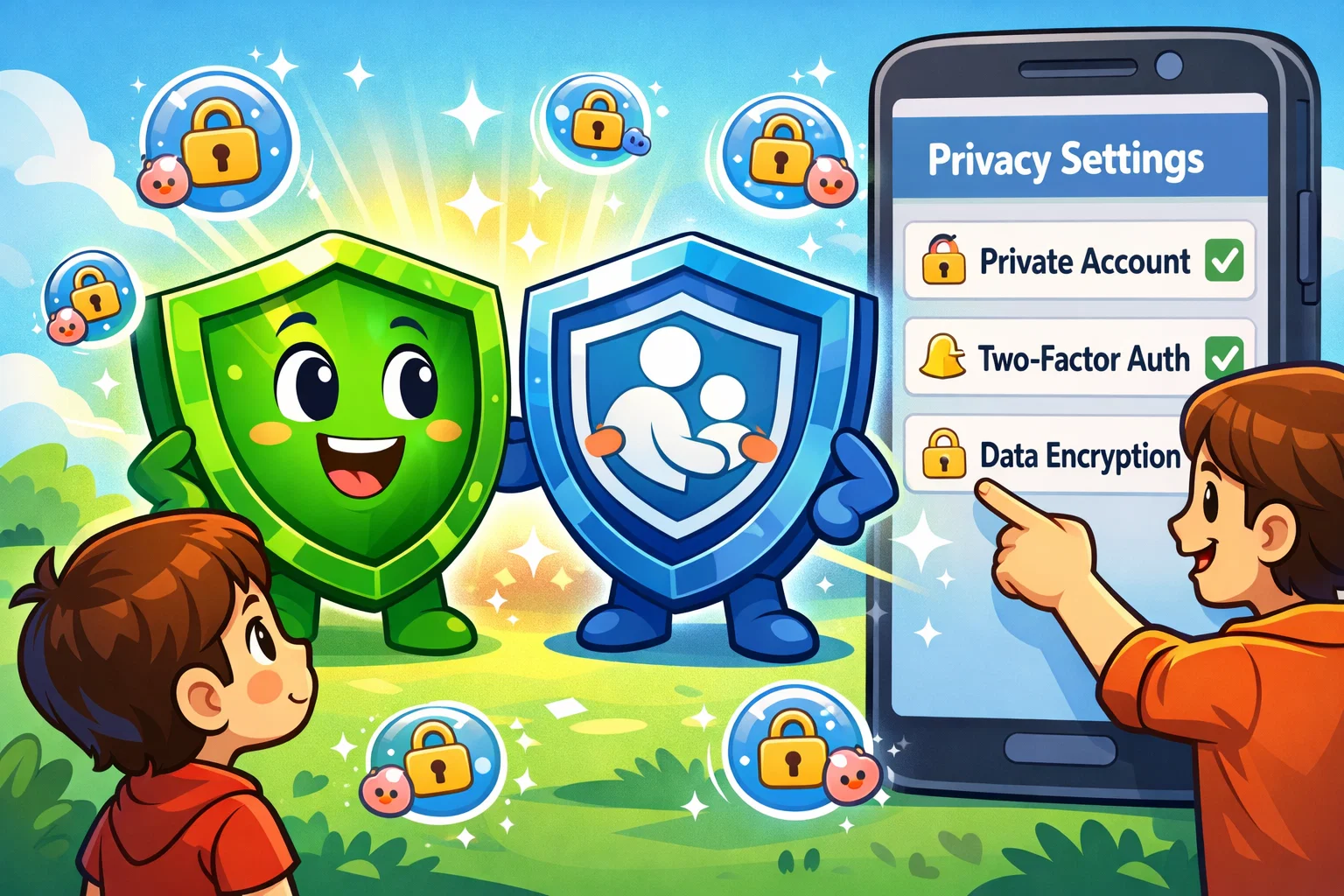
Privacy for a child isn’t just about encryption; it’s about who has access to their social circle and their digital footprint.
Personal Information Exposure
WhatsApp’s reliance on a phone number means that once your child is in a group, their number is visible to everyone else in that group. Messenger Kids uses a name-based system that keeps the child’s personal information (like a phone number) hidden.
Encryption and Message Visibility
- WhatsApp: Message content is end-to-end encrypted, and parents cannot read messages remotely without physical access to the device.
- Messenger Kids: The app is not positioned as end-to-end encrypted in the same way as WhatsApp. According to its privacy policy, message content and media may be processed within Meta’s systems to enable features such as parental logs and reporting tools.
Communication Features Comparison
While both apps allow for voice and video calls, the “flavor” of communication is different.
- Text and Media Sharing: WhatsApp allows users to share files of up to 2 GB per file, which can be useful for schoolwork and large projects. Messenger Kids focuses on stickers, GIFs, and drawing tools to make text and images fun.
- Voice and Video: Both provide stable video calling. However, Messenger Kids is limited to devices where the app is installed, whereas WhatsApp can be used on almost any smartphone or PC.
- Disappearing Content: WhatsApp’s “View Once” and disappearing messages can be a double-edged sword—offering privacy but also hiding harmful content. Messenger Kids does not have a “disappearing” feature, as everything is logged for the parent.
Parental Involvement and Monitoring

The level of supervision differs by design. Messenger Kids is proactive (parental approval required), while WhatsApp is reactive (parental check-ins required).
- Supervision: Messenger Kids offers a dedicated dashboard. WhatsApp requires “side-by-side” monitoring or the use of third-party apps like Qustodio or Bark to track screen time.
- Screen Time: Messenger Kids has a built-in “Sleep Mode.” For WhatsApp, parents must rely on the phone’s native “Screen Time” (iOS) or “Digital Wellbeing” (Android) settings.
Pricing Comparison
Both apps are essentially free, but there are nuances to consider.
- Is WhatsApp Free? Yes, it is a free download. However, it requires a data plan or Wi-Fi. The “cost” is often the price of the smartphone and the monthly SIM service.
- Is Messenger Kids Free? Yes, there are no subscription fees or ads.
- Hidden Costs: If you decide to use parental control software to monitor WhatsApp, it typically carries a monthly subscription fee ranging from approximately $5 to $15, depending on the provider and plan.
WhatsApp vs Messenger Kids Pros and Cons
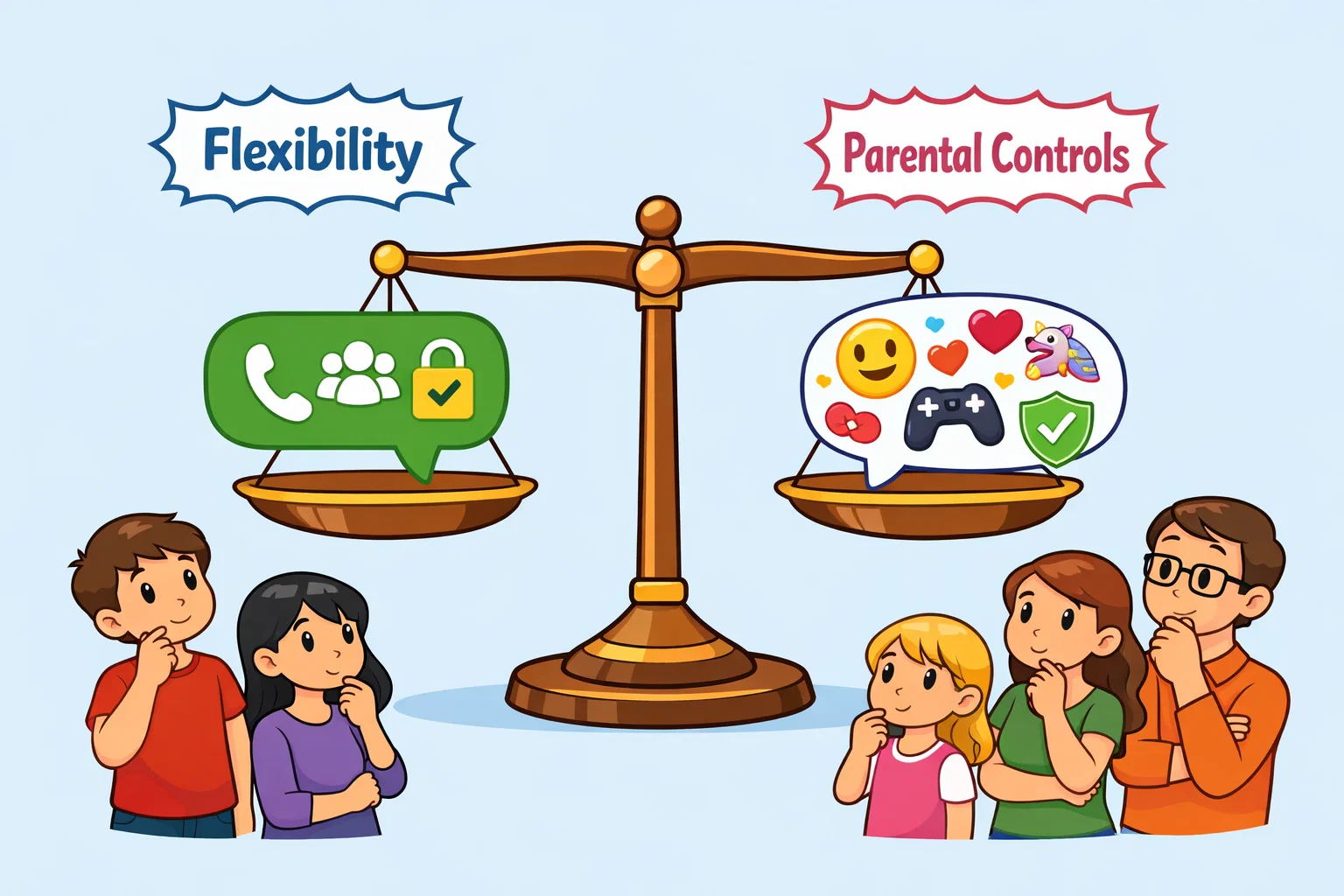
Strengths of WhatsApp for Families
- Global Standard: Almost everyone has it, making it easy to stay in touch with international relatives.
- Longevity: A child won’t “outgrow” it; they can use the same account for years.
- Security: High-level encryption protects against hackers.
Strengths of Messenger Kids for Families
- Safety First: No strangers, no ads, and full parental oversight.
- No Phone Needed: Perfect for younger children with tablets.
- Educational: Teaches kids how to stay safe in a digital environment.
Situations Where Each App May Be Better
- Choose Messenger Kids if: Your child is 7-10 years old and wants to chat with family or a few close school friends under your supervision.
- Choose WhatsApp if: Your teen is 13+, responsible, and needs to stay connected with friends for school or extracurriculars where WhatsApp is the standard.
Tips for Safe Usage
Regardless of the messaging platform, your guidance is the best parental control available.
Setting Clear Family Rules
Establish a “Phone Contract.” Define when the app can be used and what types of text and images are appropriate to share. Make it clear that inappropriate content will result in a temporary loss of app privileges.
Teaching Online Safety Skills
Explain the concept of “Digital Permanence.” Even on apps like Snapchat or WhatsApp with disappearing messages, a screenshot can make any message permanent. Teach your child to pause and think before hitting send.
Regular Parent-Child Check-Ins
Don’t just “spy”—participate. Ask your child to show you a funny meme they received or talk about their group chat dynamics. Building trust is more effective than any software in keeping children safe online.