

As a parent in 2026, you are navigating a digital landscape that is vastly different from the one you grew up in. The “screen time” debate has evolved from simply counting minutes to evaluating the complex algorithms that shape your child’s worldview. Today, the choice often boils down to two giants: TikTok and YouTube. While one offers the allure of rapid-fire, viral creativity, the other remains the bedrock of long-form video and educational depth.
Parents frequently compare these platforms because they represent two distinct ways kids consume information and entertainment. With teens spending several hours per day on social media, the platform you choose—and the supervision you provide—can significantly impact your child’s attention span, learning habits, and online safety. This guide provides a detailed comparison of TikTok vs YouTube, helping you decide which is best suited for your family’s needs.
TikTok vs YouTube: Key Differences for Young Viewers
Understanding the structural differences between these platforms is the first step in choosing the right platform for your child. While they may seem similar because they both host video content, their internal “engines” function in very different ways.
Platform format and video length
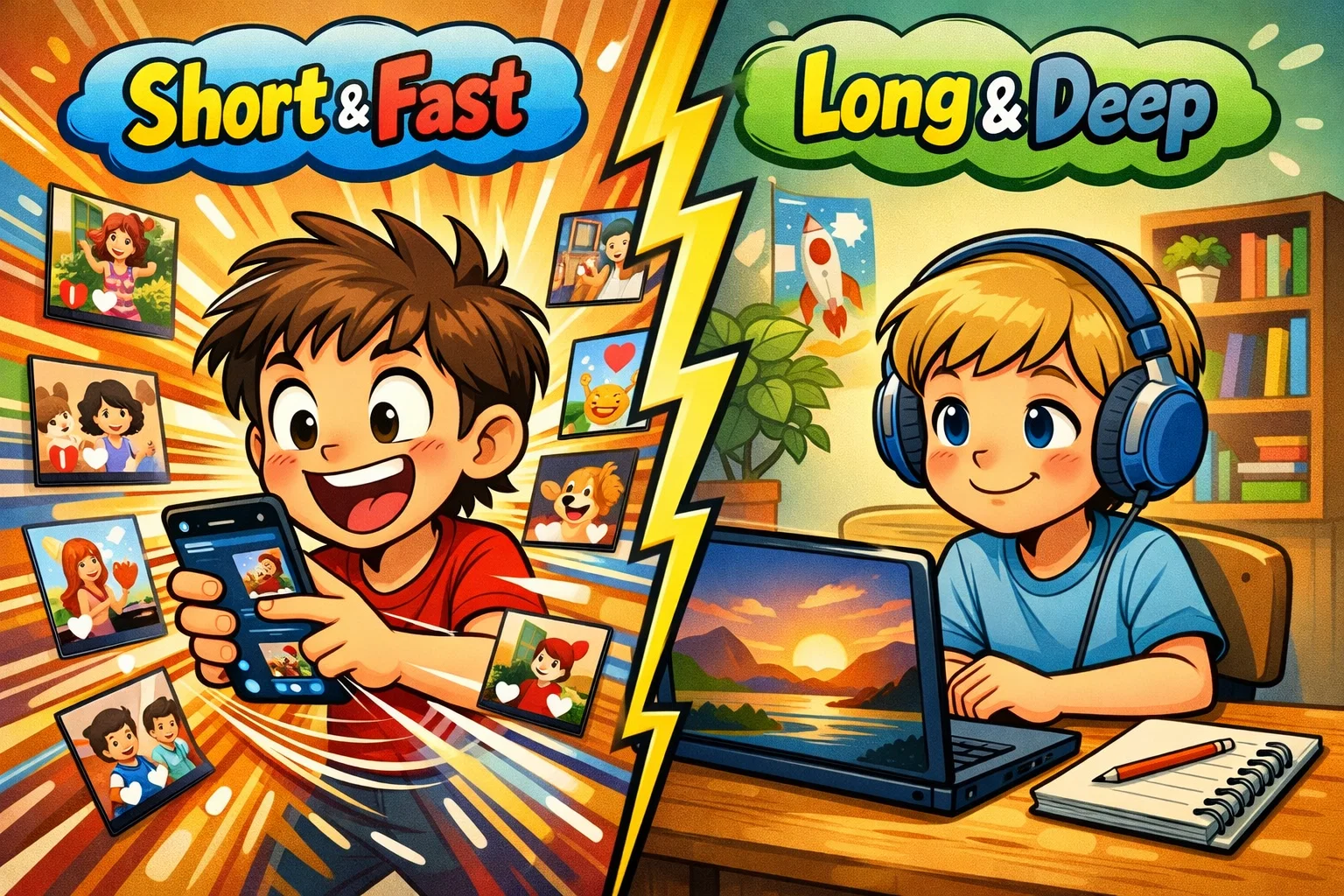
TikTok is widely associated with the rise of short-form vertical video, primarily featuring vertical videos that range from a few seconds to longer videos, with most content remaining under a few minutes (though the “sweet spot” remains under 60 seconds). This format is designed for high-speed consumption. In contrast, the YouTube platform is a hybrid. It offers YouTube Shorts, which functions similarly to TikTok in format, but its core strength remains long-form videos that can last hours.
For a child, this difference is crucial. Short-form videos deliver fast-paced stimulation, which some researchers argue may affect attention patterns over time. YouTube’s longer videos, however, allow for the development of sustained attention, especially when watching documentaries or tutorials.
Algorithm and content discovery
The ‘For You’ feed on TikTok is powered by an algorithm known for quickly personalizing content. It learns a user’s preferences within minutes, creating a highly personalized stream of TikTok videos. While this keeps kids engaged, it can also create “content loops” where a child is repeatedly shown similar, sometimes narrow, topics.
YouTube’s discovery is more traditional, relying on a mix of subscriptions, search results, and recommendations. While YT also uses an algorithm to keep viewers watching, its search-based nature encourages more intentional viewing rather than the continuous scroll design commonly associated with TikTok.
Content categories popular among kids
Both platforms are filled with content kids love, but the categories differ in execution:
- Gaming: YT is the home of “Let’s Play” series and in-depth walkthroughs; TikTok features quick clips of high-action gaming moments or glitches.
- DIY & Trends: TikTok is the epicenter of the latest trend or viral challenge; YT hosts the comprehensive “how-to” guide.
- Influencers: Content creators on TikTok often focus on being relatable and “real,” while YT creators tend to build more structured “channels” with recurring segments.
Age ratings and official age limits
TikTok’s minimum age is 13 in most regions, and the platform has continued expanding age-assurance and enforcement measures in some markets. YouTube Kids is a dedicated app designed for kids, with age-based content settings and parent controls. For kids who are ready to move beyond YouTube Kids, YouTube offers supervised experiences (including supervised accounts for kids under 13 in many regions) that let parents choose content settings and get oversight.
Entertainment vs Education: Platform Learning Potential
In the digital world, the line between play and study is often blurred. Both TikTok and YouTube have successfully integrated education into their feeds, but the depth of that education varies.
Rise of social media edu-creators
We’ve seen a massive surge in “edu-creators” on both platforms. On TikTok, you might find a creator who explains a complex physics concept in 60 seconds using a catchy song. These short-form videos are excellent for sparking interest or providing a quick “memory hack.”
Long-form tutorials vs short explainers
If your child needs to learn a skill—like coding in Python or playing the guitar—YouTube generally offers more structured long-form educational content. The difference between TikTok and YouTube here is “breadth vs. depth.” YouTube allows for structured playlists and in-depth tutorials that a 60-second TikTok simply cannot match.
Homework help and skill development
Many kids today use apps like TikTok for quick homework tips or “hacks.” However, for exam prep, students often turn to YouTube for 20-minute breakdowns of historical events or mathematical proofs.
Some educational experts suggest that short-form content may increase initial engagement, while long-form content may support deeper learning.
Creativity and self-expression
TikTok is arguably the most powerful tool for creative expression. Its built-in editing features, filters, and massive music library allow kids to become a creator with very little technical knowledge. YouTube’s creation tools are more robust but come with a steeper learning curve, often requiring external editing software for high-quality results.
Safety, Privacy and Parental Controls Comparison
When it comes to online safety, the tools provided by the platform are your first line of defense.
Account privacy settings
TikTok has made significant strides in 2026. TikTok has introduced additional privacy protections for younger users, including private accounts by default in many regions. YouTube Kids allows for even stricter control, where parents can select the “Approved Content Only” mode, essentially hand-picking every video the child can see.
Screen time management tools
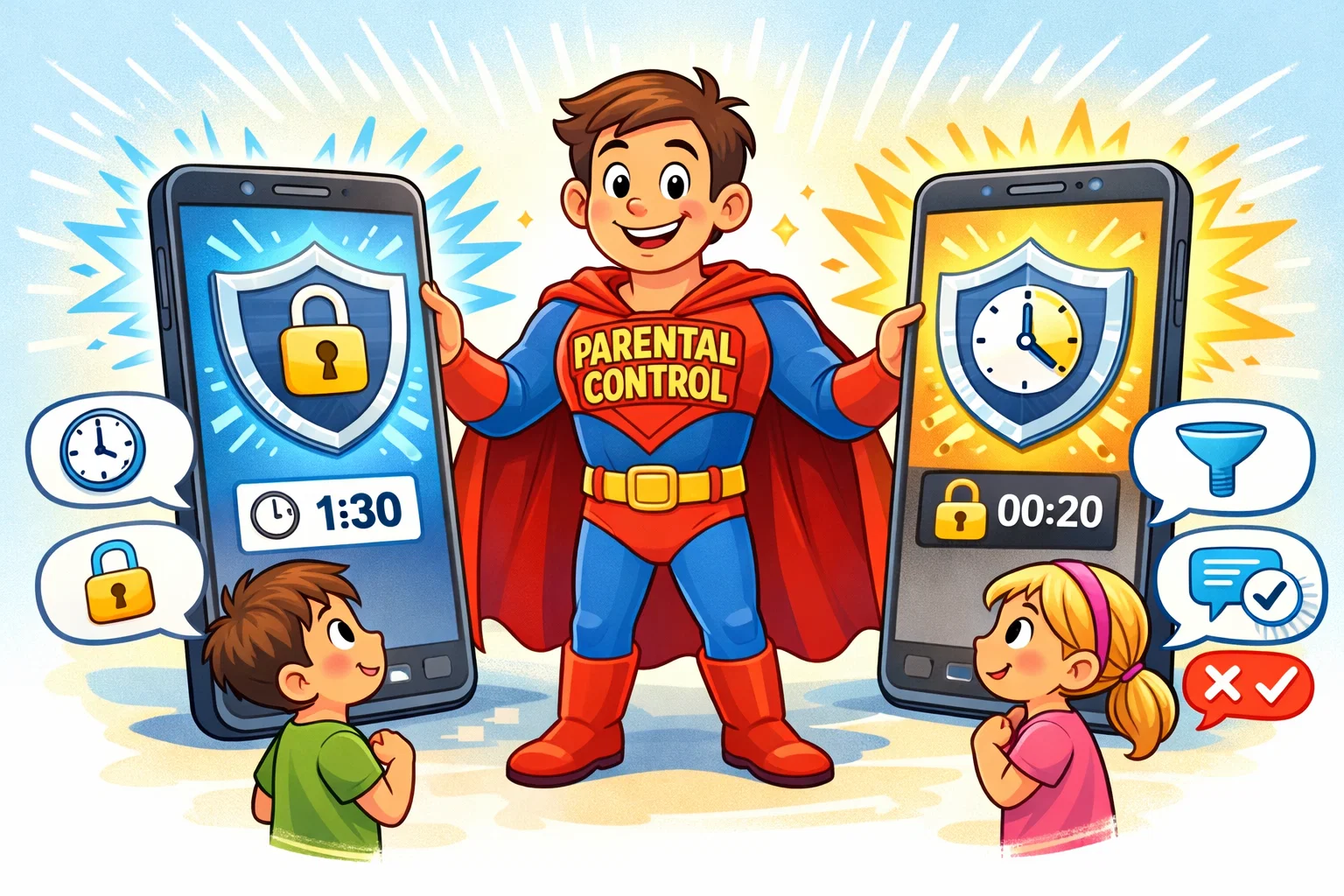
Both apps offer built-in screen time limits. TikTok’s Family Pairing allows caregivers to manage and customize screen time limits for teens, including daily limits and day-by-day customization. Parents can use Google Family Link to manage access to apps and set supervision settings for YouTube experiences, depending on the child’s account type and device.
| Feature | TikTok (Family Pairing) | YouTube (Supervised/Kids) |
| Default Private Account | Yes (Ages 13–15 by default; teen settings vary by age) | Yes (YouTube Kids profiles) |
| Direct Messaging | Not available for ages 13–15; available starting at age 16 with additional teen restrictions. | No DM in YouTube Kids |
| Search Control | Family Pairing can restrict access to Search for teen accounts (availability and wording may vary by version/region). | Parents can turn off Search in YouTube Kids and can also enable “Approved content only,” where kids can watch only parent-approved videos, channels, or collections. |
| Remote Management | Yes (via linked accounts in Family Pairing) | Yes (via Family Link) |
Content moderation and cyberbullying
TikTok offers comment and keyword filtering tools that can help limit unwanted words and phrases, and it also provides feed-level keyword filters. On the main YouTube platform, moderation relies on a mix of automated systems, policy enforcement, and reporting; the experience differs from YouTube Kids, where parental controls can be stricter.
External parental control apps
Some third-party parental control services claim to monitor activity across apps and send alerts for potential safety risks (coverage varies by device, OS, and the specific app). These are particularly useful as kids transition into their early teens and want more autonomy.
Addictive Design and Screen Time Impact
The “TikTok vs” YouTube debate often centers on the “addictiveness” of the interface.
Infinite scroll and autoplay mechanics
TikTok’s ‘For You’ feed is an infinite scroll, which means there is no natural stopping point. This can lead to kids watching hundreds of videos without realizing how much time has passed. YouTube uses “Autoplay,” which serves a similar purpose but is easier to disable in the settings.
Short dopamine cycles
The way kids consume short-form content creates a rapid-fire reward system in the brain. Each 15-second video is a new stimulus. Some commentators refer to this phenomenon informally as “TikTok Brain.” While YouTube’s long-form content requires more “cognitive work,” it may feel less overstimulating compared to rapid short-form content.
Healthy usage boundaries
To keep their kids safe and balanced, experts recommend a “1:1 Ratio.” For every 30 minutes spent on short-form video platforms, the child should spend 30 minutes on a “productive” screen activity (like coding, reading, or creating) or an offline activity.
TikTok for Kids: Detailed App Review
Interface overview
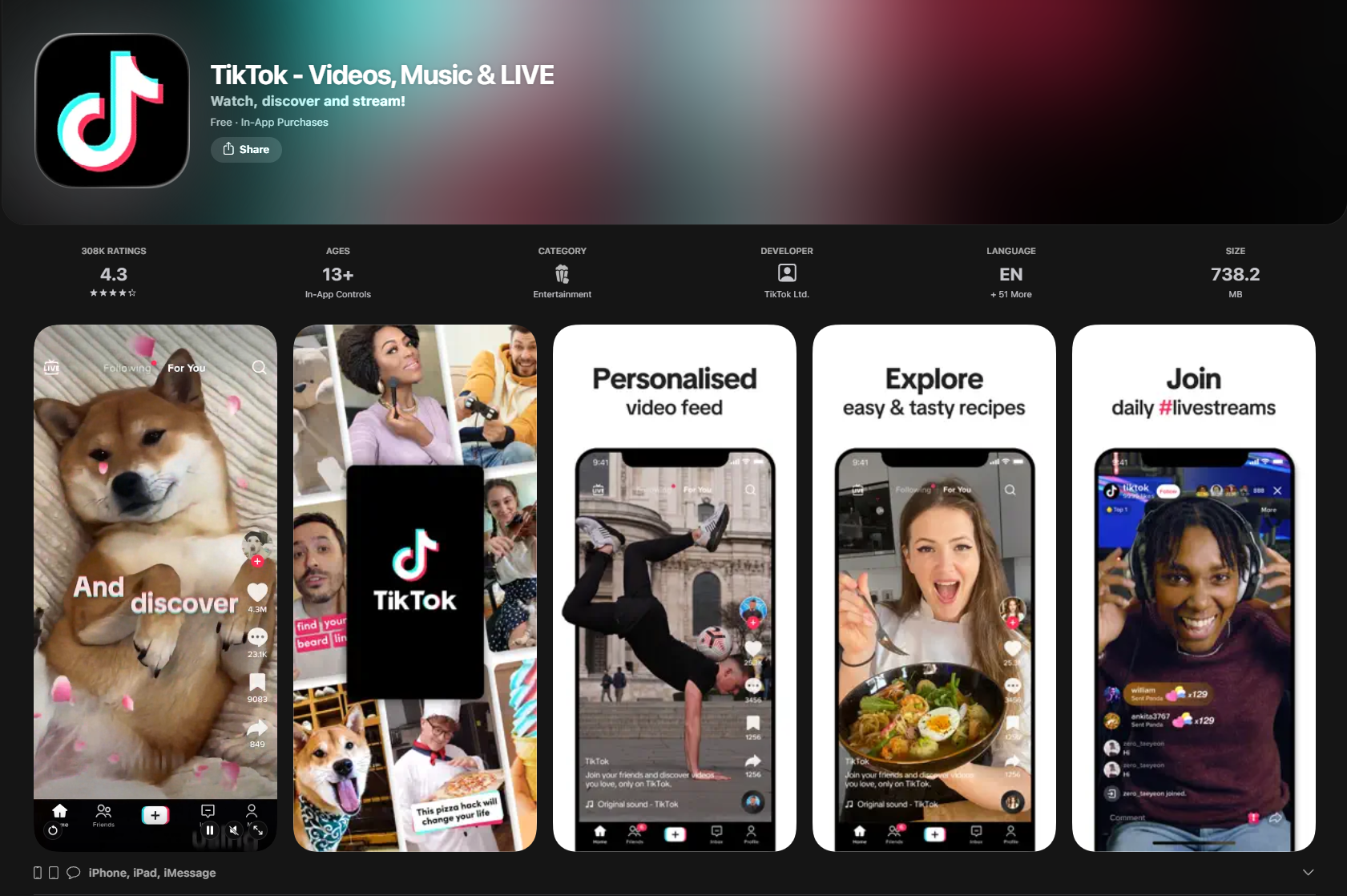
The app is split into two main feeds: “Following” and “For You.” Navigation is gesture-based, making it incredibly intuitive for even very young children—which is part of the risk.
Teen safety and restricted features
TikTok’s Family Pairing is their flagship safety feature. It allows you to:
- Set a daily screen time limit.
- Restrict inappropriate content via “Restricted Mode.”
- Decide who can comment on videos.
- Adjust search and content discovery settings.
Strengths and Drawbacks
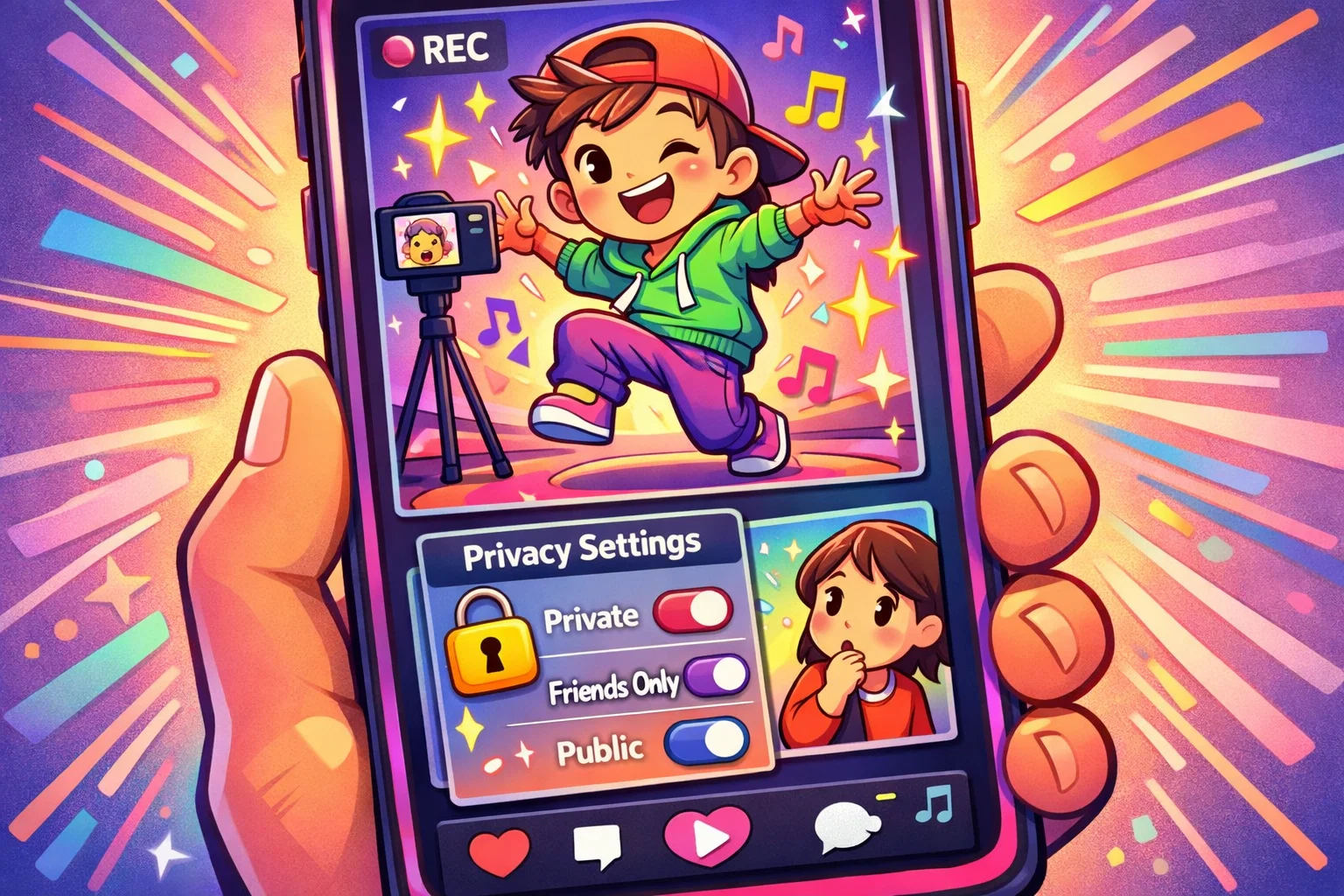
Strengths: Unrivaled creativity tools, helps kids feel connected to global trends, excellent for discoverability.
Drawbacks: The algorithm can occasionally surface inappropriate content before it is flagged; the fast pace can be overstimulating.
YouTube for Kids: Detailed App Review
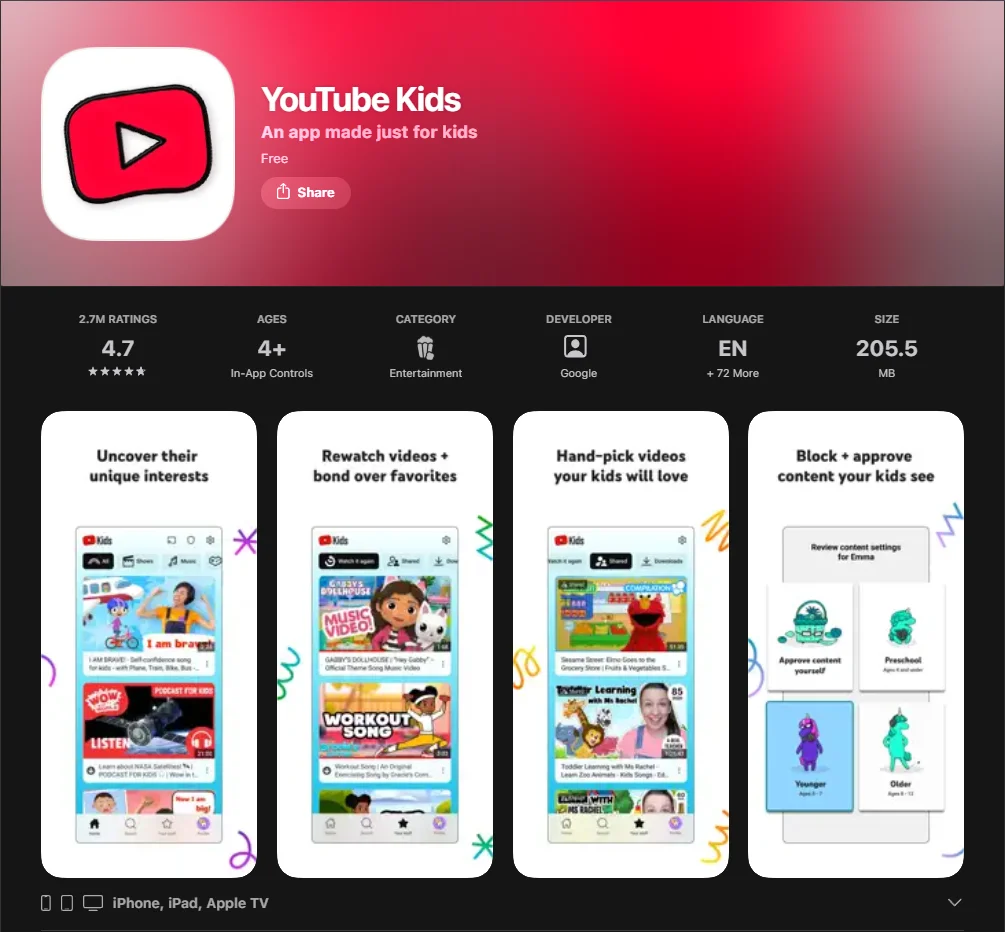
YouTube Kids app option
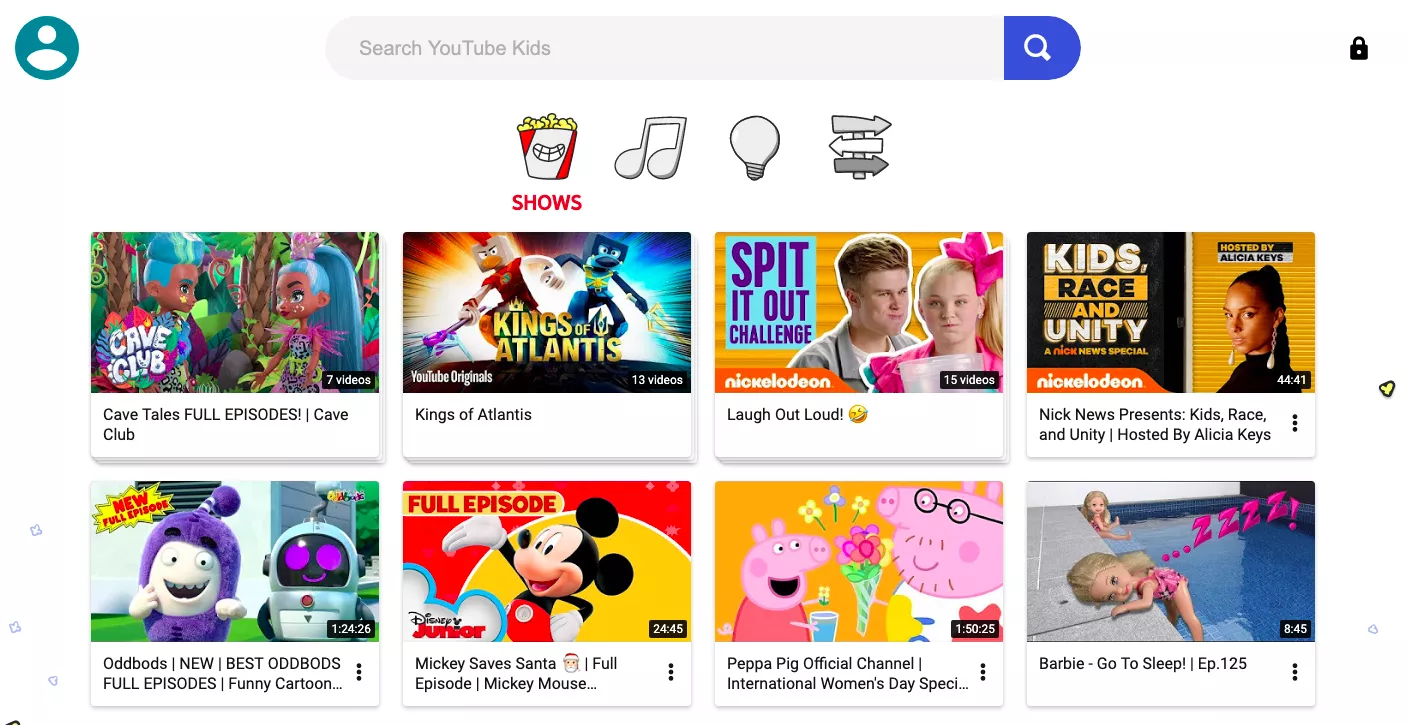
This is often considered one of the safer options for children aged 3–10. It is a separate app that filters out most “grown-up” content and features larger, easier-to-hit buttons. In 2026, it offers age-based settings such as Preschool, Younger, and Older, plus an “Approve content yourself” mode.
YouTube Shorts vs TikTok
YouTube has aggressively pushed its “Shorts” feature to compete. For parents, youtube shorts and tiktok present almost identical risks regarding short-form addiction. However, because Shorts is inside the main YouTube app, it’s easier for kids to wander from a 30-second clip into a 20-minute educational video.
Pricing and Premium
YouTube offers a “Family Plan” for YouTube Premium. This is a significant advantage as it removes paid advertisements (availability may vary by region and subscription type), preventing your child from being targeted by commercial content kids might otherwise find persuasive or distracting.
Direct Comparison for Parents
| Criteria | TikTok | YouTube / YouTube Kids |
| Best For | Creativity & Trends | Education & Hobbies |
| Safety | High (with Family Pairing) | Higher when using YouTube Kids with parental controls enabled |
| Addiction Risk | High | Medium/High (Shorts) |
| Educational Depth | Surface Level | Deep & Structured |
| Advertising | Ad-supported (ads appear within the content feed) | Optional (Premium removes ads) |
Age Suitability Guide
Kids under 9
Recommendation: YouTube Kids only.
At this age, the algorithm of a general social media platform is too unpredictable. Stick to the walled garden where you have total control over the “Approved Content.”
Ages 10–12
Recommendation: Supervised YouTube or TikTok with Family Pairing.
This is the “tween” stage where kids want to see what their friends are talking about. Use this time to maintain a positive and open dialogue about what they see online.
Teens 13–15
Recommendation: Standard accounts with active parental supervision.
Enable features that limit spend on the platform and discuss the reality of “influencer culture.” Ensure they understand that much of what they see is highly edited.
Older teens
Recommendation: Independent use with periodic check-ins.
By 16, the focus should shift from “restricting” to “coaching.” Discuss data privacy and how the platform uses their information.
Practical Tips for Parents
- Set clear screen time rules: Don’t just say “stop.” Use the built-in tools to enforce a hard limit of, for example, 90 minutes per day.
- Follow educational creators together: Make it a family activity to find a creator who teaches something cool—like a chef or a scientist.
- Enable safety filters: On both tiktok and youtube, go into the settings before you give the phone to your child.
- Teach critical content evaluation: Ask your child, “Why do you think the algorithm showed you this video?” Help them understand the “why” behind the screen.