

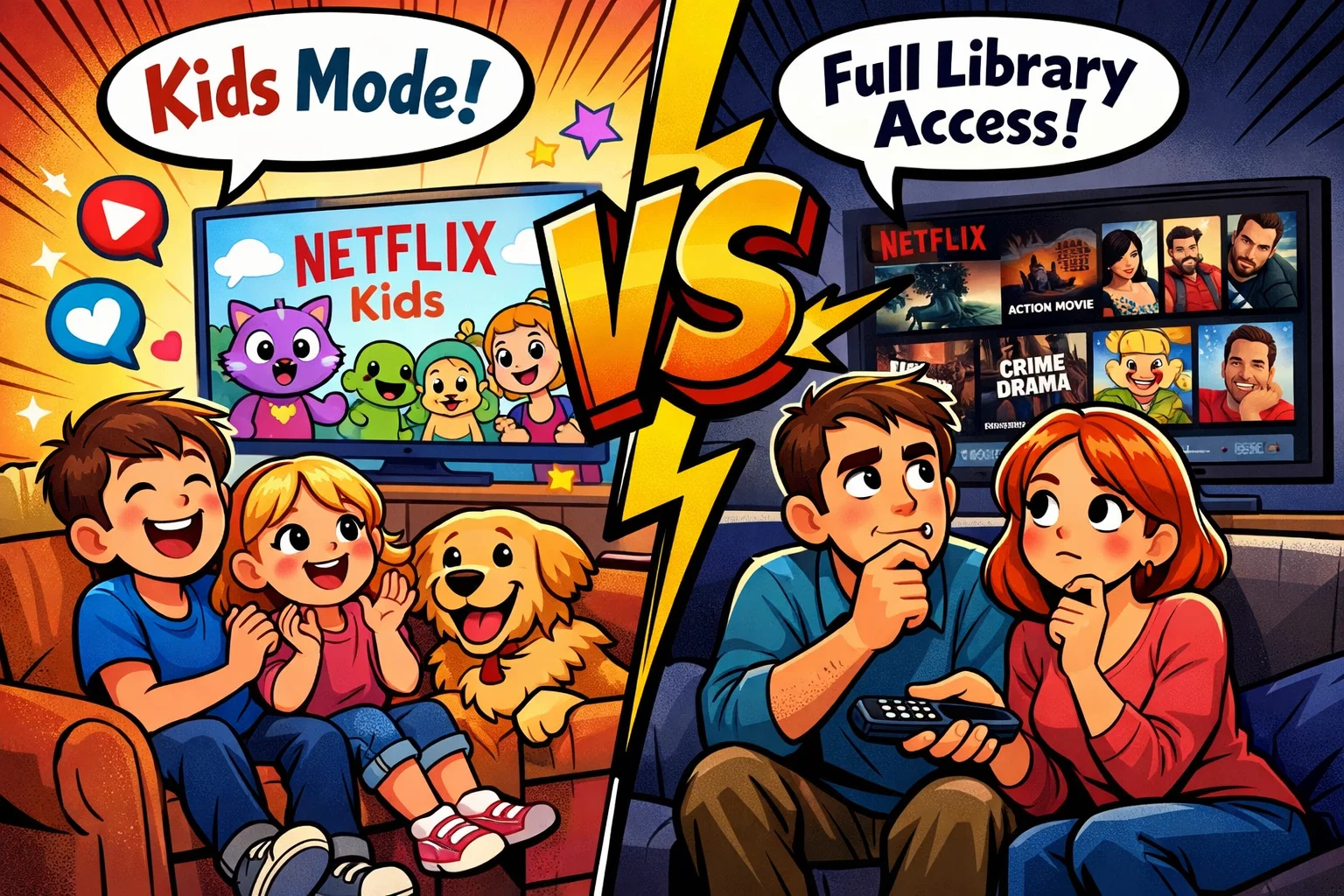
Navigating the digital landscape as a parent often feels like a full-time job. With the explosion of on-demand entertainment, choosing the right environment for your child is no longer just about picking a show; it’s about managing an entire digital ecosystem. Netflix, a pioneer in the global streaming service market, offers two distinct ways for children to interact with its platform: the dedicated Netflix Kids experience and a standard profile with manual restrictions. Both options come with a unique set of tools designed to balance entertainment with safety, but they cater to very different needs depending on your child’s age and maturity level.
This guide provides a detailed comparison of these two options. We will explore how the streaming experience differs across profiles, the effectiveness of parental controls, and how to curate a safe viewing habit for your family. Whether you are managing a curious preschooler or a tech-savvy teenager, understanding the nuances of maturity level settings, title restrictions, and the underlying subscriber benefits is essential for creating a secure household media plan.
What is Netflix
At its core, Netflix is a global powerhouse in the streaming TV industry, providing a vast library of movies and tv shows to millions of households. Since transitioning from a DVD-by-mail service to a digital leader, it has become one of the leading platforms for on-demand content. The platform operates on a subscription-based model, meaning that for a fixed monthly fee, users gain access to a deep catalog of original content, licensed films, and documentaries.
One of the defining features of the service is its profile-based system. A single subscription allows for multiple individual profiles, each with its own personalized recommendations and viewing history. This architecture is what allows parents to separate their grown-up interests—like gritty crime dramas or mature films and tv shows—from the child-friendly programming their little ones enjoy.
Subscription Types
Netflix offers several pricing tiers, which may vary by region and change over time. Subscribers should check the official Netflix “Plans and Pricing” page for the most current information in their country. While the price points may vary slightly by region, the following table outlines the general structure available to a subscriber. The table below reflects common plan features in many regions, but available plans and specifications (such as video quality, number of screens, and ad support) may differ depending on your country.
| Plan Tier | Video Quality | Concurrent Screens | Offline Downloads | Ad-Support |
| Standard with Ads | 1080p (Full HD) | 2 | Supported (most titles) | Yes |
| Standard | 1080p (Full HD) | 2 | Supported | No (Ad-free) |
| Premium | 4K (Ultra HD) + HDR | 4 | Supported (up to 6 devices) | No (Ad-free) |
For families, the choice often hinges on how many members are watching simultaneously. If your children are using a tablet in the backseat while you watch a series in the living room, the multi-screen limit of the Standard or Premium plans becomes a necessity.
Why Netflix Is Popular with Families
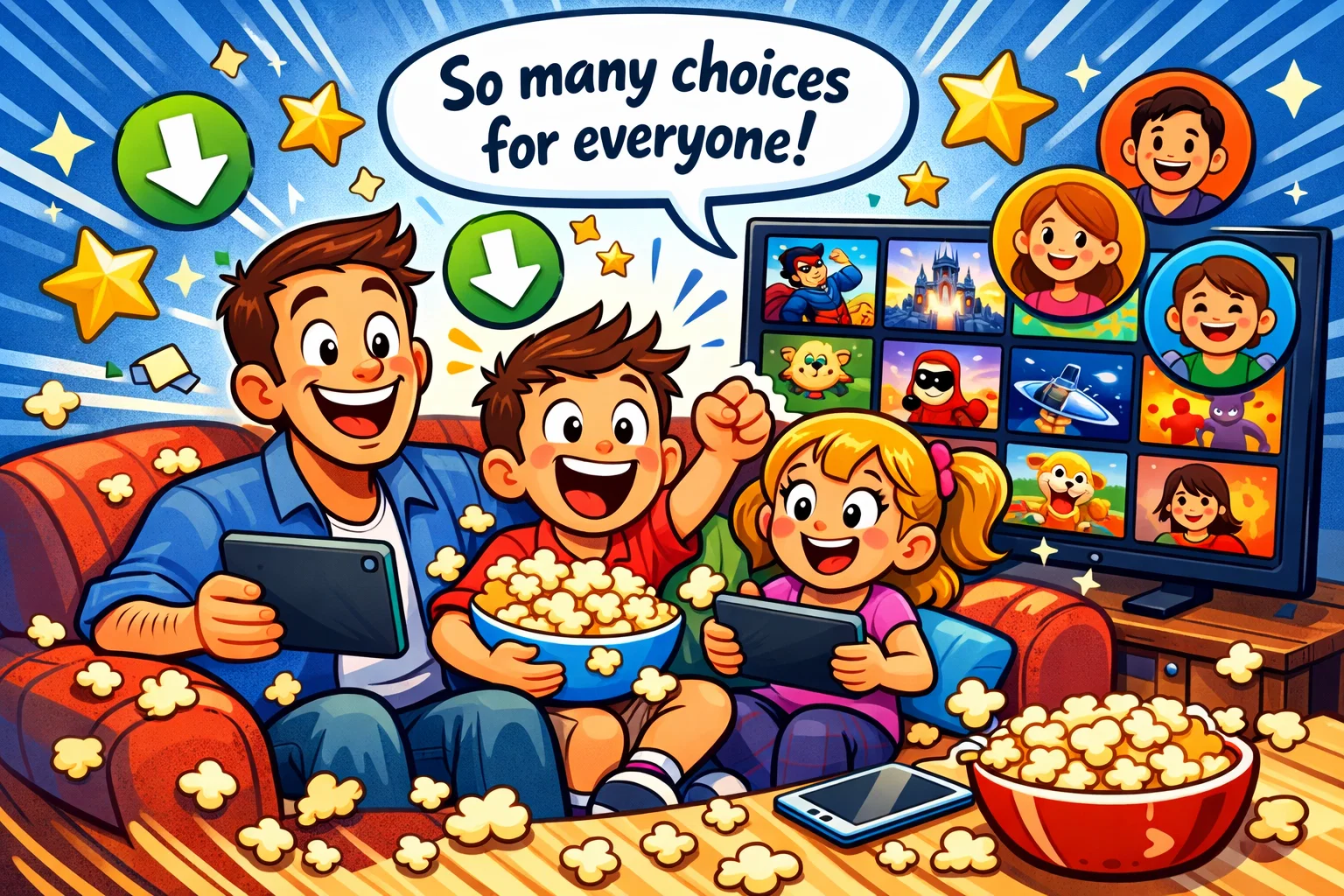
The platform’s dominance in the “family room” isn’t accidental. Netflix has invested significantly in original productions and licensed children’s content, offering a wide range of animated and live-action programming. Popular children’s titles have included both Netflix Originals and licensed series available on the platform in various regions.
- Offline Access: The ability to download shows and movies to a mobile device is a lifesaver for long flights or areas with spotty internet.
- Ad-Free Experience: On higher tiers, children aren’t bombarded with commercial interruptions, which is a significant draw compared to traditional broadcast TV.
- Cross-Platform Consistency: Whether on a smart TV, laptop, or tablet, the interface remains familiar and easily accessible.
Children Around the World Are Turning to Netflix
The shift from linear television to streaming is a global phenomenon. Media research indicates that many children in Generation Alpha (commonly defined as those born between 2010 and the mid-2020s) view television as an on-demand service rather than a scheduled event. Multiple media studies in recent years indicate that children increasingly prefer on-demand streaming platforms over traditional scheduled television, though exact percentages vary by country and age group.
This transition is driven by the desire for autonomy. Children enjoy the ability to discover new episodes of their favorite popular series at their own pace. Furthermore, the ubiquity of mobile devices means that the kids’ section is no longer tethered to the living room; it follows them wherever they go.
What is Netflix Kids
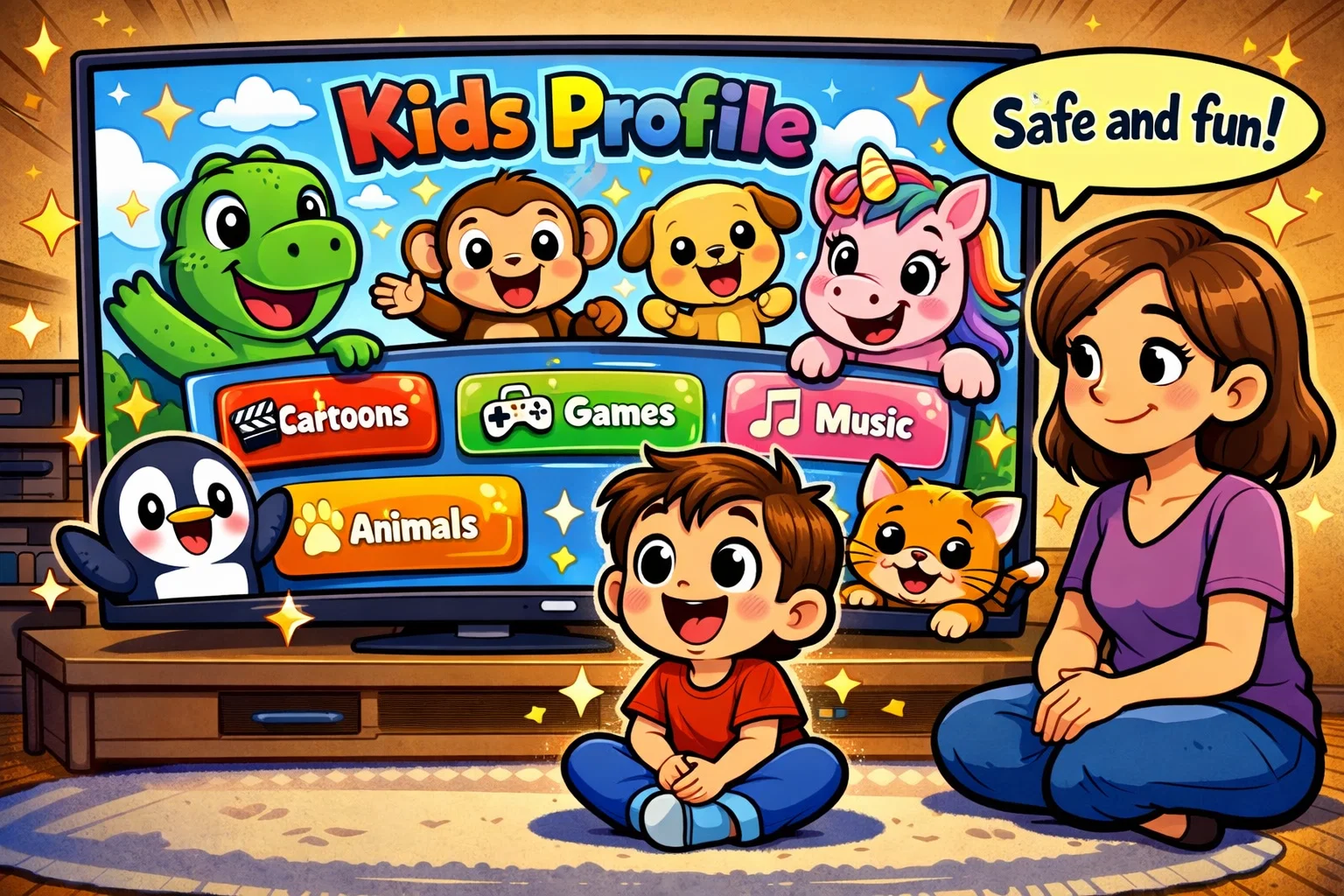
The Netflix Kids experience is a specialized profile setting designed to provide a “walled garden” for younger viewers. It is important to clarify that this is not a separate subscription or app; rather, it is a filtered mode within your existing account. When a profile is designated as “For Kids,” the interface adjusts to prioritize safety and ease of use.
How Netflix Kids Profile Works
When you create a kids’ profile, the platform automatically limits content based on Netflix’s kids maturity settings and your country’s local age rating system. The exact rating categories vary by region. Content that exceeds the selected maturity level does not appear in that profile’s search results or recommendations and cannot be played from that profile.
User Experience Differences
In recent years, Netflix introduced updates to its kids’ interface. Unlike the standard profile, which uses a text-heavy, category-based layout, the kids’ interface is highly visual.
- Character-Based Rows: Children can find shows by clicking on their favorite characters (for example, characters from popular children’s series like Elmo or Gabby).
- Simplified Navigation: The sidebar is often replaced by a top-level “My Netflix” hub, which consolidates their most-watched tv shows.
- Reduced Decision Fatigue: Features such as character-based browsing and recommendation tools are designed to make content discovery easier for younger viewers.
Content Growth with Age
As a child grows, their needs change. A toddler watching Octonauts has different requirements than a ten-year-old looking for Stranger Things (depending on your household rules). Netflix allows parents to adjust the maturity level settings within the kids’ profile, moving the “ceiling” from “Little Kids” to “Older Kids” as the child matures, ensuring the selection of movies stays relevant.
Netflix Kids vs Netflix Key Differences
Choosing between the two depends on how much manual oversight you want to exercise.
Content Library Differences
The Netflix Kids experience offers a curated subset of the total library. While the standard profile provides access to the full content library—including R-rated films and gritty originals—the Kids profile only displays kids content. This includes educational shows, animated features, and live-action series specifically produced for younger age groups.
Inappropriate Content Exposure Risk
In a standard profile without maturity restrictions enabled, children may encounter thumbnails or recommendations for mature content. In contrast, the Kids profile utilizes “hard” filters. Even if a child searches for a mature title by name, it will not appear.
Age Ratings and Title Restrictions
| Feature | Netflix Kids Profile | Standard Profile |
| Default Filtering | Automatic (up to PG/TV-PG) | None (Full Access) |
| Manual Blocking | Yes (via Account Settings) | Yes (via Account Settings) |
| Interface | Visual/Character-based | Text/Category-based |
| Search Results | Restricted to kids’ titles | Unrestricted |
Passive Screen Time and Binge Watching
Both environments utilize autoplay features, but the impact can differ. In the kids’ mode, autoplay might lead a child from one episode of Paw Patrol to the next. In a standard profile, the algorithm might transition a viewer into a completely different (and potentially inappropriate) genre. Some media researchers note that the passive nature of streaming can contribute to extended screen time if household boundaries are not in place.
Profile Lock and Account Security
To prevent a child from simply clicking over to a parent’s profile, Netflix allows you to set a four-digit PIN. This profile lock is a crucial safety layer. Without it, even the best parental controls on a kids’ profile are easily bypassed by clever child switching users.
Parental Controls Comparison
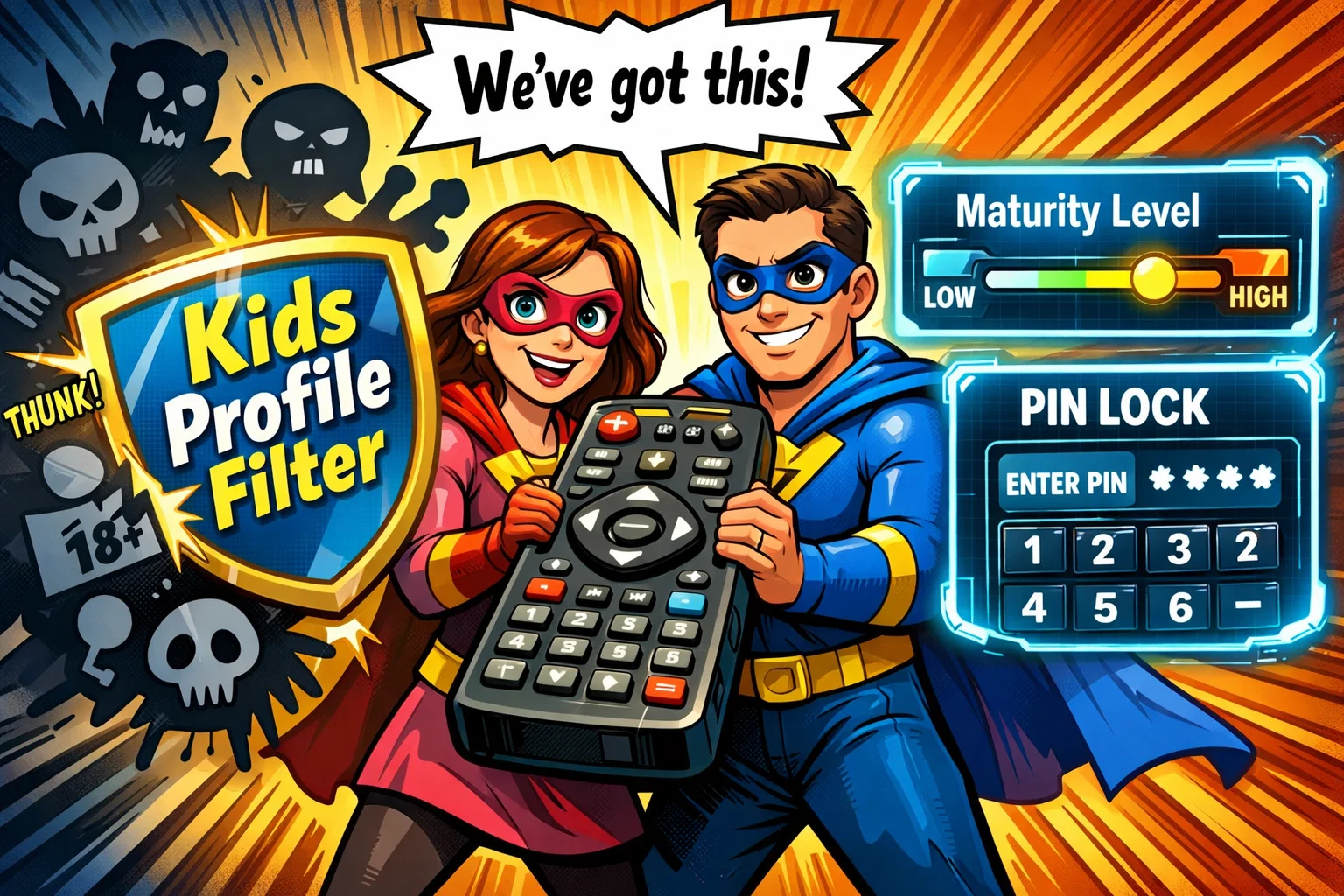
Netflix provides a robust dashboard for managing viewing experiences. While the tools are the same, their application varies.
Maturity Level Settings
You can set a specific “ceiling” for each profile. For example:
- 7+: Suitable for older children.
- 13+: Suitable for teens (may include some mature content).
- 18+: Full access.
Title Restrictions
This is one of the most effective tools available within Netflix’s parental control settings. If there is a specific title you find objectionable—perhaps a show you find too overstimulating or one that doesn’t align with your values—you can block it by name. Once blocked, that title will not appear in that profile again.
Viewing History Monitoring
By logging into your account via a web browser, you can see exactly what has been watched on every profile. This transparency helps parents spot patterns or identify if a child has been exposed to something they aren’t ready for.
Managing Excessive Viewing
While Netflix doesn’t have a built-in “timer” that shuts the app off, you can disable “Autoplay Next Episode” in the playback settings. This forces a moment of reflection—or at least a manual click—before the next show starts.
Pros and Cons for Families
Netflix Kids Pros
- Safety First: Significantly reduces the risk of exposure to content above the selected maturity level.
- Intuitive: Designed for pre-readers and young children.
- Curated: Includes a range of original and licensed children’s programming.
Netflix Kids Cons
- Limited for Tweens: Once a child hits 11 or 12, the “Kids” interface can feel “babyish.”
- Discovery: Older children may miss out on broader educational documentaries that are rated for general audiences but filtered out of the Kids UI.
Netflix Standard Profile Pros
- Full Access: Ideal for teenagers who need a range of content for school or social conversation.
- Customizable: You can “hand-tune” the experience using title restrictions and PINs.
Netflix Standard Profile Cons
- Maintenance: Requires regular check-ins to ensure settings are still appropriate.
- Visual Risk: Thumbnails for mature shows may still appear in certain browsing areas if content restrictions are not fully configured.
Factors to Consider Before Choosing Profile
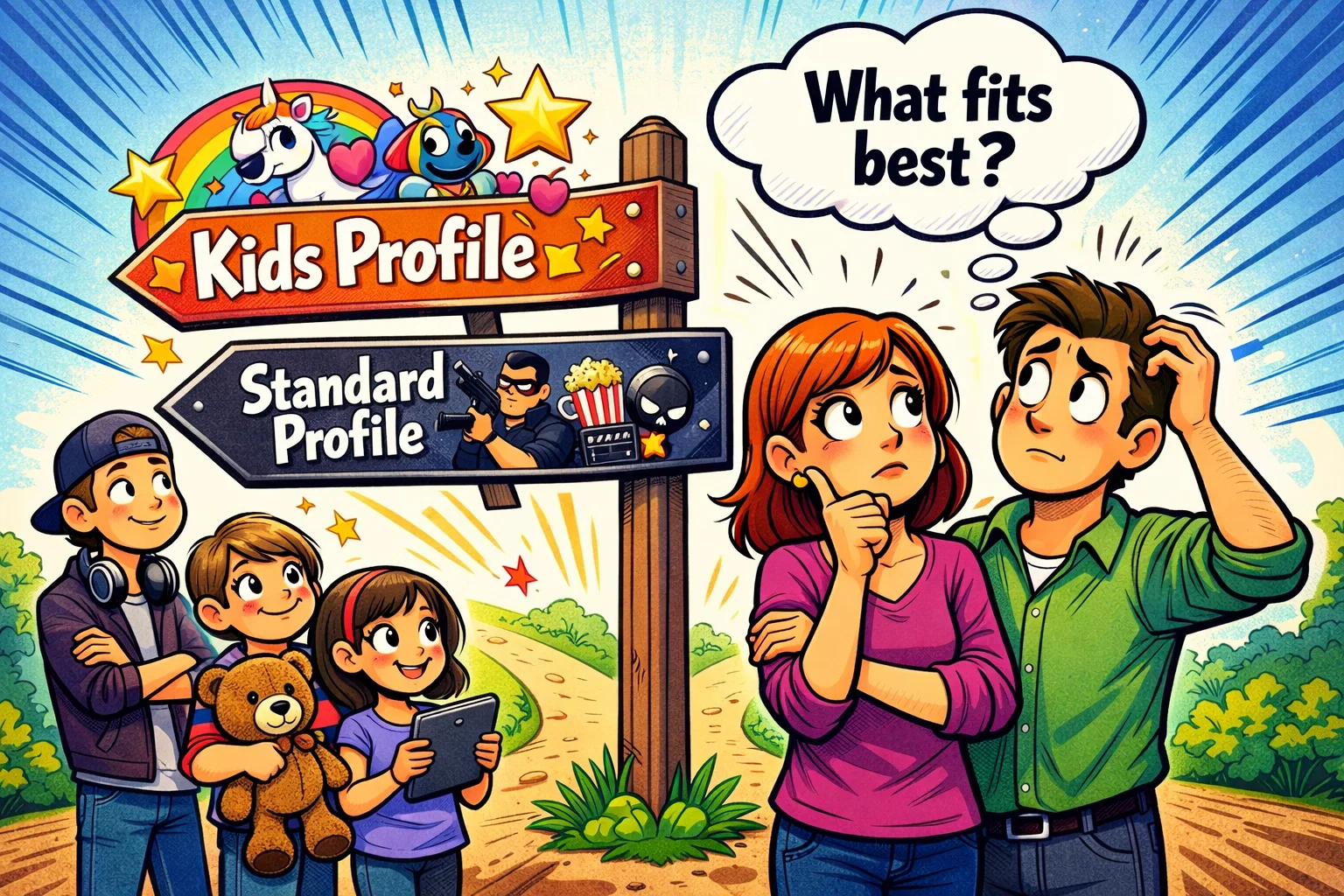
Choosing between Netflix Kids and Netflix profile for different child age groups.
Child Age and Maturity
A child’s chronological age doesn’t always match their emotional maturity. Some seven-year-olds are sensitive to “scary” themes in Disney’s animated films, while others are more resilient. Use your country’s official age rating system as a baseline, but trust your intuition.
Content Preferences
If your child is obsessed with a specific franchise found on Prime Video or Hulu, you may find Netflix’s library lacks what they want. However, for fans of Netflix originals, the dedicated Kids profile is the best way to explore those worlds safely.
Household Viewing Habits
Do you share a tablet? If so, the Netflix kids experience is the safest default. If everyone has their own mobile device, individual profiles with custom maturity level settings offer more flexibility.
Netflix Kids Compared with Other Kids Streaming Services
In the broader market, Netflix competes with services such as Disney+, Amazon Prime Video, Hulu, Max, and Apple TV+. While Disney+ is often perceived as highly family-oriented due to its brand identity and catalog focus on franchise-based content, Netflix is often noted for its broad content library and recommendation algorithm. Platforms like YouTube Kids offer more volume, but Netflix provides a more “pre-vetted” and ad-free environment.
How Kids’ Streaming Safety Is Evaluated
Trustworthiness in streaming is measured by three pillars:
- Filtering Accuracy: How well does the system block mature content?
- User Agency: Can parents easily curate the experience?
- Data Privacy: Is the child’s data protected from aggressive advertising? (Netflix does not currently display ads within Kids profiles, including on ad-supported plans. However, parents should review Netflix’s privacy policy to understand how viewing data and personalization features work).