

Choosing the right digital space for your child in 2026 is no longer just about selecting the “safest” option; it is about finding an environment that aligns with your family’s values and your child’s communication style. As social media for kids continues to evolve, two platforms are frequently discussed among families in this space, albeit with very different philosophies. Messenger Kids, backed by the massive infrastructure of Meta, focuses on private, parent-controlled messaging. In contrast, Zigazoo is often described as a short-form video platform for younger users, emphasizing short-form video creativity within a strictly moderated community.
This neutral comparison explores how both apps manage parental supervision, data privacy, and user engagement. While one minor might thrive in the direct messaging app environment of Messenger Kids, another might find their voice through the video challenges offered by the Zigazoo app. Both platforms claim to offer a safe environment, but the way they achieve this varies significantly—from closed-loop contact lists to human moderation of submitted content before it appears publicly.
What Messenger Kids Is and How It Works
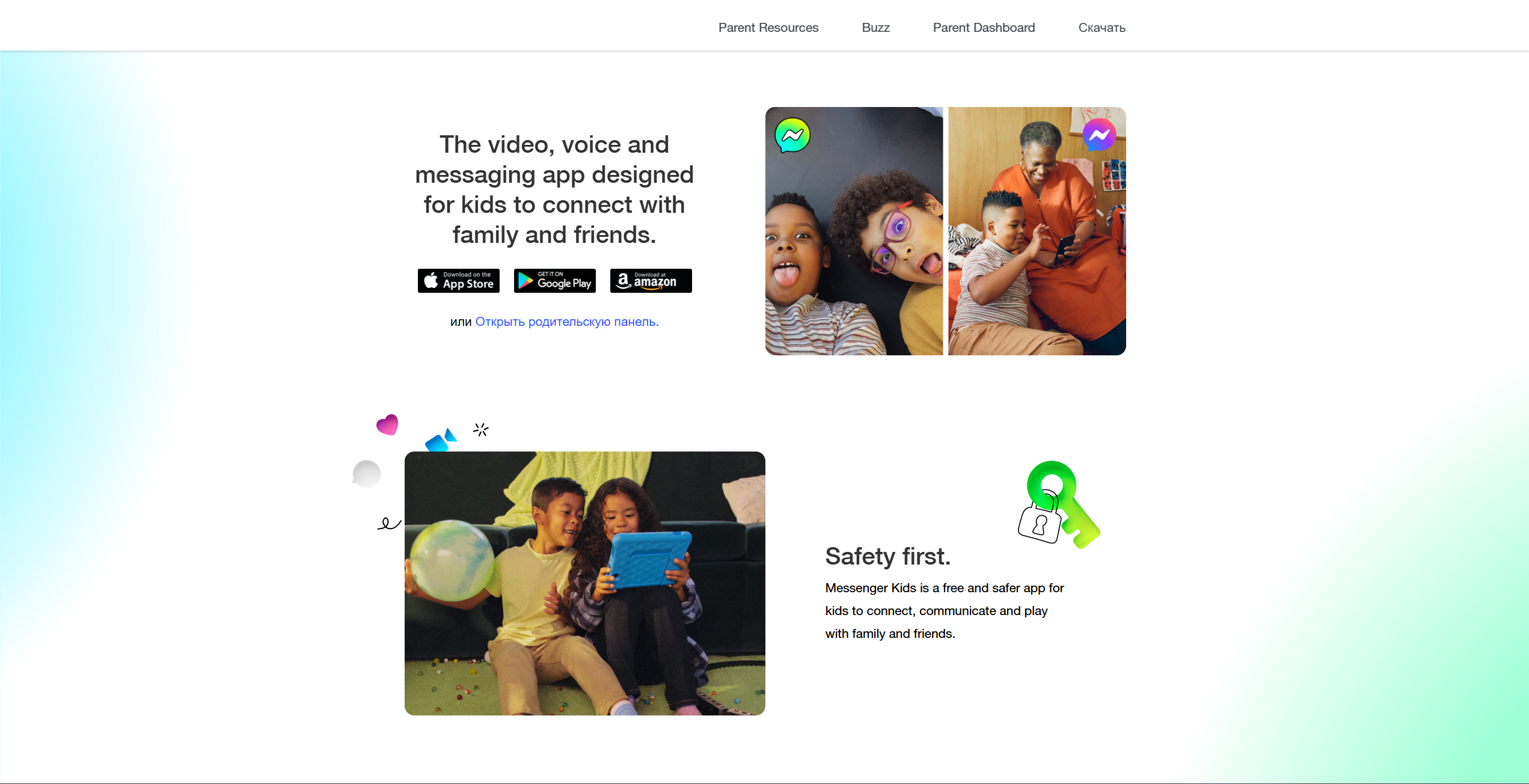
Messenger Kids is a free messaging app and video-calling service designed specifically for young users under the age of 13. Developed by Meta, the company behind Facebook and Instagram, the app was built to give children a way to connect with friends and family without needing a full social media account.
The core concept relies on “tethered” accounts. Unlike standard social media apps, children do not create independent Facebook accounts. Instead, a parent uses their existing Facebook account to set up a profile for the child. This creates a controlled environment where a child can only message or video call individuals approved by a parent or guardian.
Core Features
The app provides a robust set of tools tailored for kid-friendly communication:
- Video Calls and Messaging: One-on-one or group chats with real-time masks and filters.
- Creative Tools: A library of appropriate stickers, GIFs, and drawing tools.
- Missions: A digital literacy initiative that provides kid-friendly prompts and activities within Messenger Kids (availability and exact format may vary over time).
- No “Likes” or Public Feeds: The app focuses entirely on direct social interaction rather than chasing viral metrics.
Age Recommendation
Messenger Kids is designed for children under 13, and it is often described as most suitable for elementary-age kids (commonly around ages 6–12). For younger children within this age range (approximately 6–8), it serves as a digital training ground under heavy parental supervision. Older pre-teens (ages 10–12) often use it as a bridge toward more independent social platform use, though many outgrow it as they crave the “real” social media experience found on apps like TikTok.
Parental Controls and Account Setup
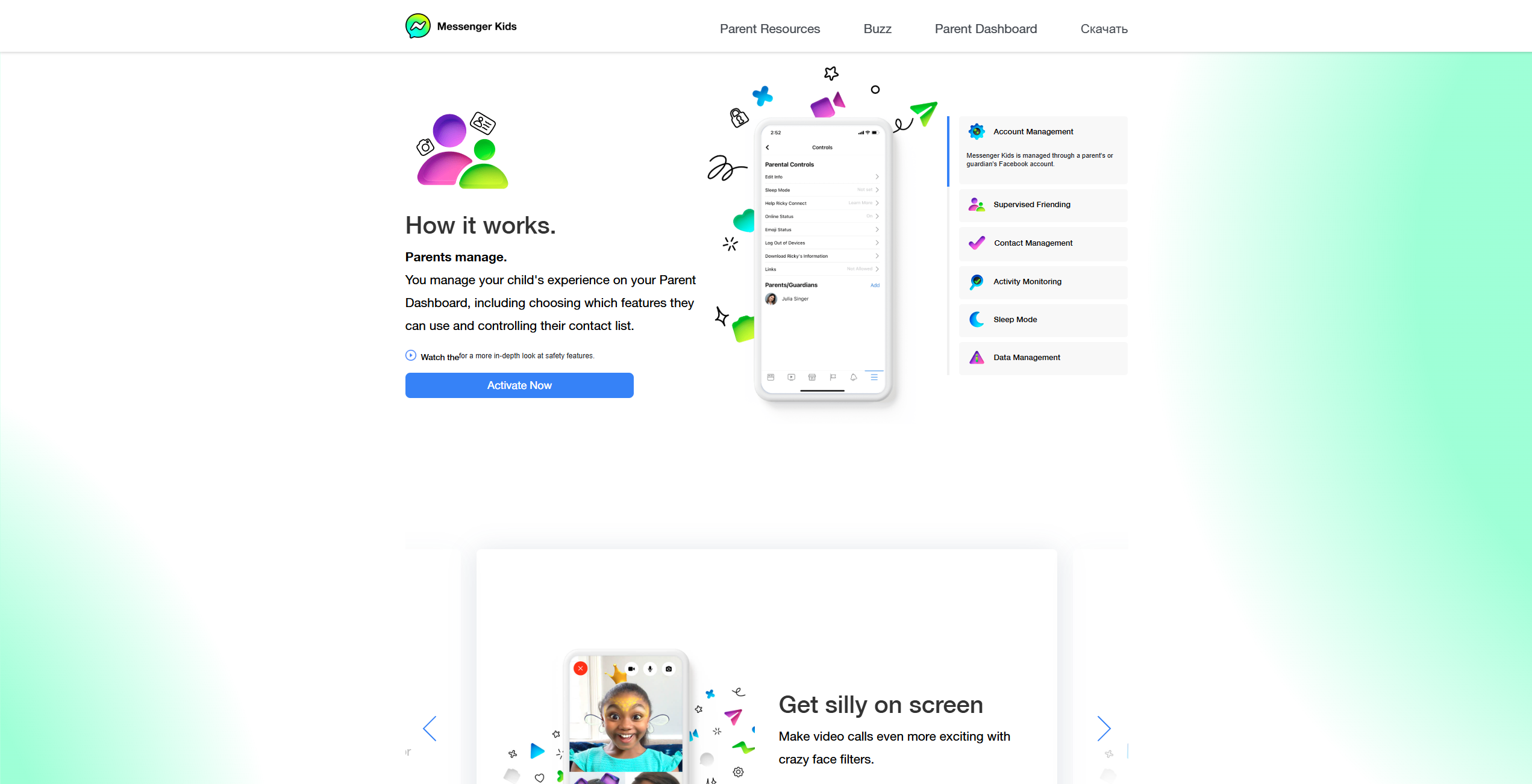
Messenger Kids offers one of the more comprehensive parental control dashboards among child-focused messaging apps. Through the Parent Dashboard on their own Facebook app, parents can manage their child’s experience in real-time.
- Contact Approval: No one can message your child unless you approve them.
- Sleep Mode: You can set “off-hours” (like school time or bedtime) during which the app is inaccessible.
- Activity Logs: Parents can see a history of who their child is chatting with and even view recent images or videos sent in chats.
Communication Style and User Experience
The user experience is designed to prioritize private communication. There is no discovery tab to find strangers, and your child’s profile is not searchable by the public. It is a digital version of a “playdate”—you know exactly who is in the room, and you have a key to the door.
What Zigazoo Is and How It Works
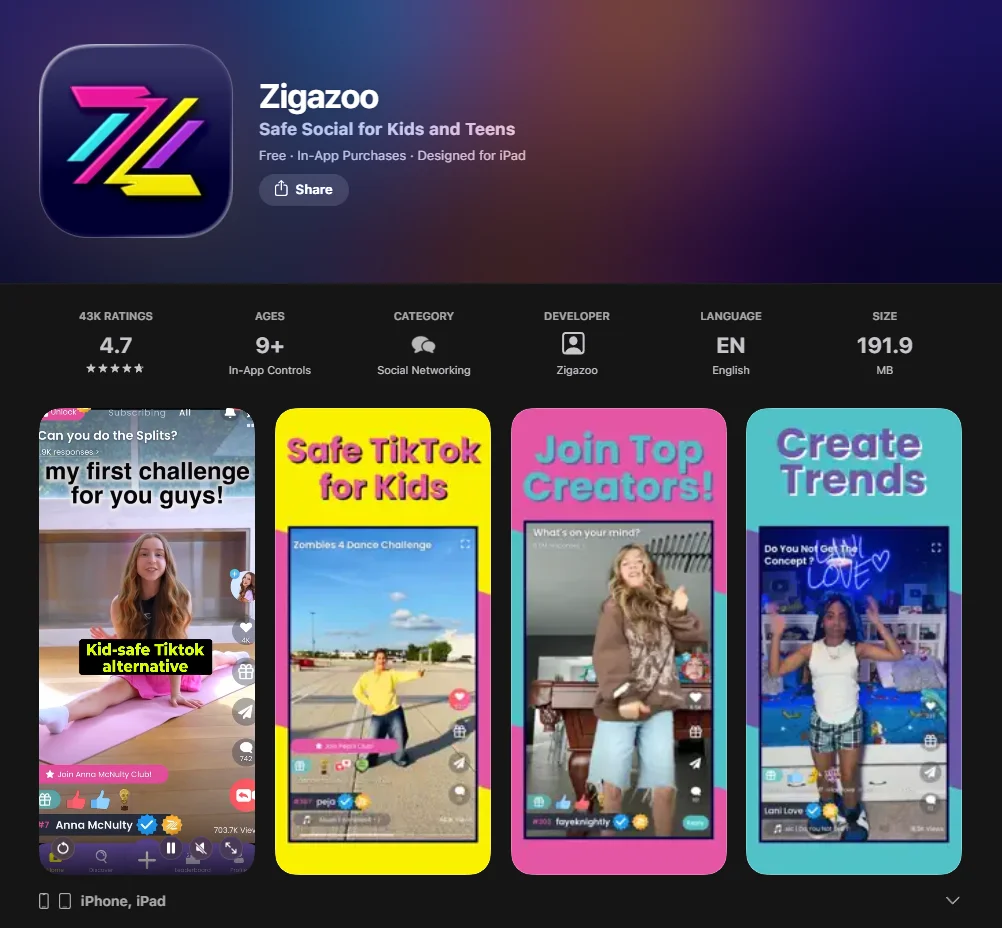
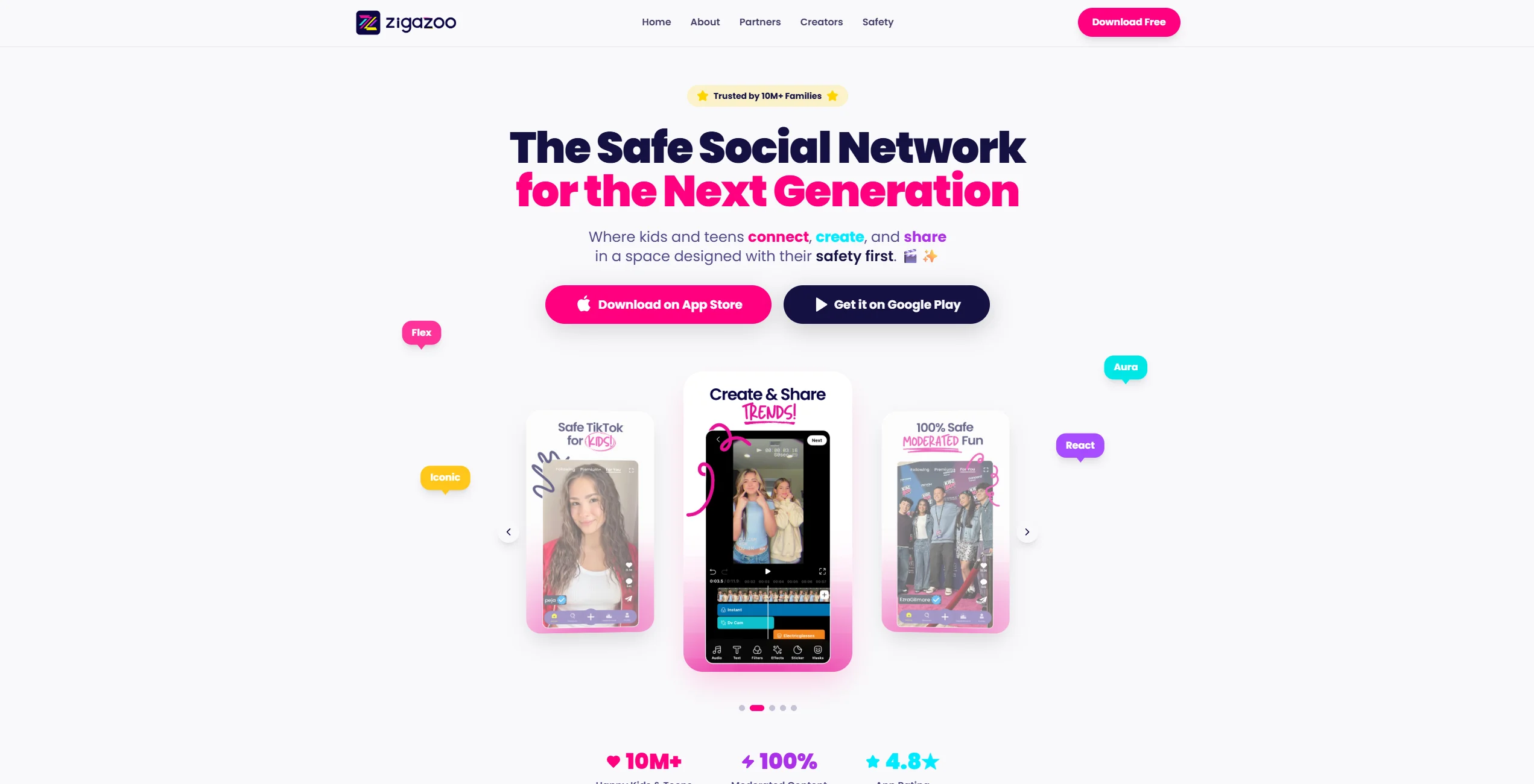
If Messenger Kids is a private chat room, Zigazoo is a vibrant, moderated stage. Often described as a safer social media alternative for younger users, Zigazoo is a social media platform focused on short-form videos and creative challenges. Founded by educators, the Zigazoo kids experience is built around “doing” rather than just “consuming.”
The app presents users with video “challenges,” which can be created by Zigazoo, partners, or featured creators, depending on what is available at the time. Kids can create and share their own video responses, which are then reviewed by a team of moderators before they ever appear on the feed.
Core Features
- Video Challenges: Users respond to prompts like “Show us your best dance move” or “Explain a science experiment.”
- Remixing and Editing: Tools to create and share short videos with built-in effects and editing features (specific options can vary by update and region).
- Positive-Only Interaction: Zigazoo is positioned as having no traditional text comment sections, with engagement focused on positive reactions (such as emojis and stickers) and video responses.
- Zigabucks: A virtual currency system used for in-app rewards (with parental guardrails).
Age Recommendation
While the app attracts younger kids (ages 6–9) with its playful interface, it has expanded to include a “Zigazoo Teens” section for children aged 13+. For the primary kids safe version, the sweet spot is typically ages 7 to 11.
Moderation and Community Structure
One of Zigazoo’s standout features is its human moderation process. Unlike other platforms that rely solely on AI, Zigazoo states that submitted videos are reviewed by human moderators before appearing publicly. This process ensures that:
- The moderation process is designed to prevent inappropriate content from appearing publicly.
- Moderators are intended to prevent the sharing of personal identifiable information (PII).
- The community remains a safe and positive community.
Creativity and Learning Elements
Zigazoo blends elements of a learning platform with short-form video features. By requiring youngsters to record themselves explaining concepts or performing tasks, it fosters public speaking skills and digital citizenship. It moves the social media experience away from passive scrolling toward active participation.
Safety Features Comparison
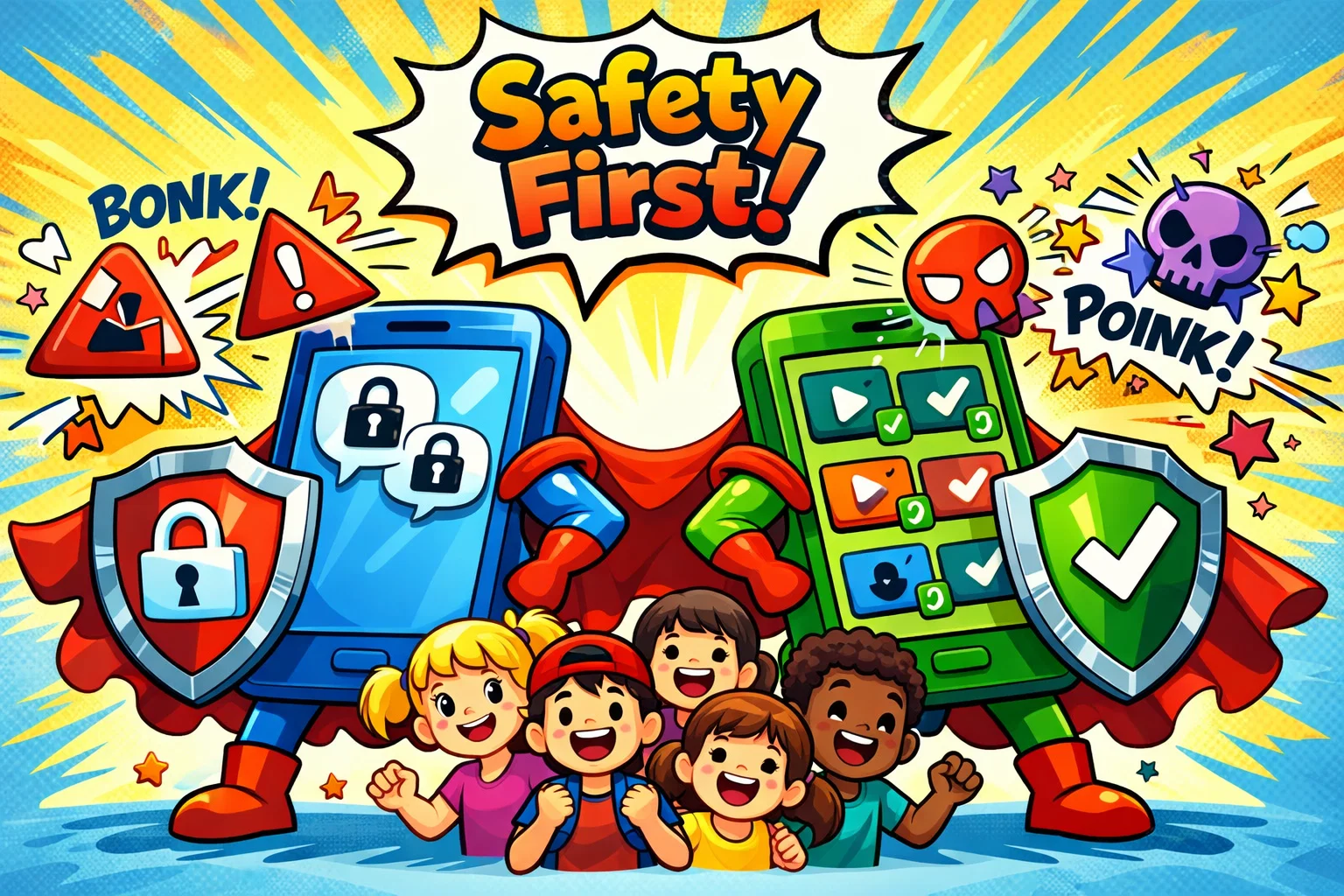
Comparing the safety for kids on these two platforms is a matter of comparing two different security models.
| Feature | Messenger Kids | Zigazoo |
| Primary Safety Logic | Closed-loop contact list (Gated) | Human-moderated content before publication |
| Communication | Private 1:1 and Group chats | Public-style feed of video responses |
| Stranger Danger | Low (only parent-approved contacts) | Lower risk of direct private contact because Zigazoo is positioned as having no private text messaging, but videos can still be visible to a wider audience depending on settings and how the platform is used. |
| Content Type | Text, Video, Photos | Short-form Video only |
| Moderation Type | Parent-led monitoring | Human moderation before public posting, with automated checks and policies also used to support enforcement. |
Account Privacy Settings
Messenger Kids is inherently private; your child exists in a bubble you create. Zigazoo puts the emphasis on a “public-facing” profile within a secure environment. While other youngsters can see your child’s videos on Zigazoo, they cannot strike up a private conversation.
Content Moderation Approach
Zigazoo’s approach is proactive—nothing is posted without a green light from a moderator. Messenger Kids is reactive; Meta uses AI to flag inappropriate content, but the primary “moderator” is the parent who reviews the chat logs.
Risk Exposure Level
In Messenger Kids, risks may arise from interactions within an approved contact circle (such as peer conflict). In Zigazoo, the risk is “external” (visibility to a wider community), though this is mitigated by the lack of direct messaging app features between users.
Data and Advertising Policies
Both apps claim to be COPPA (Children’s Online Privacy Protection Act) compliant. Messenger Kids does not show traditional ads and does not use child data for marketing. Zigazoo collaborates with brands on sponsored challenges, which can function as a form of integrated marketing.
Features Comparison for Kids Daily Use
Messaging and Video Calls
If your child’s main goal is to talk to Grandma or their best friend from school, Messenger Kids may be the more suitable choice. Its video calling interface is intuitive and more reliable for long-form conversations. Zigazoo does not offer 1:1 video calling; it is strictly a “broadcast” platform.
Video Creation and Creative Tools
Zigazoo offers more advanced creative tools in this area. Its video editor is a kid-friendly version of professional tools, allowing for sophisticated “stitching” and “remixing.” Messenger Kids offers fun stickers and drawing tools, but it lacks the depth of a true creative social media app.
Social Interaction Style
- Messenger Kids: Private, intimate, and conversational.
- Zigazoo: Community-driven, performance-based, and celebratory.
Ease of Use and Interface
Both apps are designed for children to explore easily. Messenger Kids feels like a simplified version of a standard chat app. Zigazoo has a more gamified interface, which may feel more engaging for children who prefer video interaction over text-based communication.
Pricing Comparison 2026

As of 2026, both apps remain accessible, but their monetization strategies have diverged.
| App | Base Price | In-App Purchases | Subscription Options |
| Messenger Kids | Free | None | None |
| Zigazoo | Free | Yes (Zigabucks) | Zigazoo Premium (pricing varies by region and platform; it is often listed around $7.99/month in the U.S., but can differ elsewhere). |
Messenger Kids Pricing Model
Messenger Kids is currently free to use, with no in-app purchases listed. Meta uses it as a “onboarding” tool to build brand loyalty with families, ensuring that parents can manage their child’s digital life within the Meta ecosystem. There are no “Pro” features or hidden costs.
Zigazoo Pricing Model
Zigazoo offers a free tier that is perfectly functional. Zigazoo offers optional subscriptions such as Zigazoo Premium and Premium Plus (availability and names can vary by platform and region). These subscriptions typically unlock additional creation perks (for example, expanded features, badges, or other premium options), with the exact benefits depending on the current plan details..
In-App Purchases and Subscriptions
Zigazoo uses “Zigabucks” as an in-app virtual currency for virtual goods and experiences, which can lead to unexpected spending if purchase settings are not tightly controlled at the device or app-store level.
Pros and Limitations of Messenger Kids
Advantages for Families
- Ultimate Control: Parents have final say over every contact.
- Familiarity: Most parents already have Facebook, making setup easy.
- Safety: The likelihood of interacting with unapproved contacts is significantly reduced due to parent-controlled contact lists.
Limitations
- Closed Ecosystem: If a friend’s parent doesn’t use Facebook, the youngsters can’t connect.
- Limited Discovery: It doesn’t allow minors to find new interests or communities.
- Privacy Skepticism: Many parents remain wary of Meta’s long-term data policies.
Pros and Limitations of Zigazoo
Advantages for Families
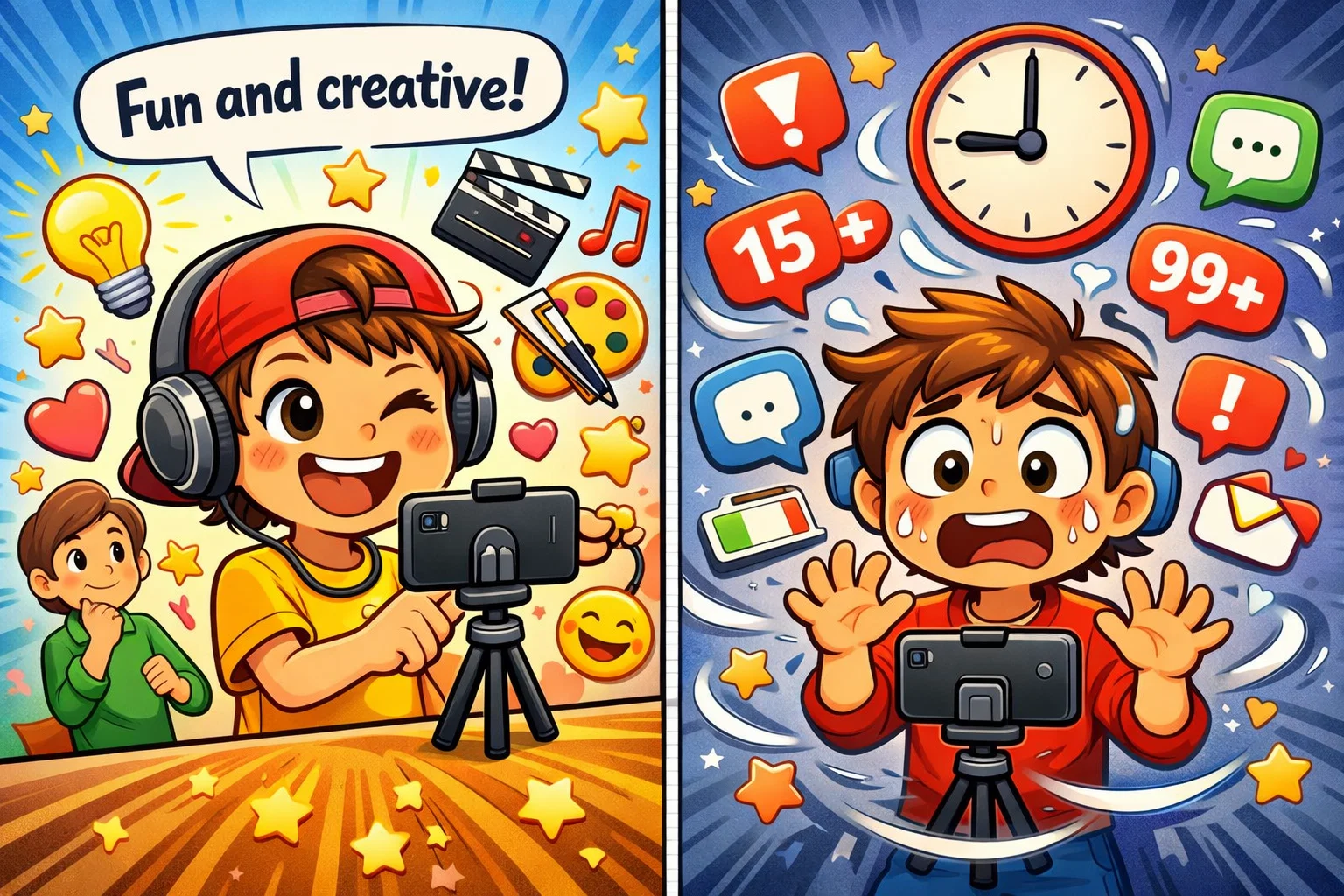
- Encourages Creativity: It’s a platform for children to explore their talents.
- Human Moderation: Offers peace of mind that inappropriate content is blocked.
- Positive Vibes: The lack of text comments prevents the “toxic” culture of other apps.
Limitations
- Public Exposure: Your child is “out there” more than on Messenger Kids.
- Screen Time Risks: The continuous feed of videos may encourage longer screen time compared to a messaging-only app.
- Costs: Some of the best creative tools are locked behind a paywall.
Hidden Features Parents Should Know
Contact Approval Controls in Messenger Kids
Did you know you can set it so your child can “request” a friend? Instead of you doing all the work, the youngster can enter a friend’s unique code. You still get the final notification to approve or deny the request, giving the child a sense of social interaction autonomy.
Community Moderation Layers in Zigazoo
Zigazoo doesn’t just moderate for “bad words.” Their human moderation team also checks for “vibe.” If a video is deemed mean-spirited or discouraging—even if it doesn’t break a hard rule—it may be rejected to maintain the safe and positive community.
Screen Time and Usage Controls
Messenger Kids includes in-app usage controls such as Sleep Mode, while Zigazoo screen-time limits are often managed through device-level settings (such as iOS Screen Time or Android controls), depending on the family’s setup.
Tips for Parents Choosing Between Messenger Kids and Zigazoo
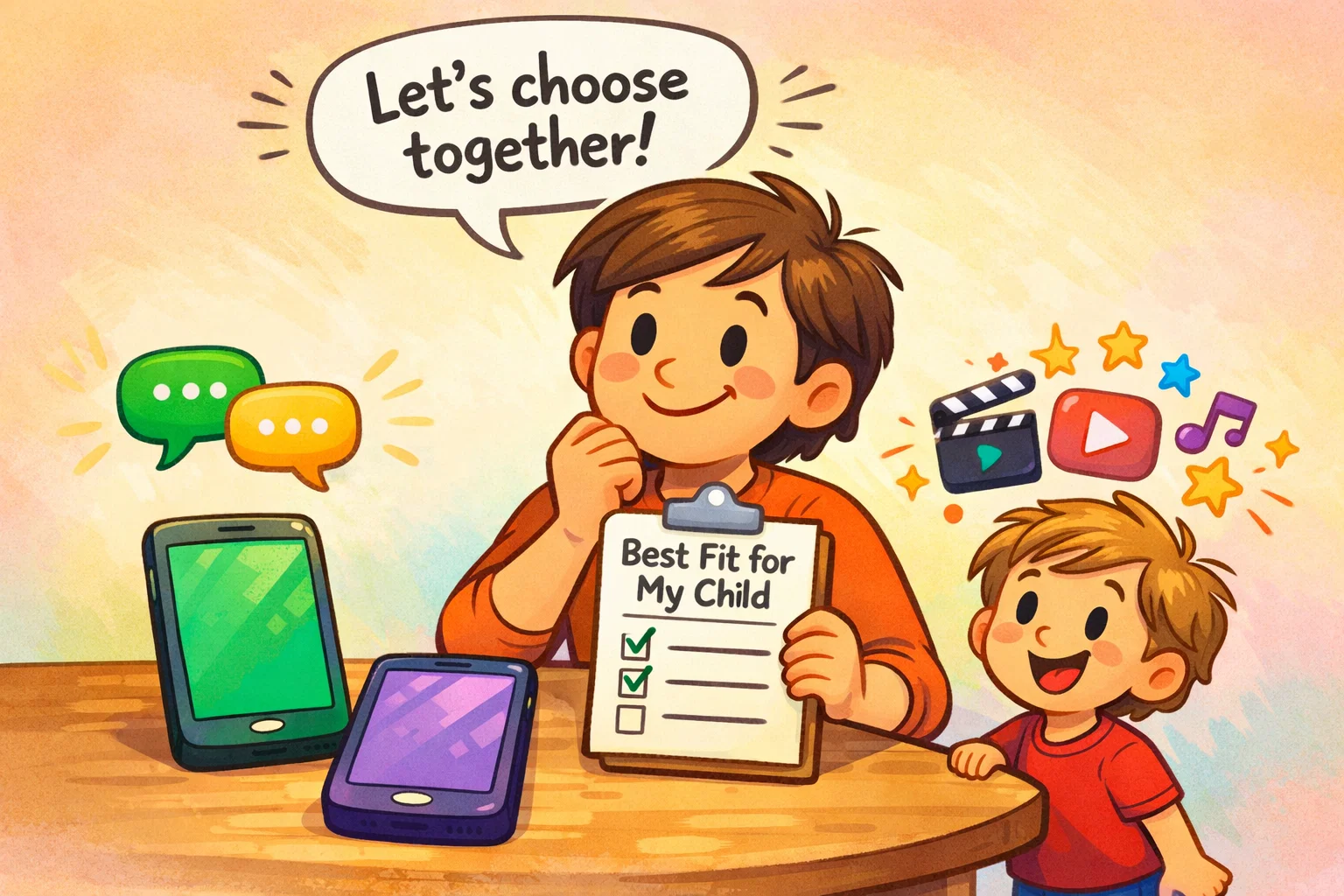
Choosing a social media experience depends on your child’s personality:
- For Families Prioritizing Private Communication: If the goal is just keeping in touch with cousins or school friends, Messenger Kids may be a practical and cost-effective choice for families prioritizing private communication.
- For Families Encouraging Creativity: If your child loves making “TikToks” but isn’t old enough for the real thing, Zigazoo provides a secure environment to practice those skills.
- For Younger Children: At age 6 or 7, the high level of parental supervision in Messenger Kids is often preferred.
- For Older Kids: As they hit 11 or 12, Zigazoo offers a more “grown-up” social experience that might keep them away from unfiltered platforms longer.
Messenger Kids vs Zigazoo: Side-by-Side Summary
In 2026, the choice between these two popular social media apps comes down to messaging vs. content creation. Messenger Kids is a walled garden that excels at private, supervised communication with zero costs and high-tier parental controls. It is a communication tool first. Zigazoo is a moderated stage that excels at fostering creativity and digital citizenship through video challenges. It is a social network first.
Both apps are designed to provide a more controlled online environment for younger users compared to many mainstream social platforms. While Messenger Kids is the “safer” bet for avoiding any public exposure, Zigazoo may feel more engaging for children interested in video creation. Some families choose to use both apps for different purposes for youth to develop a well-rounded digital footprint.