


Deciding which messaging app suits your child often feels like balancing a desire for their independence with a deep-seated need to ensure their safety. On one hand, you have Messenger Kids, a platform built from the ground up as a “walled garden” to protect younger users. On the other, there is Snapchat, a global cultural phenomenon offering older kids creative freedom and peer connection, though it brings the complexities of a mainstream social media ecosystem.
This guide provides a neutral, in-depth comparison of both platforms. We will explore how they align with different developmental stages, evaluate specific parental control tools, and break down costs and features. Whether you’re looking for a safe environment for a first-grader or trying to navigate the social media platforms your teenager prefers, our goal is to help you make an informed choice that fits your family’s unique needs.
Apps Overview for Families and Children
In the current digital landscape, messaging apps serve as more than just a way to send text; they are virtual playgrounds where kids express their identity. Messenger Kids and Snapchat represent two very different philosophies in app design.
Messenger Kids is a standalone messaging app for children that is managed through a parent’s Meta account via the Parent Dashboard. Children do not receive a standard Facebook profile. Snapchat is a full-scale social network used by hundreds of millions of people. Understanding the overall feel of each app is the first step in determining which one fits your household best.
What Is Messenger Kids?
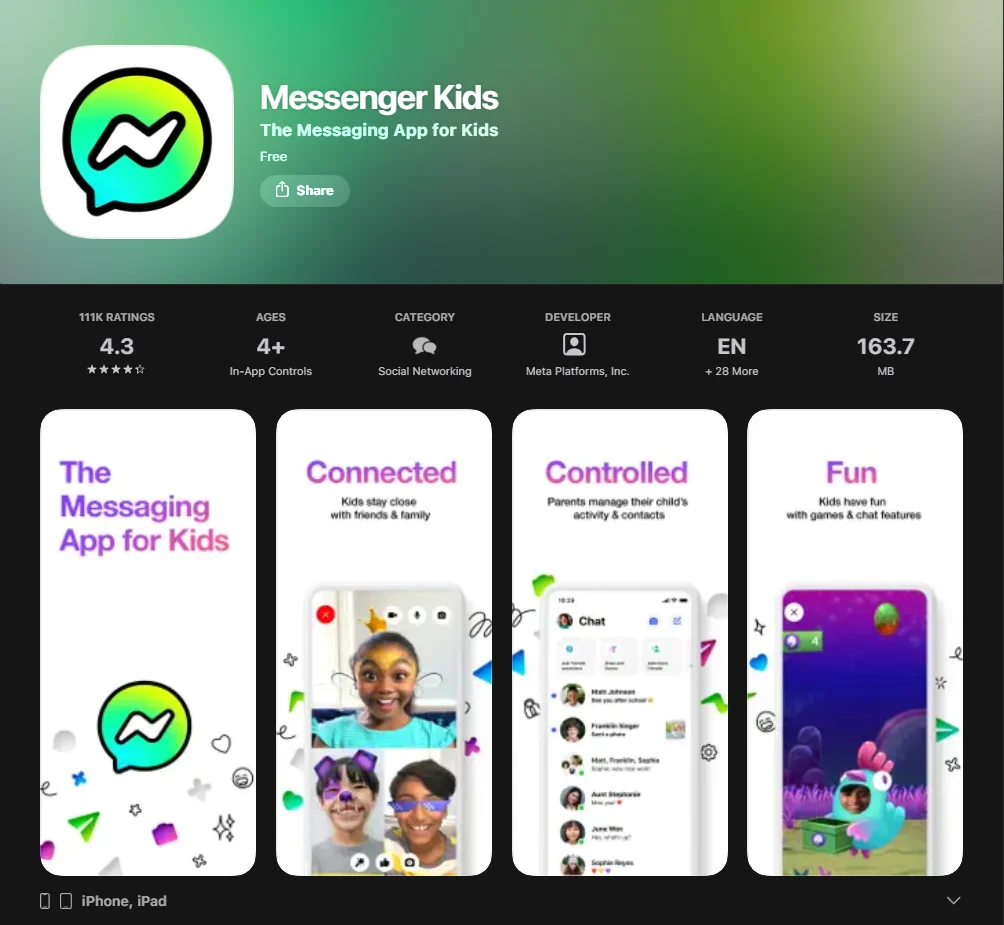
Created by Meta, Messenger Kids is a messaging app specifically designed for children under the age of 13. It does not require the child to have a standard social media account. Instead, a parent sets up the profile through their own Facebook account, acting as the gatekeeper for all interactions. Every contact must be approved by a parent, ensuring that kids don’t talk to anyone without their guardian’s knowledge.
What Is Snapchat?
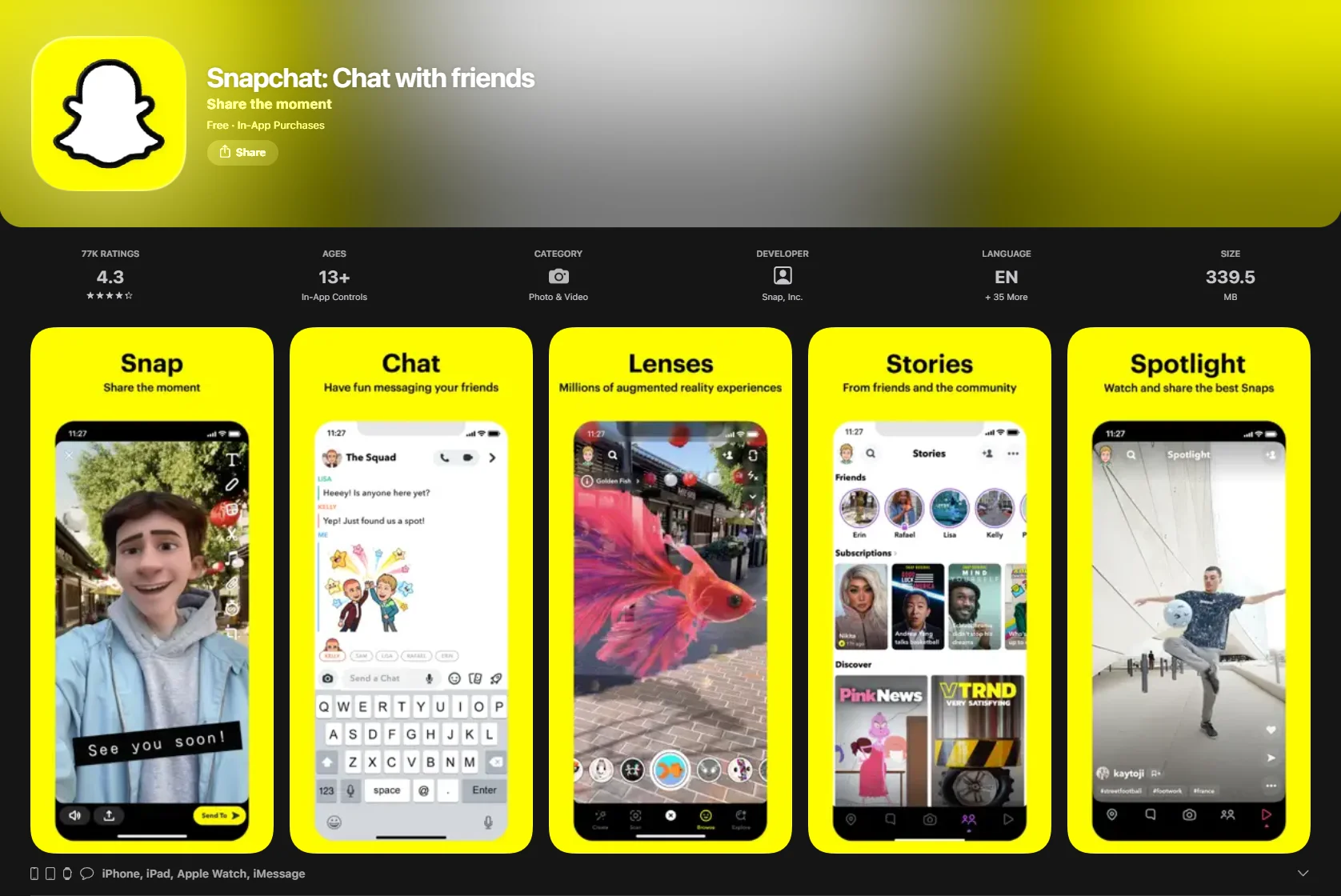
Snapchat is a mainstream instant messaging and social media platform generally intended for users ages 13 and older, although availability and minimum age requirements may vary by country due to local regulations. It is famous for disappearing messages (Snaps), “Streaks,” and augmented reality (AR) lenses. Unlike Messenger Kids, it is an open platform where users can potentially find one another via usernames, though it has recently introduced significantly stronger parental control features to protect its younger demographic.
Core Differences in Target Audience
The design philosophy of these apps reflects their intended users:
- Messenger Kids: Focused on safe messaging aimed at elementary-aged children. The interface is bright, simple, and limits the user’s “digital footprint.”
- Snapchat: Geared toward teens and young adults. It prioritizes ephemeral communication and creative self-expression through “Stories” and “Spotlight” (a public video feed).
Age-Appropriate Applications
A child’s digital needs often shift rapidly between the ages of 6 and 16. What works to help a 7-year-old might feel stifling to a 14-year-old.
Messenger Kids for Children Under 13
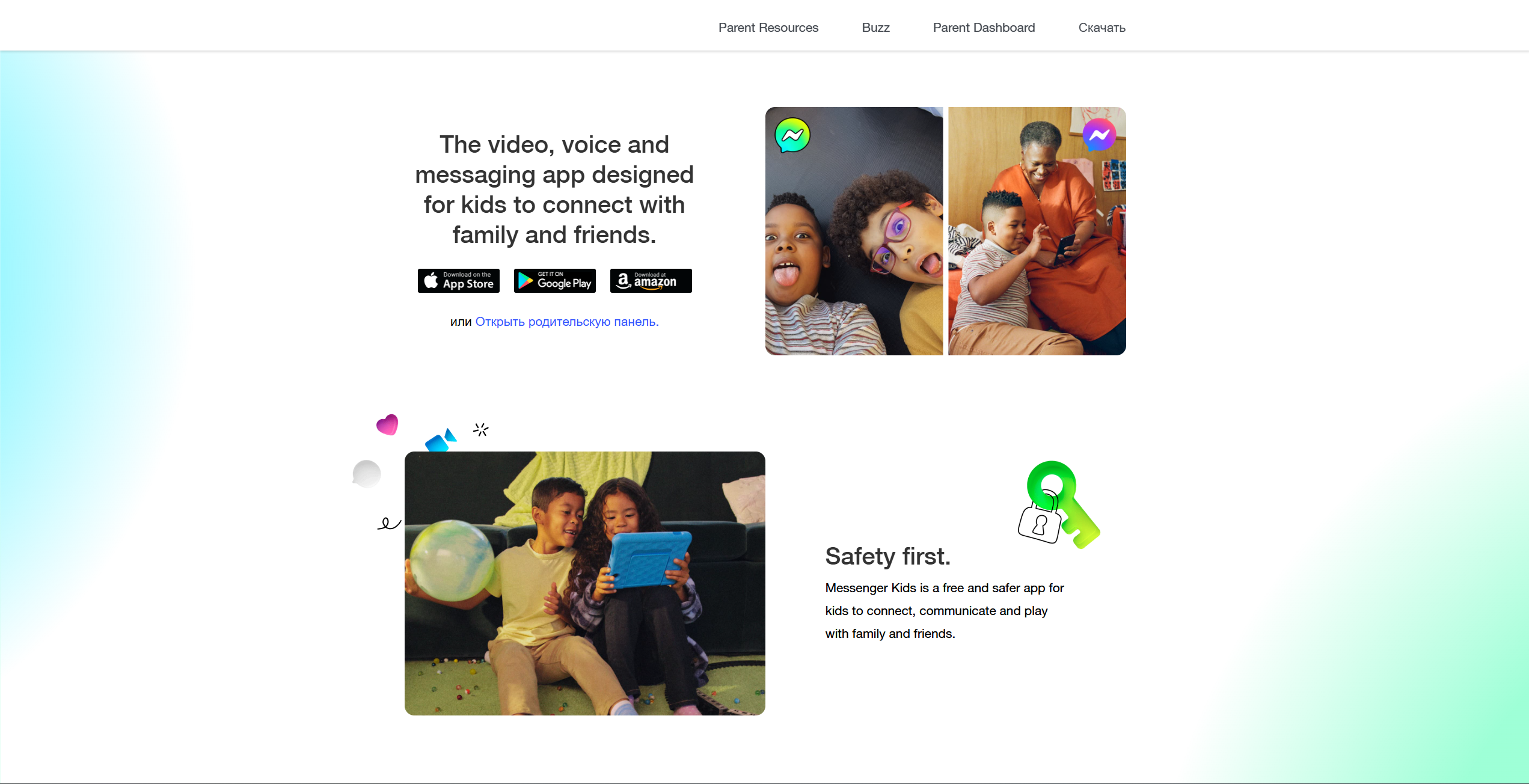
Regarding younger kids, Messenger Kids acts as digital training wheels. It allows them to communicate with family members and school friends in a controlled space. Because it is designed for kids and requires parental approval of contacts, the risk of unwanted contact is significantly reduced. However, no platform is completely risk-free, and parents should remain involved and periodically review contacts and activity.
Snapchat for Teens (Typically 13+; subject to local regulations)
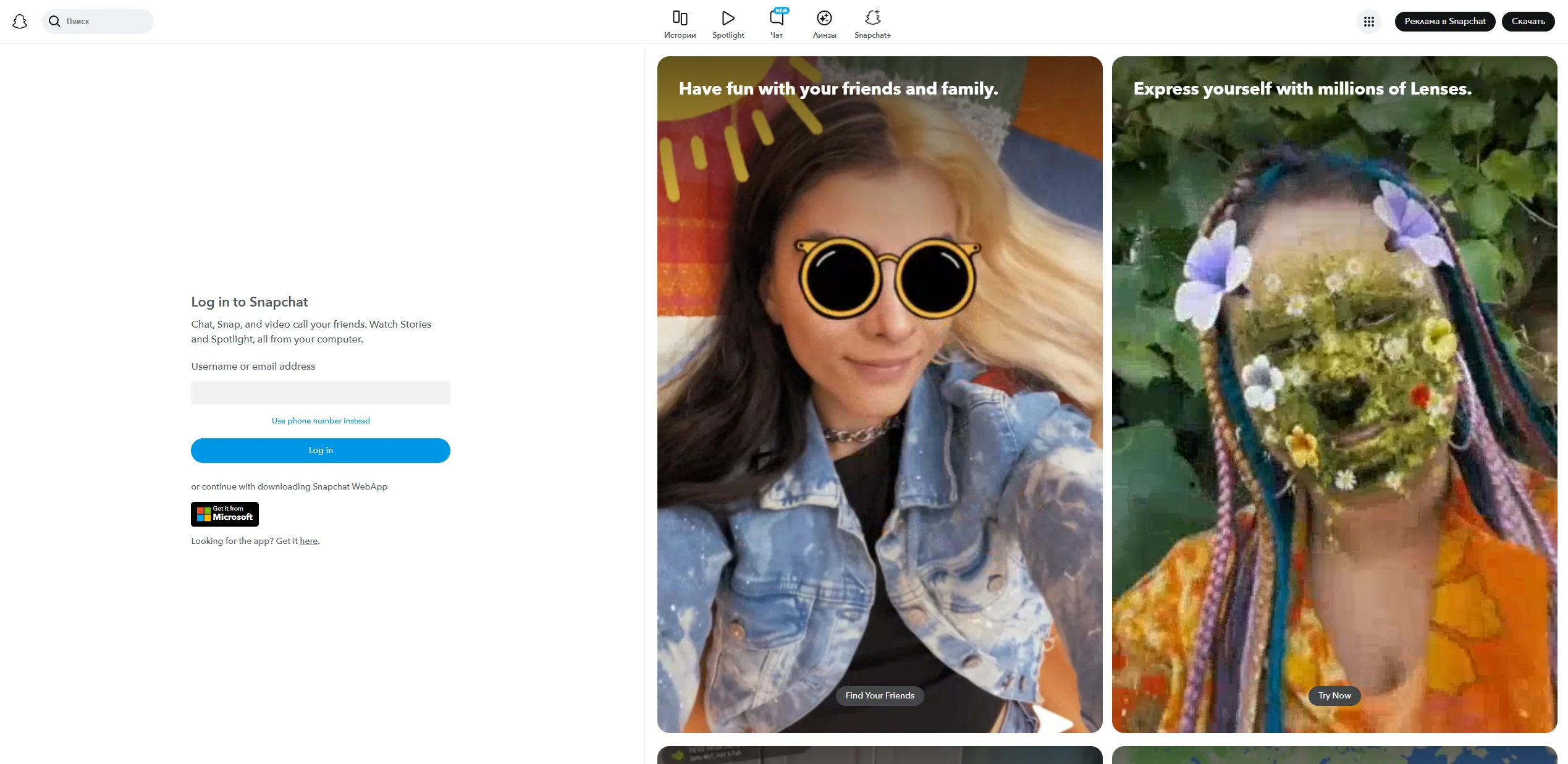
Once a child reaches the age of 13, their social circle expands. Snapchat often becomes a primary way for teens to stay connected with their peers. At this stage, the focus shifts from total control toward “supervised independence.” Teens often prefer Snapchat because their friends are there, and it feels more “adult” than a platform managed entirely by their parents.
Developmental Considerations by Age Group
| Age Group | Communication Needs | Recommended Approach |
| 6–9 Years | Basic literacy, family bonding, play. | Messenger Kids: Highly supervised, limited contacts. |
| 10–12 Years | Peer belonging, experimenting with emojis/GIFs. | Messenger Kids: Transitioning toward more autonomy in friending. |
| 13–16 Years | Identity formation, private peer groups, creative tools. | Snapchat: Using Family Center tools to monitor who they talk to (where the platform is legally available for this age group in your country). |
Safety and Parental Control Features
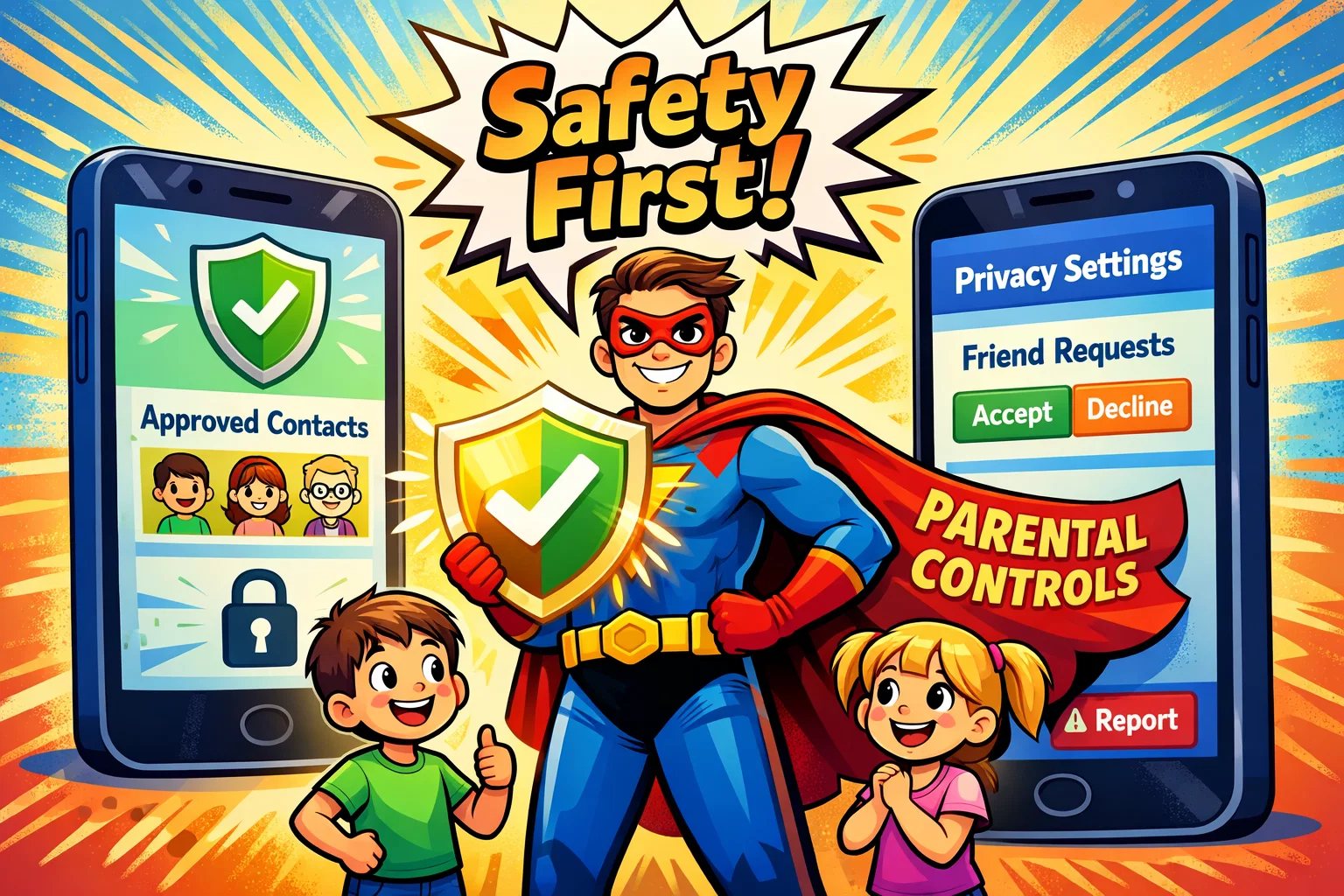
Safety is a central consideration for any app designed specifically for children. Both Meta and Snap Inc. have invested heavily in tools to provide peace of mind to parents.
Parental Dashboard and Supervision Tools
Messenger Kids provides a robust Parent Dashboard located within the parent’s Facebook app. You can see who your child is chatting with, view a log of images sent/received, and even “remote logout” the device.
Snapchat offers the Family Center, which was significantly updated in early 2026. While you cannot read your teen’s private messages (to respect their privacy), you can view their friends list and a list of who they have messaged in the last seven days.
Privacy Settings and Account Visibility
- Messenger Kids: Profiles are not searchable by the public. Only approved contacts and their connected parents can view the child’s profile.
- Snapchat: Profiles can be more public. Location sharing via Snap Map is optional and turned off by default. Users can enable ‘Ghost Mode’ to prevent their location from being visible.
Message Moderation and Reporting Systems
Both apps allow users to block and report. However, Messenger Kids goes a step further by notifying the parent immediately if a child blocks or reports someone. In Snapchat, reporting is anonymous, but parents using the Family Center can now report accounts directly on their teen’s behalf.
Data Privacy and Personal Information Protection
It is important for parents to know that Messenger Kids is COPPA (Children’s Online Privacy Protection Act) compliant and does not use child data to target advertising. Snapchat states that it complies with applicable data privacy laws in the regions where it operates. In some U.S. states, such as Oregon, recent legislation restricts the sale of personal data belonging to users under 16. Other regions, including Australia, have introduced youth-focused online safety and age-access regulations, but these are not identical to U.S. state-level data sale bans.
Communication Features and User Experience
Text Messaging and Multimedia Sharing
Messenger Kids offers a playground of stickers, GIFs, and drawing tools created for kids to express themselves. Snapchat is the pioneer of the “Snap”—a photo or video that disappears after being viewed. This encourages a more casual, “of-the-moment” style of texting and sharing.
Video Calling Capabilities
Both platforms excel at video chat.
- Messenger Kids: Supports group video calling featuring fun AR masks.
- Snapchat: Offers high-quality voice and video calls, often used by teens during long “hangouts” while doing homework.
Stories and Public Content
This is a major point of divergence. Messenger Kids has no public feed. Snapchat, however, has “Stories” (shared with friends) and “Spotlight” (public). Although the app moderates Spotlight content, it may expose teens to posts from users outside their immediate friend group.
Peace-of-Mind Features for Parents
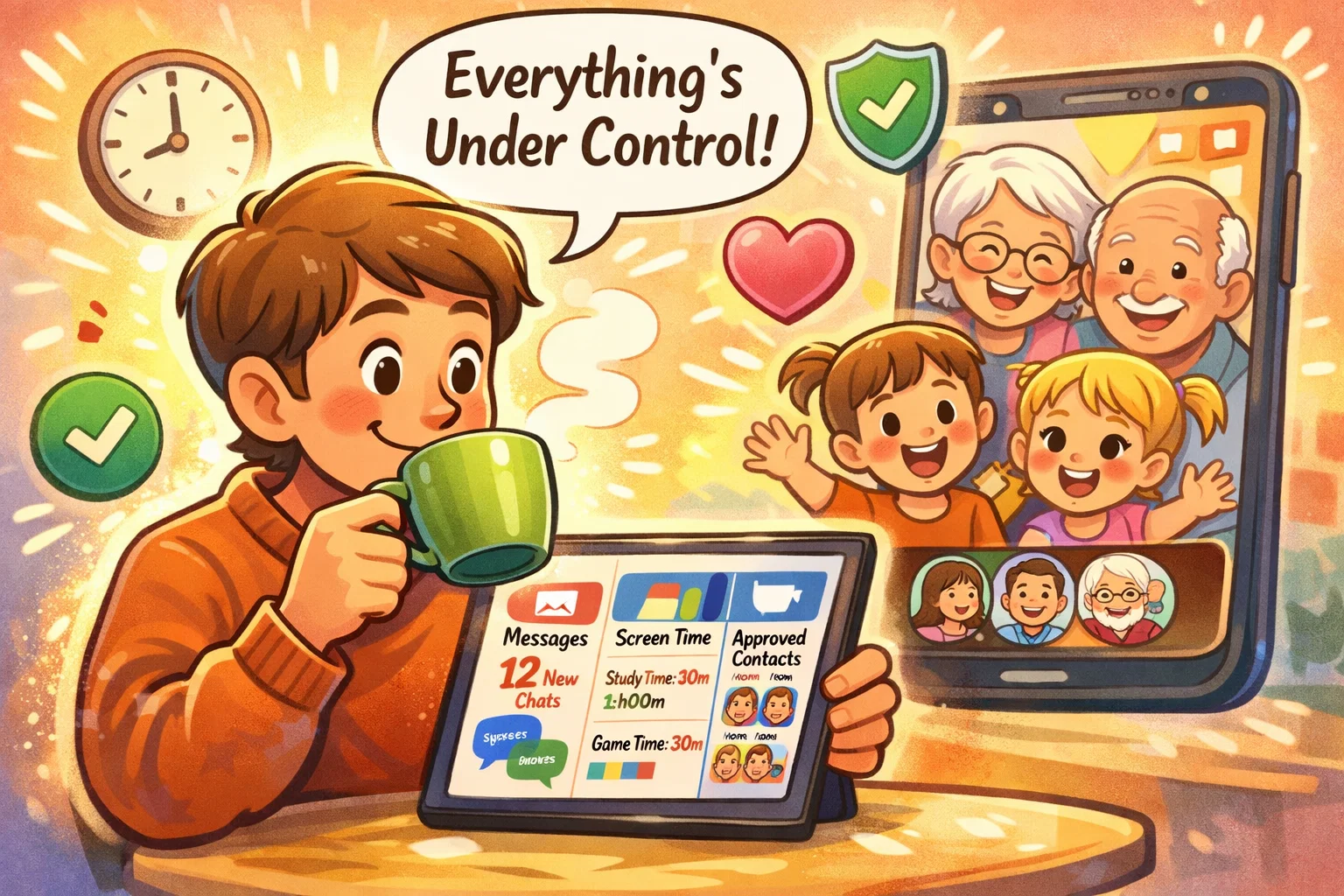
When choosing an app like these, certain features specifically target parental anxiety.
Contact Approval System
In Messenger Kids, the “Supervised Friending” feature allows you to choose:
- Only I can choose contacts: Maximum control.
- My child can choose contacts: You get a notification to approve/deny their choice.
On Snapchat, there is no “approval” required when a teen adds a friend, but the Family Center allows you to see every new connection made, including “mutual friend” context.
Screen Time Management Options
Messenger Kids includes a “Sleep Mode” that lets parents set a “bedtime” regarding the app’s availability. Snapchat recently added daily screen time insights to the Family Center (as of late 2025/early 2026), showing parents how much time is spent using different features, such as the camera or chat.
In-App Purchases and External Links
- Messenger Kids: Completely free. No ads. No in-app purchases.
- Snapchat: Free core app, but includes ads. It also offers Snapchat+, a subscription service.
Potential Concerns and Risks
No messenger is 100% risk-free. Parents should be aware of:
- Disappearing Messages: On Snapchat, the ephemeral nature of messages can make it hard to keep track of their child’s interactions if a conflict (like bullying) occurs.
- Social Pressure: Snapchat’s “Streaks” (counting consecutive days of chatting) can sometimes lead to anxiety or screen time addiction.
- Exposure to Strangers: While Snapchat limits certain visibility settings for teens, individuals with harmful intent may still attempt to make contact via usernames found across other social media platforms.
Pricing and Monetization Model

| Feature | Messenger Kids | Snapchat |
| Cost | Free | Free (Basic) |
| Subscription | None | Snapchat+ ($3.99/mo) |
| Ads | None | Yes |
| In-App Purchases | None | Yes (Tokens, Lenses) |
Snapchat+ has grown significantly in recent years, reaching tens of millions of subscribers globally. It offers features like “Best Friend Pins” and custom chat wallpapers, which many kids enjoy using to personalize their experience.
Tips for Safe Usage
- Setting Up Privacy Correctly: Always go through the settings with your child. On Snapchat, ensure “Ghost Mode” is on so their location isn’t visible on the Snap Map.
- Teaching Digital Etiquette: Remind children that “disappearing” doesn’t mean “gone.” A screenshot can make any message permanent.
- Combining Apps with Parental Control Software: Many parents use control apps like Bark or Google Family Link alongside these messengers to set device-wide limits.
Pros and Limitations Overview
Advantages of Messenger Kids
- Safe environment with 100% parent-vetted contacts.
- No advertising and no use of children’s data for targeted ads.
- Excellent way for children to video call grandparents and cousins.
Advantages of Snapchat
- Superior creative tools (Lenses/Filters).
- The “default” messaging platform regarding most middle and high schoolers.
- Encourages frequent, low-pressure communication.
Limitations of Each Platform
- Messenger Kids: Can feel “babyish” to older kids; limited to the Facebook ecosystem.
- Snapchat: Requires constant parental dialogue due to the presence of public content and disappearing chats.