

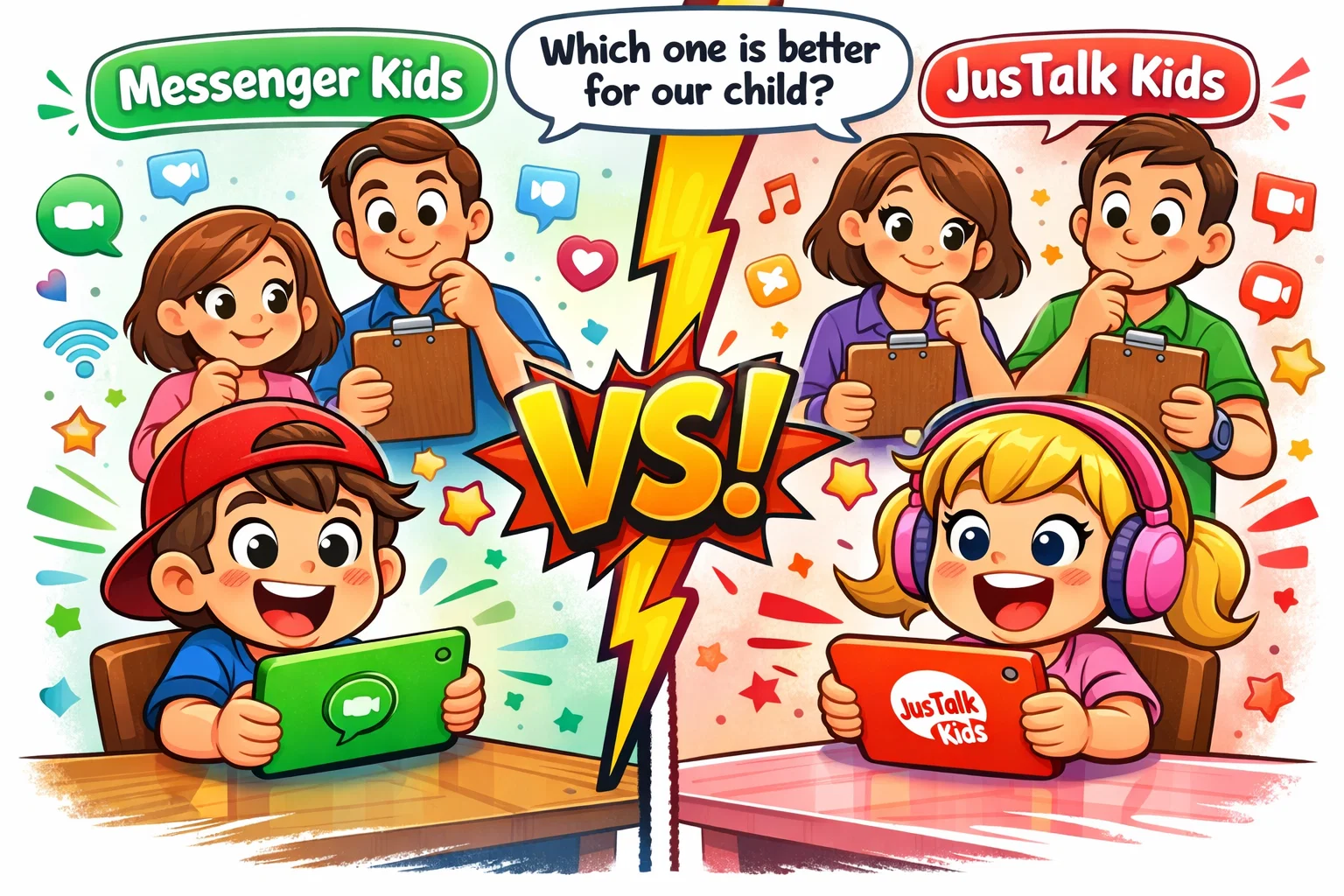
As our children navigate an increasingly digital world, providing them with a safe space to connect with family and friends is a top priority for most parents. While mainstream social media platforms are often restricted to those 13 and older, specialized messaging apps for kids have emerged to bridge the gap. These platforms are designed to introduce young users to the world of digital communication within a controlled, supervised environment.
The choice between Messenger Kids and JusTalk Kids often comes down to your family’s specific needs regarding ecosystem integration, privacy features, and budget. This review offers a neutral, side-by-side evaluation of both programs, focusing on their safety protocols, interactive features, and overall suitability for different age groups. Whether you are looking for a completely free tool or are willing to pay for enhanced safety features, choosing a secure messaging service is essential for peace of mind.
Overview of Messenger Kids and JusTalk Kids

Both programs serve as “training wheels” for digital communication. They allow children to send messages, make video calls, and use fun stickers or filters, but with a critical layer of parental oversight that regular apps lack.
While they share a common goal—keeping the younger generation secure while they stay connected—their origins and business models differ significantly. The Meta-owned product is designed to work seamlessly within Meta’s existing ecosystem. In contrast, the second app is an independent alternative developed specifically as a privacy-focused communication tool that does not require a social media profile to function.
What Is Messenger Kids?
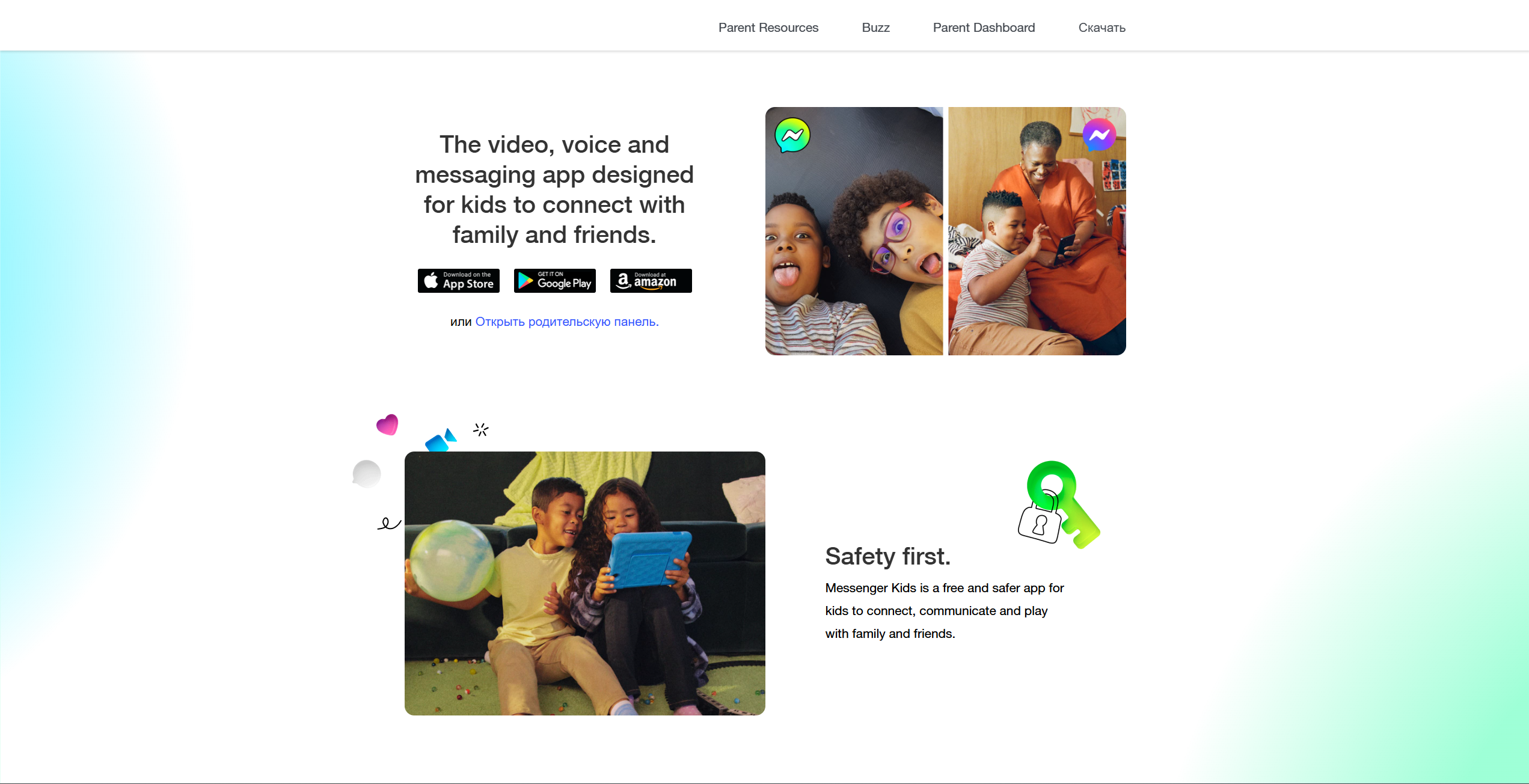
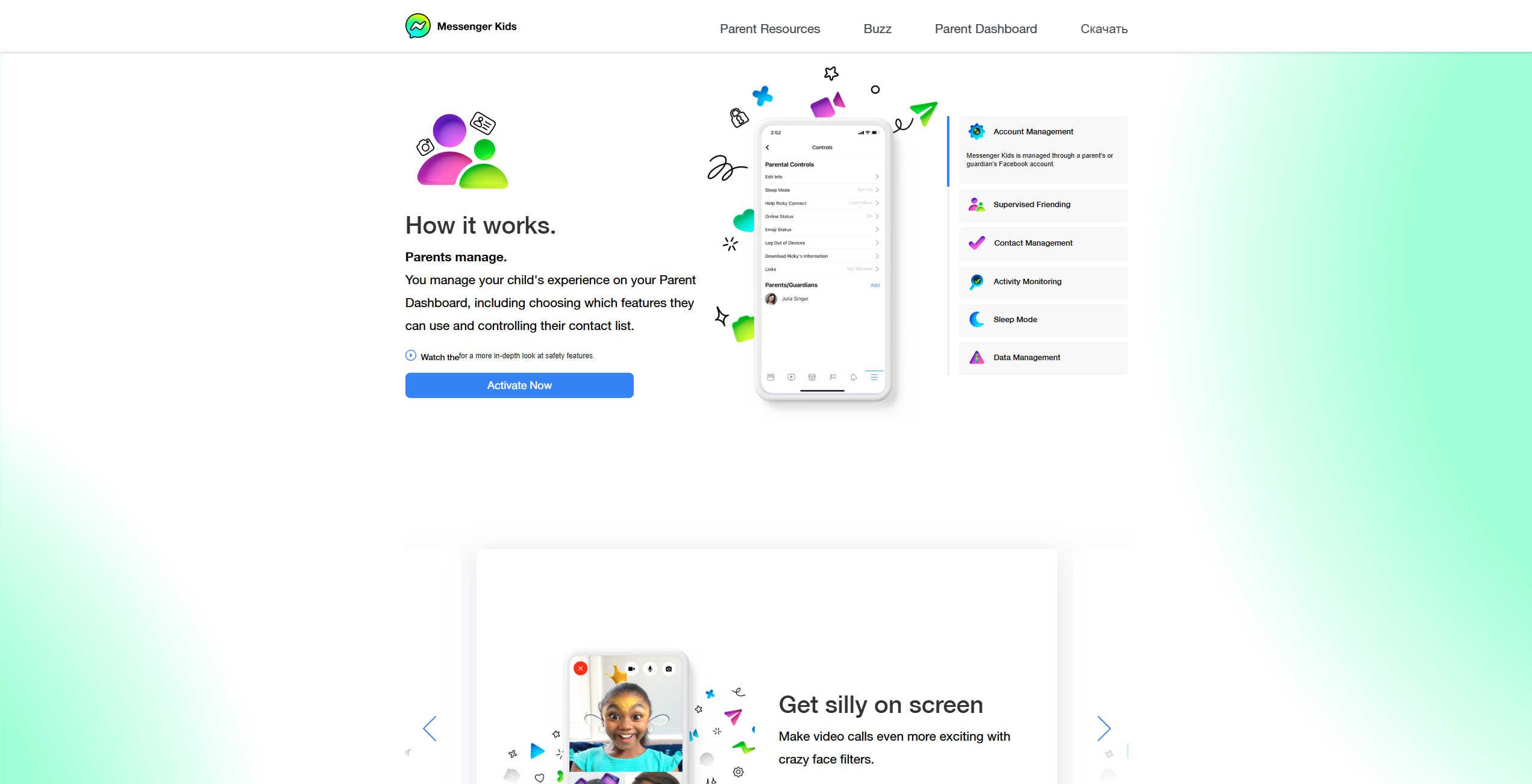
The Meta-owned service is a free video calling and messaging app. It was built specifically for kids under 13, allowing them to communicate with parent-approved contacts. The app doesn’t require a phone number or a Facebook account for the minor; instead, it is managed entirely through a parent’s Facebook account via the Parent Dashboard. It is available on both Android and iOS devices, including tablets like the iPad.
What Is JusTalk Kids?

The JusTalk Kids platform is a dedicated version of the JusTalk app, designed with young users in mind. It focuses heavily on high-definition video chat and creative expression. Unlike its competitor, it functions independently of major social networks. It uses a JusTalk ID rather than a phone number, making it an attractive option for parents who prefer to keep their child’s digital footprint separate from phone-number-based platforms.
Target Audience and Age Positioning
- The Meta App: Primarily aimed at elementary-age children (6–12). Its interface is bright, playful, and highly intuitive for younger users.
- The Independent Version: While also suitable for young children, its focus on creative tools and “Walkie Talkie” modes often appeals to a slightly broader range, including pre-teens who want a bit more independence without moving to a full-fledged messenger app.
Core Features Comparison
When choosing a video call app for your family, the feature set determines how much fun they will have and how likely they are to actually use the app to stay in touch with grandma or school friends.
Text Messaging and Emojis
Both platforms provide a rich text experience. Users can send photos, videos, and voice notes.
- Meta Version: Features a massive library of appropriate GIFs, stickers, and frames. A key safety feature is that children cannot secretly delete messages on their own. Parents can monitor contacts, activity history, and recent shared media through the Parent Dashboard.
- JusTalk Version: Offers similar functionality but adds a “drawing board” where children can doodle on photos or send sketches. It also includes a “Walkie Talkie” mode for quick voice messaging.
Voice and Video Calling
Video chat is the heart of both systems.
- Messenger Kids: Supports one-on-one and group video calls with fun AR masks and interactive effects.
- JusTalk Kids: Known for high-quality video. It allows children to play mini-games together during a call, which is a great way for children to connect beyond just talking.
Group Chats and Family Connectivity
| Feature | Messenger Kids | JusTalk Kids |
| Group Capacity | Supports group video calls (participant limits may vary by version and region) | Up to 50 people (with Premium plan; limits depend on subscription tier) |
| Family Connection | Parents use regular Messenger | Parents use JusTalk or JusTalk Family |
| Setup | Linked to Parent’s Facebook | Linked via ID or Parent App |
Creative and Interactive Tools
An app that encourages kids to be creative is a big plus. The independent platform shines here with its digital scrapbook and in-call games. Meta’s version focuses more on the “social” side with seasonal stickers and collaborative “missions” within the chat interface.
Safety and Privacy Controls
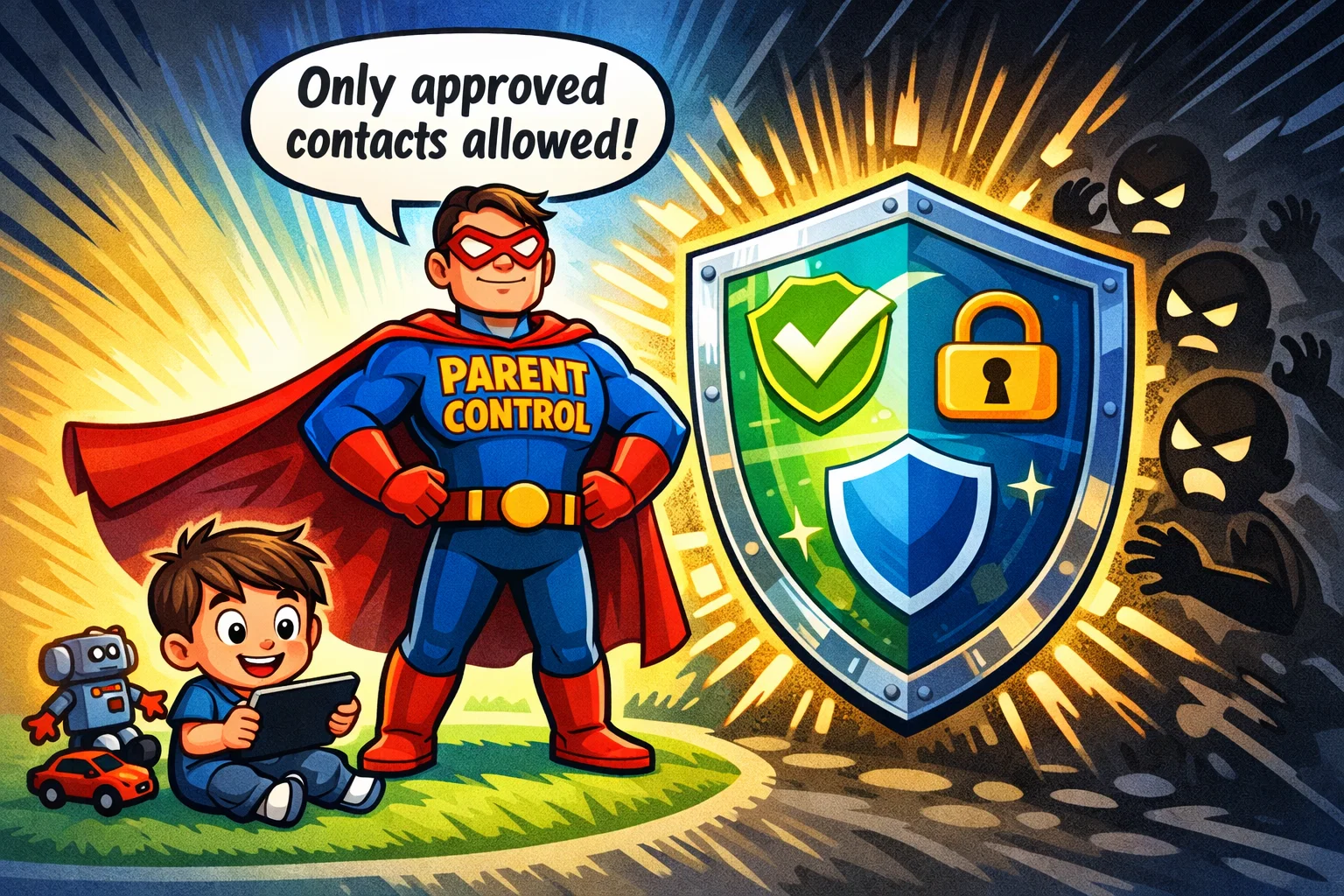
For any kids app, safety is the non-negotiable factor. Parents need to know that their child’s digital environment is secure and well protected.
Account Setup and Parent Approval
Both tools prioritize safe messaging by eliminating the need for a phone number.
- Messenger Kids: Setup requires a parent to log in with their Facebook account. You create a profile for your minor, and they are then visible only to people you approve.
- JusTalk Kids: Parents create a unique ID for the minor. While it doesn’t require a phone number, parents can bind their own number to the account for added security and recovery.
Contact Management and Restrictions
In both apps, parents should understand that friend requests cannot be approved directly by the child.
- Meta Version: Every single contact must be approved by the guardian. If another minor wants to chat, the connection requires parental approval. Depending on the settings and regional regulations, additional confirmation steps may apply.
- Independent Version: Uses a similar “Parental Password” system. By default, communication is limited to approved contacts, and children do not receive messages or calls from strangers unless a contact has been added.
Data Privacy and Advertising Policies
This is a major point of differentiation.
- Messenger Kids: No ads and no in-app purchases. Meta states they do not use a child’s data for advertising, though they do collect technical data to improve the app.
- JusTalk Kids: Also ad-free, but it operates on a “freemium” model. While the basic features are free, some advanced safety and fun features are locked behind a subscription.
Reporting, Blocking, and Moderation
Both apps allow children to report or block users. When a minor blocks someone on the Meta service, the parent is immediately notified. The alternative service offers a “Sensitive Content Control” feature (available in Premium plans) designed to help monitor and restrict potentially inappropriate content.
Pricing and Subscription Comparison
Budget is often the deciding factor for families looking to introduce digital communication in a controlled way.
| Feature | Messenger Kids | JusTalk Kids |
| Initial Cost | Free | Free |
| Ads | None | None |
| In-App Purchases | None | Yes (subscription-based Premium and Family plans) |
| Subscription Price | N/A | Approximately $10.99 per month or $39.99 per year (pricing may vary by region and plan). |
Is Messenger Kids Free?
Yes, it is entirely free. There are no hidden costs, subscriptions, or digital items to buy.
JusTalk Kids Pricing Structure

While the JusTalk Kids app offers a free version, many of the more advanced features—such as live location sharing and sensitive content controls—require a Premium or higher-tier subscription. Some advanced safety and monitoring features in JusTalk Kids are included in paid subscription plans, whereas Messenger Kids provides its core safety features free of charge.
Pros and Cons of Each App
Messenger Kids Pros
- Completely free with no hidden costs.
- Excellent parental controls dashboard.
- Large user base (easier to find school friends).
- A wide selection of AR filters and masks.
Messenger Kids Cons
- Requires the parent to have a Facebook account.
- Some parents have concerns about Meta’s long-term data privacy track record.
JusTalk Kids Pros
- Independent of social media (no Facebook needed).
- Interactive games during calls.
- “Walkie Talkie” feature for quick check-ins.
- JusTalk Kids states that it provides end-to-end encryption for calls and messages, and parents are encouraged to review the company’s privacy policy and independent sources for additional verification.
JusTalk Kids Cons
- Many “safety” features are locked behind a paywall.
- A smaller user base may make it harder for children to find friends.
Usability and User Experience
Design clarity is vital when dealing with younger users who are still developing their reading and technical skills.
Interface Simplicity for Younger Children
- Meta Service: The layout is intentionally oversized and colorful. Navigation is restricted to a few simple icons, making it accessible even for beginners.
- Independent Alternative: Also features a clean interface but offers more customization. The “drawing board” is very intuitive for elementary-age children to share their creativity.
Parent Dashboard Experience
- Messenger Kids: Features a highly integrated dashboard within the main Facebook app. Parents can see recent images shared, block history, and contact lists with one click.
- JusTalk Kids: Management is handled via a separate “parental password” within the app or through the companion parent application, providing a focused monitoring experience.
Performance and Device Compatibility
Both platforms are optimized for Android and iOS devices. The Meta platform is particularly stable on older tablets, while the independent version is praised for maintaining high video quality even on slightly weaker Wi-Fi connections.
Apps for Kids Under 13
Both of these are safe messaging apps designed specifically for kids under 13. At this age, the goal is high supervision.
- Suitability for Younger Kids: These apps are perfect for the 6–10 age group. The buttons are large, and the risk of unwanted contact is significantly reduced because all contacts require parental approval.
- Level of Parental Control Required: High. Parents should regularly check the parent dashboard to see who their children are talking to.
- Communication Boundaries: Both apps implement strict boundaries by disabling public search and ensuring that only approved contacts can connect.
Apps for Kids Ages 13 and Older

Once a child turns 13, they may become eligible to use standard apps such as Facebook Messenger, WhatsApp, or Instagram, depending on regional age requirements.
- Transition to Teen Messaging Platforms: Most 13-year-olds will find the “Kids” versions of these apps too restrictive. They may start to prefer apps like Kinzoo or standard messaging platforms that offer more independence.
- Feature Limitations for Older Users: The lack of a public feed or the ability to “search” for celebrities makes these apps less appealing to older teens.
- Continued Parental Oversight for Teens: While standard apps offer fewer controls, parents can still use device-level restrictions (like Apple screen time) as children transition to more mature platforms.
Tips for Safe Usage
Regardless of which app you choose for your child, technology is only part of the equation.
- Setting Up Strong Privacy Controls: Upon installation, go through every setting. Ensure “location sharing” is off unless you specifically need it.
- Teaching Digital Etiquette: Use these apps to teach your children not to say things online they wouldn’t say in person. Explain that even if a messenger allows them to delete a message, someone could have taken a screenshot.
- Monitoring Without Over-Controlling: As your child demonstrates responsibility, gradually allow more independence. The goal is to learn responsible online behavior, not to feel like they are being watched 24/7.
Messenger Kids vs JusTalk Kids Side-by-Side Summary
Key Similarities
Both apps offer a safe environment by requiring parent-approved contacts, avoiding public profiles, and providing video chat and messaging tailored for young users.
Key Differences
The biggest difference is the business model. Messenger Kids is offered as a free product within Meta’s broader ecosystem, while JusTalk Kids relies on subscription revenue to fund additional features. By contrast, JusTalk Kids operates as a standalone product and relies on subscription revenue to fund some of its advanced features.
Which Type of Family May Prefer Each?
- Choose Messenger Kids if: You already use Facebook and want a free, easy-to-use tool that most of your child’s friends likely already have.
- Choose JusTalk Kids if: You want to avoid Meta’s ecosystem and don’t mind paying a monthly fee for enhanced privacy features.
Evaluation Methodology
To ensure a fair and neutral review, we evaluated these apps based on three pillars:
- Safety Criteria: We examined how difficult it is for a stranger to contact a minor and the level of transparency in the robust parental controls.
- Feature Depth Analysis: We tested the stability of video calls, the variety of creative tools, and how engaging the interface is for children.
- Cost and Transparency Review: We compared the “Free” claims against actual usability, noting where essential safety features were hidden behind subscriptions.