

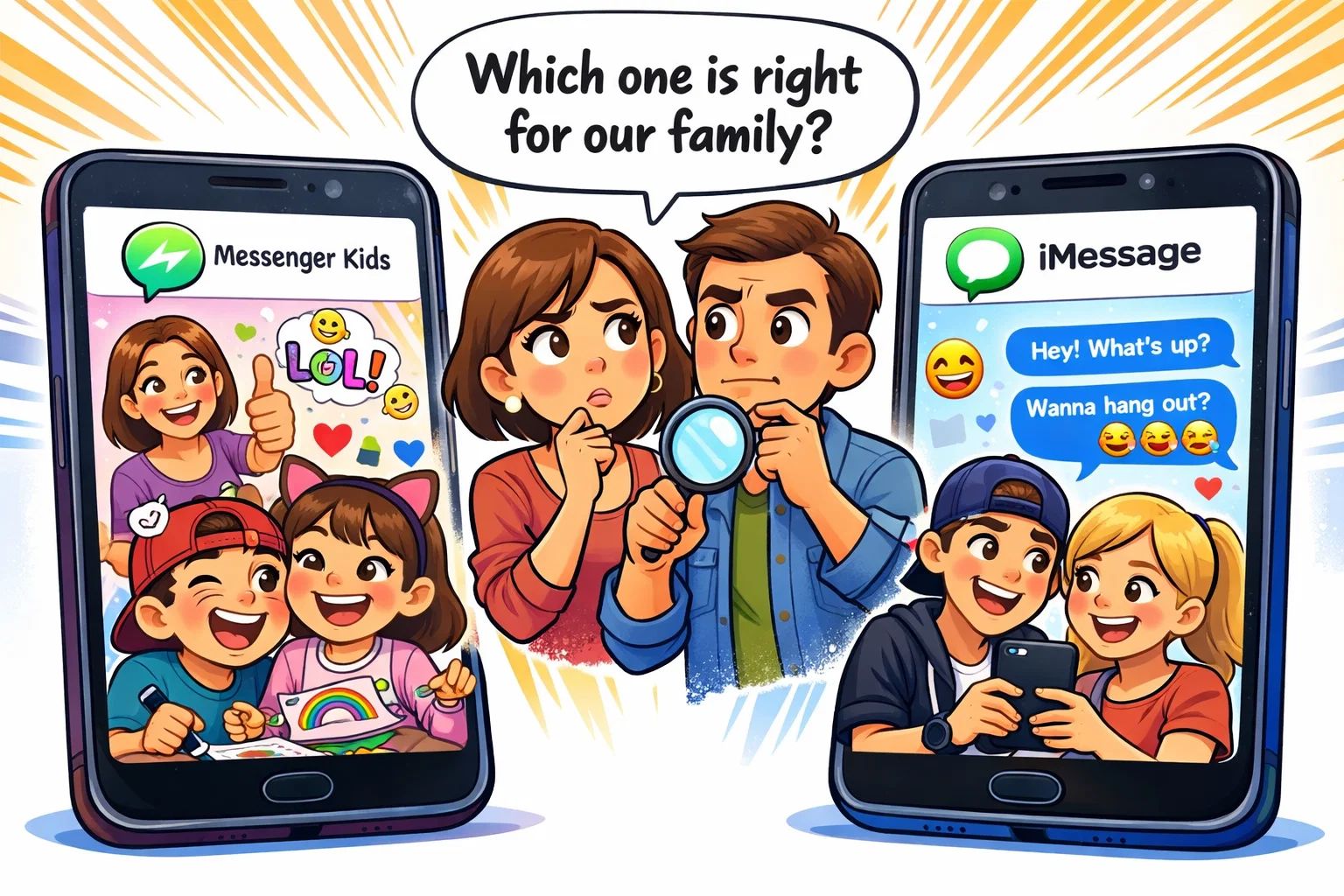
As children begin to navigate the digital world, parents often find themselves at a crossroads: how can they allow their kids to stay connected with friends and family without exposing them to the risks of the open internet? This dilemma frequently leads to a head-to-head comparison of two of the most popular tools available today: Messenger Kids and iMessage. While both allow for seamless communication, they are built on fundamentally different philosophies regarding safety, privacy, and user autonomy.
This guide provides an authoritative, neutral comparison of the Messenger Kids app and Apple’s iMessage. We will dive deep into the parental controls, privacy and security measures, and the features like video calling and stickers that keep kids engaged. Whether you are managing a household of Android devices, iPads, or a mix of both, this breakdown will help you determine which messaging app aligns best with your family’s values and your child’s developmental stage.
What Is Messenger Kids?
App Overview
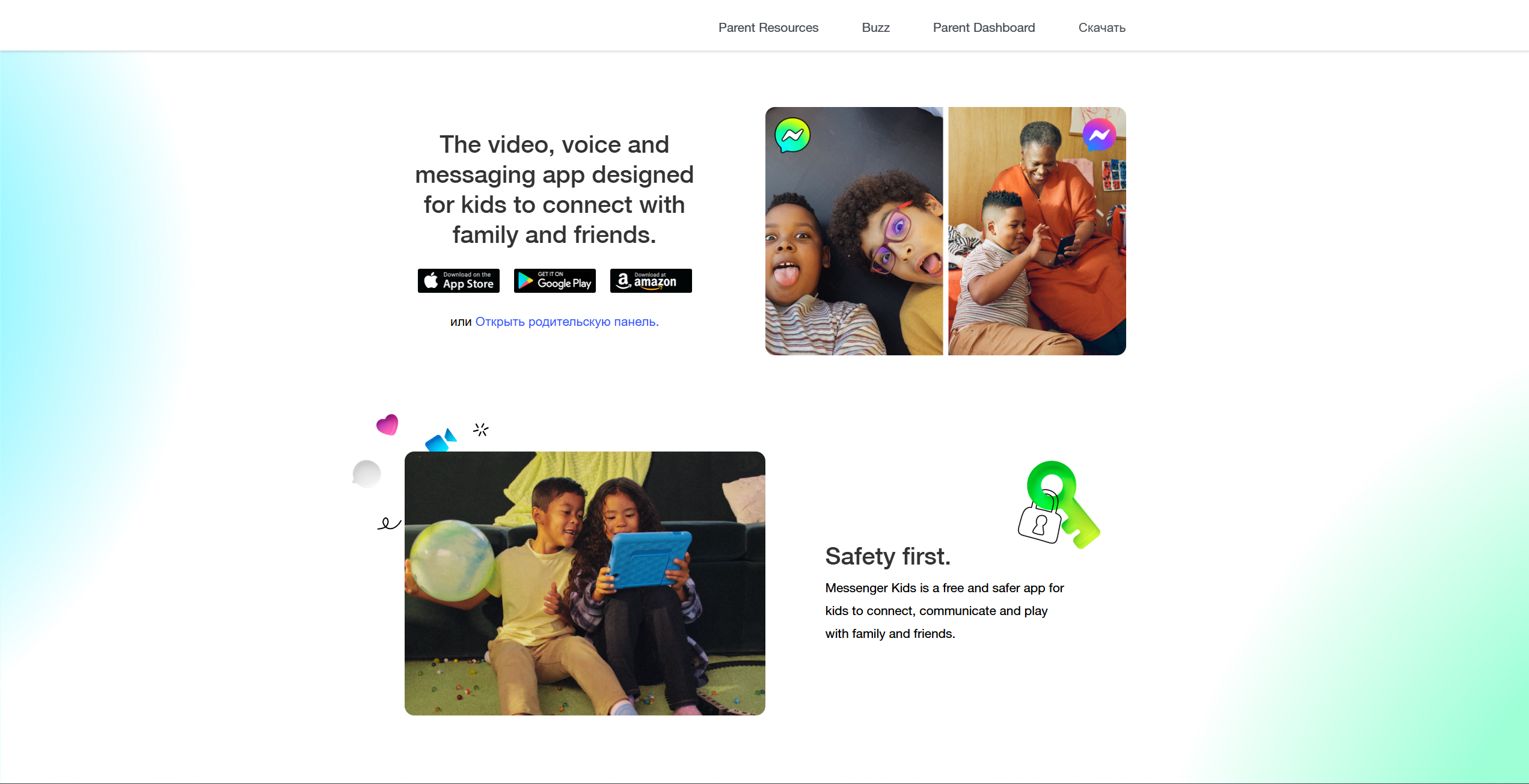
Messenger Kids is a free messaging and social media app designed specifically for children under the age of 13. Created by Meta (formerly Facebook), the app functions as a “walled garden,” allowing children to explore digital communication in a controlled environment. Unlike standard Facebook Messenger, this version does not require a child to have a formal Facebook account, nor does it make the child’s profile searchable to the public.
How Messenger Kids Works
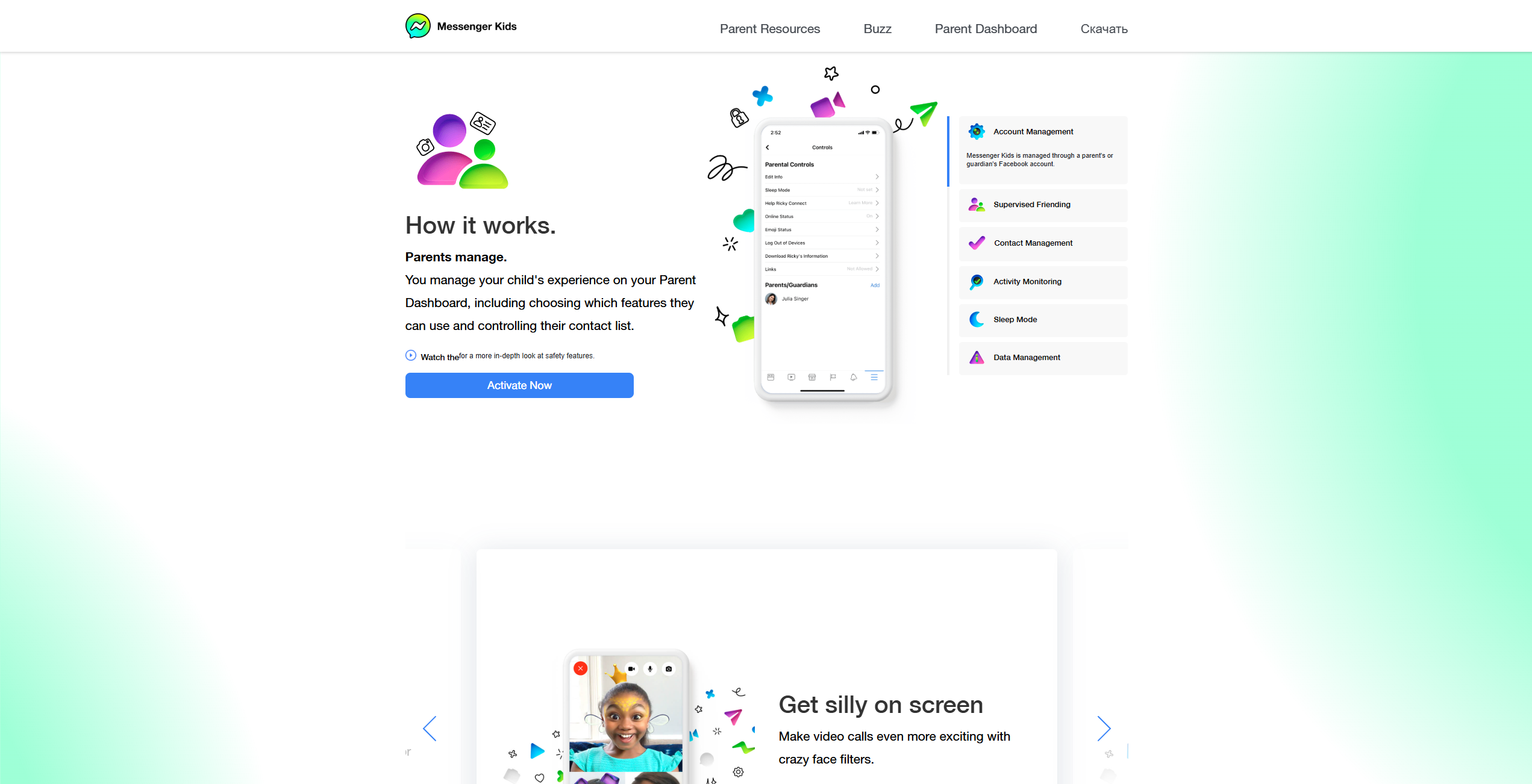
To use the app, a parent must first authenticate the installation using their own Facebook account. Once the parent creates a child profile, they have total authority over the contact list. A child cannot add a friend or be added by anyone without the parent’s explicit approval through the parental dashboard. Interestingly, the app does not require a phone number, making it ideal for devices without cellular capabilities, such as a Kindle Fire or a Wi-Fi-only tablet.
Core Features for Children
The app is packed with fun features meant to keep tweens and younger kids entertained while they send messages.
- Video Chat: Includes interactive filters, masks, and AR effects.
- Creative Tools: A library of kid-appropriate GIFs, stickers, and drawing tools.
- Games: Built-in mini-games that kids can play together during a video calling session.
- Group Chats: Parents must approve every member of a group chat before their child can participate.
App Details and Availability
The Messenger Kids app is widely accessible. It is available on the App Store for iOS devices and the Google Play Store for Android. Its interface is highly visual, featuring large buttons and bright colors, making it easy for older children and even non-readers to navigate.
What Is iMessage?
Service Overview
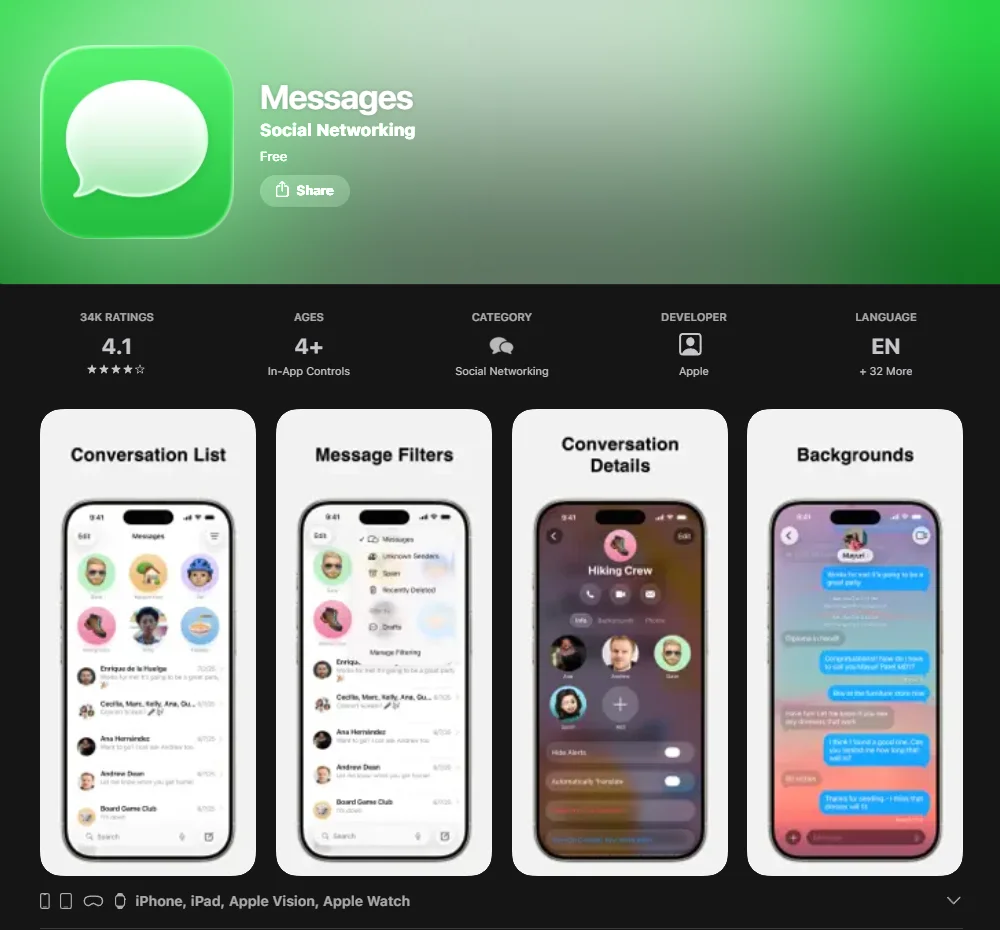
iMessage is Apple’s proprietary instant messaging service. It is not a separate app you download from a store; rather, it is baked directly into the “Messages” application on every iPhone, iPad, Mac, and Apple Watch. It is a general-purpose tool intended for users of all ages, although in practice it is primarily used by older children, teens, and adults.
How iMessage Works
To use iMessage, a user needs an Apple ID. For kids under 13, parents usually create a “Child Account” through Apple Family Sharing. The service can be linked to an email address, a phone number, or both. Unlike traditional SMS, iMessage uses the internet (mobile data or Wi-Fi) to send “blue bubble” messages between Apple users.
Core Messaging Features
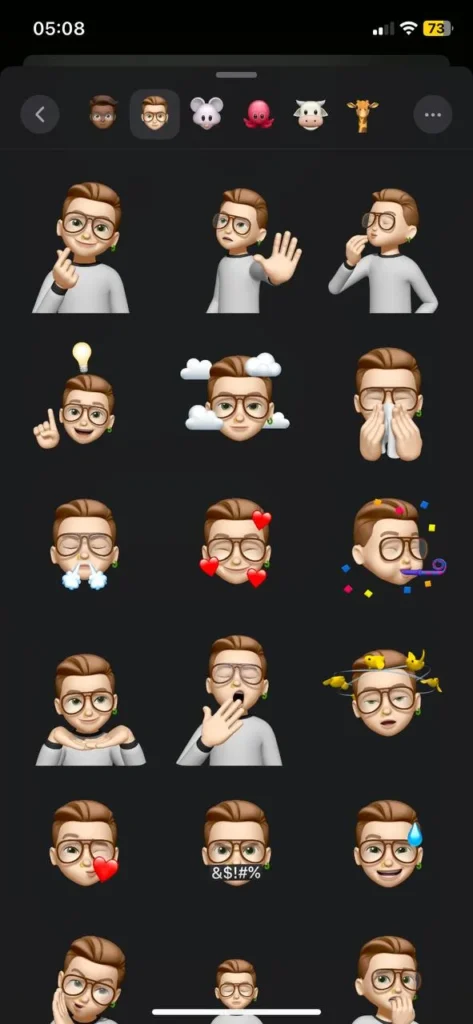
While it appears more “grown-up” than Messenger Kids, iMessage still offers plenty of engagement:
- Memoji & Animoji: Personalized avatars that mimic the user’s facial expressions.
- Screen Effects: Full-screen animations like balloons or confetti.
- App Integrations: The ability to share music, play “GamePigeon” games, or send stickers via in-app extensions.
- Voice Notes: Easy “tap-to-talk” functionality for quick communication.
Apple Ecosystem Integration
The primary strength of iMessage is how it connects the smartphone to the rest of the household. A message sent to a child’s iPad can also appear on their MacBook, and video chat is handled seamlessly via FaceTime.
Messenger Kids vs iMessage: Target Audience and Purpose
Designed Age Group
The most significant divide is the designed age group. Meta states that Messenger Kids is designed for children under 13, often described as “training wheels” for future Facebook users. Conversely, iMessage is a lifetime tool. While a 7-year-old can use it, the interface and functionality remain the same as the version used by their parents.
Communication Environment
Messenger Kids offers a “closed” loop. If a person isn’t on the approved contact list, they don’t exist to the child. iMessage is “open” by default. Unless a parent configures Screen Time communication limits (such as “Contacts Only” or “Specific Contacts”), a child may be able to receive messages from anyone who knows their phone number or Apple ID.
Social Exposure Level
In Messenger Kids, there are no “likes,” no public feeds, and no way to groom a child through public search. iMessage is also private in the sense that there is no public profile, but it lacks the gamified social elements found in Meta’s offering.
| Feature | Messenger Kids | iMessage |
| Primary Age | 6–12 (Tweens) | All Ages |
| Account Required | Parent’s Facebook | Apple ID |
| Phone Number | Not Required | Required or Email |
| Searchability | Only approved contacts can connect | No public profile; messages can be received from people who know the phone number or Apple ID (unless restricted via Screen Time settings) |
Safety and Parental Controls Comparison
Parental Dashboard in Messenger Kids
The parental dashboard is the heart of Messenger Kids. From their own phone, parents can see whom their child is communicating with and review recent shared images and videos. Parents can also request and download the child’s account data, including message history, through Meta’s data download tools.
- Sleep Mode: Parents can set “off times” when the app becomes inaccessible.
- Remote Logout: Ability to log the child out of any device remotely.
- Contact Management: Real-time approval of all new connections.
Screen Time and Controls in iMessage
Apple handles safety through Screen Time settings at the device level.
- Communication Limits: Parents can choose who the child can communicate safely with (e.g., Contacts Only).
- Content & Privacy Restrictions: Can be used to filter inappropriate content in web searches or Siri.
- Communication Safety: A feature that detects sexually explicit photos and blurs them, providing the child with resources and a warning.
Blocking and Reporting Tools
Both apps allow users to block contacts. In Messenger Kids, if a child blocks someone, the parent is immediately notified via the dashboard. In iMessage, blocking is handled on the device, and parents must review the child’s device settings (including the Blocked Contacts list and Screen Time settings) to monitor changes.
Content Moderation and Filtering
Messenger Kids uses safety systems and moderation tools designed to reduce exposure to inappropriate content, and it provides reporting and parental control features to manage interactions. iMessage uses end-to-end encryption, meaning Apple cannot read messages in transit. Content filtering features, such as Communication Safety, operate on the child’s device rather than through server-side message scanning.
Privacy and Data Protection
Data Collection Practices
Meta states that Messenger Kids provides a safe space and claims that it does not use children’s data for advertising. However, they do collect information about how kids use the app to improve the experience. Apple positions itself as a privacy-focused company, emphasizing that it collects limited metadata and does not build marketing profiles on users.
Encryption and Message Security
This is a major technical difference. iMessage features end-to-end encryption by default, meaning only the sender and receiver can read the messages—not even Apple can access their content. Messenger Kids emphasizes parental supervision features, including activity oversight and data access tools, and does not position end-to-end encryption as its primary safety mechanism.
Personal Information Protection
- Messenger Kids: No in-app purchases or ads are present, reducing the risk of accidental spending.
- iMessage: No ads, but in-app purchases are possible through integrated “iMessage Apps” if the parent has not disabled them in Screen Time.
Age Suitability Analysis
Apps for Kids Under 13
For children in elementary school, Messenger Kids is often the preferred choice because of the parental oversight it provides. It allows children to feel the “fun” of social media apps with stickers and filters while keeping the parent in the driver’s seat.
Apps for Ages 13 and Older
As children grow into their teenage years, they often find Messenger Kids too restrictive or “babyish.” At that stage, many transition to iMessage or even Snapchat, although the latter requires significantly more caution. iMessage provides the independence older children crave while still allowing parents to set basic screen time limits.
Developmental and Maturity Factors
According to digital parenting expert Dr. Elizabeth Milovidov, supporting children’s online safety is not only about choosing safe apps but also about assessing each child’s readiness and digital maturity. If a child does not understand the permanence of a digital footprint, the “logged” nature of Messenger Kids—where parents have structured oversight tools and the ability to access account data when needed—provides a vital safety net that iMessage’s encrypted privacy does not.
Features Comparison for Daily Communication
Text and Multimedia Messaging
Messenger Kids is built for visual play. GIFs, drawing on photos, and sound-effect stickers are front and center. iMessage is more text-focused but offers Memoji, which are particularly popular with tweens.
Video Calls and Group Chats
Video calling in Messenger Kids is highly interactive. FaceTime, Apple’s video calling service integrated with iMessage, is more straightforward, although it has recently added 3D reactions (such as hearts or fireworks) triggered by hand gestures.
Interactive Tools and Games
| Feature | Messenger Kids | iMessage |
| Built-in Games | Yes (Collaborative) | Via 3rd-party extensions |
| AR Filters | Extensive/Kid-focused | Limited to Memoji/Effects |
| Drawing Tools | Integrated in chat | “Digital Touch” features |
Device Compatibility and Accessibility
Platform Support
- Messenger Kids: Works on almost anything. You can have a child on an Android tablet talking to a child on an iPad.
- iMessage: Strictly for the Apple ecosystem. If your child has a Kindle Fire or an Android phone, they cannot use the app.
Cross-Platform Communication
If your family is “mixed” (some use iPhones, some use Samsung), Messenger Kids is the clear winner for staying connected. iMessage would revert to SMS (green bubbles) when talking to non-Apple devices, losing all the safety and fun features.
Pricing and Cost Comparison

Download and Usage Costs
Both apps are free to download and do not charge a subscription fee.
Device-Related Expenses
The “cost” of iMessage is the hardware. To use it, you must buy an Apple device, which is generally more expensive than a budget Android tablet. Messenger Kids can run on lower-cost Android and Amazon Fire tablets (depending on the model and region), making it more accessible for many families.
Ads and In-App Purchases
Messenger Kids is famously ad-free and has no in-app purchases. Meta states this is to ensure a safe, non-commercial environment for kids. iMessage is also ad-free, but parents should be wary of third-party “iMessage Apps” (like games) that may offer their own purchases.
Pros and Cons Overview
Messenger Kids Strengths
- Unrivaled parental oversight.
- No phone number or Apple ID required.
- Cross-platform (iOS and Android).
- Kid-appropriate filters and games.
Messenger Kids Limitations
- Requires the parent to have a Facebook account.
- Messages are not end-to-end encrypted (to allow parent monitoring).
- Seen as “uncool” by children once they hit age 12 or 13.
iMessage Strengths
- End-to-end encryption for maximum privacy.
- Seamless integration with other Apple devices.
- No need for a third-party social media account.
iMessage Limitations
- Limited to Apple hardware.
- Requires more manual setup of parental controls.
- No “activity log” for parents to see message content remotely.
Tips for Safe Usage
Setting Up Parental Controls
Regardless of the app, the experience is only as safe as its configuration. For Messenger Kids, download the “Messenger” app on your own phone to access the Parent Dashboard. For iMessage, ensure “Family Sharing” is active and “Communication Safety” is toggled on in the child’s device settings.
Teaching Digital Communication Rules
Apps are just tools; real safety comes from ongoing conversations and clear expectations. Teach your child:
- Never share your password.
- If something makes you feel uncomfortable, tell a grown-up immediately.
- Think before you send—nothing is ever truly “deleted.”
Messenger Kids vs iMessage: Which Option Fits Your Family?
Best Option for Younger Children
If your child is 6–10 years old, Messenger Kids is likely the better fit. The ability for you to see who they are talking to and the absence of any “open” communication channels provides peace of mind that iMessage can’t match without heavy configuration.
Best Option for Teenagers
For older children and teens, iMessage is the standard. It provides the privacy and security that teenagers need as they develop autonomy, and it avoids the stigma of using a “kids’ app.”
Mixed-Device Family Scenarios
If a grandparent uses an Android device and the kids use iPads, apps like Messenger Kids may be one of the few ways to bring everyone into a single video chat with interactive stickers and filters.