

Navigating the digital landscape is one of the most complex challenges of modern parenting. As children seek more independence and social connection, the question isn’t just “Can they chat?” but rather “Where is it safest?” Two of the most prominent contenders in this space are Messenger Kids and Discord. While both facilitate communication, they were built with fundamentally different philosophies: one as a digital playground with training wheels, and the other as a sophisticated community hub intended for the gaming world and beyond.
Choosing between these apps requires a clear-eyed look at your child’s developmental stage and your family’s comfort with online autonomy. This comparison provides a neutral, in-depth analysis of how each platform handles parental controls, safety risks, and communication features. Whether you are looking for a strictly supervised environment suitable for a seven-year-old or a flexible space geared toward a teenager, understanding the mechanics of these platforms is the first step in ensuring your child stays safe online.
What is Messenger Kids
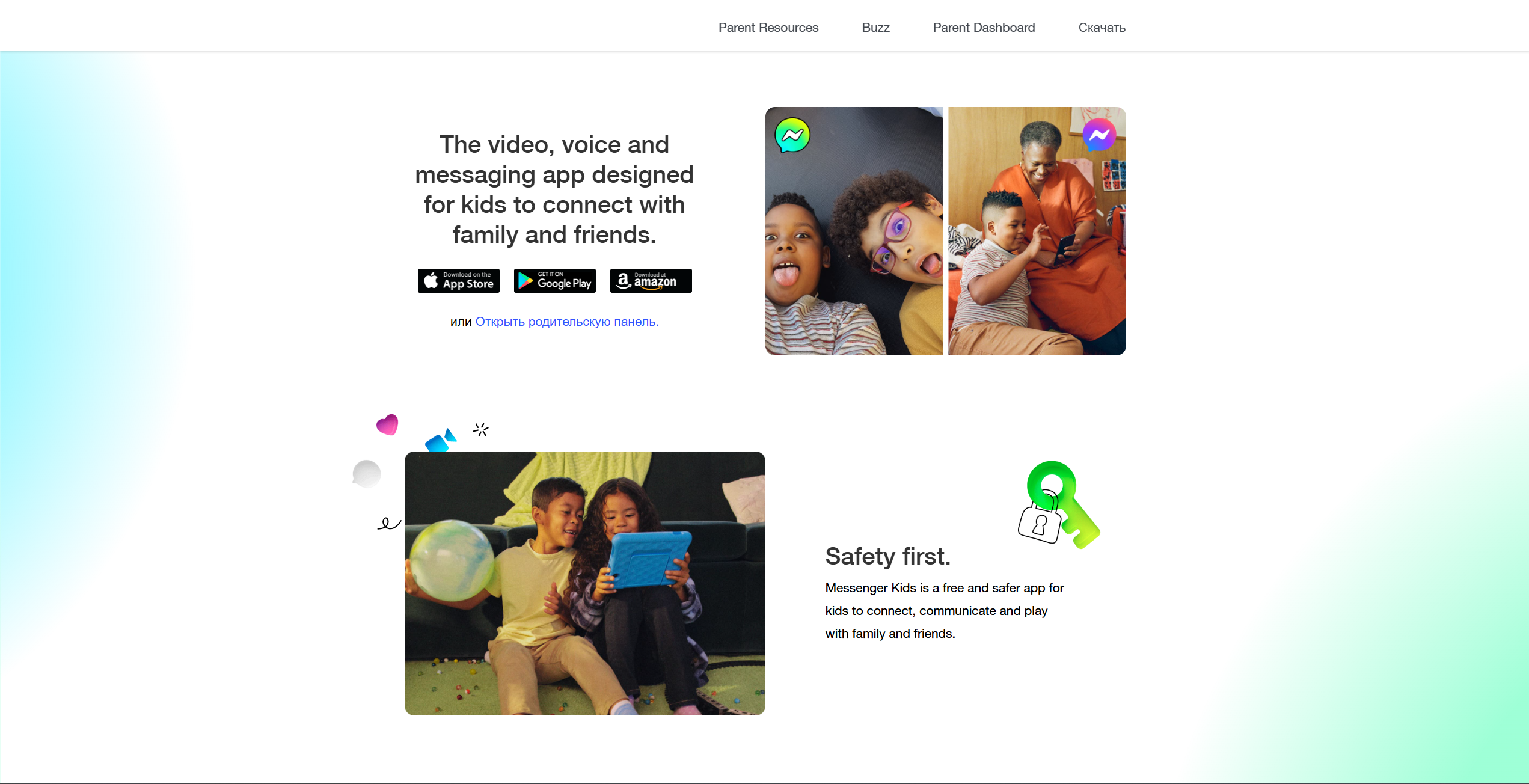
Messenger Kids is a standalone messaging and video-calling app developed by Meta. It was specifically designed to provide a “walled garden” experience, allowing children to connect with friends and family in a space that is entirely isolated from the broader social media world.
Core concept and target audience
The app is designed primarily for younger children, typically between the ages of 6 and 12. Unlike standard social media, a child does not “own” a Messenger Kids account in the traditional sense; instead, the account is an extension of a parent’s Facebook profile. This structure ensures that no child can enter the platform without a verified adult’s permission and oversight.
How Messenger Kids works
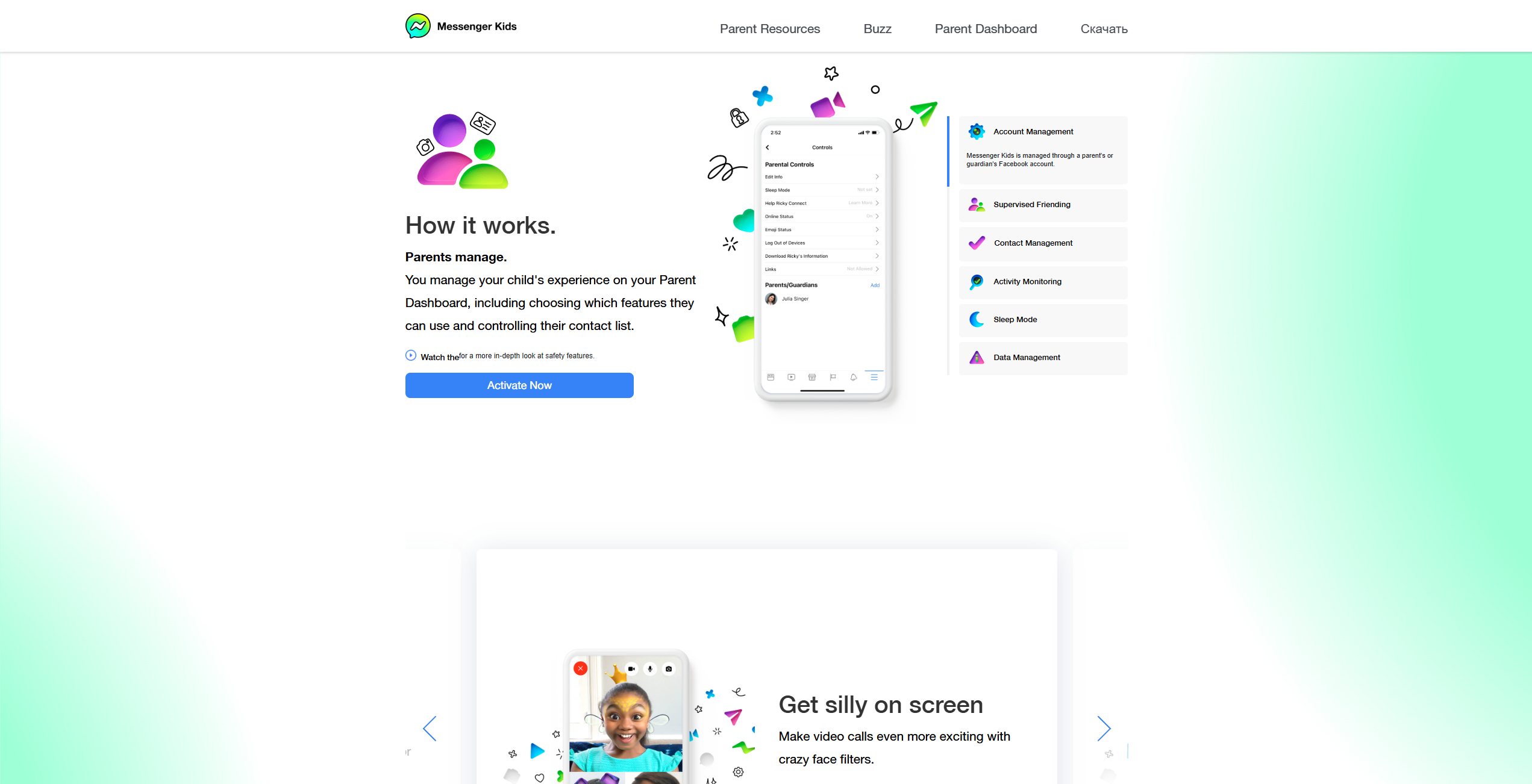
The app’s functionality is streamlined to ensure ease of use. It supports:
- Text messages and voice notes.
- Video calls with fun, age-appropriate filters and AR effects.
- Group chats where all members must be approved by their respective parents.
- A closed ecosystem where kids cannot be searched or contacted by anyone outside their approved circle.
Key features for children
Messenger Kids focuses on making digital communication fun rather than “social.” It includes features like drawing tools, stickers, and interactive games that kids can play during a video call. There are no ads, no in-app purchases, and the interface is brightly colored and intuitive, making it accessible even for children still developing their literacy skills.
Pros and cons for families
| Pros | Cons |
| Robust parental controls with a central dashboard. | Limited longevity; kids often outgrow it by age 11 or 12. |
| No inappropriate content from strangers (closed system). | Requires a parent or guardian to create and manage the child’s account through Meta’s ecosystem. In some regions and implementations, a standalone Facebook account may not be strictly required, but parental setup and oversight are mandatory. |
| No ads or hidden costs; entirely free to use. | Meta collects certain metadata, though it states that children’s data is not used for targeted advertising. |
| Sleep mode allows parents to set screen time limits. | Group chats can still become venues for minor “drama.” |
What is Discord
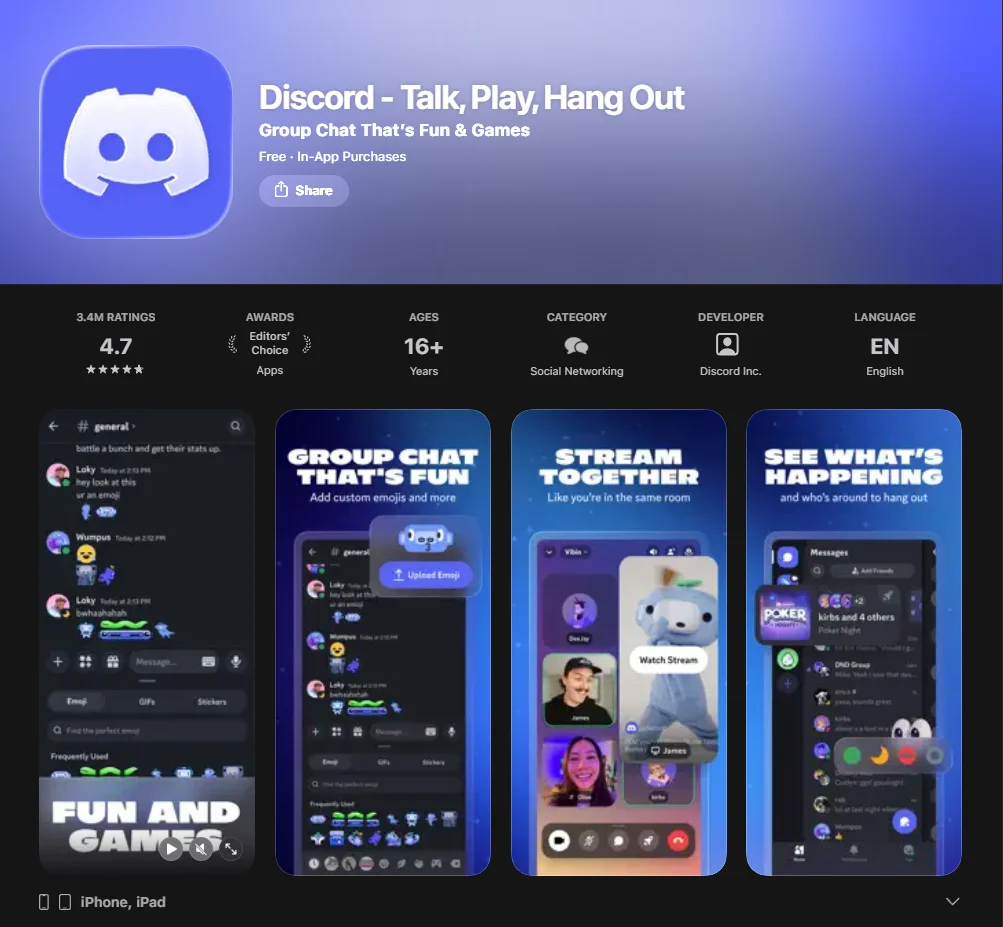
Discord is a high-performance messaging service and community platform. Originally popular with gaming communities, it has evolved into a platform used for everything from study groups to hobby clubs. Unlike Messenger Kids, it is a “general audience” platform, meaning it was not designed for kids but rather for users aged 13 and up.
Core concept and audience
Discord’s core concept is built around servers—digital spaces where communities gather. While the app is widely used by kids and teens, its structure is much closer to a professional tool like Slack than a child’s toy. It requires users to be at least 13 years old and places much of the responsibility for safety on user-controlled settings and individual server moderation.
How Discord works
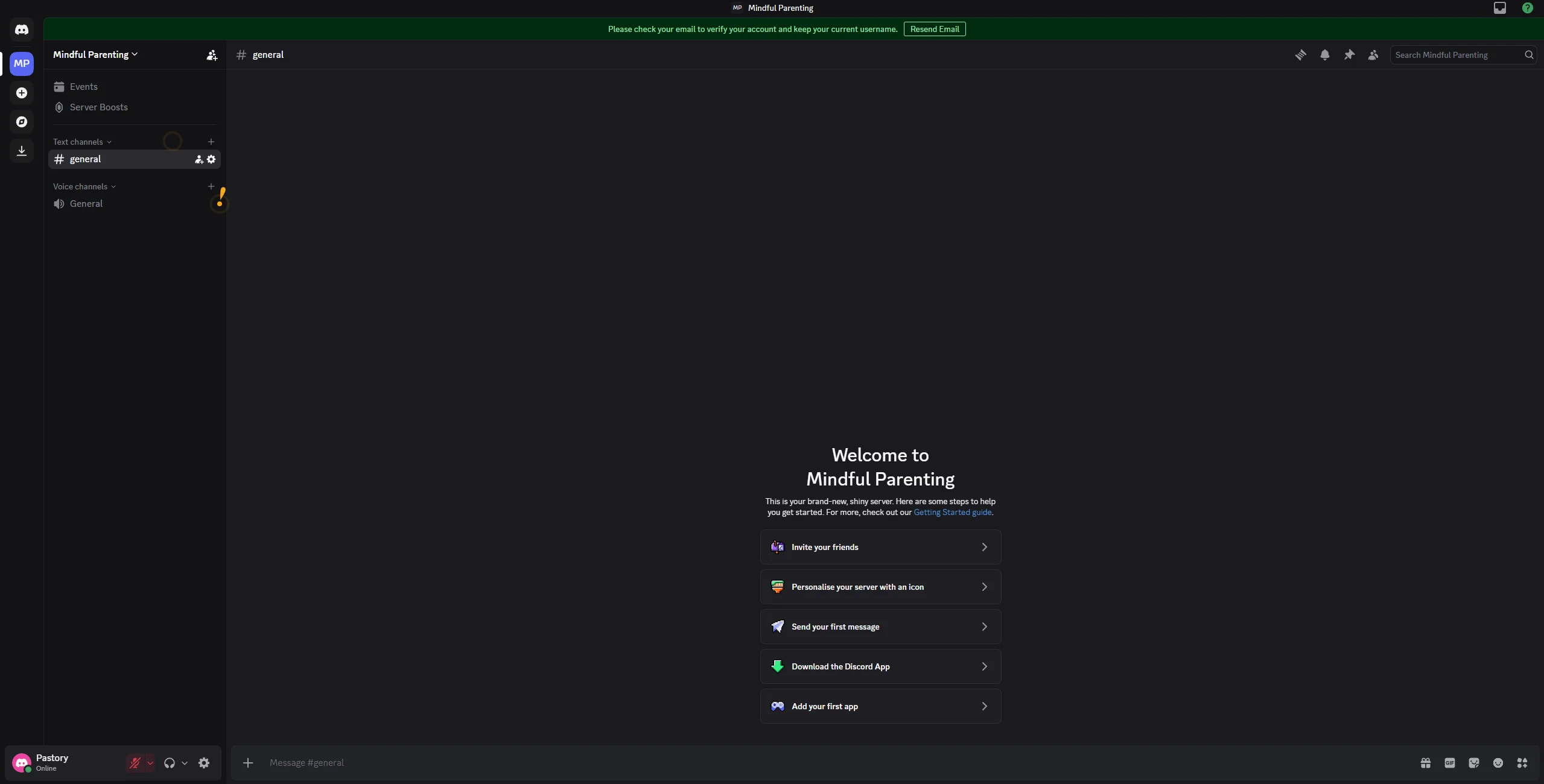
Communication on Discord happens through:
- Servers: Themed communities (e.g., a “Minecraft” server or a school club).
- Channels: Categorized text or voice chat rooms within a server.
- Direct messages: One-on-one or small group chat options.
- Streaming: The “Go Live” feature allows users to share their screen with others in real-time.
Key features for teens
Teens love Discord because it offers immense flexibility. They can create their own private Discord server for a friend group, use bots to automate tasks or play music, and customize their profiles with features like custom emojis. It feels like a “grown-up” space that allows for true community building.
Pros and cons for families
| Pros | Cons |
| Exceptional for building specific, interest-based communities. | High risk of exposure to inappropriate content in public servers. |
| High-quality voice chat and screen-sharing for gamers. | Safety features are mostly self-managed, not parent-enforced. |
| Teaches digital literacy and community management skills. | Difficulty for parents to monitor private conversations. |
| Cross-platform (works on PC, console, and mobile). | Potential for interaction with anonymous strangers. |
How Discord works for kids
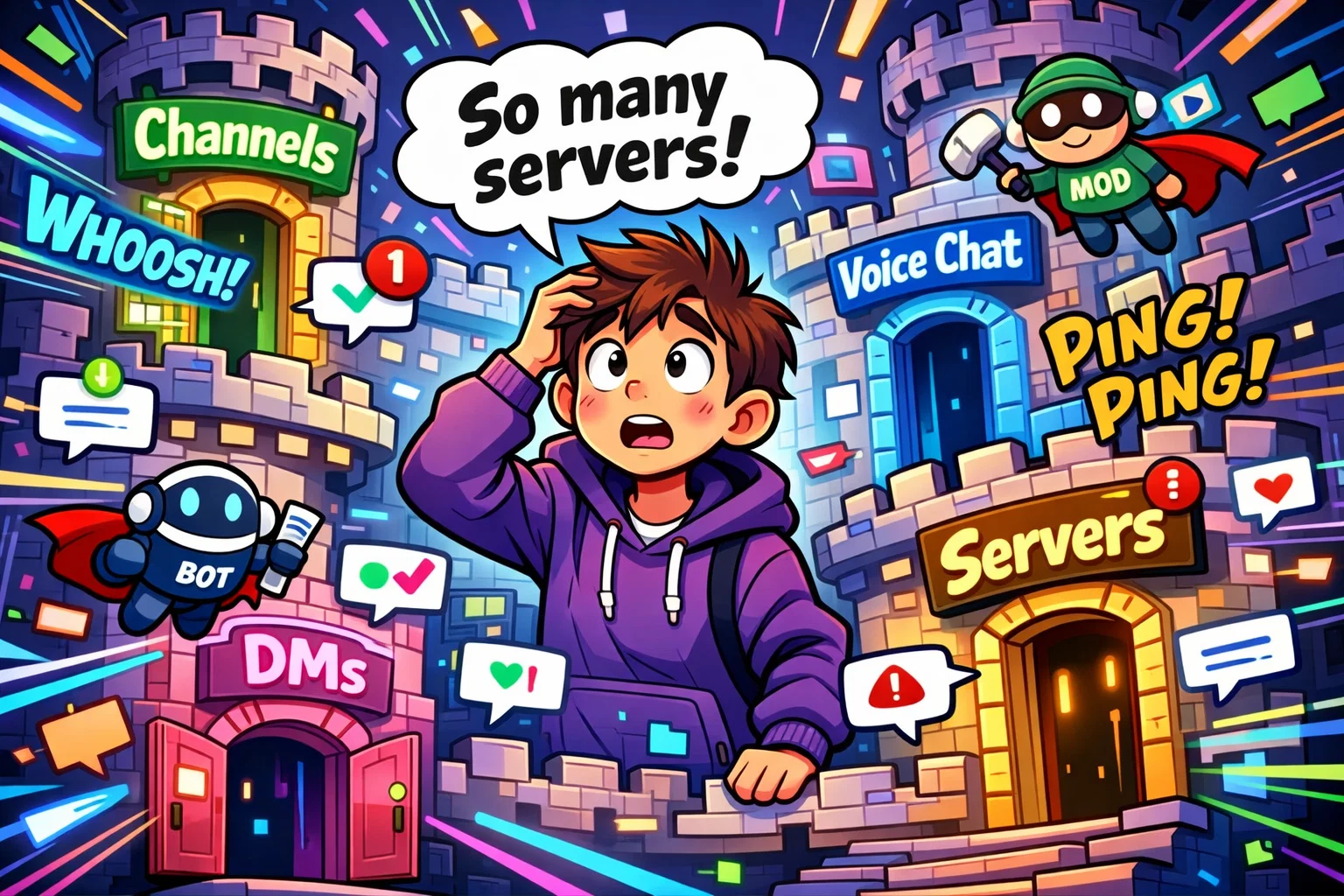
If a child transitions to Discord, the technical structure changes significantly from the “walled garden” they might be used to in other apps.
Servers and community structure
Everything on Discord is organized into what are called servers. These servers can be either public or private. A private server is usually safe, as it requires an invite link to join, but public servers are open to thousands of strangers. Kids may join these servers to find game tips or chat about influencers, which introduces a much wider circle of interaction.
Direct messages and friend system
By default, Discord allows users to send direct messages (DMs) to people they share a server with, even if they aren’t “friends.” This is a major point of concern for parents. However, privacy settings can be adjusted to block DMs from non-friends, requiring a friend request to be accepted first.
Content moderation system
Discord does not centrally monitor every conversation in real time. Instead, it relies on:
- Server Moderators: Volunteers who set and enforce rules.
- Auto-mod Bots: Software that automatically deletes inappropriate content or bad language.
- Discord’s Trust & Safety Team responds to user reports and major violations. While private messages are not actively read by staff on a routine basis, Discord uses automated systems to detect certain categories of illegal content, such as child sexual abuse material (CSAM).
Potential risks for kids on Discord
While Discord is a powerful tool, it presents several risks that parents need to know about before their child starts using the app.
Inappropriate content
Because it is an open platform, Discord is home to many “NSFW” (Not Safe For Work) channels. While Discord has begun implementing teen-by-default settings in early 2026 to blur sensitive images, a determined user can still stumble upon adult language or explicit material in unmoderated spaces.
Online predators
The mix of public and private servers can make it easier for individuals with harmful intent to blend into large communities. Predators may join gaming servers to build trust with younger kids before moving to direct messages. This makes strong parental guidance essential.
Cyberbullying
Because group chats can be created instantly, they can unfortunately be used for “ganging up” on peers. The fast-paced nature of voice chat also makes it harder to document or prove bullying compared to text-based messages.
Messenger Kids safety features
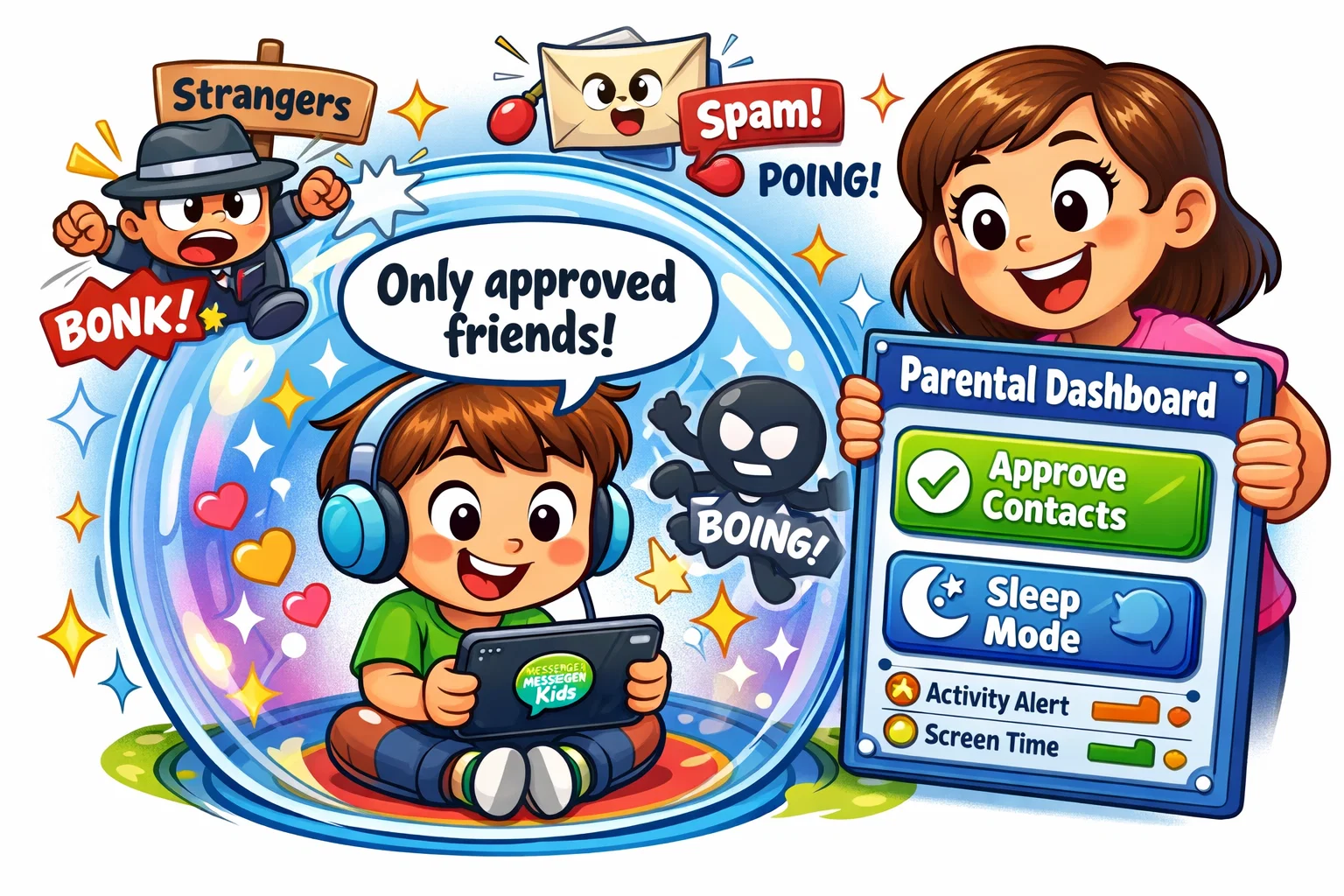
Messenger Kids is often considered the better option for parents who want “peace of mind” through direct control.
- Parental Dashboard: From their own Facebook app, parents can see who their child is chatting with, view a log of images sent/received, and see their contact history for the last 30 days.
- Closed Contact System: Kids can only chat with people the parent has approved. If a friend wants to connect, both parents must approve the request.
- Reporting and Blocking: If a child feels uncomfortable, they can block or report a user. The parent is immediately notified of this action, allowing for a timely conversation about what happened.
Discord safety features
Discord’s safety model is more about “filtering” than “locking down.”
- Privacy and Safety Settings: Users can enable safety filters that automatically scan for potentially sensitive images and either blur or block them based on settings. These systems primarily apply to image-based media and do not generally delete entire conversations.
- Family Center: This feature allows parents to link their Discord account to their child’s account. It provides a weekly summary of who the child messaged and which servers they joined, but it does not allow parents to read the actual content of the messages.
- Age Policy: Discord requires users to be 13+. Beginning in 2025–2026, Discord expanded its teen-by-default safety settings and introduced enhanced age-assurance measures in certain regions to strengthen enforcement of its 13+ policy.
Messenger Kids vs Discord: Feature Comparison
| Feature | Messenger Kids | Discord |
| Communication | Text, Video, Stickers, Filters | Text, Voice, Video, Screen-sharing |
| Community | Individual & small group (Friends) | Massive Servers & Community Hubs |
| Ease of Use | Very simple; visual-heavy | Complex; steep learning curve |
| Flexibility | Rigid; parent-driven | Highly customizable; user-driven |
| Integrations | Minimal (Facebook-based) | High (YouTube, Spotify, Gaming consoles) |
Messenger Kids vs Discord: Parental Control Comparison
The level of supervision is the biggest divider between these two apps.
- Monitoring Options: On Messenger Kids, you can see almost everything. On Discord, you see the “metadata”—who they talked to, but not what they said.
- Control over Contacts: Messenger Kids uses an approval-only system. Discord uses a settings-based system where the child can technically change their own privacy levels unless Family Link or similar OS-level controls are used.
- Independence: Messenger Kids offers very limited independence, while Discord offers a much higher degree of autonomy, making it more suitable for older teens.
Messenger Kids vs Discord: Pricing Comparison
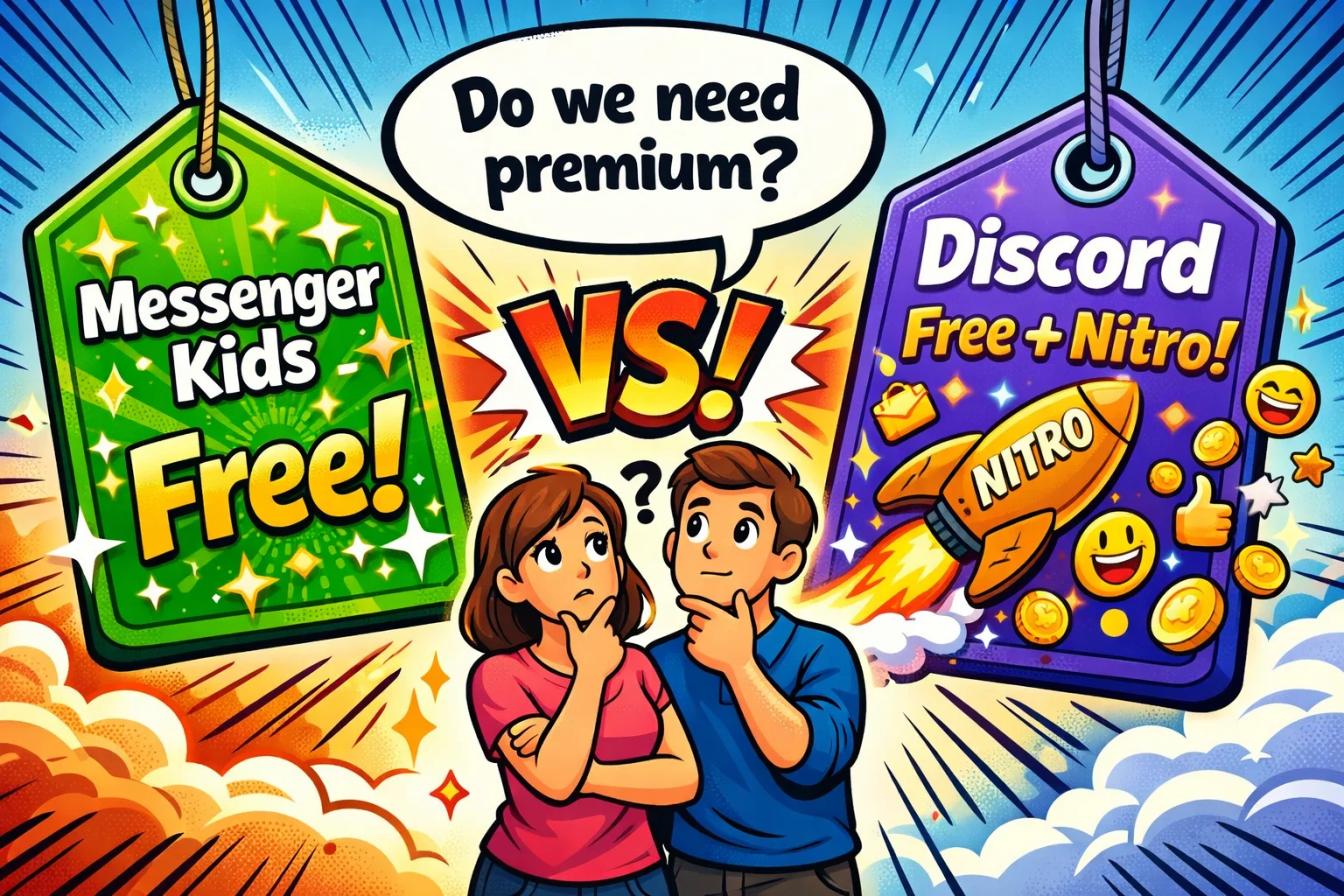
The cost of staying connected is often a factor, though both apps are highly accessible.
Messenger Kids cost
Messenger Kids is completely free. There are no “Pro” versions, no stickers to buy, and no ads. Meta provides this service primarily to keep families within their ecosystem.
Discord free plan
The standard Discord app is also free. Users can join up to 100 servers, use voice chat, and send text messages without ever spending a dime.
Discord Nitro subscription
Discord offers a paid tier called Nitro (approximately $9.99 per month) and Nitro Basic (around $2.99 per month), though pricing may vary by region. These offer:
- Larger file upload limits (up to 500MB).
- HD video streaming.
- Custom and animated emojis.
- Profile customization (banners, animated avatars).
Value for families
For a child, Nitro is rarely a necessity. It is a “luxury” upgrade for those who spend a lot of time in communities. Parents should be aware that kids may feel pressured to get Nitro to “fit in” with the server’s aesthetic.
How to choose between Messenger Kids and Discord
Step one: Evaluate child age
If your child is under 11, Messenger Kids is almost always the safer choice. Their digital “muscle memory” isn’t ready to handle the complexities of Discord.
Step two: Define communication goals
Is the goal for your child to talk to Grandma and school friends? Use Messenger Kids. Is the goal to coordinate with a local robotics team or a gaming group? Discord might be necessary.
Step three: Assess supervision level
Are you a “hands-on” parent who wants to vet every friend? Messenger Kids is for you. Are you ready to coach your child through “guided independence”? Then you might consider setting up a private Discord server with the strongest available privacy settings enabled.
Messenger Kids vs Discord for different age groups
- Children under 10: Messenger Kids is the gold standard here. It provides a tightly controlled environment where children can only communicate with parent-approved contacts, significantly reducing the risk of unwanted interactions.
- Pre-teens 10–12: This is the “grey zone.” Many kids start to find Messenger Kids “babyish.” Parents might begin introducing alternatives to Discord or consider a highly restricted Discord account with direct messages turned off.
- Teens 13+: At this age, Discord becomes the social hub. Use the Family Center to stay informed without being invasive, and ensure they understand how to stay safe by blocking and reporting inappropriate users.
Alternatives to Discord for younger kids
If you aren’t sold on either, there are messaging apps specifically designed for children.
- JusTalk Kids: A chat app with end-to-end encrypted video calls and a password-protected parent area.
- Kinzoo: A messaging service that focuses on “quality over quantity,” where every connection is parent-approved. It’s often cited as one of the best apps for transitioning away from Messenger Kids.
Practical tips for parents managing kids’ online chats
- Set clear digital boundaries: Establish “no-phone” zones and use screen time settings to ensure your child isn’t online past bedtime.
- Review privacy settings together: Don’t just set the rules—explain them. Show your child how a friend request from a stranger can be a risk.
- Teach safe online behavior: Discussion is more powerful than any software. Teach them that “once it’s online, it’s forever.”