

As we move through 2026, the digital landscape that children inhabit has become more sophisticated than ever. With the rise of “Lifeguard Parenting”—a term coined by experts to describe parents who actively guide rather than just restrict—choosing a social media app is no longer about finding the most restrictive platform, but the most constructive one. Many parents seek alternatives to TikTok and other mainstream platforms that offer the same creative spark without “doom-scrolling” or exposure to inappropriate content.
Two major players dominate the conversation: Kinzoo and Zigazoo. While both are specifically designed for children, they serve fundamentally different purposes. One focuses on deepening family ties through messenger-style communication, while the other aims to be a safe space dedicated to short-form video creation. In this guide, we’ll dive deep into how these apps for kids compare, evaluating their safety features, parental control, and overall value to help you ensure a positive experience during your child’s digital journey.
Overview of Kinzoo and Zigazoo for Kids
When we look at popular social media options targeting the younger demographic, we see a shift toward “walled gardens.” Both Kinzoo and Zigazoo are kid-friendly by design, meaning they are built from the ground up to comply with privacy laws like COPPA. Unlike TikTok or Instagram, these apps are specifically designed to protect minors and do not rely on data-driven advertising models that can sometimes compromise a child’s personal information.
What Kinzoo Offers Families
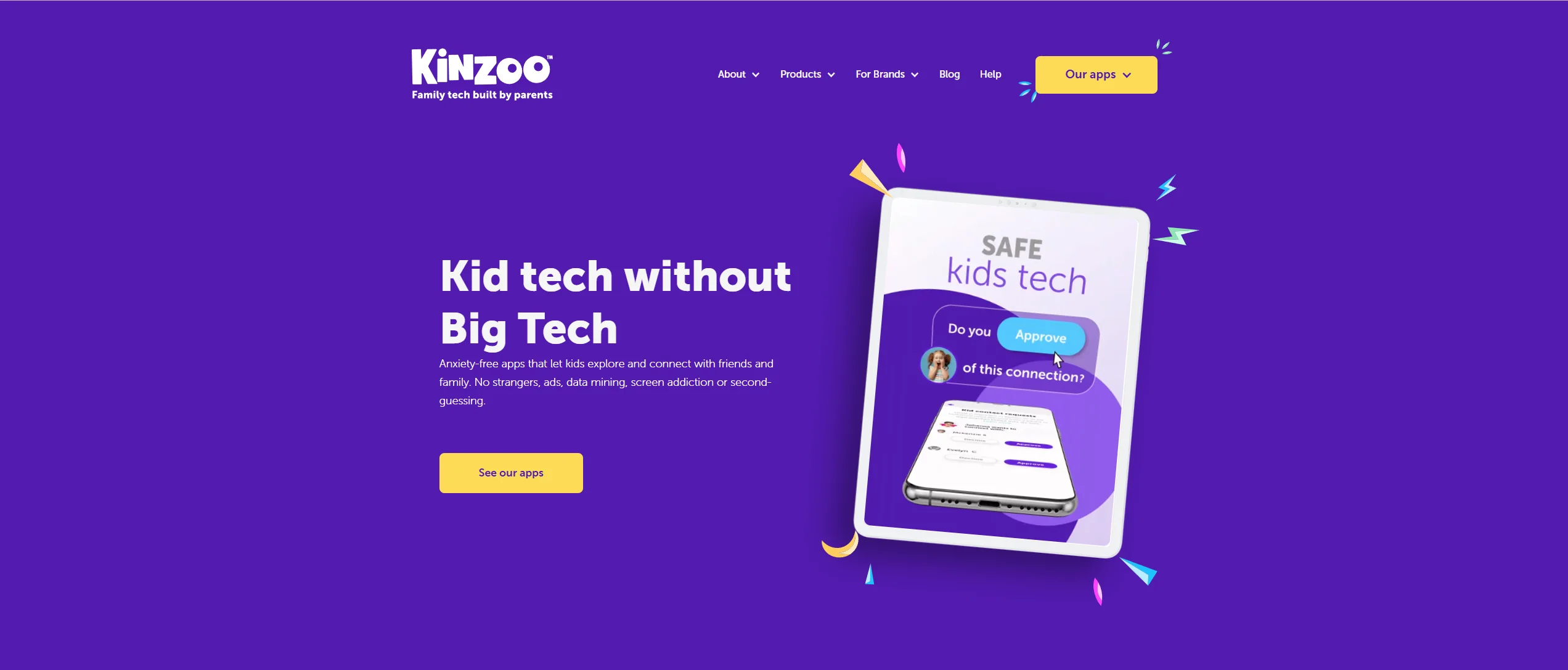
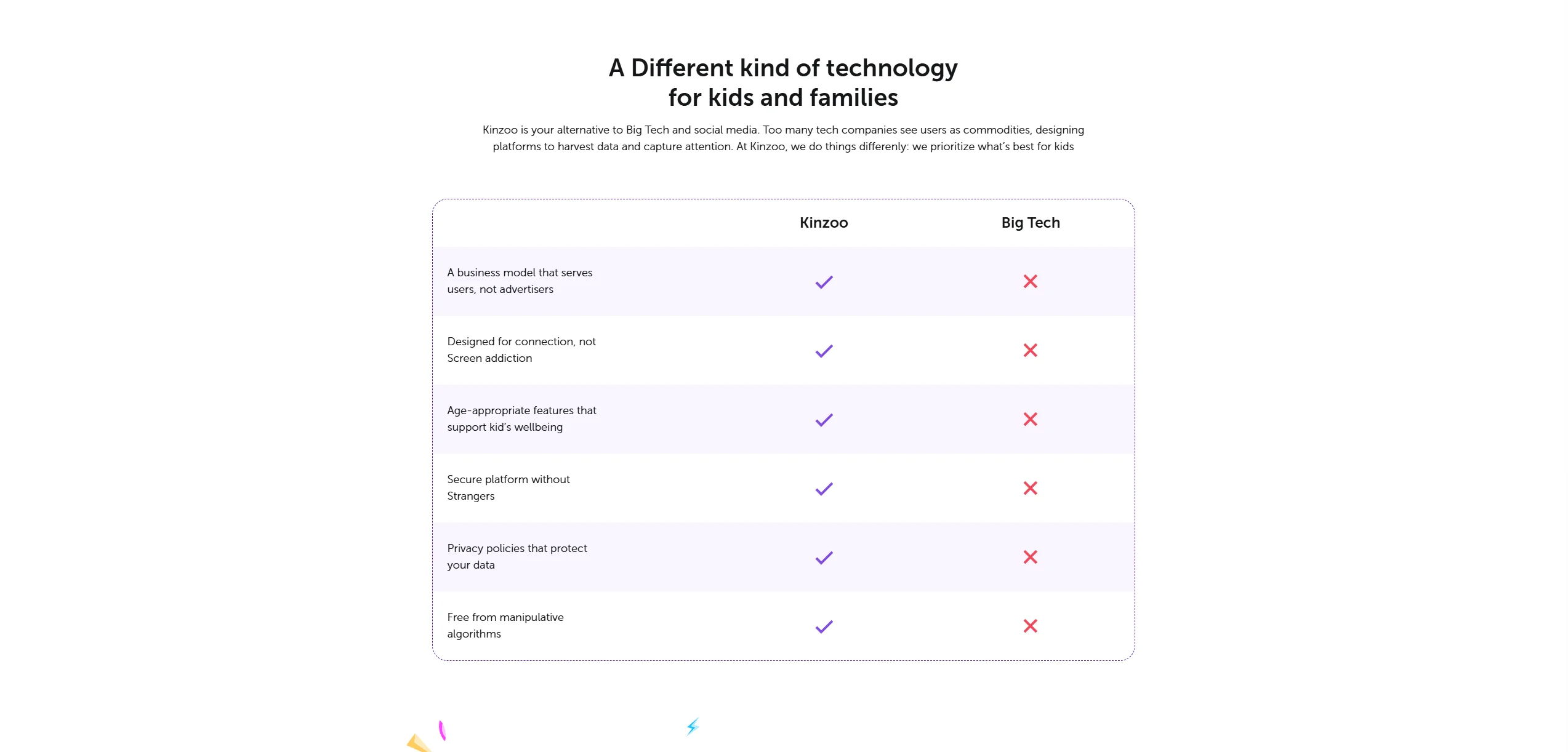
Kinzoo Messenger is a free messaging app for kids and families with text, voice, video messaging, virtual stickers, face filters and interactive creative tools in a private, parent‑controlled environment. Parents approve every connection, and there are no ads or algorithm‑driven feeds. Kinzoo may offer optional premium purchases (e.g., extra stickers or creative items via “Kinzoo Zoonies”). It’s often described as a “training wheels” version of a messenger, allowing children to message, share photos, and participate in video calling within a pre-approved circle of family and friends. The app is built on the “Three C’s” philosophy: Connection, Creativity, and Cultivation.
What sets Kinzoo apart is its commitment to being “manipulation-free.” You won’t find likes, follower counts, or addictive algorithms here. In addition to messaging, Kinzoo offers interactive stories, themed content (“Paths”), mini‑games, stickers, face filters, and other creative tools—all within the same app.
What Makes Zigazoo Unique for Children
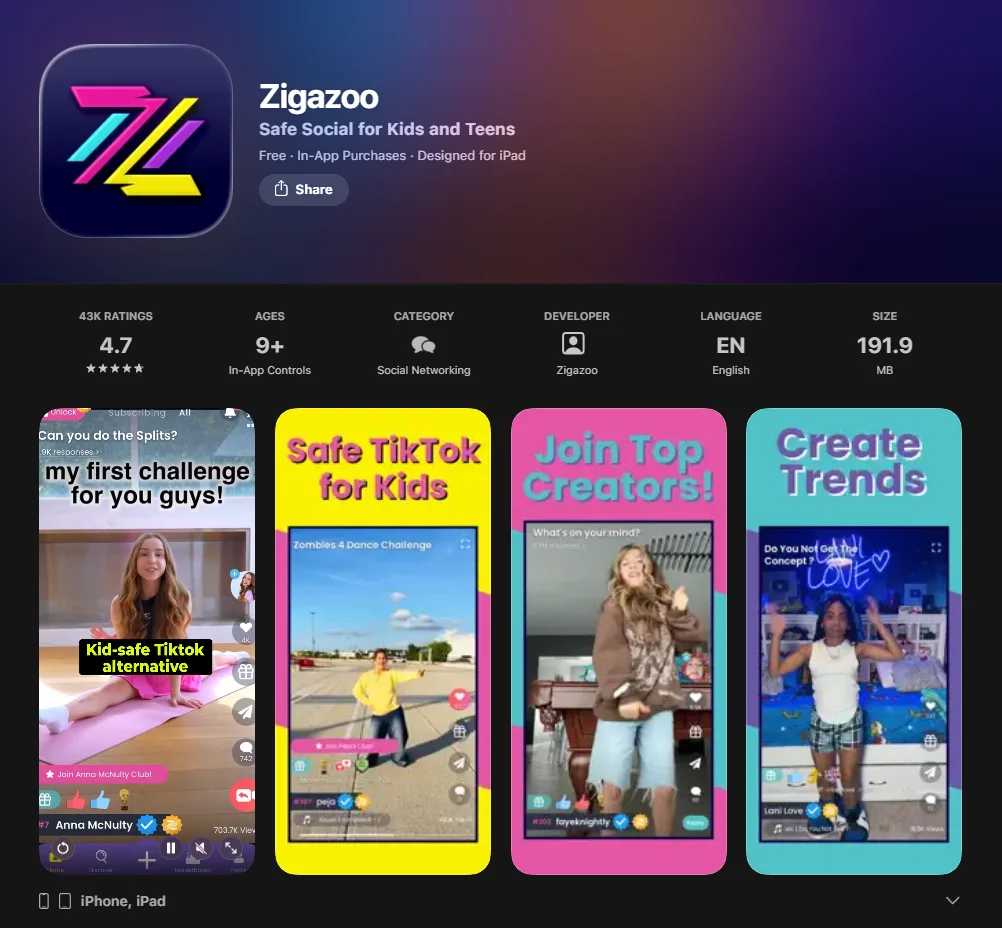
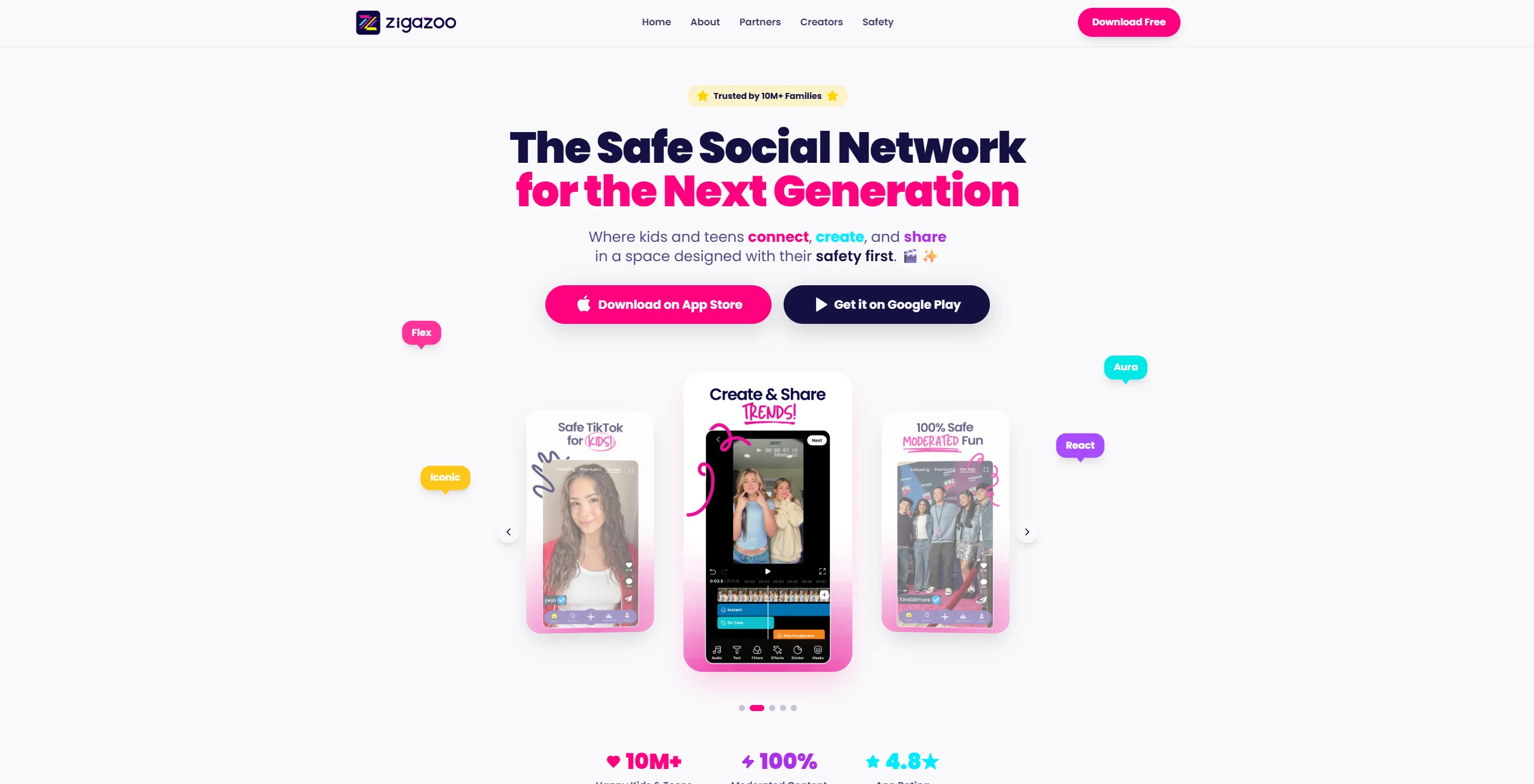
Zigazoo is a video‑based social platform designed for kids, where children can participate in short‑form video challenges and create/respond to prompts in a moderated environment. It is KidSAFE/COPPA‑certified and human‑moderated to help ensure age‑appropriate content before videos appear in the community.
The platform is specifically designed to be a “positivity-only” zone. Zigazoo content is reviewed through a stringent moderation process that combines human review and platform controls to ensure that videos are age‑appropriate and safe before they appear in the feed. This ensures the social media platform remains a safe online environment where kids enjoy sharing their talents without the fear of cyberbullying or inappropriate content found on popular social sites.
Age Appropriateness and Target Audience
Finding an age-appropriate platform is crucial because a child’s needs change rapidly between the ages of 6 and 12. Both apps claim to be safe for kids, but their interfaces and social mechanics cater to different developmental stages.
Best Age Group for Kinzoo Users
Kinzoo is generally most effective for children aged 6 to 12.
- Ages 6–8: It serves as an excellent introduction to digital communication. Parents can closely moderate interactions and use the video calling features to keep the child connected with distant relatives.
- Ages 9–12: Older children may use it as their primary messaging app to reach school friends, provided the parents have approved the contacts. Because it lacks a public feed, it’s less likely to cause the “social comparison” anxiety often seen in middle schoolers.
Suitable Age for Zigazoo
Zigazoo does not have a strict 9+ official age limitation listed universally. It is marketed as kid‑friendly and COPPA‑certified, and many parent reviews suggest it works for ages roughly 6–12+ with supervision. However, because it allows open video responses, screen time and content type should be guided by parents.
- Ages 4–7: The app is highly visual and uses creative tools intuitive enough even for non-readers. The “challenge” format feels like a digital game.
- Ages 8–12: Older kids enjoy the “creator” aspect, making short-form vlogs and participating in global challenges. However, by age 11 or 12, some children may start craving the more “mature” (and risky) features of mainstream platforms like tiktok.
Features and Functionality
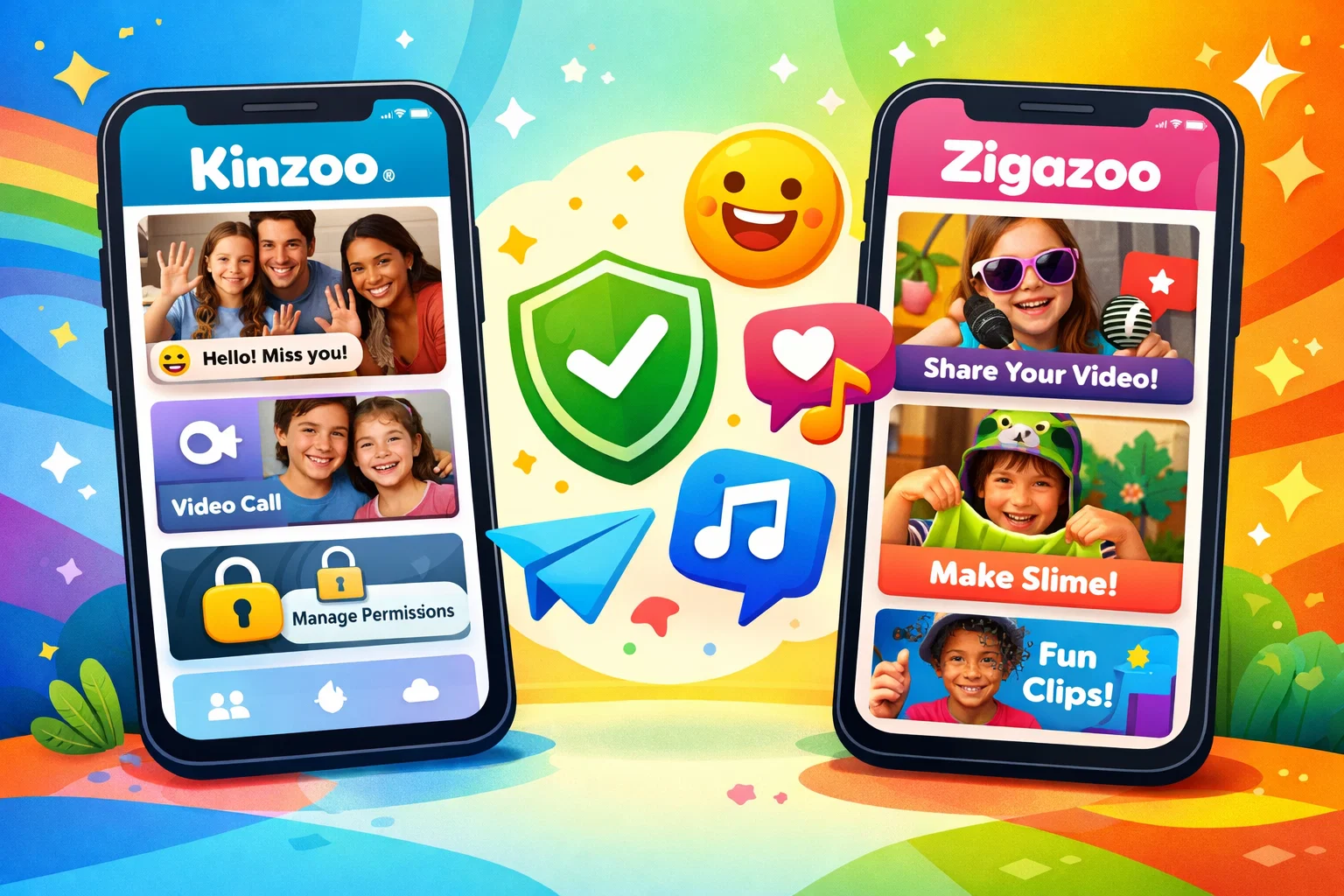
Both applications for children offer a suite of tools to help children develop digital literacy, but they approach “socializing” from different angles.
Communication Tools in Kinzoo
Kinzoo Messenger offers text and voice messaging, video calls and group calls (including timed “Blips”), stickers and creative filters, and an AI creative tool (Kai) that lets kids generate images and stickers safely within the app. Parents fully control contacts and connections.
How Zigazoo Encourages Creativity
Zigazoo centers around video challenges and short‑form video creation. Kids create responses to prompts, watch others’ videos, and use child‑friendly creative tools (filters, stickers, effects). Some versions include in‑app rewards and premium features. Content is human‑moderated to help ensure appropriateness.
Comparing the User Interface
| Feature | Kinzoo | Zigazoo |
| Primary Interaction | 1-on-1 and Group Messaging | Short-form Video Feed |
| Navigation | Simple, Tab-based (Chat, Paths, Marketplace) | Feed-based (similar to TikTok/Reels) |
| Publicity | 100% Private; no public feed | Public feed (all videos are moderated) |
| Ease of Use | High (requires reading for some features) | Very High (highly visual and intuitive) |
Privacy and Security Features
Safety is the “North Star” any app designed for kids follows. Many parents are concerned about their children being exposed to harmful content online. Let’s see how these apps provide peace of mind.
Kinzoo’s Parental Controls and Safety Protocols
Kinzoo operates on a “permission-based” model.
- Magic Codes: To add a friend, a child must share a unique “Magic Code.” A child cannot be searched by strangers.
- Parental Approval: Parents must approve every single contact request before a message can be sent.
- No Strangers: There is no “discovery” mode, meaning the experience is limited to people the family actually knows.
Zigazoo’s Safety Features for Kids
Zigazoo takes a “Moderation-First” approach.
- Human Moderation: Every single video is reviewed by a human moderator to ensure no personal information (like school uniforms or street signs) is visible.
- No Text Comments: Historically, Zigazoo limited interaction to “sticker” responses to prevent bullying. While they have introduced some text features, they remain subject to strict content filters.
- Verified Users: Zigazoo accounts are created with parental consent and verification via email or Apple/Google sign‑on to help maintain a community designed for children.
Pricing Comparison
Budget is often a deciding factor. While both apps are “free to start,” they utilize different monetization models in 2026.
How Much Does Kinzoo Cost?
Kinzoo is free to download and use with many features included, and it also offers optional in‑app purchases such as Kinzoo Zoonies for extra stickers, filters and games; additionally, families can subscribe to Kinzoo Premium to unlock additional content.
- Free Version: Access to messaging and basic creative tools.
- Kinzoo offers optional in‑app purchases, including packs of Zoonies (internal currency) and paid content like Kinzoo Club or similar premium bundles with stickers, filters, and other creative extras (prices vary).
- Kinzoo Together is a related video call app that can be used for free with basic books, games, and activities, while paid tiers unlock more content and activities for longer calls.
Cost of Using Zigazoo for Kids
Zigazoo is free to download but has recently leaned into offering “premium” features.
- Free Version: Participate in challenges and view the feed.
- Zigazoo offers a Premium Plus subscription that unlocks longer video lengths (up to 10 minutes), advanced creative tools, and monthly Zigabucks; pricing for Premium Plus and in‑app purchases varies by platform.
- In‑app purchases may include premium subscriptions and optional cosmetic items, but details vary by platform and are not universally documented.
Which App Provides More Value for Money?
If your goal is family-friendly communication, Kinzoo offers more value because its core messaging features are robust and free. If your child is a budding influencer, a Zigazoo subscription might be worth it to unlock enhanced creative tools.
Pros and Cons of Kinzoo vs Zigazoo
Advantages of Kinzoo for Families
- Connection: Excellent to maintain bonds with grandparents.
- Education: “Paths” help children learn through curated, high-quality content.
- Privacy: Zero risk of “stranger danger” due to the Magic Code system.
Why Parents Love Zigazoo
- Positivity: A rare social media app where the culture is genuinely kind.
- Engagement: Kids enjoy the challenges, which often lead to “offline” activities like building a fort.
- Safety: Human moderation remains the gold-standard.
Potential Drawbacks of Both Apps
- Kinzoo: Can feel “too quiet” for kids seeking a more traditional social networking experience.
- Zigazoo: The feed can still lead to high screen time if not monitored.
Choosing between these two child-friendly social media apps depends on your child’s personality. If they want to talk to Grandma, choose Kinzoo. If they want to be the next (safe) viral star, Zigazoo is the way to go.