

As children begin to navigate the digital world, the need for a safe messaging app becomes a top priority for parents. You want your child to stay in touch with family and friends, but the risks of adult platforms—ranging from inappropriate content to unsolicited friend requests—are understandably daunting. This has led to the rise of specialized messaging apps for kids, with Kinzoo and Stars Messenger frequently cited as leading child-focused options.
This comparison explores how these platforms stack up against one another. We will dive deep into their safety frameworks, parental control features, and usability to help you decide which secure messaging environment is the right fit for your family. Whether you are looking for a creative hub or a straightforward family messaging app, this guide provides a neutral analysis of their strengths and limitations.
Why Child Messaging Apps Matter
In an era where digital communication is the norm, “waiting until they are older” is becoming increasingly difficult. However, adult-oriented apps like WhatsApp, Snapchat, or Facebook Messenger are not designed with a child’s developmental needs or safety in mind. Messaging apps for kids act as a “digital training wheels” system, allowing children to learn safe communication habits while remaining under parental supervision.
Risks of Adult Messaging Platforms
Standard messenger apps often expose children to several high-level risks:
- Discoverability: On apps like Snapchat, users can often be found via phone number or location, leading to contact from strangers.
- Inappropriate Content: Algorithms on mainstream platforms may suggest content that is not child-friendly.
- Data Privacy: Many adult apps track user behavior to serve ads, a practice that contradicts the strict privacy policy requirements of COPPA (Children’s Online Privacy Protection Act).
Benefits of Closed Family Networks
A safe messaging app typically operates on a “closed loop” system. This means your child is not searchable by the public. Instead, they exist in a controlled environment where every connection must be vetted. This provides peace of mind for parents, knowing that their children connect only with people they know in real life.
Role of Parental Oversight
The defining feature of a kids app is robust parental controls. Unlike adult platforms, these apps offer a parent dashboard or parent view where you can:
- Supervise conversations without being intrusive.
- Manage their child’s contact list.
- Monitor app activity to ensure responsible use.
Kinzoo Overview
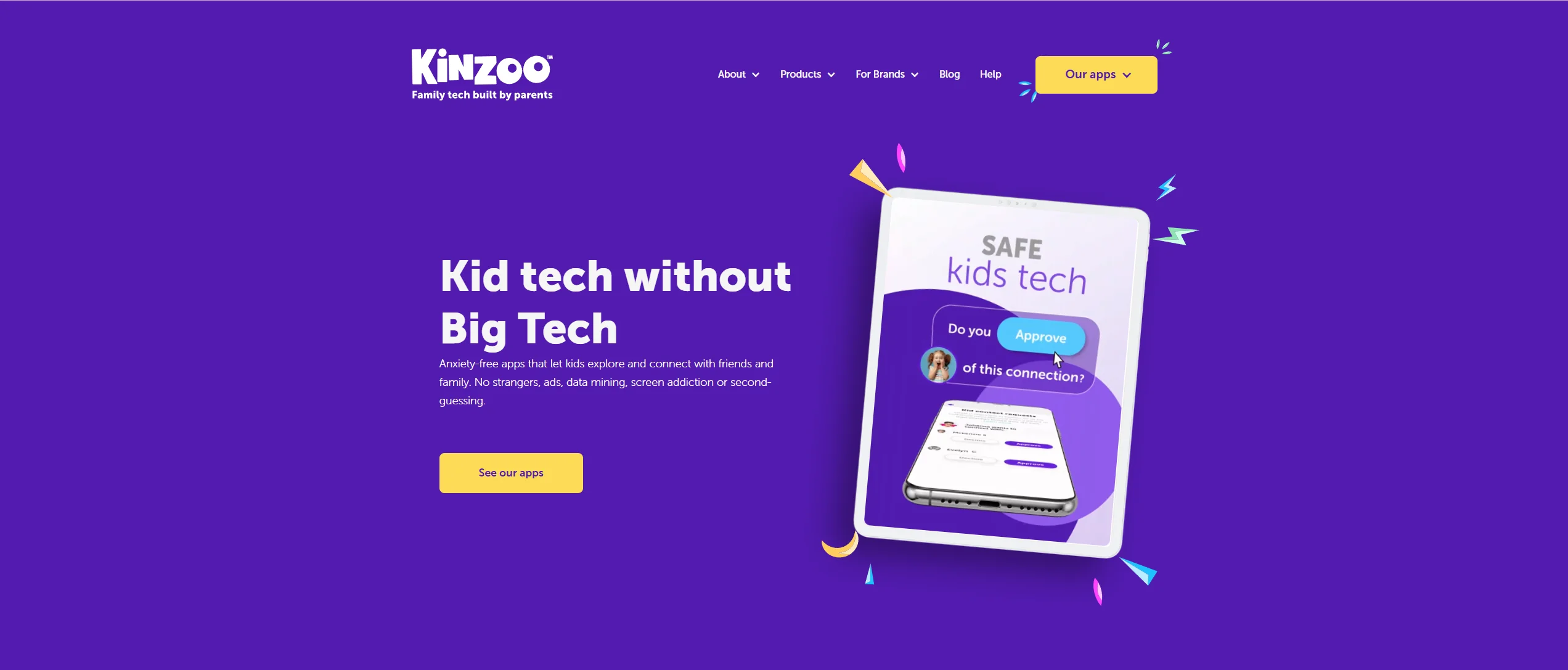
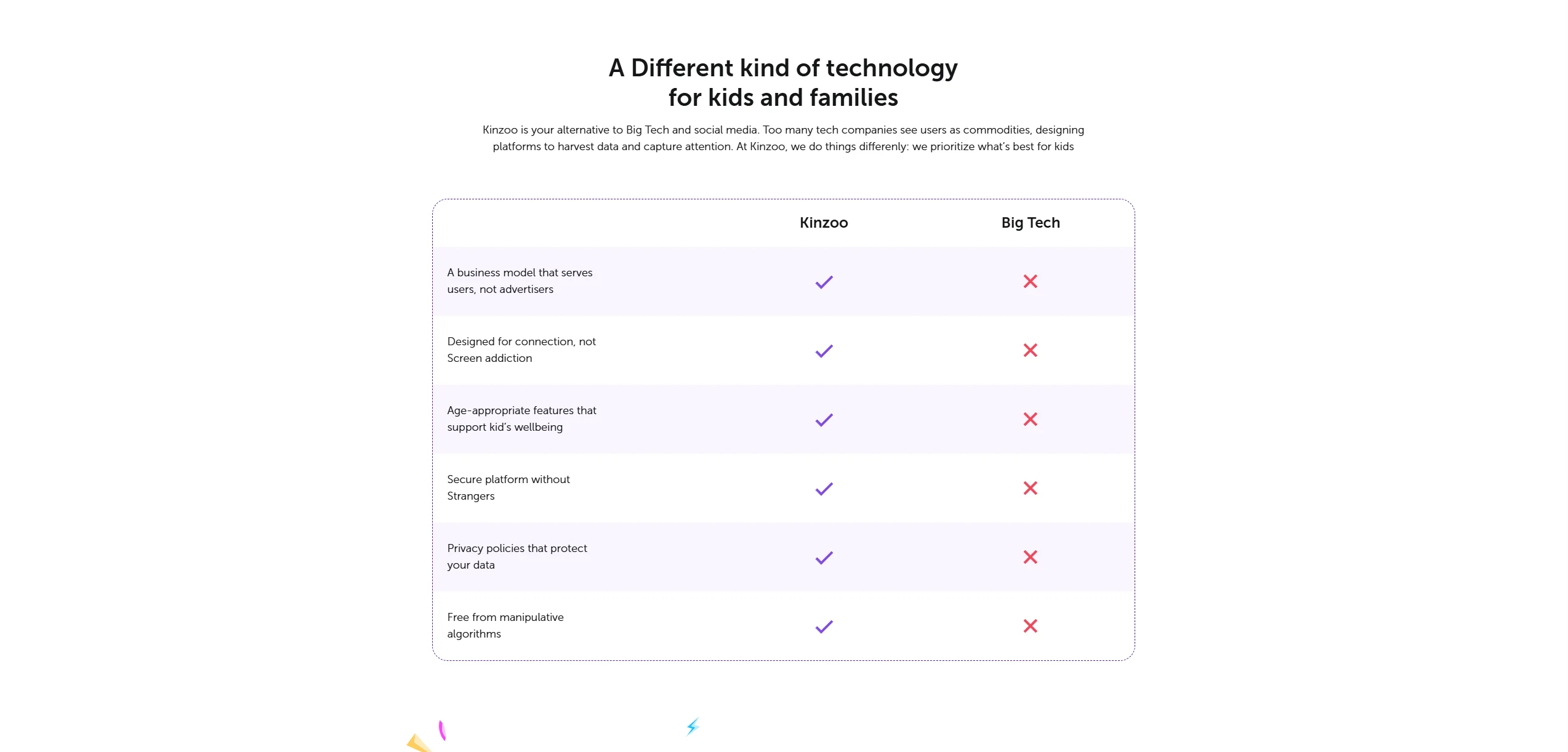
Kinzoo (specifically Kinzoo Messenger) positions itself as more than just a chat tool; it is a platform designed to foster “Connection, Creativity, and Cultivation.” It is often cited as a top messenger for kids due to its strict adherence to safety and its ad-free model.
Core Features
Kinzoo offers a rich suite of tools including texting, voice and video calls, and media sharing. A standout feature is the “Paths Center,” which provides interactive stories and activities. It also includes “Kinzoo Studio,” where kids can build characters and animations, turning digital communication into a creative outlet.
Age Focus
The app is designed for family use, with children ages 6+ able to create accounts under parental supervision. The onboarding process is simple but requires parental involvement to unlock the full messaging capabilities, ensuring that no child is online without an adult’s initial consent.
Safety Framework
Kinzoo encrypts data in transit but does not offer end-to-end encryption. It does not require a phone number, using an email-based parent account instead. This ensures that a child’s identity is protected from public databases.
Interface and User Experience
The UI is colorful, intuitive, and lacks the addictive “scroll” found in adult apps. It focuses on intentional interactions, using stickers and GIFs that are pre-vetted for younger audiences.
Pricing Structure
Kinzoo uses a “freemium” model. While the core secure communication features are free, they offer “Zoonies” (in-app currency) for extra fun features like premium sticker packs. They also offer a Kinzoo Together subscription specifically for enhanced video communication with features like virtual storytime.
Stars Messenger Overview
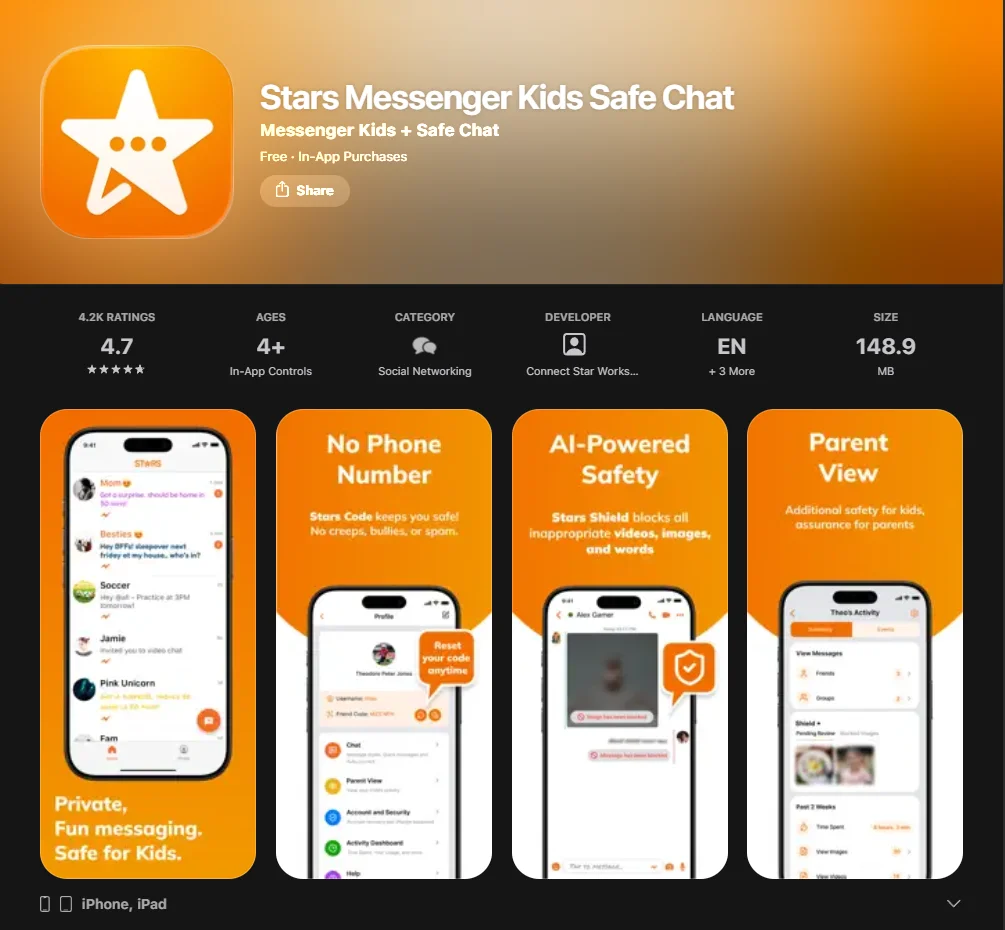
Stars Messenger is frequently recommended for families who want a highly private, “no-frills” experience. It prides itself on being “safe by design,” focusing heavily on preventing any form of outside intrusion.
Core Features
Stars provides video call, audio, and text messaging. It is known for its “Stars Shield,” an AI-powered moderation tool designed to filter inappropriate content or profanity in real time. It also supports private group chats, making it a popular choice for school projects or sports teams.
Age Focus
While it is rated 4+, its feature set is particularly well-suited for the 8–13 age bracket. It offers a slightly more “grown-up” feel than Kinzoo while maintaining secure messaging protocols.
Safety and Privacy Controls
The “Friend Code” system is the backbone of Stars’ safety. Even if someone knows your child’s username, they cannot send a friend request without a unique, resettable PIN. This makes it virtually impossible for strangers to reach your child.
Interface and Engagement Style
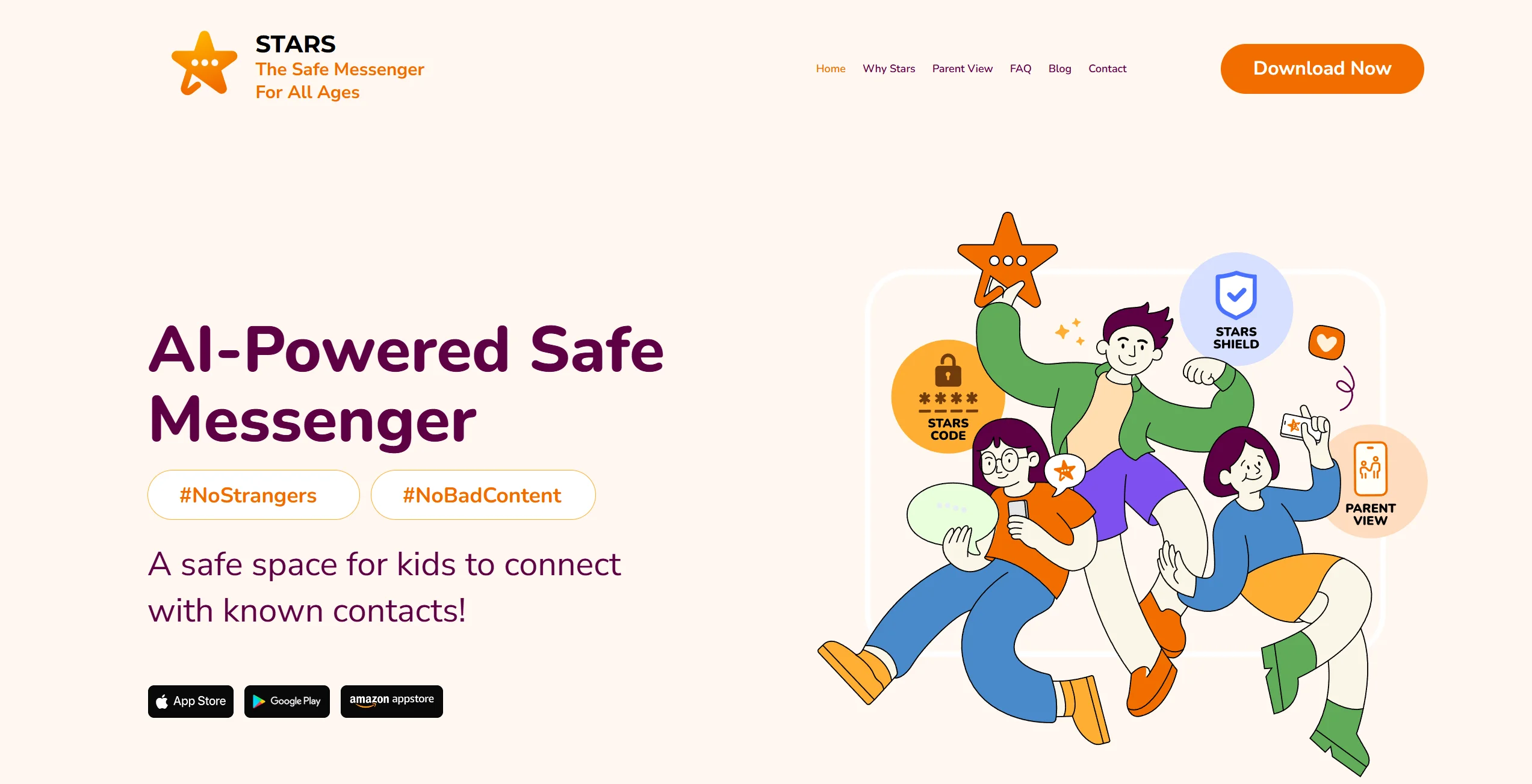
The design is clean and efficient. It allows for significant personalization, such as changing font styles and colors, which appeals to kids who want to express their individuality.
Pricing Structure
Stars is largely ad-free and free to use for basic messaging. However, their parental oversight tool, “Parent View,” is a paid feature (available via monthly or annual subscription), which provides a deeper look into the child’s interactions.
Feature Comparison: Kinzoo vs Stars
| Feature | Kinzoo Messenger | Stars Messenger |
| Primary Safety Hook | Parental Approval & “Three C’s” Philosophy | Unique “Friend Code” System |
| Phone Number Required? | No | No |
| Video Calls | Yes (1-on-1 and Group “Jams”) | Yes (1-on-1 and Group) |
| Parental Dashboard | Integrated into Parent App | Paid “Parent View” Extension |
| Creative Tools | High (Stories, Studio, Games) | Moderate (Custom Styles/Stickers) |
| Ad-Free? | Yes | Yes |
| Data Privacy | No data sold; kidSAFE Certified, including COPPA Safe Harbor certification for Kinzoo Messenger | No data sold; AI-based moderation system |
Messaging and Communication Tools
Both apps allow kids to safely send texts and media. Kinzoo emphasizes “Jams” (audio calls with effects), while Stars focuses on high-quality voice and video calls that can continue running in the background if the child switches apps.
Parental Controls and Monitoring
Kinzoo’s robust parental controls are built into the core experience—parents must approve every contact. Stars offers a similar approval system, but for parents who want to see the actual content of messages, the “Parent View” subscription is required.
Privacy and Data Protection
Both apps encrypt data in transit. However, neither app advertises end-to-end encryption, as parental oversight features require platform-level access.
Apps for Kids Under 13
For the elementary school crowd, the goal is to introduce digital literacy and responsible online behavior.
Kinzoo Suitability for Younger Kids
Kinzoo is often considered a strong entry point for younger children (ages 6–9). The inclusion of games and stories makes the app feel like a digital playground rather than just a utility. It helps children share their experiences in a way that aligns with their developmental stage.
Stars Suitability for Younger Kids
Stars is excellent for children who have a specific group of friends they want to stay in touch with. Because it lacks the “extra” content like Kinzoo’s stories, it is less distracting for kids who may struggle with screen time limits.
Supervision Requirements
Both apps require parental setup. However, Kinzoo’s Marketplace for stickers and games may require more frequent check-ins to manage Zoonies spending, whereas Stars’ manual friend request system requires closer attention during the initial setup phase.
Apps for Kids Ages 13 and Older
As children transition into their teen years, their needs change. They crave more independence and a messaging app that doesn’t feel “babyish.”
Transition to Teen Messaging Needs
By age 13, many children begin to transition toward mainstream messaging apps such as WhatsApp or Snapchat. However, if you aren’t ready for that leap, Stars Messenger serves as a great bridge. Its customizable UI feels more like a standard messenger, allowing children to video call and group chat with more autonomy.
Comparison with Broader Platforms
Compared to Fennec or Geckolife, Kinzoo and Stars offer more modern interfaces. While Messenger Kids (by Meta) is a major competitor, many parents prefer Kinzoo or Stars because they are not tied to the broader Facebook ecosystem, providing a more secure communication silo.
Safety Features and Safe Usage Tips
Choosing a safe environment is only half the process; teaching your child how to use it responsibly is equally important.
- Setting Ground Rules: Before downloading any messenger apps, establish a family “Digital Contract.” Discuss what is appropriate to share and what time the “digital doors” close for the night.
- Utilizing Built-In Safety Tools: Regularly check the parental oversight settings. For example, in Kinzoo, you can disable video calling if you feel your child isn’t ready.
- Regular Review and Communication: Use the parent dashboard to spark conversations. Instead of “spying,” ask, “I saw you were playing a game with Grandma on Kinzoo, did you win?” This encourages family communication without breaking trust.
Pricing Comparison
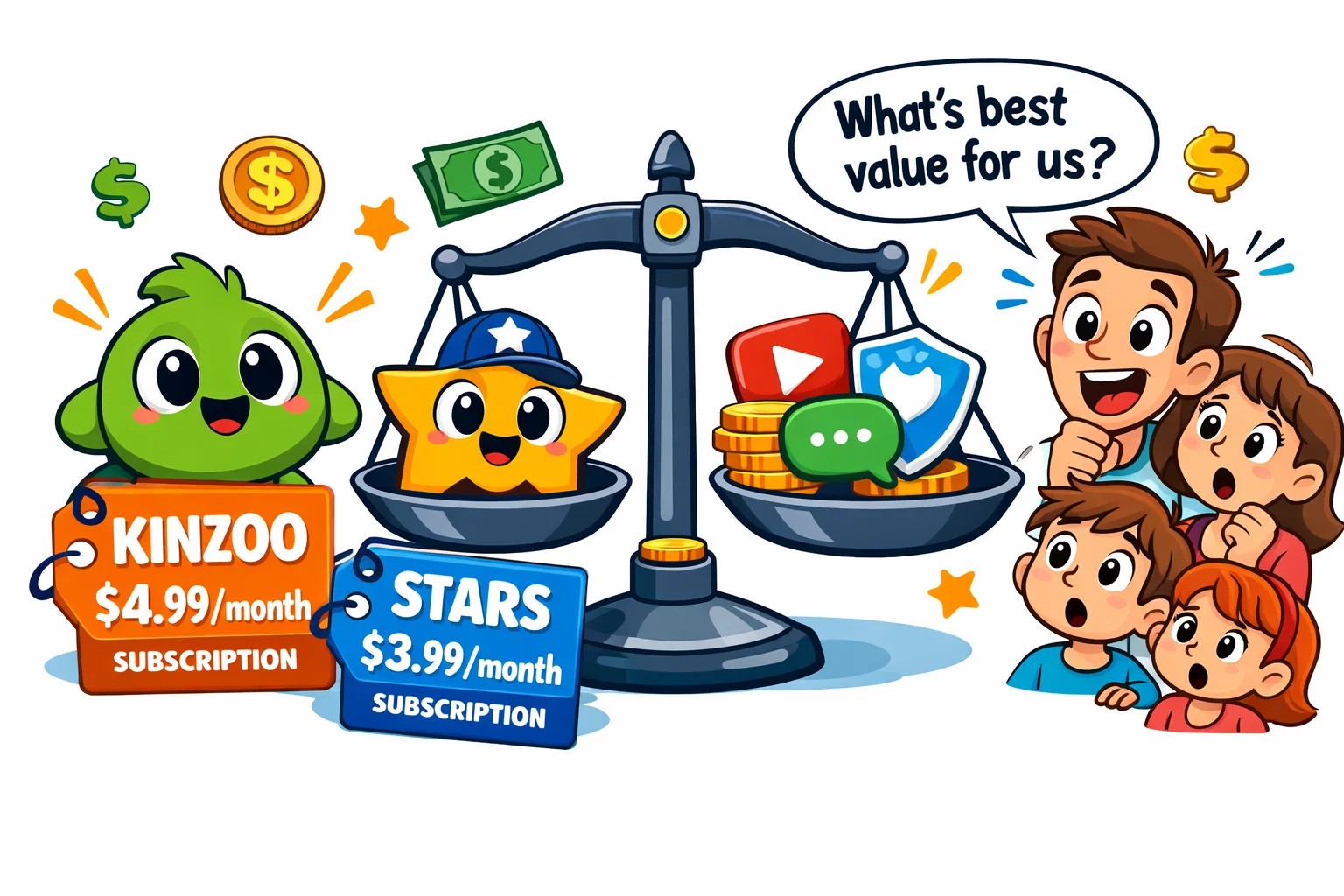
Understanding the long-term costs of a family messaging app is vital for budgeting.
Free Features Breakdown
- Kinzoo: Core messaging, one-on-one video calls, and a selection of free stickers and “Paths” are free.
- Stars: Messaging, group video calls, and the “Stars Shield” AI are free.
Subscription Costs
- Kinzoo Together: Kinzoo Together is a separate app with a free tier and paid plans. Pricing varies by region; for example, some EU storefronts list plans around €2.99/month and €6.99/month.
- Stars Parent View: Pricing varies by region. In the U.S., Parent View is commonly listed at $1.99/month or $19.99/year, while in some EU storefronts it is closer to €2.99/month.
Value for Families with Multiple Children
Kinzoo’s premium membership often covers the entire household, making it a single consolidated subscription cost. Stars’ free model for messaging is highly scalable, but the parent view cost may apply per parent account.
Advantages and Limitations
Strengths of Kinzoo
- Educational Content: The “Paths” help children learn while they chat.
- COPPA Certified: Offers some of the highest privacy and security standards in the industry.
- Multi-Generational: Kinzoo Together is specifically designed for grandparents to connect with loved ones.
Limitations of Kinzoo
- In-App Purchases: The “Zoonies” system can be a frequent point of contention if not managed.
- Complexity: The sheer amount of features (Studio, Paths, Marketplace) might be overwhelming for some.
Strengths of Stars Messenger
- Simplicity: Does one thing (messaging) and does it very well.
- The “Friend Code”: A strong system for preventing unsolicited contact from strangers.
- Group Video: Better support for larger group calls compared to Kinzoo’s “Jam” style.
Limitations of Stars Messenger
- Monitoring Cost: You have to pay to see the actual content of the messages.
- Lower Engagement: Without the “extras,” kids might lose interest faster than they would on Kinzoo.