

Choosing the right messaging app for your child is not just about fun stickers or video calls; it’s also about building healthy digital habits in an environment that often prioritizes engagement over safety. As a parent, you likely feel the pressure to provide a safe environment where your children can communicate with family and friends without being exposed to the data-mining practices of “grown-up” social media. This comprehensive guide compares two of the leading platforms in this space: Kinzoo and Messenger Kids.
We will break down how these apps for kids handle privacy, parental controls, and creative tools to help you decide which provides the best peace of mind. Whether you are looking for a family-friendly app that prioritizes data privacy above all else, or a widely adopted messenger that integrates seamlessly with your existing social network, this comparison covers the essential safety, usability, and long-term value factors for children ages 6 and up.
Kinzoo Overview

Kinzoo positions itself as a “private-first” messaging app for kids, designed to be the antithesis of traditional, ad-driven social media. Founded by parents who were concerned about the “attention economy,” Kinzoo focuses on meaningful connections rather than mindless scrolling. It is often described as a starter social network designed to introduce children to online communication in a safer environment.
Origins, Mission and Vision
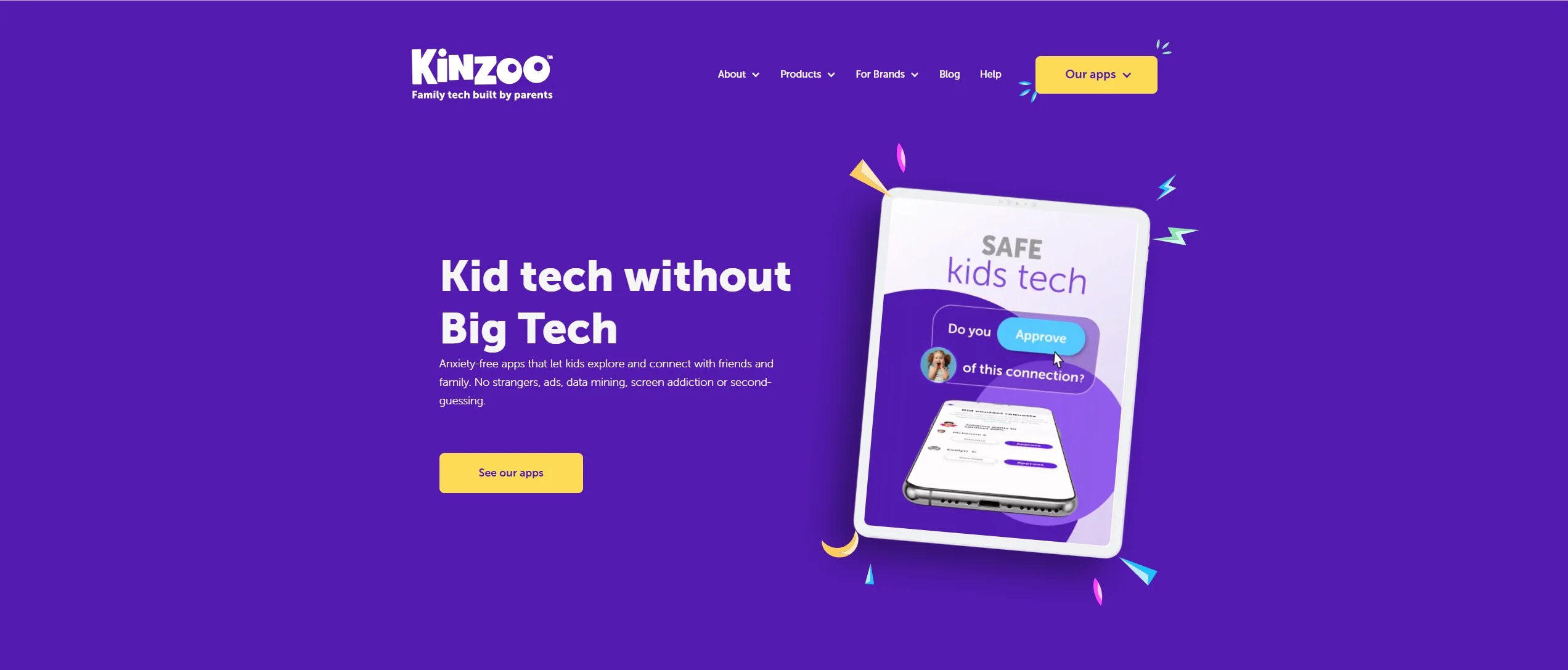
The Vancouver-based company launched with a clear mission: to give children the best of technology without the worst of it. Unlike platforms like Instagram or Snapchat, which rely on algorithms to keep users hooked, Kinzoo’s vision is built on a “Human-Centered” design. They aim to help children develop healthy digital habits early by removing features that cause anxiety, such as counts, follower tallies, or public feeds.
Core Products: Messenger, Together, Studio
Kinzoo has expanded its ecosystem into three distinct pillars to support family life:
- Kinzoo Messenger: The primary chat and video calling tool. It allows children to connect with a parent-approved list of contacts in a controlled environment.
- Kinzoo Together: A free to start with an optional subscription that unlocks more books, games, and activities. It features “Storytime,” where users can read books together during a video chat, and interactive games that make virtual playdates feel more natural.
- Kinzoo Studio: A creative suite where young users can build their own stories from the ground up, fostering creative expression rather than passive consumption.
Alternative to Traditional Social Messaging Apps
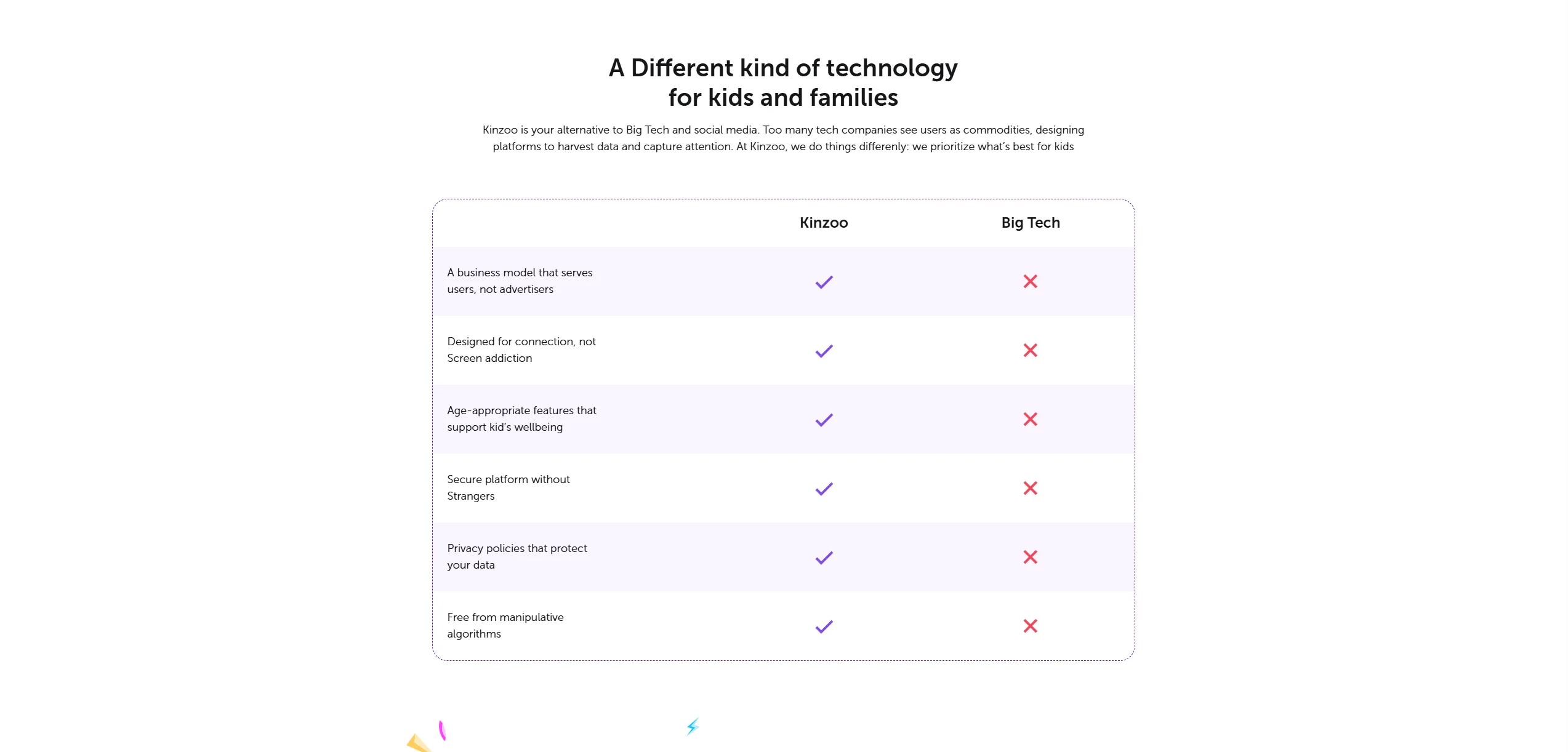
One of the key differences is its business model. It is an ad-free platform that does not sell user data. Instead, it operates on a “freemium” model where the basic messaging app is free, but families can choose to support the platform through in-app purchases for cosmetic items (like stickers or outfits for avatars) or a paid app subscription for premium content in Kinzoo Together.
Messenger Kids Overview
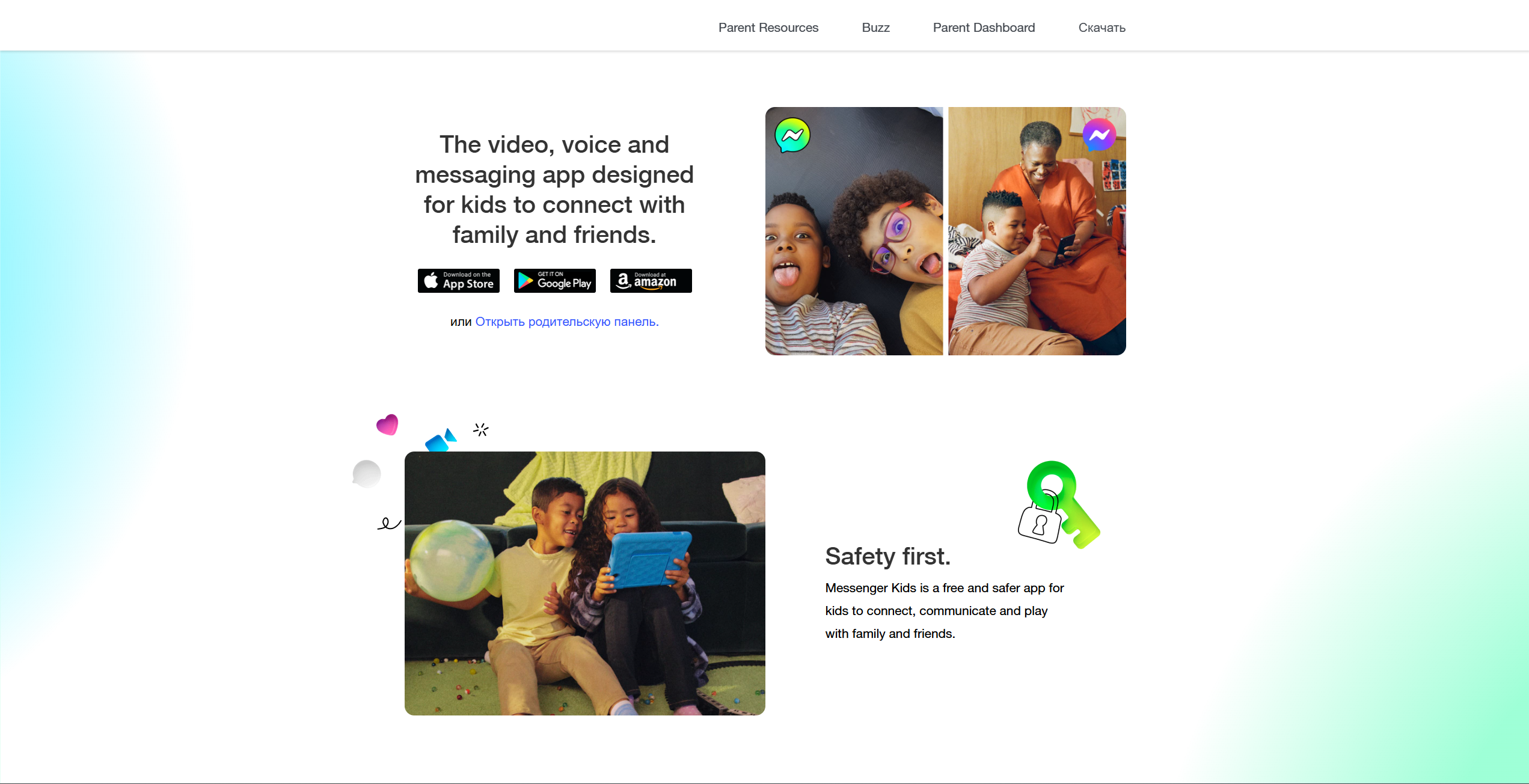
Messenger Kids is Meta’s (formerly Facebook) solution for parents who want to give their children access to messaging without requiring a full Facebook account. It is one of the most widely used messaging apps for children under 13, partly due to Meta’s large existing user base.
Connection with Meta Ecosystem
The app is technically an extension of a parent’s Facebook account. While the child doesn’t need their own Facebook profile, the parent view is managed directly through the parent’s Facebook parent dashboard. This makes it incredibly easy for parents who are already on the platform to manage friend requests and monitor texting activity.
Key Messaging Features
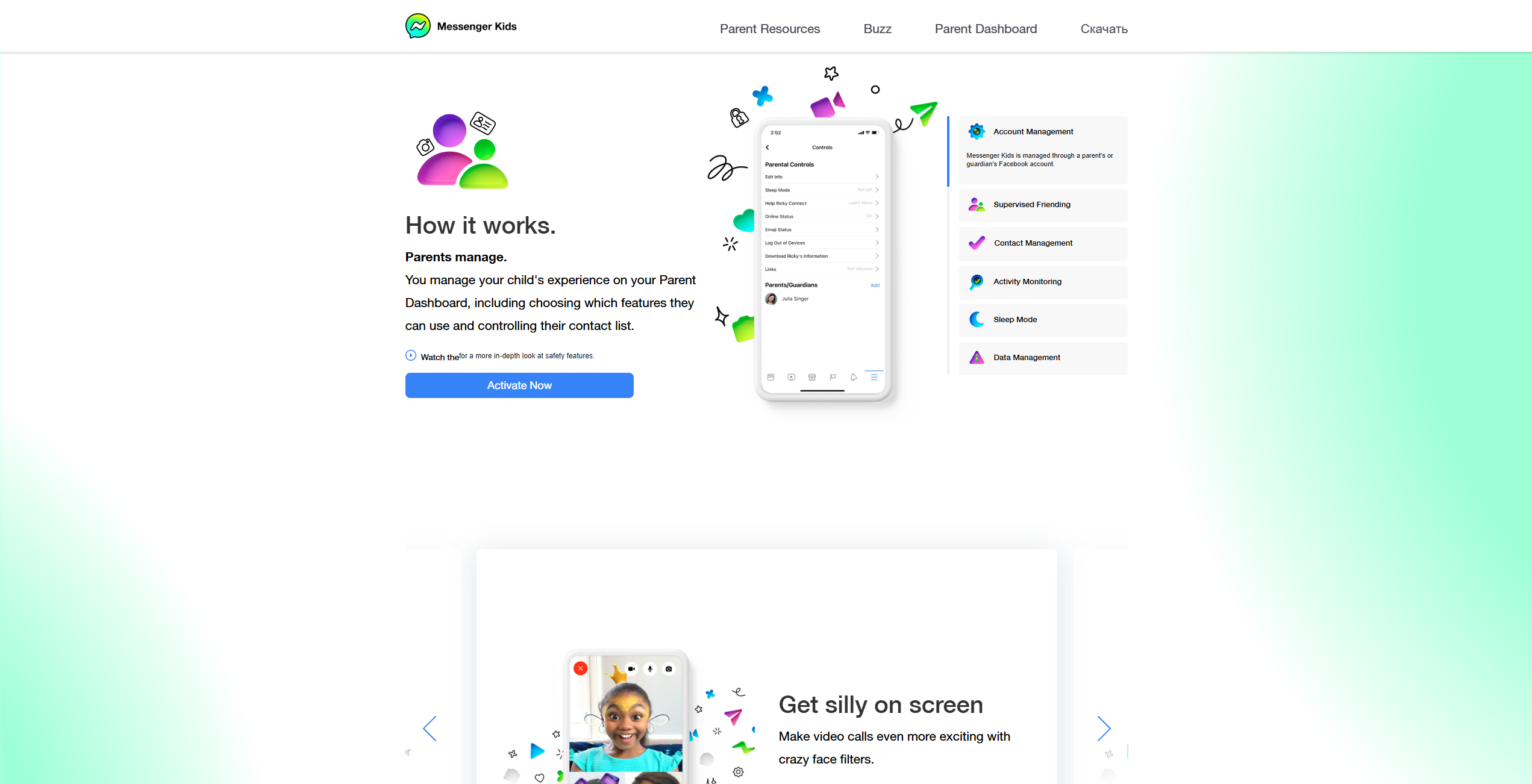
Messenger Kids is feature-rich, offering a high-energy experience:
- Video Chat: Includes fun filters, AR effects, and games.
- Creative Tools: An extensive library of stickers, GIFs, and drawing tools.
- Group Chats: Allows multiple friends or family members to join a single thread.
Target Age Group
The app is specifically designed for kids between the ages of 6 and 12. Once a child turns 13, the app is intended to serve as a bridge to the standard messaging apps like WhatsApp or the full version of Messenger, though many parents find the transition a point of concern regarding privacy and security.
Safety Features Comparison
When it comes to apps for kids to safely interact, the “safety” label can mean different things. Here is how both apps compare in their protective layers:
| Feature | Kinzoo | Messenger Kids |
| Contact Approval | Mandatory Parent Approval | Mandatory Parent Approval |
| Stranger Discovery | No public profile search; contacts added only through parental approval | No Public Search |
| AI Content Filtering | Proactive Profanity Filtering | Proactive AI/Machine Learning |
| Reporting Tools | Child & Parent Reporting | Child & Parent Reporting |
| Verification | Multi-step parent verification | Linked to Parent FB Account |
Parent Approval Controls
In both apps, children cannot add a contact without a parent’s approval. On Kinzoo, you use a unique “Kinzoo ID” or QR code. On Messenger Kids, parents can utilize “Supervised Friending,” Parents can choose how friending works (e.g., a child can request/add contacts with parent oversight).
Content Moderation Systems
Messenger Kids uses Meta’s sophisticated AI to detect and block inappropriate content, such as nudity or violence, before the child sees it. Kinzoo similarly filters for profanity and has a manual reporting system. Some users note that Kinzoo’s moderation approach places more emphasis on guided communication rather than relying solely on automated blocking.
Stranger Contact Protection
Both apps are highly effective at preventing stranger danger. Unlike WhatsApp or Snapchat, where a phone number or public username can lead to unwanted friend requests, these platforms are closed loops. A child is essentially invisible to anyone who hasn’t been explicitly invited by a parent.
Privacy and Data Collection
This is often the deciding factor for privacy-focused families. The privacy policy of a “free” app is where the true cost is often hidden.
Data Collection Policies
- Kinzoo: Collects minimal data required for app functionality. The company states it complies with COPPA; Kinzoo Messenger is described as kidSAFE COPPA Certified.
- Messenger Kids: While Meta states they do not use children’s data for advertising, the app is part of the larger Meta data ecosystem. Some commentators have raised concerns that usage data collected within large digital ecosystems may later be associated with broader user accounts as children transition to standard services.
Advertising and Monetization Model
Kinzoo is strictly ad-free. They make money through “Zoonies” (an in-app currency for avatar customization) and subscriptions. Messenger Kids is also free of traditional ads, but its primary value to Meta is “brand loyalty”—onboarding the next generation into the Facebook/Instagram ecosystem.
Data Usage Transparency
Kinzoo provides a highly readable privacy policy designed for parents to actually understand. Meta’s policy is comprehensive but lives within the broader, more complex legal framework of the world’s largest social media company, which may indicate a higher level of “data-sharing” between Meta-owned apps.
Parental Controls and Monitoring Tools
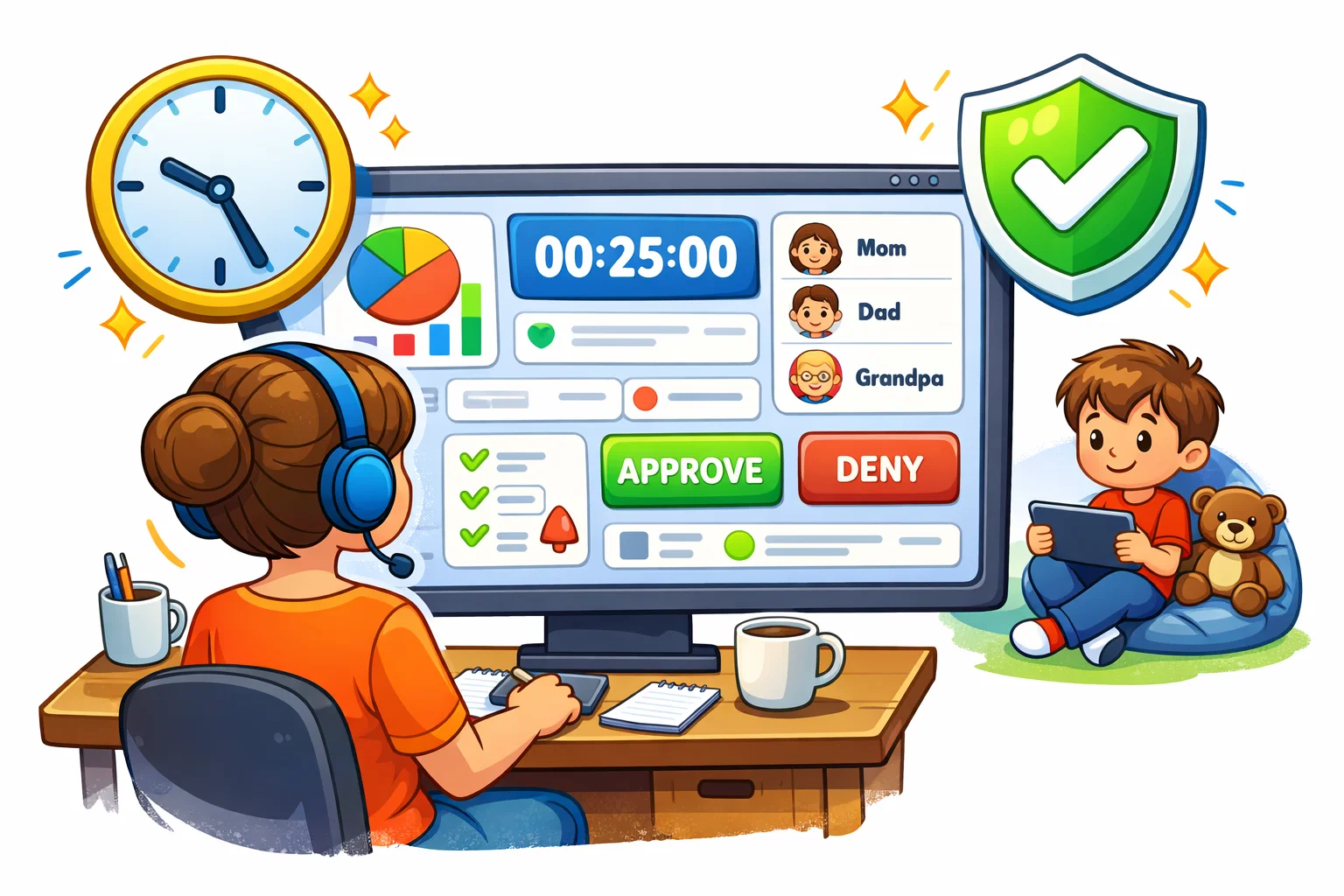
A robust parent dashboard is essential for maintaining a safe environment.
Activity Monitoring
In Messenger Kids, the parent view is extensive. You can see a log of who your child is chatting with, how often, and even a gallery of the most recent photos and videos exchanged. Kinzoo offers similar oversight, allowing parents to manage contacts and see who their child is interacting with, though it places a slightly higher emphasis on the child’s “digital autonomy” by not providing full real-time access to every message by default unless they have the child’s device.
Screen Time Controls
Messenger Kids features a “Sleep Mode” that allows parents to set specific times when the app is inaccessible (e.g., after 8:00 PM). Kinzoo encourages “meaningful connections” by offering time-limited video calls in its Together product to prevent the “zombie-scroll” effect common in young users.
Messaging and Communication Features
Text and Voice Messaging
Both apps provide high-quality texting and voice note capabilities. Messenger Kids offers a more playful interface with bright colors and animated reactions, while Kinzoo feels like a “tool”—cleaner, more focused, and less distracting.
Video Calling Quality
Messenger Kids benefits from Meta’s massive infrastructure, offering very stable video calling even on slower connections. Kinzoo Together matches this quality but adds the unique “co-play” elements, such as reading books or drawing together on screen, which is a significant advantage for family communication with grandparents.
Creative Tools and Stickers
If your child enjoys stickers, filters, and animated effects, Messenger Kids may offer a wider selection. It has a massive, rotating library of AR effects. Kinzoo’s creative tools are more focused on “Studio” activities, where the child creates their own art or stories, promoting active creativity over clicking a filter button.
User Experience and Interface Design
Ease of Setup for Parents
Messenger Kids is arguably the easiest to set up if you already have a Facebook account—it’s just a few taps. Kinzoo requires creating a new account and verifying your identity (often requires verified parental consent during setup, a standard COPPA verification method), which can be a slight friction point.
Child-Friendly Interface
Both apps excel here. They use large buttons, intuitive icons, and minimal text to ensure that even children who are still learning to read can navigate the app for children.
Cross-Device Compatibility
Both apps are available on iOS and Android. Kinzoo also offers an Amazon Appstore version, making it a great choice for families using Fire Kids tablets.
Age Appropriateness and Developmental Impact
From a child development perspective, it’s important to consider how these apps may influence social and emotional growth. Some evidence suggests that supervised digital communication may support children’s well-being when it focuses on meaningful social connection rather than public sharing.
Communication Skills Development
These apps serve as “digital training wheels.” They teach children how to express themselves through text, the importance of “tone” in digital communication, and the etiquette of video calling.
Creative Expression Opportunities
Kinzoo Studio provides a superior environment for storytelling and world-building. Messenger Kids focuses more on “performance” (filters and selfies), which “may indicate” a different type of social development—one focused more on self-presentation.
Potential Concerns
Even in a controlled environment, risks of digital dependency exist. Overuse of video chat can lead to screen fatigue. It is vital to use the parental controls to set boundaries and ensure that digital interaction doesn’t replace in-person play.
Pricing and Value Comparison
| Feature | Kinzoo | Messenger Kids |
| Base App | Free | Free |
| Subscription | Kinzoo Together (Optional) | None |
| In-app Purchases | Yes (Stickers/Outfits) | No |
| Ads | None | None |
Long-Term Value for Families
Kinzoo’s “Together” subscription offers high value for families with distant relatives. However, if you are looking for a strictly free, high-feature messenger, Messenger Kids is hard to beat.
Pros and Cons of Each App
Kinzoo
- Pros: Privacy-first model, ad-free, focuses on creativity, no “addictive” features.
- Cons: Some features require a subscription or in-app purchases; a smaller user base means you have to invite others to join.
Messenger Kids
- Pros: Entirely free, huge user base (likely your child’s friends are already there), excellent parent dashboard.
- Cons: Part of the Meta data ecosystem, focuses more on “fun” than “depth,” potential for future data-mining concerns.
Which App Is Better for Your Family?
Best for Privacy-Focused Families
If your primary concern is data privacy and you want to keep your child away from big-tech algorithms as long as possible, Kinzoo may be a strong option for privacy-focused families. It provides a safe environment where the “product” is the connection, not the user.
Best for Large Family Networks
If you want an app designed to get the whole extended family (who are already on Facebook) talking to your child today, Messenger Kids is the most practical choice. It removes the barrier of asking everyone to download a new, unfamiliar app.
Best for Younger Children
For children in the 6-8 age range, the “co-play” features of Kinzoo Together make it a more engaging platform for developing meaningful relationships with relatives who live far away.
Alternative Safe Messaging Apps for Kids
If neither of these feels like a perfect fit, consider these other family-friendly apps:
- STARS App: Promotes a code-based contact system instead of public usernames, designed to reduce unsolicited contact.
- JusTalk Kids: A secure video calling app that focuses on encryption and simple parental controls. It’s a great app like Kinzoo but with a stronger focus on pure video communication.
- WhatsApp (with close parental supervision and restricted contact settings): While not designed for kids, using it on a shared family device with strict oversight can be an option for older children (11-12) getting ready for mainstream social media.