

As our world becomes increasingly digital, the question for parents is no longer if their children will start messaging, but when and how they can do so safely. Transitioning from face-to-face playdates to digital communication is a major milestone in child development. Many parents feel caught between wanting to provide their children with modern tools for connection and the responsibility of ensuring a safe digital environment.
This guide provides a neutral, in-depth comparison of two major players in the kids’ messaging app market: Kinzoo and JusTalk Kids. Whether you are looking for a family messaging app to stay in touch with grandparents or a safe texting platform for your child’s first social circle, understanding the nuances of these platforms is essential. We will examine their parental controls, privacy and security protocols, and pricing models to help you make an informed decision for your family.
Kinzoo vs JusTalk Kids Overview

Both apps are designed with children in mind, positioning themselves as alternatives to mainstream messaging platforms by prioritizing safety over data-driven monetization. However, they take slightly different paths to achieve this goal.
What Kinzoo Offers for Families
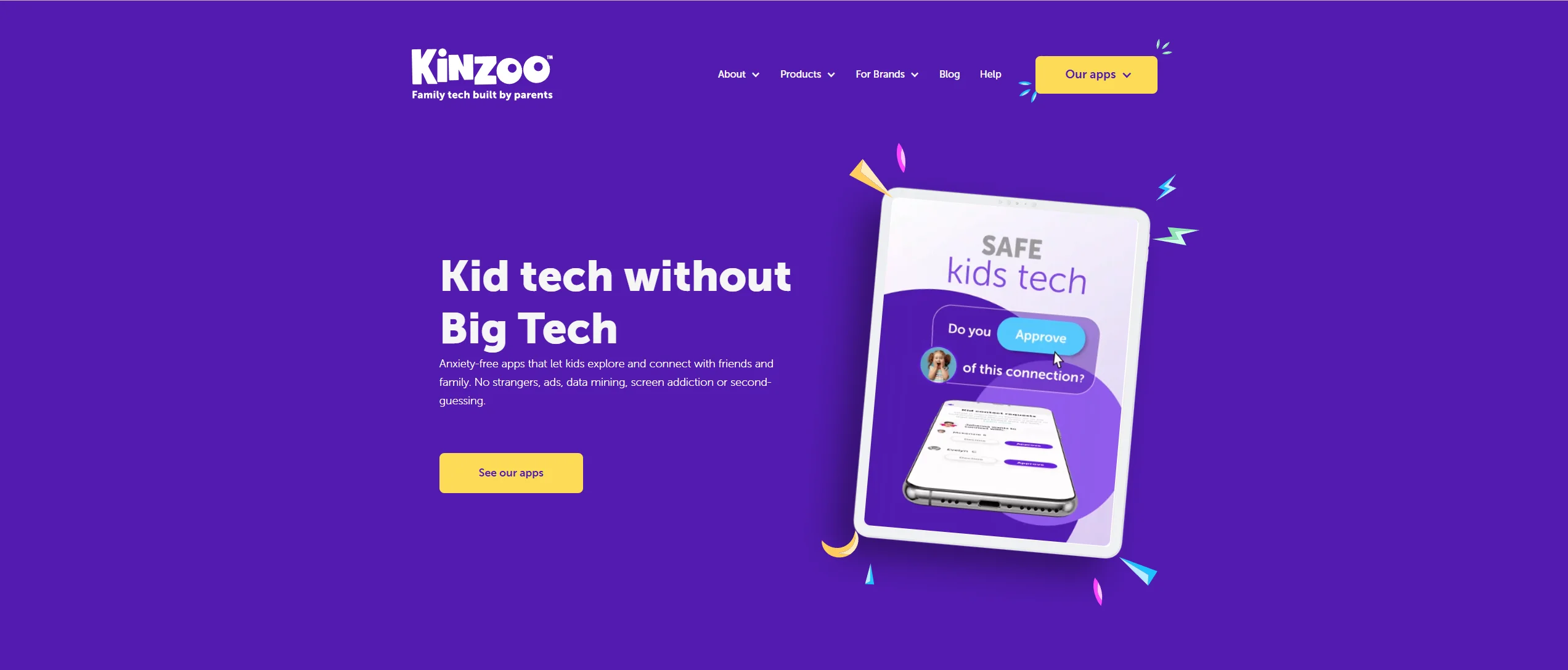
Kinzoo Messenger is often described as a “private ecosystem.” Its core philosophy centers on the “Three C’s”: Connection, Creativity, and Cultivation. Kinzoo states that it does not sell user data or display targeted advertising. Monetization occurs through optional premium content and in-app purchases. For parents, the primary draw is the closed contact system, where every single connection must be manually approved. It functions as a communication app that feels like a digital scrapbook and chat room combined, emphasizing high-quality interactions over quantity.
What JusTalk Kids Offers for Families

JusTalk Kids is the child-focused sibling of the broader JusTalk messenger. It is built as a video-first communication tool. While it supports text messaging features, its primary strength lies in its video call capabilities, including interactive tools such as real-time doodling, games, and stickers. It is particularly popular for kids and families who want a “fun” experience that mimics adult apps but remains within a safe space managed by a 4-digit parental passcode.
Core Differences Between Both Apps
The fundamental difference lies in their interaction models. Kinzoo focuses on a privacy and security-centric ecosystem that feels more like a protected family journal. JusTalk Kids leans into the “playful” side of digital communication, offering more flashy tools for video chat. While Kinzoo aims to be a “healthy technology” alternative to social media, JusTalk Kids aims to be a safe and fun version of a professional video call platform.
Age Suitability and Target Audience
Choosing the ideal messaging app often depends on your child’s developmental stage. A six-year-old has different needs than a twelve-year-old.
Apps for Kids Under 13
Both platforms are explicitly designed for kids under 13, complying with the Children’s Online Privacy Protection Act (COPPA).
- Kinzoo: Often well suited for first-time users (ages 6–9). The interface is extremely simplified, and the lack of stimulating “bells and whistles” helps prevent digital overstimulation.
- JusTalk Kids: Appeals to the 8–12 bracket. At this age, kids enjoy the creative agency of using filters and playing games during calls with classmates or cousins.
Apps for Kids Ages 13 and Older
Once a child reaches ages 13 and older, they often feel they have “outgrown” these platforms.
- Transitioning: Most messaging apps for children are designed to be “training wheels.” By age 13, many children transition to mainstream messaging platforms such as Facebook Messenger (with supervision) or WhatsApp.
- Extended Use: Kinzoo’s “all-ages” branding makes it more palatable for older family members (grandparents) to use the app to communicate with family without feeling like they are using a “baby app.”
Best Age Fit Based on Features
| Feature | Recommended Age | Reason |
| Simple Texting | 6–8 | Focuses on basic literacy and digital etiquette. |
| Interactive Video Calls | 8–11 | Better motor skills for doodling and gaming during calls. |
| Group Chat with Friends | 10–12 | Preparing for the social dynamics of middle school. |
Safety Features and Privacy Controls
For most parents, peace of mind is the most important feature. Here is how these apps provide a safe environment.
Contact Approval Systems
In both apps, children who use the service must have their contacts vetted.
- Kinzoo: Uses a “Parental Approval” workflow. If your child wants to chat with a friend, you receive a notification on your device to approve the request.
- JusTalk Kids: Also requires parent approval. However, it uses a phone number or a unique JusTalk ID. A major plus is that kids don’t need a phone number of their own; they can use the app on a tablet via Wi-Fi.
Data Privacy and Advertising Policy
Privacy is where these apps offer additional features compared to standard platforms.
- Kinzoo: Ad-free and does not sell data. It is COPPA certified, meaning it complies with U.S. regulations for protecting children’s online privacy.
- JusTalk Kids: Claims end-to-end encryption. However, JusTalk has faced public reporting about past data exposure incidents. The company currently states that messages and calls are end-to-end encrypted. As with any communication platform, parents should review current privacy policies and updates before use.
Content Moderation and Reporting Tools
Monitoring conversations requires balancing privacy with security and safety.
- Sensitive Content Warning: JusTalk Kids offers a feature called ‘Sensitive Content Control,’ which allows parents to monitor and manage potentially inappropriate content (availability may vary by platform).
- Reporting: Both apps allow children to block or report users, which immediately notifies the parent.
Communication Features Comparison
How do these apps actually perform when you want to stay connected?
Messaging and Media Sharing
- Kinzoo: Focuses on “meaningful” media. You can share photos, videos, and even “stories” that look like digital books.
- JusTalk Kids: Similar to apps like Snapchat, but without disappearing messages. It is a high-energy chat app experience.
Video and Voice Calling Experience
| Feature | Kinzoo | JusTalk Kids |
| Call Quality | High Definition | High Definition |
| Interactive Tools | Face Filters | Doodles, Games, Stickers |
| Group Calls | Kinzoo Messenger supports group audio calls (‘Jams’). Kinzoo Together does not currently support group video calls | Supports up to 50 people |
Creative and Interactive Tools
Kids enjoy chatting more when there is an element of play. JusTalk Kids offers a wider range of playful features, including additional stickers and in-call games. Kinzoo, however, offers a “Paths Center” with podcasts and stories, which may indicate a more educational focus.
Pricing Comparison

Many apps are free, but the “freemium” model is common in 2026.
Free Version Features
Both apps allow users to download and access basic video chat and messaging functions for free. You can stay connected with family without spending a dime on the basic version of the app.
Subscription Plans and Costs
- Kinzoo: Kinzoo Messenger is free to download and use, with optional in-app purchases and premium content. Kinzoo Together is a separate product with multiple subscription tiers (including a free plan and paid plans that unlock additional content). Pricing may vary by region and platform.
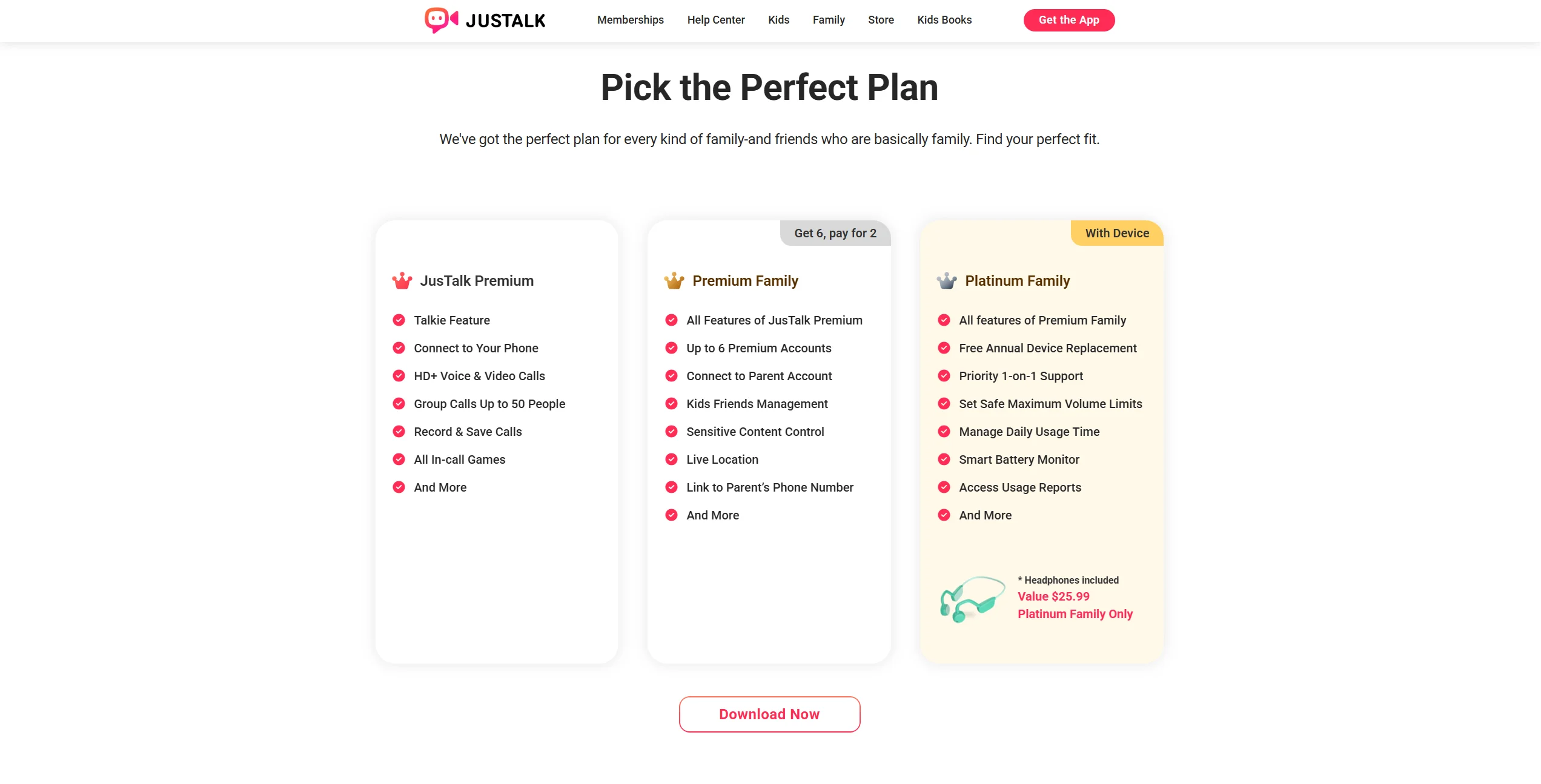
- JusTalk Kids: JusTalk Kids offers a Premium subscription priced at $10.99 per month or $39.99 per year (USD, auto-renewable). Family plans are also available at higher tiers.
Value for Money
For families who only need basic communication features, the free versions may be sufficient. The subscription is only necessary if your child wants the full “entertainment” suite.
Pros and Cons of Each App
Kinzoo Strengths and Limitations
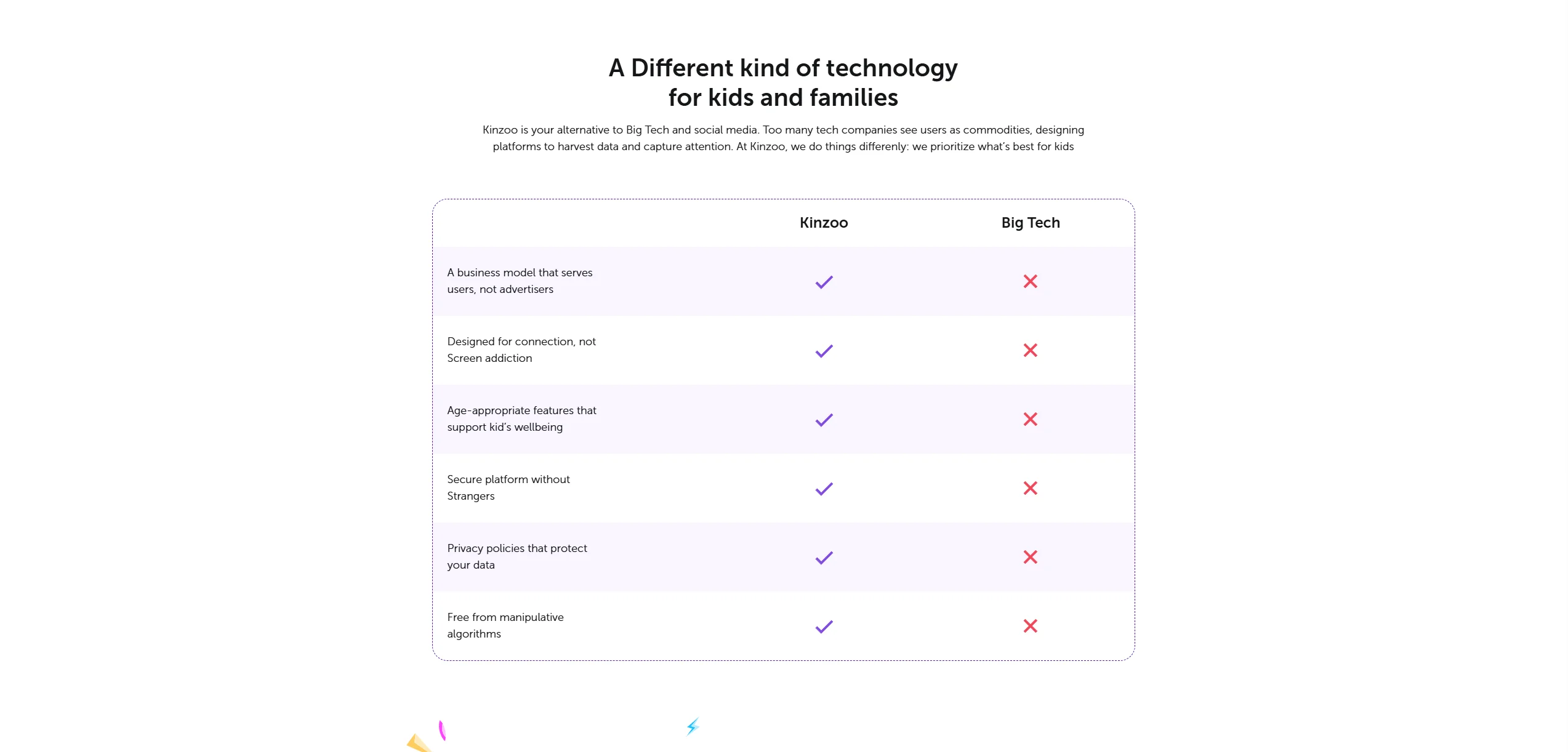
- Pros: Extremely high privacy standards; no “social” pressure (no likes/followers); great for storytelling.
- Cons: Interface might feel “too simple” for older children; fewer interactive games during calls.
JusTalk Kids Strengths and Limitations
- Pros: Robust video call features; highly engaging for kids; supports large group chats for school projects.
- Cons: Premium features can be expensive; the “gamified” interface can lead to higher screen time.
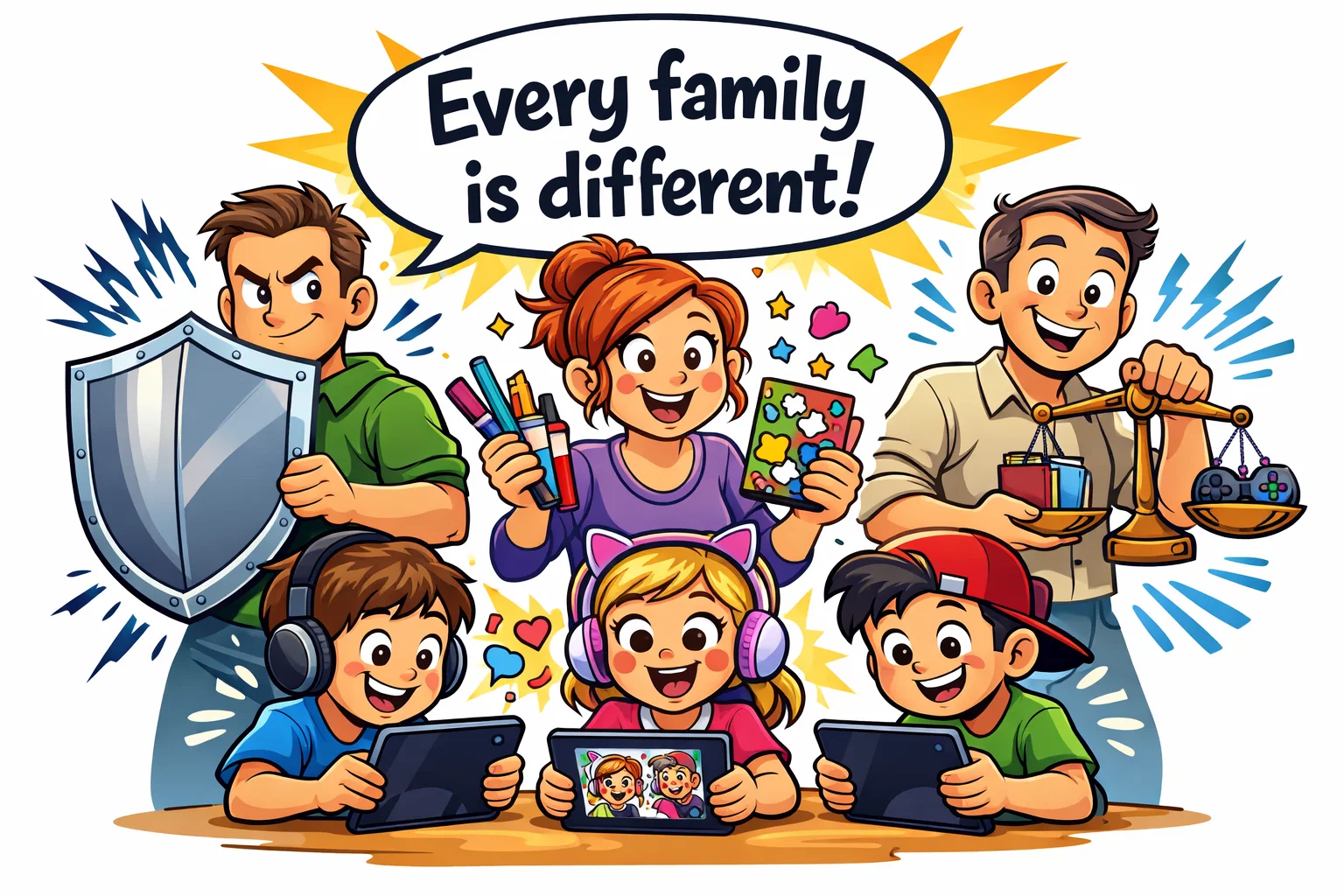
Which App Fits Different Parenting Styles?
Privacy-First Families
If your primary goal is to minimize data tracking and maintain a controlled communication environment, Kinzoo may be the better fit. It aligns with parents who want to delay the “social media” experience as long as possible.
Interactive Communication Focus
For families who live apart and want to stay in touch through play, JusTalk Kids may be a strong choice. It allows a grandparent to play a game with a grandchild during a video chat, making the technology a bridge rather than a barrier.