

Choosing the right digital environment for your child’s early education can feel like a daunting decision. With dozens of options claiming to be the “best educational app,” parents often find themselves choosing between two top contenders: Kiddopia and Khan Academy Kids. Both platforms offer a rich library of interactive games and activities designed to foster early childhood development, but they approach the learning process from very different philosophies.
One prioritizes a vibrant, subscription-based world of imaginative play and role-playing, while the other offers a completely free, standards-aligned curriculum backed by world-class educators. Understanding which learning platform aligns with your child’s needs requires looking past the colorful characters and into the educational substance. In this guide, we’ll compare the strengths, pricing, and unique features of each app to help you find the best fit for your family.
Introduction to Kiddopia and Khan Academy Kids
At their core, both Kiddopia and Khan Academy Kids are designed to make learning fun for children in the early childhood stage. They typically cater to the ages 2 to 8 bracket, focusing on foundational skills like the alphabet, math skills, and social-emotional development. However, their “personalities” differ significantly.
Kiddopia is a premium educational application that emphasizes creativity, role-playing, and variety. It feels like a digital playground where kids can learn to bake a cake one minute and solve a math puzzle the next. On the other hand, Khan Academy Kids is a robust, completely free resource developed by experts at Khan Academy. It follows a more progressive learning path, guiding kids through a structured curriculum of early reading, literacy, and logic. While both apps are highly rated, your choice will likely depend on whether you prefer a gamified experience or a guided educational journey.
Overview of Kiddopia
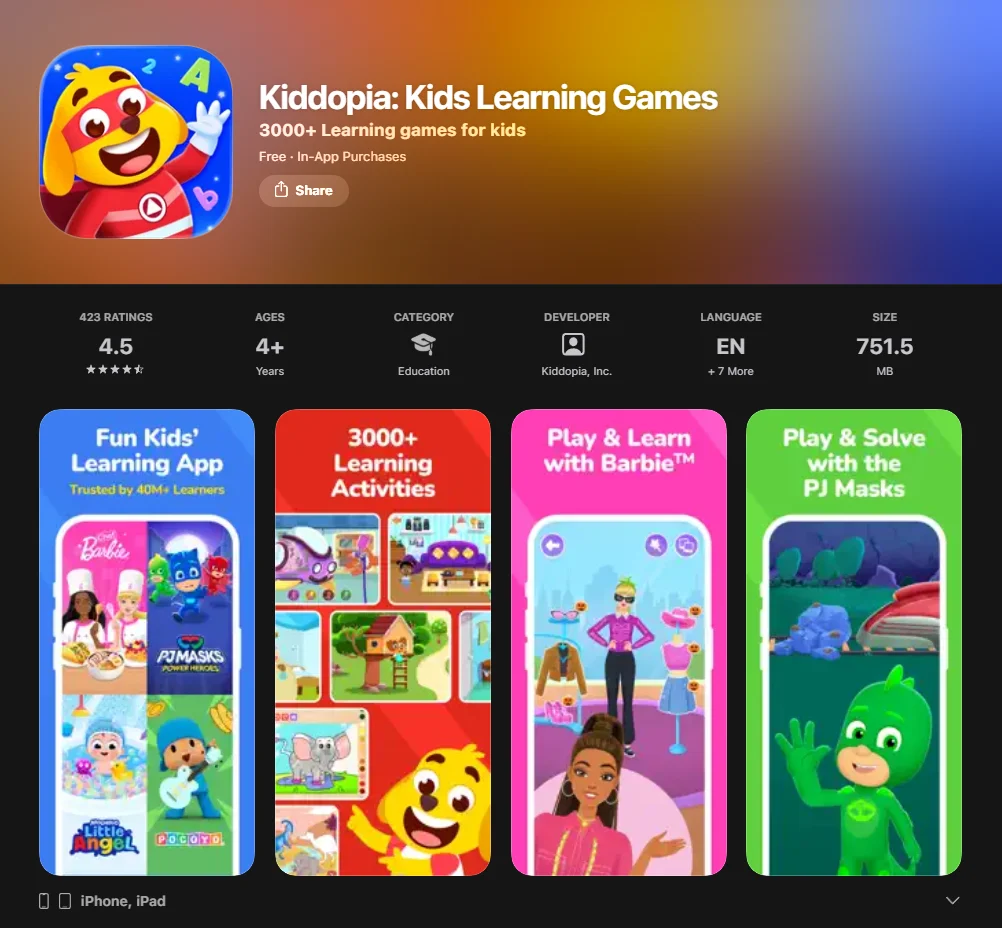
Kiddopia has become a leading app for kids by focusing on “the joy of discovery.” Developed by parents, it aims to provide a safe, ad-free environment where toddlers and preschoolers can explore without frustration. The app offers a wide range of content that goes beyond traditional academics, incorporating practical skills like cooking, pet grooming, and even navigation.
Key Features of Kiddopia
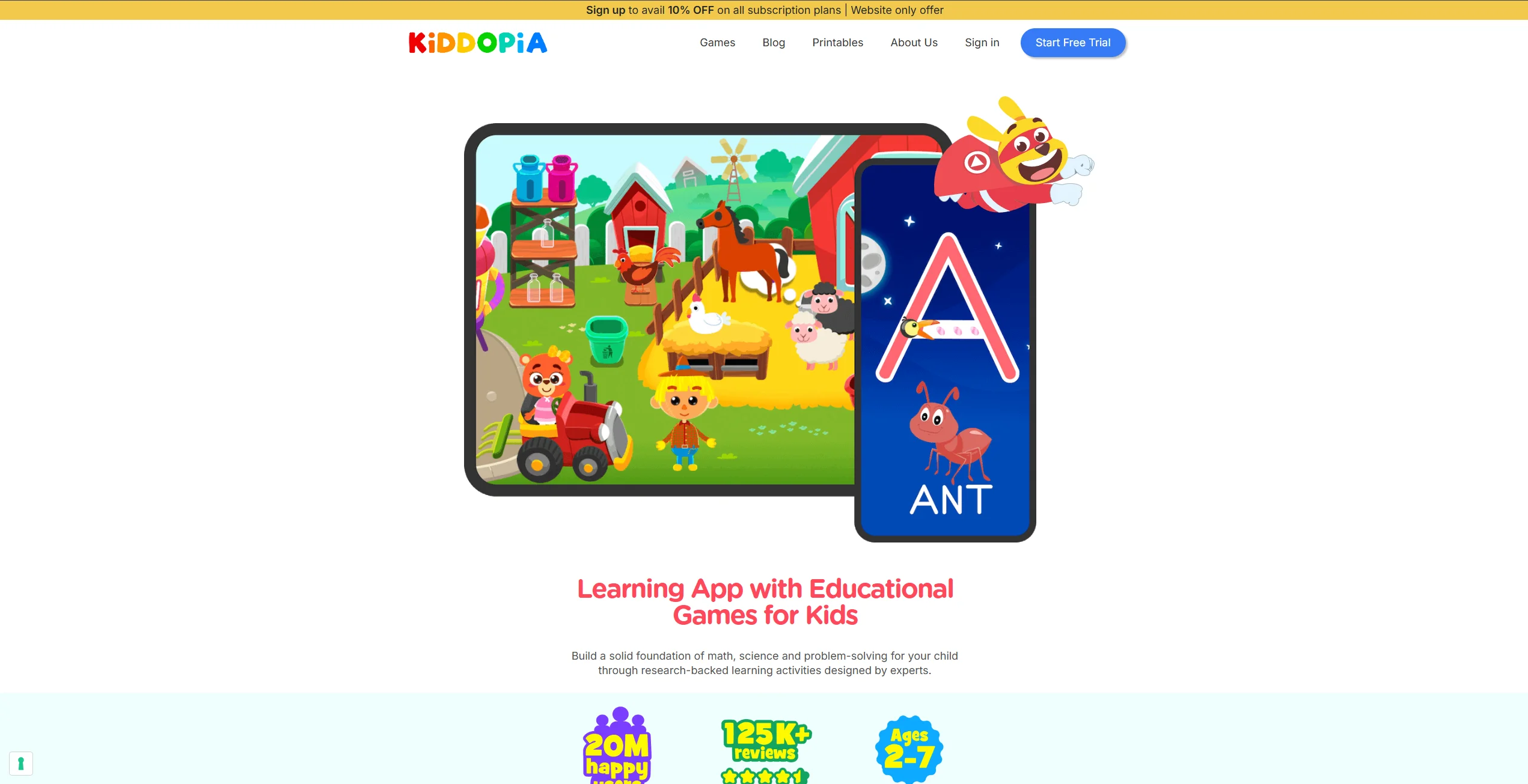
The app stands out for its sheer volume of content and its “sandbox” feel. Some of the key features include:
- 3,000+ Educational Games: An ever-expanding library covering everything from phonics to constellations.
- Creativity and Role-Playing: Unique activities like a “Junior Chef” module, hair salon games, and “My Wonderland Town.”
- Special Character Collaborations: Includes familiar faces like Barbie™ and PJ Masks to keep kids engaged.
- Offline Mode: Most content can be downloaded, making it a reliable mobile app for travel.
Kiddopia Age Appropriateness
Officially targets children ages 2–7, but it is particularly effective for younger children, specifically toddlers and preschoolers. The content may be too simple for children older than 6–7 years. The intuitive drag-and-drop mechanics and visual instructions are ideal for children who haven’t yet mastered basic reading. Older children (6–8) might find the games a bit too simple, though the creative modules still hold significant appeal for imaginative play.
Kiddopia Pricing
Unlike some competitors, Kiddopia does not offer a truly free version. Instead, it relies on a subscription model:
- Free Trial: Usually a 7-day period to explore all content.
- Monthly Subscription: Approximately $12.99/month.
- Annual Subscription: Usually around $79.99/year, but sometimes discounted to $69.99/year or with special offers for 3 months (~$24.99).
Kiddopia Usability and Accessibility
The user interface is vibrant and designed for independent learning. Icons are large, and audio prompts guide children who cannot yet read. Available on iOS and Android devices. A common user complaint is the occasional “high pressure” from animated characters tapping their feet if a child takes too long to answer, though it is not a major issue.
Overview of Khan Academy Kids
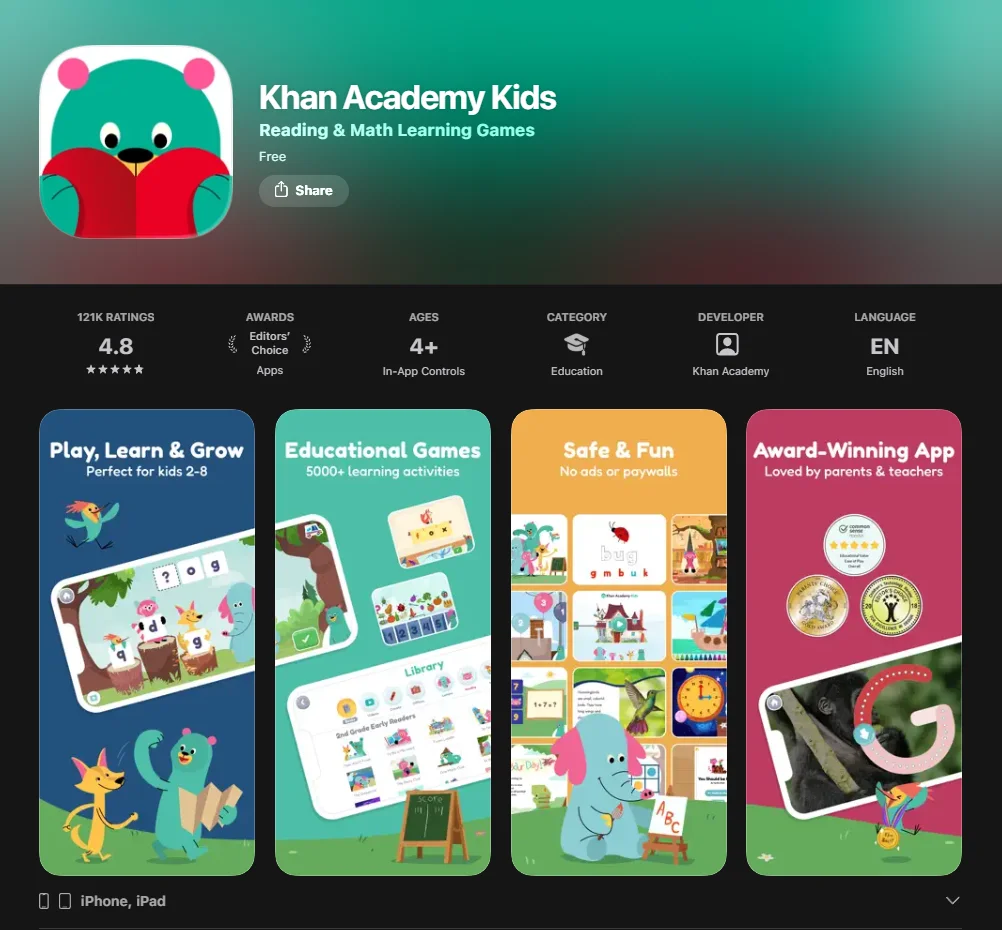
Khan Academy Kids is frequently regarded as the gold standard for free learning apps. As a 501(c)(3) nonprofit, Khan Academy Kids is committed to providing world-class education free of charge. The app features five charming animal characters—like Kodi the Bear—who lead children through a learning path to guide them from preschool through second grade.
Key Features of Khan Academy Kids
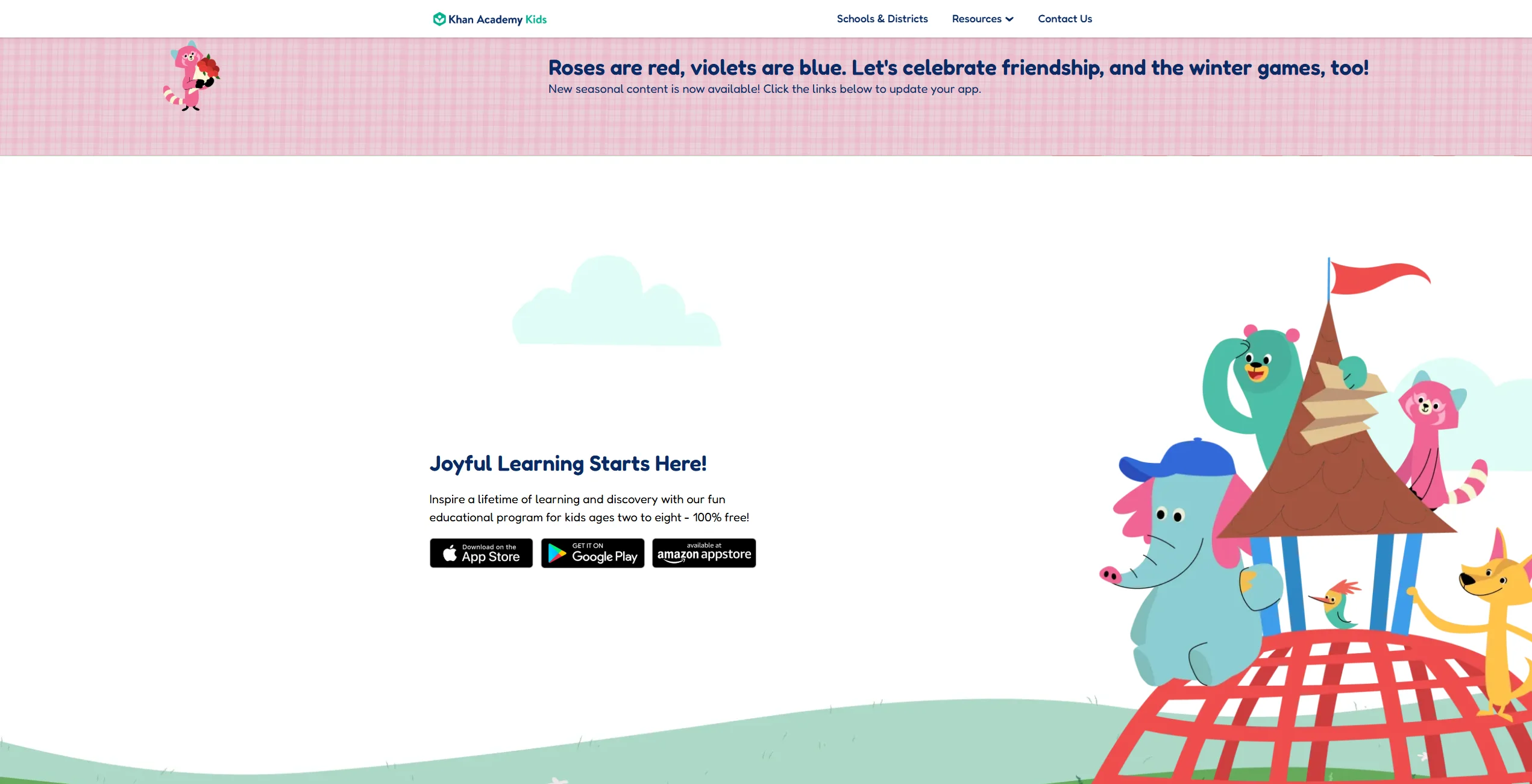
The app focuses less on “mini-games” and more on providing a comprehensive learning experience.
- Standards-Aligned Curriculum: Lessons in math, reading, and logic align with Common Core standards.
- Digital Library: Includes hundreds of high-quality storybooks from National Geographic and Bellwether Media.
- Adaptive Learning: The app provides a personalized experience, adjusting difficulty based on the child’s performance.
- Creative Suite: A built-in drawing and coloring tool that allows kids to express themselves between lessons.
Khan Academy Kids Age Appropriateness
Ideal for children ages 2–8 with content that scales in difficulty. For younger children (2–5), the focus is on phonics, ABC recognition, and basic math, while for older children (6–8), the app introduces more complex math skills and reading comprehension. For preschoolers, the focus is on ABC recognition and counting. For older children, the app transitions into more complex math skills (like addition and subtraction) and reading comprehension. Because the content scales in difficulty, it remains relevant for a longer period than many other apps.
Khan Academy Kids Pricing
This is the biggest selling point for many families: Khan Academy Kids is 100% free.
- No Subscriptions: You get full access to the entire library from day one.
- No Ads or In-App Purchases: There is zero risk of your child accidentally spending money or being exposed to marketing.
Khan Academy Kids Usability and Accessibility
Available on iOS, Android, and Amazon Fire devices. The app also features a “Teacher Mode” for educators to assign lessons and track progress. It also offers a “Teacher” mode, allowing educators to assign specific lessons and track progress, making it a favorite for both home and school environments.
Comparison of Kiddopia vs Khan Academy Kids
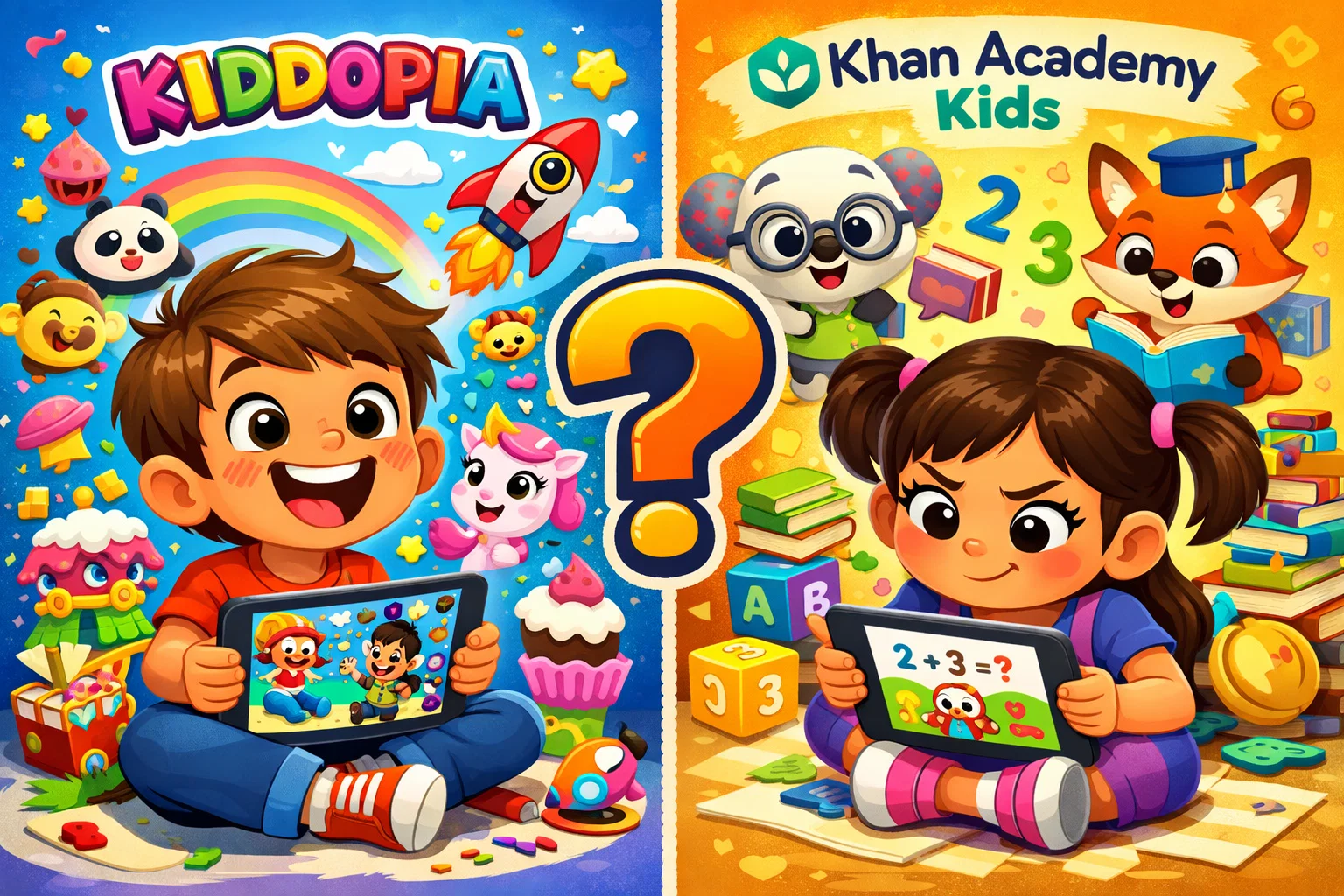
When comparing Kiddopia and Khan Academy Kids, the “winner” often depends on what you want from screen time. Are you looking for a creative outlet or a structured tutor?
| Feature | Kiddopia | Khan Academy Kids |
| Primary Focus | Gamified play & creativity | Structured academic path |
| Cost | Subscription (~$79/yr) | Completely free |
| Ad-Free | Yes | Yes |
| Curriculum | Broad (includes life skills) | Academic (Reading, Math, Logic) |
| Characters | Barbie, PJ Masks, Original | Kodi the Bear & Friends |
| Progress Reports | Limited | Detailed parent/teacher dashboard |
Educational Approach: Play vs Structured Learning
Kiddopia uses a “learn through play” model where education is often secondary to the activity. For example, a child might learn about shapes by “baking” cookies. This makes it highly engaging for kids who resist traditional “lessons.”
Khan Academy Kids uses an adaptive learning model. While still fun, it feels more like an educational program. It explicitly teaches phonics, alphabet sounds, and numbers through guided repetition and interactive books. Children using Khan Academy Kids have shown significant gains in pre-literacy skills, especially those from low-income backgrounds.
Content and Subject Variety
While both apps cover the basics, Kiddopia offers a broader variety of “extra-curricular” topics. You’ll find sections on the solar system, human body, and even community helpers (doctors, dentists).
Khan Academy Kids shines in its early reading and literacy content. The integration of National Geographic books provides real-world knowledge that feels more “academic” and grounded. Its math skills progression is also more robust for children heading into 1st and 2nd grade.
Personalization and Reports
If you like to see exactly what your child is mastering, Khan Academy Kids takes the lead. Its parent dashboard shows progress across specific skills like “short vowels” or “counting to 20.” Kiddopia offers less in terms of granular data, focusing more on providing a general learning environment where kids will have a blast.
Age-appropriate Learning: Which App Works Best for Your Child?
Kiddopia for Preschoolers
For preschool and early learners who have short attention spans, Kiddopia is often the best fit. The high-energy animations and variety of educational games for kids keep them moving from one task to another. It is particularly good for fine motor skill development through its drawing and “stacking” games.
Khan Academy Kids for Elementary Students
Once a child reaches the age of 6 or 7, they often require more “depth” in their educational resources. Khan Academy Kids provides this through its leveled reading and 2nd-grade math curriculum. While Kiddopia might start to feel “babyish,” the storybooks and logic puzzles in Khan Kids remain challenging and intellectually stimulating for older children.
When choosing an educational app, don’t just look for what keeps them quiet. Look for an app that encourages ‘active’ rather than ‘passive’ screen time. Apps like Khan Academy Kids that ask children to draw, speak, or solve puzzles are generally better for cognitive development than those that only require tapping.