

When looking for a high-quality learning app for kids, parents and educators often ask whether SplashLearn is a reliable choice for building foundational skills. The short answer is mostly yes: SplashLearn is a safe and engaging learning platform that combines curriculum-aligned content with a game-based approach. By focusing on math and reading, the platform aims to make practice feel more enjoyable and less like a chore, which can make it a good fit for early learners.
SplashLearn stands out for combining personalized practice paths with an intuitive, playful user experience. For families looking to address learning gaps or add engaging practice at home, the platform offers a structured environment that can make academic practice more appealing to children. With its emphasis on interactive practice, SplashLearn stands out in a crowded market as a tool designed to help children build skills and develop a positive attitude toward learning.
What Is SplashLearn?
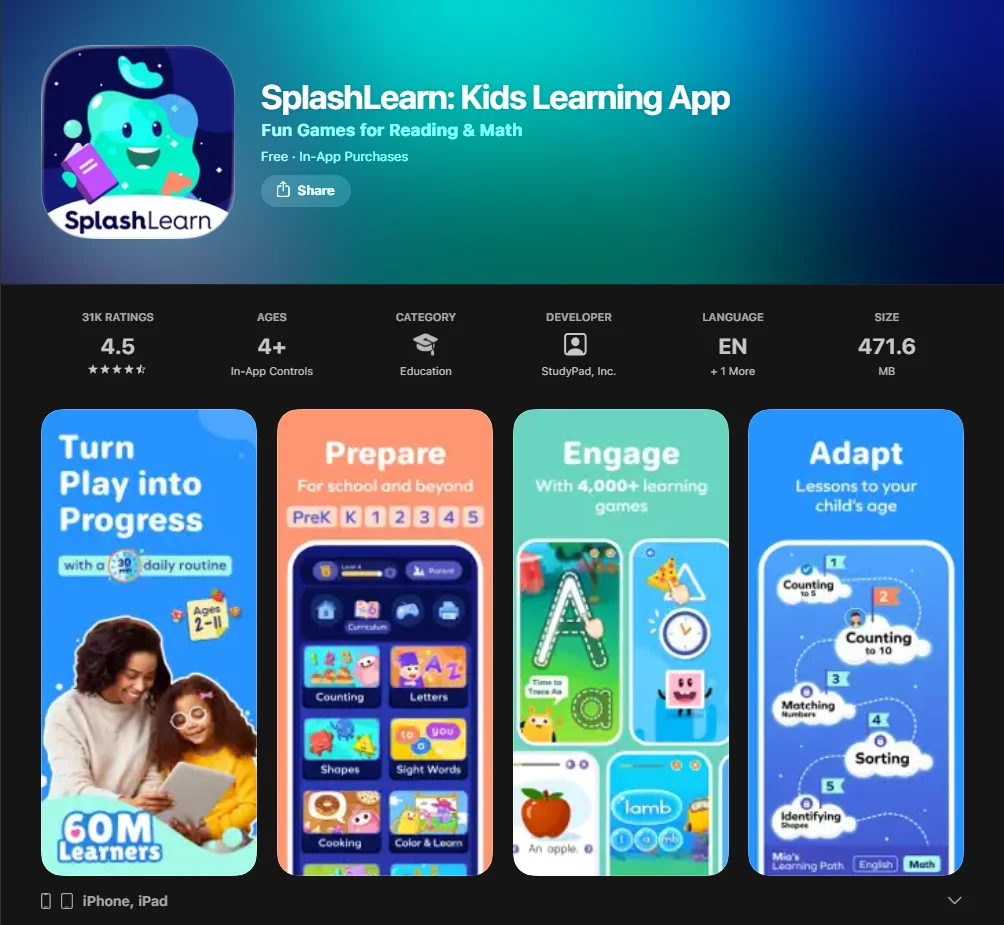
SplashLearn is a game-based learning platform that offers digital math and reading content for elementary school students. It can serve as a bridge between classroom instruction and home practice by offering educational games, interactive worksheets, and, in some plans or formats, live classes. Originally known for its math content, the platform has expanded to include reading activities, giving families support in both literacy and numeracy.
SplashLearn Overview
The app is designed to make practice more engaging and accessible through a game-style format. Available as both an iOS app and a browser-based platform, it offers flexibility for different home and classroom setups. Unlike passive entertainment, SplashLearn offers structured practice in which math and reading activities are tied to specific skills. It functions like a digital practice tool that adapts to a child’s pace, helping learning feel more manageable and less frustrating.
Age Range and Grade Fit
The platform is designed for children from PreK through 5th grade.
- Younger children in PreK and Kindergarten typically work on basic counting, number recognition, and phonics through highly visual activities.
- Older elementary students can work on more advanced topics such as fractions, decimals, and reading comprehension.
- The app is primarily aimed at children in PreK through 5th grade, which generally corresponds to roughly ages 4–11.
Who SplashLearn Is For
SplashLearn may be a good fit for several groups:
- Parents who want screen time to feel more purposeful and aligned with school standards.
- Teachers who use the free for teachers version to assign math practice and track classroom metrics.
- Homeschooling families are looking for either a core resource or a supplemental tool that requires relatively little adult supervision.
- Children who need extra practice in math or reading without the pressure of traditional testing.
Learning Goals
The primary goal is to make learning more engaging and consistent. Through regular practice, children can build math skills, improve reading fluency, and develop more consistent study habits. The app focuses on “short wins,” where kids get instant feedback, helping them gain the confidence necessary to tackle harder academic challenges. This kind of immediate feedback can help children stay engaged and build confidence over time.
How SplashLearn Works
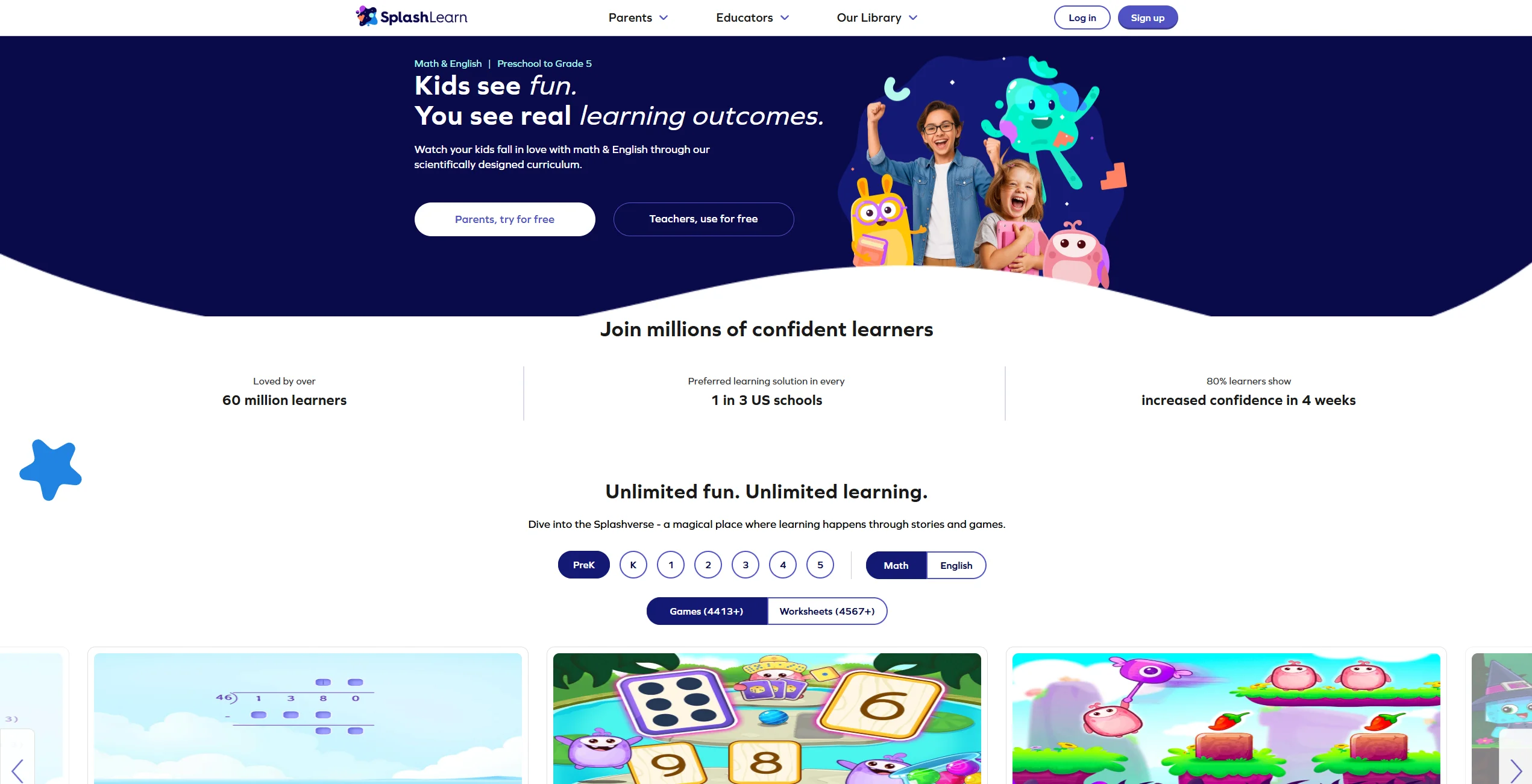
Understanding the approach to learning within the app is simple. It follows a logical flow that respects a child’s learning pace while ensuring they stay on track with their academic goals.
Setup and First Steps
Getting started involves downloading the app from the App Store or Google Play. Parents create an account and a specific profile for their child, selecting their current grade level. This initial setup helps the platform choose an appropriate starting point for personalized practice. During setup, parents create a child profile and select a grade level, after which SplashLearn adjusts practice based on the child’s progress and performance.
Game-Based Lesson Flow
Once the profile is active, children learn by navigating a vibrant map of activities. SplashLearn uses games to teach concepts; for example, instead of completing a traditional worksheet, a child might solve math facts to help a character progress through a game. This gamified approach can make practice feel less intimidating and more enjoyable. The app is well suited to short, interactive practice sessions, but SplashLearn does not appear to recommend one fixed “optimal” session length for all elementary-age children.
Adaptive Practice by Level and Skills
The platform utilizes personalized learning pathways. If a child excels at a particular topic, the app provides more challenging tasks immediately. If the system detects gaps, it adjusts the practice path to provide more support in those areas. This helps keep the difficulty level appropriate, so the content feels neither too easy nor too frustrating.
Worksheets and Extra Practice
Beyond the online learning sessions, SplashLearn provides thousands of printable worksheets. These can be useful for parents who want to reduce screen time while still reinforcing skills tested in math and reading. These offline materials also give younger children a chance to practice with pencil and paper.
Parent and Teacher Progress Tracking
One of the app’s strongest features is its progress tracking, which helps parents and teachers see how a child is doing. The progress tracking dashboard provides detailed insights into:
- Time Spent: Total minutes spent on different subjects or activities.
- Skill Mastery: Specific concepts the child has conquered.
- Trouble Spots: Areas requiring more math practice or adult intervention.
- Accuracy Rates: Performance data across different study categories.
Core Features and Functionality
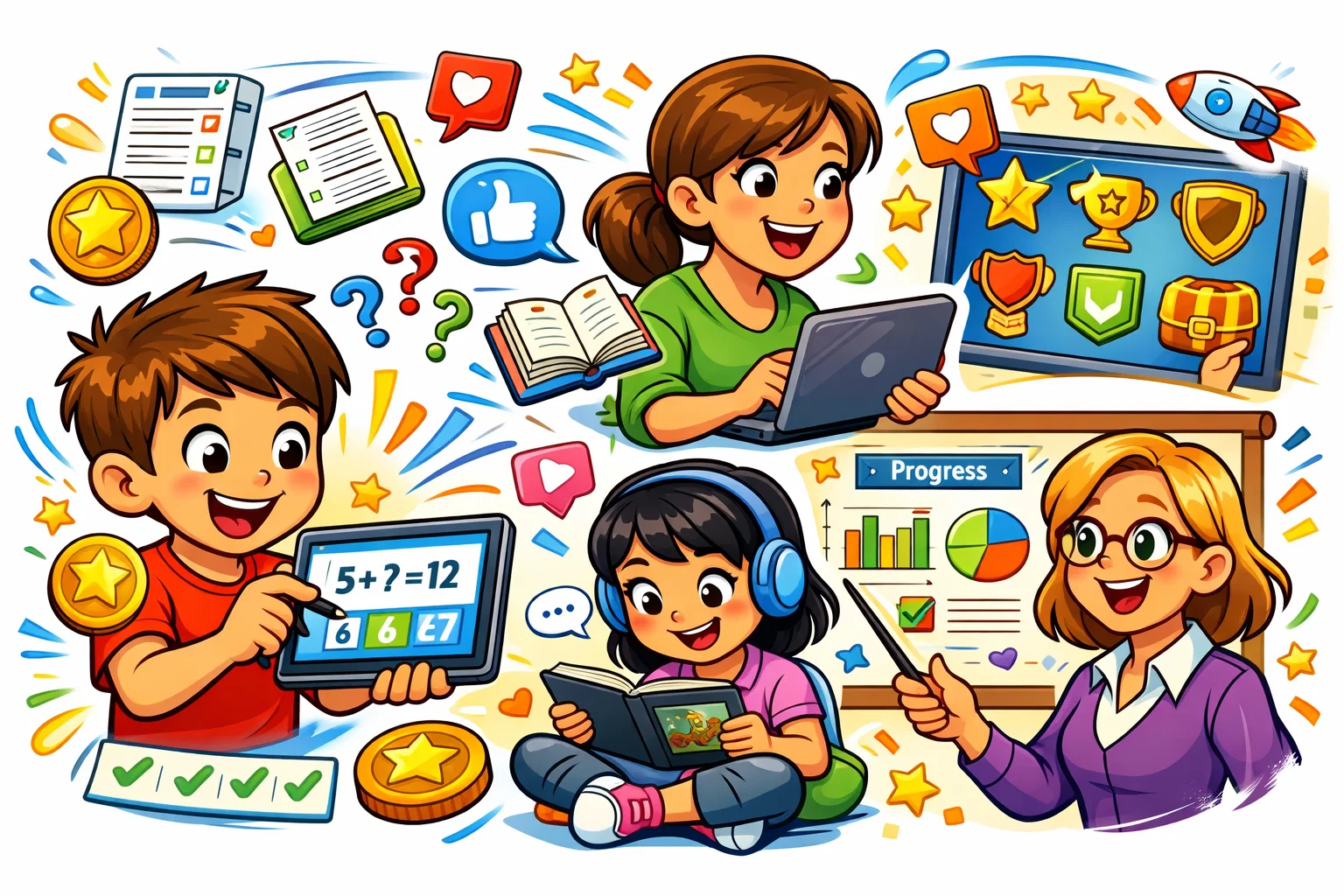
| Feature | Description | Primary Benefit |
| Math Games | SplashLearn offers a wide range of math activities aligned with PreK–5 skills. | Builds fluency in math facts. |
| Reading Program | Includes phonics, sight words, and reading activities. | Supports early literacy and decoding. |
| Personalized Paths | Adaptive difficulty algorithms. | Tailors the educational journey. |
| Reward System | Children earn coins that can be used for in-app rewards, such as virtual pets. | Maintains high student engagement. |
| Offline Practice | Printable worksheets and downloadable materials. | Encourages study away from screens. |
| Live Classes | SplashLearn also offers live classes, alongside games, activities, and worksheets. | Real-time feedback from educators. |
Math Games
The math game selection is the backbone of the platform. Covering everything from basic shapes to complex long division, the online math modules use a game-based learning approach to ensure that skills become second nature. The content is designed to align with Common Core and other curriculum standards, which can make it a useful supplement to schoolwork.
Reading Activities for Early Learners
The reading component is designed to support early literacy development in younger children. It covers the “Big Five” of reading: phonemic awareness, phonics, fluency, vocabulary, and comprehension. Through interactive stories and reading activities, the app aims to help children progress from learning to read toward reading with greater confidence and comprehension.
Personalized Learning Paths
SplashLearn uses adaptive and personalized practice pathways based on a child’s level and progress. This means that two students in the same grade might see completely different activities based on their strengths and weaknesses. This level of personalization is difficult to achieve in a traditional classroom setting with 30 students.
Gamified Lessons and Rewards
To make learning more enjoyable, the platform uses a reward system that many children find motivating. As they complete activities, they earn coins that can be used within the app’s reward environment. This gamified learning strategy turns math practice into a rewarding hobby. Its reward system is designed to keep children engaged through game-like motivation and positive reinforcement.
Independent Practice
The user interface is designed with young children in mind. Large buttons, audio prompts, and intuitive icons make the app easier for young children to use independently. This independence builds self-efficacy and gives parents and teachers a much-needed break.
Why SplashLearn Is Good for Kids
Many users highlight the app’s intuitive design and engaging experience.
Age-Appropriate Design
The interface is bright, uncluttered, and includes spoken instructions. This is vital for kids who like to work independently but cannot yet read fluently. The interface is designed to be bright, simple, and easy for young children to navigate.
Engaging Learning Experience
By combining animation with interactive learning design, the SplashLearn app does a good job of holding children’s attention. Unlike passive videos, these educational games require active participation. If a child stops interacting, the app gently prompts them to continue, ensuring that screen time remains productive.
Skill-Building Through Play
Because SplashLearn presents practice in a game-based format, it can reduce some of the resistance children feel toward traditional math practice. Children may focus more on the game experience than on the fact that they are practicing academic skills. This kind of low-pressure practice can be especially helpful for reluctant learners.
Confidence and Independent Learning
The app provides a safe space to fail and try again. Kids get to master a skill at their own pace, which fosters a sense of autonomy. Instead of formal grades, children typically receive encouraging feedback and opportunities to try again.
Useful Support for Home Learning
For parents, SplashLearn acts as an insurance policy against “summer slide.” It can provide a structured way to maintain academic skills during school breaks. Its ease of use also makes it relatively easy to fit into a short daily routine, such as after school or before dinner.
Is SplashLearn Safe?
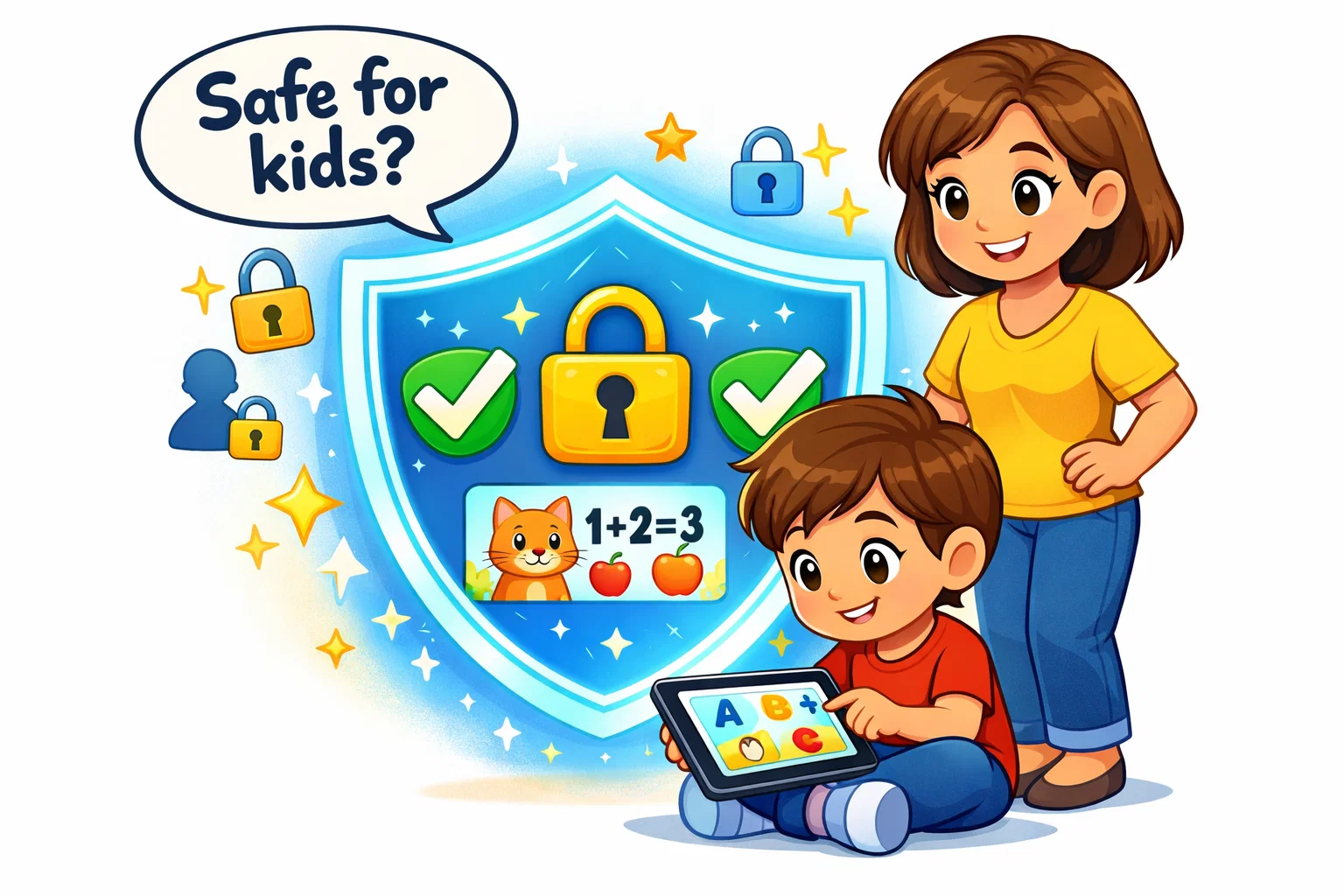
Safety is a primary concern for any digital learning app for kids. SplashLearn presents itself as a child-safe learning platform and states in its official materials that it follows child privacy standards and holds third-party safety certification.
Safety Review & Privacy
According to the company, the app is COPPA compliant and kidSAFE certified. The platform does not appear to include open social features, so children are not pushed into interacting with strangers online. SplashLearn states that student data is encrypted and protected, and its privacy policies explain how child data is collected and used.
Age-Appropriate Content
The content is presented as teacher-informed and curriculum-based rather than user-generated. The platform does not appear to rely on user-generated content. Every math game and reading story is reviewed for tone, language, and educational accuracy.
Ads, Distractions, and User Experience
One reason many parents prefer this over free YouTube videos is the total absence of third-party ads. The learning environment is entirely self-contained, ensuring kids don’t get distracted by irrelevant commercials or “clickbait” thumbnails. This helps keep the focus on learning activities rather than outside distractions.
Parent Oversight and Account Control
The app provides a dedicated “Parent Connect” dashboard. This allows parents and teachers to see exactly what was accomplished during a session. Parents can use the Parent Connect dashboard to monitor progress and activity.
SplashLearn Reviews and Testimonials
Parent Reviews
SplashLearn generally receives positive user ratings in app stores, although scores vary by platform and region. Users frequently praise the personalized learning path and how it manages to make learning fun. Many parent reviews praise the app for improving confidence and making math practice more engaging.
Teacher Reviews
SplashLearn says it is used by millions of learners and by many teachers and schools, although the company’s published figures can vary across pages. Teachers can use the reporting tools to see where a class is struggling and adjust practice accordingly. Teachers may use it during learning centers or as an option for students who finish classwork early.
What Users Like Most
The recurring themes in positive feedback include:
- High Engagement: Kids actually ask to play it.
- Curriculum Alignment: Parents feel the content matches what is taught in school.
- Ease of Use: Many users describe the app as easy to use, though app stability can vary by device and app version.
- Variety: With thousands of activities and games, children rarely get bored.
SplashLearn Pricing and Plans
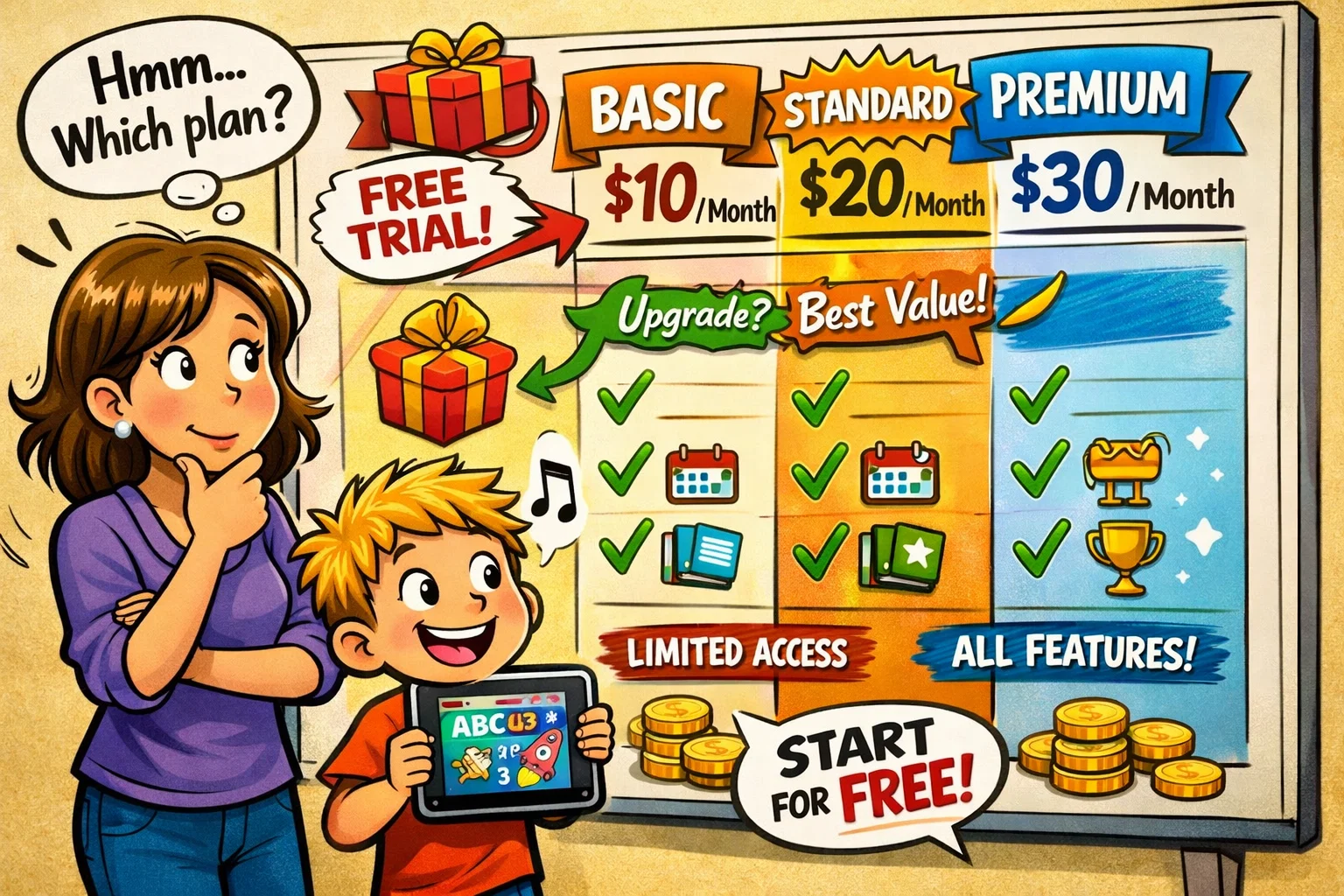
While SplashLearn offers some content for free, the full experience requires a paid subscription.
Pricing Overview
The platform operates on a “freemium” model. While some basic features are accessible for free, the comprehensive personalized learning experience requires a subscription. SplashLearn typically offers a free trial and several paid plans for families, although plan types and pricing may change over time.
Free Features for Teachers
It is important to note that SplashLearn is free for teachers. This free teacher access appears to be part of the company’s effort to support classroom use. Teachers can create classrooms, add students, and assign specific math practice tasks without any cost to the school.
Is SplashLearn Worth It?
Whether the SplashLearn app is worth the cost depends on how often a child uses it and how well it fits the family’s learning needs.
Value for Families
For busy families, the app can function as a low-maintenance educational tool. Because it is an engaging learning experience, parents don’t have to fight with their children to get them to practice. For some families, the convenience and structure may justify the subscription cost.
Learning Outcomes and Daily Use
In many cases, short and consistent practice sessions are easier for children to sustain than long, infrequent study blocks. SplashLearn is built for this “micro-learning” style. Consistent short practice sessions can support skill development over time, but outcomes depend on the child, the frequency of use, and the learning context.
SplashLearn Compared With Similar Learning Platforms
| Platform | Style | Key Difference from SplashLearn |
| Khan Academy Kids | Purely Instructional | Khan Academy Kids is free to use and has a different style that some families may find less game-focused than SplashLearn. |
| ABCmouse | Comprehensive World | ABCmouse covers a broader range of subjects, while SplashLearn is more focused on math and reading. |
| Prodigy Math | Fantasy RPG | Prodigy Math leans more heavily into RPG-style gameplay, while SplashLearn stays closer to structured academic practice. |
| IXL Learning | Rigorous Practice | IXL is often seen as a more drill-based platform, whereas SplashLearn places more emphasis on game-based interaction. |
Compared with SplashLearn, platforms like Prodigy Math are more game-centric, whereas SplashLearn stays closer to structured instructional practice. If you are comparing game-based math and reading platforms, SplashLearn is often included among the options families consider.