

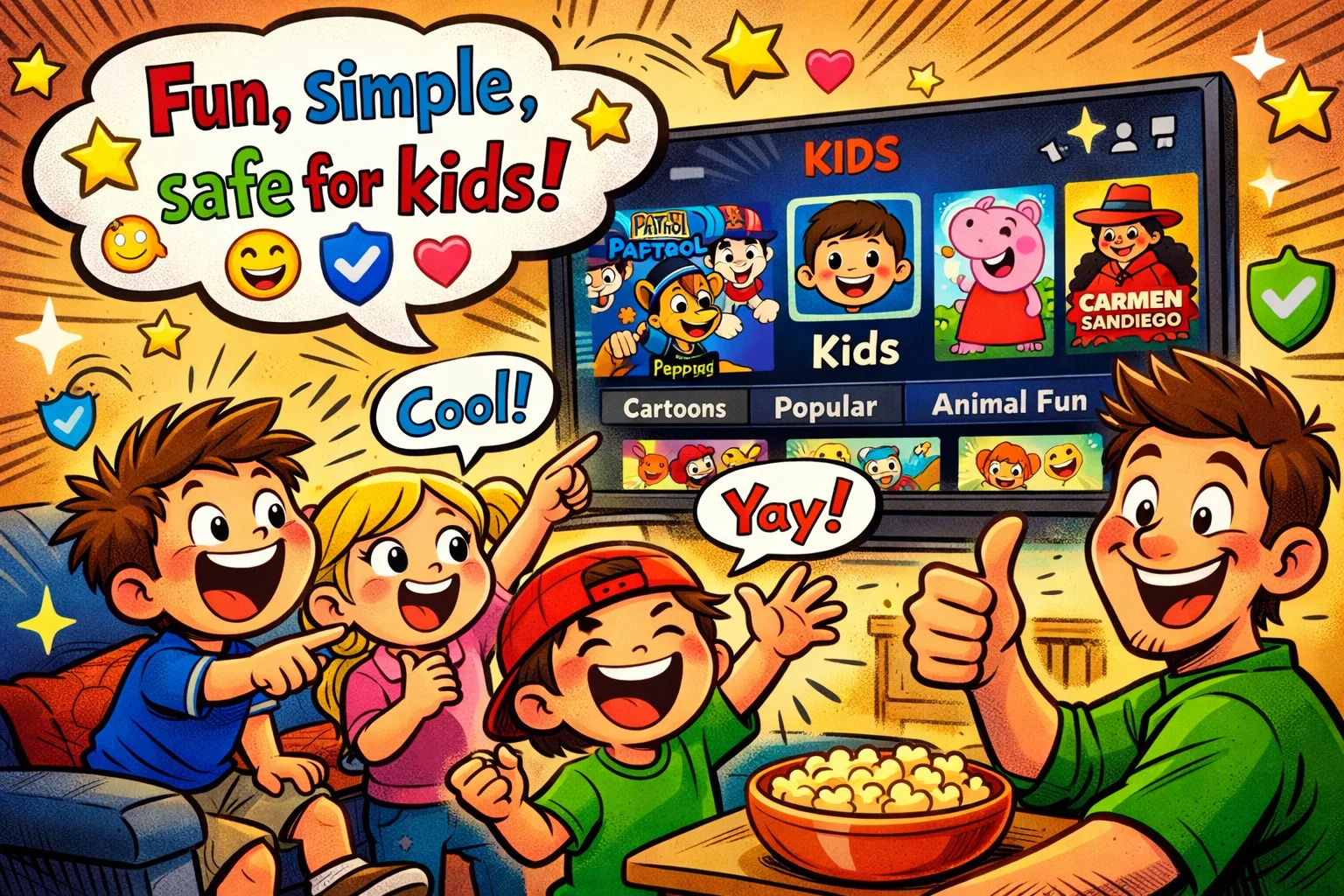
Determining whether a streaming service is safe for children is a top priority for modern parents. Netflix remains one of the leading platforms for family entertainment, offering a wide range of content, from educational cartoons to teen dramas. When configured correctly with a Kids profile and robust parental controls, Netflix provides a secure, high-quality viewing environment tailored to the needs of children.
This review explores why Netflix is a staple in many households and how parental control tools can help protect children from inappropriate content. By understanding how to set up parental controls, you can help ensure that your child’s viewing experience is balanced, age-appropriate, and enjoyable.
What Is Netflix Kids?
Netflix Kids is not a separate application but a specialized viewing environment within the main Netflix account. It is designed specifically to simplify the viewing experience for younger audiences. When a user opens a profile designated as “Kids,” the algorithm shifts to suggest only age-appropriate titles, and the overall library is filtered to exclude mature themes.
Essentially, it creates a controlled viewing environment in which the maturity level is tightly restricted. This allows children to explore a range of titles without the risk of accidentally stumbling upon a gritty crime documentary or an R-rated film or series.
Netflix Kids Features
Netflix Kids includes a simplified, child-focused interface, no direct access to account settings, and a library limited to shows, movies, and games selected for children.
- Simplified Navigation: The Kids profile uses larger character icons and a more visual layout, making it easier for children who cannot yet read to find their favorite programs.
- Character-Based Rows: Children often look for content by character rather than by title. Netflix organizes content so kids can find “Pokemon” or “Cocomelon” instantly.
- Cross-device access is supported, but some parental control settings may need to be managed in a web browser, depending on the device and profile type.
- Parents can turn off autoplay previews at the account or profile level; this is a parental control setting, not a feature unique to Netflix Kids.
Netflix Kids Content Categories
The library is diverse, ensuring that there is something suitable for different stages of childhood and adolescence. Typical categories include:
| Category | Content Examples |
| Preschool | StoryBots, Puffin Rock, educational cartoons. |
| School-Age | The Last Kids on Earth, Is It Cake?, nature documentaries. |
| Family Movies | Animated features, live-action adventures, and PG rated classics. |
| Teen Content | Young-adult series that explore social themes (available only with higher maturity-level settings). |
Netflix Kids Age-Based Experience
A toddler’s needs differ greatly from those of a teenager. Netflix gives parents the flexibility to adjust the maturity level for each individual profile. Netflix uses local maturity ratings that vary by region, so the available rating labels depend on the country. This helps ensure that the viewing experience evolves as the child grows.
Why Netflix Kids Is Popular With Families
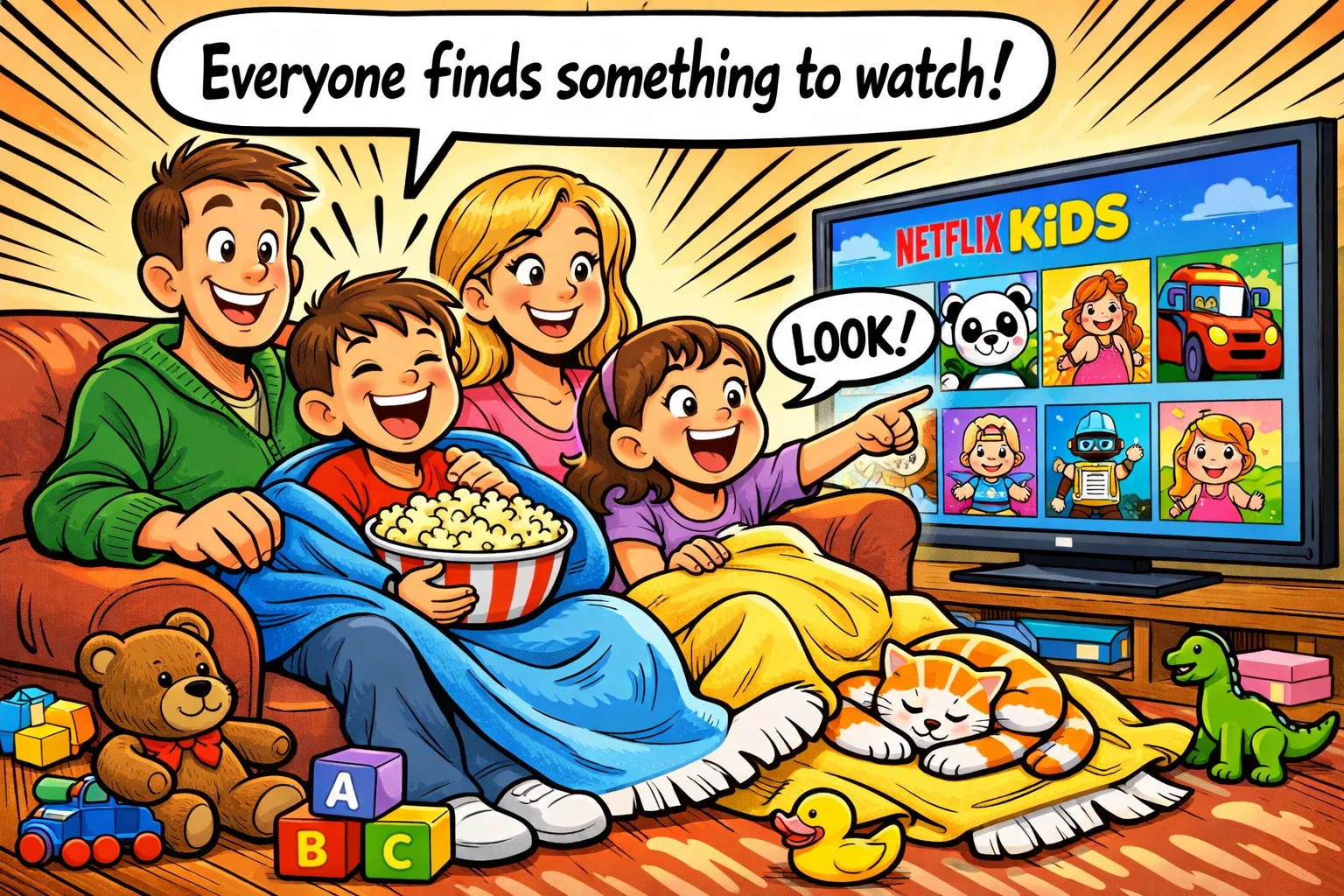
Netflix has become a household name in part because of its user-friendly experience. For families, the appeal lies in the sheer volume of films and shows, as well as the platform’s technical reliability.
Easy Access Across Devices
In the modern online world, children move between devices frequently. Netflix allows a seamless transition from watching on the living-room TV to watching on a tablet during a car journey. This portability is a significant factor for parents who need to regulate entertainment on the go.
Wide Choice Of Kids Shows And Family Movies
From high-budget original films and TV shows to licensed favorites, the variety is extensive. Whether a child wants a 20-minute cartoon or the family wants a feature-length film or TV special for movie night, the options are extensive.
Familiar Viewing Experience For Parents And Kids
Because most adults already know how to navigate the standard Netflix interface, there is no learning curve when setting up parental controls. That familiarity builds trust, as parents feel they understand how the platform works.
Why Netflix Kids Is Good For Kids
Beyond simply being safe, Netflix Kids can also offer entertainment and educational value that supports a child’s development. It provides a controlled space where they can exercise a degree of independence in choosing what to watch.
Kid-Friendly Interface
The interface is intentionally uncluttered. By removing the complex categories found on adult profiles, children feel empowered to navigate the library themselves, which can help build early digital literacy skills.
Age-Appropriate Viewing Options
The rating system is integrated directly into the algorithm. This means that if a profile is set to a specific maturity level, titles above that level simply do not appear in search results or recommendations. This prevents the “forbidden fruit” effect where children see posters for inappropriate content they aren’t allowed to watch.
Family Viewing Value
Netflix serves as a digital campfire. Many films and shows are designed for “co-viewing,” where the content is sophisticated enough for parents to enjoy while remaining safe for kids. This kind of shared viewing can strengthen family bonds.
Balanced Mix Of Fun And Educational Entertainment
While there is plenty of pure entertainment, Netflix has invested heavily in educational content. Many shows focus on STEM topics, emotional intelligence, and social skills, helping turn screen time into a learning opportunity.
What Netflix Kids Is Like for Children
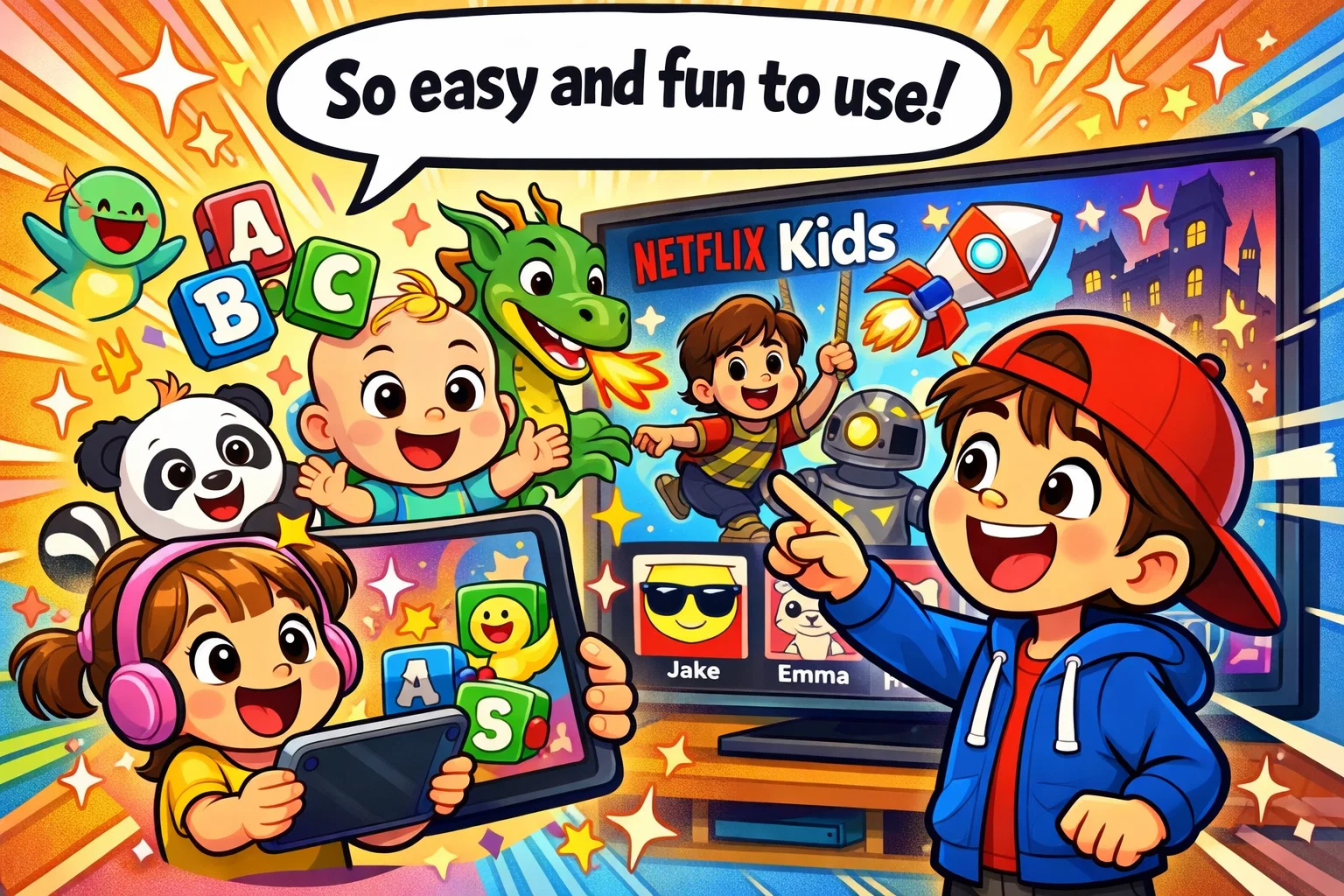
The viewing experience changes as a child grows and their interests develop. Older children may see the platform not just as a source of entertainment, but also as something their peers talk about and share.
Experience For Preschool Kids
For the youngest viewers, the experience is highly repetitive and visual. They often want to binge the same episode of a favorite cartoon multiple times. Netflix supports this with “Watch It Again” rows and a very simple tap-to-play experience.
Experience For School-Age Kids
As children enter school, they begin to seek out specific shows that their friends are talking about. They may begin exploring documentaries about animals or space and move toward longer-form storytelling in TV series.
Experience For Older Kids
For the teenager, the ‘kids’ profile might eventually feel too restrictive. This is where parental control settings at the account level become vital. Parents can transition them to a standard profile while still applying filters that block inappropriate content or specific titles, allowing access to themes that are more suitable for older children.
Subscription Types For Families
Choosing the right plan is about more than price; it also depends on how many people need to stream at the same time. Plans and pricing vary by country, so families should check the official Netflix pricing page for their region.
Plans That Work For Family Viewing
- Standard plan includes streaming on 2 supported devices at a time.
- Premium plan includes streaming on 4 supported devices at a time and 4K (Ultra HD) + HDR.
Multiple Profiles For Parents And Kids
A Netflix account can have up to 5 profiles. Using separate profiles is one of the most effective ways to keep children safe. By keeping adult viewing on a separate, password-protected profile, you reduce the chance that mature content will influence the recommendations shown on your child’s profile.
Best Setup For Homes With More Than One Child
If you have a 4-year-old and an 11-year-old, one “Kids” profile isn’t enough. You should create two separate Kids profiles. This allows you to set different age restrictions for each profile, ensuring that the younger child is not exposed to slightly more intense TV shows that an older sibling may enjoy.
Netflix Kids Safety Features
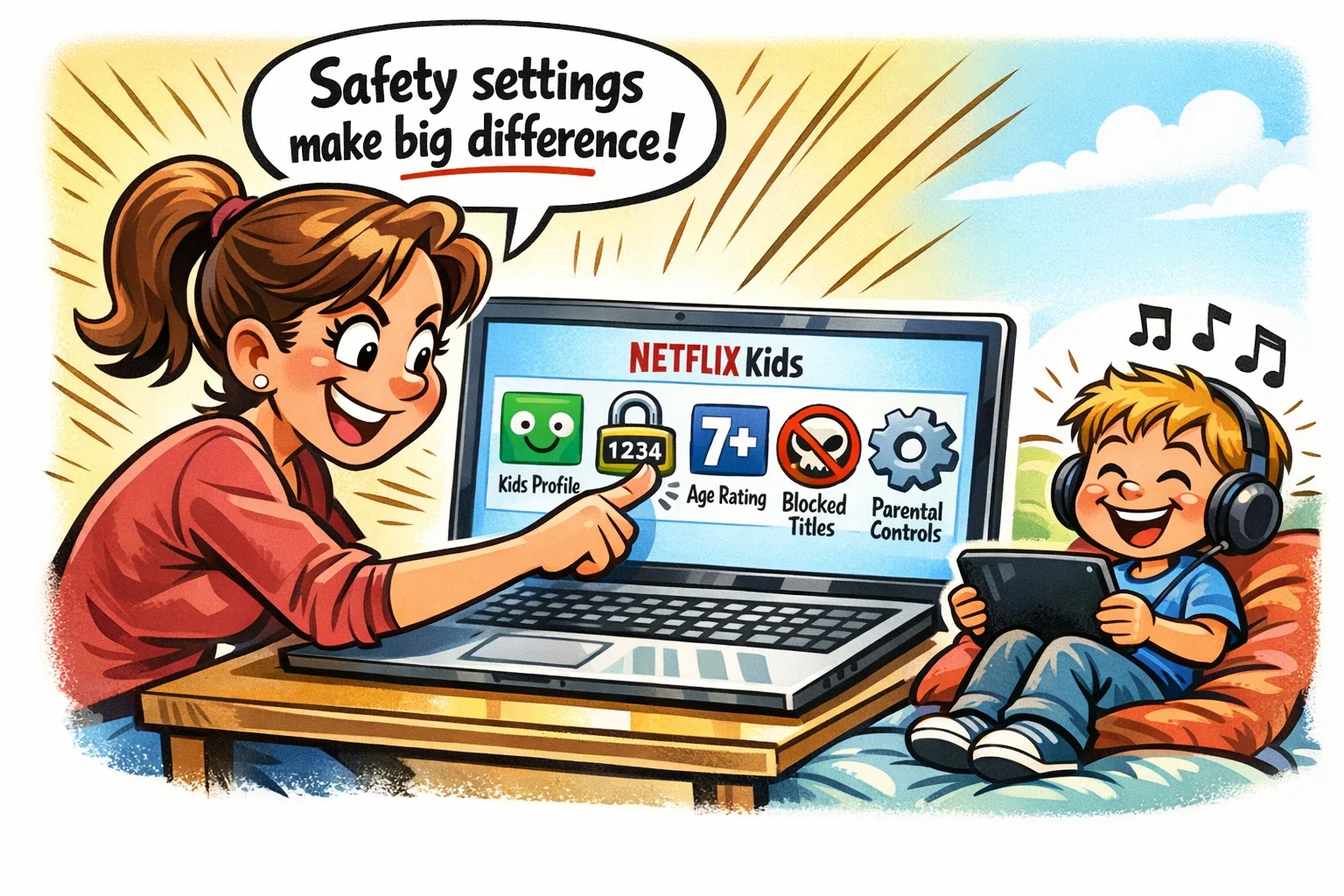
To truly protect children, you must move beyond the default settings. Netflix parental controls are among the most granular in the streaming service industry.
Kids Profile Setup
When you create a profile, you simply check the “Kids” option. This immediately applies a broad content filter to that profile. However, for maximum safety, you should then enter the settings to fine-tune the maturity level.
Profile Lock And PIN Protection
This is a critical step. You can set a PIN requirement for your adult profiles. This prevents a curious teenager from simply clicking on your name to bypass their own access restrictions.
Maturity Ratings And Viewing Limits
Netflix uses local rating systems, such as BBFC classifications in the UK and TV or film ratings in the US. You can set a hard ceiling on a profile. If you set a profile to PG, that profile will not show PG-13 or 15-rated content.
Title Restrictions
Sometimes, a show might have a safe rating, but you personally find it inappropriate. Netflix allows you to restrict access to specific shows by typing the title into a “restricted” list. That show or movie will then no longer appear on that specific profile.
Viewing Activity Review
Trust but verify. Within the account-level settings, you can see a list of films and shows watched on a specific profile. This helps you monitor screen time and ensure your child is sticking to agreed-upon content.
Netflix Parental Controls: A Practical Guide
Setting these up takes less than five minutes but provides long-term peace of mind.
- How To Create a Kids Profile: Go to “Manage Profiles,” select “Add Profile,” and turn on the Kids option.
- How To Add Content Restrictions: In a web browser, go to Account → Profiles, choose the child’s profile, open the parental controls section, verify your identity, set the maturity rating level, and save.
- How To Block Specific Titles: In a web browser, go to Account → Profiles → Adjust parental controls, choose the profile, verify your identity, and add the show or movie under Title Restrictions.
- How To Keep Adult Profiles Separate: Enable Profile Lock for the adult profile and set a 4-digit Profile Lock PIN.
Tip: Regularly review your parental control settings. As children enter adolescence, their maturity changes, and the range of content they can handle will expand.
Access To Inappropriate Content
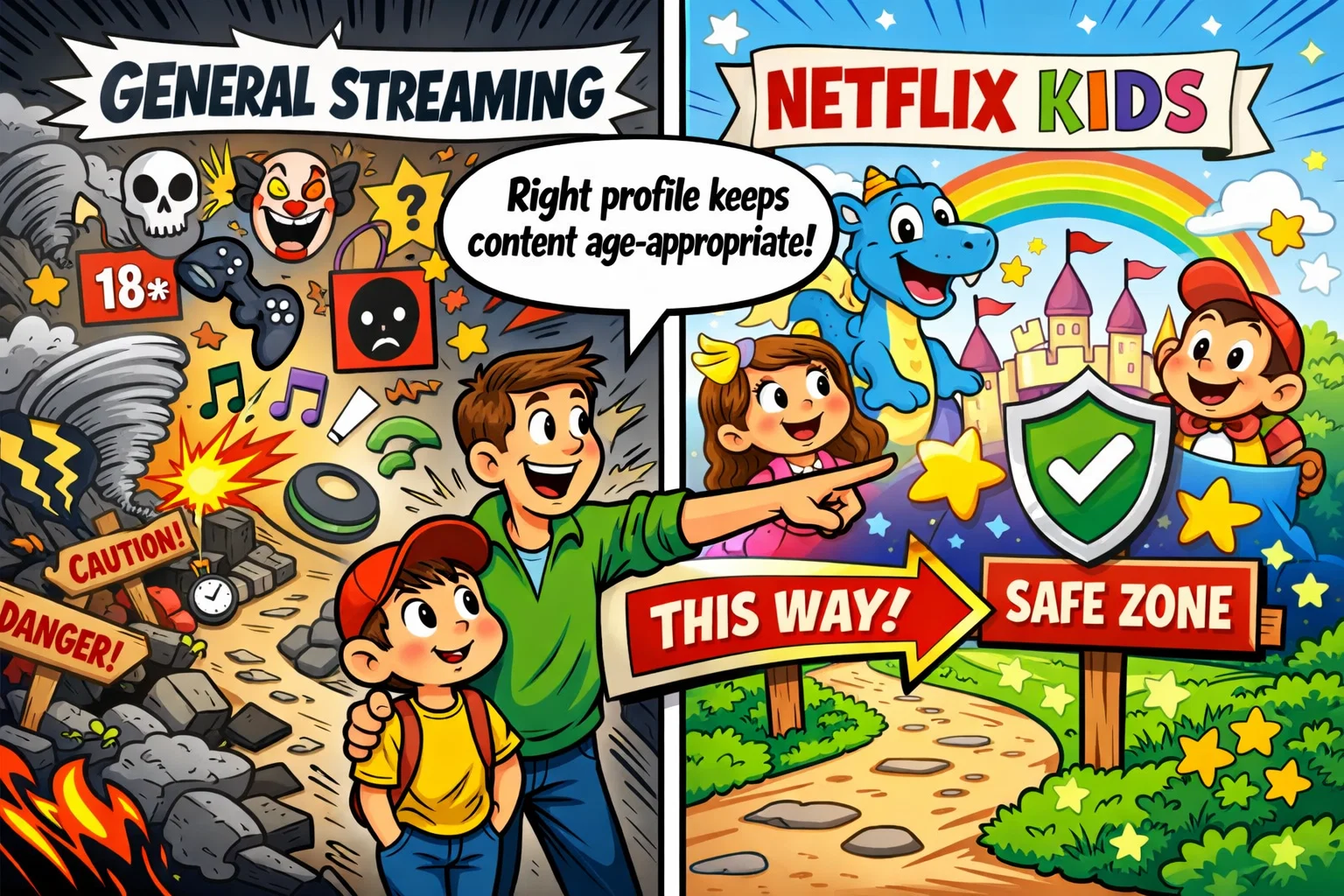
No algorithm is perfect, but the risk of a child seeing inappropriate content on Netflix is generally lower than on open platforms like YouTube.
When Content Filtering Works Best
Filtering is most effective when the child is using a dedicated ‘kids’ profile. The platform is designed to prioritize safety here. Most “accidents” happen when a child uses a parent’s profile or an “all-access” profile.
Why Profile Choice Matters
The number of titles available on Netflix is massive. If a child stays within their designated profile, they are protected by that profile’s maturity rating limits and any title restrictions set by the parent. In many cases, inappropriate exposure happens because children use shared or unrestricted profiles rather than because the filtering system fails.
How Parents Can Keep Viewing Age-Appropriate
- Talk about the PIN: Explain why certain profiles are locked.
- Check the “New” section: Sometimes new films and shows are added that might have borderline ratings.
- Use the “Kids” logo: Teach your child to only use the profile with the “Kids” logo.
Passive Screen Time And Healthy Viewing Habits
A common concern for parents is the shift from active learning to passive screen time. While Netflix is a streaming service, it can be used as a tool for growth.
How Much Screen Time Feels Reasonable
There is no one-size-fits-all answer, but it is generally wise to balance viewing time with physical activity. Using the autoplay toggle is a great way to prevent an accidental binge, as it forces a pause between episodes.
How To Turn Watching Into Shared Family Time
Instead of using Netflix as a digital babysitter, try watching a documentary, film, or show together. This allows you to explain complex themes and ensure the content remains age-appropriate.
How To Balance Netflix With Offline Activities
Encourage children to draw their favorite cartoon characters or act out scenes from a TV series. This moves the experience from the screen into the real world, promoting creativity.
Talking About Popular Series and Films
Popular culture is a significant part of many children’s lives. Being able to talk about a popular show or movie can help children feel included in conversations with their peers.
Why Kids Talk About Shows With Friends
Whether it is a viral cartoon or a popular spin-off, children often use these stories to find common ground with their peers. It can help them feel more connected to their peer group.
How Parents Can Join the Conversation
Ask your child, “Why did that character make that choice?” or “What do you think will happen next?” This shows interest in what they are watching and helps build trust.
How Shared Viewing Supports Media Literacy
By discussing recommendations (for example, “Why do you think Netflix suggested this?”), you can help children better understand how streaming platforms work. This is a vital skill for young people as they grow.
Not All Online Communities Are Negative
Although many parents worry about the dangers of the internet, fandoms surrounding child-friendly content can sometimes have a positive side.
Positive Side Of Shared Fandoms
Some films and shows may inspire children to learn new languages, explore history, or take up a new hobby. This kind of active interest can be a healthy part of growing up.
Safe Conversations Around Kids Content
Encouraging your child to share what they liked about a programme fosters communication skills. It also gives you a window into their emotional world.
How To Keep Media Experience Positive
The goal is to move from “restricting” to “mentoring.” When parents give guidance rather than just rules, children are more likely to respect the parental control settings.
What Parents Need To Know Before Letting Kids Use Netflix
Before handing over the remote, consider these final practical points to help ensure a safe viewing experience.
- Best Age To Start: Most parents find that around age 3 or 4, children can begin to navigate a ‘kids’ profile with supervision.
- Why Separate Profiles Matter: It prevents your child’s viewing history from cluttering your recommendations and vice versa.
- Regular Settings Check: Technology changes, and children grow. Check your account level settings every few months.
- Parental Involvement: No platform replaces an engaged parent. Your involvement is the ultimate parental control.
Netflix Kids Review Verdict
Netflix Kids can be a good and safe option for children when the Kids profile and parental controls are set correctly. The service offers a strong balance of entertainment and safety compared with many other streaming platforms. With its robust maturity level filters, the ability to block specific titles, and a user-friendly interface, it is an excellent choice for the modern family.
Who Netflix Kids Is Best For
It is especially well suited to families with children of different ages who want a centralized, high-quality platform that can grow with them. It is especially useful for parents who value online safety but still want a vast range of content.
Main Reasons Netflix Kids Fits Children
- Customizable Access: Granular age restrictions per profile.
- Safety First: PIN-protected adult profiles and title blocking.
- Educational Value: A substantial number of titles focus on learning and development.
Final Answer To Safety Question
Netflix Kids can be a safer viewing environment for children when parents use a Kids profile together with maturity rating limits, title restrictions, and profile locks. By setting up parental controls effectively, you can help ensure that your child has a curated, age-appropriate viewing experience while staying safer online.