

Finding a balance between digital independence and safety is one of the most challenging aspects of modern parenting. As children begin to express a desire for their own digital presence, parents often look for a messaging app that offers a secure, monitored environment. Messenger Kids, a specialized video calling and messaging app developed by Meta, was built specifically to address these concerns, providing a dedicated space for children under the age of 13.
In this detailed Messenger Kids review, we’ll explore how this platform functions as a ‘digital training ground.’ We will examine the parental control features, the interactive drawing tools, and the safety features designed to help protect children. Whether you are looking for a way for your child to use technology responsibly or simply want a reliable messaging app designed for family connection, this guide provides a neutral, comprehensive look at what Facebook’s Messenger Kids has to offer.
What Is Messenger Kids?
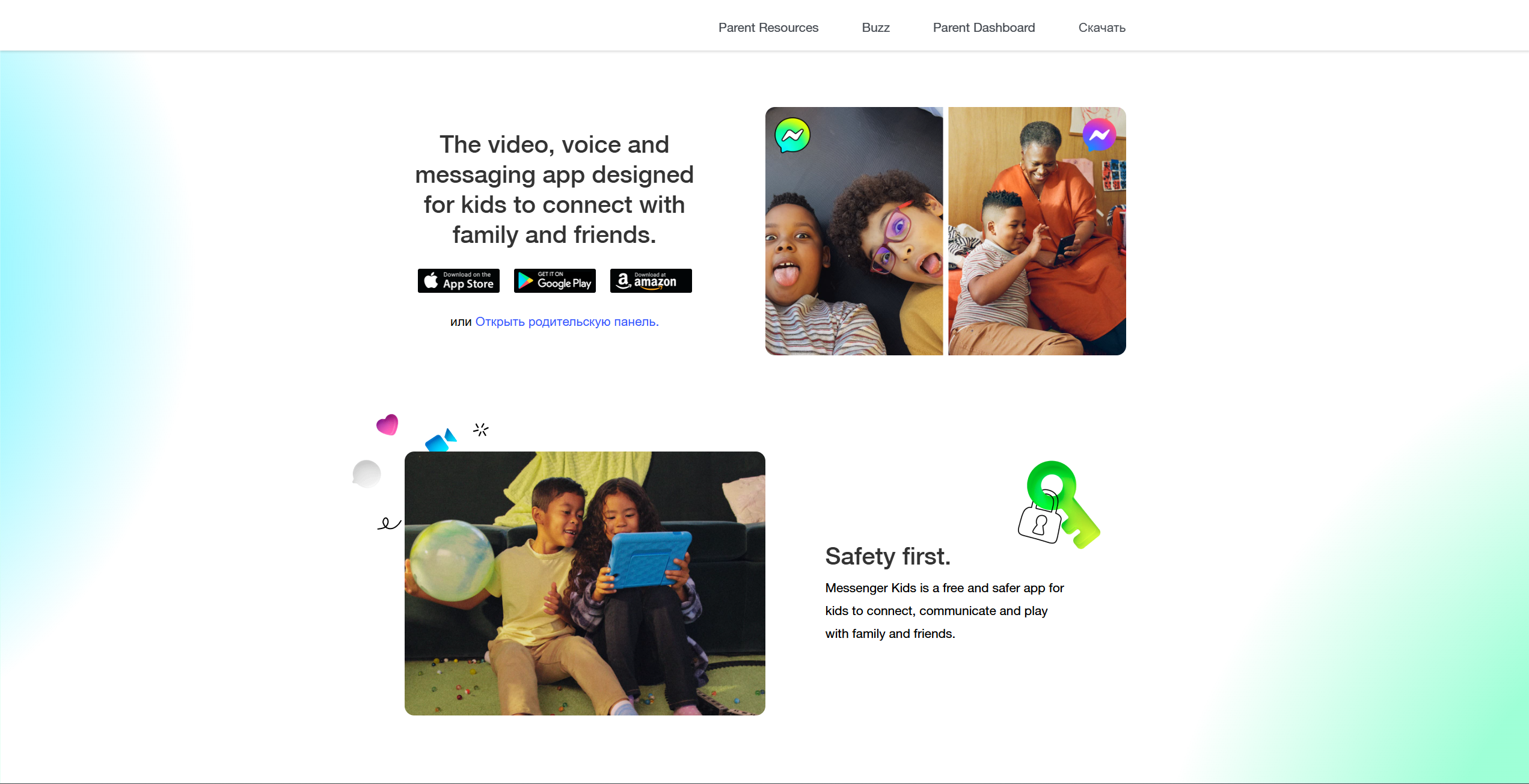
Messenger Kids is a free app for kids that allows for video chatting and messaging on smartphones and tablets. Developed by Meta, the company behind Messenger and Facebook, it was created to solve a specific problem: providing a communication tool for children who are not yet old enough for a standard social media profile.
Messenger Kids: concept and purpose
The fundamental idea behind the Messenger Kids app is to create a ‘walled garden.’ Unlike the standard version of Messenger, this platform does not allow a child’s profile to be publicly discoverable. Every aspect of the experience is controlled by parents, from the very first login to every person added to the contact list. The purpose is to facilitate online messaging in a way that prioritizes family intimacy and peer safety over social discovery.
Main features for young users
The application is tailored to the developmental needs of its audience, focusing on visual and interactive elements:
- Video Chat: Children can join one-on-one or group video calls and use AR-powered masks that move with them.
- Creative Expression: The interface includes a variety of drawing tools, stickers, and GIFs designed to be age-appropriate.
- Messenger Kids is free to use and does not include ads or in-app purchases.
- Interactive Games: Some versions of the app include light games that can be played during a video chat to keep children engaged.
Difference between Messenger Kids and regular Messenger
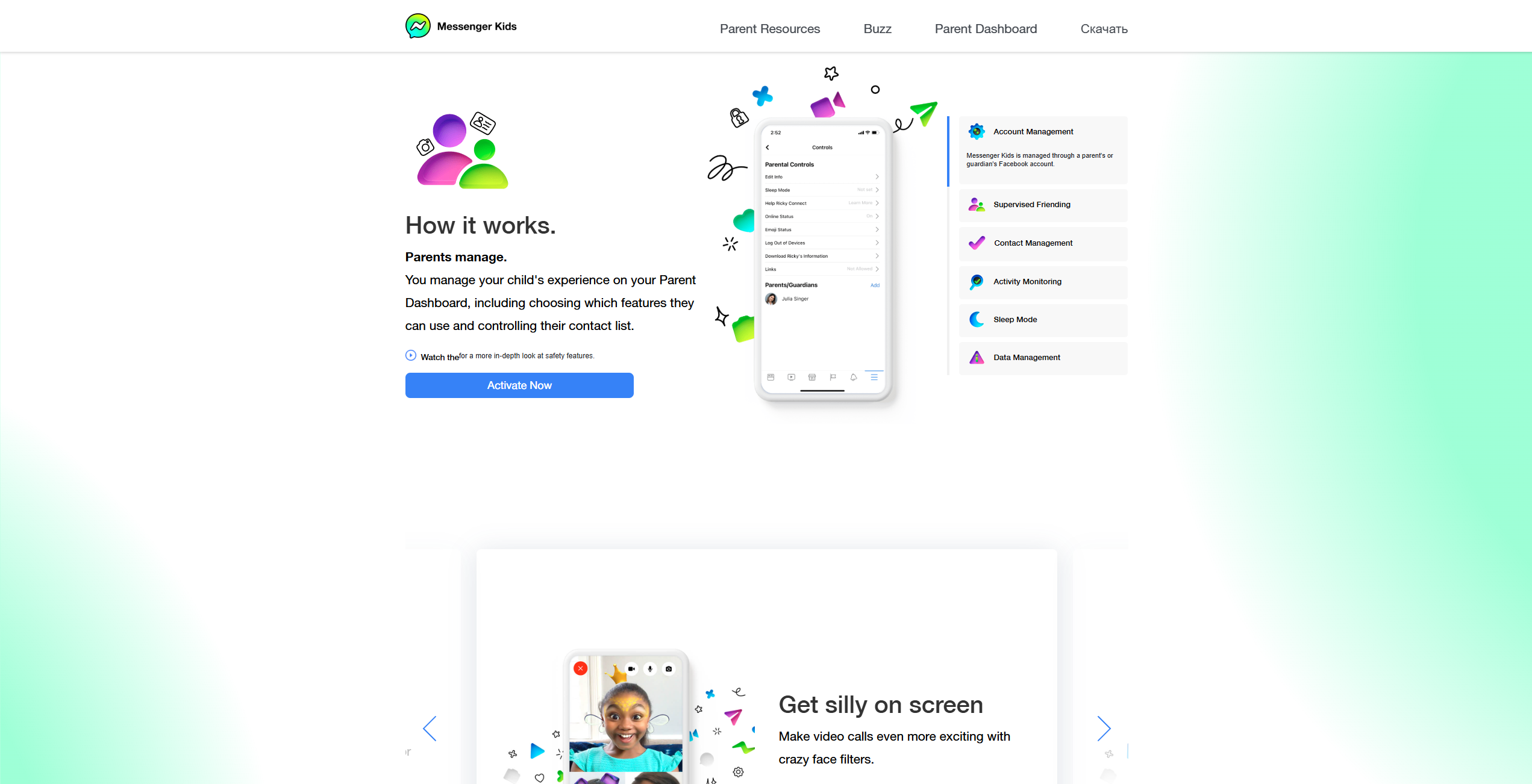
The differences are structural and safety-oriented. Unlike regular Messenger, Messenger Kids is built around parent-managed contacts and does not allow public discovery of a child’s profile. In Messenger Kids, the child does not need an independent Facebook account. Instead, the parent sets up the child’s Messenger Kids account through a parent-managed setup. Children can’t delete sent or received messages, and parents can monitor activity through the Parent Dashboard. Meta also states that parents can review recent images and videos their child has sent and received.
Messenger Kids App Ratings
Understanding how an app is rated by both technical experts and parenting communities like Common Sense Media is vital for making an informed choice.
Age category and store positioning
Messenger Kids is intended for children under 13, while store listings and reviews may present age guidance differently depending on the platform or reviewer. This positioning reflects the period when children are developing their social identities but may still lack the judgment needed to navigate more open online spaces. Messenger Kids is positioned as a messaging app for children, and the App Store lists it with a 4+ age rating.
Parent-focused safety profile
Ratings for this Messenger Kids app often highlight its transparency for caregivers. Because the Parent Dashboard gives caregivers broad visibility into a child’s activity, the app is often seen as more supervised than many other messaging platforms. While bullying can still occur, adult supervision may make it easier for families to spot and address problems.
Why ratings matter for parents
Ratings provide peace of mind by validating the safety features claimed by the developer. Independent reviews can help parents evaluate the app, but they should be used alongside Meta’s own documentation about features, parental controls, and privacy settings.
What Age Is Messenger Kids Appropriate For?
Determining the appropriate age for a child to start using messenger kids depends on their maturity level and the specific communication needs of the family.
Best age range for first safe messaging experience
For many families, ages 7 to 11 may be the most suitable range. At this stage, children are often involved in extracurricular activities and have a growing circle of friends from school. The Messenger Kids app allows them to stay in touch with these peers without many of the risks associated with full-scale social media.
Why younger children can use it with parent guidance
Even younger children can benefit from the video call features under direct supervision. For a 5 or 6-year-old, the app serves as a way to keep in touch with a parent who is traveling or a grandparent who lives far away. In these instances, the parent usually holds the phone or tablet for them.
Signs a child is ready for the platform
| Readiness Indicator | Practical Example |
| Reading Proficiency | Can the child read and respond to simple text messages independently? |
| Respect for Boundaries | Do they understand that screen time is a privilege with set limits? |
| Social Awareness | Do they understand that real people are on the other side of the chat? |
| Technical Ability | Can they navigate the app for kids without becoming frustrated? |
What Young Users Like About Messenger Kids
For the children themselves, the appeal isn’t about parental control—it’s about the fun and the ability to feel “grown-up” while staying within a safe environment.
Fun chat tools and creative effects
The drawing tools are perhaps the most popular feature. Children can paint on their photos, add quirky stickers, and send gifs that express their personality. The AR filters used during a video chat can turn a standard conversation into a creative play session, allowing children to ‘wear’ hats and glasses or even transform into a dinosaur.
Easy communication with family and friends
The Messenger Kids app makes it very simple to stay in touch. With large, colorful icons, a child can quickly find their “best friend” or “Grandma” in the contact list and start a video call. This independence—even if it is supervised—is very empowering for a young person.
Kid-friendly interface and simple navigation
The design is high-contrast and low-complexity. There are no hidden menus or complicated settings for the child to get lost in. This kids’ experience is designed to be joyful and straightforward, reducing the learning curve for children who are new to digital communication.
Is Messenger Kids Safe for Kids?
Safety is a core part of the Messenger Kids experience. Meta has implemented several technical hurdles to prevent unauthorized access.
Built-in safety features
The app includes safety systems designed to detect and limit the sharing of nudity, violence, or other inappropriate content. Additionally, because Messenger Kids does not allow public discovery in the same way as regular Messenger, the risk of unwanted contact from strangers is reduced.
Controlled contact system
This is one of the most important features: parents are able to control and approve contacts on the child’s list. If a friend wants to chat, their parents must send a request to you, or you must send one to them. You act as the gatekeeper for your child’s Messenger Kids experience.
Safe communication environment
Because contacts are parent-managed, Messenger Kids offers a more controlled communication environment than open social platforms. While cyberbullying remains a risk whenever children communicate online, parental visibility and reporting tools can provide an added layer of protection and create opportunities for teaching.
Why this platform can be beneficial
It provides a safe space for “digital literacy.” Instead of waiting until they are 13 to jump into the deep end of the internet, a child using this messaging app can begin learning how to be a responsible digital citizen while a parent is still there to guide them.
Messenger Kids and Privacy
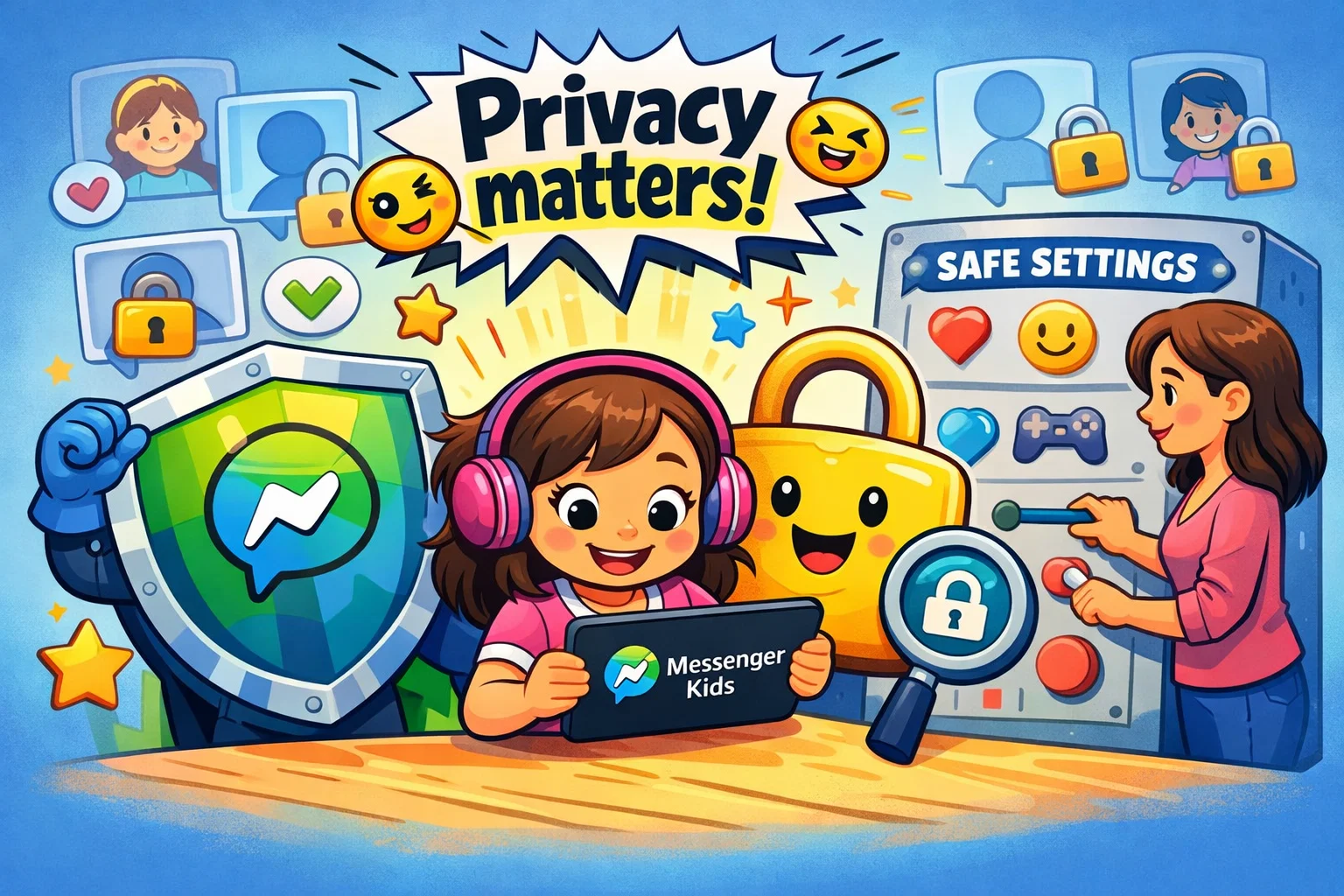
Privacy is a top concern for many parents when it involves Meta. It is important to know exactly what is happening with your child’s personal information.
Personal information protection options
The messenger kids app does not create a public profile. Messenger Kids does not create a public profile for the child, and parents control who can contact them through the Parent Dashboard. Meta says Messenger Kids does not contain ads and does not include in-app purchases. Parents should still review the current privacy information and app permissions before setup.
Parent role in privacy management
As the account holder, you have access to a specialized dashboard within the Facebook app. From here, you can:
- View a history of all people the child has blocked or unblocked.
- Use the Activity tab to review recent images and videos your child has sent and received.
- Remotely log the child out of any phone or tablet.
Privacy habits to teach
Use the app as an opportunity to talk about basic privacy rules. Explain why we don’t send photos of our school or our house. These are the building blocks of safe social media usage that will stay with them for life.
How Can You Protect Your Child’s Personal Information?
Active management is the best way to help ensure that Messenger Kids remains a safe environment for your child.
Set up profile with minimal details
When you set up your child’s profile, you only need to provide the information requested during setup. When setting up Messenger Kids, parents create a child profile with the details requested by Meta during setup. Avoid adding more personal information than necessary. Using a generic avatar instead of a real photo is another way to protect your child’s privacy.
Review settings regularly
As your child grows, their needs change. Periodically checking the parental dashboard allows you to see if the contact list is still accurate and if the screen time limits you set are still working for your family.
Talk about safe sharing rules
Digital safety isn’t just about settings; it’s about behavior. Discuss what is “safe to share” and what isn’t. Remind them that even though it’s a kids safe app, they should never share passwords with anyone, including their friends.
How Can a Child Report a User or Content?
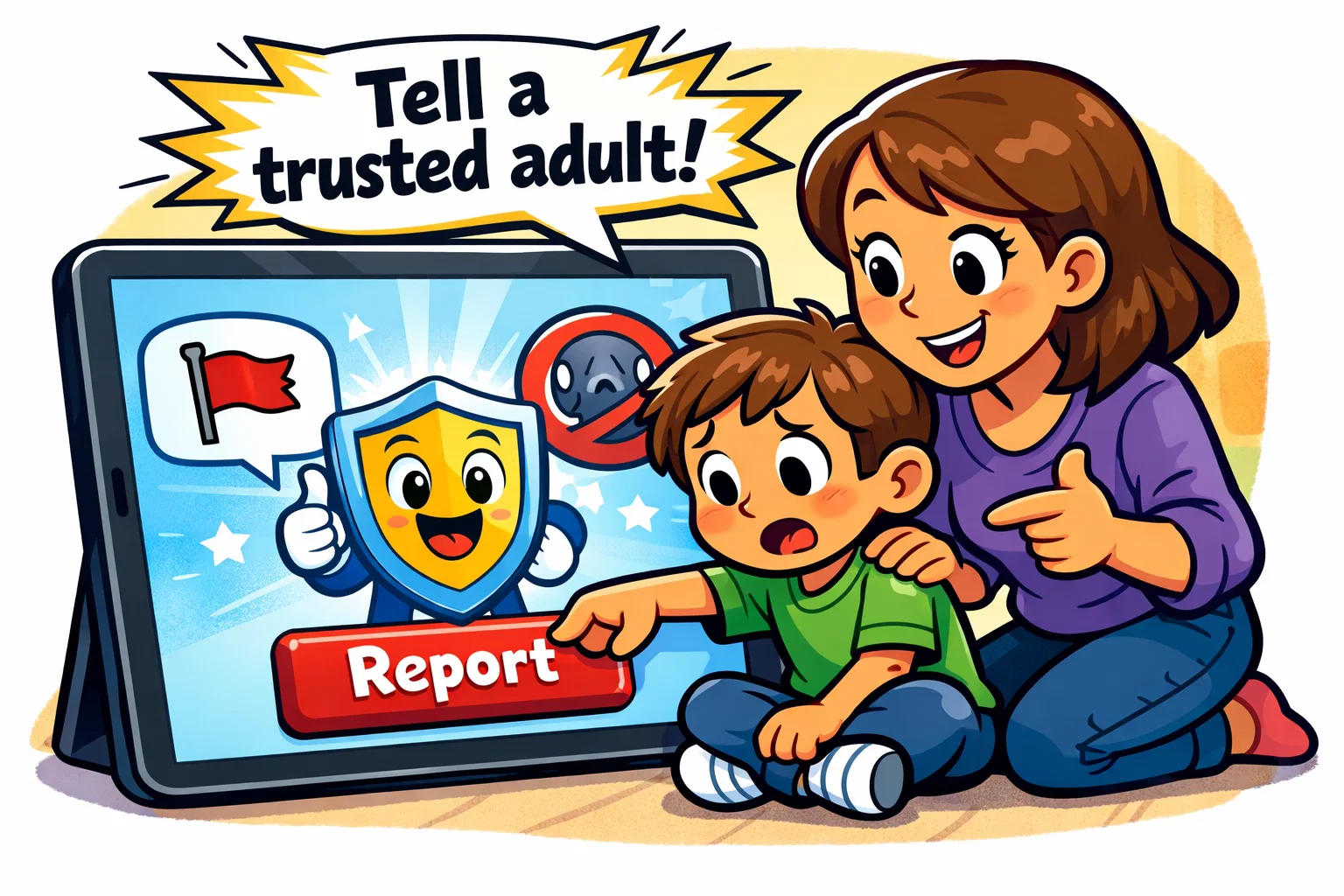
The messenger kids app empowers children to take action if they feel uncomfortable, which is a vital safety skill.
How blocking works
In the messenger kids app, if a child feels a friend is being mean, they can block them with two taps. This immediately blocks that person for the child and sends a notification to the parent. This feature helps the child’s experience remain more positive and controlled.
How reporting supports safer use
Children can block or report people in Messenger Kids, and parents are notified when that happens. This feedback loop supports moderation and helps keep the platform focused on safer communication.
How parents can guide the process
Make sure your child knows where the “Report” button is. Explain that reporting isn’t “tattling”—it’s a way to keep the community healthy. Encourage them to always come to you after they’ve reported something so you can handle it together.
How to Keep Kids Safe on Messenger Kids
To get the most out of the parental control features, consider these daily habits.
Control the contact list
Never approve a contact you haven’t verified with another parent. If your child gets a request from a “classmate,” text that child’s parent to make sure it’s actually them.
Set downtimes and screen routine
The Parent Dashboard includes Sleep Mode, which lets parents choose when their child can use the app. Consistency with screen time helps children develop a healthy relationship with technology.
Monitor chats in an age-appropriate way
Parents can review recent images and videos their child has sent and received in the Parent Dashboard. For younger children, you might check this daily. For older ones, you might check weekly or only if you notice a change in their mood. This level of control is flexible based on your parenting style.
Talk about online communication
The most powerful safety feature is your relationship with your child. Ask them about their day, what they’re chatting about, and if they’ve seen any cool stickers lately. This keeps the lines of communication open.
Benefits of Messenger Kids for Families
| Family Member | Benefit |
| Children | A fun, creative way to socialize with friends safely. |
| Parents | Peace of mind knowing all contacts are pre-approved. |
| Grandparents | An easy way to video call and see their grandkids often. |
| Distant Relatives | Ability to stay in touch through digital communication. |
Easy family communication
For families spread across the globe, the app’s video calling and messaging features can make it easier to maintain close relationships. It allows for spontaneous “I love you” messages and quick video chat sessions that feel much more personal than a phone call.
First step into the digital world
Messenger Kids is designed to be a stepping stone. It provides the fun of social media without the overwhelming complexity and danger of an open platform.
Key Safety Links and Helpful Parent Resources
- Meta Parents’ Portal: An official source for information about Messenger Kids safety settings and parental controls.
- eSafety Commissioner: General advice on kids safe online habits.
- Common Sense Media: For an independent review of the messenger kids app.
By using the Messenger Kids app as a collaborative tool, you can help your child enjoy the benefits of online communication while keeping safety a top priority.