

When parents begin looking at safe messaging apps designed specifically for children, the primary concern is usually balancing fun with security. Kinzoo can be a good and safe option for kids when it is used as a family-focused messaging app with active parental involvement and a controlled environment. Unlike mainstream social media platforms, Kinzoo was built from the ground up to serve as ‘digital training wheels,’ allowing children to connect with loved ones without many of the risks associated with open-access platforms.
This Kinzoo review will explore why many parents are turning to this platform as their primary messaging app for kids. We will break down the essential safety features, data privacy policy, and the parental controls that offer families peace of mind. Whether you are looking for a messenger tailored to your six-year-old or a way to help tweens and teens video-call their grandparents, understanding how Kinzoo works is the first step toward making a more informed decision.
Kinzoo Overview
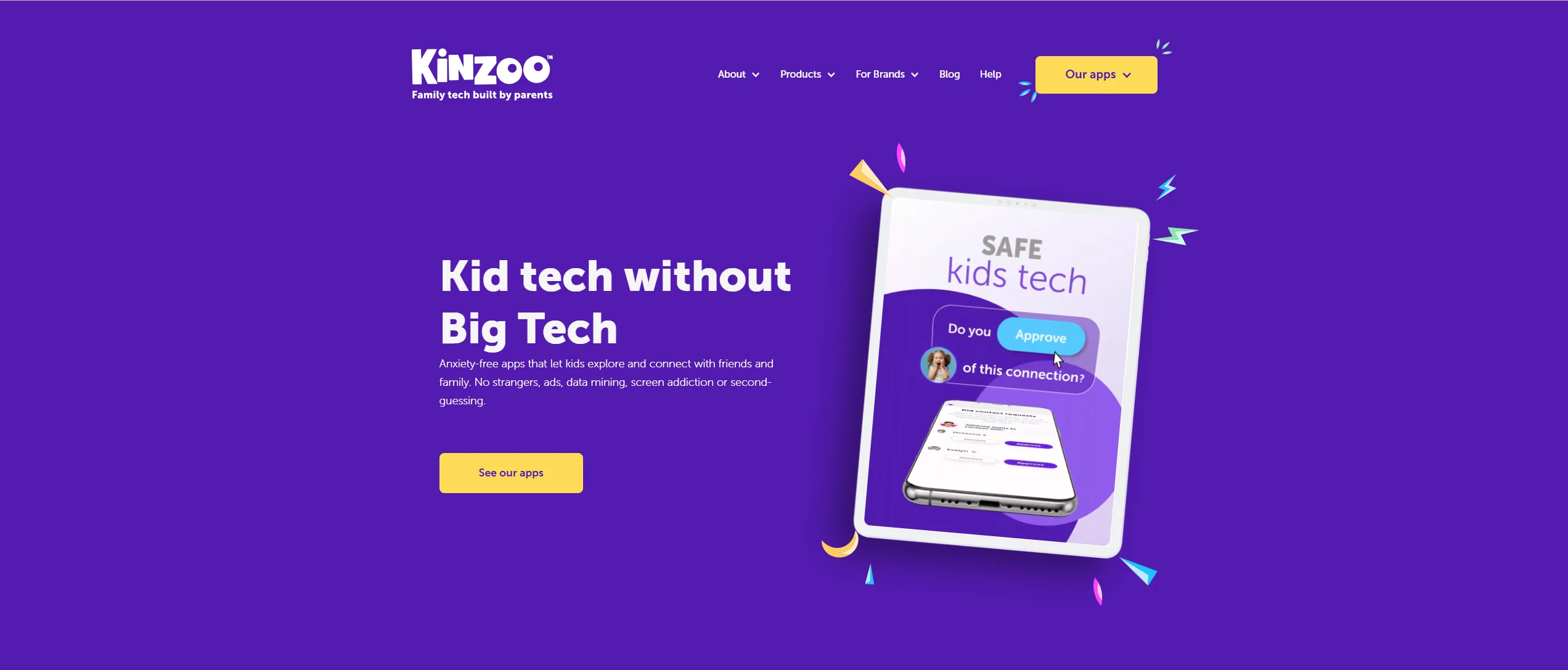
At its core, Kinzoo is a messaging app designed specifically for families. It aims to solve the problem of children getting into social media too early by providing a safer messaging app where kids aged six and up can learn the basics of digital communication. It is not just another app like Instagram or Snapchat; it is a dedicated space for meaningful interactions between people who already know and trust one another in real life.
The platform provides texting, video calling, and creative tools like stickers, games, filters, and other optional features, all within a more controlled environment for family and approved contacts. By stripping away the public-facing profiles and “like” counts of mainstream social media, Kinzoo focuses purely on the relationship between the child and their approved contact circle.
Origins, Mission, and Vision
The mission behind Kinzoo is centered on the idea of “social media with purpose.” The founders envisioned a world where children could engage with technology safely without being treated as products. Their vision focuses on fostering healthy family communication and building safe messaging habits from a young age. This mission is reflected in their ‘Safe by Design’ philosophy, which suggests that security is not just an add-on but a core part of the product.
Alternative to Traditional Social Messaging Apps
Compared to a standard instant messenger or apps like WhatsApp, Kinzoo offers a much more curated experience. Kinzoo says profiles are private and not publicly searchable, and connections are made through approved contacts and invitation tools rather than open public discovery. By removing many of the open social features found on traditional platforms, Kinzoo reduces the risk of exposure to inappropriate content, which makes it especially appealing to privacy-conscious families.
Target Age Group
Kinzoo Messenger is officially described as designed for ages 6+ on Google Play, while the App Store lists it as an all-ages family messenger with a 4+ age rating on iOS. This age group is likely to benefit most from the parental controls and simplified interface. For these younger users, Kinzoo serves as a bridge, teaching them how to chat and share photos and videos responsibly before they are ready for the complexities of a platform like Facebook Messenger.
Why Kinzoo Is Good for Kids
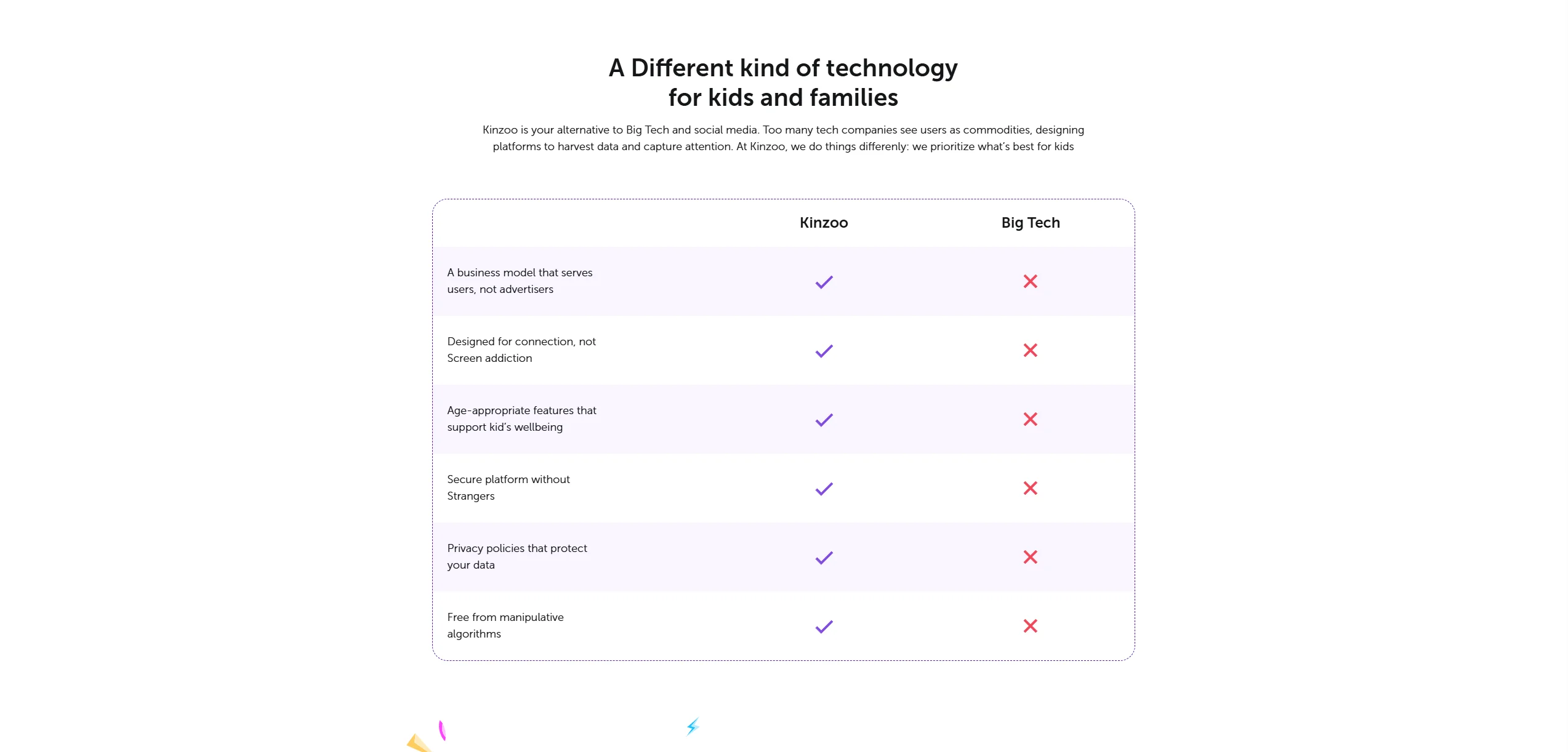
One of the main reasons Kinzoo is often considered a top choice is its commitment to being ad-free and user-centric. The app may appeal to parents because it does not appear to rely on addictive algorithms or persuasive design features intended to maximize screen time. Instead, it provides a functional tool to improve family communication.
Designed for Child-Friendly Communication
The app’s interface is intuitive and bright, making it easy for children to use without constant adult assistance. The buttons are large, the icons are clear, and the overall aesthetic is welcoming. This design allows kids to feel a sense of autonomy in their digital communication while remaining within a controlled environment.
Focus on Family Connections
Kinzoo excels at bringing the extended family together. It is a messaging app for kids that encourages children to video call their grandparents or chat with cousins across the country. This focus on real-world connections helps ensure that the child’s online activity is meaningful and strengthens existing bonds instead of encouraging validation-seeking from strangers.
Better First Step Into Digital Communication
You can think of Kinzoo as a sandboxed introduction to digital communication. It provides the fun features of a social media app—like sending a sticker or a GIF—without the “wild west” atmosphere of the open internet. It allows parents to guide their children on digital etiquette, such as being kind in group chats and understanding the importance of privacy, in a low-stakes setting.
| Feature | Kinzoo | Mainstream Apps (WhatsApp/Snapchat) |
| Contact Approval | Parents can require approval for all contacts, but they can also allow a child to approve or decline contact requests and receive notifications when that happens | Anyone with the number may be able to get in touch |
| Data Privacy | No selling of user data | Often used for targeted advertising |
| Discovery | No public search or “Discover” | Public profiles and searchability |
| Advertisements | 100% Ad-free | Frequent ads and data tracking |
Safety Features Comparison
When choosing a safe messenger, technical safeguards are what matter most. Kinzoo’s architecture is built to prevent the most common digital risks.
Parent Approval Controls
Unlike apps like Snapchat, where a child might add friends of friends, Kinzoo uses parent controls to manage how contact requests are handled. By default, contact requests for kids are parent-controlled, but parents can choose to let children send, receive, review, and approve invitations when they are ready. This helps ensure that the child only talks to people the parent has approved.
Stranger Contact Protection
Because Kinzoo profiles are not publicly searchable and contacts are added through approved invitations or codes, the app significantly reduces the chance of unwanted contact from strangers. This makes it much harder for someone outside the child’s immediate circle to find them, which gives many parents added peace of mind.
Content Moderation Systems
The app utilizes filter technology and oversight to minimize the risk of inappropriate content. While no automated system is perfect, Kinzoo’s closed, family-focused setup makes exposure to inappropriate interactions less likely than on more open platforms.
Privacy and Data Collection
In an era where personal data is often called “the new oil,” Kinzoo takes a refreshing stance on data privacy. In the world of safe messaging apps, how a company handles a child’s information is just as important as the features they provide.
Data Collection Policies
Kinzoo says it collects limited data needed to operate and improve its services, uses analytics tools, and states that it does not sell user data or show targeted ads in Kinzoo Messenger. This is an important distinction from some kids’ apps owned by larger tech companies.
Data Usage Transparency
Kinzoo explains its data practices in its privacy materials and help content, while parental tools are mainly focused on contacts, permissions, and account activity rather than serving as a detailed data-usage dashboard. Kinzoo emphasizes private, family-controlled communication, but the public materials reviewed here do not clearly confirm end-to-end encryption for messages, photos, or videos.
Advertising and Monetization Model
Kinzoo states that it does not show targeted ads in its apps. This reduces the extent to which children are exposed to ad-driven tracking and profiling. Kinzoo Messenger is free to download and includes in-app purchases plus a premium membership model. Kinzoo Together is a separate product with its own free plan and subscription tiers. This model is intended to align the company’s interests more closely with users than with advertisers.
Parental Controls and Monitoring Tools
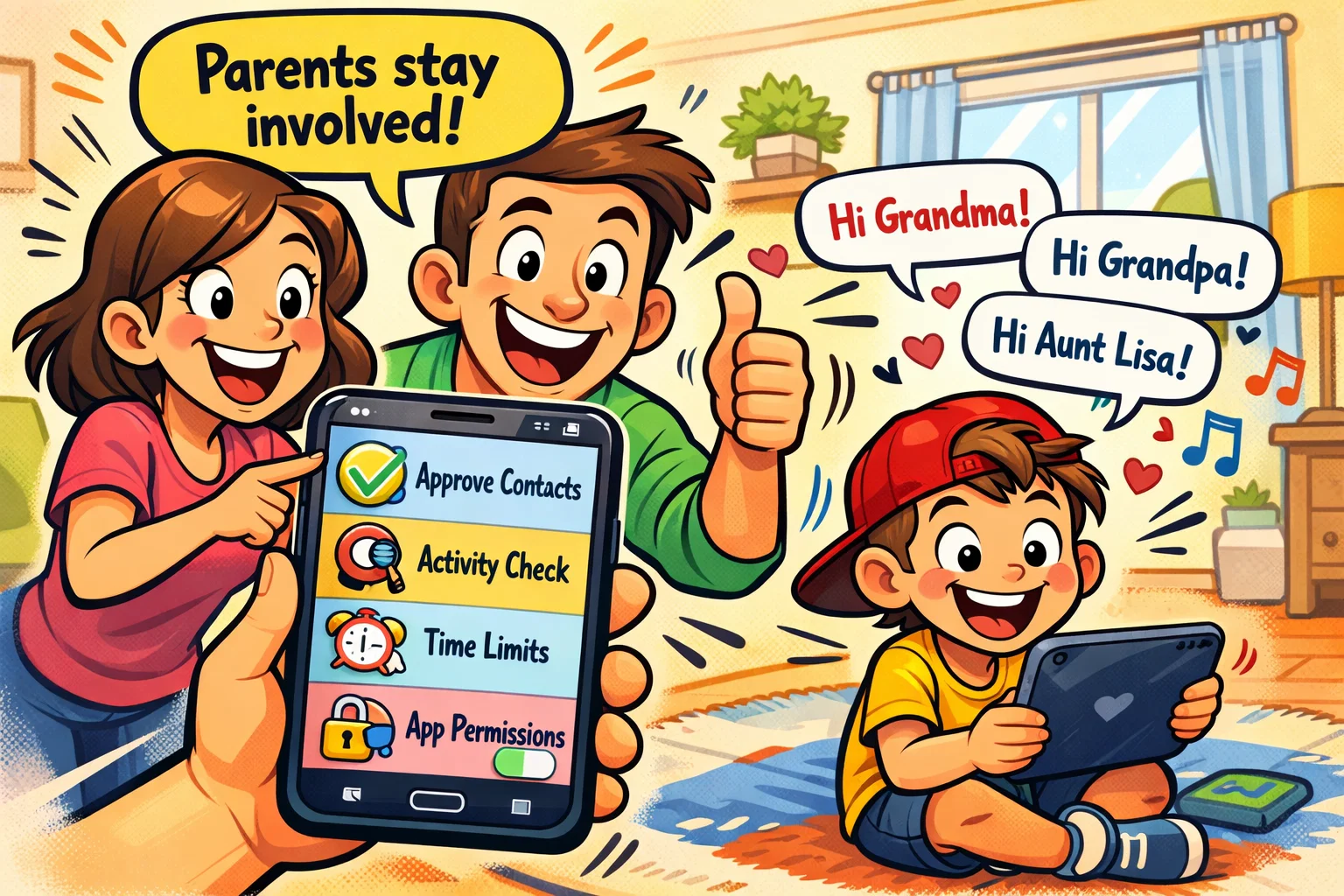
Kinzoo’s parental controls are positioned less as surveillance tools and more as tools for guided use. The app provides parental controls for contacts, invitations, permissions, and selected activity so parents can stay informed and manage a child’s account.
- Activity Monitoring: Parents can review contacts, invitations, selected account activity, and permissions, but Kinzoo’s public help materials do not describe full chat surveillance or detailed conversation-frequency tracking.
- Family Setup: Parents can easily manage group chats and set permissions for different family members.
- Screen Time Awareness: While the app encourages interaction, the lack of an endless feed may naturally help limit time spent in the app.
The goal of parental oversight in Kinzoo is to transition from constant supervision to independent, responsible use.
Messaging and Communication Features
Is Kinzoo fun? If an app isn’t engaging, kids won’t use it. Fortunately, Kinzoo offers a strong set of communication tools.
Text and Voice Messaging
The basic messaging functionality is snappy and reliable. Kids can send text messages or use voice notes, which is especially helpful for younger children who are still developing their literacy skills.
Video Calling Quality
The video chat feature is designed to be stable and easy to use. It allows children to make video calls in a safer environment, making it a useful option for staying in touch with long-distance family members.
Creative Tools and Stickers
Kinzoo offers a variety of creative outlets. Kinzoo Studio allows kids to create their own stories and characters, while the sticker and GIF libraries are curated to ensure they are age-appropriate and free of profanity.
User Experience and Interface Design
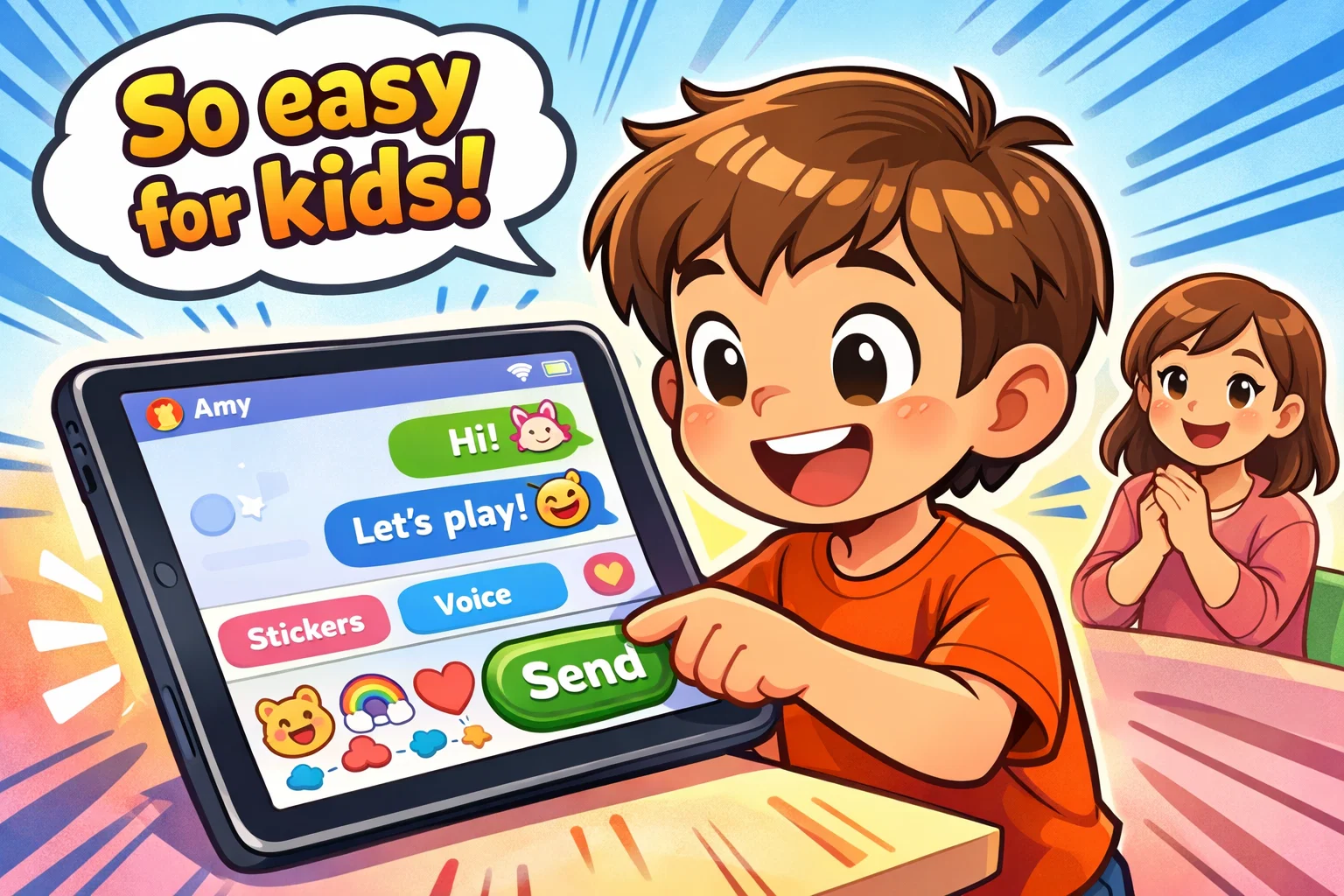
An app designed for kids needs to be resilient. Kinzoo’s user experience appears to be tailored to the needs and abilities of younger users.
Child-Friendly Interface
The navigation is “flat,” meaning kids don’t get lost in deep menus. Most actions are just one or two taps away. The use of bright colors and clear labels makes it feel like a communication app built specifically for children.
Ease of Setup for Parents
Setting up the parent dashboard is straightforward. You create your account, then create a profile for your child. The child does not need their own email address or phone number, which is a meaningful privacy advantage.
Age Appropriateness and Developmental Impact
Using a messenger like Kinzoo can actually have positive developmental benefits when managed correctly.
Communication Skills Development
By practicing digital communication in a controlled environment, kids learn how to interpret tone, use emojis appropriately, and understand the permanence of digital messages. These are important skills for modern digital life.
Creative Expression Opportunities
Through Kinzoo Studio and the sharing of photos and videos, children are encouraged to be creators rather than just passive consumers of content.
Why Kinzoo Fits Younger Children
For children ages 6 to 9, the world of WhatsApp or Snapchat is simply too fast and too public. Kinzoo provides a more contained environment that better matches their developmental stage, with a focus on safety and simplicity.
Why Kinzoo Feels Safer Than Many Regular Messaging Apps
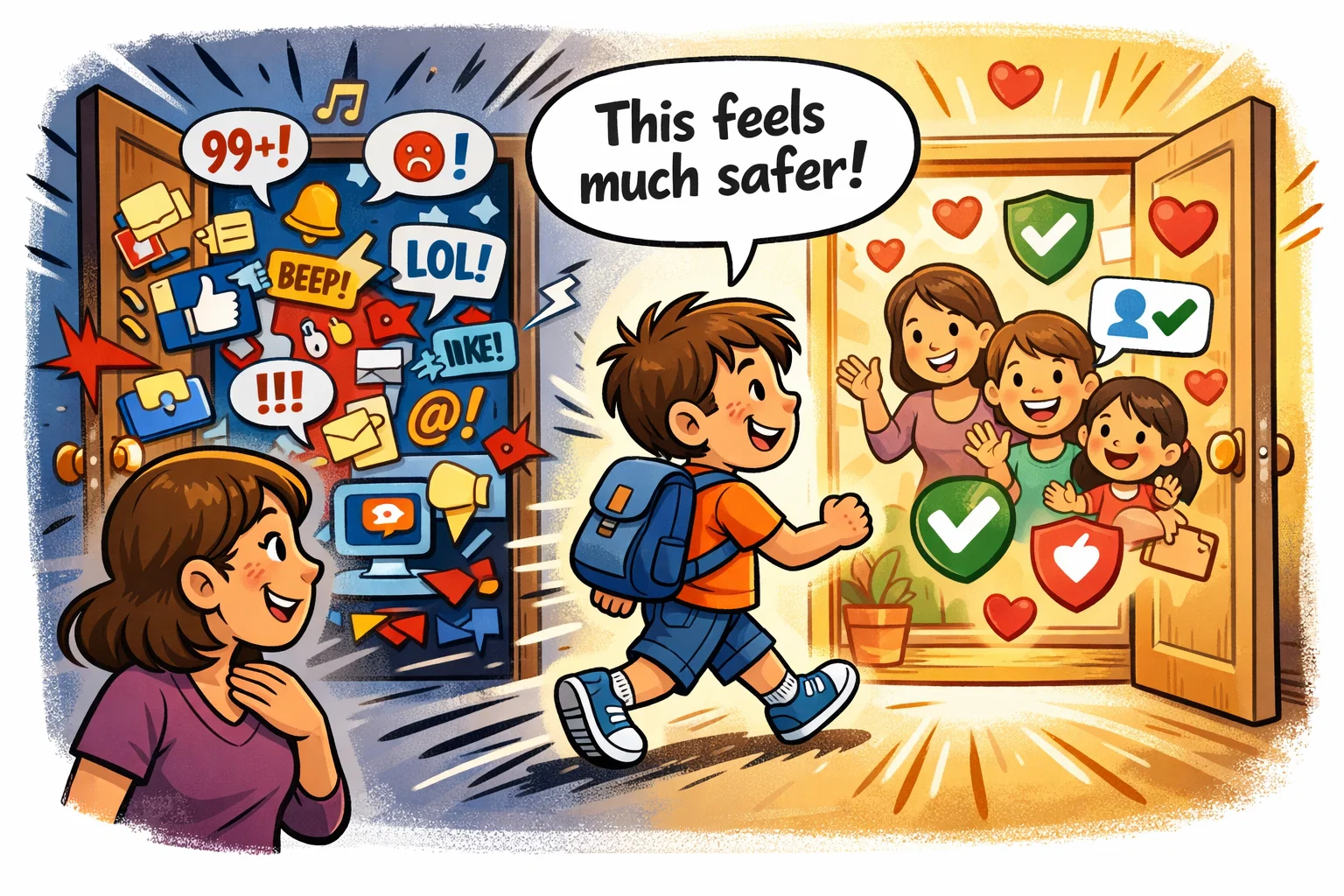
When comparing Kinzoo vs other platforms, the differences in philosophy become clear.
- More Controlled Contact Circle: Parents can more closely manage who their child interacts with.
- Less Exposure to Adult-Oriented Social Features: No public feeds, no influencers, and no disappearing-story culture.
- More Suitable Environment for First Online Chats: It is a dedicated “learning” app rather than a “growth-at-all-costs” platform.
Pricing and Value Comparison
Kinzoo Messenger is free to use for core messaging features and offers additional paid extras through in-app purchases and premium membership.
Free Features and Paid Features
The free version covers all the essentials of a safe messaging app. In Kinzoo Messenger, paid options relate to premium perks and optional extras such as stickers, filters, wallpapers, games, and other marketplace-style add-ons. Kinzoo Together subscriptions are separate and apply to the Together app, not to Messenger itself.
Value for Privacy-Focused Parents
For many parents, the trade-off with a free app can be the amount of data collected about the child. In that context, paying for a subscription or accepting a smaller feature set in exchange for data privacy is a high-value trade-off.
Kinzoo vs Messenger Kids
Messenger Kids is perhaps the biggest competitor. While both are apps for kids, they have different foundations.
- Privacy: Kinzoo is an independent company, whereas Messenger Kids is owned by Meta. Some parents prefer Kinzoo because it is not tied to a larger social media ecosystem.
- Account Requirements: Messenger Kids requires a parent or guardian to set up the account on the child’s behalf, but current official guidance says it does not require the child to have a Facebook account and does not require a Facebook account in the way older descriptions often implied.
- Safety: Both offer strong parental controls. Kinzoo positions itself as an app without targeted ads and without selling user data, but any comparison with Messenger Kids should also note that Messenger Kids is currently described as not showing ads or offering in-app purchases.