

Parents often seek guidance on how to navigate the overwhelming sea of digital content available for their little ones. We want our children to be prepared for a digital future, but we also want to protect their formative years from excessive screen time. This is where the Kiddopia app enters the conversation. Created by Paper Boat Apps, it is designed as a comprehensive learning app for kids that bridges the gap between pure entertainment and foundational education.
In this review, we will explore why Kiddopia has become a staple on many families’ iPads or Android tablets. We’ll look at how it balances screen time with meaningful learning activities, ranging from alphabet tracing to creative thinking. Whether you have a toddler just starting to recognize color and shape or a kindergarten student diving into math whiz challenges, this guide will help you determine if this is the best educational app for your family’s needs.
Quick Overview of Kiddopia App
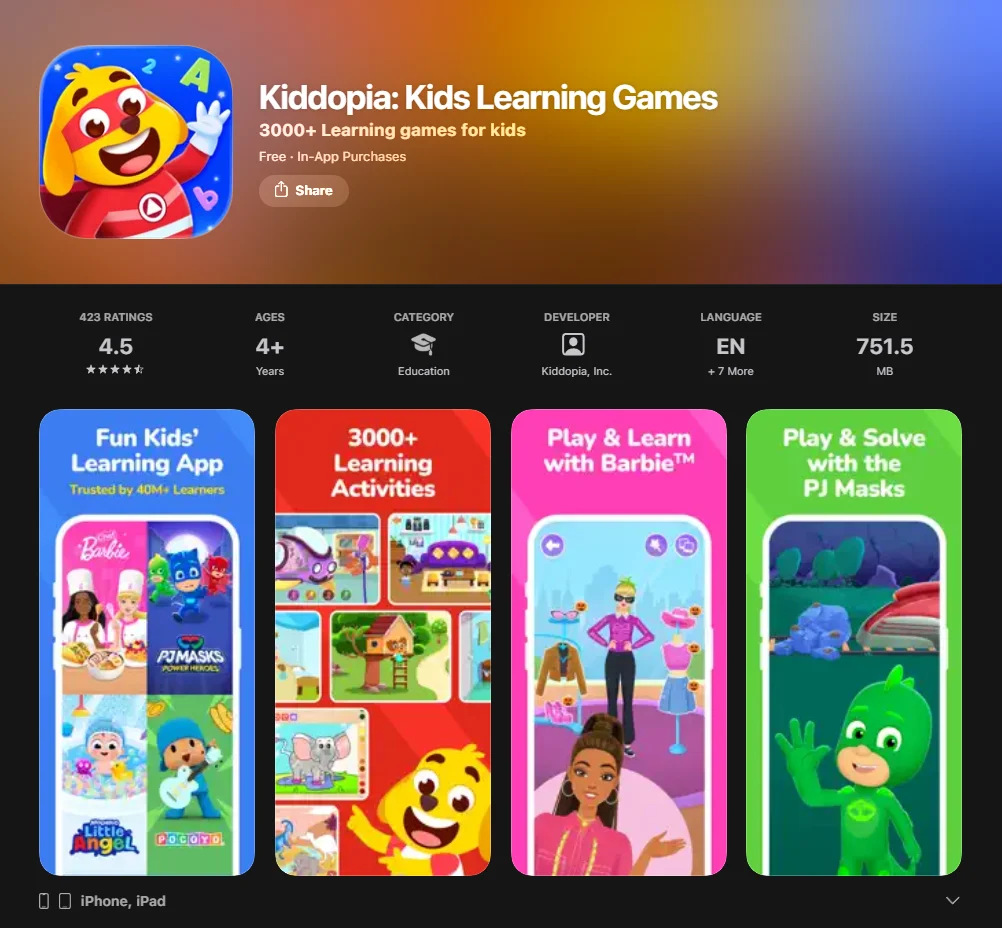
Kiddopia is an award-winning early learning app designed primarily for preschoolers and children aged 2 to 6. It serves as an all-in-one platform where fun and learning coexist through thousands of games and activities. The app is built on the principle that children learn with songs, interactive play, and real-world simulations rather than rote memorization.
For parents concerned about safety, Kiddopia is a good app because it is COPPA-compliant and provides an ad-free environment. Its curriculum covers essential pillars of early childhood education: literacy, numeracy, self-expression, and life skills. With a 7-day free trial usually available, it allows families to explore the new games added every month before committing to a subscription.
| Feature | Details |
| Target Age | 2 to 7 years old |
| Platforms | iOS (iPhone, iPad, iPod Touch), Android |
| Core Subjects | ABCs, Math, Science, Creativity, Life Skills |
| Safety | Ad-free, COPPA-certified, Parental Controls |
| Content Volume | 3,000+ learning games and activities (according to the app’s developer, though the number can vary as content updates are added regularly) |
What is Kiddopia?
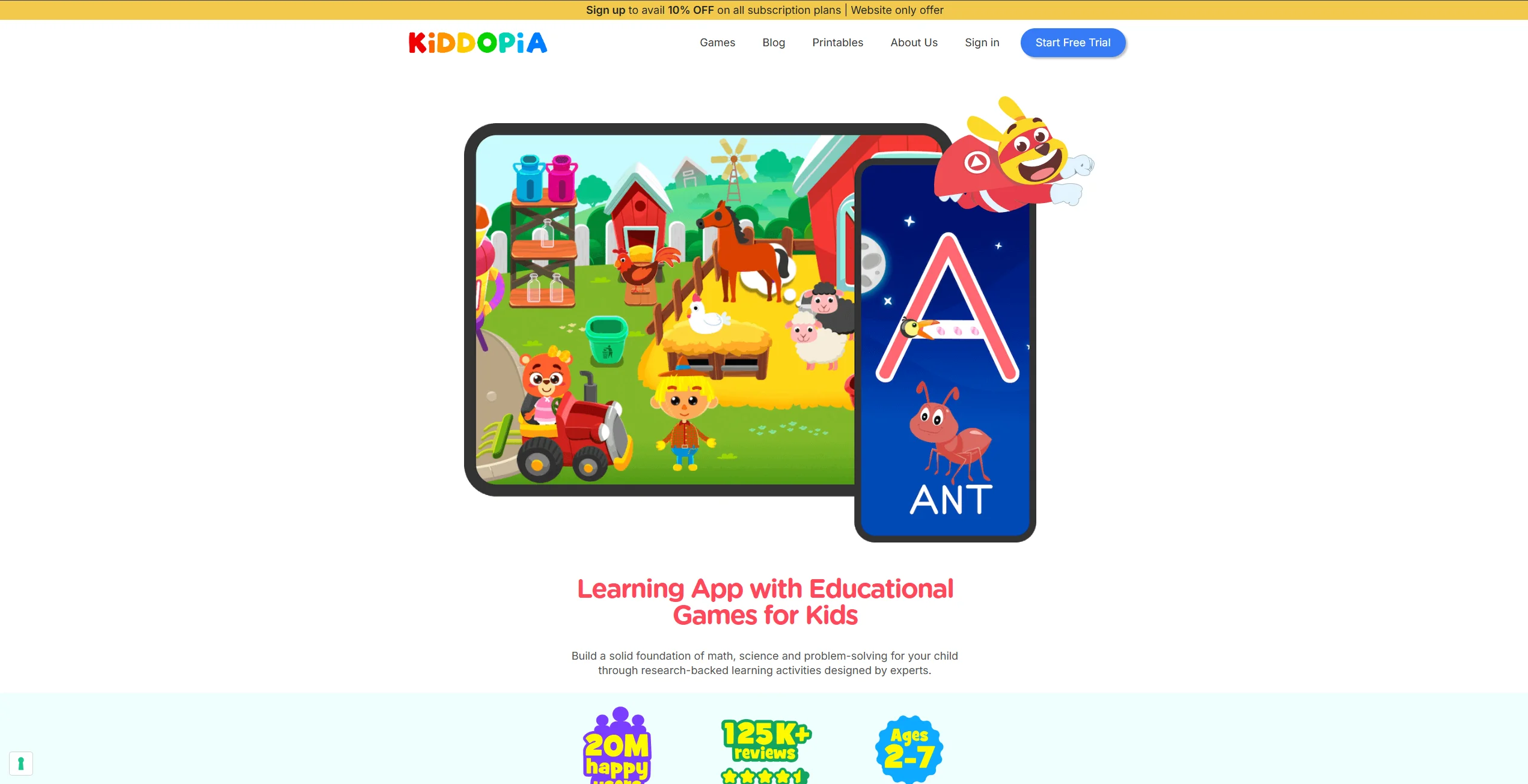
At its heart, Kiddopia is a subscription-based app for kids that offers a vast library of educational games. Unlike apps that focus on a single subject, Kiddopia is a multi-disciplinary ‘mega-app.’ It includes everything from nursery rhymes and jigsaw puzzles to basic subtraction problems and logic challenges.
The developers at Paper Boat Apps have clearly prioritized an intuitive interface. Even a 2 year old can typically navigate the menus with minimal assistance. The content is divided into various ‘worlds’ like Lingo Land (for language) and Math Whiz, or themed areas like Candy Town, making the learning app feel more like a digital playland than a classroom.
Is Kiddopia Free or Paid?
Kiddopia follows a “freemium” model. You can download the app for free from the App Store or Google Play Store to explore a limited selection of activities. However, to access the full range of features, a subscription is required.
- Free Version: Access to a limited selection of toddler games and a few coloring activities.
- Subscription: Provides unlimited access to all new content, offline play, and the full curriculum.
- Trial: Most users can opt for a 7-day free trial to test the activity types and see how their child responds to the session of play.
The subscription fee is typically billed monthly or annually. Kiddopia’s subscription model offers the following prices:
- Monthly subscription: ~$7.99
- Annual subscription: ~$64.99 (prices may vary slightly based on region)
Kiddopia Review: Features and Usability
One of the standout aspects of the Kiddopia app is its impressive variety. It doesn’t just teach letters and numbers; it aims to nurture the ‘whole child.’ From the Pixie Dust Spa where children learn about grooming to the Dust Spa for cleaning, the app incorporates life skills that are often overlooked in traditional learning games.
Educational Benefits
The games are designed to align with early childhood education standards. For preschoolers, the focus is on phonics, alphabet tracing, and identifying number values. As the child progresses toward kindergarten age, the difficulty scales.
- Literacy: Through ABC Animal Adventures, kids learn spelling and letter sounds.
- Numeracy: Math games introduce subtraction and addition using visual aids.
- Cognitive Skills: Jigsaw puzzles and logic games enhance problem-solving abilities.
Interactive digital media can help kids retain information better than passive viewing, especially when the content is of high quality. Kiddopia’s focus on creative thinking—allowing kids to decorate cakes or design outfits in the salon—encourages self-expression while building fine motor skills through tablet interactions.
Engaging Games and Activities
Kiddopia excels at keeping children engaged. The variety is impressive:
- Roleplay: Kids can become an astronaut, a farmer, or community helpers like doctors or chefs.
- Creative Arts: The coloring pad and music-making tools allow for endless artistic exploration.
- Nature & Science: Activities that teach about the planets, animal habitats, and the environment.
One of the popular games is the ‘Pet Salon,’ which teaches empathy and caretaking. By providing such a wide array of fun games, the app prevents the “boredom plateau” that many other apps for young children hit after a week of use.
User Interface and Ease of Use
The UI is bright, colorful, and—most importantly—non-verbal where necessary. This is crucial for a toddler who cannot yet read instructions. Large icons and audio cues guide the child through Lingo Land and other areas. The iPad version is particularly well-optimized, taking advantage of the larger screen for jigsaw puzzles and abc tracing. The intuitive nature of the app means parents don’t have to hover, allowing for a more independent session of play.
Is Kiddopia Safe for Kids?
In the digital age, safety is the primary concern for any app for children. Kiddopia takes this responsibility seriously. It is a ‘walled garden,’ meaning that once the child is inside the app, they are shielded from external content.
Data Privacy and Security
Kiddopia is COPPA compliant, which means it adheres to the requirements of the Children’s Online Privacy Protection Act (COPPA). However, COPPA certification is a self-declaration from the developer and does not guarantee complete privacy protection. It’s important to read the app’s privacy policy for detailed information. There are no third-party advertisements, which is a significant relief. You won’t have to worry about your child accidentally clicking a banner that leads to an external website or an inappropriate video.
Parental Controls and Settings
The app includes a dedicated “Parents’ Area” protected by a child-proof gate (usually a simple math problem or a long-press command). In this section, you can:
- Manage your subscription.
- Toggle sound settings.
- Track progress in certain versions.
- Access the community helpers section or support.
While the app is highly engaging, managing screen time is essential. Experts often recommend that for preschool children, high-quality digital engagement should be limited to about one hour per day of co-viewing or interactive play.
Is Kiddopia Worth It?
When evaluating if Kiddopia is worth the monthly subscription, one must look at the “all-in-one” value proposition. Instead of paying for five different apps—one for abc, one for math, and one for coloring—you have one app that covers it all.
Pricing Overview
Typically, the subscription costs around $7–$10 per month, with significant discounts for annual plans.
| Plan Type | Estimated Cost | Best For |
| Monthly | ~$7.99 | Short-term use or testing |
| Annual | ~$64.99 | Long-term early learning |
| Free Trial | $0 (7 Days) | Initial evaluation |
Given the frequent updates and the inclusion of new content, the price is competitive with other giants like ABCmouse or Sago Mini.
Comparison with Other Educational Apps
Compared to competitors, Kiddopia feels more playful and vibrant. While an app like Khan Academy Kids is excellent and free, it can sometimes feel a bit more academic. Kiddopia leans into fun and learning, making it a great way to learn for children who might find it hard to focus in a more traditional digital classroom setting.
Is Kiddopia Good and Safe for Kids?
It’s a good investment for parents who want a high-quality, safe, and multifaceted learning app for kids. It successfully combines preschool essentials with imaginative play.
Pros of Kiddopia
- Massive Variety: Over 1,000 games and activities.
- Safe Environment: No ads or external links.
- Regular Updates: New games are added constantly.
- Skill Building: Covers everything from subtraction to social skills.
- Multi-Device: Works on iPhone, iPad, and Android.
Cons of Kiddopia
- Subscription Required: The free version is very limited.
- Storage Space: Because of the high-quality graphics and large content library, it can take up significant space on your tablet.
Kiddopia’s Impact on Child Development
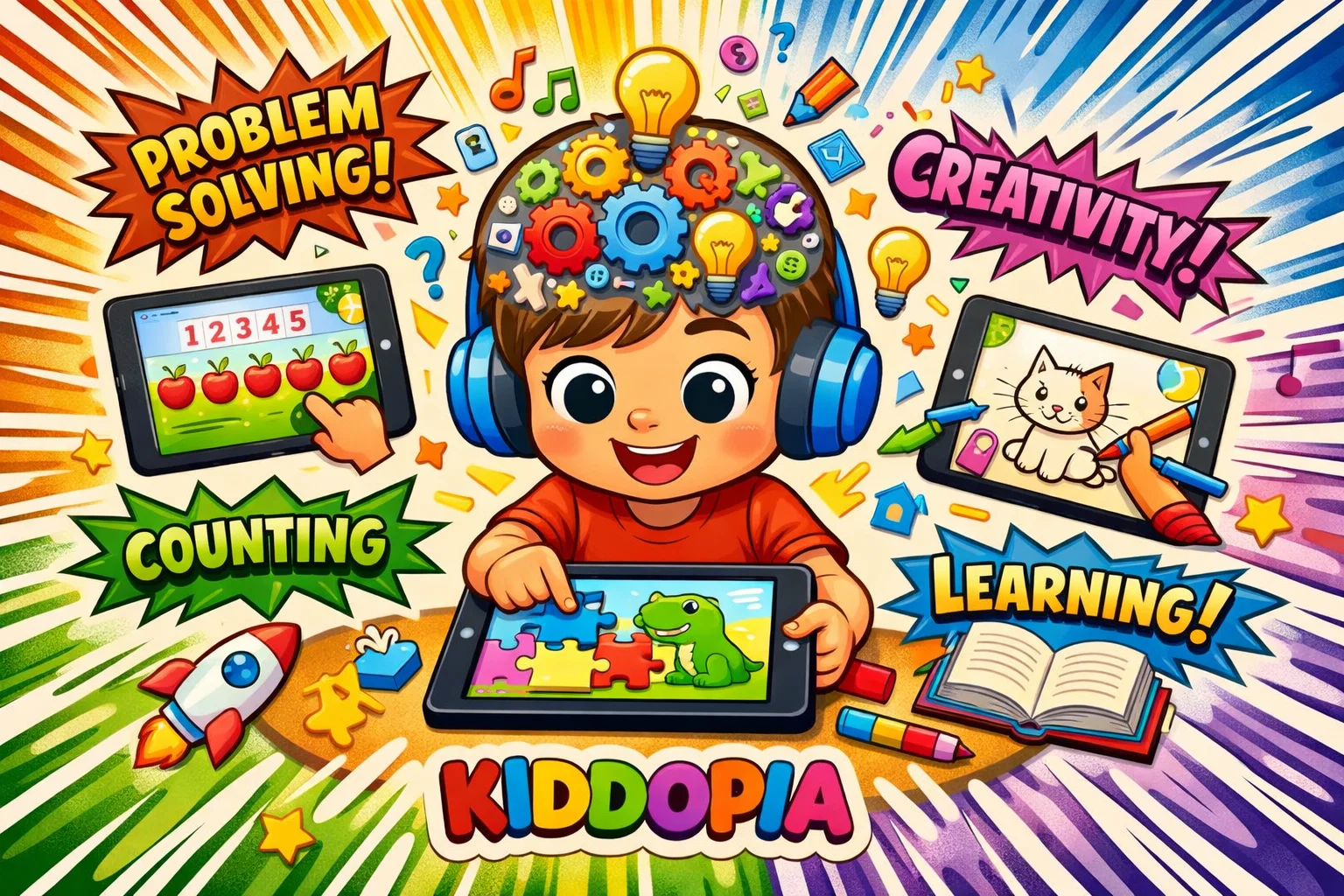
Child development is about more than just memorizing the alphabet. It’s about building the “executive functions” of the brain. Kiddopia supports this through its variety of activities.
Cognitive Benefits
When a child plays the math whiz games or solves jigsaw puzzles, they are practicing spatial awareness and logical reasoning. The number values games help transition a child from rote counting to understanding “quantity,” a vital step for kindergarten readiness.
Emotional and Social Development
Through the community helpers and role-playing games, children learn about the world around them. They learn what a farmer does or how a doctor helps people. This builds “theory of mind”—the understanding that other people have different roles and perspectives. The self-expression found in the salon and decorate activities also fosters a sense of agency and confidence.
Skills Unlocked with Kiddopia
The app acts as a digital playground for skill acquisition. Here is a breakdown of what your child can “unlock”:
Early Literacy and Language Skills
The Lingo section focus on phonics and abc recognition. By using alphabet tracing, children develop the pre-writing skills necessary for holding a pencil and forming letters and numbers.
Math and Problem-Solving Skills
From basic counting to more advanced subtraction, the math section is robust. It uses visual representations (like pieces of fruit or toys) to explain math concepts, making them less intimidating for 4 year old or 5 year old learners.
Kiddopia Pricing and Subscription Options
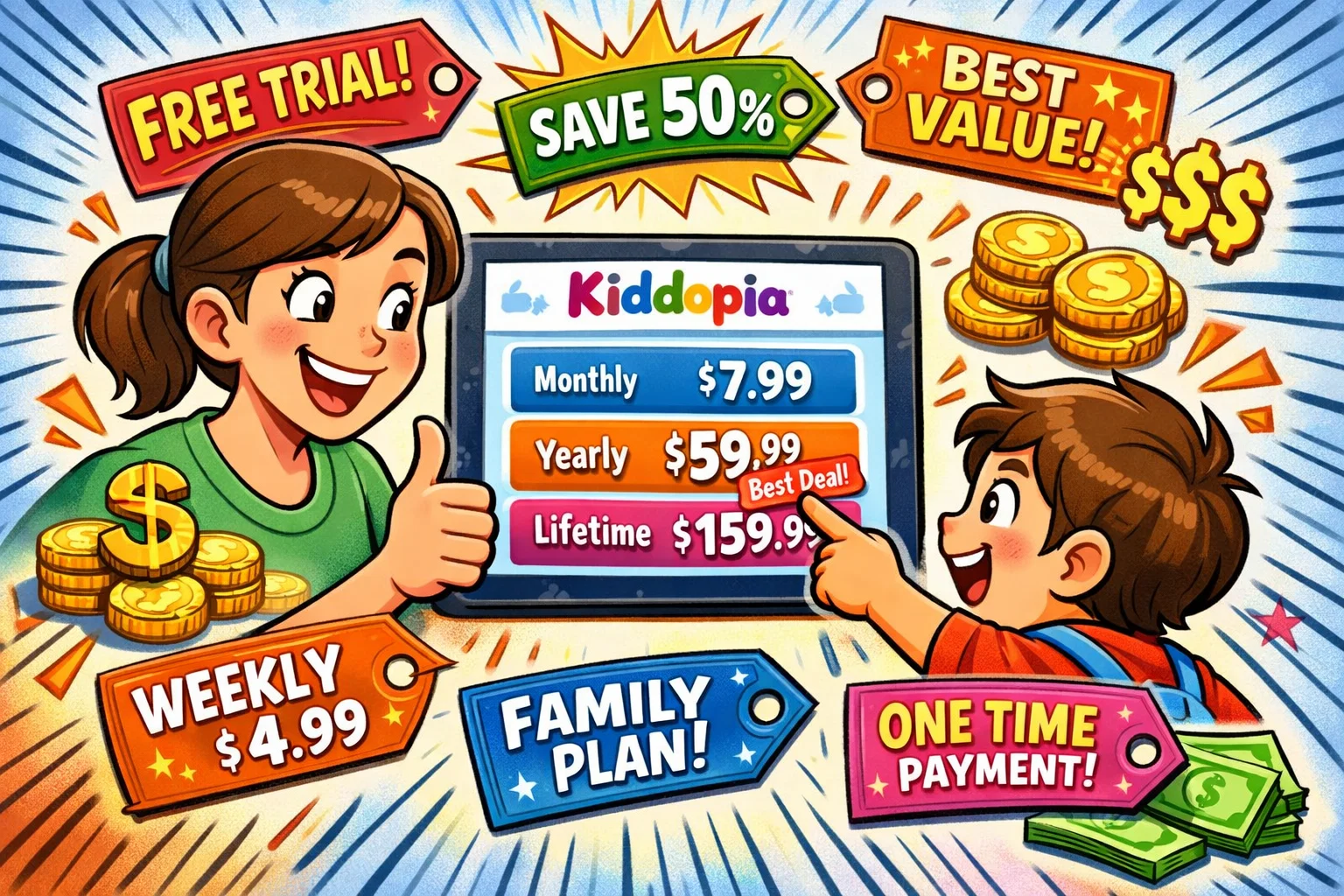
To get the most out of the Kiddopia app, you’ll likely end up on a subscription plan.
Free Trial and Features
The 7-day free trial is the best way to start. Pro Tip: Set a reminder on your phone for day 6 so you can decide if you want to continue before the subscription fee kicks in. During the trial, let your child explore the Pixie Dust Spa and ABC Animal Adventures to see if the style of animation and interaction clicks with them.
Subscription Plans
Payments are usually handled through the App Store or Google Play. This makes it easy to manage and cancel. One subscription often covers multiple devices, so your child can play on your iPhone while waiting at a restaurant or on their tablet at home.
Kiddopia App Ratings and Reviews
With high ratings across platforms (often 4.4+ stars), the community of parents generally praises the app for its engagement level.
User Feedback
Many parents mention that Kiddopia is the “only app that keeps my toddler engaged without them getting frustrated.” Common positive feedback includes the lack of ads and the variety of nursery rhymes. Some users have noted that they would love to see a giveaway or more frequent discounts for multi-child families, but overall satisfaction remains high.
Expert Reviews and Ratings
Educational experts often highlight Kiddopia for its “scaffolded learning”—where the app slowly increases difficulty as the child improves. It is frequently cited as a best educational app candidate for its balance of creative thinking and academic foundations.
Conclusion: Kiddopia for Kids
In a world full of digital distractions, Kiddopia stands out as a well-designed, thoughtful app for children. It understands that for a 2 year old or a 4 year old, play is work. By masking educational concepts in fun games, it encourages a love of learning from a young age.
Recommended Age Group
Kiddopia is most effective for children aged 2 to 6. While 7-year-olds may still enjoy some of the more complex math games, the sweet spot is definitely the preschool and kindergarten crowd who are just beginning to explore literacy and number values.
Should You Download Kiddopia?
If you are looking for a good app that provides a safe, ad-free, and highly educational environment, then yes, you should download Kiddopia. It’s more than just a distraction; it’s a comprehensive tool that can help kids master their abcs, explore their creativity, and build a solid foundation for school.