

When it comes to digital tools for early childhood, the primary question for any parent is whether an application offers genuine value or just passive entertainment. Keiki World is an early-learning app that offers interactive games, puzzles, and other educational activities for young children. Developed by Benipol Limited, the app is marketed mainly for toddlers and preschoolers, although the stated age range varies somewhat by platform.
This review examines Keiki’s educational focus, usability, and safety claims from a parent’s perspective. We will cover the pedagogical value, safety features, and the variety of activities in the app, such as tracing, matching, and logic puzzles. Whether you are new to Keiki or considering a subscription, this guide outlines the app’s stated features, child-focused content, and current pricing structure.
Quick Review Summary
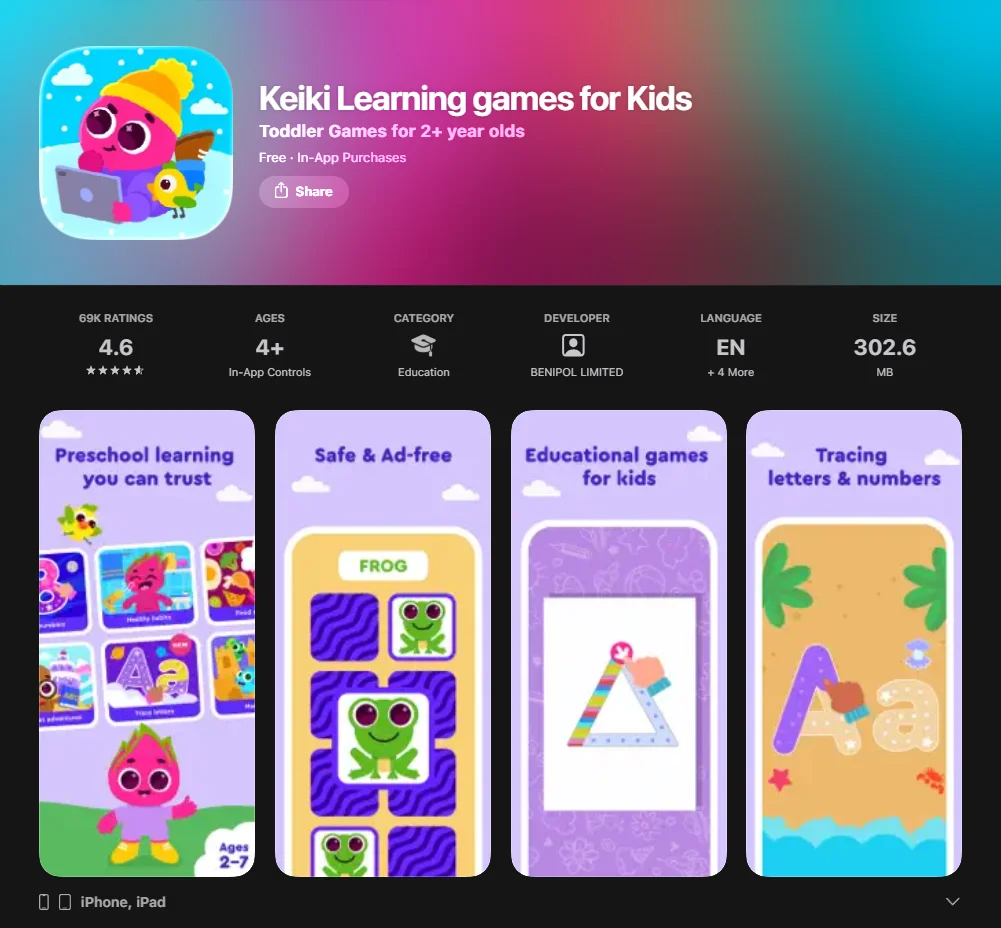
For parents seeking a quick summary: Keiki is a child-focused learning app with educational games and a subscription model, but its marketing claims should be viewed with appropriate caution. It presents literacy and numeracy activities in a colorful, game-based format intended for young children. The platform is marketed as supporting different stages of early childhood development.
| Feature | Details |
| Primary Goal | Early development through interactive games and fun learning activities. |
| Target Age | Toddlers and preschoolers (Ages 2–6). |
| Safety | The developer describes the app as ad-free and highlights parental controls and in-app controls on some platforms. |
| Key Skills | ABCs, numbers, logic, speech development, and fine motor skills. |
| Pricing | Subscription-based, with trial offers that may vary by platform, region, and promotion. |
What parents want to know most
Parents typically approach new apps with a specific checklist. They want to know whether the app justifies the screen time, keeps a young child engaged, and offers transparent subscription billing.
Common questions include:
- Does the learning tool actually help with school readiness?
- Is the safe environment truly protected from external ads?
- How easy is it to cancel my subscription if we find another app?
What this review covers
This article provides a general overview of the features and claims associated with Keiki World. The review looks at the range of games, the availability of printable materials, and the way the app structures early-learning activities. We also address the practicalities of the subscription model and how to ensure your child doesn’t progress without the necessary guidance.
Who Keiki App fits best
The Keiki app may be suitable for families with toddlers and preschoolers. It may appeal to children who respond well to visual and interactive activities. The app may suit children who respond well to colourful, game-based practice and short, structured activities.
Keiki Learning Games for Kids Review
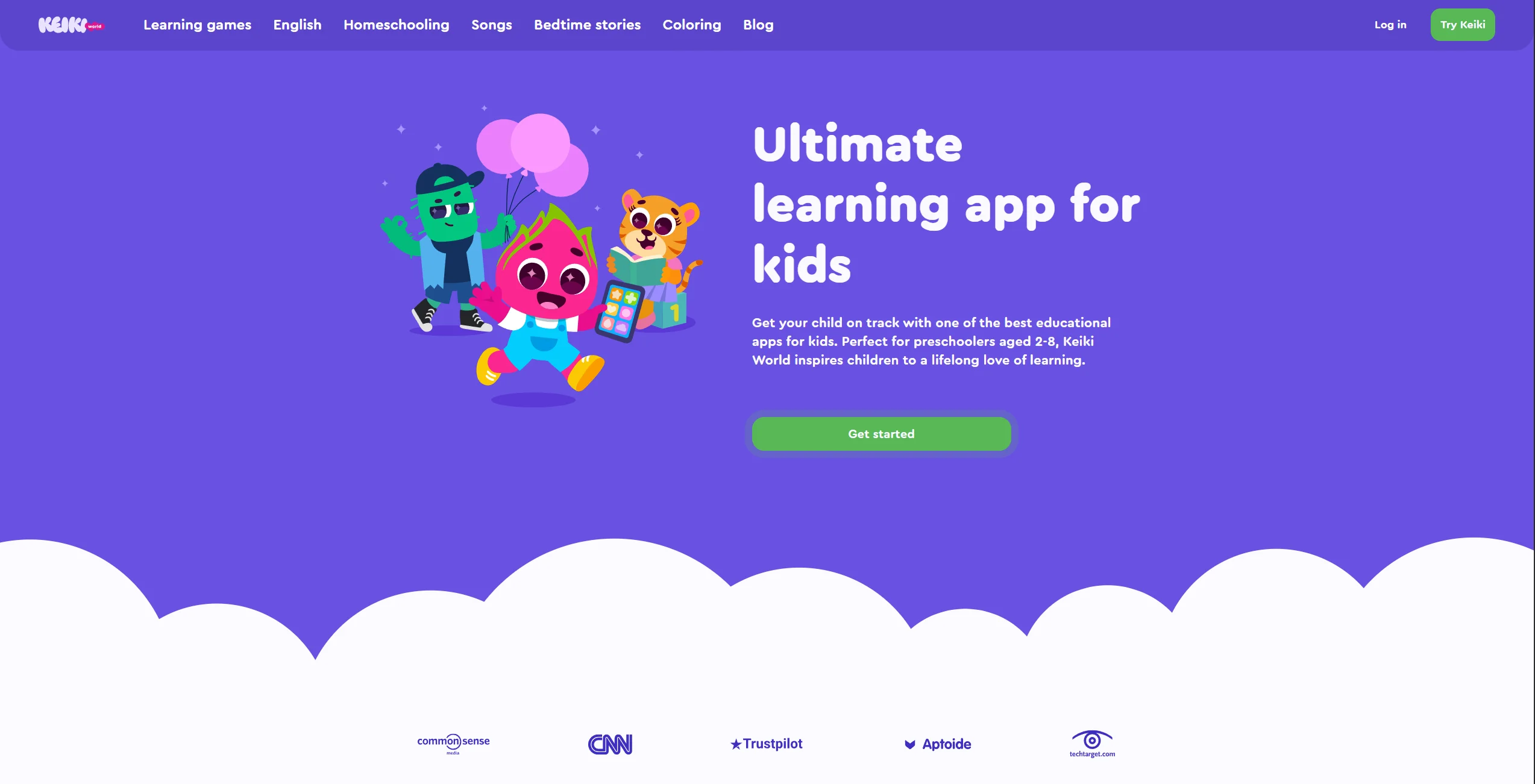
The app’s main appeal is that it presents early-learning tasks in a playful, game-based format. Keiki World is presented as a structured collection of games and activities for early learners.
What Keiki is
Keiki World is a broad early-learning app that brings together a range of activities for toddlers and preschoolers. From educational games that teach the alphabet to interactive games focused on social-emotional growth, the app offers a broad spectrum of digital pedagogy. It is intended to complement early learning at home.
How Keiki supports early learning
The app presents a broad mix of early-learning activities across areas such as letters, numbers, logic, and fine-motor practice. By making learning fun and engaging, it encourages children to practice speech games, letter recognition, and basic math without the pressure of a classroom. The app uses voice guidance in some activities, according to its product description.
Why kids enjoy Keiki
The app uses colorful animations designed to appeal to young children. The activities in the app are designed for short attention spans, featuring:
- Colorful characters that act as guides through the learning process.
- Reward mechanics, such as unlocking gifts or new items, may help create a sense of progress.
- Interactive learning where every tap produces a rewarding sound or visual.
Why parents choose Keiki
Some parent reviews describe the app as useful for short periods of structured screen time. It offers a more structured type of screen time than passive video streaming. The app includes activities related to basic concepts such as size comparison and color sorting.
Application
The app’s layout and navigation are critical for the early childhood demographic. If an app for children is too complex, the child’s learning is interrupted by frustration.
App layout and navigation
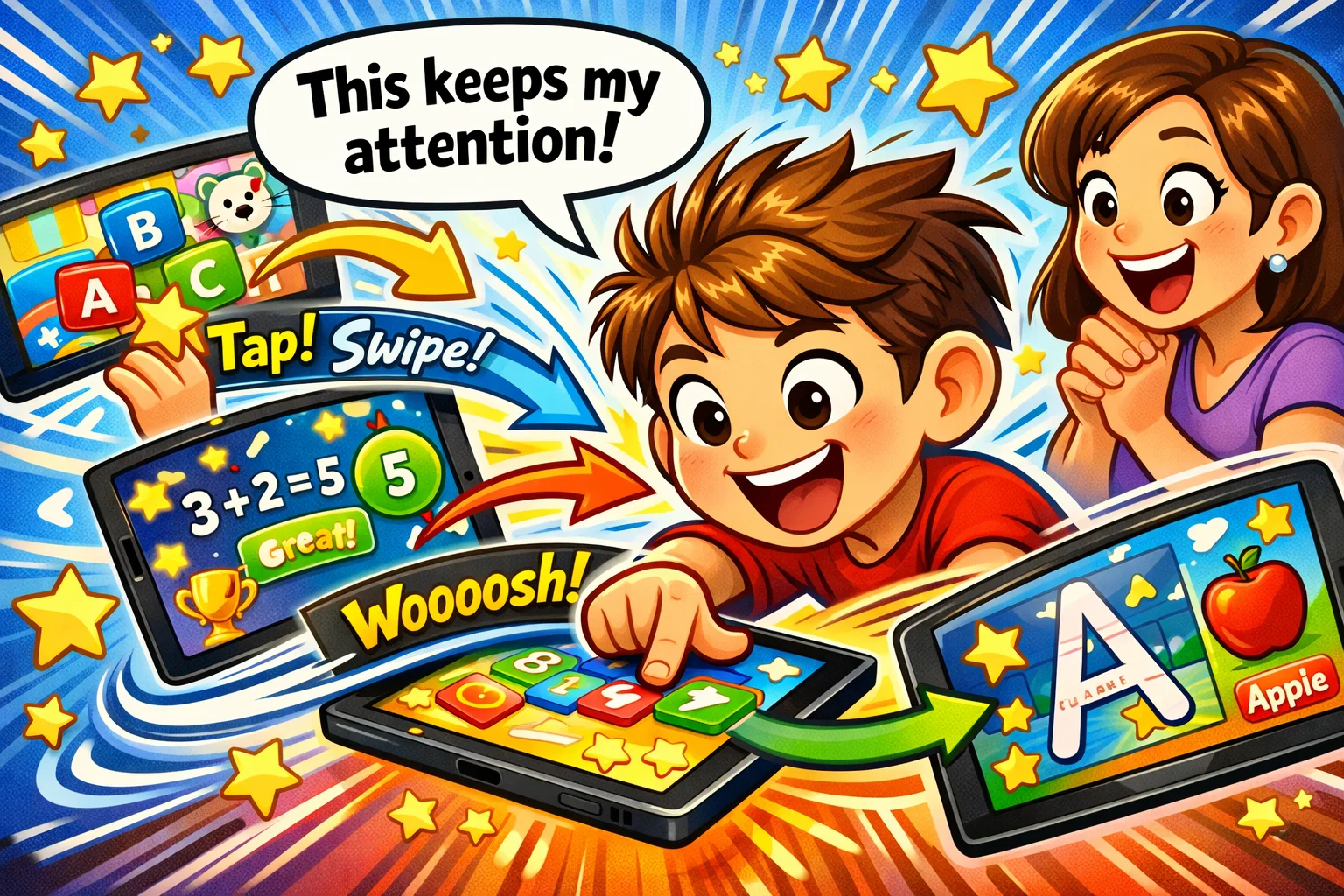
The Keiki app uses a visual-first interface designed for young children. Instead of text-heavy menus, the app offers a cartoon map where children can tap on different buildings or characters to access activities in the app. This layout allows children to select among different activities.
Game format and activity flow
Each session typically involves a series of fun learning games that flow naturally into one another. For example, a child might start by tracing a letter and then move into a matching game that uses that same letter. This kind of repetition may help children become more comfortable with the underlying skills.
Mobile experience for families
Any learning app can end up underused if it is not convenient for everyday family life. Keiki World is available on mobile devices, which may make it convenient for use while traveling. The service also advertises printable worksheets for offline practice.
Product
One of the app’s main selling points is the amount of content it claims to offer. The app offers a large library of games and activities.
Learning games and activities
| Activity Type | Developmental Focus |
| Puzzles | Spatial awareness and problem-solving. |
| Tracing | Fine motor skills and letter formation. |
| Matching | Logic and pattern recognition. |
| Counting | Early numeracy and “many vs. few” concepts. |
Skills kids can build
Through comprehensive learning, children develop more than just academic knowledge. The activities in the app also help with:
- Focus and attention: Staying with a task until completion.
- Hand-eye coordination: Precise tapping and dragging.
- Confidence: Feeling “big” by solving tasks independently.
Content variety by play style
Every child is different: some may prefer animal-themed games, while others are more drawn to colouring or creative activities. Keiki offers different activity formats, though adaptive learning and progress tracking should be verified in the current version of the app.
Real skills through play
The app also tries to connect some digital tasks to everyday concepts children encounter offline. The logic and sorting tasks are directly applicable to real-world tasks, like helping to sort laundry or identifying signs in the neighborhood. This is one reason some parents describe the app as educational.
User Experience
A great app must be as functional for the parent as it is for the child. Keiki World aims for a smooth setup for parents while maintaining a fun and engaging front-end.
Easy to use for kids
The app appears to use gentle feedback when a child makes a mistake. If a child makes a mistake in one of the educational games, the app provides gentle, encouraging feedback rather than a harsh buzz. This interactive learning environment keeps the little one motivated throughout the learning process.
Smooth setup for parents
For new users, the onboarding process appears fairly straightforward. The app asks for information such as the child’s age in order to create a more tailored learning path. Customer service is mentioned in some user reviews, though feedback appears mixed across platforms.
Engagement and attention span
The activities in the app are intentionally short. The app uses short activities that may suit young children’s attention spans.
Learning routine at home
Many families use Keiki as a “bridge” activity. For example, 15 minutes of play while a parent prepares dinner. This makes the learning journey a consistent part of the day, helping to build early habits.
Age Appropriateness
One of the most common questions is: “Who is Keiki for?” The content is specifically designed to help kids in the toddler and preschool years.
Best age groups for Keiki
The app is generally marketed for toddlers and preschoolers, although the exact age guidance varies across Keiki’s site and store listings.
- Toddlers (2-3): Focus on colors, shapes, and imitation.
- Preschoolers (4-5): Focus on ABCs, numbers, and basic logic.
- Early Elementary (6): Review and extra practice for school readiness.
Why younger kids can use it
The easy-to-use tap-and-swipe mechanics make the activities accessible to children who are still developing basic motor control. The cartoon visuals and fun learning sounds provide immediate sensory feedback during the learning experience.
Why preschoolers can benefit
For the older bracket, the learning activities become more complex. Older preschoolers may be more motivated by progression and slightly more challenging tasks, which can help extend attention and problem-solving practice.
Benefits for Kids
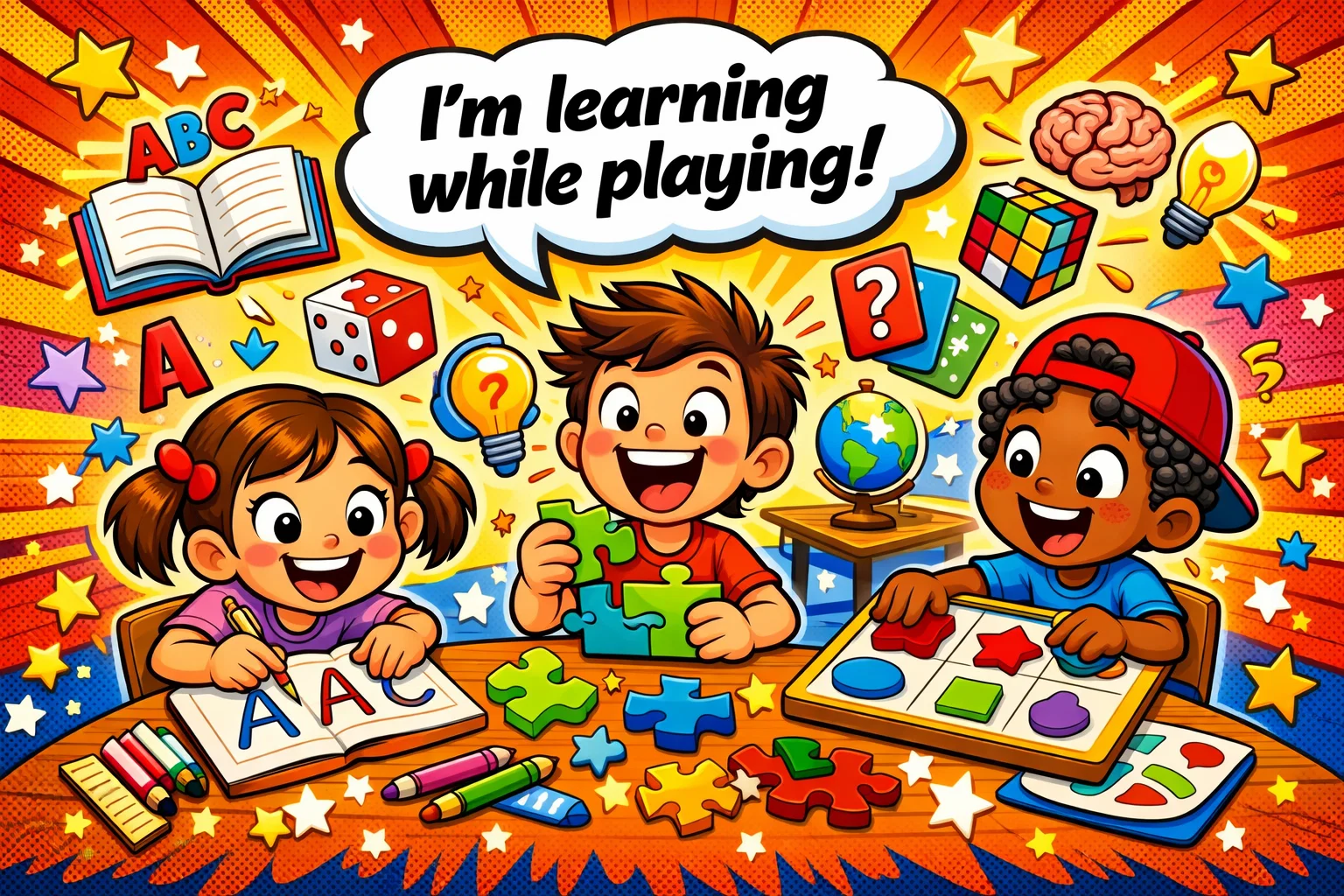
Keiki includes activities aimed at several areas of early development.
Learning through play
Play-based learning is commonly used in early childhood education. Keiki World embodies this by creating fun environments where the “lesson” is the game itself.
Cognitive skills practice
The interactive games require children to categorize, sequence, and remember patterns. This cognitive skills practice is the foundation for later mathematical and scientific thinking.
Language and number readiness
Keiki presents language-rich activities through vocabulary, speech, and listening-based tasks. For children who are developing their speech, the speech games and vocabulary builders can be a vital learning tool. Some users report positive experiences with the app’s vocabulary and speech-related activities.
Confidence through small wins
Reward mechanics such as unlocking items may encourage continued engagement. This kind of positive reinforcement may encourage children to keep engaging with the activities.
Benefits for Parents
While the kids are enjoying Keiki, parents gain several practical advantages as well.
More purposeful screen time
Some parents may prefer structured educational apps over passive video content. For some families, it can make screen time feel more purposeful and structured.
Simple way to support learning at home
Not every parent has the time to design a daily curriculum. Keiki makes it easy by providing a pre-set learning plan that covers the basics of early development.
Independent play moments
Because the app is fun and intuitive, children can often play for short periods without needing constant intervention. This allows for independent play moments that are still productive.
Helpful option for travel and busy days
Having many games and learning activities in your pocket is a lifesaver during long car rides or flights. Offline access and printable materials are presented as part of the offering, although the exact experience may depend on the platform and content type.
Is Keiki Good for Learning?
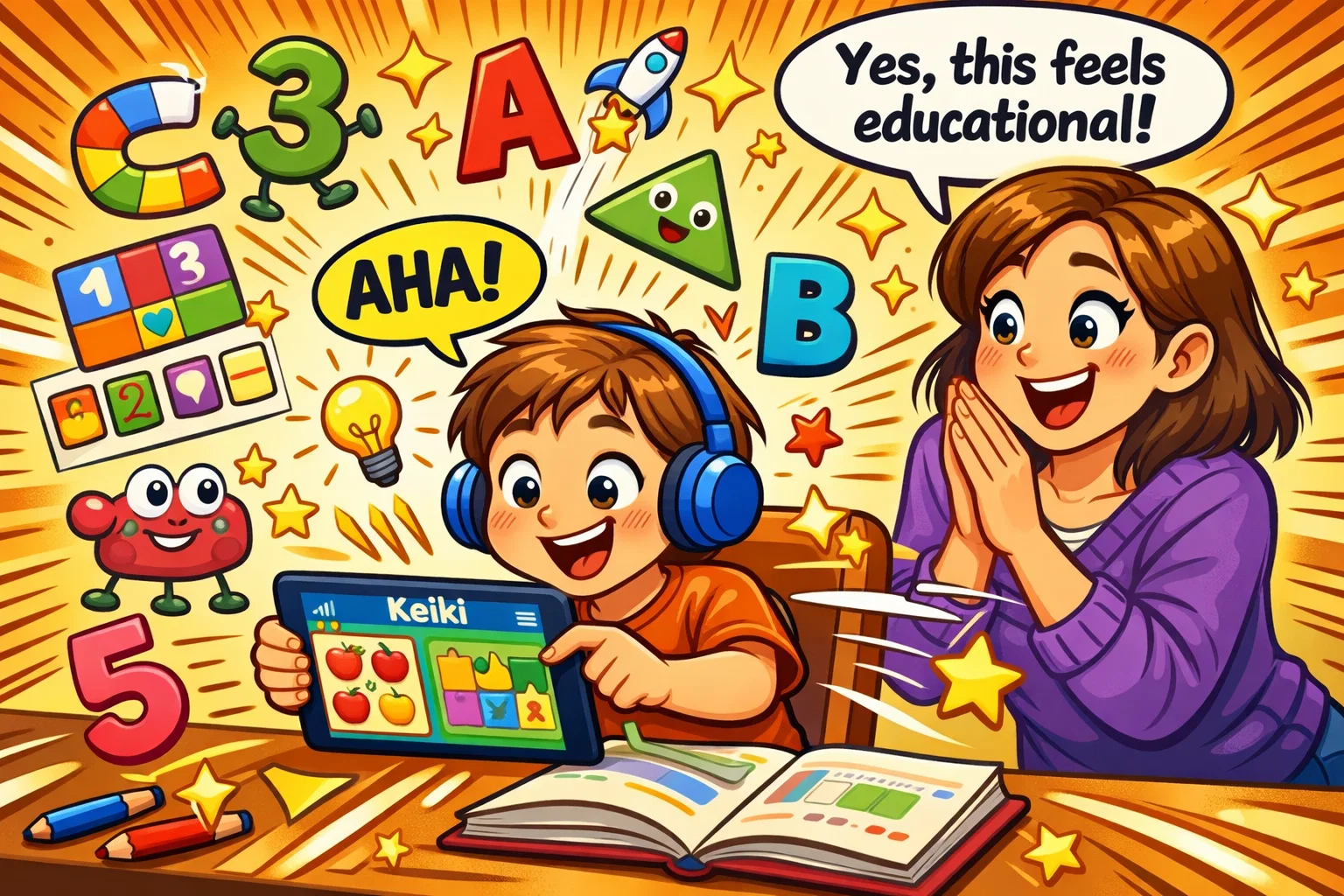
Overall, the app appears to offer a broad set of educational activities for early learners. The app presents early-learning tasks in a cartoon-style environment intended to make practice feel more playful.
How educational value shows in gameplay
The educational content is woven into the mechanics. To move a character, a child might have to “drag the red square,” teaching both color and shape recognition simultaneously.
Skills practiced in short sessions
The app offers a way to practice fine motor skills, logic, and memory in a way that feels like a game. This “micro-learning” is perfect for the way young brains process information.
Balance between fun and learning
Keiki World aims to balance entertainment with educational practice. It is not so “academic” that it becomes boring, nor is it so “gamey” that the educational experience is lost. That balance may change as the app is updated over time.
Why Keiki can work for early learners
By presenting practice as play, the app tries to avoid a repetitive worksheet-like feel. Instead, it fosters a lifelong love for discovery.
Is Keiki Safe for Kids?
Safety is non-negotiable. Keiki is marketed as a child-focused, ad-free app with safety features aimed at reducing distractions and limiting exposure to unsuitable content.
Kid-friendly content
The app for kids is strictly monitored to ensure that all cartoon elements and activities in the app are age-appropriate. The official materials emphasise age-appropriate content and an ad-free environment, although article-level claims should avoid absolute wording unless fully verified in the current version.
Safe play environment
Keiki World is an ad-free experience. This means your little one won’t be interrupted by commercial pop-ups, which also helps combat fake reviews or misleading external content from reaching your child.
Parent role in safe app use
Even with a child-focused app, parents should still:
- Set a timer to manage screen habits.
- Review the learning plan to see what their child is learning.
- Use the printable worksheets to balance digital and physical play.
Why Keiki is suitable for children
The app is clearly designed for a young audience and centres its content on early-learning activities. From the easy to use interface to the fun and engaging characters, Keiki makes safety a core part of the learning journey.
Subscription and Payment
To provide a high-quality, ad-free experience, Keiki World operates on a subscription model.
How subscription model works
The app typically offers a 7-day trial for families new to Keiki. After the trial, it converts to a paid subscription. This subscription model allows the developer to expand content without relying on ads.
What subscription may include
A paid plan usually unlocks the comprehensive learning library, including:
- Full access to many games.
- The ability to unlock a new gift every day.
- A library of colorful worksheets for printing.
Who subscription makes sense for
A subscription may make sense for parents who want a consistent and regularly updated learning tool. If you find that your little one is enjoying Keiki daily, the cost is often seen as a fair trade for the educational value provided.
Payment
Understanding the financial commitment is essential for a transparent learning experience.
Pricing overview
The cost of Keiki World is comparable to other top-tier educational games on the market. Families are typically billed through their device’s app store, ensuring a secure transaction.
What parents should check before purchase
Always verify the subscription terms, including whether renewal is monthly or annual, and make sure you know how to manage or cancel the subscription in your device settings.
Value for money
If you value a large content library, the app may offer good value, especially since the App Store listing currently mentions more than 1,500 activities and 500+ printables. Considering the cost of physical educational games, a digital subscription can be a cost-effective alternative for early learning.
Keiki Pricing
Keiki world reviews often mention the price, so it is important to be clear about the costs.
How much Keiki costs
Pricing varies by platform, region, and offer, so users should check the current App Store or Google Play listing before subscribing. It is always best to check the latest rates on the App Store or Google Play.
What affects price perception
Parents evaluate the price based on:
- Content amount: Are there enough educational games?
- Engagement: Does the little one keep coming back?
- Support: Is there excellent customer service—quick responses?
When paid plan may be worth it
Whether the subscription feels worthwhile depends on the child’s engagement, the family’s usage, and the current subscription price.
Why Keiki Appeals to Families
The app offers more than a simple collection of digital games by combining structured activities, printables, and parent-facing features.
- Child-friendly design: The cartoon aesthetic is universally loved by little ones.
- Educational focus: Every activity is a fun learning opportunity.
- Daily routines: It fits perfectly into “quiet time” or travel schedules.
- Comprehensive learning: It covers everything from math to speech.
Turn Playtime Into Growth Adventure
Making learning fun and engaging is the best way to ensure that a learning tool actually works. Keiki World turns every tap into a potential “aha!” moment.
Why playful exploration matters
When a little one is enjoying Keiki, their brain is in a state of “active engagement.” High engagement can support practice and repetition, but claims about learning outcomes should be kept modest unless backed by specific evidence.
Growth through small daily activities
You don’t need hours of screen time. Short daily sessions may be easier for young children to tolerate and can fit more naturally into family routines.
Fun activities with skill-building value
Whether a child is doing matching games or tracing tasks, the app aims to turn short sessions into skill-building practice.
Help Child Grow with Keiki
As a home-learning tool, Keiki is designed to support early development through short interactive activities. The app is presented as a broad, evolving learning product for young children.
Building early habits
By setting aside a specific time for Keiki, you help your child understand that discovery is a daily, fun and engaging habit.
Supporting curiosity
The interactive learning environment encourages exploration. When a child can unlock a new gift or discover a new cartoon character, it fuels their natural curiosity.
Making screen time more useful
Some parents describe the app as a useful addition to home learning routines. It transforms the tablet from a distraction into a memorable learning experience.
Company Details
Keiki World is developed by Benipol Limited, a company focusing on early learning for kids.
Brand behind Keiki
Benipol Limited is listed as the developer behind Keiki, and parents may still want to consult independent reviews in addition to the company’s own materials. Their focus is on creating a safe and fun learning environment that parents can trust.
What company focuses on
Benipol Limited positions its products as educational entertainment, but article-level claims about pedagogical rigor should be independently sourced.
Why company information matters for parents
Knowing the brand behind the app for children provides an extra layer of trust. A transparent developer is more likely to provide excellent customer service—quick fixes and regular content updates.
Contact Info
Keiki World provides clear channels for parent support.
Where parents can reach support
If you have questions about your subscription or need technical help, you can reach them at:
- Website: keiki.app
- Support Email: support@keiki.app
When contact information is useful
Support access is vital for:
- Billing and subscription queries.
- Technical issues with activities in the app.
- Feedback on the learning journey.
Why support access matters
Visible support options are a useful trust signal because they make it easier for parents to resolve billing or technical issues.
Final Verdict
Is Keiki good for kids? It appears to be a strong option for families looking for structured, game-based early-learning content, although some marketing claims should be read critically.
Is Keiki safe for kids? The app is marketed as ad-free and child-focused, and some listings highlight kidSAFE certification and parental controls, but parents should still review the current version and subscription settings themselves.
If you are looking for an early-learning app with a broad range of activities, Keiki World is one option worth considering. It is fun and engaging, easy to use, and most importantly, it makes your child’s learning a joyful experience.